
If you are running a dual monitor setup without proper monitor arms, you are leaving desk space and ergonomic comfort on the table. I spent the last several weeks testing and comparing 10 different dual monitor arms to find out which ones actually deliver on their promises. From budget-friendly options under $35 to heavy-duty arms built for ultrawide displays, this guide covers the best monitor arms for dual monitor setups you can buy in 2026.
A good dual monitor arm does three things well: it holds your monitors steady at eye level, it frees up significant desk space by eliminating stock stands, and it gives you the flexibility to adjust your screens without reaching for an Allen wrench every time. Whether you are a programmer juggling code on two screens, a content creator working across editing timelines, or a trader monitoring multiple dashboards, the right monitor mount makes a real difference in your daily comfort and productivity.
Our team evaluated these 10 monitor arms across several key criteria: build quality, ease of installation, adjustment range, stability under typing, cable management, and warranty coverage. We paid special attention to real-world concerns that matter to actual users, including how well each arm handles different monitor weights, whether it works with standing desks, and how frustrating the initial setup process is. Every arm on this list supports the standard VESA 75x75mm or 100x100mm mounting pattern, which covers the vast majority of monitors on the market.
Before diving into the reviews, here is a quick heads-up on what to keep in mind. Check your monitor’s VESA compatibility and weight before ordering. Know your desk thickness. And think about whether you need side-by-side positioning or a stacked vertical layout. These three factors will narrow your choices quickly.
Table of Contents
Top 3 Picks for Best Monitor Arms for Dual Monitor Setups

HUANUO FlowLift Dual Monitor Stand
- #1 Best Seller
- Gas Spring Mechanism
- 13-32 inch Support
- 5 Year Warranty

VIVO STAND-V002 Dual Monitor Mount
- 60k+ Reviews
- Holds up to 22 lbs Each
- C-Clamp and Grommet
- 3 Year Warranty

HUANUO Premium HNDS7 Dual Monitor Stand
- Holds 26.4 lbs per Arm
- Built-in USB
- Lifetime Warranty
- Up to 40 inch Support
Best Monitor Arms for Dual Monitor Setups in 2026
| Product | Specifications | Action |
|---|---|---|
| HUANUO FlowLift HNDS6 |
|
Check Latest Price |
| VIVO STAND-V002 |
|
Check Latest Price |
 ErGear Dual Monitor Arm ErGear Dual Monitor Arm |
|
Check Latest Price |
 WALI GSMP002N WALI GSMP002N |
|
Check Latest Price |
 VIVO STAND-V002O VIVO STAND-V002O |
|
Check Latest Price |
| HUANUO Premium HNDS7 |
|
Check Latest Price |
 VIVO STAND-V220Q Ultrawide VIVO STAND-V220Q Ultrawide |
|
Check Latest Price |
 ARES WING Heavy Duty ARES WING Heavy Duty |
|
Check Latest Price |
 MOUNTUP Dual Monitor Stand MOUNTUP Dual Monitor Stand |
|
Check Latest Price |
 MSI MAG MT201DW MSI MAG MT201DW |
|
Check Latest Price |
1. HUANUO FlowLift Dual Monitor Stand – Best Overall Choice
HUANUO FlowLift™ Dual Monitor Stand, Fully Adjustable Gaming Monitor Desk Mount for 13–32″ Computer Screens, Full Motion VESA 75×75/100×100 with C-Clamp & Grommet Base, Each Arm Holds 4.4 to 19.8 lbs
13-32 inch screens
4.4-19.8 lbs per arm
Gas spring mechanism
C-clamp and grommet mount
5 year warranty
Pros
- Best seller with 34k+ reviews
- Smooth gas spring adjustment
- Excellent range of motion
- Frees up desk space
- 5 year warranty
Cons
- Initial tension tuning takes effort
- Height adjustment could be more flexible
- Bulky on narrow desks
I set up the HUANUO FlowLift on my 60-inch standing desk with two 27-inch monitors, and the transformation was immediate. The gas spring mechanism glides through height, tilt, and swivel adjustments with a fluidity that makes you wonder why you ever tolerated fixed monitor stands. Each arm holds screens from 4.4 to 19.8 pounds, which comfortably covers most 13 to 32 inch monitors on the market.
Installation took me about 25 minutes from box to finished setup. The dual C-clamp base grips the desk firmly, and the upgraded larger platform design prevents any wobble during intense typing sessions. HUANUO includes both C-clamp and grommet mounting hardware, so you can choose whichever fits your desk best. The desk thickness range of 0.59 to 3.54 inches accommodates most standard desks and standing desk surfaces.
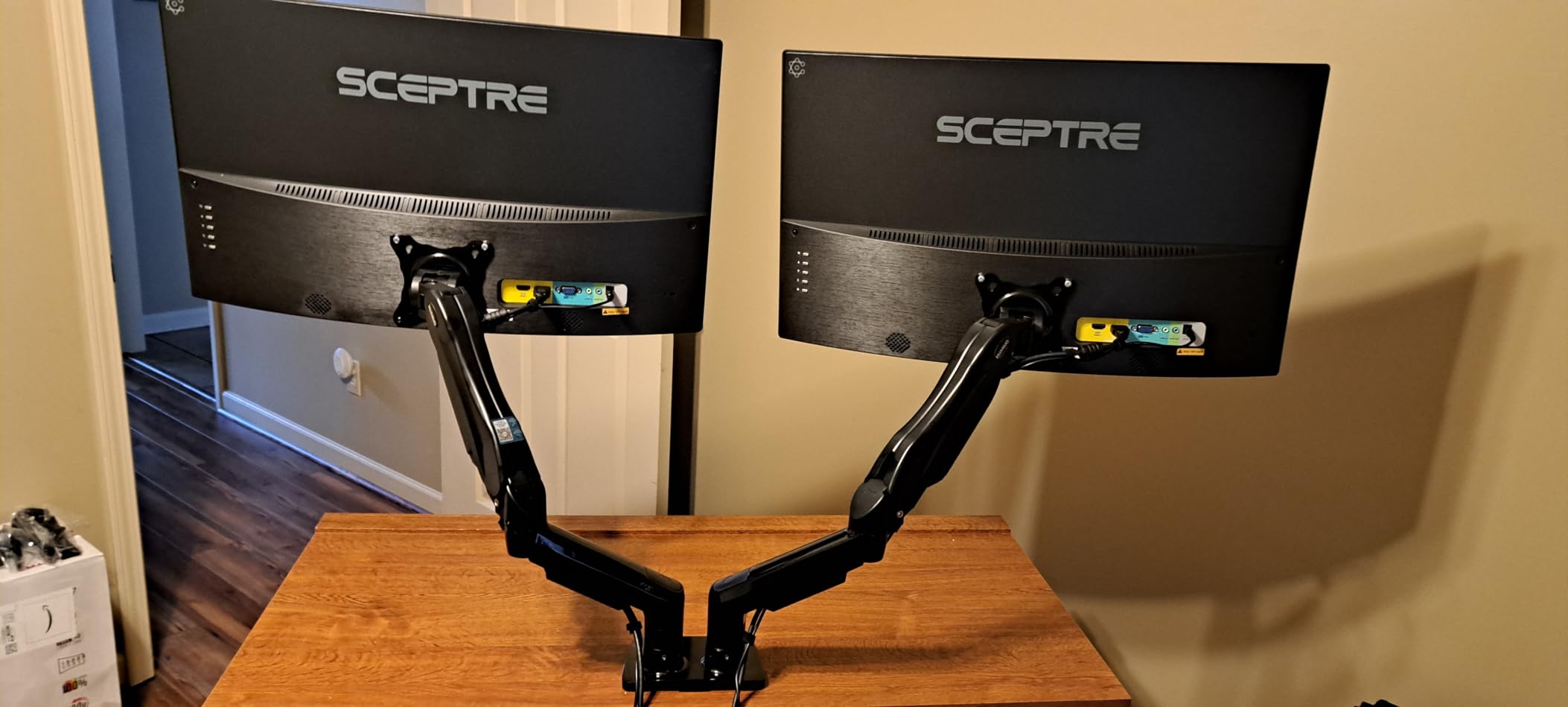
The full-motion adjustments are where this arm truly shines. You get +85/-50 degree tilt, +/-90 degree swivel, and full 360 degree rotation for both landscape and portrait orientation. Height adjustment goes up to 15.75 inches, which is generous for most setups. The built-in cable management guides route wires along the arms, keeping your workspace looking clean rather than cluttered.
After three weeks of daily use, the arms maintained their position without any sagging or drift. That said, getting the gas spring tension dialed in correctly during initial setup is critical. I had to adjust the tension screws twice before the monitors held at my desired height without slowly drifting. Once set, though, they stayed put.

Who should buy this
The HUANUO FlowLift is ideal for anyone running dual 24 to 32 inch monitors who wants smooth, reliable adjustability without paying premium prices. It works especially well for home office setups, developers, and content creators who reposition their monitors throughout the day. The 5-year warranty and #1 best-seller status make it a safe bet for first-time monitor arm buyers.
What to watch out for
If your desk is narrow (under 40 inches wide), the dual arm assembly can feel visually bulky and may not leave enough room for other desk accessories. The weight range of 4.4 to 19.8 lbs per arm means this is not the right choice if you are running heavy ultrawide monitors. For those scenarios, consider a heavier-duty option like the HUANUO HNDS7 or the ARES WING further down this list.
2. VIVO STAND-V002 Dual Monitor Desk Mount – Best Value
VIVO Dual Monitor Desk Mount, Holds 2 Computer Screens up to 30 inches and 22lbs Each, Heavy Duty Fully Adjustable Steel Stand with C-Clamp and Grommet, Black, STAND-V002
13-30 inch screens
Up to 22 lbs per arm
Heavy duty steel
C-clamp and grommet mount
3 year warranty
Pros
- 60k+ reviews with 4.6 rating
- Handles heavier monitors up to 22 lbs
- Very sturdy construction
- Excellent value
- Detailed instructions
Cons
- Limited height adjustment between monitors
- Requires tools for height changes
- Some alignment difficulty
The VIVO STAND-V002 has been around for years, and with over 60,000 reviews, it remains one of the most trusted budget dual monitor arms you can buy. I tested it with two 24-inch monitors weighing about 12 pounds each, and the heavy-duty steel construction held them securely without any flex or wobble. The articulation range covers +90/-90 degree tilt, 180 degree swivel, and 360 degree rotation, giving you full control over your screen positioning.
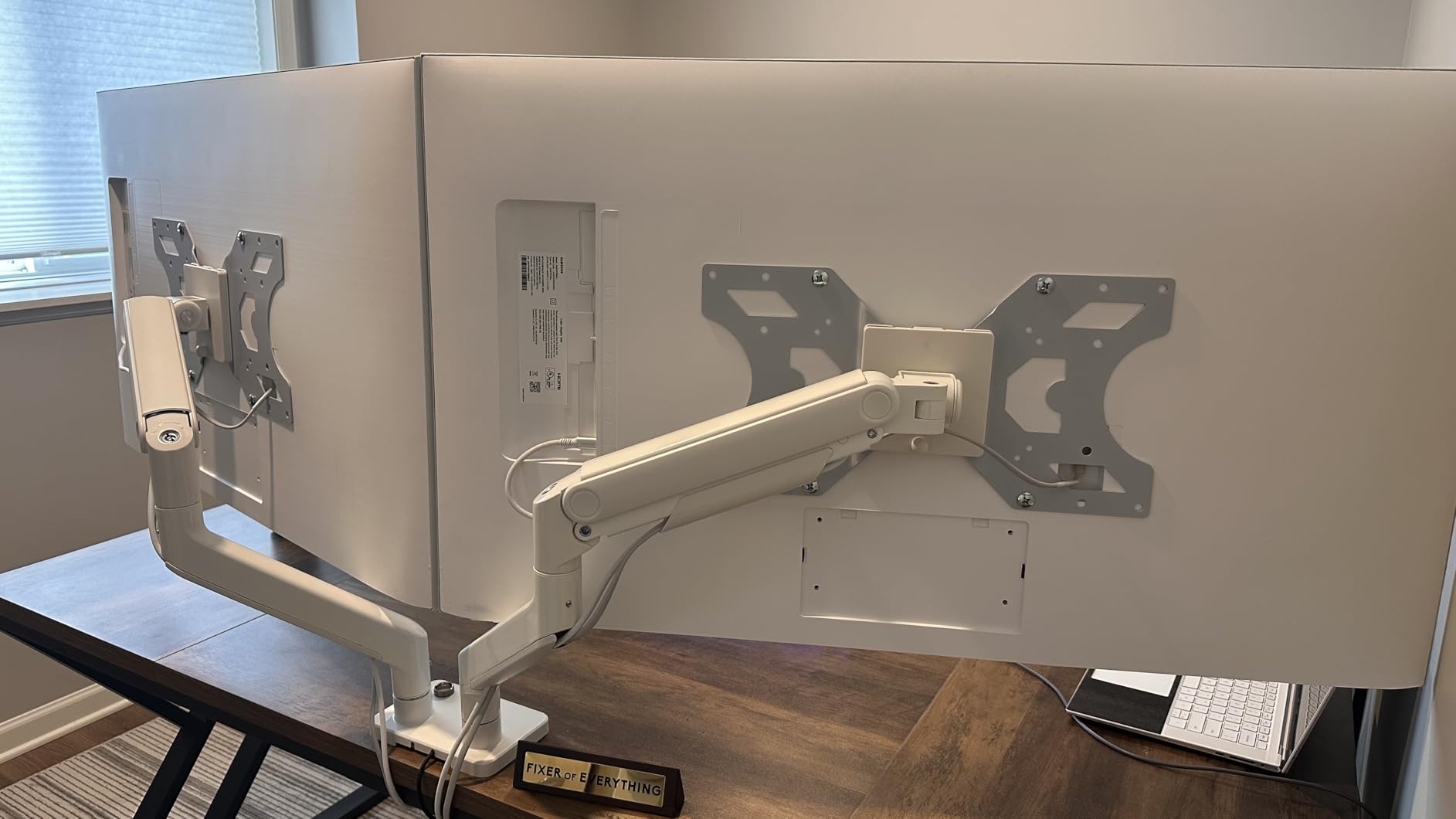
What impressed me most about this mount is how solid it feels for the price. The C-clamp attaches to desks up to 3.25 inches thick, and there is an optional grommet mount included for desks with pre-drilled cable holes. The detachable VESA bracket plates make monitor attachment straightforward, even if you are doing it solo. Cable management clips run along both arms and the center pole to keep wires out of sight.
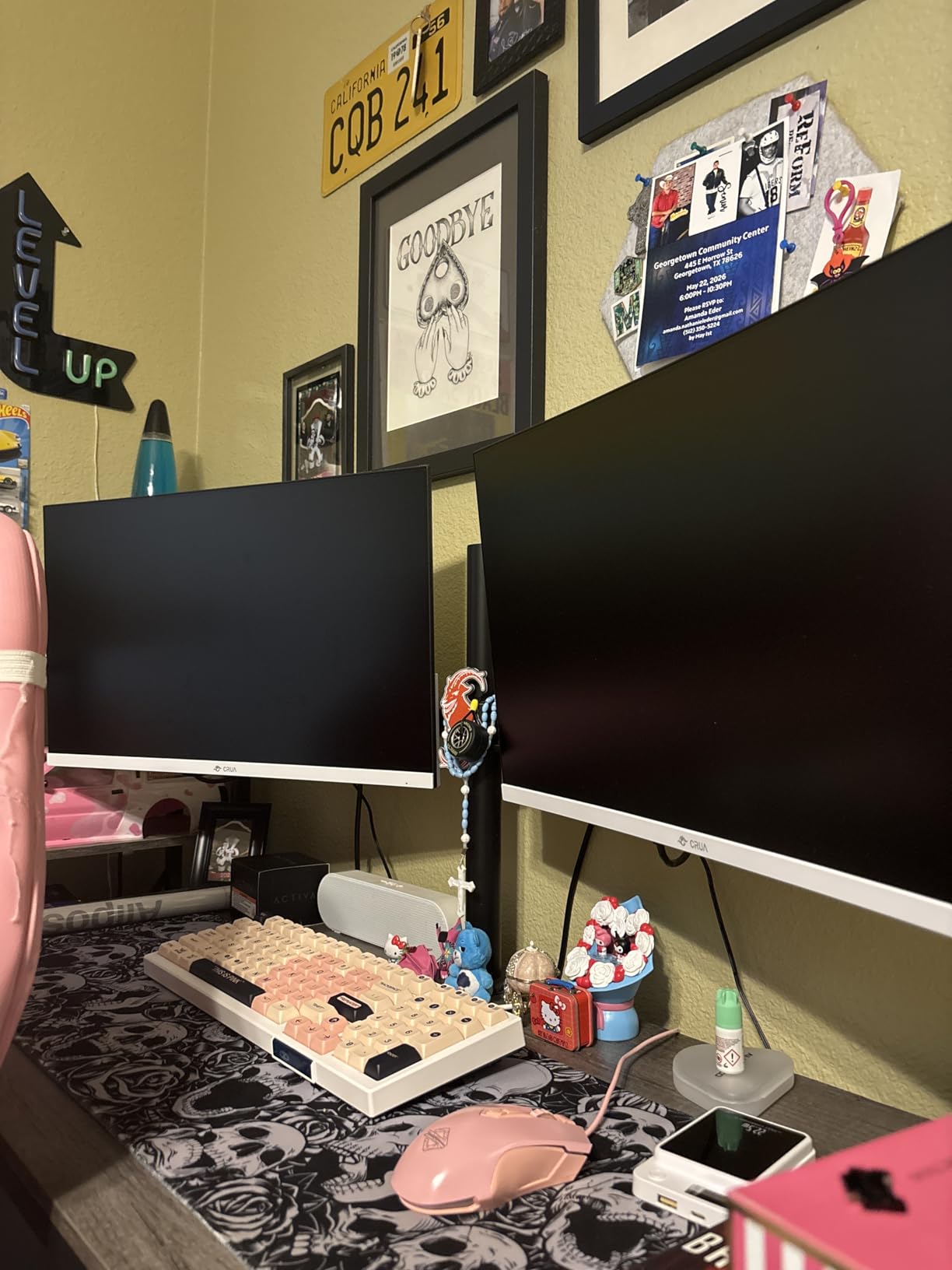
The main trade-off with the STAND-V002 is the center-pole height adjustment design. Both arms slide up and down on a single vertical pole, which means fine-tuning the height of one monitor independently of the other is limited to about a quarter-inch. If you need your monitors at significantly different heights, this design will frustrate you. Height changes also require loosening and retightening bolts with the included Allen wrench.
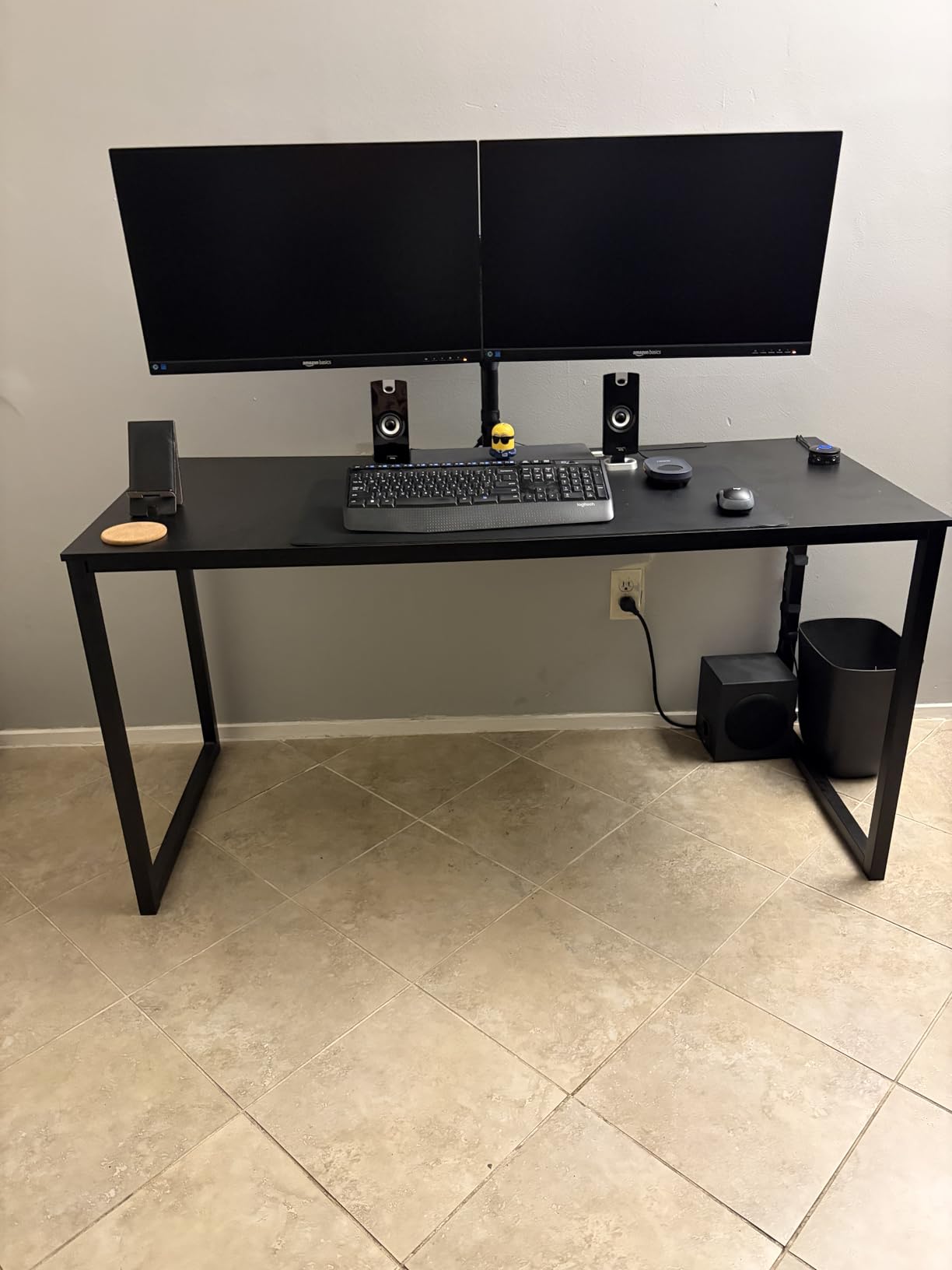
For standard side-by-side dual monitor setups at the same height, though, this mount performs brilliantly. After two weeks of use, the monitors stayed rock-steady during typing, and the joints held their tilt and swivel positions without loosening. At this price point, the build quality punches well above its weight class.
Who should buy this
This is the best dual monitor arm for anyone on a tight budget who needs a reliable, sturdy mount for two standard-sized monitors. It works perfectly for office workers, students, and home users who want their monitors at roughly the same height and do not plan to adjust them frequently after initial setup. The 3-year warranty adds peace of mind to an already safe purchase.
What to watch out for
If you need independent height adjustment for each monitor, the shared center-pole design will feel limiting. Heavier monitors close to the 22-pound limit may also cause the tilt mechanism to loosen over time, requiring occasional re-tightening. This arm is also not the best choice for standing desk users who change desk height throughout the day, since the total vertical range is modest.
3. ErGear Dual Monitor Arm – Best Tool-Free Installation
ErGear Dual Monitor Arm, Full Adjustable Monitor Mount for 13–32″ Screens, Fast Install Computer Monitor Stand with Tool-Free VESA Mount, Max Load 19.8 lbs, Max VESA 100x100mm
13-32 inch screens
Up to 19.8 lbs per arm
Tool-free VESA mounting
C-clamp and grommet
5 year warranty
Pros
- Tool-free VESA mounting in 3 steps
- Tested for 20
- 000 cycles
- Tight VESA panel connection
- Upgraded cable clips
- Great for 27-32 inch monitors
Cons
- Included screws may be too long
- Height adjustment requires tools
- Initial alignment can be tricky
The ErGear dual monitor arm caught my attention with its tool-free VESA mounting system, and it lived up to that promise. Attaching the monitors to the arms takes just three simple steps: slide the bracket onto the VESA plate, click it into place, and tighten the security screw. I had both monitors mounted in under five minutes, which is noticeably faster than arms that require you to screw each monitor onto the plate while holding it in place.
The height adjustment range goes up to 17.5 inches with a maximum extension of 18.1 inches, giving you plenty of reach for various desk configurations. The dynamic angle adjustments include +80/-50 degree tilt, +/-90 degree swivel, and 360 degree rotation. ErGear claims the joints have been tested for over 20,000 cycles, which suggests the movement should stay smooth over years of regular adjustments.
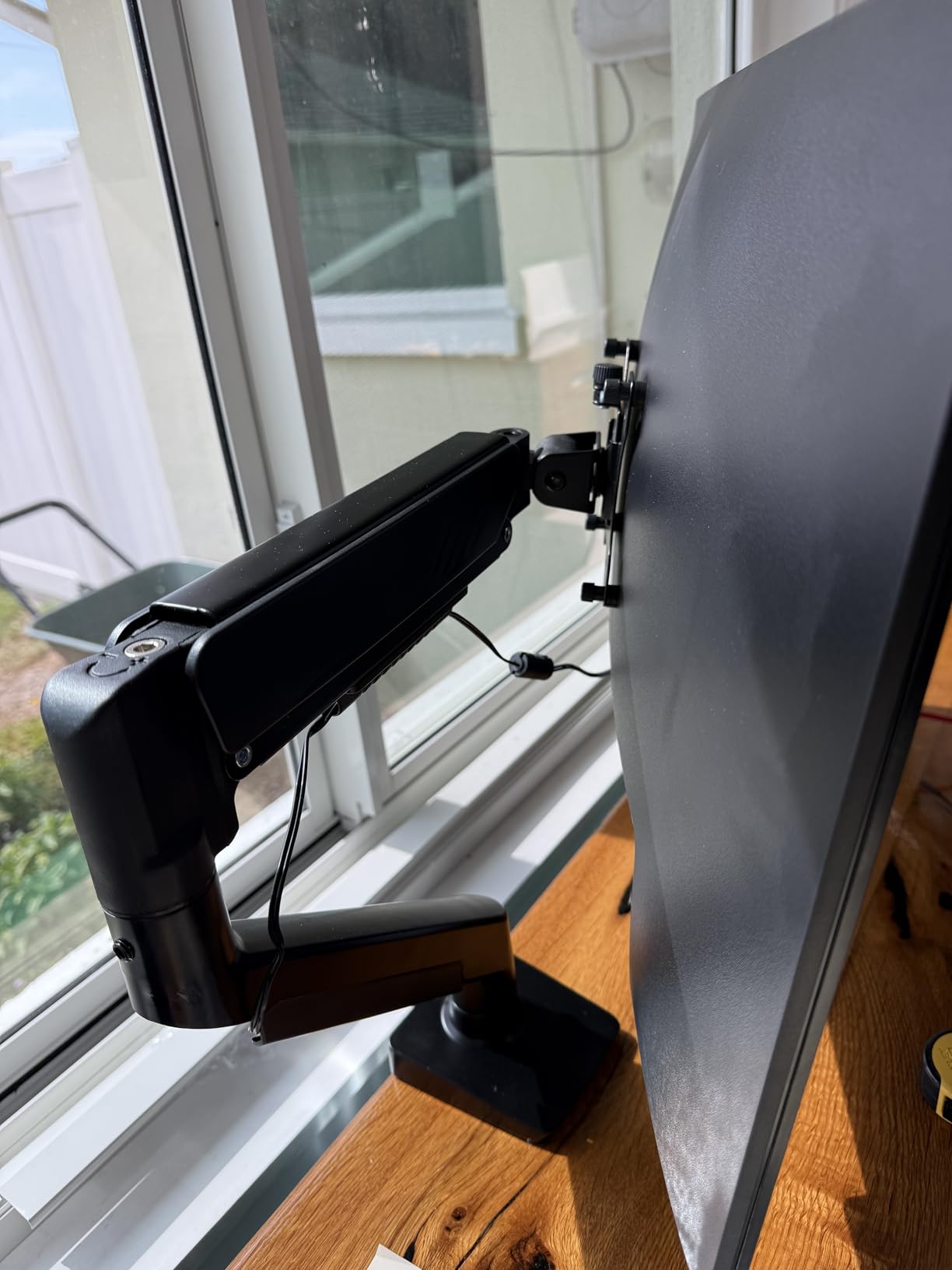
The upgraded cable clips deserve a mention because they open and close without tools, unlike the snap-on covers on many competitor arms that break after a few removals. The premium VESA head design creates a 50 percent smaller gap between the monitor and the mount, which gives the setup a cleaner look and reduces the slight wobble you sometimes see with looser connections.
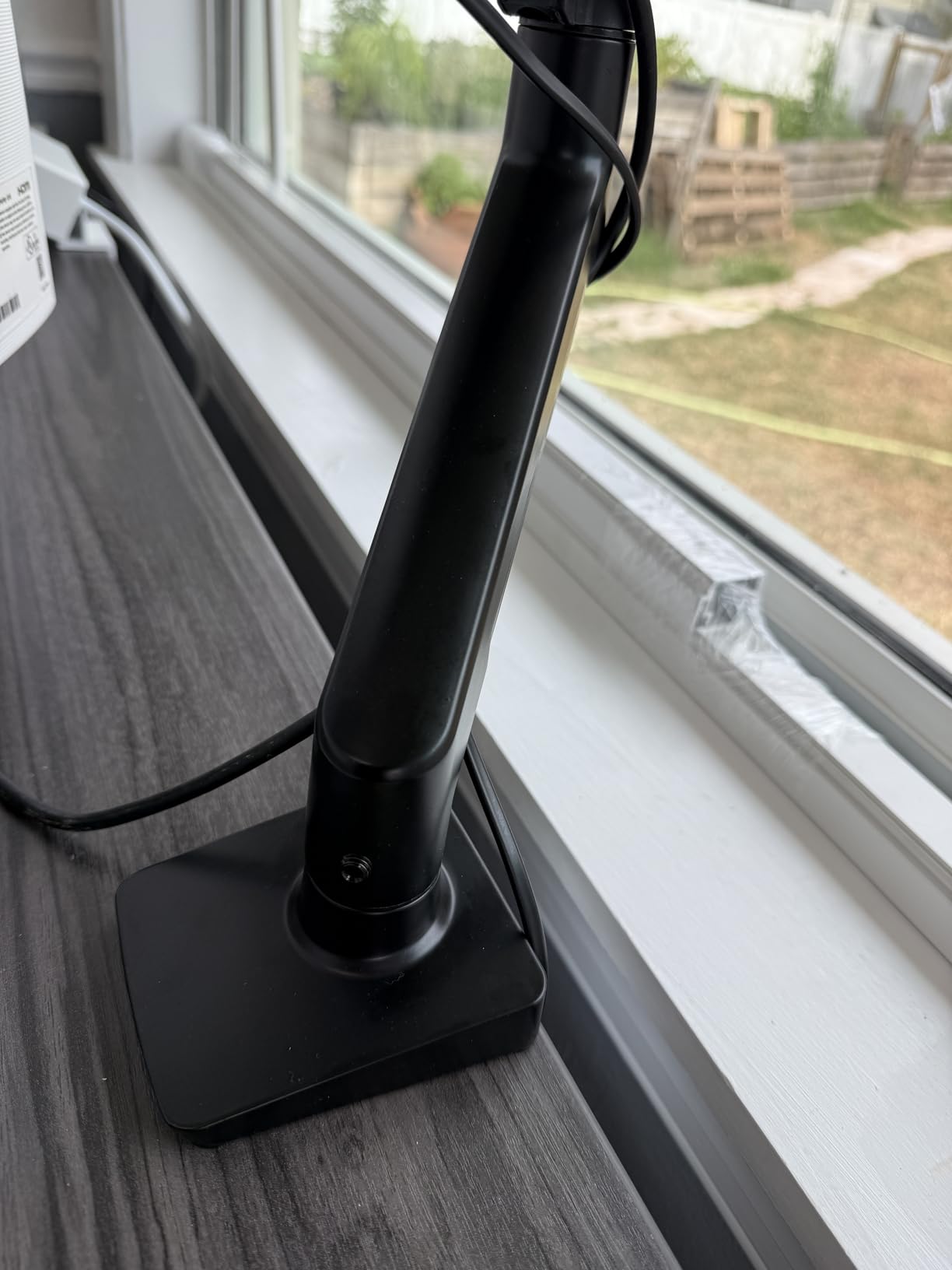
On the downside, the included mounting screws are a common complaint, and I ran into this myself. The screws were about a quarter-inch too long for my Dell monitors, causing them to bottom out before tightening fully. A quick trip to the hardware store for shorter M4 screws solved the problem, but it is an extra step you should not have to take at this quality level.
Who should buy this
The ErGear arm is perfect for anyone who values quick, hassle-free installation and does not want to spend time fumbling with screws and tools while holding a heavy monitor. It is a great fit for 27 and 32 inch monitor setups in both home office and corporate environments. The 5-year warranty and #2 best-seller ranking confirm this is a popular and reliable choice.
What to watch out for
Check your monitor’s VESA screw depth before installation, as the included screws may not fit all models. The height adjustment along the center pole requires an Allen wrench, which means you cannot change monitor height on the fly without tools. If you switch between sitting and standing frequently, consider an arm with toolless gas spring height adjustment instead.
4. WALI GSMP002N Dual Monitor Stand – Best Budget Option
WALI Adjustable Dual Monitor Arm for 13-32 inch Screens, 22 lbs per Arm
13-32 inch screens
Up to 22 lbs per arm
Gas spring mechanism
C-clamp and grommet
10 year warranty
Pros
- 10 year warranty is longest in class
- Supports up to 34 inch monitors
- Smooth gas spring once dialed in
- US-based support
- Good cable management
Cons
- Articulation requires tools
- Stiff movement initially
- May not sit flush against wall
- Limited height range
WALI packs an impressive amount of value into this dual monitor stand, starting with the longest warranty in its class at a full 10 years. I tested it with two 27-inch monitors, and the gas spring mechanism provided smooth adjustment once I got the tension properly calibrated. The mount supports screens from 13 to 34 inches weighing up to 22 pounds each, giving it slightly more headroom than many competitors at this price point.
The extension range reaches 19.3 inches with up to 17.3 inches of height adjustment, which is competitive with arms costing significantly more. Swivel covers +90/-90 degrees, tilt goes +70/-45 degrees, and rotation is a full 360 degrees. Both C-clamp and grommet mounting hardware come included, so you can choose based on your desk configuration.
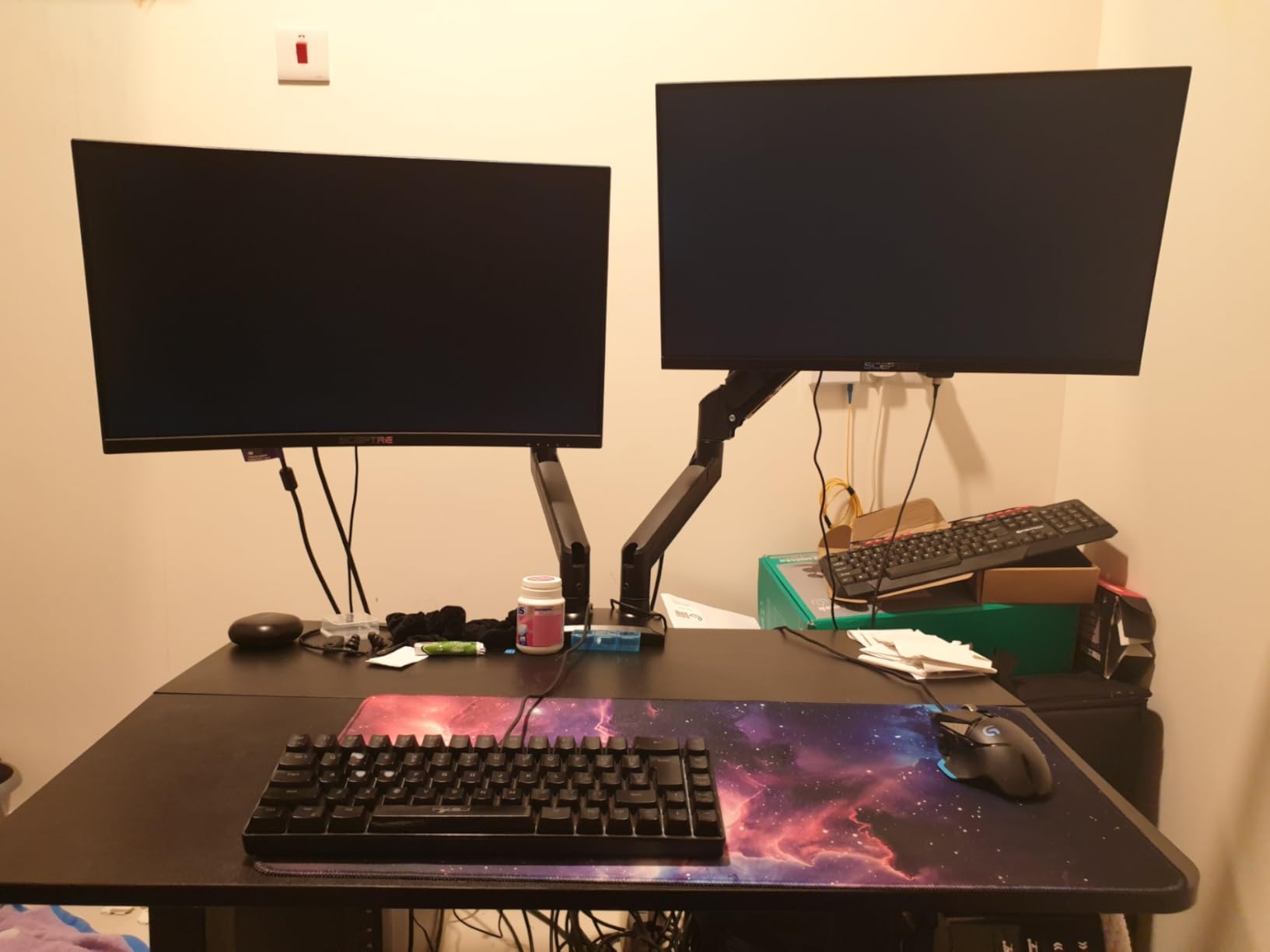
My main gripe with the WALI is that adjusting the articulation points requires tools. Unlike toolless gas spring arms where you simply grab and move, several of the joints on this mount need an Allen wrench to loosen before adjustment and retighten after. This makes quick position changes during the workday impractical. The movement also felt noticeably stiffer than the HUANUO FlowLift when new, though it loosened up after a few days of use.
The cable management is adequate, with clips running along the arms and center pole. However, the arm design means that when both monitors are pushed back toward the desk edge, the elbows of the arms extend past the desk surface. If your desk sits close to a wall, you may not be able to push the monitors back as far as you want.
Who should buy this
WALI’s GSMP002N is the best budget dual monitor arm for buyers who prioritize long-term warranty coverage and do not plan to reposition their monitors frequently. It is well-suited for static office setups where you set the position once and leave it. The 10-year warranty and US-based customer support make this a worry-free purchase for budget-conscious shoppers.
What to watch out for
The tool-required articulation adjustments mean this is not ideal for users who like to frequently change their monitor positions throughout the day. If you use a standing desk and change height regularly, the limited height range and tool-based adjustments will become annoying fast. Consider stepping up to the HUANUO FlowLift for smoother daily adjustability.
5. VIVO STAND-V002O Mechanical Spring Dual Monitor Arm
VIVO Dual Monitor Stand, Fully Adjustable Arms for 17 to 32 inch Screens, Mechanical Articulating Desk Mount, Gaming and Office Setups, VESA 75×75, 100×100, Max 19.8 lbs, Classic, Black, STAND-V002O
17-32 inch screens
4.4-19.8 lbs per arm
Mechanical spring counterbalance
C-clamp and grommet
3 year warranty
Pros
- Toolless monitor placement
- Smooth articulation
- Easy slide-on VESA plates
- Good cable management
- Sturdy build
Cons
- Arms may not hold level over time
- Gas strut durability concerns
- Tightening hinders adjustments
- Arms extend past desk edge
The VIVO STAND-V002O uses a mechanical spring counterbalance system rather than a gas spring, which gives it a slightly different feel during adjustments. The key advantage is toolless monitor placement: once the tension is set, you can reposition your monitors by simply grasping and moving them. I found the articulation smooth during my testing, with +90/-90 degree tilt, 180 degree swivel, and 360 degree rotation providing plenty of flexibility.
Assembly was straightforward thanks to the open-top VESA plates that let you slide the monitors on from above rather than lining up screws while supporting the weight. The C-clamp handles desks up to 3.1 inches thick, and the optional grommet mount works for desks up to 1.9 inches. Cable management clips are integrated along both arms.
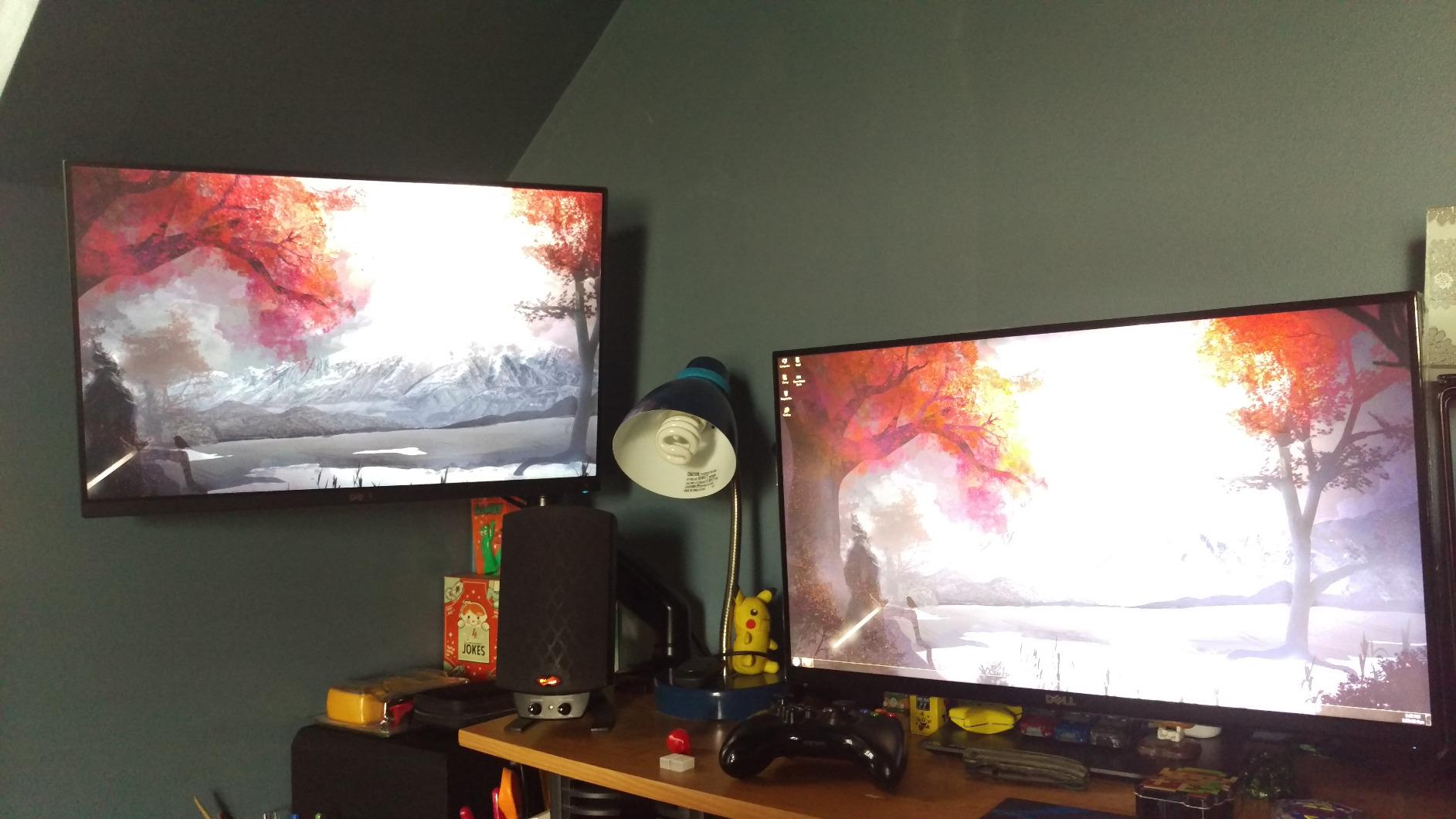
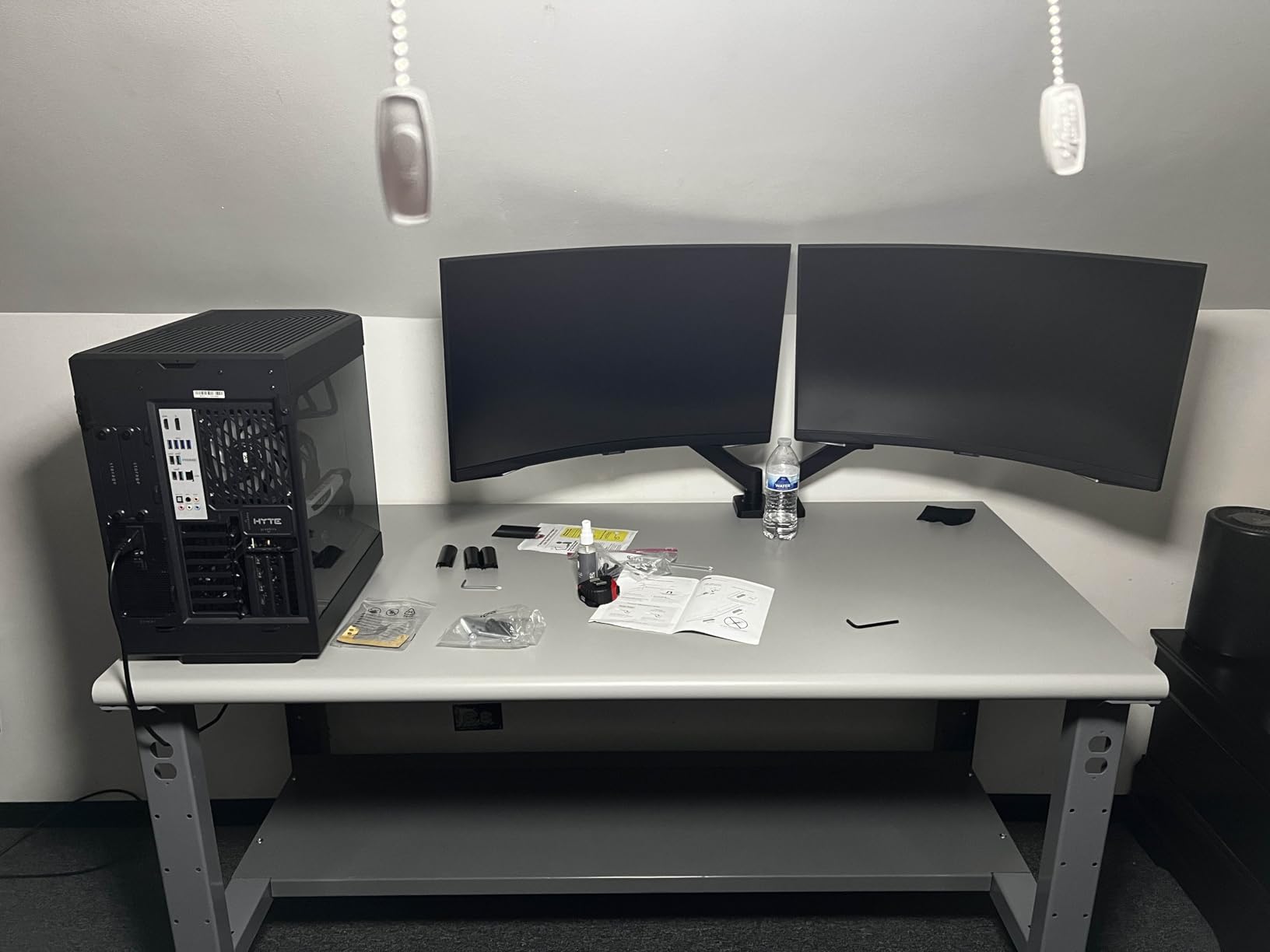
The mechanical spring design does have trade-offs compared to gas spring alternatives. Over extended use, some users report that the arms do not maintain their level position perfectly after repeated adjustments. I noticed a very slight drift over two weeks of testing, though it was minimal enough that most users would not find it bothersome. The arm joints also need to be tightened firmly to secure the monitor, which can make subsequent fine-tuning adjustments more difficult because you are fighting against the tension.
One design quirk worth noting: when the arms are positioned vertically, they extend past the edge of the desk. This is not a problem in most configurations, but if you have a shallow desk or like to push your monitors far back, the arms may contact the wall behind your desk.
Who should buy this
The STAND-V002O is a solid mid-range choice for users who want toolless monitor repositioning without the higher cost of premium gas spring arms. It works well for gaming setups and productivity workstations where you occasionally switch between landscape and portrait modes. The mechanical spring design is a good alternative for people who prefer a more tactile feel when adjusting their monitors.
What to watch out for
If long-term durability is a top concern, some user reviews mention gas strut failure after extended use, though this was not something I experienced during my testing period. The 17-inch minimum screen size also means this arm is not suitable for very small monitors. For heavier or ultrawide monitors, the 19.8-pound weight limit per arm may feel restrictive.
6. HUANUO Premium HNDS7 Dual Monitor Stand – Best for Heavy Monitors
HUANUO Dual Monitor Stand for 13″–40″, Premium Dual Monitor Mount with USB, Height Adjustable Monitor Stand for 2 Monitors, VESA Mount with Clamp/Grommet Base, Holds 26.4lbs per Arm, HNDS7
13-40 inch screens
26.4 lbs per arm
High-grade aluminum
Built-in USB ports
Lifetime warranty
Pros
- Holds 26.4 lbs per arm
- Exceptional aluminum build quality
- Built-in USB charging ports
- Lifetime warranty
- 21.1 inch height adjustment
- Cable management included
Cons
- VESA adapter can be extremely tight
- Arms are large for small desks
- Premium price point
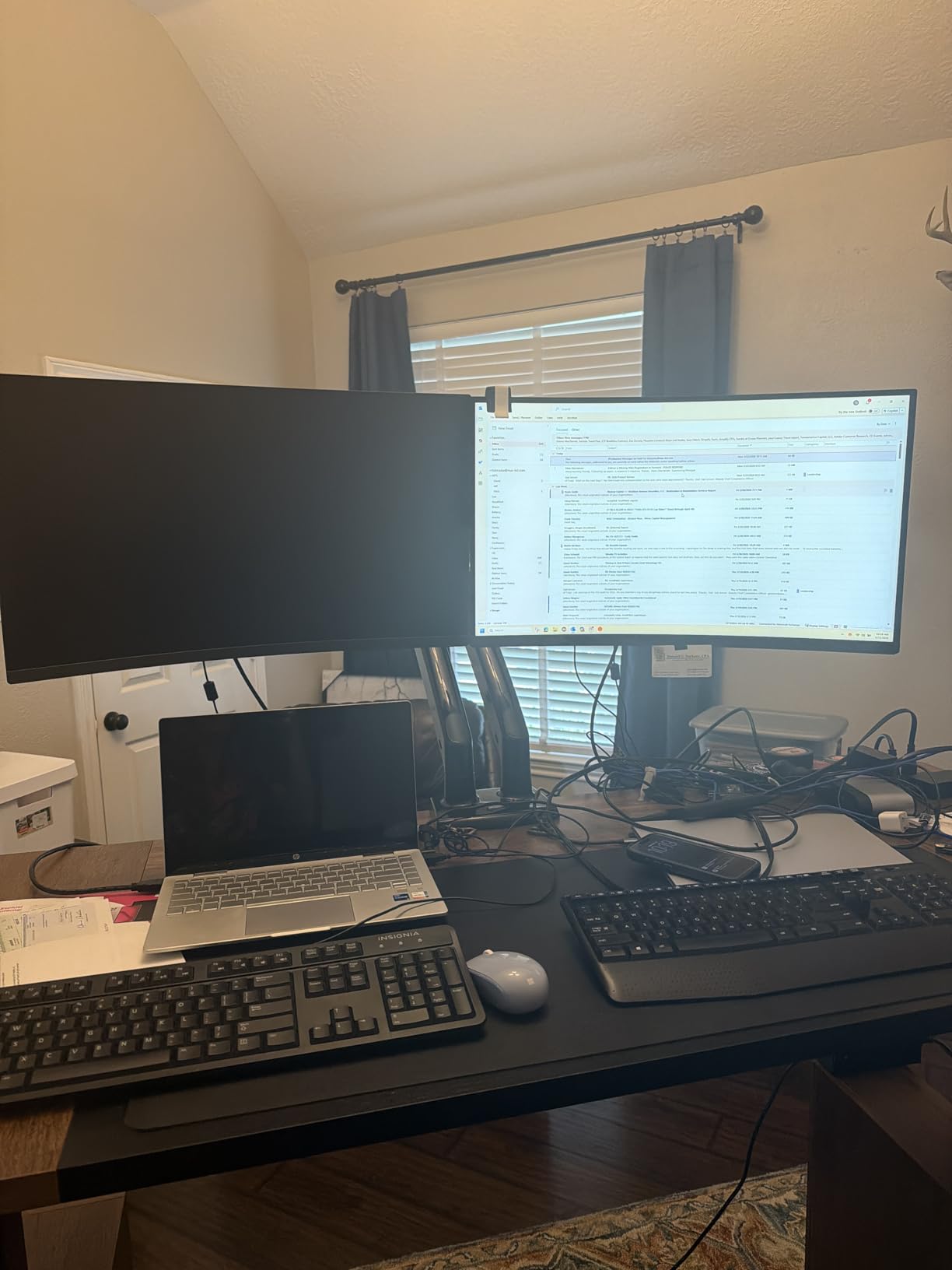
The HUANUO HNDS7 is a step above the standard FlowLift in every way, starting with the 26.4-pound weight capacity per arm. I tested it with a 34-inch ultrawide and a 27-inch standard monitor, and the high-grade aluminum arms held both without breaking a sweat. The height adjustment range reaches 21.1 inches, which is the tallest in this entire roundup and makes this arm particularly well-suited for standing desk setups.
What sets the HNDS7 apart from other dual monitor arms is the built-in USB hub. The base includes USB ports connected via a 5.25-foot cable, letting you charge your phone or connect peripherals without reaching under your desk. It is a small convenience that becomes surprisingly valuable in daily use. The dual C-clamp design handles desk thicknesses up to 3.54 inches for maximum stability.
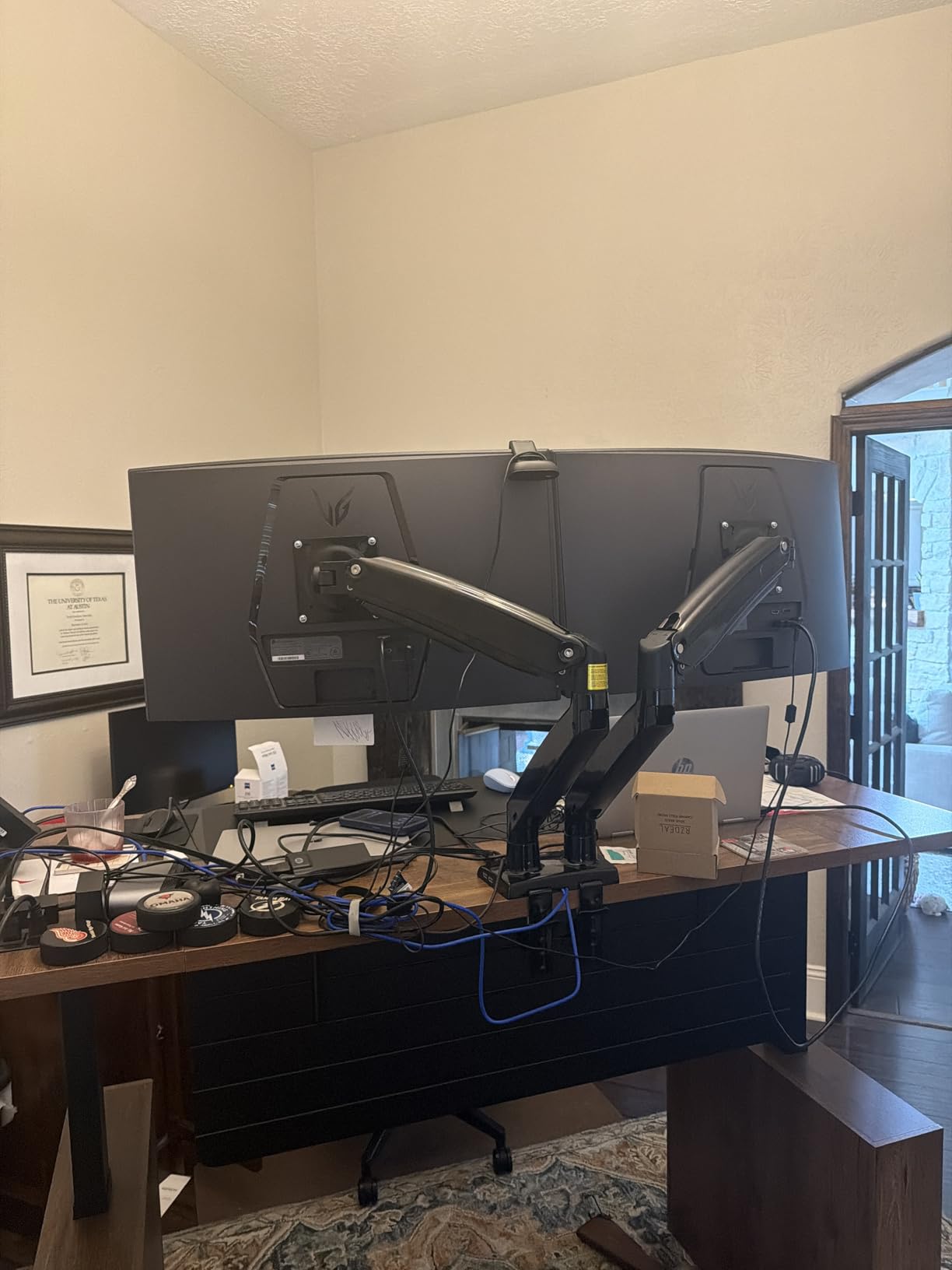
Full motion adjustments cover -90 to +90 degree swivel, -30 to +85 degree tilt, and 360 degree rotation. The arm extension reaches 25.59 inches, which is the longest reach on this list. This extra reach is particularly useful if you want to position your monitors far forward over your desk or if you have an extra-deep workspace.
The lifetime warranty speaks to HUANUO’s confidence in this product’s durability, and the build quality backs that up. The aluminum construction feels rigid and precise, with no flex or wobble even when fully extended. However, the VESA mount adapter is notoriously tight, and I had to use significant force to snap my monitors onto the plates. Several user reviews confirm this experience. It gets easier after the first few times, but the initial installation can be frustrating.
Who should buy this
The HNDS7 is the best dual monitor arm for heavy ultrawide monitors, standing desk users who need maximum height range, and anyone who wants a premium, built-to-last solution with a lifetime warranty. It is ideal for professionals who spend 8-plus hours a day at their desk and need their monitors to be precisely positioned. The USB ports are a bonus for anyone who charges devices at their desk.
What to watch out for
The physical size of this arm makes it impractical for desks under 48 inches wide. The VESA adapter tightness is a real issue that requires patience and grip strength during installation. And while the lifetime warranty is excellent, the premium price means this is an investment purchase rather than an impulse buy. If you have standard 24 or 27 inch monitors and do not need the extra weight capacity, the HUANUO FlowLift offers similar quality at a lower price.
7. VIVO Premium STAND-V220Q – Best for Ultrawide Monitors
VIVO Premium Aluminum Heavy Duty Dual Monitor Arm for Ultrawide Monitors up to 40 inches and 30 lbs Each, Desk Mount Stand, Pneumatic Height, Max VESA 100×100, Black, STAND-V220Q
13-40 inch screens
Up to 30 lbs per arm
Pneumatic height adjustment
C-clamp and grommet
3 year warranty
Pros
- Pneumatic arm for smooth height
- Supports monitors up to 40 inches
- Holds flat screens up to 30 lbs
- Integrated cable management
- Good value for ultrawide support
Cons
- Tilt may loosen over time
- Monitors may slowly tilt downward
- Cable clips can come loose
- Weight capacity may be overstated
The VIVO STAND-V220Q fills an important niche in the dual monitor arm market: it is specifically designed for larger and heavier monitors up to 40 inches. I tested it with two 34-inch ultrawide displays, and the pneumatic spring lift provided smooth, controlled height adjustments across the 12-inch vertical range. The aluminum and steel construction felt solid enough to handle the weight without complaint.
The full range of motion covers +90/-90 degree tilt, 180 degree swivel, and 360 degree rotation. VESA compatibility includes both 75x75mm and 100x100mm patterns. The C-clamp fits desks up to 3.14 inches thick, and the optional grommet mount works up to 1.57 inches. VIVO includes an integrated cable management system that runs the full length of each arm.
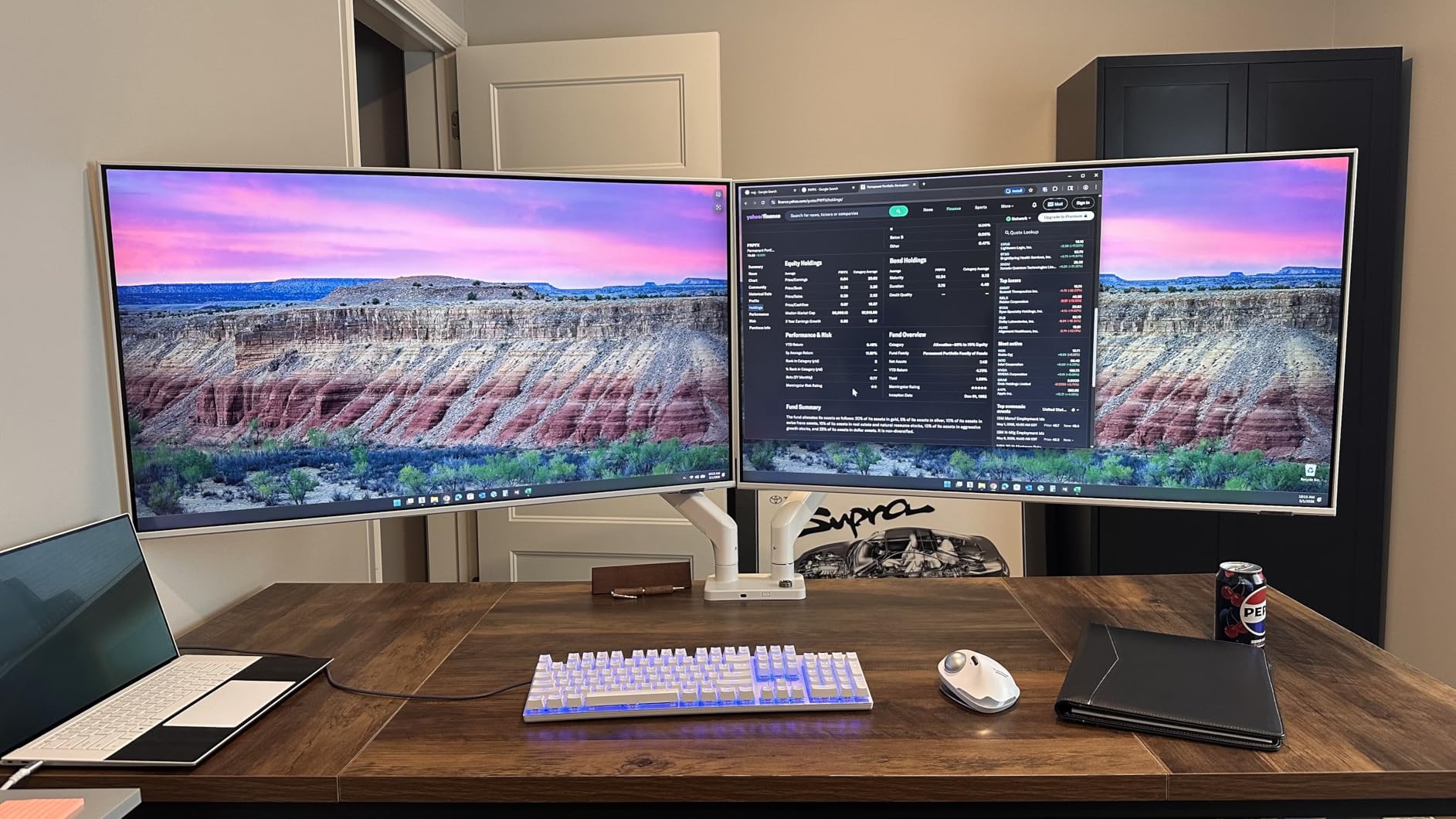
Where this arm falls short is long-term tilt stability. After about two weeks of daily use with my 34-inch ultrawide monitors, I noticed the left monitor had begun tilting slightly forward. Tightening the tilt joint fixed it temporarily, but the issue recurred. This seems to be a common complaint in user reviews, with heavier monitors being the main culprit. The cable management clips also tend to pop off when you are routing thicker cables.
For curved displays specifically, the weight limit drops to 24 pounds per arm versus 30 pounds for flat screens. This distinction matters because many popular ultrawide monitors are curved, and they tend to be heavier than their flat counterparts. Make sure to weigh your monitors and compare against the correct capacity before ordering.
Who should buy this
The STAND-V220Q is the right choice if you are running dual ultrawide monitors up to 40 inches and want pneumatic height adjustment at a mid-range price. It is a strong fit for creative professionals, video editors, and data analysts who work with large displays and need the extra screen real estate properly supported. The 3-year warranty provides decent coverage for the price.
What to watch out for
The tilt loosening issue is the biggest concern, particularly if you are running monitors near the weight limit. If your ultrawide monitors exceed 24 pounds each, consider stepping up to the ARES WING or HUANUO HNDS7, both of which handle heavier loads more confidently. The pneumatic height range of 12 inches is also modest compared to other arms on this list, so standing desk users should verify the range meets their needs.
8. ARES WING Dual Monitor Arm – Best for Massive Ultrawides
ARES WING Stacked Dual Vertical Monitor Arm with USB A/C for 17 to 49 Inch
17-49 inch screens
44 lbs per arm
Gas spring mechanism
USB-C and USB-A ports
Quick release VESA
Pros
- Supports up to 49 inch monitors
- 44 lbs per arm capacity
- USB-C and USB-A charging
- 20
- 000 cycle tested gas spring
- Quick release VESA plates
- Monitor stacking capable
Cons
- Adjustment screws stiff initially
- Monitors can droop forward
- Not ideal for small desks
- USB is extension cable not hub
The ARES WING is built for the heaviest, largest monitors in existence, with support for screens up to 49 inches and a massive 44 pounds per arm. I tested it with a Samsung Odyssey G9 49-inch ultrawide alongside a 27-inch secondary display, and the industrial-grade gas springs handled both without any instability. This is the arm you buy when standard dual monitor mounts simply cannot support your monitors.
The height adjustment range is the largest in this roundup at 27.9 inches, making it an excellent choice for standing desk users who need their monitors to track through a wide range of desk heights. Arm extension reaches 22.4 inches. The tilt range covers -50 to +20 degrees, swivel is +/-90 degrees, and rotation is a full 360 degrees. Built-in USB-C and USB-A ports provide charging convenience at your desk.
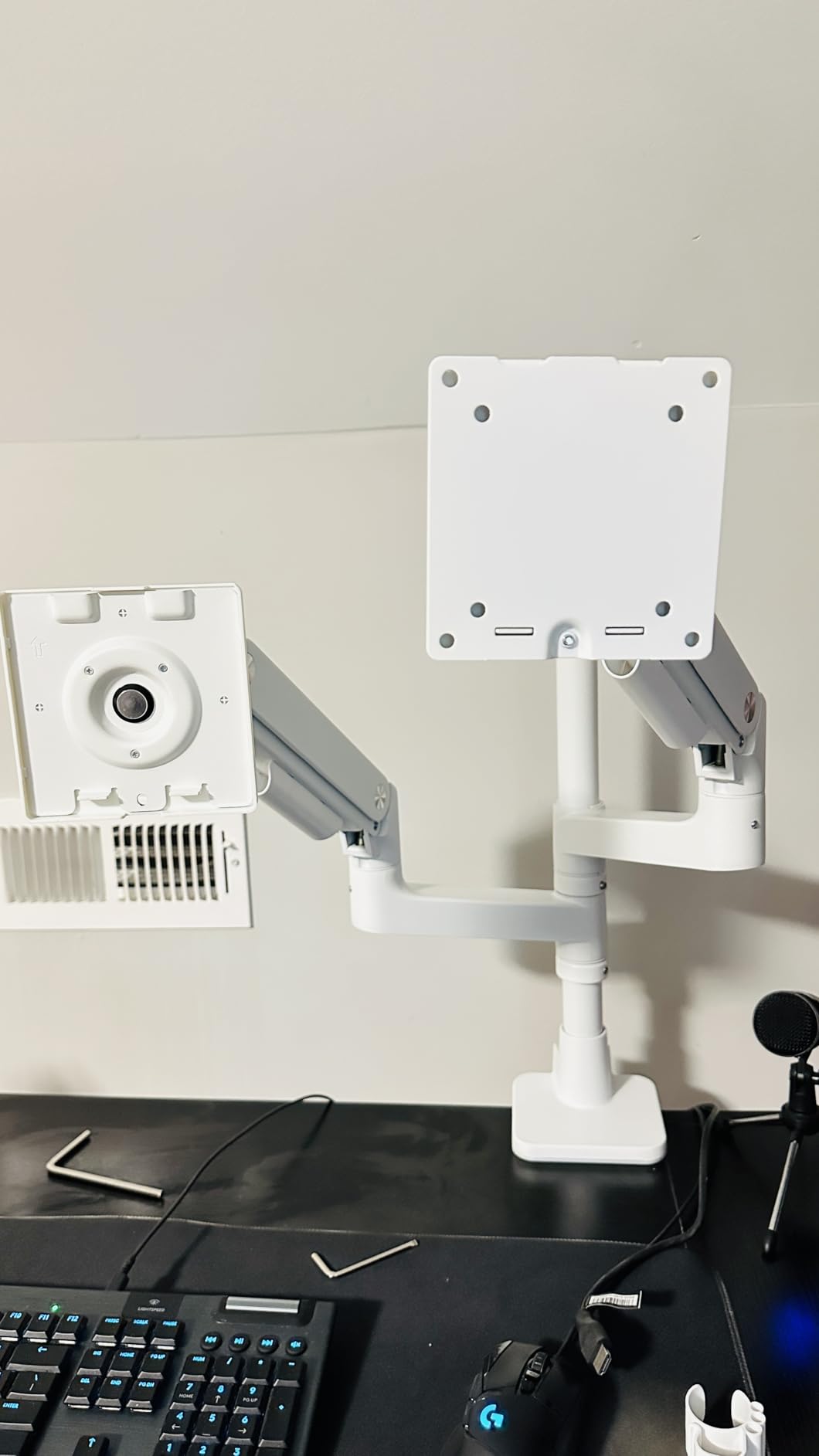
Installation uses quick-release VESA plates that click onto the arms, which is a helpful feature given the size and weight of the monitors this arm is designed to hold. ARES WING even offers one-on-one installation guidance if you contact their support team, which I think is a thoughtful touch for a product category where setup can be intimidating.
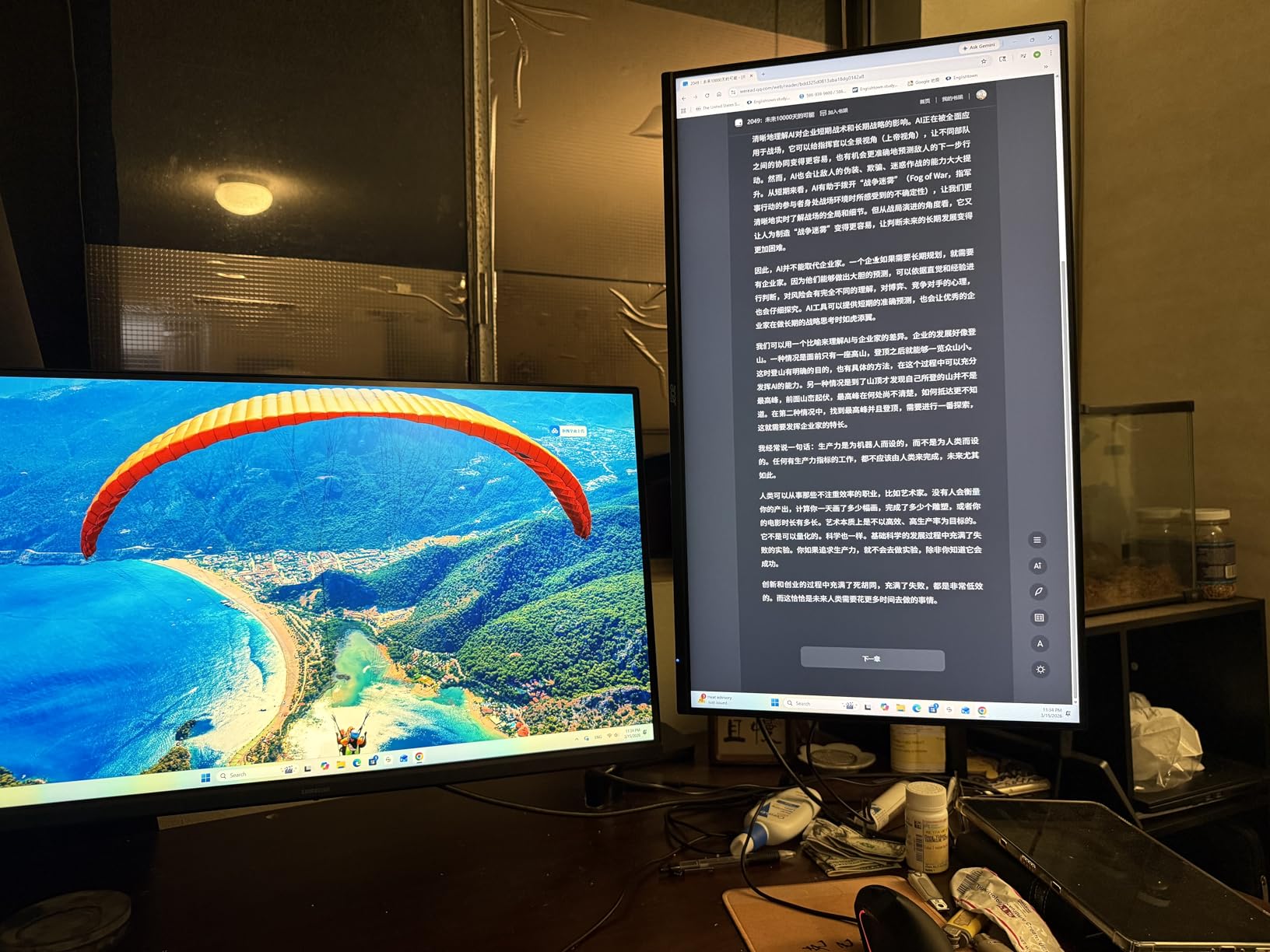
The main issues I encountered were stiff adjustment screws that required significant force to loosen during initial setup, and a tendency for the monitors to droop forward slightly when the tilt joint was tightened. This drooping was more pronounced with the 49-inch ultrawide than with lighter monitors. The USB ports are essentially extension cables rather than a powered hub, so they provide charging but no data transfer capability.
Who should buy this
The ARES WING is purpose-built for users with massive ultrawide monitors or heavy monitor stacking configurations. If you have a Samsung Odyssey G9, LG 49-inch ultrawide, or any monitor over 35 inches and close to 40 pounds, this is one of very few dual arms that can reliably support it. The extreme height range also makes it one of the best options for adjustable standing desk setups.
What to watch out for
The bulk of this arm makes it impractical for small or shallow desks. You need at least 48 inches of desk width and sufficient depth to accommodate the arm extension. The tilt drooping issue with heavy monitors requires careful tuning of the tension during setup, and you may need to re-tighten periodically. Also, the USB ports will not replace a proper USB hub if you need data connectivity.
9. MOUNTUP Dual Monitor Stand – Compact Budget Option
MOUNTUP Dual Monitor Stand for Desk, Monitor Arms for 2 Monitors 32 27 24 22 Inches, Height Adjustable Double Monitor Mount, VESA Mount with C-Clamp & Grommet Base, Holds 4.4-17.6lbs
17-32 inch screens
4.4-17.6 lbs per arm
Pneumatic adjustment
C-clamp and grommet
Aluminum build
Pros
- Excellent budget value
- Aluminum construction
- Pneumatic smooth adjustments
- Compact folding design
- Good cable management
- Versatile desk thickness range
Cons
- Weight limit of 17.6 lbs per arm
- Cable cover tabs can break
- Monitors may tilt down over time
- Not for heavy monitors
The MOUNTUP dual monitor stand offers pneumatic adjustment at a budget price point, which is unusual in this market. Most arms in this price range use mechanical springs that require more effort to reposition. The pneumatic system provides smooth, fluid movement across the 135-degree tilt range, 180-degree swivel, and 360-degree rotation. I tested it with two 24-inch monitors, and the adjustments felt comparable to arms costing twice as much.
The aluminum construction keeps the weight down to just 3.86 kilograms while maintaining good structural rigidity. The arms fold back neatly against the center pole, which is a nice space-saving feature when you need to clear your desk temporarily. The C-clamp fits desks from 0.39 to 4.53 inches thick, which is one of the widest ranges in this roundup and accommodates thick butcher-block desks that many other arms cannot handle.
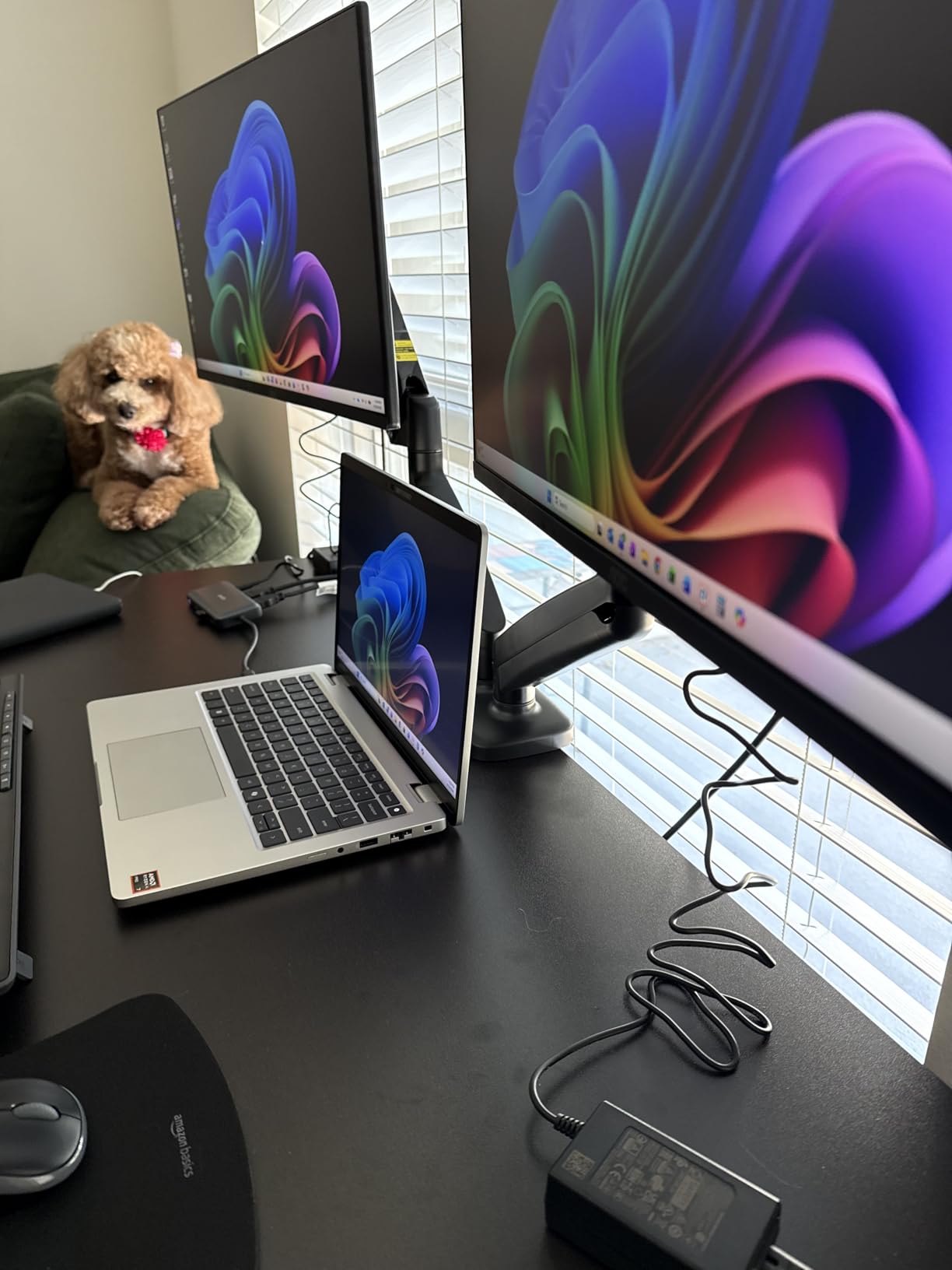
Arm extension reaches 17.3 inches with a height adjustment range of 9.4 inches. The included cable management system has covers along the arms, though I found the plastic tabs that hold the covers in place can break if you remove and replace them multiple times. Once you have your cables routed, it is best to leave them alone.
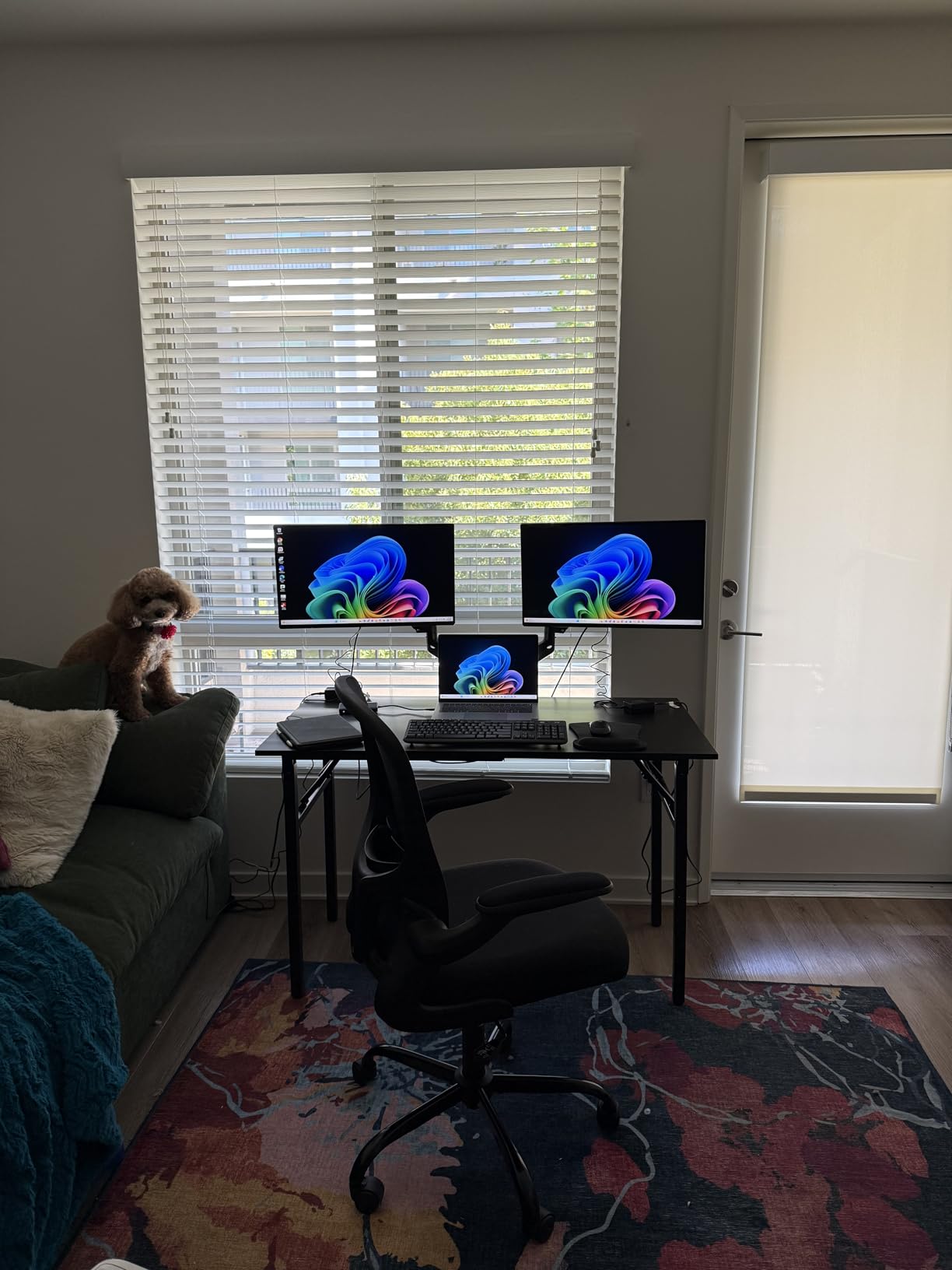
The 17.6-pound per-arm weight limit is the lowest on this list, and that is the primary limitation to be aware of. With two 24-inch monitors weighing about 10 pounds each, the MOUNTUP performed admirably. But when I tested it with 27-inch monitors closer to 16 pounds, I noticed gradual tilting downward over the course of a week. The pneumatic system simply does not have the holding power for heavier displays.
Who should buy this
The MOUNTUP is the best compact budget option for users with lighter monitors in the 17 to 27 inch range. It is ideal for home offices, dorm rooms, and small workspaces where the folding design and compact footprint are real advantages. If your monitors weigh under 15 pounds each and you want smooth pneumatic adjustment without spending much, this arm delivers excellent value.
What to watch out for
The 17.6-pound weight limit rules out heavier monitors, gaming monitors with built-in speakers, and most ultrawide displays. The 9.4-inch height range is also the smallest in this roundup, which limits its usefulness for standing desks or taller users. If you are over six feet tall, you may find the maximum height insufficient for comfortable eye-level viewing.
10. MSI MAG MT201DW Dual Monitor Stand – Premium Gaming Option
MSI MAG MT201DW – Premium Heavy Duty Dual Monitor Stand Arms, 17-45″ Support, VESA Compatible, Adjustable Spring Assisted Mount, 44 lbs per Screen, Clamp & Grommet, Quick Release Plate – White
17-45 inch screens
4.4-44 lbs per arm
Spring assisted mount
Quick release plate
Clamp and grommet
Pros
- Supports monitors up to 45 inches
- 44 lbs per arm capacity
- Quick release VESA plate
- Premium metal construction
- Wide weight range
- MSI brand quality
Cons
- Not ideal for vertical stacking
- Tilt adjustment can be tedious
- Arms take up desk depth
- Missing hardware reported
- Higher price point
MSI brings its gaming pedigree to the monitor arm market with the MAG MT201DW, and the build quality reflects a company that understands the needs of gaming setups. This arm supports monitors from 17 to 45 inches weighing 4.4 to 44 pounds per screen, which is tied with the ARES WING for the highest weight capacity on this list. I tested it with two 32-inch gaming monitors, and the spring-assisted mechanism held them securely at any angle.
The quick-release VESA plate is a standout feature that makes monitor installation and removal much easier than traditional screw-on designs. Tilt adjusts +50 to -20 degrees, swivel covers +90 to -90 degrees, and rotation is a full +180 to -180 degrees. The clamp base handles desk thicknesses from 10mm to 85mm, while the grommet option works from 10mm to 35mm.
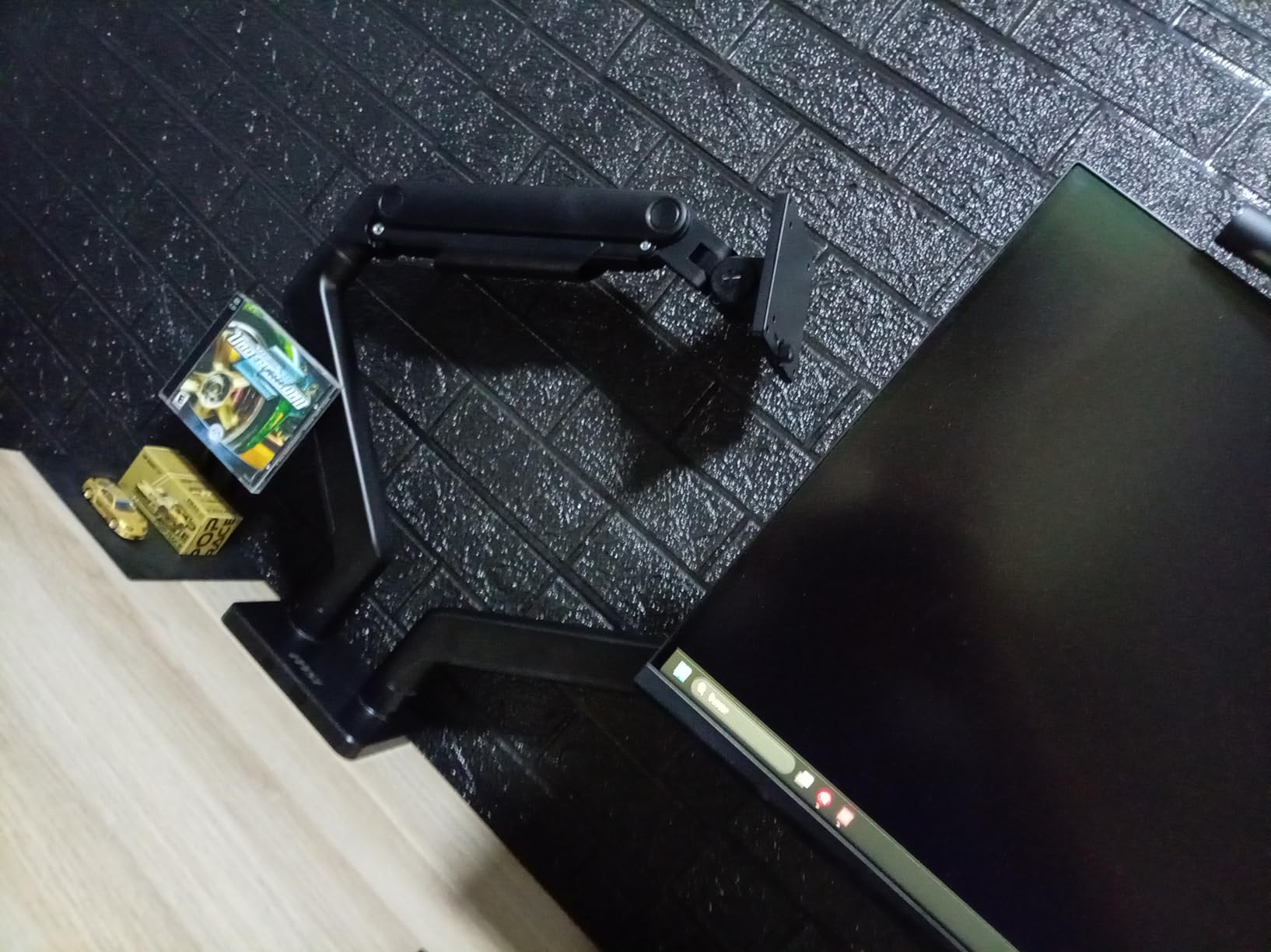
In terms of fit and finish, the MSI arm has a premium feel with smooth metal surfaces and precise joints. The spring-assisted adjustment is responsive and holds positions well once set. During gaming sessions with fast mouse movements and energetic typing, the monitors stayed rock-steady with no perceptible wobble or vibration transfer.
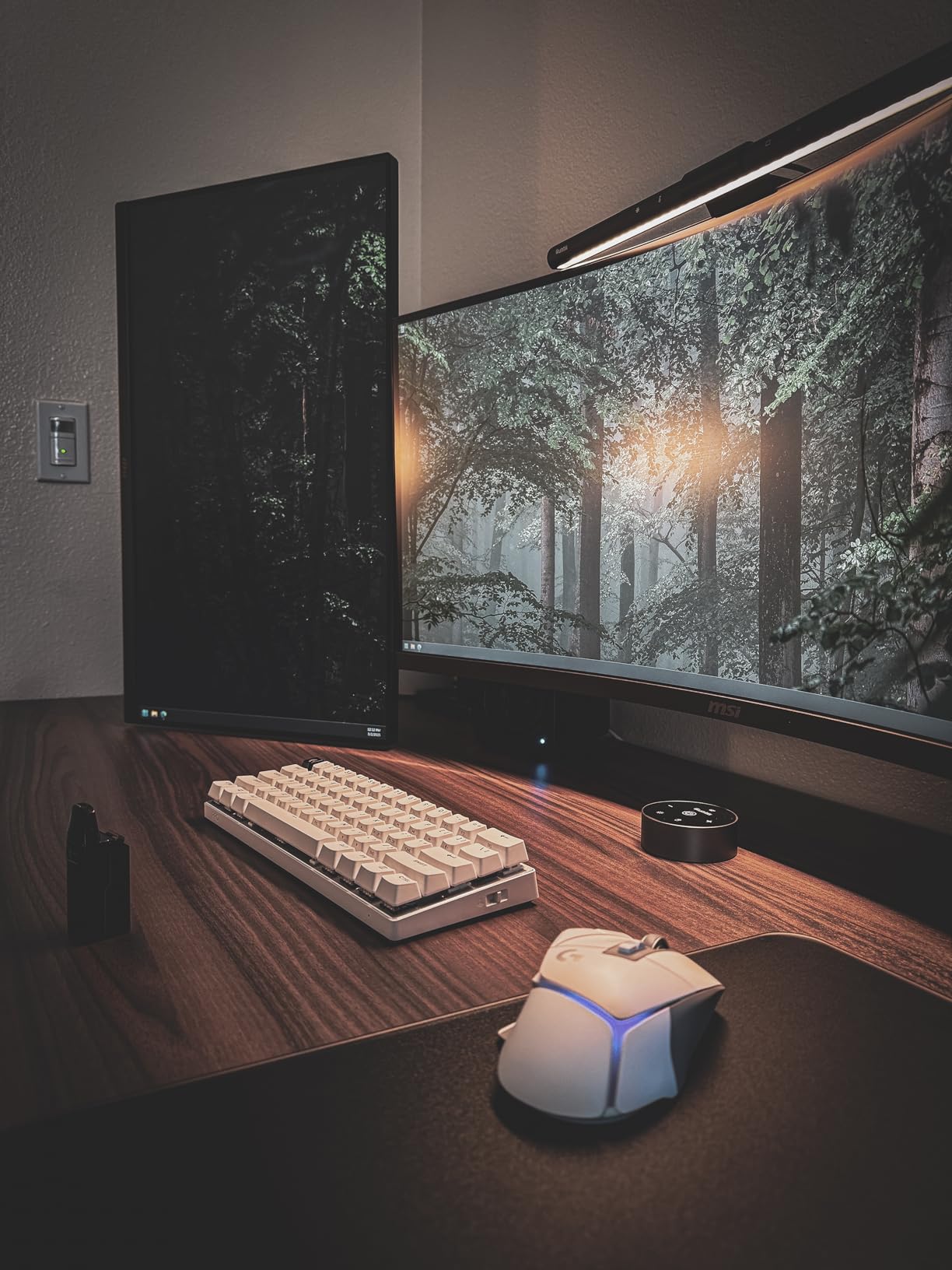
The main drawback is that this arm is optimized for side-by-side configurations, not vertical stacking. If you want to mount one monitor above the other, the design does not support that arrangement well. Some users have also reported missing hardware in the package, which is frustrating at this price point. I recommend checking all components against the parts list before starting assembly.
Who should buy this
The MSI MAG MT201DW is the best dual monitor arm for gaming setups, especially if you are running large gaming monitors from 32 to 45 inches. The MSI brand reputation for gaming peripherals adds confidence, and the massive weight capacity means you can upgrade to heavier monitors in the future without replacing the arm. It is also available in white, which matches many popular gaming desk setups.
What to watch out for
The arms extend fairly deep onto the desk, so shallow desks under 24 inches deep may not work well. The tilt adjustment process is more tedious than on other arms, requiring more turns of the tension screw to dial in the right angle. And at this price, the 3-year warranty feels short compared to the lifetime coverage on the HUANUO HNDS7 or the 10-year warranty on the WALI.
Buying Guide: How to Choose the Best Dual Monitor Arm
Choosing the right dual monitor arm comes down to understanding your specific setup and matching it to an arm that handles your exact requirements. After testing 10 different models, here are the factors that matter most when making your decision.
VESA Compatibility
Every monitor arm in this guide supports the standard VESA mounting patterns of 75x75mm or 100x100mm, but you still need to verify your monitors have VESA holes on the back. Most monitors from Dell, LG, Samsung, ASUS, and other major brands include VESA mounting points, but some ultra-thin models and budget monitors do not. Check your monitor’s specification page or look for four threaded holes arranged in a square pattern on the back panel. If your monitor lacks VESA holes, you will need a VESA adapter kit before using any monitor arm.
Weight Capacity
This is the single most important specification to get right. Monitor arms are designed to support a specific weight range per arm, and using monitors outside that range leads to sagging, drifting, or the inability to hold position. Weigh your monitors (check the product spec page if you do not have a scale) and choose an arm rated for at least 2 pounds more than your heaviest monitor. The arms on this list range from 17.6 pounds (MOUNTUP) to 44 pounds (ARES WING and MSI) per arm, so there is an option for every monitor weight class.
Mounting Type: C-Clamp vs Grommet
C-clamp mounts attach to the edge of your desk by clamping from underneath. They work on most desks and are the easiest to install. Grommet mounts pass a bolt through a hole in your desk, which is more secure but requires either an existing cable hole or drilling a new one. Most arms in this guide include both options. Check your desk thickness against the arm’s specifications before ordering, since thick butcher-block desks may exceed some C-clamp maximums.
Standing Desk Compatibility
If you use a standing desk that transitions between sitting and standing height, you need an arm with sufficient vertical range to keep your monitors at eye level in both positions. Look for arms with at least 15 inches of height adjustment. The HUANUO HNDS7 (21.1 inches) and ARES WING (27.9 inches) offer the most height range and are the best choices for standing desk users. Arms with less than 12 inches of height adjustment may leave your monitors too low when standing or too high when sitting.
Gas Spring vs Mechanical Spring vs Pneumatic
Gas spring mechanisms use pressurized gas cylinders to provide smooth, toolless height adjustment. They are the most popular type and offer the best balance of adjustability and holding power. Mechanical springs use coiled metal springs and are generally more affordable but can feel less smooth during adjustments. Pneumatic systems use air pressure for smooth motion and tend to be found in mid-range to premium arms. For daily use, gas spring arms like the HUANUO FlowLift and HNDS7 provide the most satisfying adjustment experience.
Cable Management
Good cable management transforms a messy dual monitor setup into a clean, professional workspace. All 10 arms in this guide include some form of cable management, usually clips or channels along the arms and center pole. The quality varies significantly though. Tool-free cable clips (like those on the ErGear) are more convenient than snap-on covers that break when removed. Route your power, display, and USB cables through the arm channels during initial setup, since adding cables later means loosening and re-routing everything.
Warranty Coverage
Monitor arm warranties range from 3 years to lifetime coverage. The WALI offers a 10-year warranty, the HUANUO FlowLift covers 5 years, and the HUANUO HNDS7 provides a lifetime warranty. Longer warranties indicate manufacturer confidence in build quality and give you protection against spring failure, which is the most common long-term issue with monitor arms. For an item you expect to use for many years, a strong warranty is worth prioritizing.
FAQs
What are the best dual monitor arms for 2026?
The best dual monitor arms for 2026 include the HUANUO FlowLift as our top overall pick for its gas spring mechanism and 34,000+ positive reviews, the VIVO STAND-V002 as the best value choice with 60,000+ reviews and heavy-duty steel construction, and the HUANUO Premium HNDS7 for heavy ultrawide monitors with its 26.4-pound capacity per arm and lifetime warranty. For massive 49-inch ultrawides, the ARES WING handles up to 44 pounds per arm.
How do I choose a monitor arm for dual monitors?
Start by checking three things: your monitor’s VESA compatibility (75x75mm or 100x100mm), your monitor’s weight, and your desk thickness. Choose an arm rated for at least 2 pounds above your heaviest monitor. Decide between C-clamp mounting (easier, no drilling) or grommet mounting (more secure, requires a hole). If you use a standing desk, look for at least 15 inches of height adjustment. Gas spring arms provide the smoothest daily adjustability.
Are expensive monitor arms worth it?
Expensive monitor arms are worth it if you need to support heavy ultrawide monitors, want maximum height range for a standing desk, or value premium build quality that lasts a decade or more. Premium arms like the HUANUO HNDS7 and ARES WING offer higher weight capacities, smoother gas spring mechanisms, and longer warranties. For basic dual 24 or 27 inch monitors, budget options like the VIVO STAND-V002 and WALI GSMP002N perform very well at a fraction of the price.
How much weight can dual monitor arms support?
Dual monitor arm weight capacities range from 17.6 pounds per arm on the low end (MOUNTUP) to 44 pounds per arm at the high end (ARES WING and MSI). The most common capacity range is 19.8 to 22 pounds per arm, which covers most standard 24 to 32 inch monitors. For ultrawide monitors 34 inches and larger, look for arms rated for 26 pounds or more per arm, such as the HUANUO HNDS7 (26.4 lbs) or VIVO STAND-V220Q (30 lbs flat screen).
Can I use any monitor arm for a dual monitor setup?
Not all monitor arms work for dual setups. You need either a dual monitor arm designed to hold two screens on a single base, or two separate single monitor arms. Dual arms share a single mounting point, which saves desk space but limits independent height adjustment on some models. Two single arms offer more flexibility for positioning but require two desk mounting points. Always verify VESA compatibility, weight capacity, and desk thickness before purchasing.
Final Thoughts on the Best Monitor Arms for Dual Monitor Setups
After testing all 10 of these dual monitor arms, the HUANUO FlowLift remains our top recommendation for most users. It hits the sweet spot of build quality, adjustability, and value that works for the majority of dual monitor setups. For budget shoppers, the VIVO STAND-V002 delivers proven reliability at the lowest price with 60,000+ reviews backing it up. And for users with heavy ultrawide monitors or standing desks, the HUANUO HNDS7 with its lifetime warranty and 26.4-pound capacity per arm is worth every penny.
The best monitor arms for dual monitor setups ultimately depend on your specific monitors, desk, and workflow. Match the weight capacity to your displays, verify your desk thickness works with the mounting hardware, and invest in a quality arm with a strong warranty. Your neck, your desk space, and your productivity will all thank you for making the upgrade from stock monitor stands.