

If you have been waiting to overhaul your home Wi-Fi, the eero Pro 6E is the mesh system worth watching first during Amazon’s Prime Big Deal Days sale. It brings tri-band Wi-Fi 6E to a 3-pack rated for 6,000 square feet and 100+ devices, and the current owner reviews consistently call out easy setup and steady coverage in larger homes. If you would rather spend less, the eero 7 is the most affordable path into Wi-Fi 7 with the same 6,000 square feet of coverage. For shoppers who push the network hardest, the eero Pro 7 is the premium pick with 5 Gbps support and room for 600+ devices.
Prime Big Deal Days runs October 6-7, 2026, and most offers require an active Prime membership. A free trial counts, so the sale is reachable for first-time members as well. The picks below are the eero models and bundles we think are worth watching during the event, framed by what the product data and owner reviews actually show rather than by guesswork about final prices.
Our Top 3 Picks for Best Amazon Prime Big Deal Days eero Deals (October 2026)
Best Amazon Prime Big Deal Days eero Deals Compared
| Product | Specifications | Action |
|---|---|---|
 eero Pro 6E eero Pro 6E |
|
Check Deal Price |
 eero 7 eero 7 |
|
Check Deal Price |
 eero Pro 7 eero Pro 7 |
|
Check Deal Price |
 eero 6 eero 6 |
|
Check Deal Price |
 eero Mesh Router (Refurbished) eero Mesh Router (Refurbished) |
|
Check Deal Price |
 eero Outdoor 7 eero Outdoor 7 |
|
Check Deal Price |
How We Chose
Every eero listed here is sold on Amazon, and the picks are based on the model’s own specs (Wi-Fi standard, band count, coverage square footage, port layout) plus the Amazon ratings and owner review volume. We checked the data in October 2026 against the product listings, and we kept the list to the eero models that map to a real shopping need during the sale: a premium whole-home pick, a value Wi-Fi 7 entry, a top-end option, a budget single router, a refurbished add-on and a weatherproof outdoor node.
1. eero Pro 6E: Best for Whole-Home Coverage
Amazon eero Pro 6E mesh wifi system – Supports internet plans up to 2.5 Gbps, Coverage up to 6,000 sq. ft., Connect 100+ devices, 3-pack
Standard: Wi-Fi 6E
Coverage: 6,000 sq ft
Devices: 100+
Port: 2.5 GbE
Pros
- Tri-band Wi-Fi 6E for low latency
- Easy app-based setup
- Handles 100+ devices reliably
- Backward compatible with older eero
- Strong whole-home coverage
Cons
- Higher price than basic routers
- Occasional network drops reported
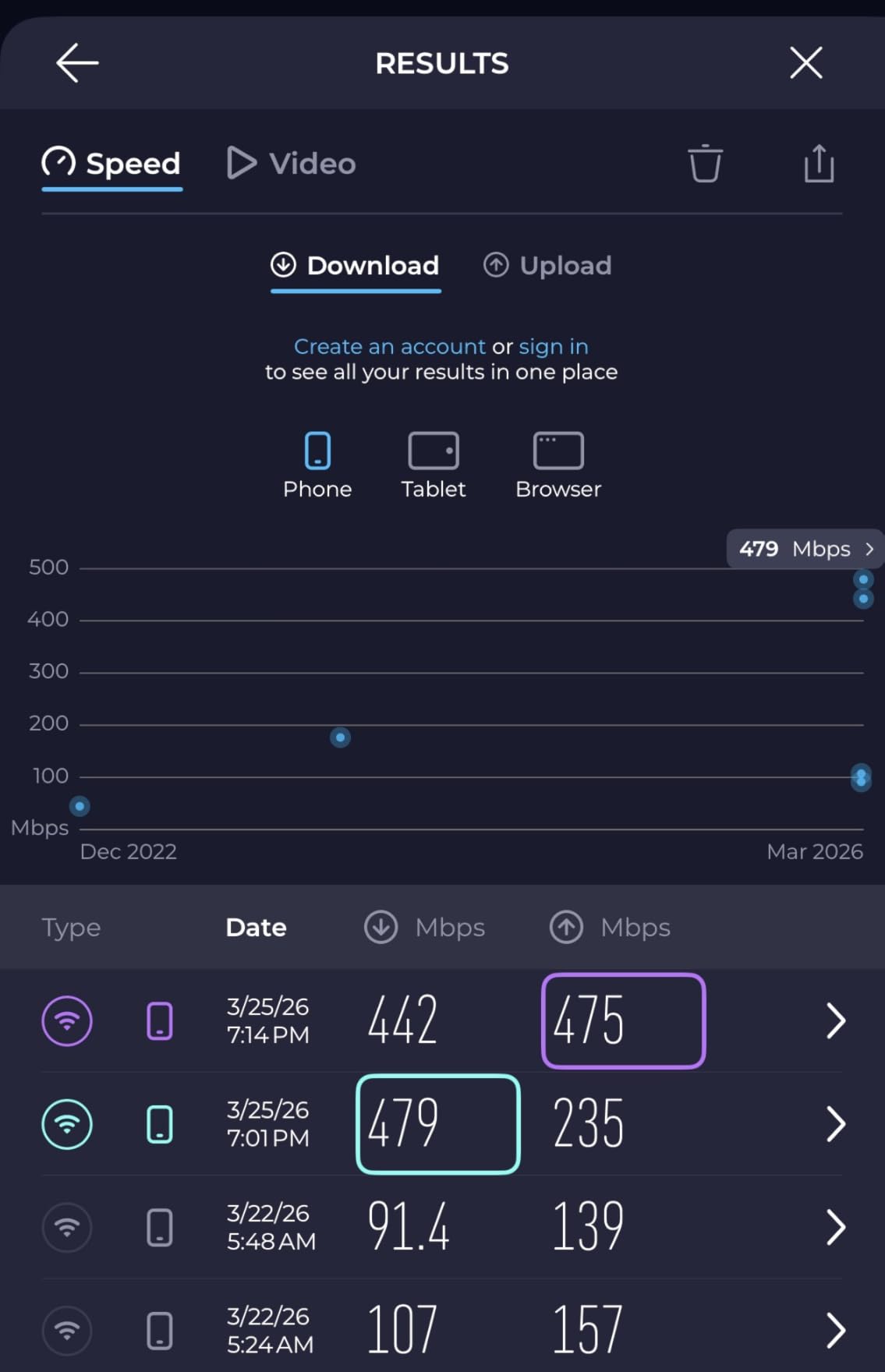
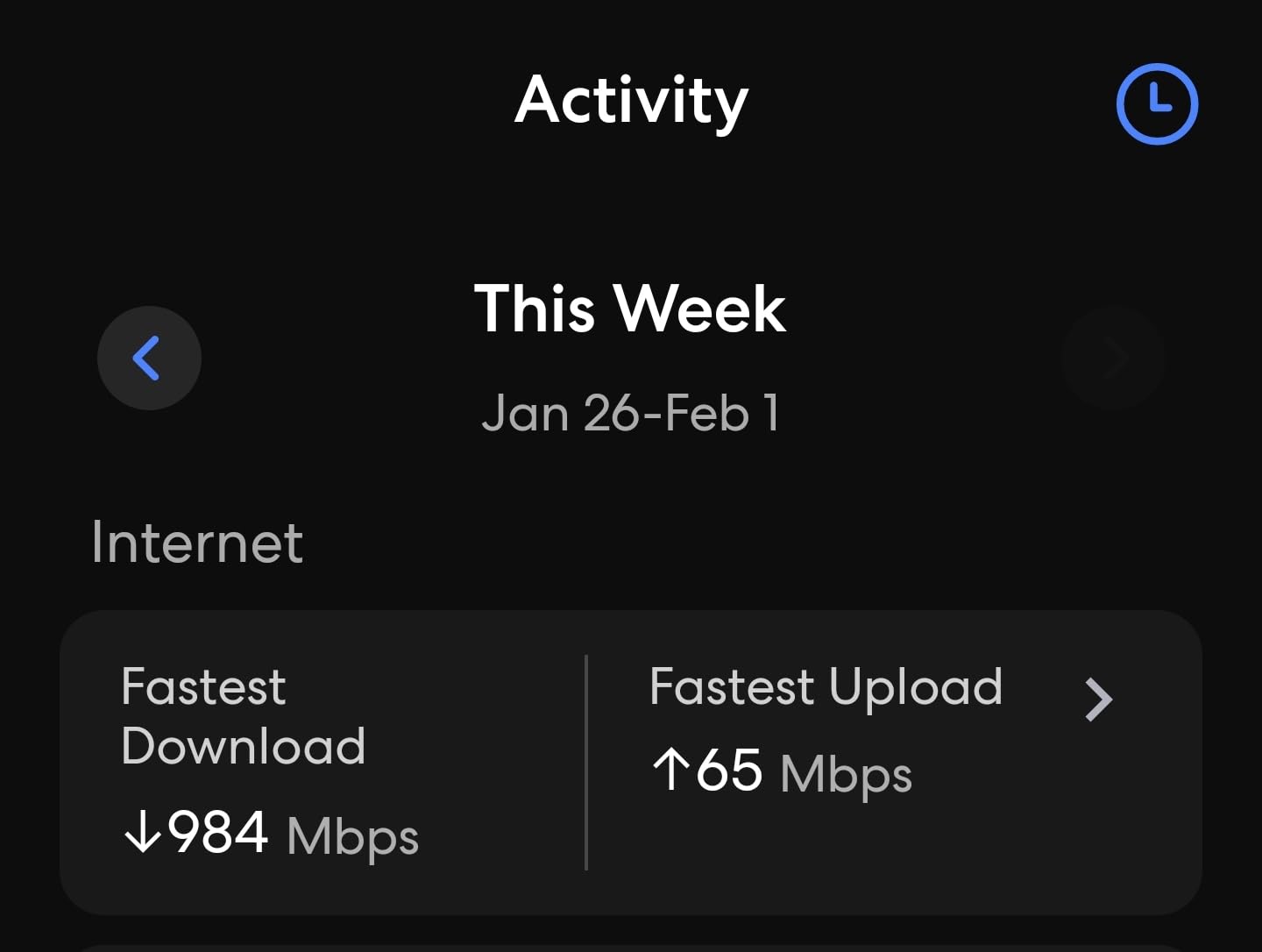
Buy the eero Pro 6E if you have a multi-floor home, a gigabit or multi-gig internet plan, and you want the most balanced mesh in the lineup. The 3-pack covers up to 6,000 square feet and supports internet plans up to 2.5 Gbps through a single 2.5 GbE port, which is enough headroom for today’s fastest home plans and the next upgrade after that.
Owners regularly mention the simple app setup and the lack of dead zones in multi-floor homes. Compared with the standard eero 6, the Pro 6E adds the 6 GHz band, which means lower latency for newer Wi-Fi 6E clients and cleaner backhaul between the three nodes. If you stream 4K, run work calls over Wi-Fi, or have a smart home that lives on the same network, that headroom matters.
Skip the Pro 6E if you have a smaller home and a single router will do, since the eero 6 below is a less expensive route. Jump to the eero Pro 7 instead if you want the newest standard and more bandwidth per device. Owners report the occasional drop after a firmware update, and a small share mention the price as the main reason to look at the eero 7 instead.
Wired backhaul is one underrated benefit: the 2.5 GbE port on each node lets you connect two of the three units with an Ethernet run if your home is already wired, which removes the wireless backhaul concern entirely in most layouts.
2. eero 7: Best Value Wi-Fi 7
Amazon eero 7 dual-band mesh Wi-Fi 7 router (newest model) – Supports internet plans up to 2.5 Gbps, Coverage up to 6,000 sq. ft., 3-pack
Standard: Wi-Fi 7
Coverage: 6,000 sq ft
Devices: 120+
Ports: Two 2.5 GbE
Pros
- Entry-level Wi-Fi 7 router
- Multi-link operation for lower latency
- Two 2.5 GbE wired ports
- Three-year warranty
- Backward compatible with all eero
Cons
- Newer platform with fewer owner reviews
- Dual-band only (no dedicated 6 GHz backhaul)
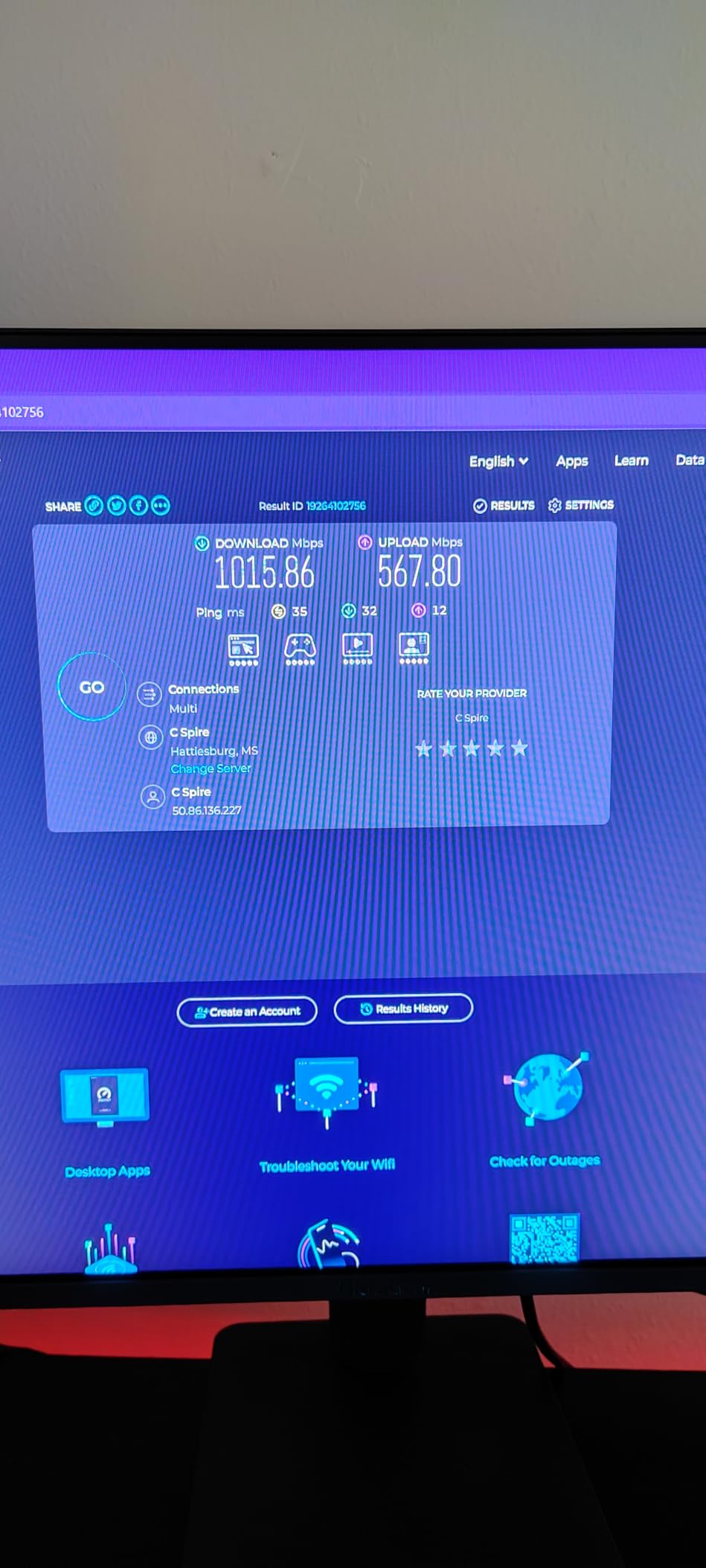
In a 2,500 square foot family home with a gigabit plan, a 4K TV in the living room, work calls over Wi-Fi and a handful of smart speakers, the eero 7 is a strong fit if you want Wi-Fi 7 without paying for the Pro 7’s 5 GbE ports. The 3-pack is rated for 6,000 square feet and 120+ devices, wireless speeds top out at 1.8 Gbps, and the two auto-sensing 2.5 GbE ports give you real wired headroom for a NAS, a gaming PC or a desktop workstation.
Wi-Fi 7’s headline feature is multi-link operation, which lets compatible devices use more than one band at once. Owners who upgraded from older eero systems report noticeably steadier connections on newer laptops and phones, especially in rooms that used to feel borderline.
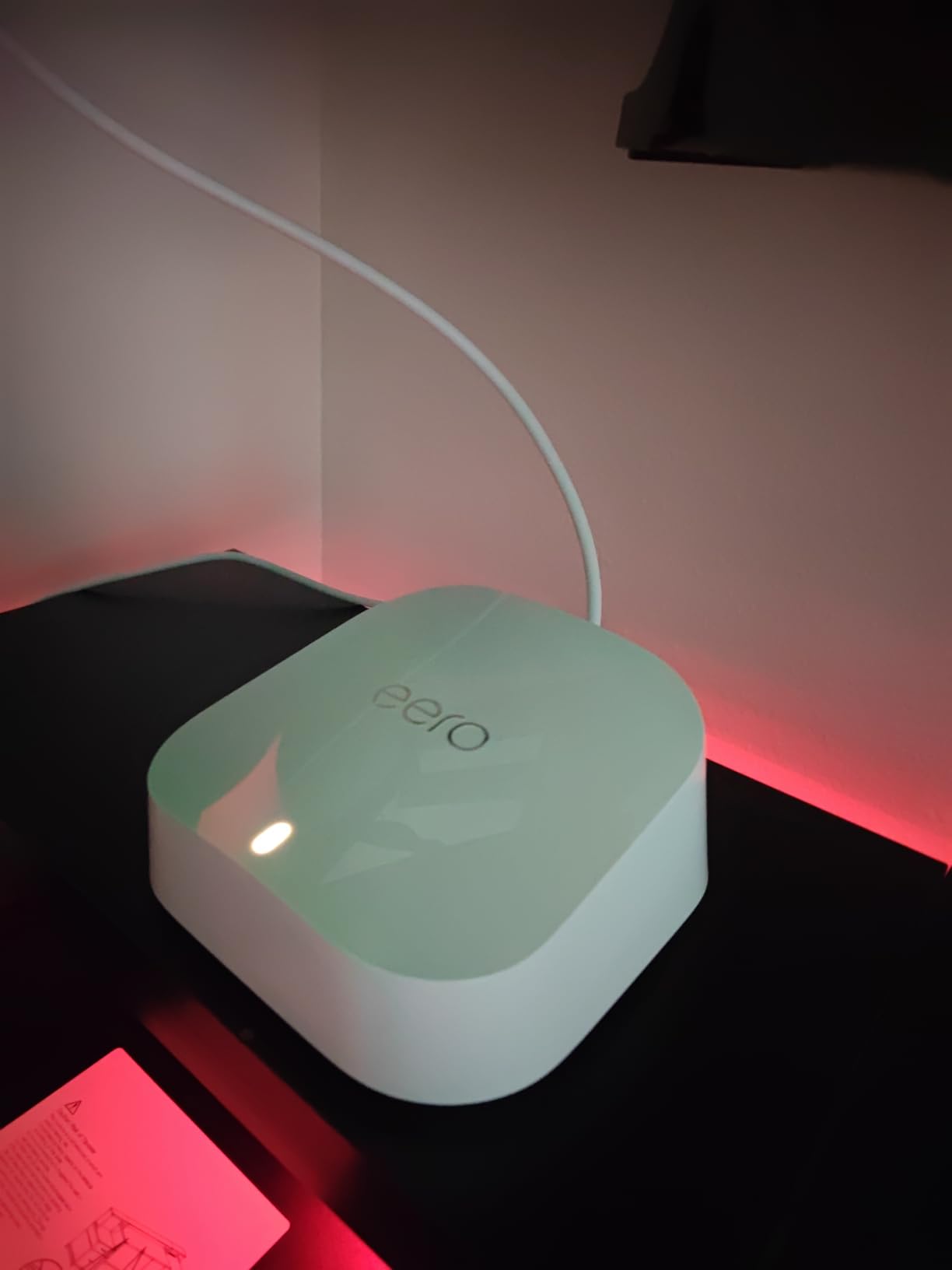
Compared with the eero Pro 7 further down, the eero 7 has a lower device ceiling and a lower wireless top speed. Pick the Pro 6E above if you do not need Wi-Fi 7 yet and prefer the more mature 6E platform. For shoppers who want a forward-looking network that still costs less than the Pro tier, this 3-pack is the sweet spot of the lineup.
Worth knowing: the eero 7 works with the eero Built-in feature on select Amazon Echo devices, so a compatible Echo can extend your mesh into a far corner of the house without buying a new node. The three-year warranty is also longer than what older eero generations shipped with.
3. eero Pro 7: Best for Power Users
Amazon eero Pro 7 tri-band mesh Wi-Fi 7 router (newest model) – Supports internet plans up to 5 Gbps, Coverage up to 6,000 sq. ft., 3-pack
Standard: Wi-Fi 7
Coverage: 6,000 sq ft
Devices: 600+
Ports: Two 5 GbE
Pros
- Top-tier Wi-Fi 7 at 3.9 Gbps wireless
- Two 5 GbE wired ports
- Supports internet plans up to 5 Gbps
- Multi-link operation
- Three-year warranty
Cons
- Premium price even on sale
- Overkill for typical home use
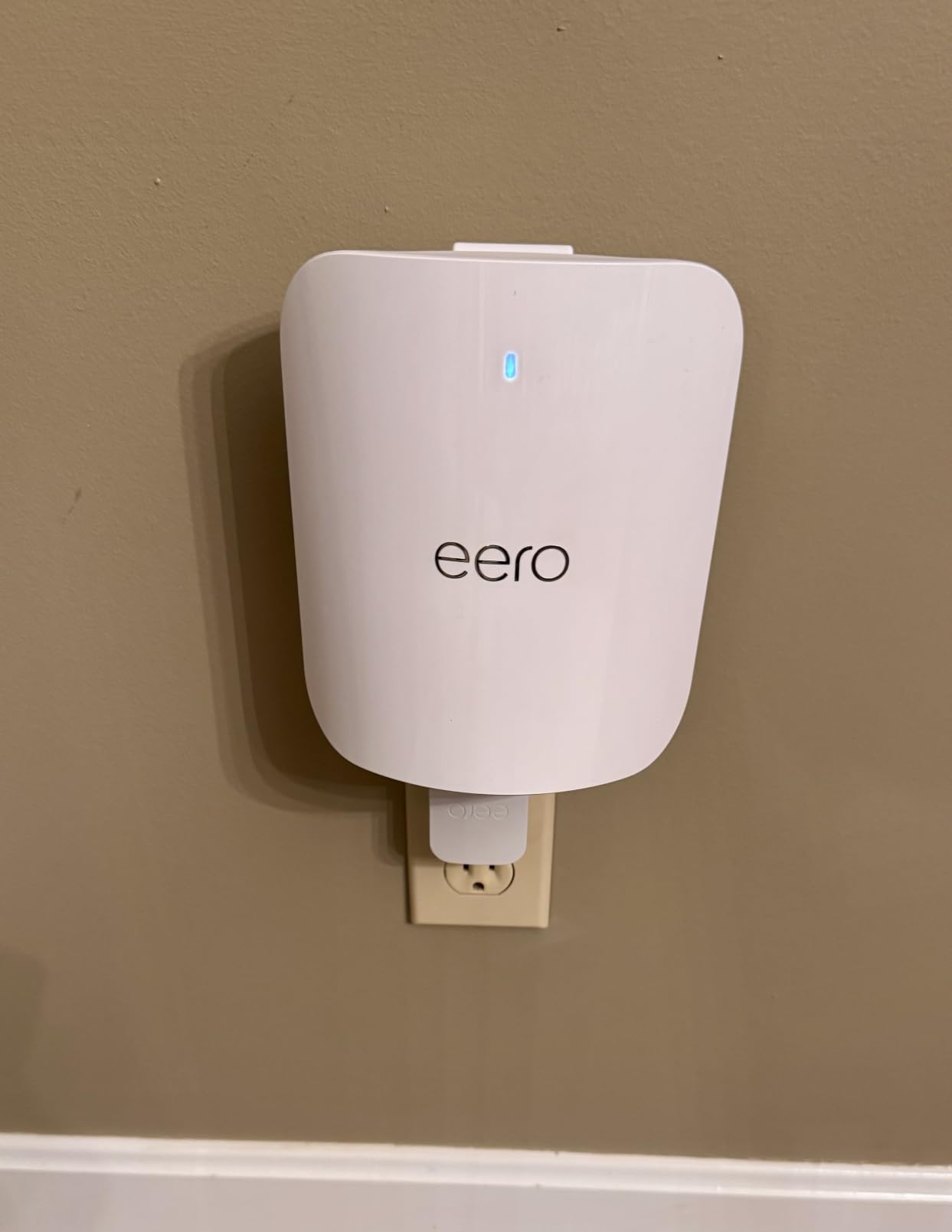
Most homes do not need a router that supports 600+ devices and 5 Gbps internet plans. If yours does, this is the eero to watch. The 3-pack supports internet plans up to 5 Gbps, with two 5 GbE ports on each unit and wireless speeds up to 3.9 Gbps. eero rates the bundle for 600+ devices, which puts it in small-business territory as well as busy smart homes with dozens of bulbs, cameras and appliances.
For most households, the Pro 7 is more network than needed, and reviewers tend to land on it after outgrowing a previous mesh. The two 5 GbE ports are the practical draw for anyone running a multi-gig fiber plan, a fast NAS or a creative studio that pushes large files over the local network.
Versus the eero 7 above, the Pro 7 trades up on ports and ceiling speed, at a much higher price. Versus the Pro 6E, the Pro 7 is the move when you want Wi-Fi 7 over 6E, multi-gig wired backhaul, and room for hundreds of devices. If your current plan is under a gigabit and your device count is in the dozens, the eero 7 is the smarter buy for your wallet.
Bottom line: the three-year warranty is longer than older eero generations shipped with, which matters on a flagship router meant to anchor the network for years. For a smaller home or a sub-gig plan, the eero 7 above is a better fit for the budget.
4. eero 6: Best Budget Pick for Small Homes
Amazon eero 6 mesh wifi router – Supports internet plans up to 900 Mbps, Coverage up to 1,500 sq. ft., Connect 75+ devices, 1-pack
Standard: Wi-Fi 6
Coverage: 1,500 sq ft
Devices: 75+
Hub: Zigbee
Pros
- Wi-Fi 6 at a low entry price
- Built-in Zigbee smart home hub
- Easy app setup
- TrueMesh reduces drop-offs
- Cross-compatible expansion
Cons
- Only one Ethernet port
- Needs existing modem/router
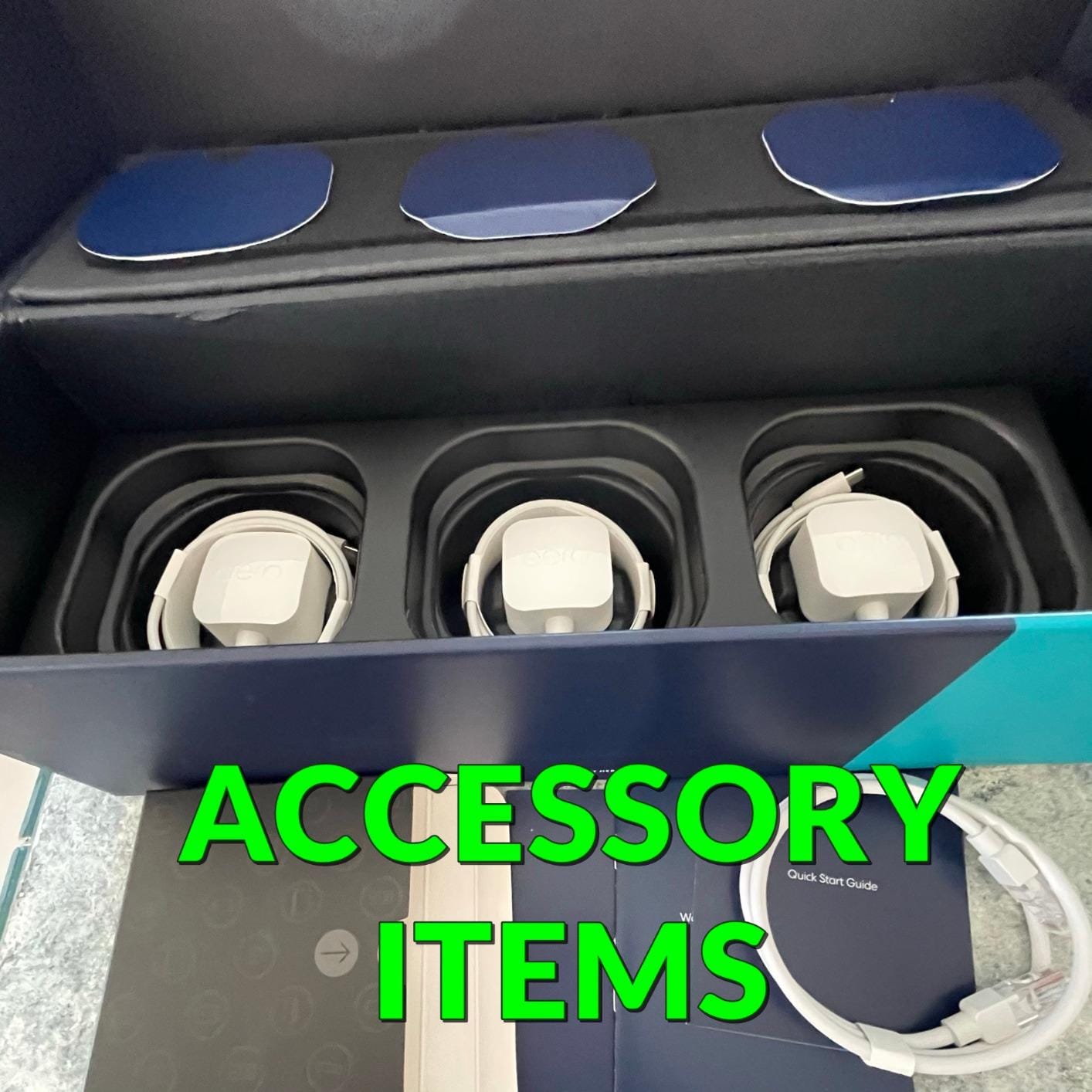
More than 29,000 owner reviews on this listing make the eero 6 the most owner-tested eero in the roundup, and the budget pick for a reason. A single router covers up to 1,500 square feet and supports internet plans up to 900 Mbps, which is enough for a typical apartment, a small single-story home or a home office.
Owners consistently mention the easy app setup and the bump in coverage over the router their ISP installed. The built-in Zigbee smart home hub is the quiet win here: compatible bulbs, plugs and sensors can pair through Alexa without a separate bridge, which is a small thing until you have a dozen devices that would otherwise each need their own hub.

Skip the eero 6 if you want Wi-Fi 7, since the platform is Wi-Fi 6 with a smaller device ceiling. The refurbished model below is the cheaper way in for a single room, but the eero 6 here is the safer pick for a first mesh because it is new and has a much larger review base. The two real limits reviewers flag are a single Ethernet port and the need for an existing modem or router on the line.
Heads up on sizing: eero sells this model in 1-pack, 2-pack and 3-pack forms. If your home is closer to 2,000 square feet or has thick interior walls, the 3-pack is usually a better value than chasing a higher model number.
5. eero Mesh Router (Refurbished): Best Low-Cost Add-On
Like-New Amazon eero mesh wifi router – Supports internet plans up to 550 Mbps, Coverage up to 1,500 sq. ft., 1-pack
Standard: Wi-Fi 5
Coverage: 1,500 sq ft
Condition: Refurbished
Speed: 550 Mbps
Pros
- Lowest price in the lineup
- Refurbished to like-new condition
- Easy to add to an existing eero network
- Works with most ISPs
- TrueMesh traffic routing
Cons
- Wi-Fi 5 only
- Needs an existing modem/router
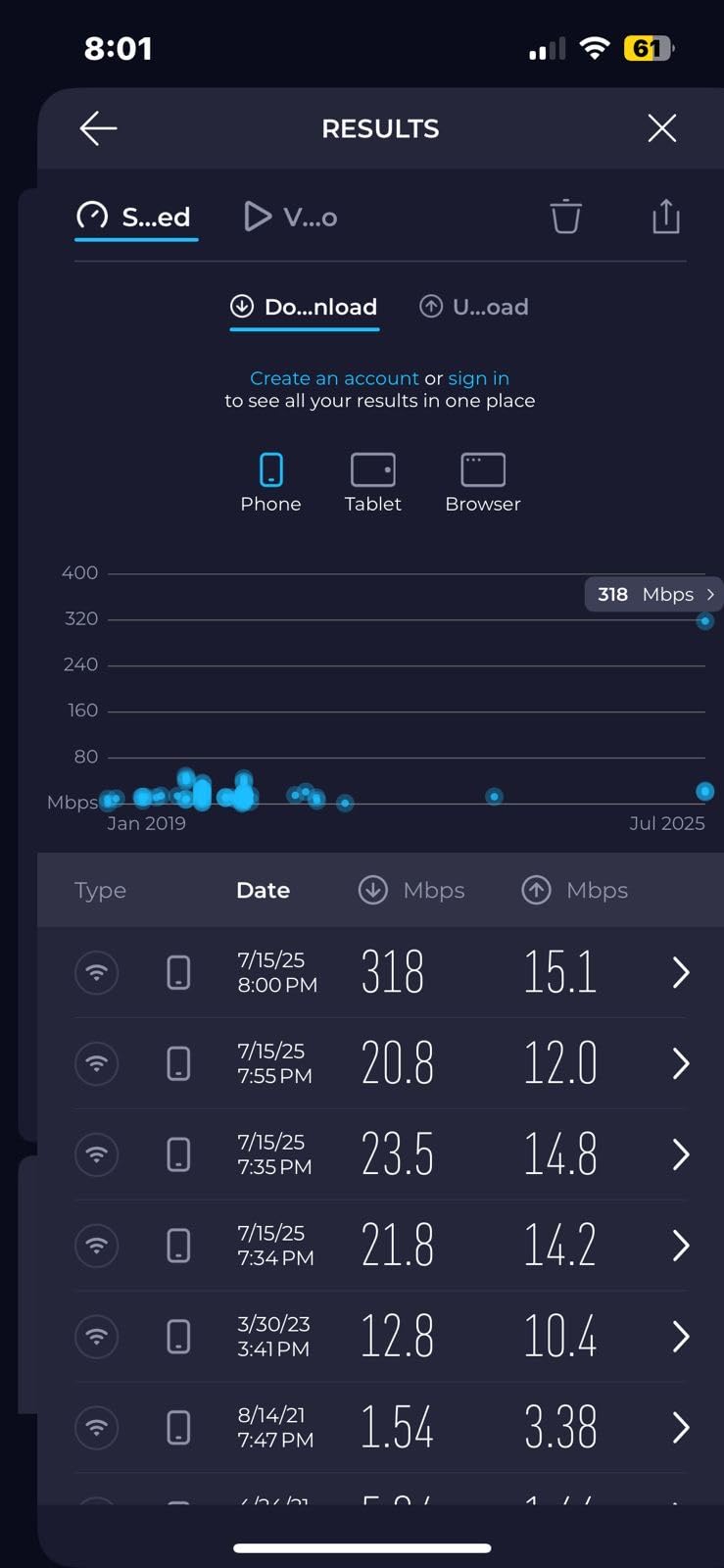
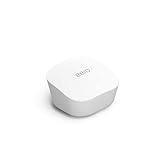
Apartment dwellers with a sub-gig plan, and buyers who already own eero and need one more node for a basement or garage, are the audience for this refurbished unit. The certified refurbished router is tested to look and work like new, ships with the same limited warranty as a new eero device, and covers up to 1,500 square feet. Owner reviews on the refurbished listing lean positive on value and condition.
The realistic use case is a small apartment or a single room that needs better Wi-Fi, or a buyer who already owns eero and just wants an extra node to push coverage into a basement, a garage or a converted office. It is not a primary router for a gigabit plan, and the Wi-Fi 5 ceiling keeps it out of the running for heavy 4K streaming or serious gaming.
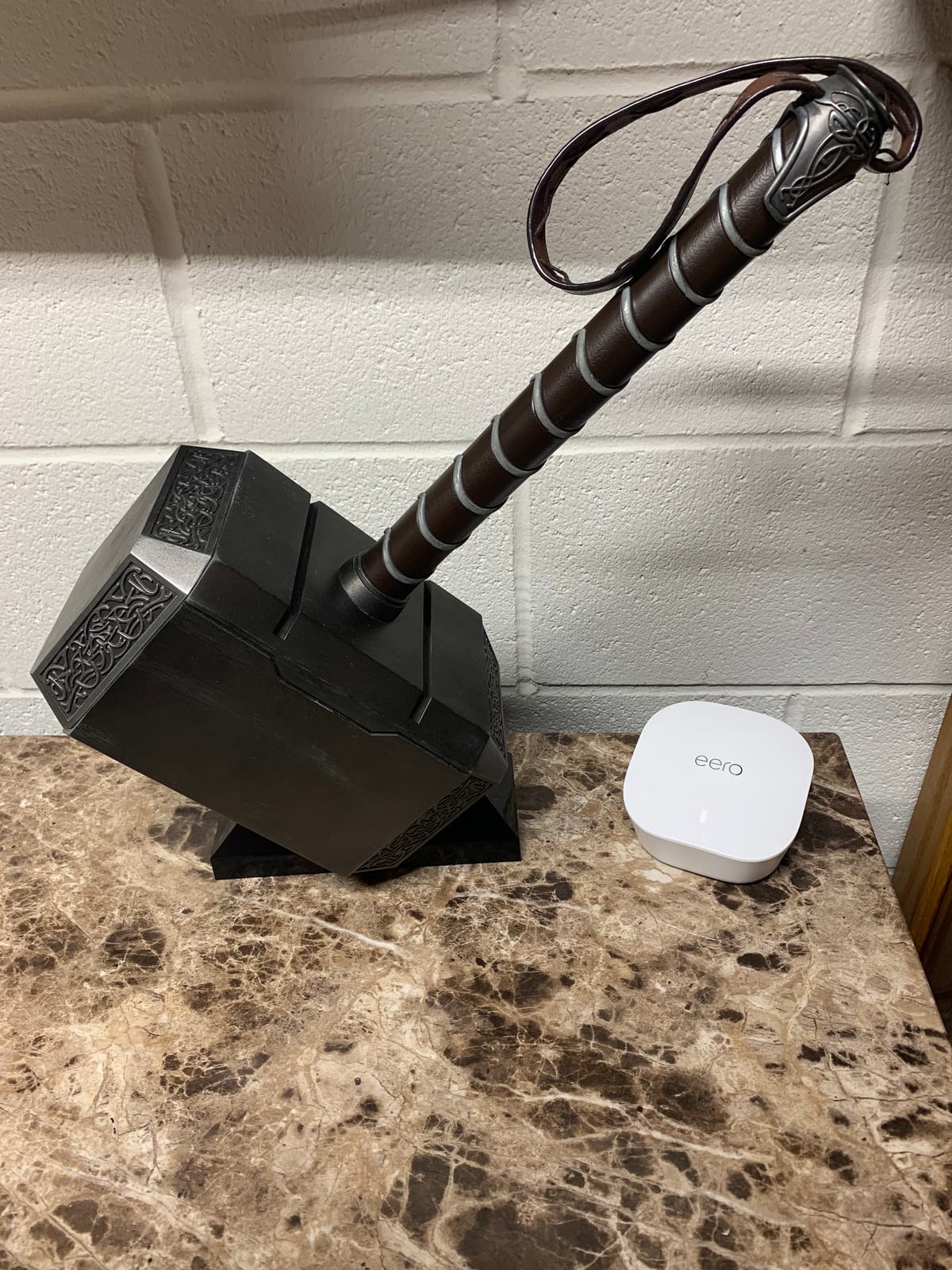
Versus the eero 6 above, this refurbished unit is the cheaper way in, but you give up Wi-Fi 6, the Zigbee hub and a much larger review base. For shoppers with a modest home and a sub-gig plan who want eero’s app experience at the lowest cost, the refurbished router is the one to watch. For anything larger or newer, the eero 6 is the safer bet.
Setup caveat: the refurbished router cannot run as a standalone replacement for your modem. It expects a modem or an existing router upstream, which is normal for eero but worth confirming if you are switching from an ISP all-in-one box.
6. eero Outdoor 7: Best for Backyard and Patio
Amazon eero Outdoor 7 dual-band mesh wifi router (newest model), Weatherproof rating of IP66, Coverage up to 15,000 sq. ft. outdoors, 1-pack, Includes 30W PoE+ adapter
Standard: Wi-Fi 7
Coverage: 15,000 sq ft
Rating: IP66
Power: AC or PoE+
Pros
- Weatherproof IP66 for year-round outdoor use
- Up to 15000 sq ft outdoor coverage
- Wi-Fi 7 with 2.1 Gbps wireless
- Works in temperatures from -40F to 131F
- PoE+ or AC power
Cons
- Single-node add-on
- Needs an indoor eero network
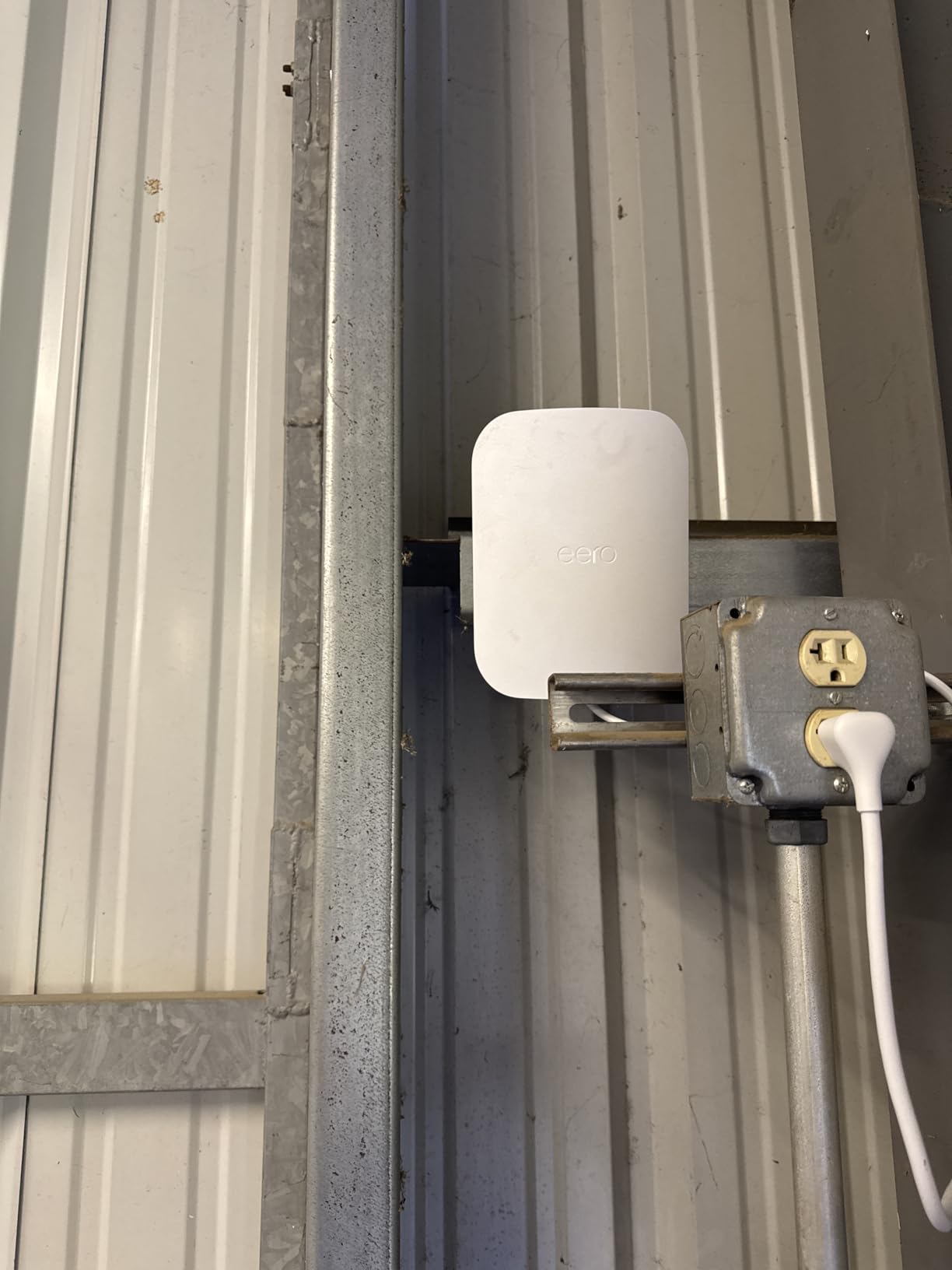
On a patio, in a yard, around a pool or in a detached garage, this is the only router in the roundup that will survive the weather. The Outdoor 7 carries an IP66 rating against dust, rain and snow, runs in temperatures from -40F to 131F, and extends eero mesh coverage up to 15,000 square feet into outdoor spaces. Wireless speeds hit 2.1 Gbps on Wi-Fi 7, and the unit ships with a 30W PoE+ adapter so you can power it over an Ethernet run from a basement or attic.
Owners mention using it for outdoor security cameras, music on patio speakers and working from a backyard office. The PoE+ option is the practical draw for anyone who already has a network drop outside or is willing to run one.
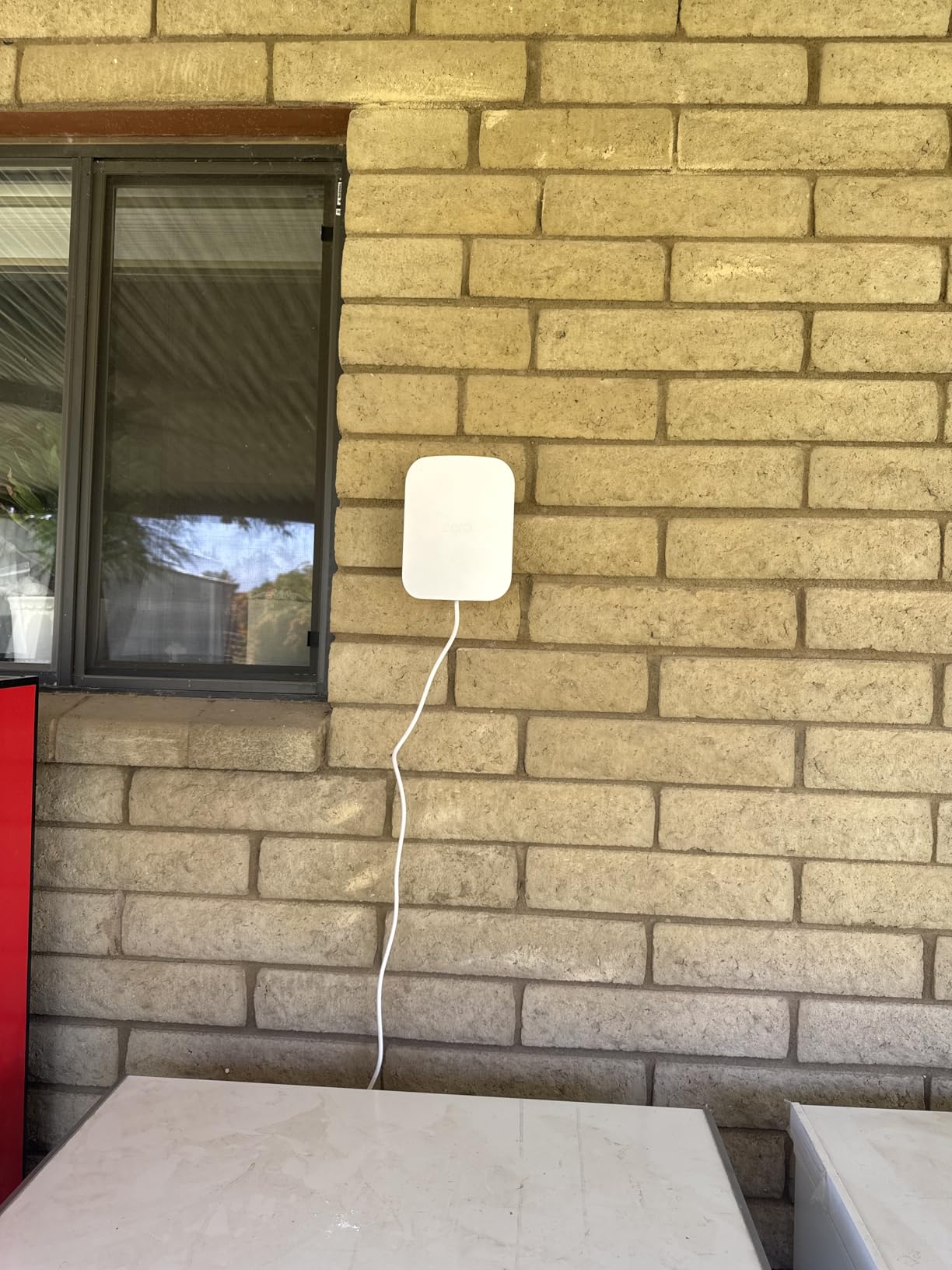
Pick the Outdoor 7 only if you already own or plan to buy an indoor eero mesh, since the Outdoor 7 is a node, not a primary router. The Pro 6E above is the right indoor anchor for whole-home plus whole-yard coverage. If your yard is small and you only need better reach on a deck, the eero 7 is probably the simpler answer at a lower entry point.
Setup note: even with an IP66 rating, eero recommends mounting the Outdoor 7 under an eave or a covered spot when possible. That keeps direct sun and driving rain off the unit and tends to extend its life in extreme climates.
How to Choose an eero Mesh System During Prime Big Deal Days
Match the Wi-Fi standard to the devices you actually own
Wi-Fi 7 is worth watching if you have newer laptops, phones or consoles that support it, and the eero 7 and eero Pro 7 are the most affordable ways in. If your gear is mostly Wi-Fi 5 or Wi-Fi 6, the eero Pro 6E and the eero 6 already deliver steady whole-home performance without paying the Wi-Fi 7 premium. There is no penalty in buying one standard ahead, but there is also little to gain if your clients are older.
Size the system to your square footage, not the package count
Most eero listings show coverage in square feet. A 1,500 square foot apartment is usually fine with a single eero 6 or refurbished eero router. A 2,000 to 3,000 square foot home typically needs a 2-pack or 3-pack, and 4,000 square feet or multi-floor layouts usually need a 3-pack with a Pro or Wi-Fi 7 model to keep the backhaul clean.
Check the port layout before you commit
The eero 6 and the refurbished router give you a single wired port. The eero 7 adds two 2.5 GbE ports, the eero Pro 6E has one 2.5 GbE port, and the eero Pro 7 has two 5 GbE ports. If you plan to wire a desktop, a gaming console, a NAS or a switch, count those ports first. Adding a small unmanaged switch later is fine, but the port count decides whether you need one in the first place.
Decide if you need outdoor coverage
If you want reliable Wi-Fi on a patio, in a yard or around a pool, the eero Outdoor 7 is the only eero built for it. Plan for one Outdoor 7 per 15,000 square feet of outdoor space, and add it to an existing eero mesh rather than running it as a standalone unit. Indoor eero nodes do not survive direct weather, so do not try to repurpose one for the yard.
How to shop eero deals during the sale
Prime Big Deal Days runs October 6-7, 2026, and most offers need an active Prime membership (a free trial counts). On the listing itself, check the model number and the pack count: eero 6, eero 7, eero Pro 6E, eero Pro 7 and the Outdoor 7 are distinct products, and 1-pack, 2-pack and 3-pack bundles are priced and rated differently. Watch the “sold by” line to make sure the seller is Amazon or eero directly, and confirm the condition is “new” unless you specifically want the refurbished router. Offer prices during the sale change through the event, so the button on each product is the only place to see the current number.
Quick checklist for buying eero during the sale:
- Match Wi-Fi standard to your newest devices
- Pick a pack count that covers your square footage
- Count the Ethernet ports you will actually use
- Add an Outdoor 7 only if you really need yard coverage
- Confirm the listing is new and sold by Amazon or eero
- Use the price button on each product to see today’s offer
Frequently Asked Questions
When does Amazon’s Prime Big Deal Days sale run in 2026?
Amazon’s Prime Big Deal Days runs October 6-7, 2026. The event is two days long, and most offers require an active Prime membership. A free trial counts as a membership during the sale, so first-time Prime users can shop the eero deals without paying up front for a subscription.
Do I need an Amazon Prime membership to buy eero deals during Prime Big Deal Days?
Yes, most Prime Big Deal Days offers need a Prime membership. A free trial counts for the sale, so you can sign up, shop the eero listings and decide whether to keep the membership before the trial ends. Some third-party sellers may list eero products at lower prices outside the event, but the sale pricing on the official listings is gated to Prime members.
Is the eero Pro 6E worth buying over the standard eero 6?
The eero Pro 6E is worth the step up if you have a larger home, a gigabit or multi-gig internet plan, or newer Wi-Fi 6E devices. The 3-pack covers up to 6,000 square feet and supports 100+ devices, and the 6 GHz band gives cleaner backhaul between nodes. For a small apartment or a sub-gig plan, the eero 6 is the better value.
How many eero nodes do I need for a 2,000 square foot home?
A 2,000 square foot home usually needs a 2-pack or 3-pack of eero nodes for steady coverage on every floor. A 1-pack eero 6 covers up to 1,500 square feet in open layouts, but interior walls and multi-floor layouts reduce real-world reach. A 3-pack eero 7, eero Pro 6E or eero Pro 7 is the safer pick for 2,000 square feet with a few extra rooms or a basement.
What’s the difference between eero 7 and eero Pro 7?
The eero 7 is the affordable dual-band Wi-Fi 7 router, while the eero Pro 7 is the tri-band model with two 5 GbE ports and room for 600+ devices. The Pro 7 supports internet plans up to 5 Gbps and wireless speeds up to 3.9 Gbps, and the eero 7 supports up to 2.5 Gbps plans and wireless speeds up to 1.8 Gbps. Both are Wi-Fi 7 with multi-link operation, but the Pro 7 is built for multi-gig plans and busy smart homes or small businesses.
Can I mix different eero models in the same mesh network?
Yes, eero nodes are designed to mix across generations inside the same mesh. You can run an eero 6 as your router and add an eero Pro 6E, an eero 7, an eero Pro 7 or an Outdoor 7 as a node, and the system will manage them together. Mixing is a common way to add outdoor coverage or to upgrade one room at a time without replacing the whole network.
Final Verdict: Best Amazon Prime Big Deal Days eero Deals
Buy the eero Pro 6E if you want the most balanced whole-home mesh and a router that will keep up with a gigabit or multi-gig plan. Buy the eero 7 if you want the most affordable path into Wi-Fi 7 with the same 6,000 square feet of coverage and two 2.5 GbE ports. Buy the eero Pro 7 if you push the network hardest, run a multi-gig plan or a small business, or want 5 GbE wired ports and room for 600+ devices.
Buy the eero 6 if you have a small home, a sub-gig plan and a smart home that will benefit from the built-in Zigbee hub. Buy the refurbished eero router if you want the lowest entry point or need a single node to add to an existing eero network. Buy the eero Outdoor 7 if reliable Wi-Fi on a patio, in a yard or around a pool is the goal, and plan to add it to an indoor eero mesh rather than running it alone.
Open the Amazon app, filter on the eero listings during Prime Big Deal Days on October 6-7, 2026, and use the price button on the pick that matches your home before the sale window closes.