
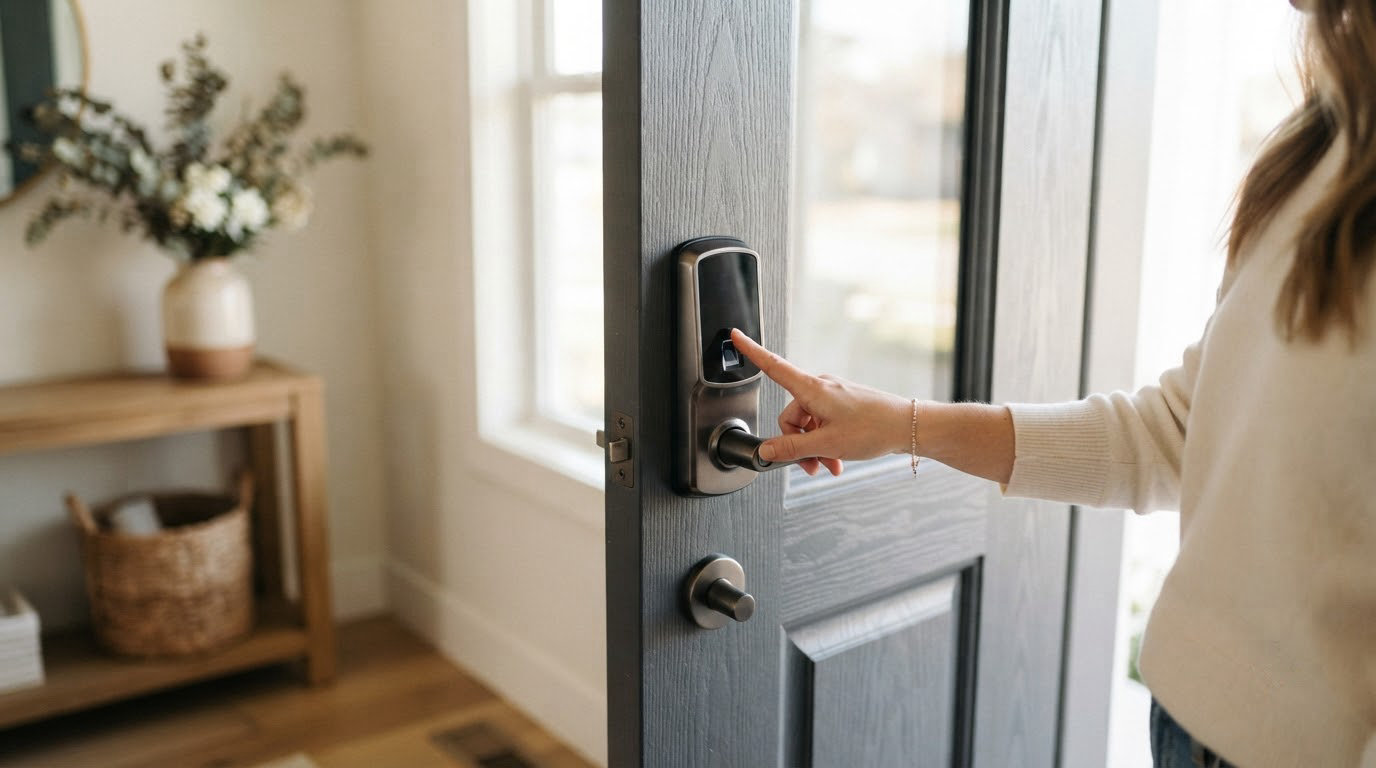
If you want one smart lock to start with and stop shopping, the Schlage Encode WiFi Deadbolt is the pick to watch during this sale. Built-in Wi-Fi, no separate hub and the largest review base of any lock on this list. Two others suit different homes: the August Smart Lock Pro mounts over the deadbolt you already own, so your key still works, and the ULTRALOQ Bolt SE fits seven ways to open the door into a mid-range body. Prime Big Deal Days runs October 6-7, 2026, and most offers need a Prime membership.
Our Top 3 Picks for Amazon Prime Big Deal Days Smart Lock Deals (October 2026)

Schlage Encode WiFi
- Built-in Wi-Fi with no hub
- Up to 100 access codes
- Alexa and Google Home
- Four AA batteries

August Smart Lock Pro
- Retrofit over your deadbolt
- Connect Wi-Fi bridge included
- Auto-Lock and Auto-Unlock
- Works with HomeKit

ULTRALOQ Bolt SE
- Fingerprint plus keypad
- Built-in Wi-Fi and Matter
- 50 prints and 50 codes
- Up to 18 months battery
Amazon Prime Big Deal Days Smart Lock Deals Compared
| Product | Specifications | Action |
|---|---|---|
| Schlage Encode WiFi |
|
Check Deal Price |
| August Smart Lock Pro |
|
Check Deal Price |
| ULTRALOQ Bolt SE |
|
Check Deal Price |
 TEEHO TE001 TEEHO TE001 |
|
Check Deal Price |
 Veise KS02A Veise KS02A |
|
Check Deal Price |
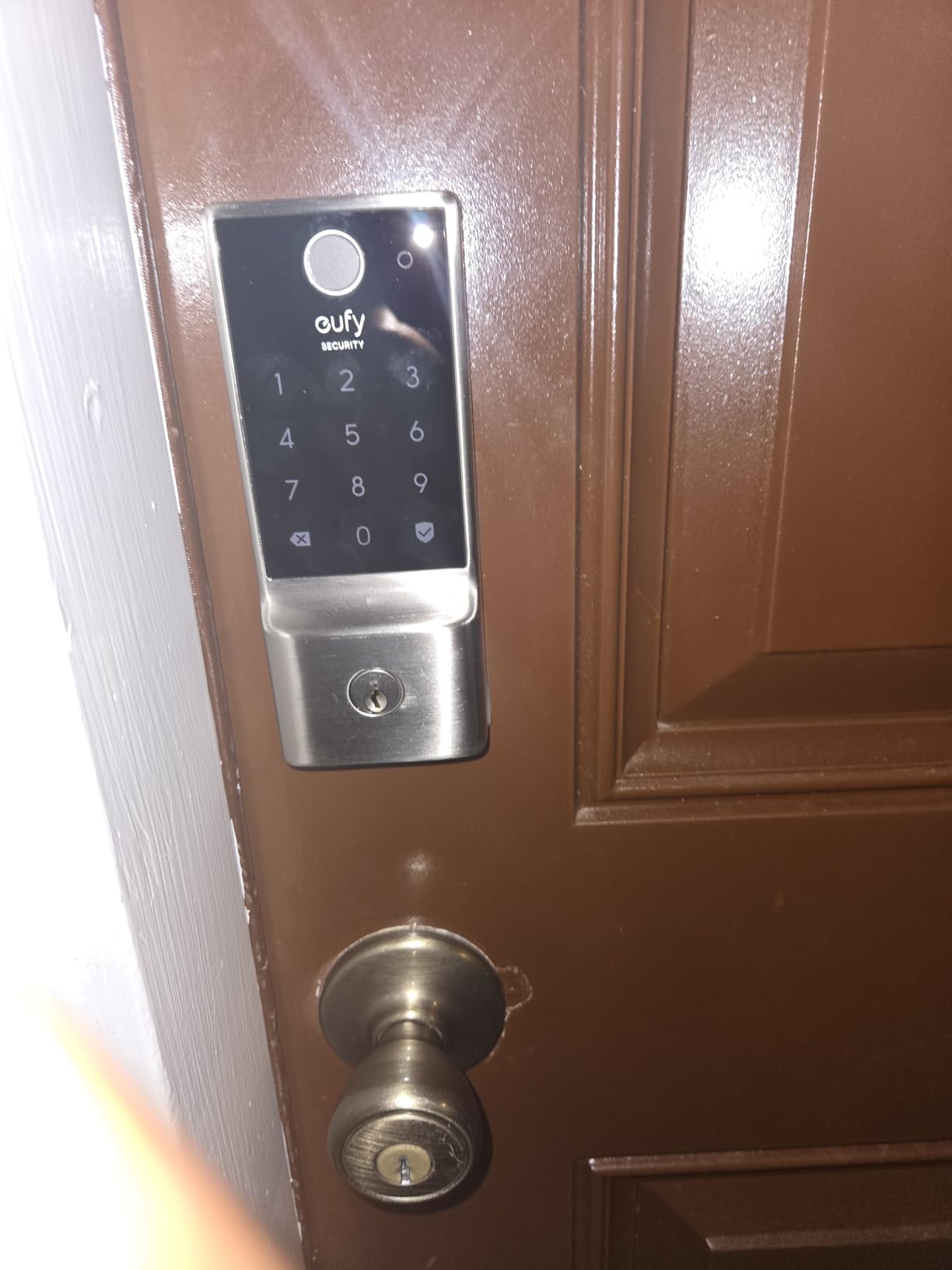
 eufy Smart Lock C220 eufy Smart Lock C220 |
|
Check Deal Price |
 Veise RZ07 Veise RZ07 |
|
Check Deal Price |
 Aqara Smart Lock U100 Aqara Smart Lock U100 |
|
Check Deal Price |
 Philips WiFi Deadbolt Philips WiFi Deadbolt |
|
Check Deal Price |
 Philips 4200 Handle Set Philips 4200 Handle Set |
|
Check Deal Price |
How We Chose
We compared the specs that decide whether a lock works on a real door: how it connects, how many ways it opens, how it is powered, what it takes to install and what the warranty covers. Ratings and owner review themes on Amazon were checked on October 2026, alongside which models need a hub and which run standalone.
1. Schlage Encode WiFi: Best for a Connected Front Door
Schlage Encode Smart WiFi Deadbolt Lock with Century Trim, Matte Black
Connectivity: built-in Wi-Fi
Unlock: 100 codes and key
Install: screwdriver no wiring
Pros
- No separate hub needed
- Up to 100 access codes with lock history
- Alexa and Google Home support
- Door-movement and forced-entry alarm
- Four AA batteries included
Cons
- Four AA batteries need periodic replacement
- Priced above keypad-only models
- No fingerprint reader
The safest all-round choice for a main entrance. The Encode is the only lock here that pairs a familiar mechanical deadbolt body with Wi-Fi in the unit itself, so there is no bridge to mount near the router and no battery pack in a hallway cupboard.
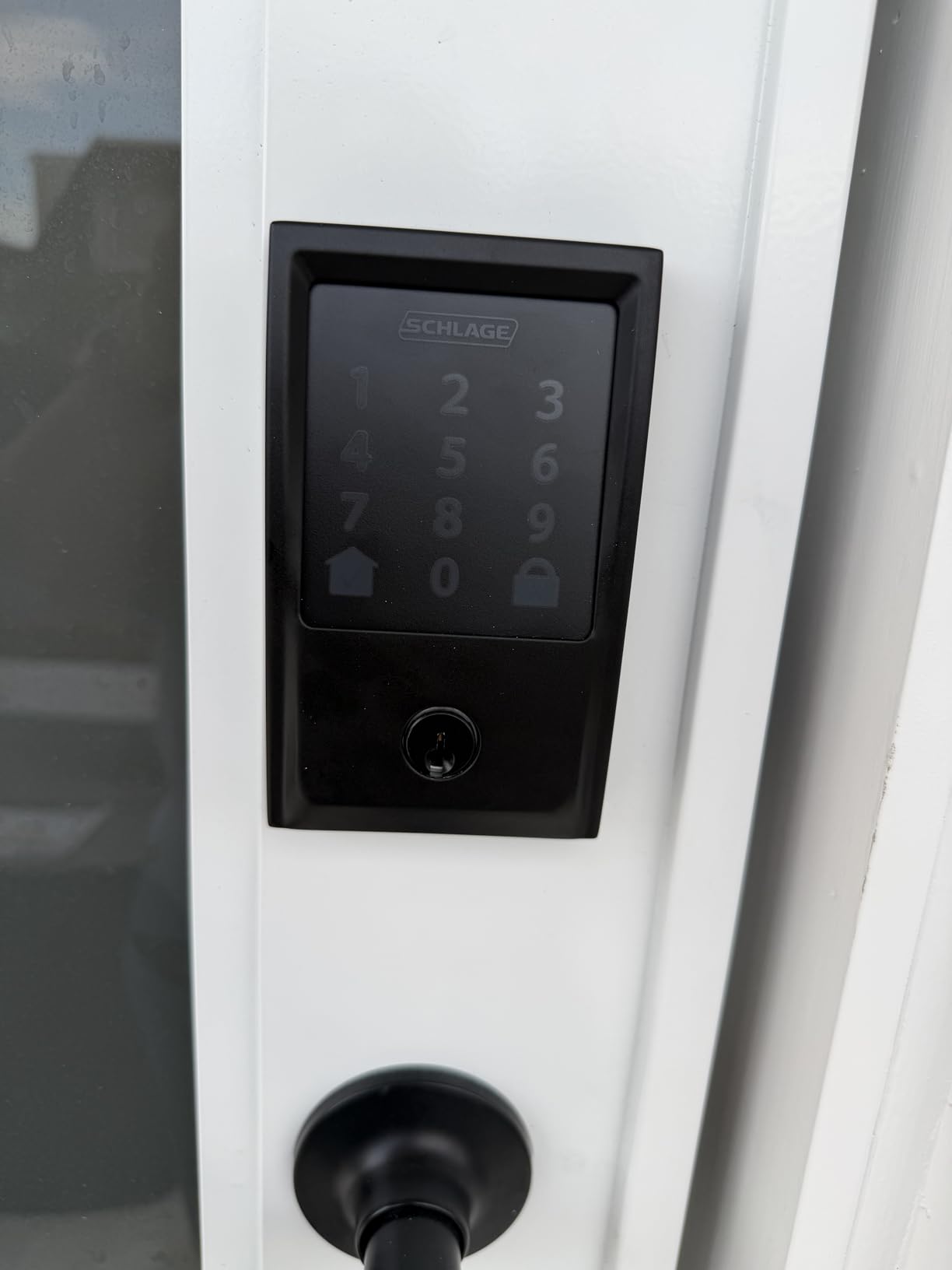
Access control is where it pulls ahead. You can push up to 100 access codes through the Schlage Home app, see a lock history, and set notifications for door movement and forced entry. A fingerprint-resistant touchscreen and an encrypted connection cover the parts that worry people about a keypad glowing on a front door at night.
The catch is mundane. It runs on four AA batteries, and owners note you will replace them a couple of times a year on a busy front door. The listing states up to six months of life with a low-battery indicator and one physical backup key, so you are never stranded, but this is a maintenance item the battery-free options on this list do not have.
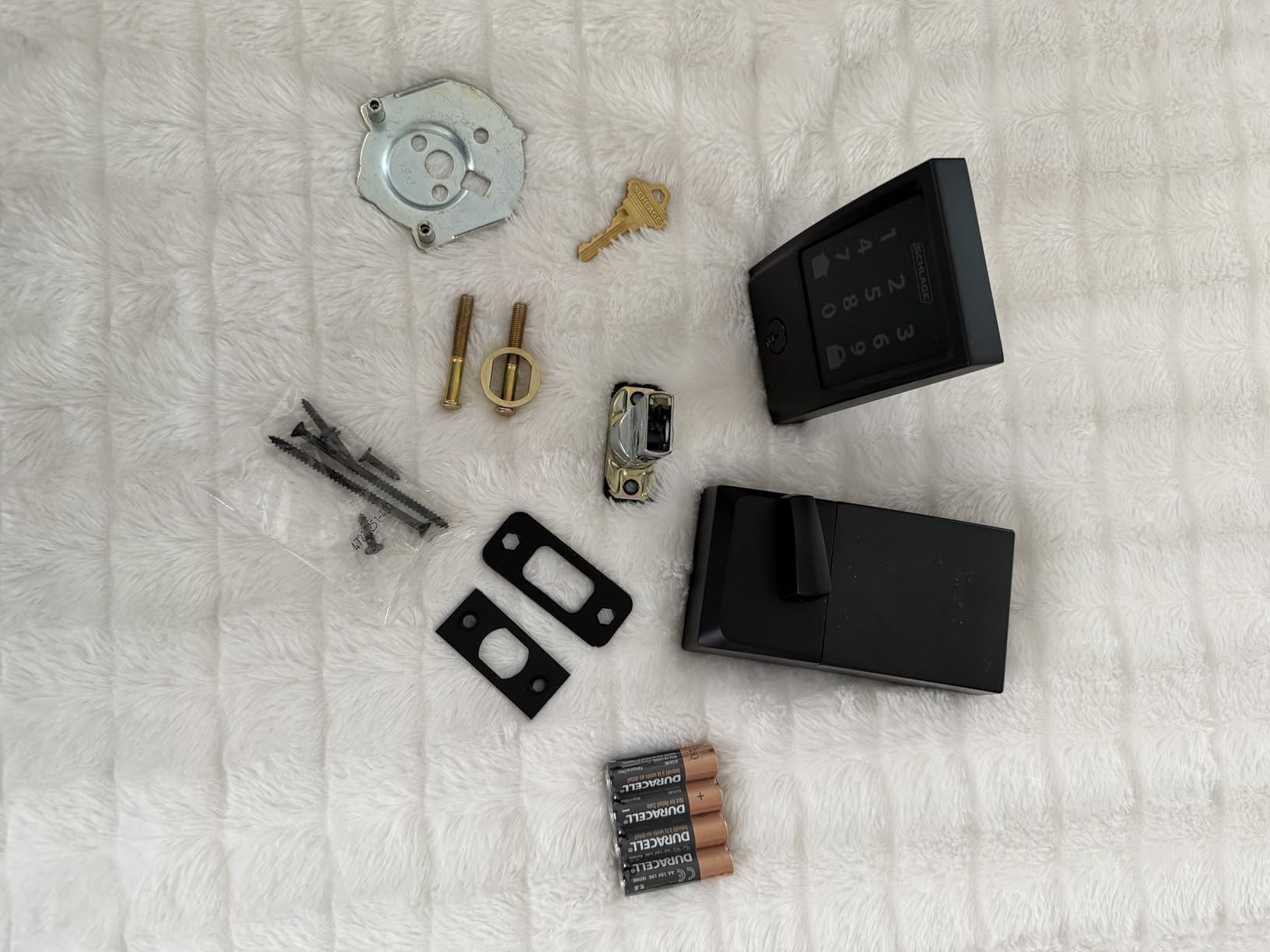
It fits doors from 1-3/8 in to 1-3/4 in thick and installs with a screwdriver and no hardwiring, which makes it a sensible weekend job rather than a contractor visit. If you want tap-to-unlock with an Apple Watch, the eufy Smart Lock C220 does that without extra hardware. If you cannot touch the deadbolt at all, the August Smart Lock Pro is the one to look at instead.
2. August Smart Lock Pro: Best for Renters Who Keep Their Deadbolt
August Home Smart Lock Pro + Connect Hub – Wi-Fi Smart Lock for Keyless Entry – Works with Alexa, Google Assistant, and more – Silver
Connectivity: Wi-Fi bridge
Unlock: keeps existing key
Install: fits over your deadbolt
Pros
- Existing deadbolt and key stay in place
- Connect Wi-Fi bridge in the box
- Auto-Lock and Auto-Unlock with DoorSense
- Works with Alexa HomeKit SmartThings and Vera
- Light at 13.92 ounces
Cons
- Highest cost in this roundup
- Bridge needs an outlet and a mounting spot
- Fit must be checked against backset and cross bore
Pick this when the door itself is not yours to change. The Pro body clamps over an existing single-cylinder deadbolt from the inside, so the exterior of the door looks untouched and your current key keeps working. That single design decision is why it keeps showing up in renter threads, and it is worth reading our guide to smart deadbolts for renters before you order.
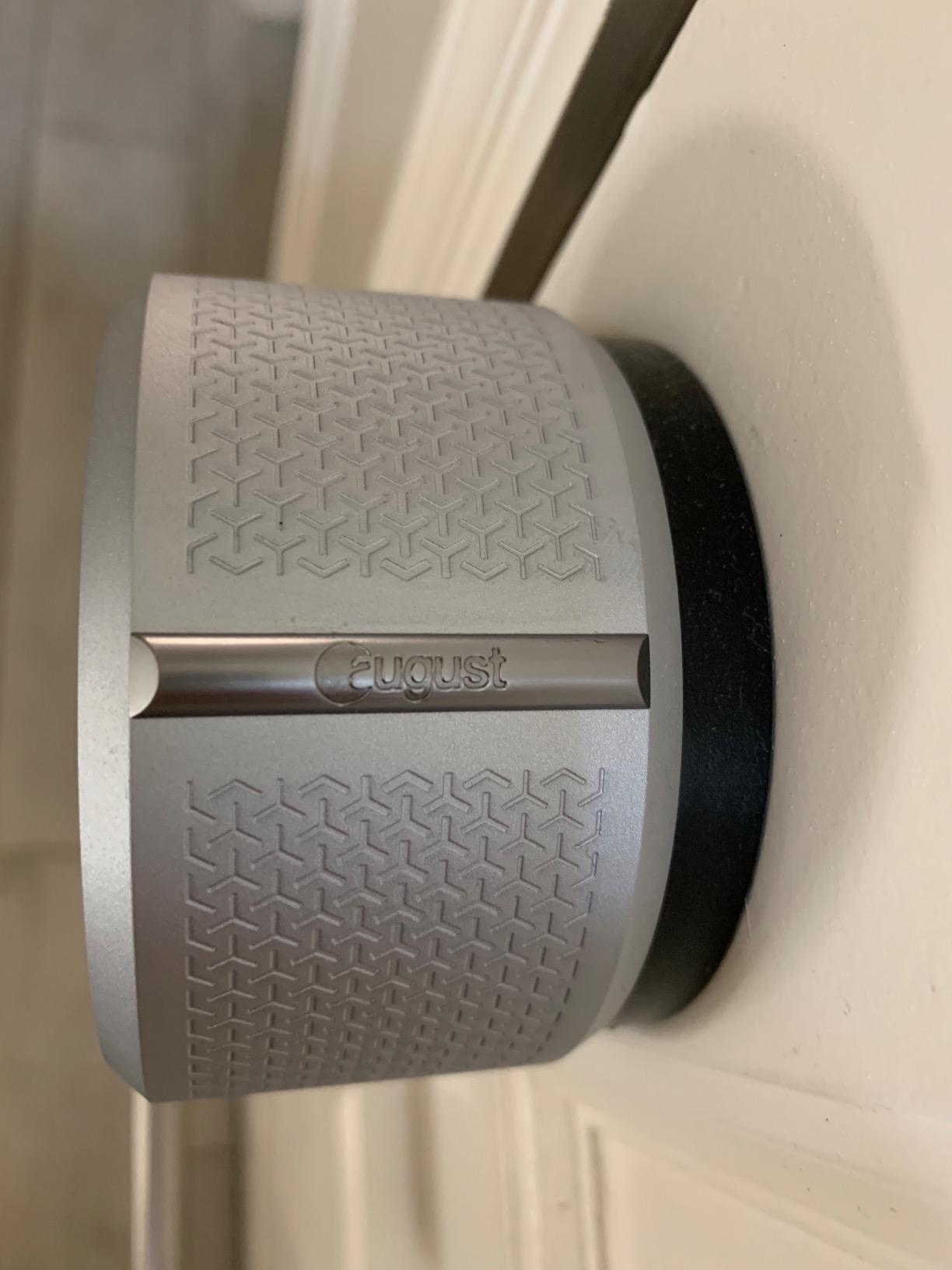
Remote access comes from the Connect Wi-Fi Bridge in the box, and the DoorSense sensor drives Auto-Lock and Auto-Unlock. The unlock side is the reason people buy it: walking up with a phone in your pocket opens the door without a code, and it relocks behind you. The lock weighs 13.92 ounces, so it adds almost nothing to the door.
Compatibility runs to Alexa, Apple HomeKit, SmartThings and Vera. That matters in a house with more than one ecosystem, where a lock tied to a single brand tends to get replaced within a year.
Two practical warnings. First, measure backset, cross bore and door thickness before buying, because a retrofit body still has to clear the existing hardware. Second, the bridge is a second device to place and another thing to keep updated. Owners also report occasional battery and bridge upkeep as the most common friction.
3. ULTRALOQ Bolt SE: Best for Feature Value Without a Hub
ULTRALOQ Bolt SE Wi-Fi Smart Lock, Matter Over Thread, App Remote Access
Connectivity: Wi-Fi and Matter
Unlock: 7 methods
Install: 10-minute DIY
Pros
- Only lock here with both built-in Wi-Fi and Matter
- 50 fingerprints and 50 codes
- Up to 18 months of battery life
- IP65 waterproof and ANSI BHMA certified
- Two mechanical keys included
Cons
- Matter needs a Thread Border Router you already own
- 2.4 GHz Wi-Fi only
- No door sensor so auto-lock cannot see the door
The most hardware in a single unit on this list. Seven ways in: up to 50 fingerprints, 50 passcodes, the phone app, a web portal, shared eKeys, voice control and two mechanical keys. For most households that is more capacity than the other locks here offer.
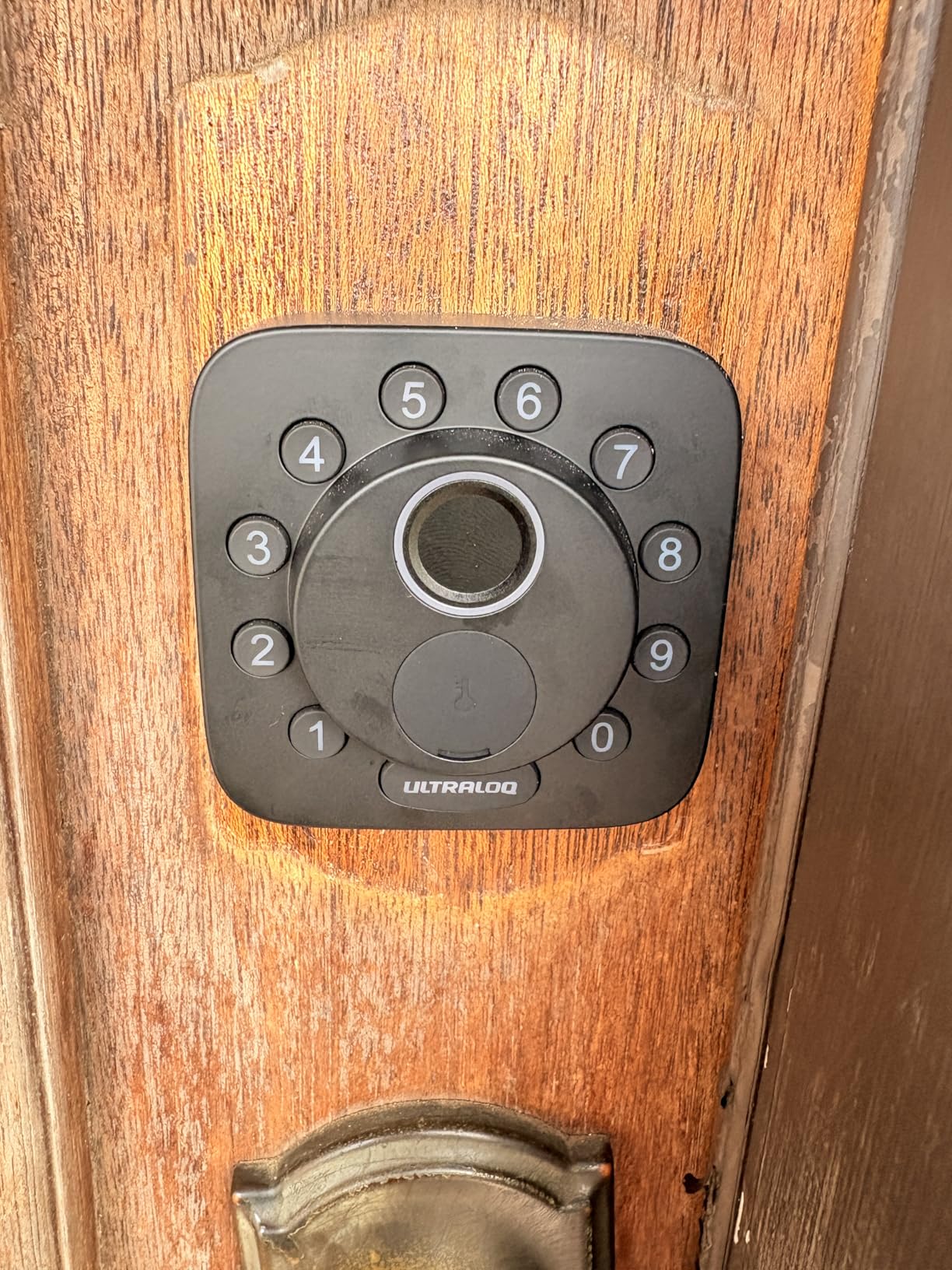
Connectivity is the interesting part. It has 2.4 GHz Wi-Fi built in for app control, and it also speaks Matter over Thread, so it drops into Apple Home and other Matter apps. Thread is the low-energy mesh that stretches the stated battery life to as much as 18 months between battery changes.
The catch is honest but conditional: using Matter requires a Thread Border Router already in the home. Plenty of Apple households have one from a nearby TV or speaker, and if you do not, the Wi-Fi path still works on its own. Owners also point out the lock is 2.4 GHz only, and the listing recommends keeping the router within about 70 ft.
Installation is quoted at 10 minutes with a screwdriver, and the zinc alloy body is IP65 rated. If you want fingerprint entry but nothing wireless, the Veise KS02A is cheaper and simpler. If Apple Home Key is the goal rather than Matter, the Aqara Smart Lock U100 is the closer fit.
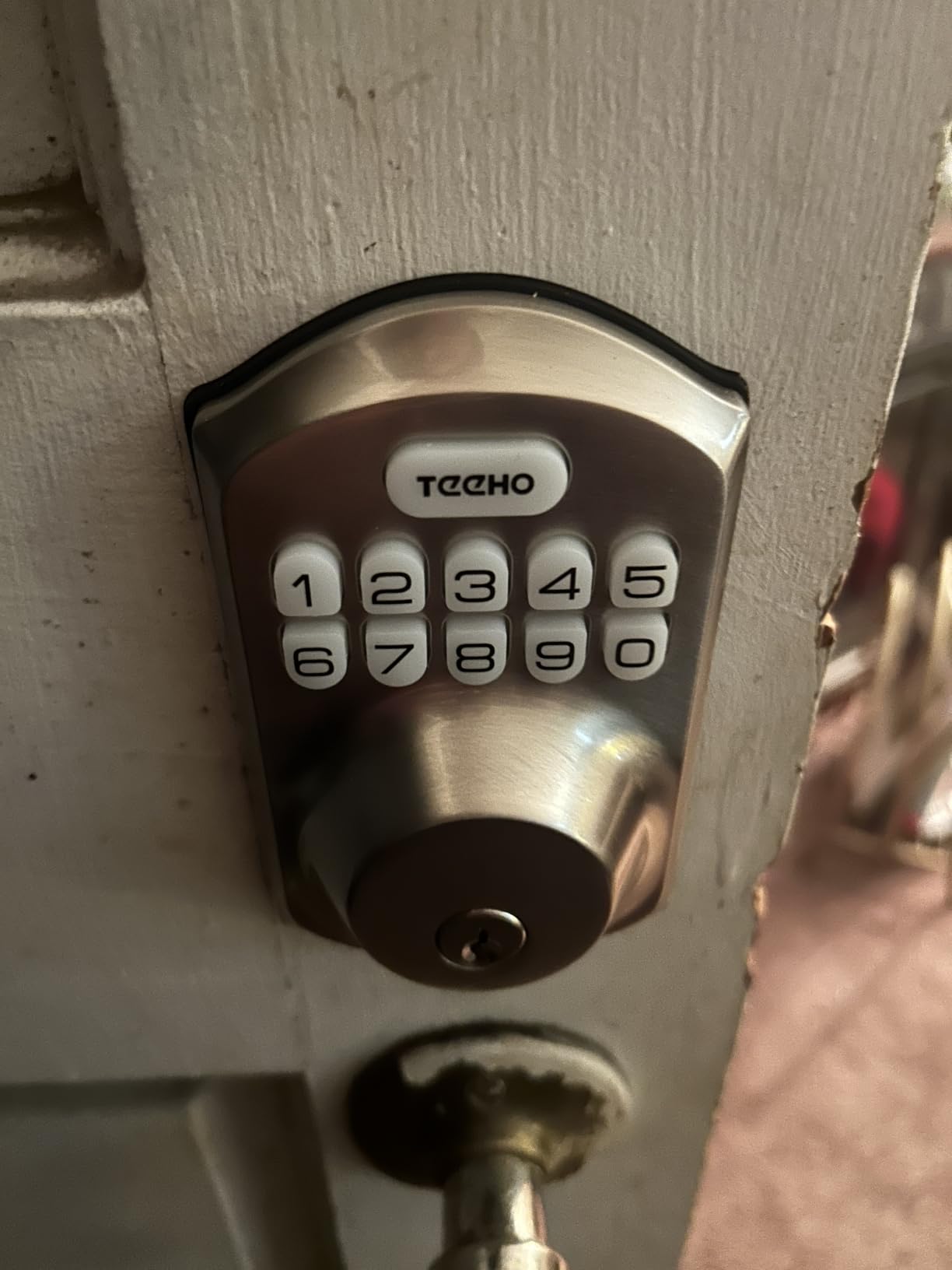
4. TEEHO TE001: Best for the Lowest Spend
TEEHO TE001 Keyless Entry Deadbolt with Keypad for Front Door, Matte Black
Connectivity: none keypad only
Unlock: 20 codes and PIN
Install: 54mm bore only
Pros
- Cheapest way to get keyless entry
- 20 codes plus a self-deleting guest PIN
- Auto-peeping code protection
- IP54 weather resistance
- Up to 365 days on 4 AA
Cons
- No app Wi-Fi or fingerprint reader
- Needs a 54mm bore and skips 38mm holes
- Batteries are not included
For a back door, a rental or a first upgrade, this does the job and nothing more. It is a keypad deadbolt with no wireless radio at all, and that is the point. Nothing to pair, no hub, no app to learn and no account to create.
It holds 20 individual access codes plus a single-use guest code that deletes itself after the first entry, which is genuinely useful for a contractor or a pet sitter. Anti-peeping digit disguising lets you enter a PIN with random digits pressed before and after, so a neighbour cannot read the code over your shoulder.
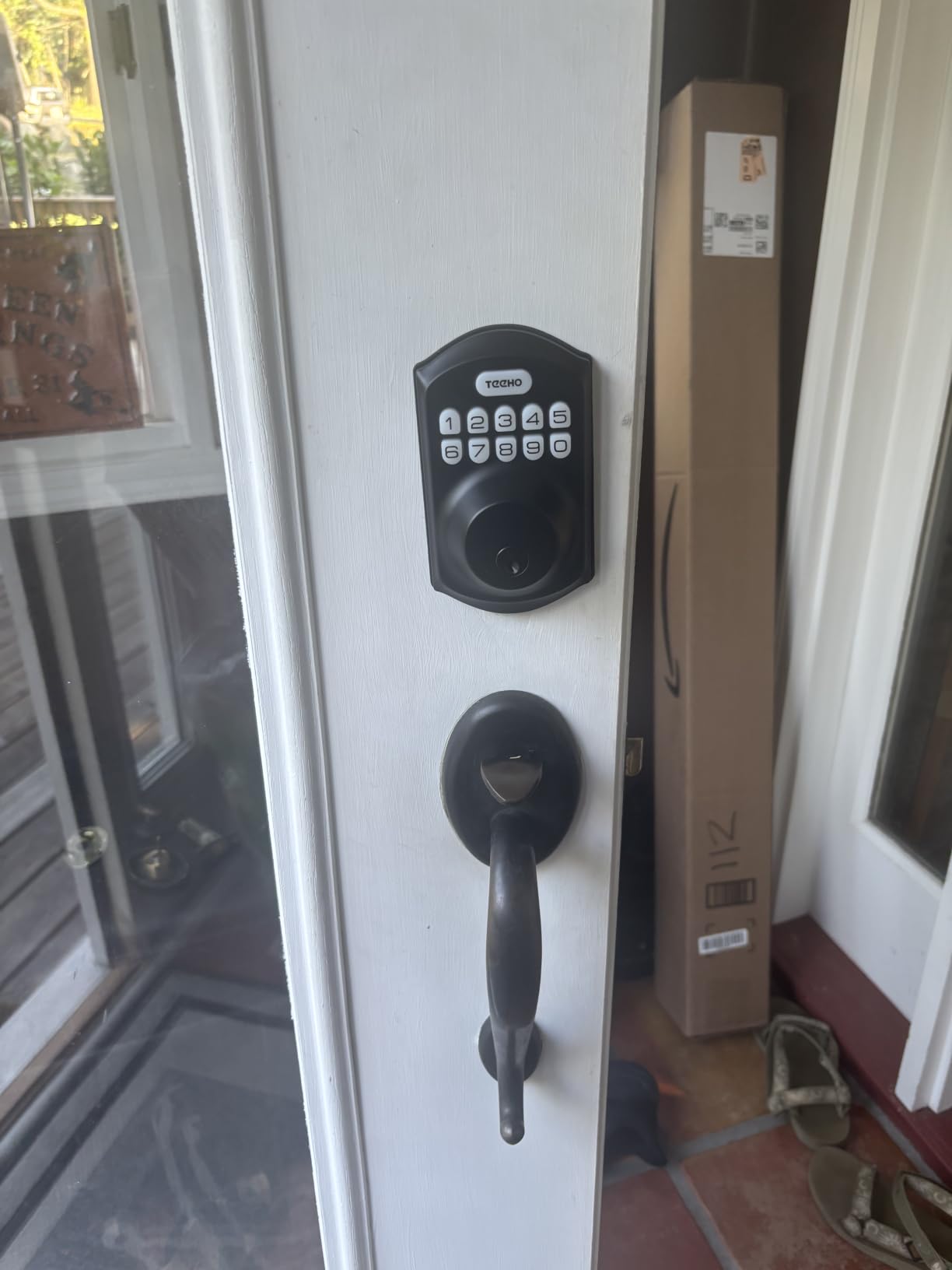
Owners rate the programming as dependable and the one-touch lock as the feature they use most. Battery life is listed at up to 365 days on four AA batteries, with a low-battery alert at 15 percent. Note that the batteries are not in the box, and the auto-lock timer is off until you set it between 10 and 99 seconds.
The real constraint is the bore. It fits a 2-1/8 in (54mm) door hole only, not the smaller 38mm holes found on some flats, and it must be reset once after fitting so it detects which way the door swings. Measure before you commit. If you need remote control from work, the Philips WiFi Deadbolt covers that at a mid-range cost.
5. Veise KS02A: Best for Fingerprint Entry on a Budget
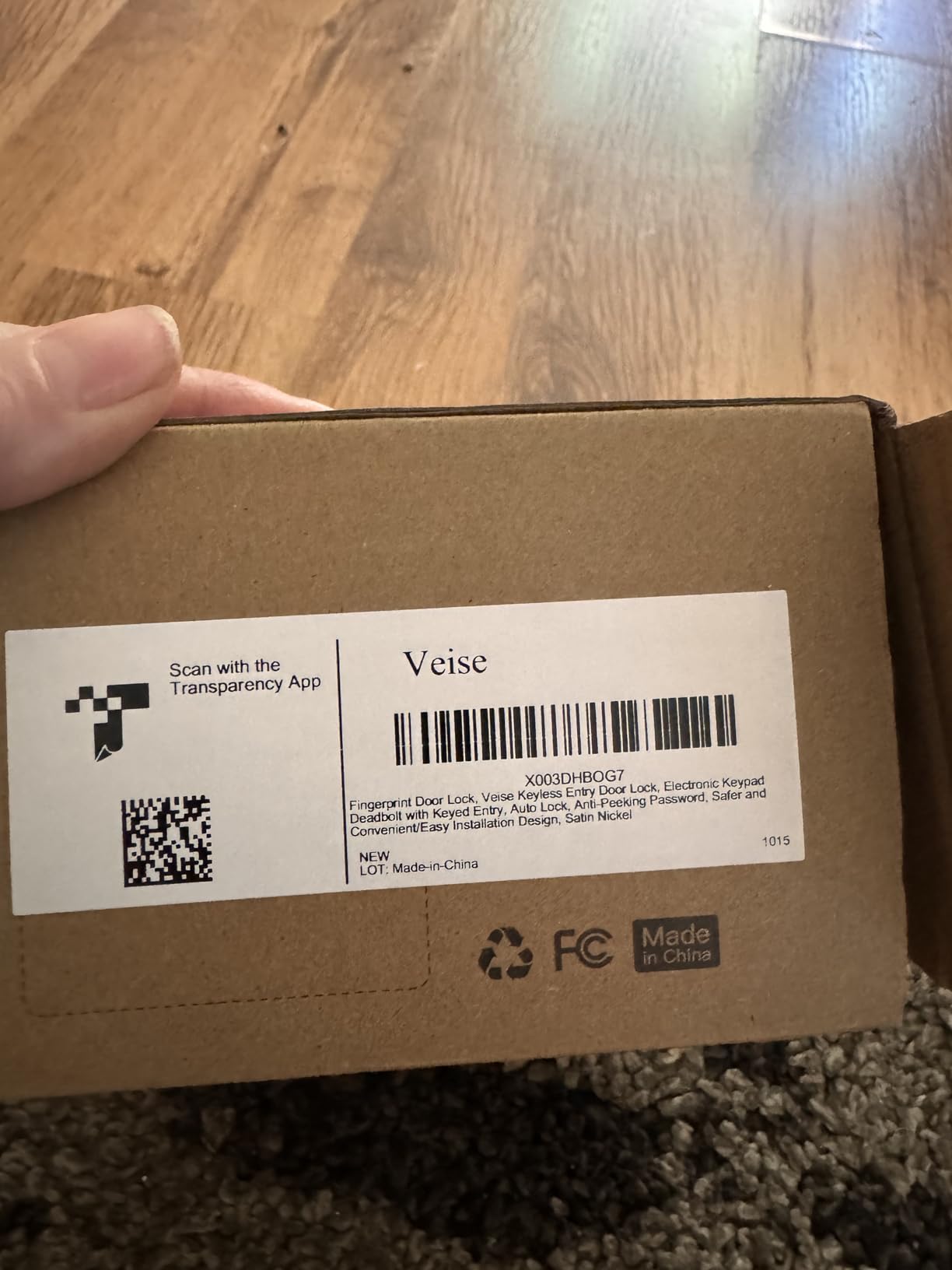
Veise KS02A Fingerprint Door Lock, Keypad Deadbolt, Oil Rubbed Bronze
Connectivity: none keypad only
Unlock: fingerprint and codes
Install: about 15 minutes
Pros
- Fingerprint plus keypad at a low cost
- 0.2 second self-learning fingerprint reads
- 20 prints and 20 passwords
- ANSI Grade 3 and IP54 rated
- Fits doors 1-3/8 to 2 in thick
Cons
- No app or Wi-Fi so nothing is managed remotely
- Batteries are not included
- Older fingerprints can need several enrollments
A fingerprint reader without a subscription, a hub or a monthly bill. The KS02A stores up to 20 prints on the keypad and claims a 0.2 second unlock at 99.99 percent accuracy, using on-device learning that improves as it goes. Nothing leaves the door.
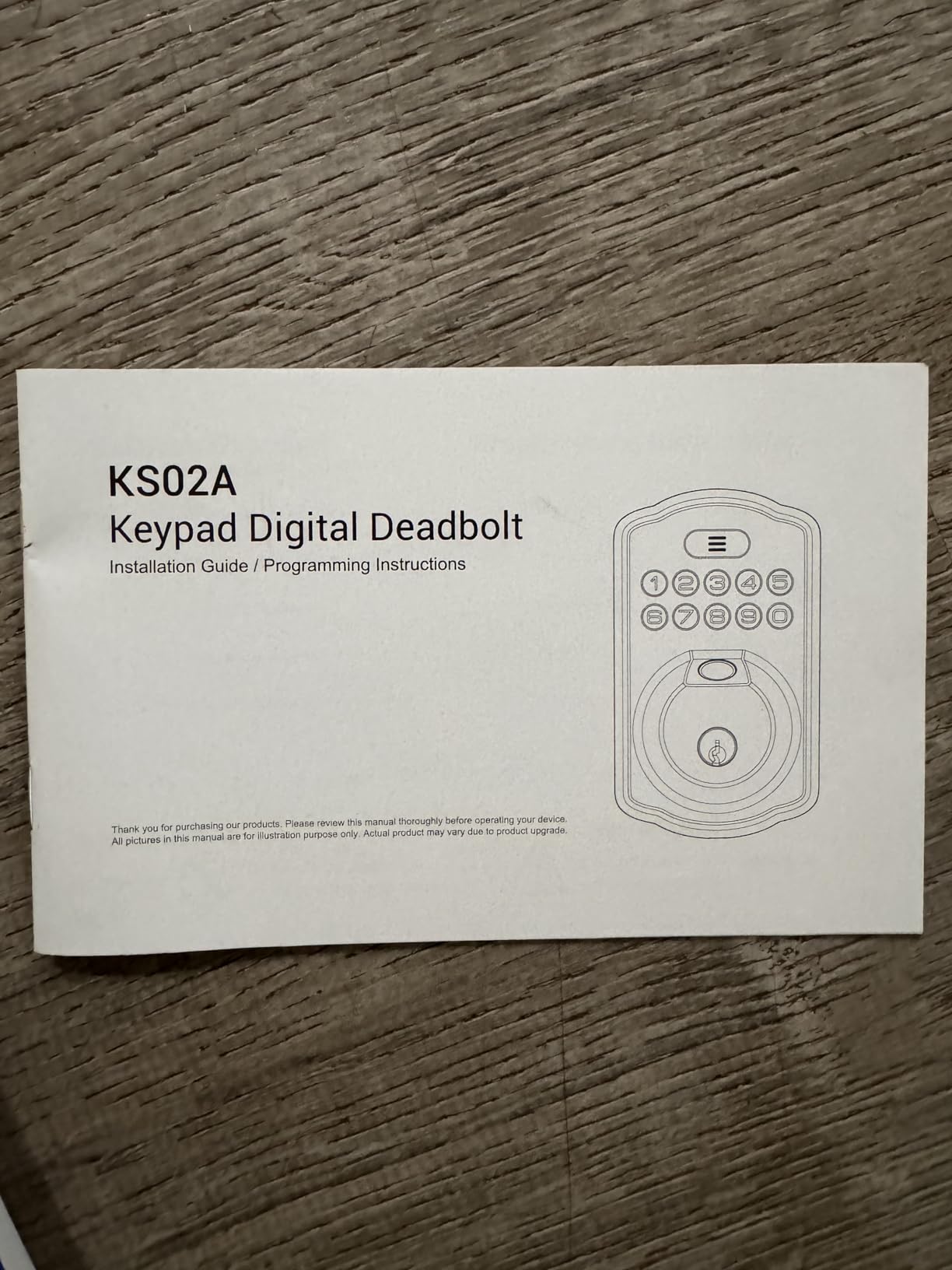
It also carries two mechanical keys and one-time service codes, so a cleaner or a dog walker can get in without a permanent credential. Silent mode and vacation mode are the small touches owners mention, along with responsive phone support from Veise when something is not set up the way the manual says.
Expect about 15 minutes of fitting with a screwdriver, on doors 1-3/8 to 2 in thick, and it detects door handing on its own. Security-wise it is BHMA and ANSI Grade 3 with IP54 waterproofing, rated from -31F to 158F, which suits an exposed side door.
The limitation is simple: no connectivity, so codes and prints are managed at the keypad only, and battery life of up to 365 days on four AA alkaline batteries is a figure that drops if you use the fingerprint reader constantly. Owners also note that worn or flat fingerprints can take a few enrollment attempts. For remote control plus fingerprint, the Philips WiFi Deadbolt is the step up.
6. eufy Smart Lock C220: Best for Apple Watch and Voice Unlock
eufy Security Smart Lock C220, Fingerprint Keyless Entry Door Lock
Connectivity: built-in Wi-Fi
Unlock: 6 methods
Install: 15 minutes no drilling
Pros
- Six ways in including Apple Watch and voice
- No bridge or hub to buy
- Sub-second fingerprint reader
- BHMA Grade 3 and IP53 rated
- Fits smaller bores by removing the spacer
Cons
- Runs on 8 AA batteries
- Not certified for Apple Home
- Mixed ecosystems get fewer features
Owners like the breadth of entry methods. Six: fingerprint, app, keypad, physical key, Apple Watch and Alexa or Google voice. That is a long list of ways in, and the fingerprint read is quoted as sub-second with the same self-learning behaviour as the cheaper Veise locks.
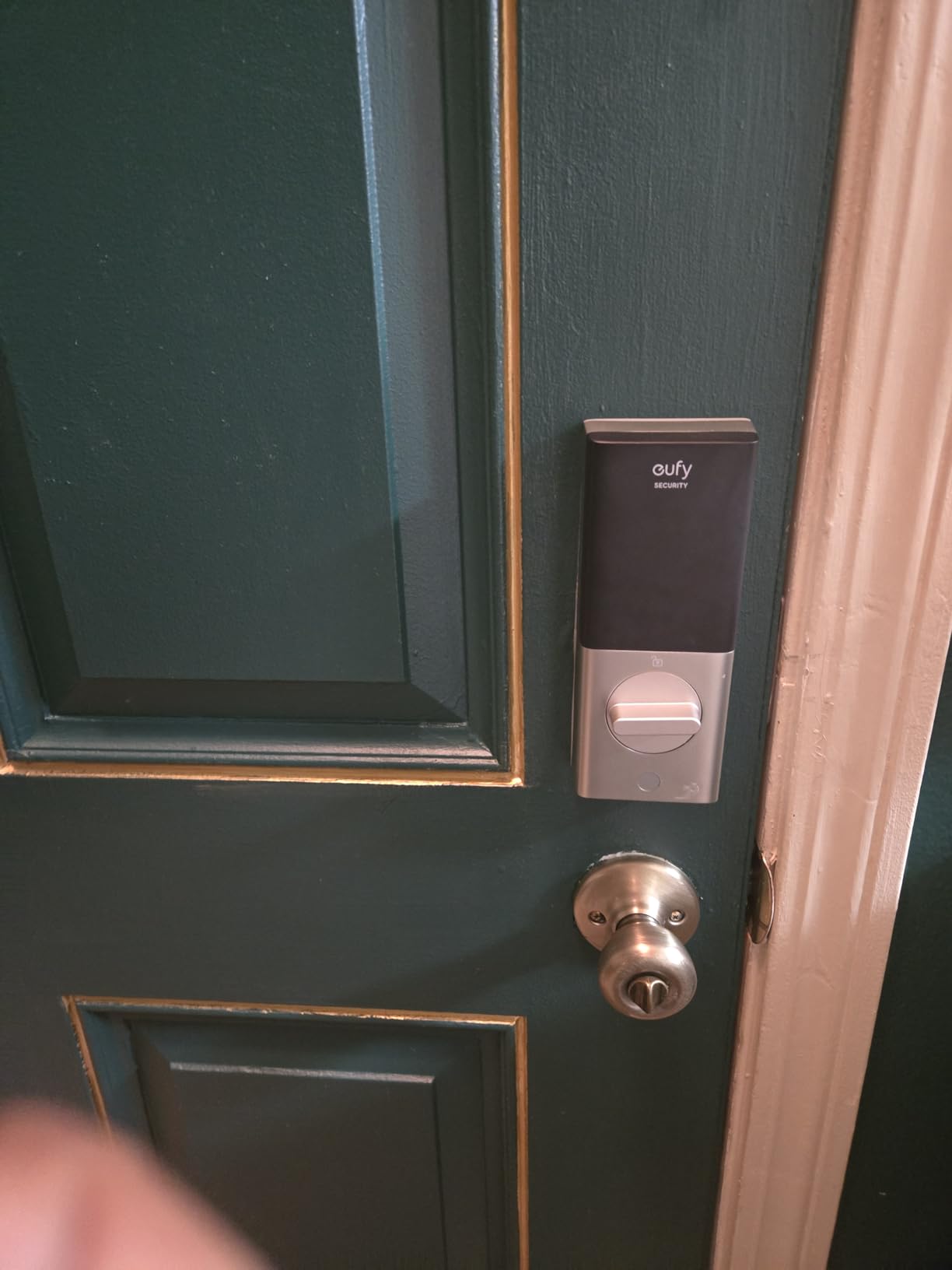
Wi-Fi is built in, so the app works from anywhere without a bridge. Installation is listed at 15 minutes with no drilling, and one detail is genuinely useful: remove the included spacer and it fits bores under 54mm, which is exactly where the TEEHO TE001 gives up.
The battery footprint is the trade-off. Eight AA batteries are more than any other lock here, and the stated life is around eight months. Owners also flag occasional fingerprint enrollment retries. Something worth knowing if your household already runs eufy doorbells: the routines in the eufy ecosystem are where this lock earns extra value, and in a house full of mixed brands you get the standard feature set instead.
For Apple users, do not confuse Apple Watch unlock with Apple Home Key. Watch unlock is a Bluetooth tap. If you want Home Key itself, the Aqara Smart Lock U100 is the pick. Compare it with the Schlage Encode WiFi if voice control for a large code list matters more to you.
7. Veise RZ07: Best for Big Households and Many Users
Veise RZ07 Fingerprint Smart Door Lock Deadbolt, App Control, Matte Black
Connectivity: Bluetooth plus gateway
Unlock: fingerprint and fobs
Install: screwdriver only
Pros
- 250+ user codes with no subscription
- Up to 50 fingerprints and fob cards
- 0.2 second self-learning reads
- IP55 weatherproof and ANSI Grade 3
- Up to 12 months of battery life
Cons
- Alexa and Google need the separate Veise G2 gateway
- Dark keypad glass is hard to read in sun
- Bluetooth pairing can need retries
Made for the house where everyone needs their own credential. The RZ07 supports 250+ user codes, including one-time, permanent, scheduled and recurring types, and there is no monthly subscription attached to app and web portal control. One reviewer reports three years of use through extreme summers and winters with no damage.
Seven unlock methods: fingerprint, app, web portal, fob cards, passcode, eKey sharing and mechanical key. Two fobs and two keys are in the box. Fingerprint storage is up to 50 prints at a quoted 0.2 second read, and the body is BHMA and ANSI Grade 3 with IP55 weatherproofing for an exposed door.
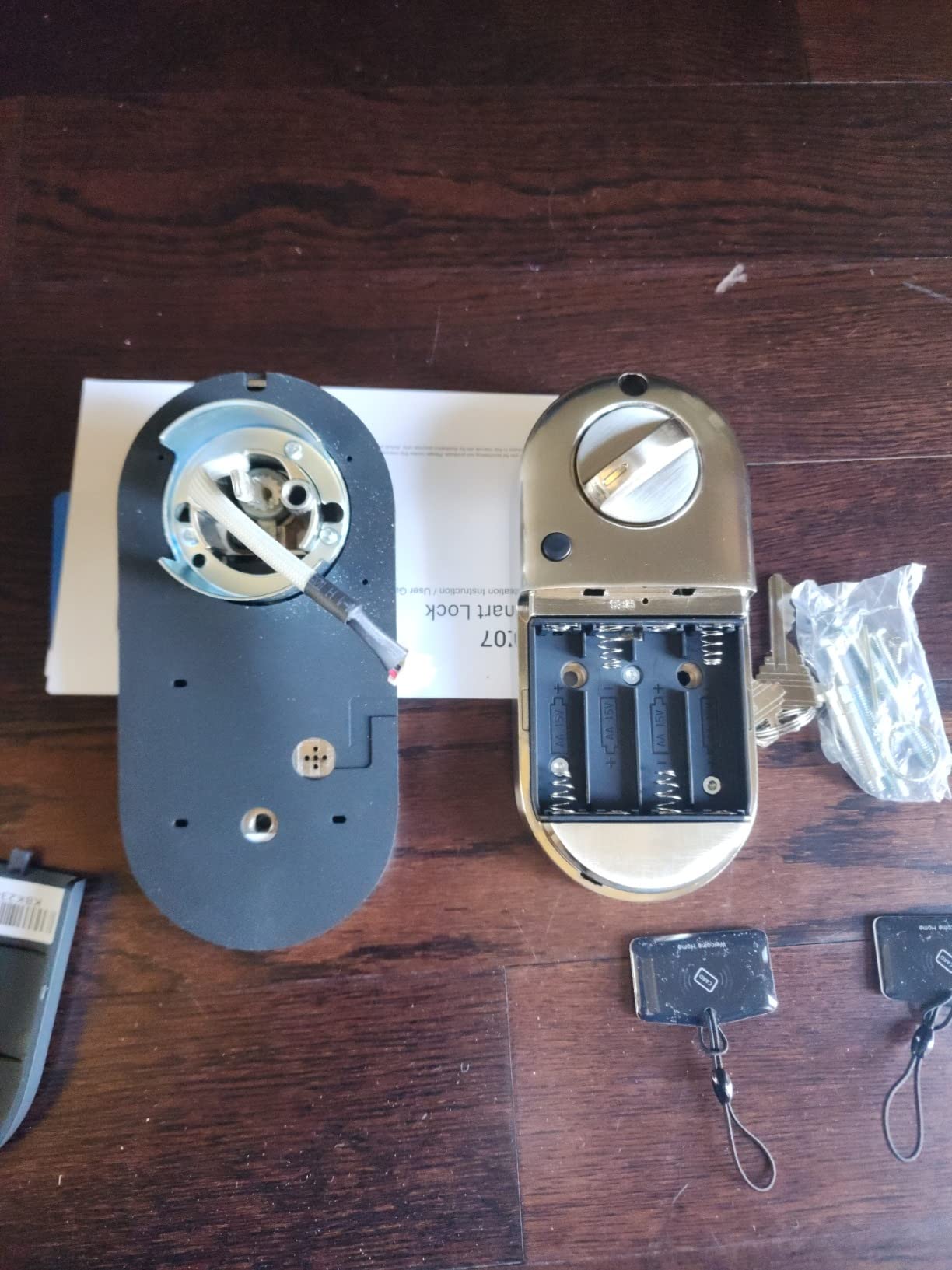
Owners raise a few practical points. The keypad glass is darkly tinted and hard to read in direct sunlight, which matters on a west-facing porch. Bluetooth pairing to the app can take a few retries when you are within about 6 ft of the lock. And the app battery gauge is not accurate, sometimes reporting full for months, so judge batteries by the lock’s own low-battery alert rather than the phone.
Longer-term reviews also flag motor reliability, with one owner reporting a failed motor after about two years that left only the physical key working. That is a single report, but it is the kind of thing worth weighing against the three-year hardware warranty on the Schlage Encode WiFi. Voice control here needs the separately sold Veise G2 gateway.
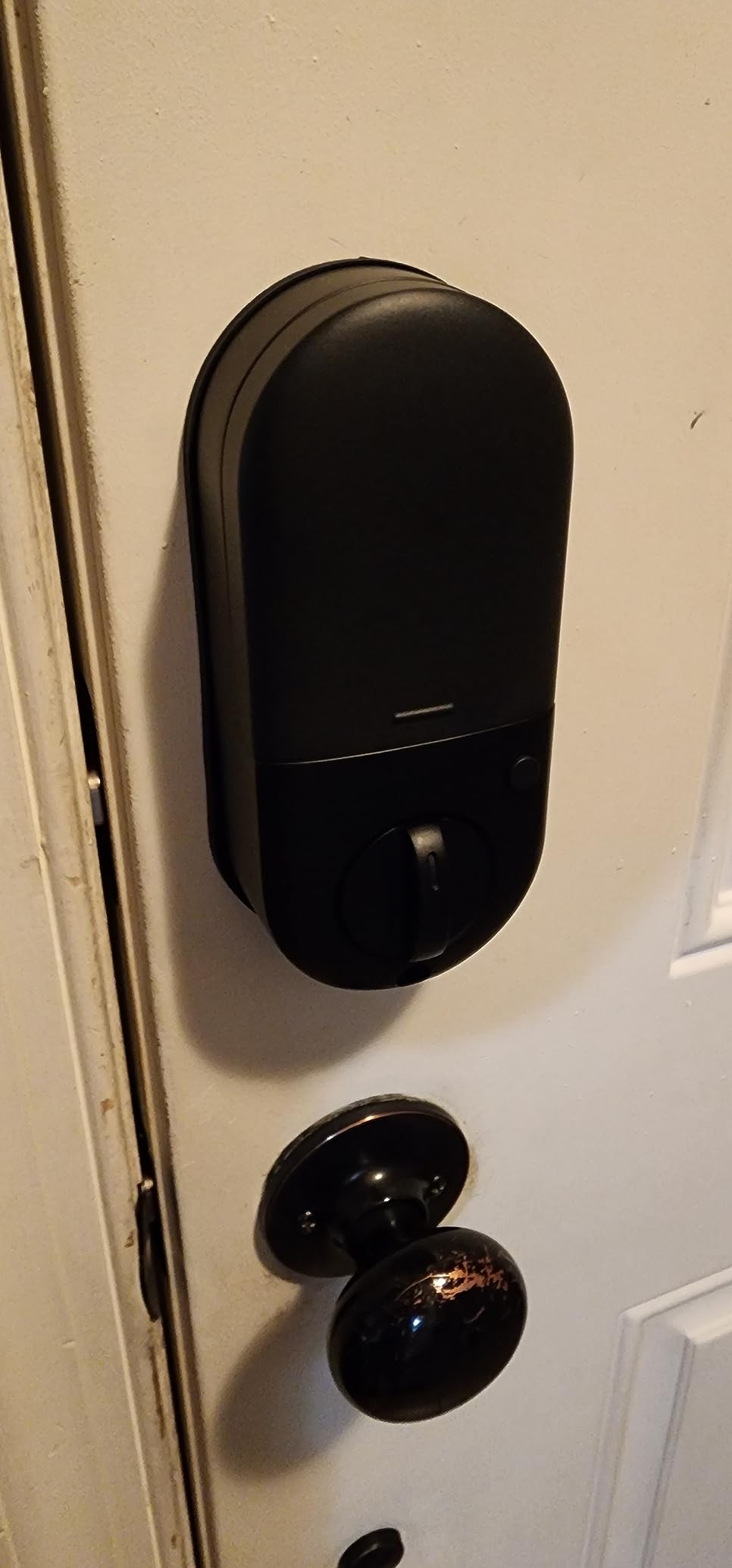
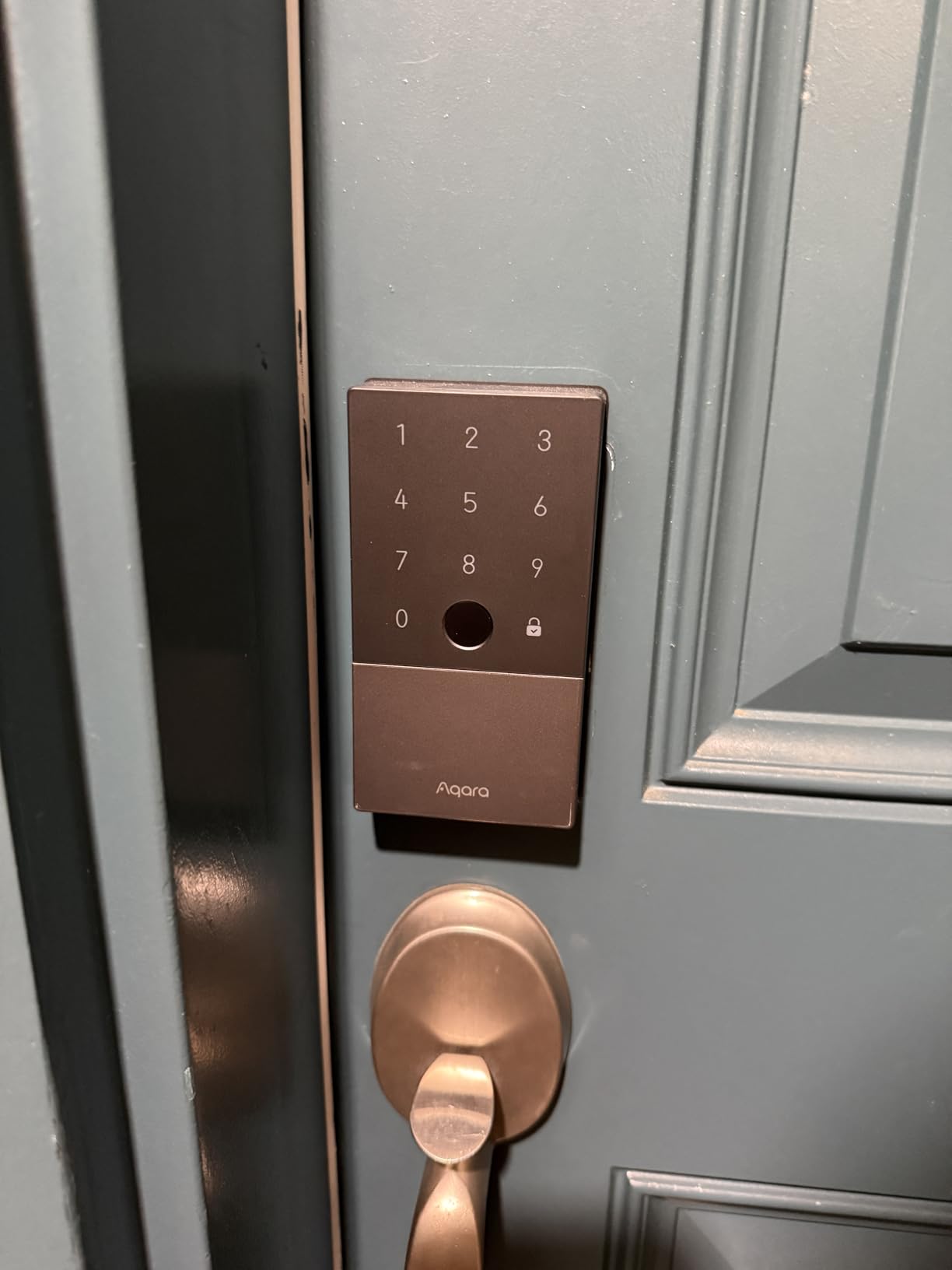
8. Aqara Smart Lock U100: Best for Apple Home Key
Aqara Smart Lock U100, Apple Home Key, Fingerprint Deadbolt, Gray
Connectivity: Bluetooth and Zigbee
Unlock: Home Key and print
Install: hardware included
Pros
- Home Key works even when the device is out of power
- Fingerprints stored locally with AES encryption
- Gyroscope auto-lock waits for the door to close
- 4 AA batteries plus USB-C emergency port
- IP65 rated for exposed doors
Cons
- Aqara Home features need a Zigbee 3.0 hub
- No built-in Wi-Fi
- Lowest rating on this list at 4.1
The one here built around Apple Home Key. Tap an iPhone or Apple Watch against the lock to open it, share access with other people inside Apple Home, and it still works when the phone or watch is flat. For a household already inside the Apple ecosystem, nothing else on this list does that.
Alongside Home Key you get a fingerprint reader for up to 50 prints, app-configured passwords through Aqara Home, one-time local passwords and a mechanical key. Two mechanical keys and four AA batteries are included, and there is a USB-C port for emergency charging if the batteries die before you notice.
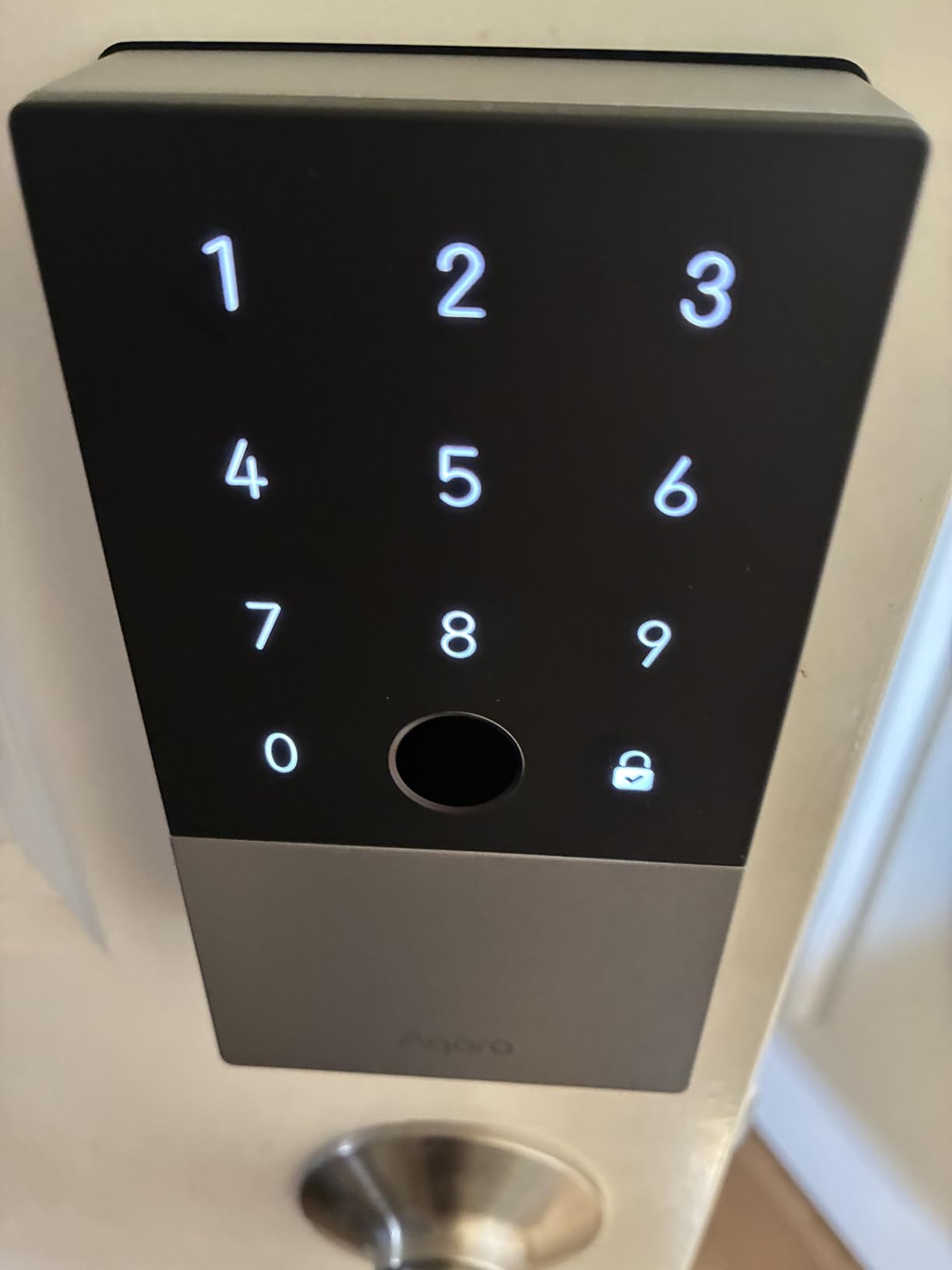
The auto-lock is the detail owners write about most. A built-in gyroscope waits until the door actually closes before locking, so the lock is not still throwing the bolt while you are dragging a bin past. Do Not Disturb mode silences alerts at night, and the zinc alloy body is IP65 rated with fingerprint data encrypted and stored on the device.
The cost of Apple-only thinking is the hub. Aqara Home features, and third-party control through Google Home, Alexa or IFTTT, all run through a separately purchased Zigbee 3.0 hub, and there is no built-in Wi-Fi. This lock also carries the lowest average rating in the roundup at 4.1 stars across 2567 reviews, so expect some variance. If you want fingerprint plus remote app control with no hub at all, the eufy Smart Lock C220 is a cleaner fit.
9. Philips WiFi Deadbolt: Best for Away Mode and Scheduled Codes
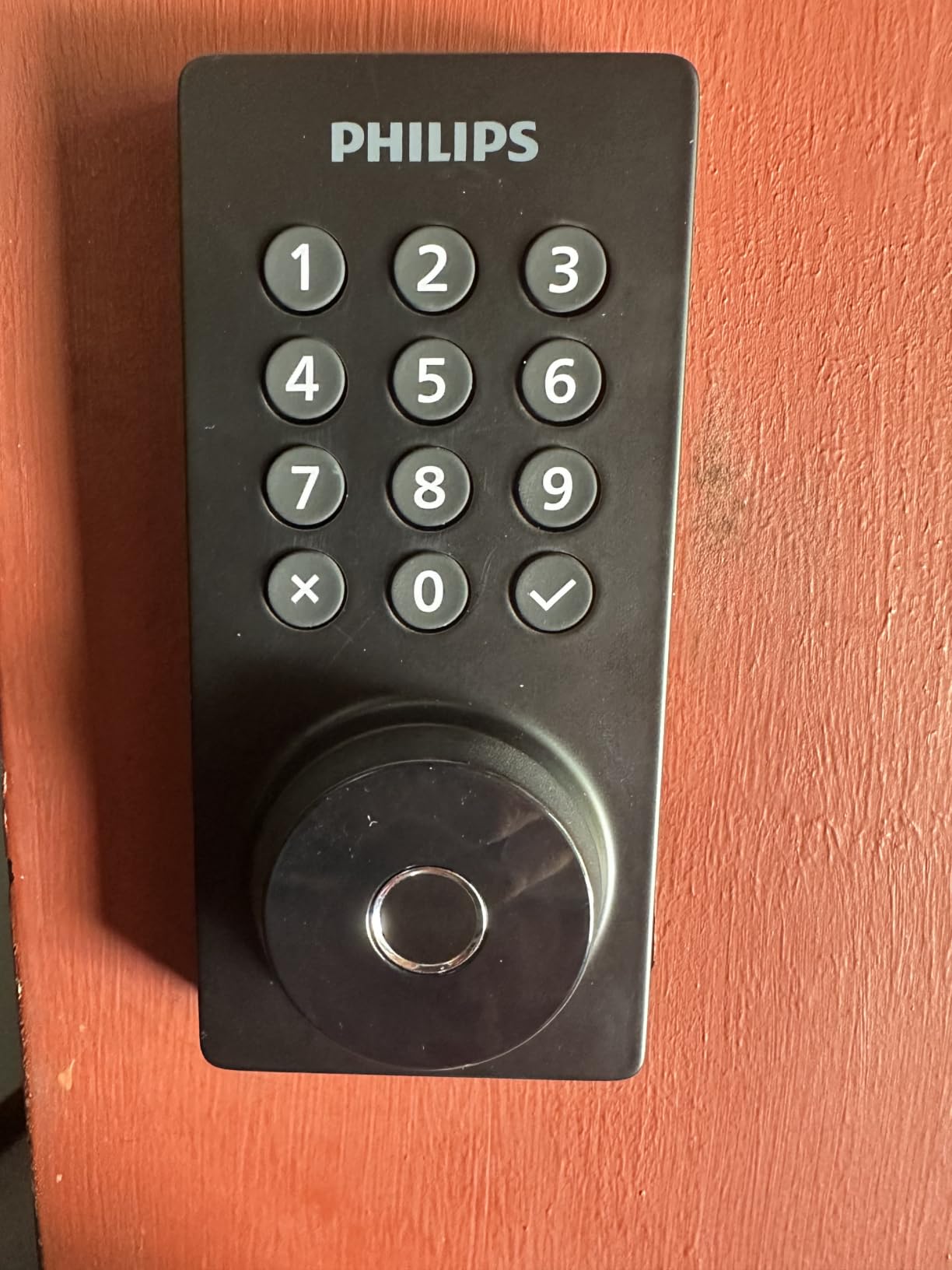
Philips Wi-Fi Smart Deadbolt Lock, Keyless Entry Door Locks for Front Door
Connectivity: 2.4 GHz Wi-Fi
Unlock: fingerprint and codes
Install: screwdriver 1-3/8 to 2 in
Pros
- Built-in Wi-Fi with no hub
- Up to 100 passcodes plus scheduled codes
- Away Mode disables other unlock methods
- Real-time alerts and access history
- Fits doors 1-3/8 to 2 in thick
Cons
- 2.4 GHz only and best within 65 ft of the router
- Batteries are not included
- No door sensor for auto-lock
Away Mode is the feature no other pick here has. In the app you disable every unlock method except the master code, which is a cleaner version of locking the deadbolt throw manually before you fly. It is the reason this lock earns a place beyond its mid-range cost.
Entry is flexible: app, passcode, fingerprint, physical key or voice through Alexa and Google Assistant. It holds up to 100 custom passcodes plus unlimited one-time and scheduled codes, and real-time notifications tell you when the door opens or closes.
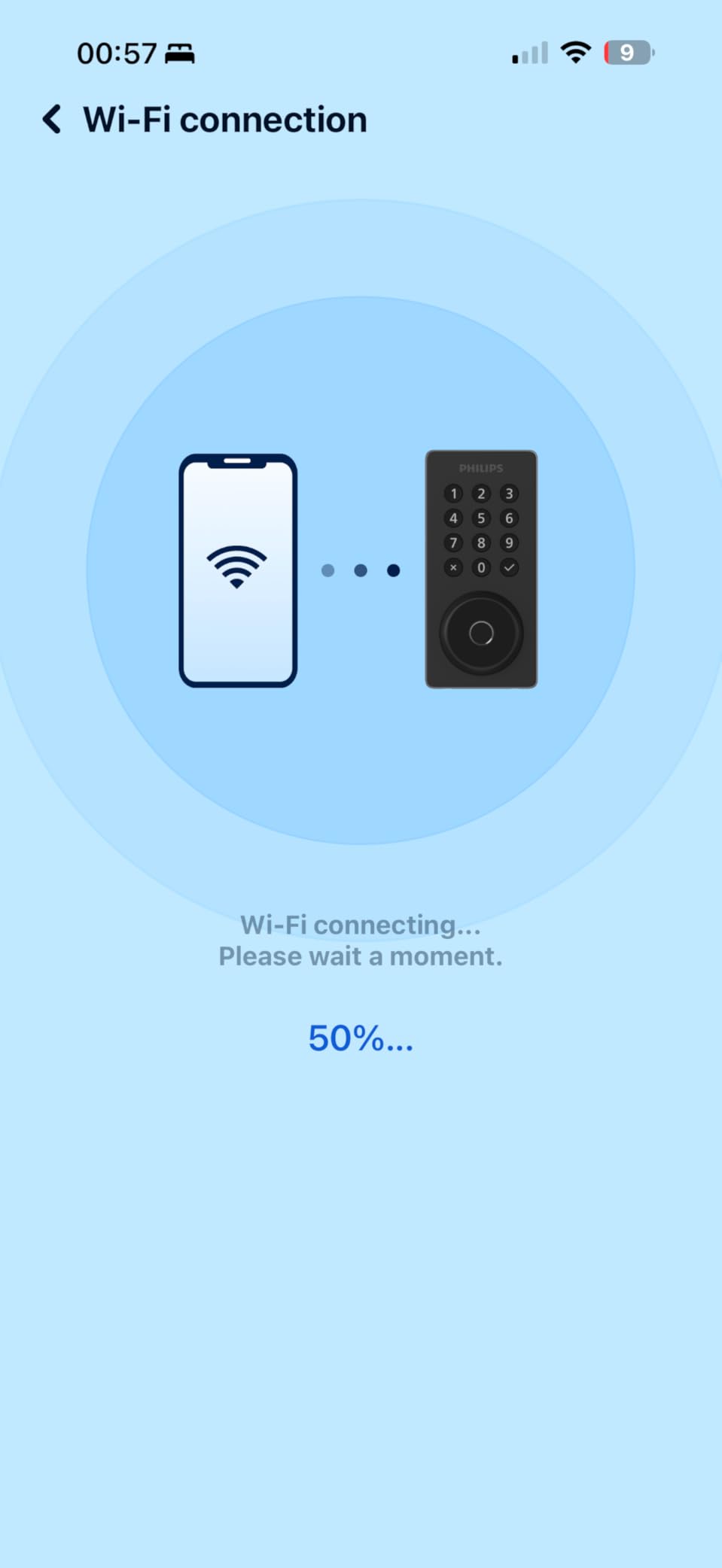
Auto-lock is adjustable from 10 to 180 seconds, though there is no door sensor, so the lock cannot tell whether the door is actually shut. For most people that is a minor gap; for anyone with a door that tends to swing and bounce, it is worth knowing before you buy. Installation is screwdriver work for doors 1-3/8 to 2 in thick.
Two things owners raise. It is 2.4 GHz only, and the listing asks you to keep the router within about 65 ft. And the batteries are not in the box. The review base here is the second smallest on the list at 1172, so treat the feature list as firm and the long-term reliability reports as thinner than the Schlage Encode WiFi’s 13273.
10. Philips 4200 Series Handle Set: Best for a Complete Front Door Set
Philips WiFi Keypad Deadbolt with Handle, Built-in WiFi, APP Remote Control
Connectivity: 2.4 GHz Wi-Fi
Unlock: fingerprint and PIN
Install: handles included
Pros
- Matching interior and exterior handles in the box
- 0.3 second fingerprint reads
- Built-in Wi-Fi with no hub
- Permanent one-time and recurring codes
- Real-time access history in the app
Cons
- Auto-lock is off by default until set in the app
- Batteries not included and alkaline only
- Keep the lock within 33 ft of the router
It arrives as a whole door set. Two lever handles, a latch assembly and the lock in one box, so a new front door is finished in a single purchase instead of a matching-handle hunt afterwards. The Philips WiFi Deadbolt covers the same electronics if you already have handles you like.
Fingerprint speed is quoted at 0.3 seconds, and the app manages permanent, one-time, periodic and recurring PIN codes for family, guests, housekeepers and short-stay lets. Wi-Fi is built in, with no hub, and Alexa and Google Assistant are listed as voice controllers.
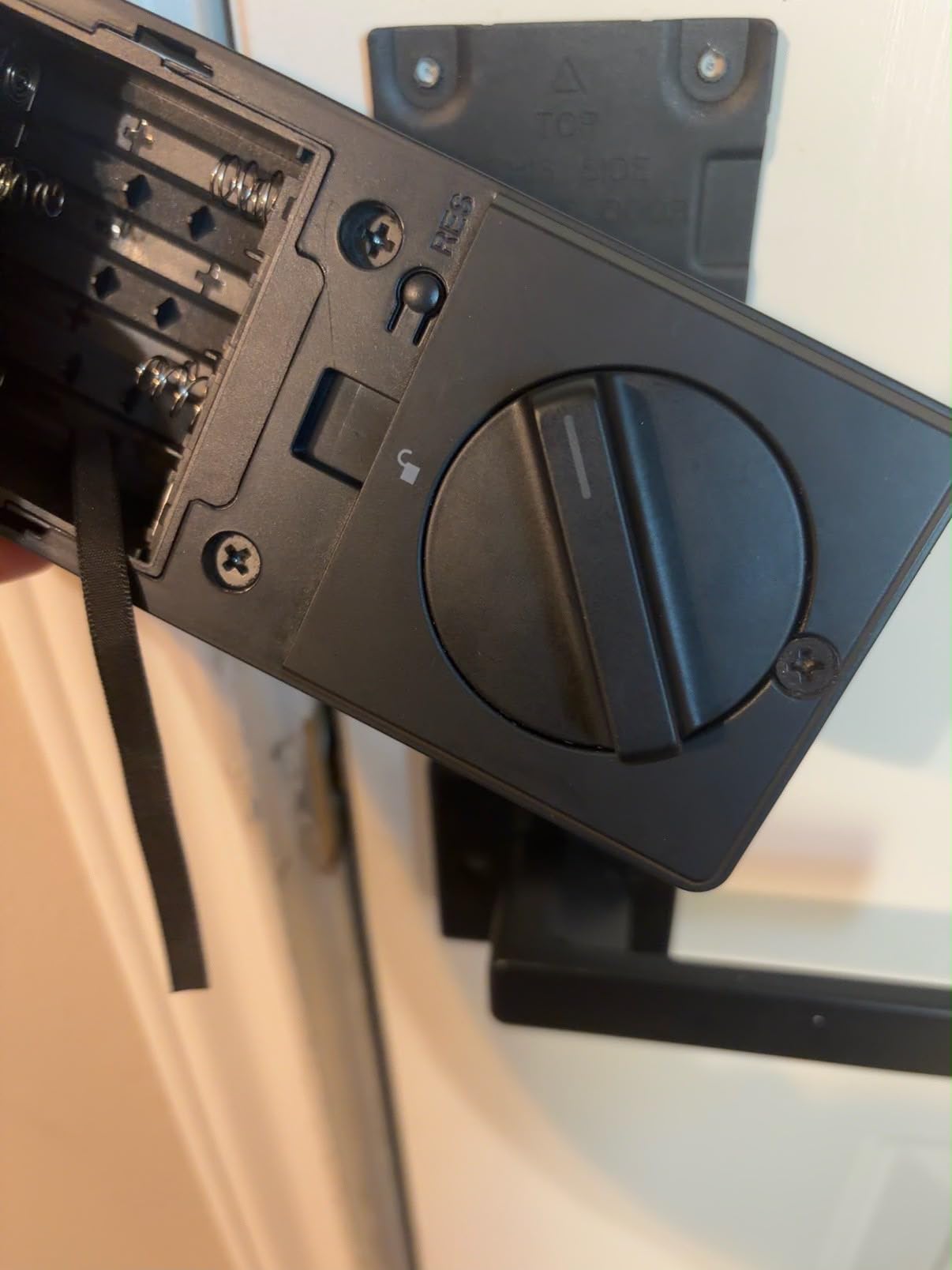
Watch the defaults. Auto-lock is off until you enable it in the app, and it can be set anywhere from 0 to 180 seconds, so a five-second timer is possible if you forget. The listing specifies alkaline batteries only and says rechargeable or lithium are not recommended, and none are included. Wi-Fi is 2.4 GHz with a recommended 33 ft radius, tighter than the 65 ft on the other Philips deadbolt.
This is the newest listing in the group and the smallest review base at 802, so long-term failure patterns have not shown up yet. Doors 1-3/8 to 1-3/4 in thick, screwdriver installation, right-opening as the default handedness. If you need more proven history, the Schlage Encode WiFi has more than sixteen times the reviews.
How to Choose Smart Locks During Prime Big Deal Days
Entry and Security Features
Decide first how your household actually gets in. A keypad alone suits a family that will remember codes; a fingerprint reader suits anyone with a bagged hand, a child or a keypad that gets wet. Beyond that, look for a physical backup key on every pick here, and treat anti-peeping digit disguising as the useful detail on a door facing a street.
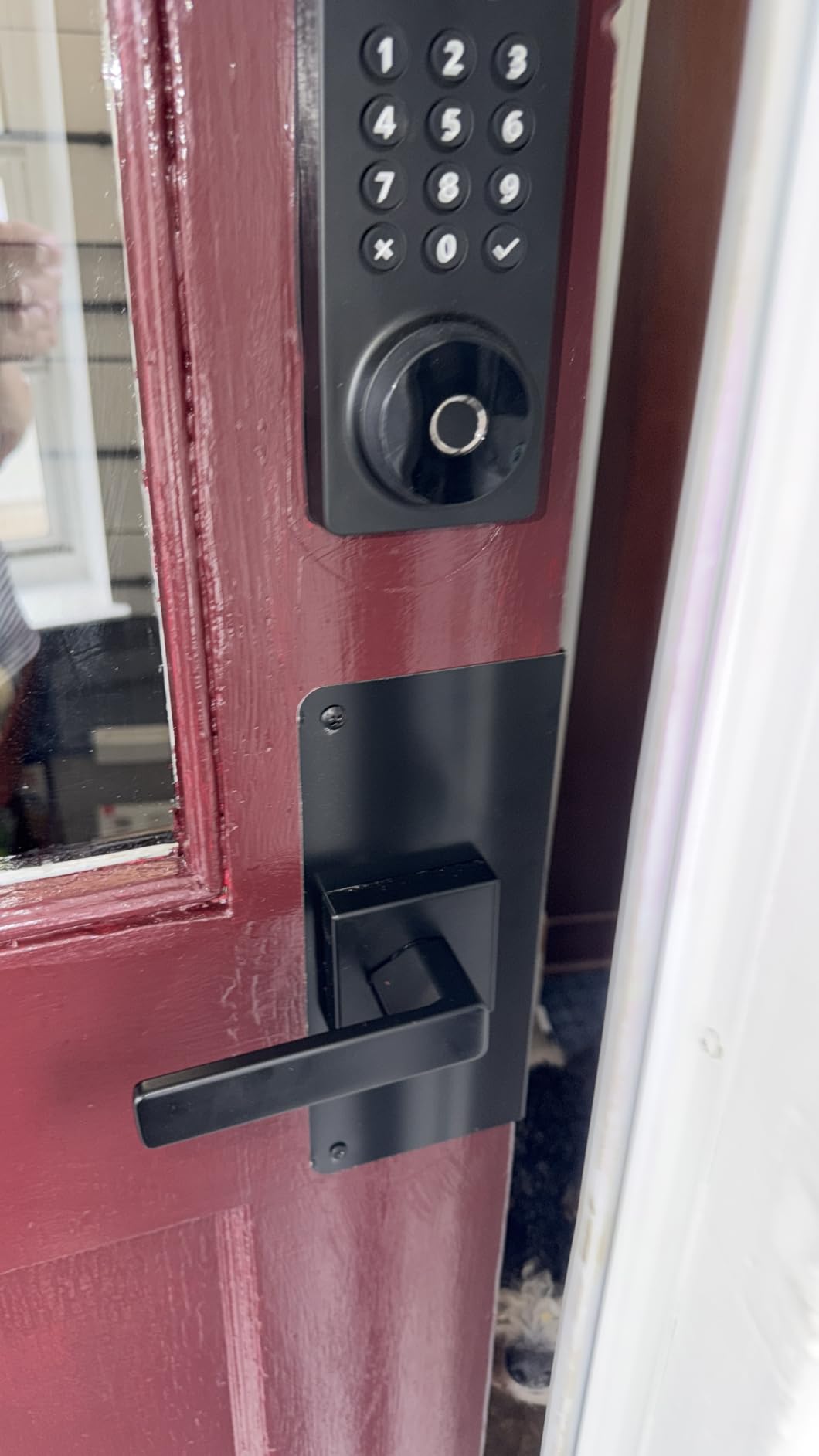
If your entry is a glass panel rather than a standard slab door, none of the standard deadbolts on this list will fit without hardware that the manufacturers do not supply. Read our pick of smart locks for glass doors before assuming a retrofit will work.
Compatibility and Installation
Measure before you click anything: door thickness, backset, cross bore and the bore diameter. Most locks here fit 1-3/8 to 2 in thick doors, the TEEHO TE001 needs a 54mm bore and rejects 38mm holes, and the eufy Smart Lock C220 reaches smaller bores by removing its spacer. Renters who cannot replace the deadbolt should start with the August Smart Lock Pro, which mounts over what is already there.
Connectivity and Smart Home Integration
Know what each radio buys you. Built-in Wi-Fi means remote control with nothing else to buy, which covers the Schlage Encode WiFi, the eufy C220, the ULTRALOQ Bolt SE and both Philips locks. Matter over Thread, on the ULTRALOQ, gives Apple Home and other Matter apps access but only if a Thread Border Router is already in the house. Zigbee on the Aqara Smart Lock U100 means buying Aqara’s hub. If you run short-term lets, our guide to smart locks for Airbnb covers the code types that matter for turnovers.
Power, Battery and Reliability
Battery claims range from 365 days on four AA for the TEEHO and Veise KS02A, through 8 to 12 months for the Aqara, Philips and Veise RZ07, to as much as 18 months on the ULTRALOQ’s Thread mesh. The eufy C220 uses eight AA, the most batteries here, for about eight months. Whatever the claim, treat it as a prompt to check the door rather than a promise. If you also want to cover a garage, our roundup of smart garage door openers for homes covers that half of the entry.
How to Shop Smart Lock Deals During the Sale
Check four things on the listing itself. The model and generation code, so you know whether you are getting the Wi-Fi version or the hub version. Whether the bore and thickness match your door, before you fall for the price. What is in the box, because the August bundle includes a bridge, the Philips 4200 includes handles, and the TEEHO and Philips deadbolts ship without batteries. And who sells and ships it, since a marketplace seller changes the return path. Most offers need a Prime membership, and prices move through the event, so compare the model rather than chasing the number.
- Measure door thickness, backset and bore diameter before ordering any lock.
- Decide whether you need a hub, Wi-Fi, Matter, Zigbee or nothing at all.
- Count the household members who need their own credential.
- Check that batteries are included and which chemistry the listing requires.
- Confirm the fit on glass, mortise or non-standard doors before buying.
- Save the model number now so you can compare the same lock later in the sale.
Frequently Asked Questions
When does Amazon Prime Big Deal Days run in 2026?
Amazon Prime Big Deal Days runs October 6-7, 2026. It is the October Prime event and it lasts two days, with a longer lead-up of early offers before it opens. Smart lock pricing often moves more than once across those two days, so it is worth checking the same model twice rather than assuming the first price you see holds.
Do you need Prime membership to use the best Amazon Prime Big Deal Days smart lock deals?
Most offers during Prime Big Deal Days need a Prime membership, and a free trial counts. The picks on this list are smart locks themselves, not subscriptions, so once installed the lock keeps working whether or not you keep your membership. What membership changes is access to the offers during the sale.
What is the easiest smart lock to install on an existing front door?
The August Smart Lock Pro is the easiest on an existing door because it fits over your current deadbolt and leaves the outside of the door untouched, so there is no drilling and no new key. Among full replacements, the ULTRALOQ Bolt SE and the eufy Smart Lock C220 are quoted at about 10 and 15 minutes with a screwdriver.
Are smart locks suitable for rental properties and short-term guests?
Yes, with the right lock. For a rental, a retrofit model such as the August Smart Lock Pro avoids replacing hardware you may not be allowed to change. For short-term guests, pick a lock that generates one-time or scheduled codes and sends real-time alerts, such as the TEEHO TE001, the Philips WiFi Deadbolt or the Veise RZ07.
How do I check that a smart lock will fit my door?
Measure four things: door thickness, the backset from the door edge to the centre of the bore, the cross bore diameter, and whether the door is left or right handing. Most locks here fit 1-3/8 to 2 inch thick doors, the TEEHO TE001 needs a 54mm bore and will not fit 38mm holes, and the eufy Smart Lock C220 reaches smaller bores by removing its included spacer.
Final Verdict: Amazon Prime Big Deal Days Smart Lock Deals
Buy the Schlage Encode WiFi if you want one lock for a main front door and you would rather not add a hub to the house. Buy the August Smart Lock Pro if the deadbolt is not yours to replace, and the ULTRALOQ Bolt SE if fingerprint, Wi-Fi and Matter in one unit matter more to you than brand name.
Keep an eye on the TEEHO TE001 as the budget option for a back door or a first upgrade, the Veise KS02A if you want fingerprint entry and nothing else, the eufy Smart Lock C220 for Apple Watch and voice, the Veise RZ07 for a household full of codes, the Aqara Smart Lock U100 for Apple Home Key, the Philips WiFi Deadbolt for Away Mode, and the Philips 4200 Series if you want the whole door set in one box. Check the current price on each listing, confirm it fits your door, and buy during the two-day window.