

If you are replacing a mouse, headset or webcam this month, the Logitech G502 Hero is the pick to watch. It is the most proven gaming mouse in this group, sitting at 4.6 stars across more than 58,000 owner reviews, and its 25600 DPI HERO sensor with 11 programmable buttons is the kind of specification that stays relevant years after a sale ends. Two other Logitech options suit different desks: the G305 Lightspeed for people who want wireless gaming without the cable, and the M510 for anyone who mostly types and clicks rather than plays.
Amazon’s Prime Big Deal Days runs October 6-7, 2026, and most of what it offers is aimed at Prime members. Peripheral pricing moves through the event rather than settling on it, so treat the list below as the picks worth watching and check the current price on the listing before you commit. Geek Fill is not affiliated with Amazon or Logitech.
Our Top 3 Picks for Best Amazon Prime Big Deal Days Logitech Deals (October 2026)

Logitech G502 Hero
- HERO sensor up to 25600 DPI
- 11 programmable buttons
- Five 3.6 g adjustable weights
- LIGHTSYNC RGB lighting

Logitech G305 Lightspeed
- 12000 DPI optical HERO sensor
- LIGHTSPEED 1 ms wireless
- 250-hour battery on one AA
- 3.4 oz lightweight body

Logitech M510
- Two-year AA battery life
- Programmable back and forward buttons
- Unifying receiver for six devices
- 1000 DPI optical tracking
The G502 Hero takes the top slot because nothing else here combines a high ceiling sensor, deep button customisation and a review history long enough to prove it holds up. The G305 is the opposite trade: you give up button count and wired certainty, and you get a 3.4 oz mouse that runs for months on one AA battery. The M510 is not a gaming product and does not pretend to be one. It is a comfortable, quiet workhorse that most office buyers will use every day and never think about.
Best Amazon Prime Big Deal Days Logitech Deals Compared
| Product | Specifications | Action |
|---|---|---|
| Logitech G502 Hero |
|
Check Deal Price |
| Logitech G305 Lightspeed |
|
Check Deal Price |
| Logitech M510 |
|
Check Deal Price |
 Logitech MK270 Combo Logitech MK270 Combo |
|
Check Deal Price |
 Logitech H390 Logitech H390 |
|
Check Deal Price |
 Logitech C920x Logitech C920x |
|
Check Deal Price |
 Elgato Stream Deck XL Elgato Stream Deck XL |
|
Check Deal Price |
 Logitech G733 Logitech G733 |
|
Check Deal Price |
 Logitech Lift Logitech Lift |
|
Check Deal Price |
 Logitech K400 Plus Logitech K400 Plus |
|
Check Deal Price |
One row in that table is not a Logitech product. The Elgato Stream Deck XL is included because creators shopping computer accessories during this event routinely add a stream controller to the same basket as their webcam, and the analysis behind this list selected it. Everything else is Logitech or Logitech G. If you only want Logitech hardware, skip that row.
The other thing worth noticing is how different the categories are. A gaming mouse is judged on sensor ceiling, button count and grams. A webcam is judged on focus behaviour in bad lighting. A vertical mouse is judged on hand size, and getting that wrong is the fastest way to waste a purchase.
How We Chose
We compared the specifications that decide each category, then weighed the ratings and volume of owner reviews on Amazon. Ratings were checked on October 2026, before the sale begins, and every pick below carries a review count high enough for the pattern to mean something.
1. Logitech G502 Hero: Editor’s Choice for Wired Competitive Play
Logitech G502 Hero Wired Gaming Mouse – Black
Type: wired gaming mouse
Standout: 25600 DPI HERO sensor
Weight: 4.32 oz
Pros
- 25600 DPI sensor with no smoothing or acceleration
- 11 programmable buttons for MMO and FPS play
- Five 3.6 g weights for balance tuning
- Metal spring switches for a crisp click
- 58704 owner reviews averaging 4.6 stars
Cons
- Wired cable stays in the way in competitive play
- LIGHTSYNC lighting needs separate software
- Heavy shape for small hands
The short version: this is the mouse to buy once, and the G305 only makes sense if the cable genuinely bothers you.
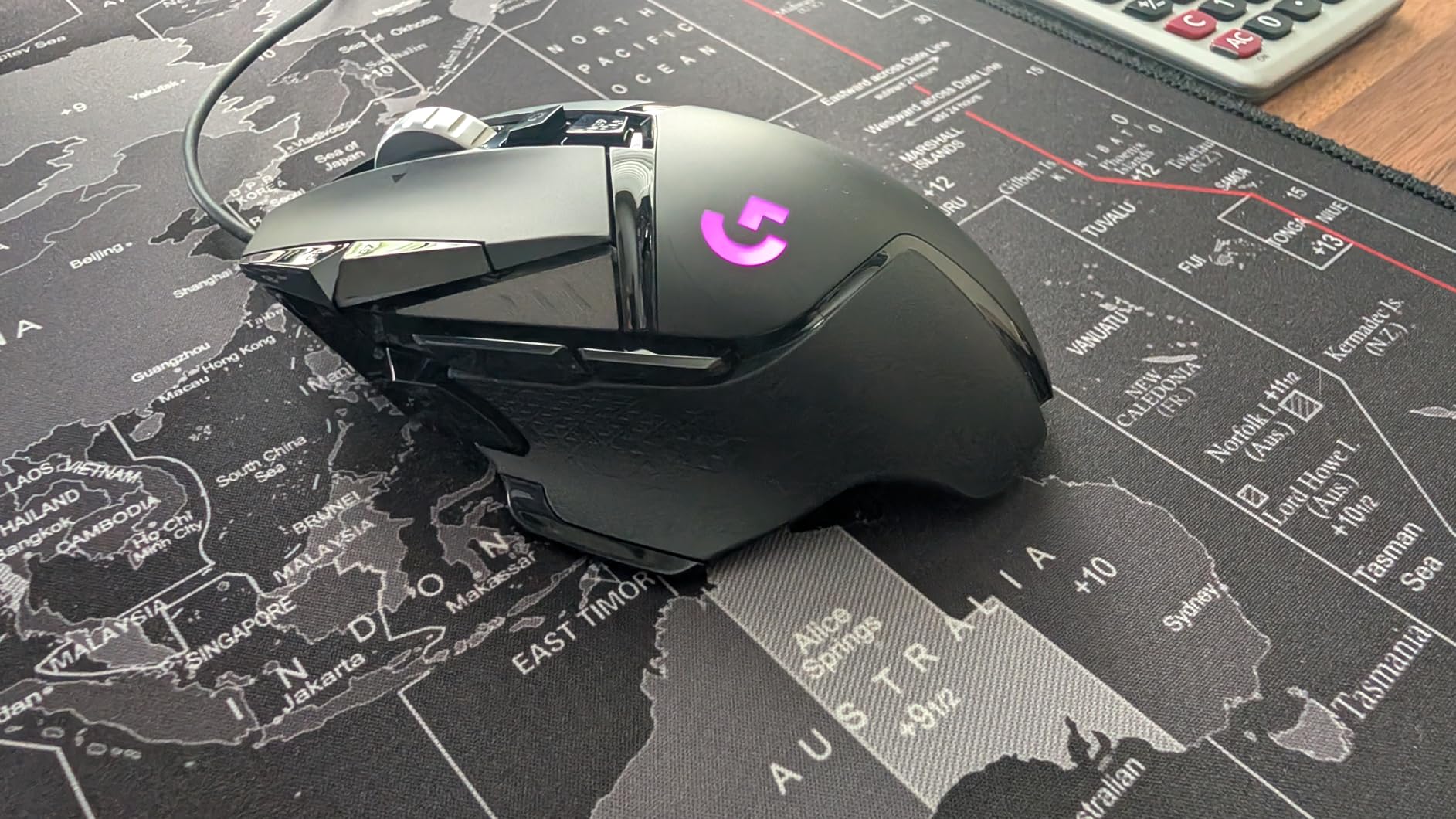
What sets the G502 Hero apart is not one specification but the way the parts reinforce each other. The HERO sensor reads up to 25600 DPI with zero smoothing, filtering or acceleration, which means what you do in a game is what registers. Eleven programmable buttons give an MMO player more surface to bind than most rivals offer, and the dual-mode scroll wheel flips between notched and hyper-fast for long inventory screens.
Owners also mention the feel more than the numbers. The mechanical switch tensioning uses a metal spring and metal pivot hinges, and that is the detail people notice first after the sensor. The adjustable weight system takes up to five 3.6 g pieces, so the mouse can sit light for fast flicks or heavy and planted for tracking.
- HERO optical sensor up to 25600 DPI with no acceleration curve
- 11 programmable buttons plus a dual-mode hyper-fast scroll wheel
- Five 3.6 g removable weights for hand-tuned balance
- LIGHTSYNC RGB that syncs with other gaming peripherals through G HUB
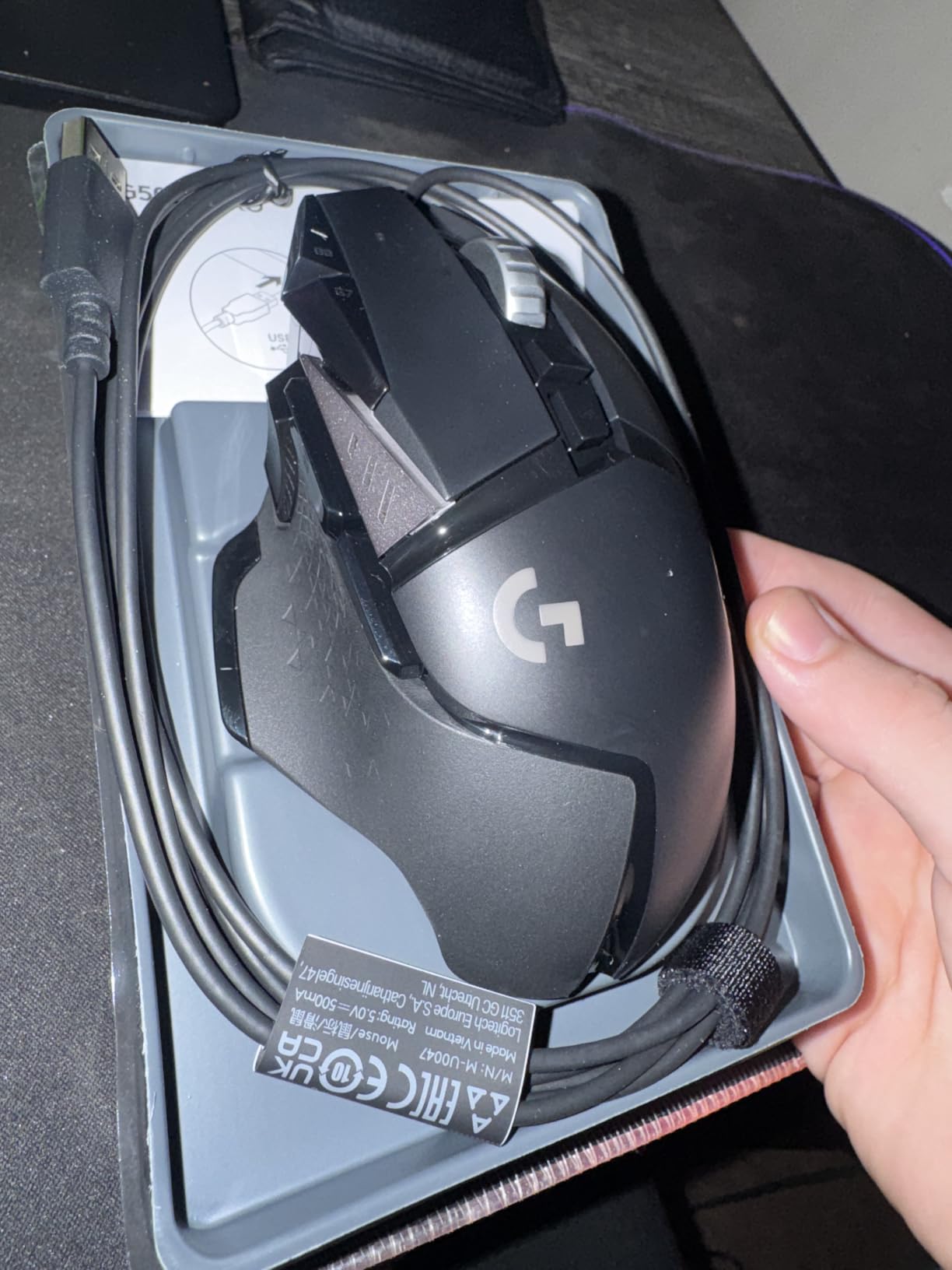
The main trade-off owners report is the cable. It is a USB design with no wireless mode, and in a tournament setting a leaded mouse can catch on a desk edge. The second complaint is that LIGHTSYNC lighting requires Logitech Gaming Software to configure, which is one more thing to install before the first match. The third is size: at 4.32 oz with weights inside, it is a full-hand mouse and reviewers with small hands often find it too large.
Compared with the G305 Lightspeed, the choice is a straight trade between flexibility and capability. The G305 is ambidextrous, weighs 3.4 oz and needs no cable at all, but it caps at 12000 DPI and gives you six buttons with no RGB. If you play shooters for hours and never move your desk, the extra buttons and sensor ceiling of the G502 are worth more than the G305’s battery life. If you switch between a laptop and a desktop and carry the mouse in a bag, the G305 is the better partner.
Buy this one if your desk is fixed and you play long enough that a mouse you will not replace is worth more than a cheaper one you will. Check the box listing before checkout: it names a wireless receiver among the included components, but this specific model is corded and pairs over USB. The 1 year hardware limited warranty covers the mouse, not the cable if a pet finds it.
2. Logitech G305 Lightspeed: Best Value for Wireless Gaming
Logitech G305 Lightspeed Wireless Gaming Mouse – Black
Type: wireless gaming mouse
Standout: 250 hours on one AA
Weight: 3.36 oz
Pros
- Lightest body in this list at 3.36 oz
- 250 hours of play on a single AA battery
- Nano receiver stores inside the mouse
- G HUB handles DPI and per-app profiles
- 40121 owner reviews averaging 4.6 stars
Cons
- Only six buttons and the side pair triggers easily
- No RGB lighting
- Claw grip can feel cramped on very large hands
Wireless gaming used to mean paying a premium for less accuracy. The G305 Lightspeed is the case where that stopped being true, and at 4.6 stars across 40,121 reviews it has the strongest owner record of any wireless mouse here.
The battery figure is the number that changes behaviour. One AA battery runs for up to 250 hours of continuous play, and Endurance mode through G HUB stretches that toward nine months. Owners who moved from a wired mouse say they stopped thinking about batteries entirely, which is the whole point of a wireless device.
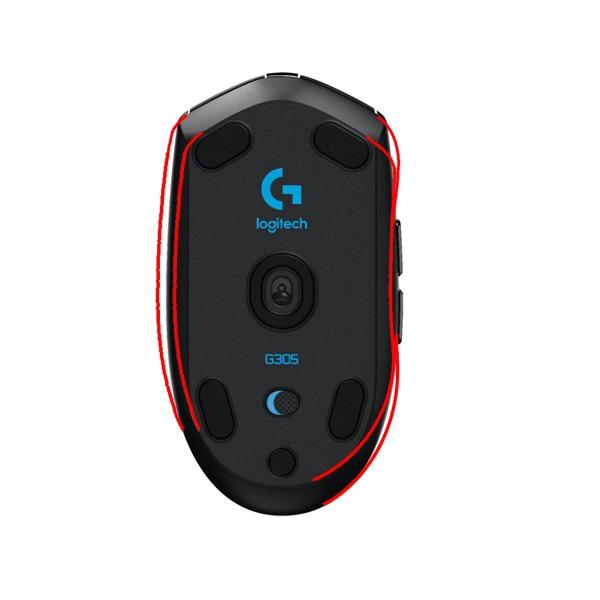
The build is deliberately plain: plastic, no lighting, and a symmetrical body that works for either hand. The 3.36 oz weight makes it the lightest mouse in this roundup, and for a competitive player who flicks and lifts constantly that number matters as much as sensor DPI. The optical HERO sensor tracks 400 IPS up to 12000 DPI through LIGHTSPEED wireless at a 1 ms report rate, so latency is not the complaint it used to be.
- 12,000 DPI optical HERO sensor rated to 400 IPS
- LIGHTSPEED wireless with a 1 ms report rate
- Up to 250 hours on one AA, or about nine months in Endurance mode
- Built-in storage slot for the nano receiver so it never gets lost
Three drawbacks come up repeatedly in owner reviews. Six buttons is a small surface for binding, and the two side buttons sit shallow enough that reviewers report accidental presses during lifts. There is no RGB, so it will not match a lit setup. And the small claw-grip shape, which many owners praise for large hands, is the aspect people with genuinely big hands flag as cramped. The plunger gap on the side buttons also means they need a deeper push than the main clicks.
Where it differs from the G502 Hero is scale: this is the travel mouse. It is lighter, cheaper in spirit, ambidextrous and rechargeable-by-battery, and it leaves MMO keybinds and a 25600 DPI ceiling on the table. The G502 is the one to keep for years at a fixed desk; the G305 is the one that travels well and disappears into a bag.
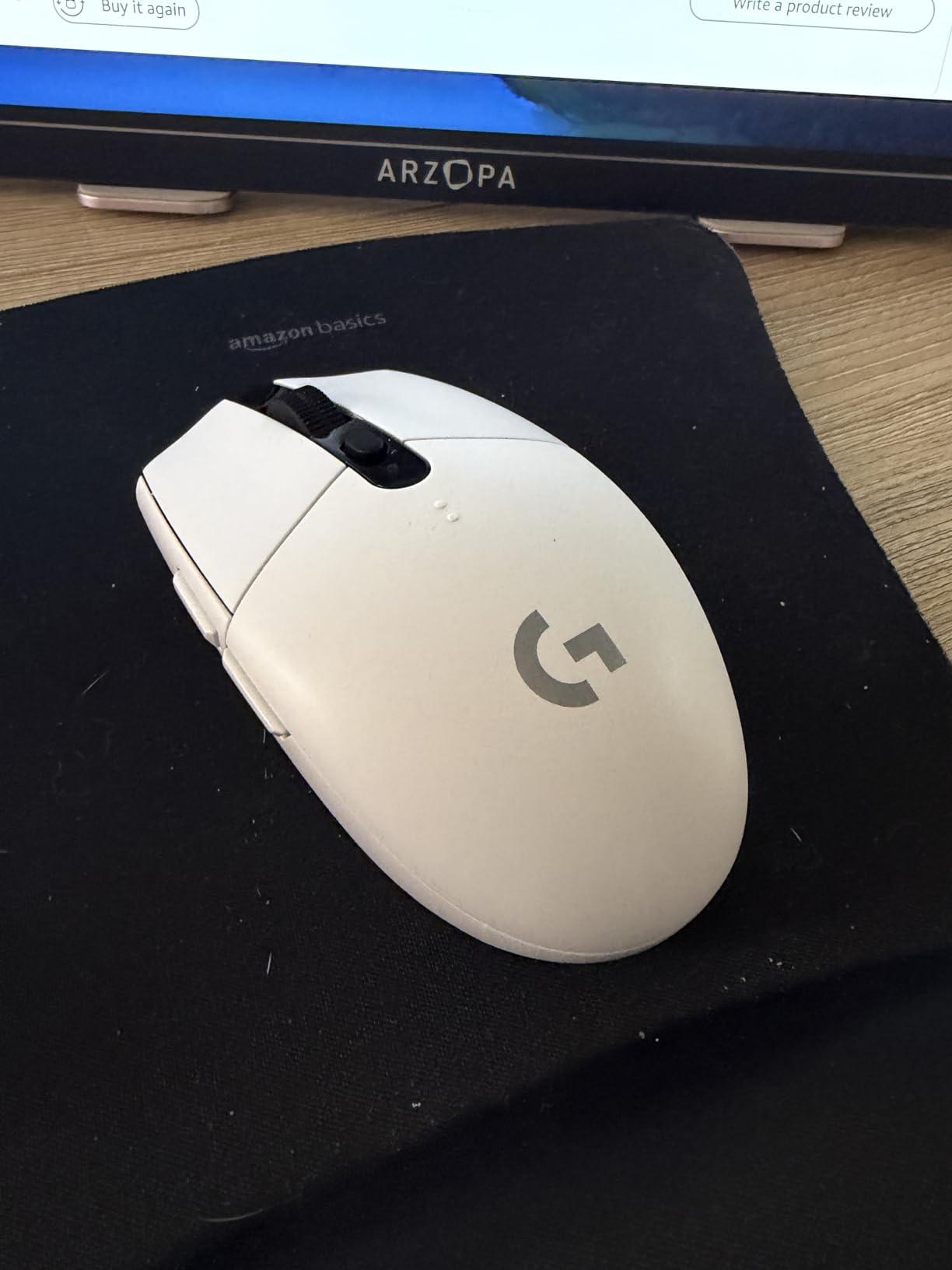
One detail changes the running cost: there is no rechargeable battery here. A single AA is all it takes, which works out cheaper over time than a USB-C cell that ages with use.
3. Logitech M510: Best for Office Work on a Battery
Logitech M510 Full Size Ambidextrous 2.4 GHz Wireless Mouse
Type: wireless office mouse
Standout: two-year AA battery
Weight: 4.48 oz
Pros
- Two-year battery life is among the longest in its class
- Contoured shape with soft rubber grips
- Programmable back and forward buttons
- Unifying receiver pairs up to six Logitech devices
- 35323 owner reviews averaging 4.6 stars
Cons
- 1000 DPI sensor is low by modern gaming standards
- USB-A receiver needs an adapter on USB-C machines
- Scroll wheel can wobble when rocked side to side
Most office mice are replaced long before they fail, usually because the shape annoys someone by hour four. The M510 survives that test better than almost anything else in its class, and the reason is unremarkable: it is a full-size contoured body with soft rubber grips that fills the palm instead of sitting on it.
What owners mention most is that it keeps working. With 35,323 reviews at 4.6 stars, the recurring note is that people have had the same mouse for years, and the two-year battery life means it stays off the charger in a drawer between uses. The Unifying receiver is the other quiet win: one small USB-A dongle pairs as many as six compatible Logitech devices, so a keyboard and mouse take a single port.
- Two-year battery life with an on/off switch and smart sleep mode
- Programmable back and forward buttons plus side-to-side scrolling and zoom
- Unifying receiver supporting up to six compatible Logitech devices
- Works with Windows, macOS, Linux and Chrome OS
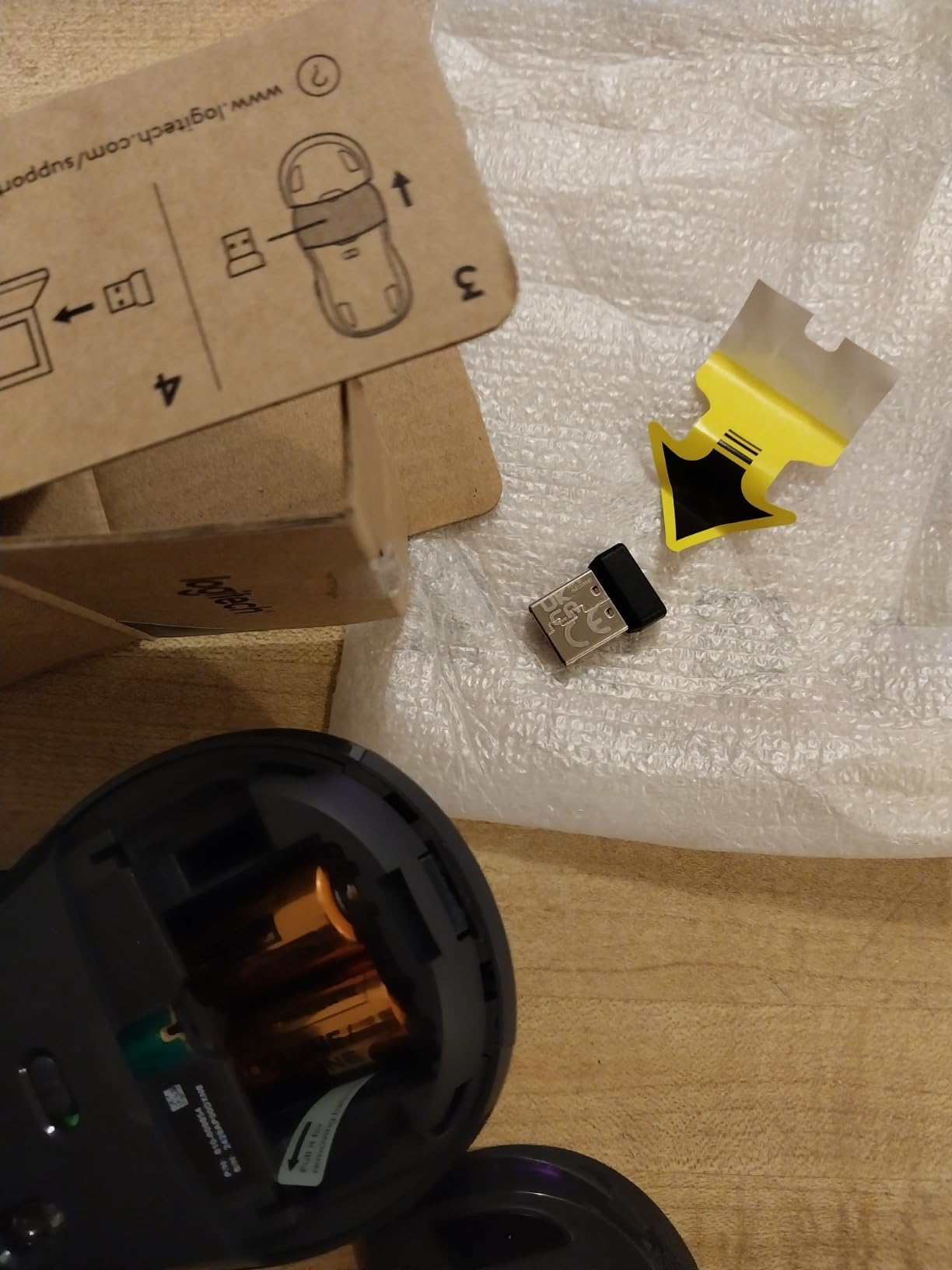
Where it falls short is worth stating plainly. The 1000 DPI sensor is unremarkable, and anyone moving from a gaming mouse will notice the tracking ceiling in a shooter. The receiver is the older USB-A Unifying type, so a USB-C-only laptop needs an adapter. Some owners report the scroll wheel has a slight side-to-side wobble when rocked, and a few report signal drop when the dongle is plugged into a rear USB port instead of one near the receiver.
One labelling note: some listing copy calls this mouse ambidextrous, but the shape is designed for right-hand use. The product details confirm the right-hand orientation.
Against the Logitech Lift in this list, the M510 is the conventional choice and the Lift is the corrective one. The M510 is cheaper, has a flatter shape people are used to, and pushes tracking resolution far higher. The Lift’s 57-degree angle and 4000 DPI sensor exist to reduce forearm strain across a working day. If wrist discomfort is the reason you are shopping, the Lift is the better answer even though it is a bigger adjustment.
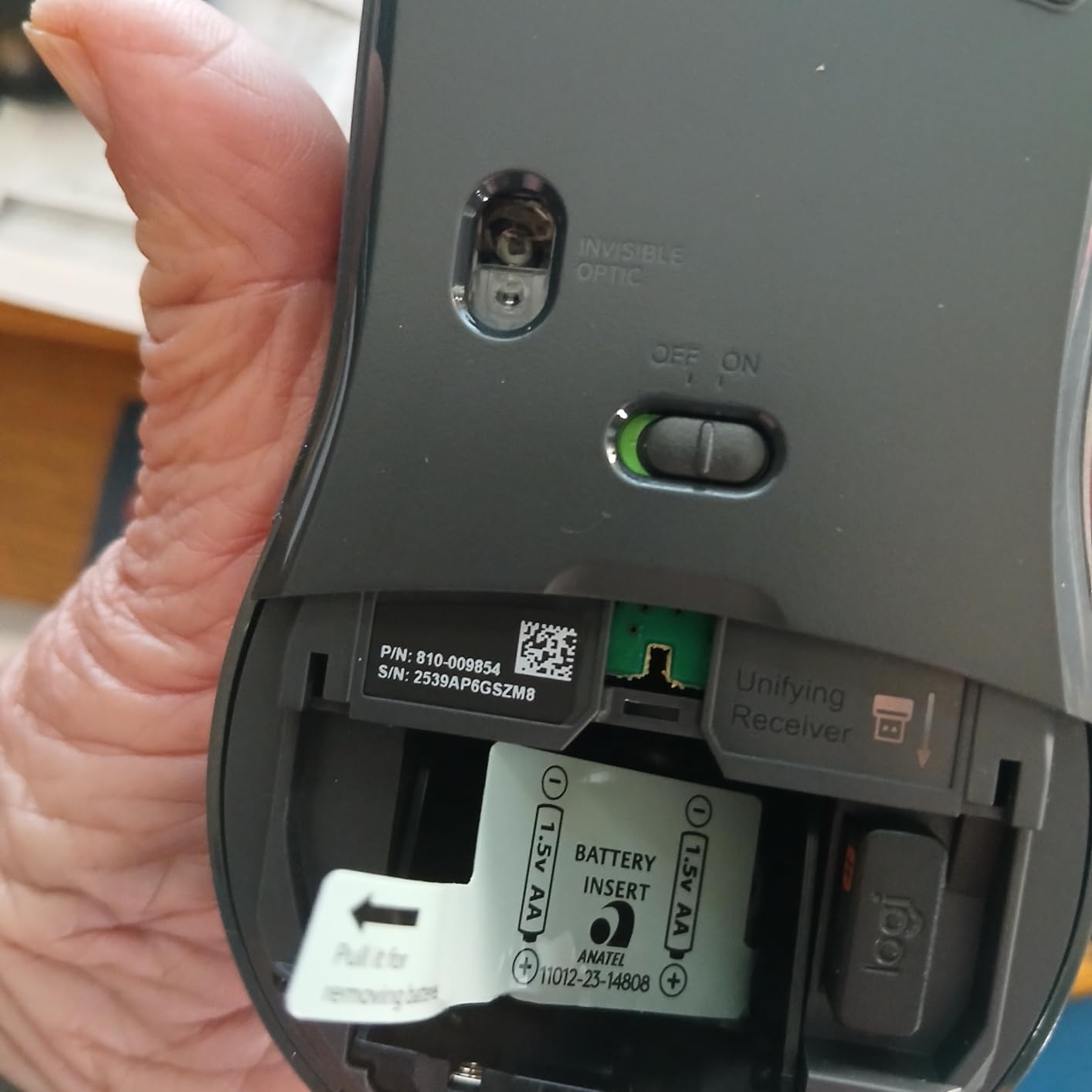
Owners keep landing on the same point about surfaces, reporting smooth tracking on bare desks, mousepads, cloth and fabric. A cheap cloth mat is often enough to make a 1000 DPI sensor feel fine.
4. Logitech MK270 Combo: Best for a First Desk Setup
Logitech MK270 Full Size Wireless Keyboard and Mouse Combo – Black
Type: keyboard and mouse combo
Standout: one receiver for both
Weight: 1.1 lb
Pros
- One USB-A receiver powers the keyboard and mouse
- 36-month keyboard and 12-month mouse battery
- Spill-resistant full-size keyboard with tilt legs
- Number pad included for spreadsheet work
- 110834 owner reviews averaging 4.5 stars
Cons
- Membrane keys feel light next to a mechanical board
- No keyboard backlighting
- Mouse is compact and basic beside the full-size keys
Start a desk from nothing and you need two things, not nine. The MK270 gives you both with a single USB-A nano receiver, and at more than 110,000 owner reviews it is one of the most examined computer bundles in circulation. That volume is itself part of the value: nothing here is a surprise.
The receiver point is the real one. One dongle handles the keyboard and the mouse, so a laptop with two free ports keeps both, and there is no second device to pair. The keyboard runs on 36 months of battery and the mouse on 12, with an on/off switch on both. Wireless range is about 33 ft, which is enough to move between a desk and a sofa in a small flat.
The build is aimed at durability rather than feel. The keys are spill-resistant with adjustable tilt legs, and the box includes one AA and two AAA batteries. Logitech states the keyboard contains 54% and the mouse 49% certified post-consumer recycled plastic, which matters more for a product built to be replaced rarely.
- Single USB-A nano receiver shared by keyboard and mouse
- 36-month keyboard battery and 12-month mouse battery life
- Full-size QWERTY layout with a number pad and arrow keys
- 8 multimedia hotkeys for media, volume, email and internet
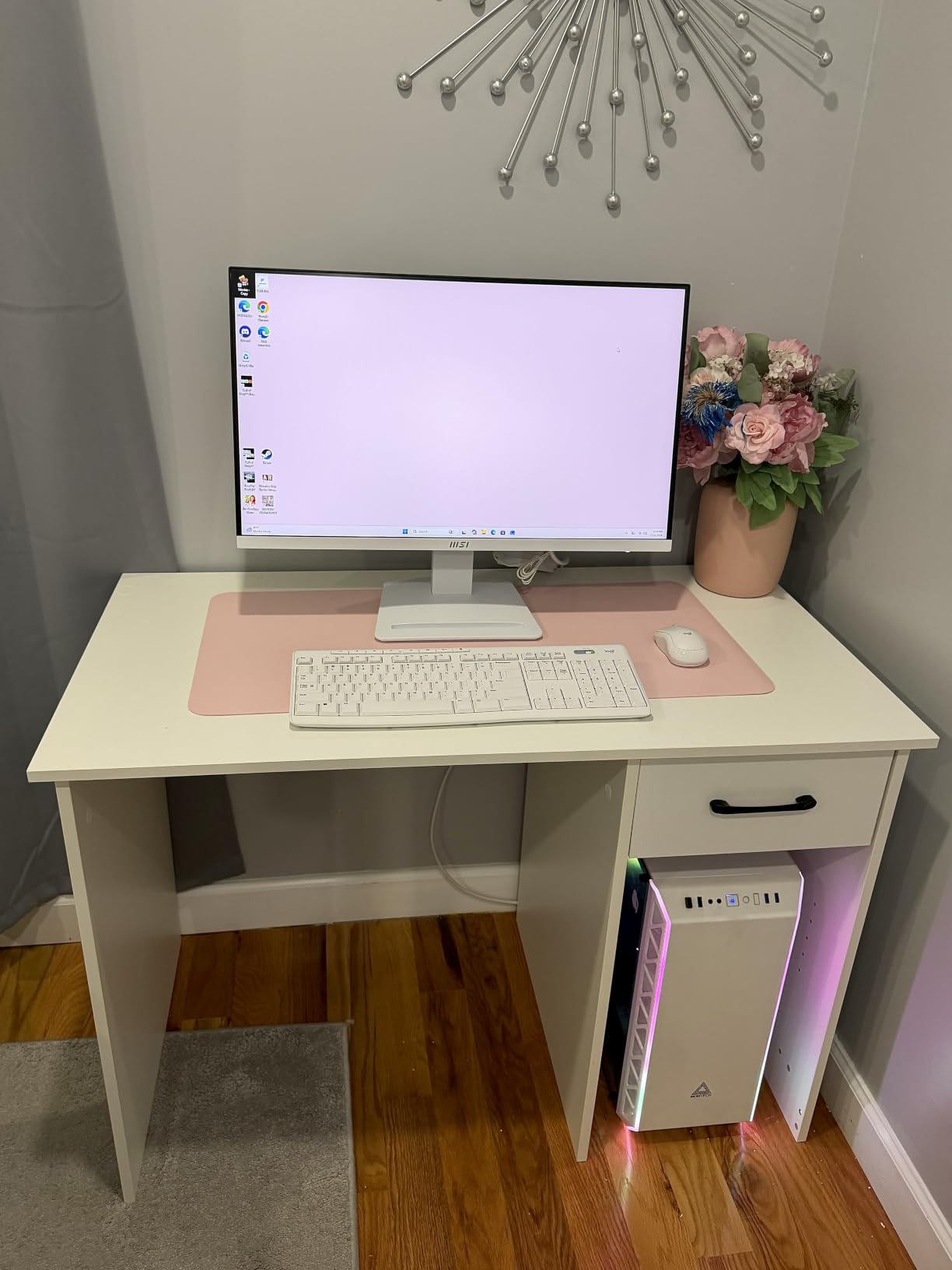
The honest limitation is typing feel. These are low-profile membrane keys, and reviewers moving from a mechanical board describe them as light rather than tactile. There is no backlighting, and the mouse included is a compact basic model that will not satisfy a gamer. On a USB-C-only laptop you need an adapter for the receiver.
Against the Logitech K400 Plus later in this list, the MK270 is the desk keyboard and the K400 is the sofa keyboard. The K400 has a touchpad built in and a 33 ft range with an extender for reaching a media cabinet, but its keys are for navigating rather than typing. If you are writing anything longer than an email, the MK270’s number pad and standard spacing win outright.
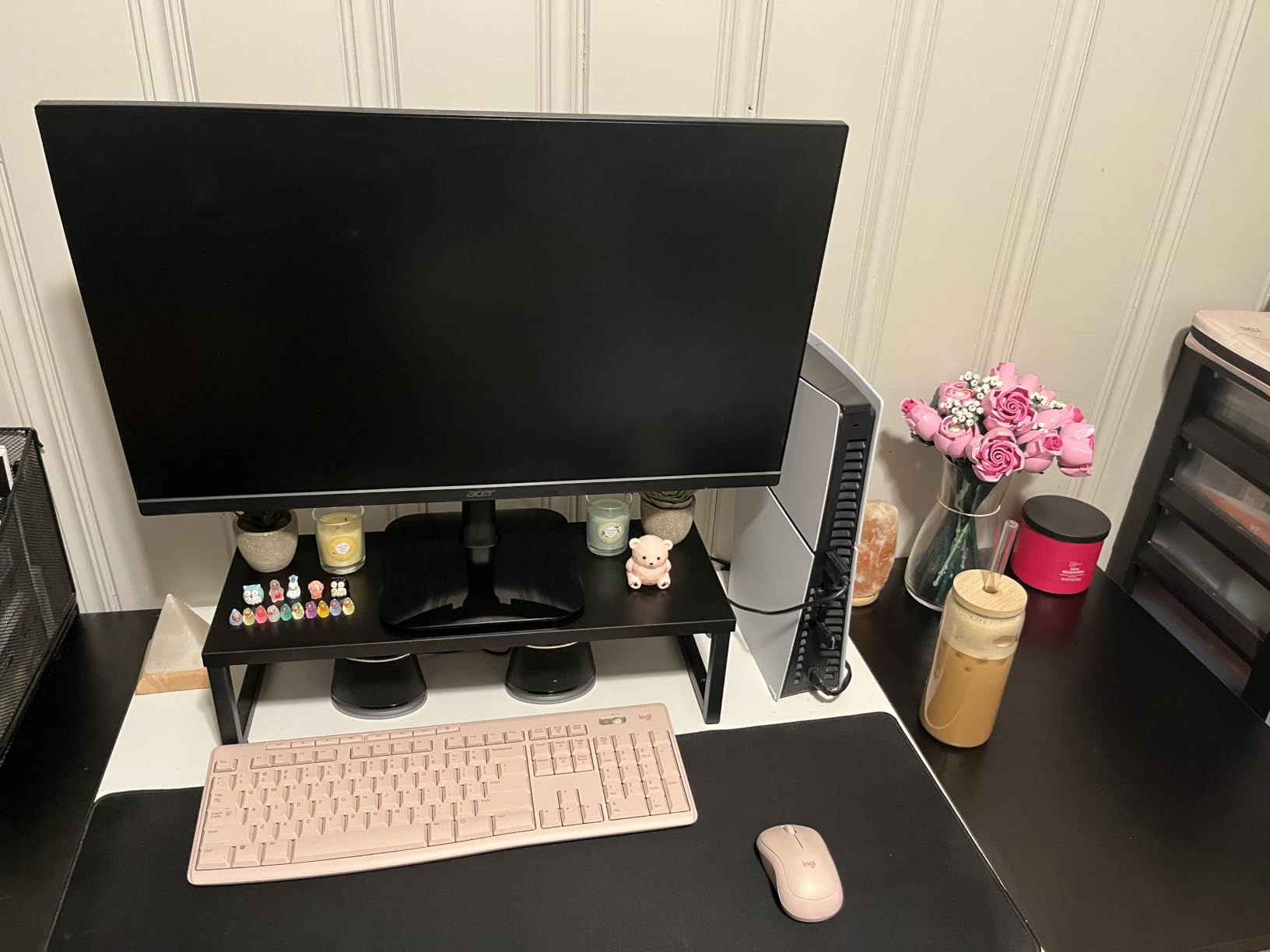
Set the tilt legs to the higher of the two positions before you start typing, which is what owners who type hard do immediately. A spill-resistant keyboard is not a waterproof one, but it survives the ordinary coffee incident far better than a bare membrane board.
5. Logitech H390: Budget Pick for Calls and Study
Logitech H390 Wired Headset PC/Laptop Stereo Headphones, USB-A, Black
Type: wired on-ear headset
Standout: USB-A plug and play
Weight: 7.04 oz
Pros
- USB-A plug and play needs no driver or software
- Rotating noise-canceling boom mic
- In-line volume and mute controls
- Lightweight 7.04 oz on-ear fit with leatherette cushions
- 67385 owner reviews averaging 4.4 stars
Cons
- Wired USB only with no Bluetooth pairing
- On-ear plastic cups lack over-ear isolation
- Stereo-only sound with a functional rather than broadcast-grade mic
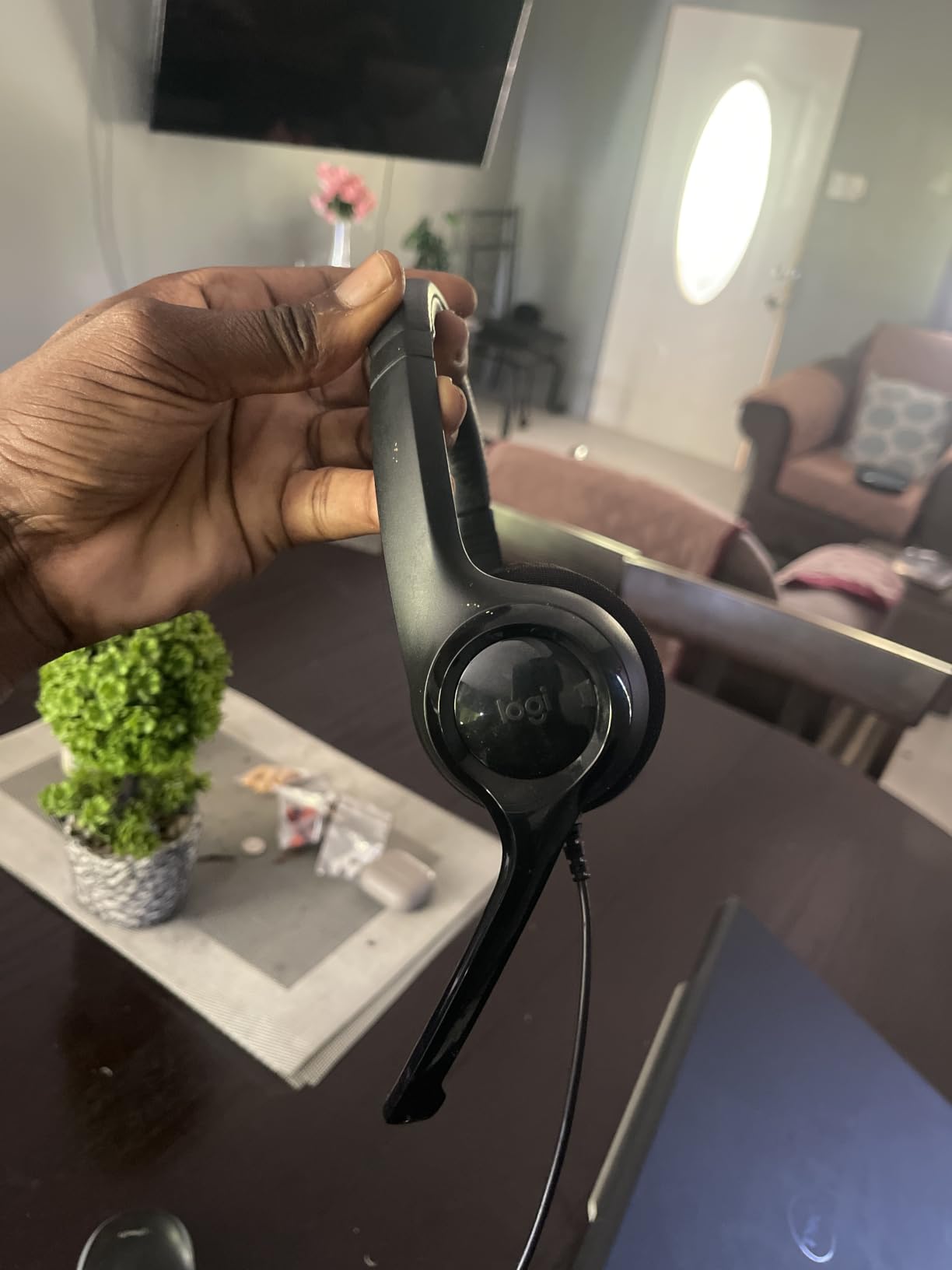
If your headset spends most of its life on video calls, a classroom call or a work chat, the deciding feature is how fast you can start. The H390 connects over USB-A and works the moment it is plugged in. No drivers, no pairing, no software, no update prompt on a shared machine.
That simplicity has kept it popular for years. At 67,385 reviews and 4.4 stars, the pattern in owner feedback is consistent: people buy it to replace something broken, it works, and they buy another for a second computer. The 7.04 oz weight and swivel-mounted leatherette cushions are the other repeated positives, since an on-ear design that light disappears on the head during a long session.
Audio is a 30 mm dynamic driver setup rated at 32 ohm, which is a call-and-music signature rather than a competitive one. The rotating noise-canceling boom mic tucks away when it is not in use, and in-line volume and mute controls sit on the cable where you can reach them mid-conversation. The 6.23 ft cable leaves enough room to move around a desk.
- USB-A plug and play with no driver, software or firmware step
- Rotating noise-canceling boom microphone that tucks away
- In-line volume and mute controls on the cable
- Two-year limited warranty and Chromebook certification
The trade-offs are all about what a wired on-ear headset gives up. There is no Bluetooth or wireless pairing, so the cable stays attached to the laptop. The plastic on-ear cups do not isolate like an over-ear cup, which means more room noise reaches you in a loud café. And the sound is stereo only, with no surround processing, so it is not a headset for working out where a sound is coming from in a game.
Against the Logitech G733, the difference is the entire design philosophy. The G733 is a wireless over-ear with PRO-G drivers and 29 hours of battery for long sessions and positional cues. The H390 is a USB headset for talking, at a fraction of the commitment, with a two-year warranty. If your use is meetings, the H390 does the job without asking you to charge anything.

The mute button on the cable is not the same as a mute in your meeting. Teams, Zoom and Chrome each have their own microphone toggle, and the fastest habit is muting in both places when it matters.
6. Logitech C920x: Best for Video Calls and Streaming
Logitech C920x HD Pro PC Webcam Full 1080p/30fps Video – Black
Type: 1080p webcam
Standout: autofocus and HD lighting
Weight: 5.7 oz
Pros
- Sharp 1080p at 30 fps with reliable autofocus
- Automatic HD lighting adjustment in dim rooms
- Dual microphones for clear voice on calls
- Works across Windows Mac and major calling apps
- 22013 owner reviews averaging 4.6 stars
Cons
- No built-in privacy shutter
- Bundled XSplit VCam licence runs only three months
- 1080p is the ceiling with no 4K capture
Webcam footage is judged on two things people rarely discuss: does it stay sharp when you move, and does it stay visible when the room is dim. The C920x handles both, and that is why it keeps appearing at the top of this category at 4.6 stars across 22,013 reviews.
Full HD 1080p capture at 30 fps from a CMOS sensor behind a glass lens, with a 78-degree viewing angle and 16:9 output. Autofocus handles the moment someone leans in, and HD lighting adjustment brightens a poorly lit face rather than amplifying the grain in a dark room. Two microphones pick up voice for calls and recordings without a separate headset mic.
Setup is a single USB cable. It works with Windows 11, Mac and the major calling apps with no additional install, and Logitech also lists Nintendo Switch 2 GameChat mode among the supported setups. At 5.7 oz and 1.7 by 3.7 by 2.7 inches, it takes almost no desk space and clips or sits on a monitor without a boom arm.
- 1080p full HD video at 30 fps with autofocus
- 78-degree viewing angle, glass lens and 16:9 aspect ratio
- Automatic HD lighting adjustment for low-light rooms
- Bundled 3-month XSplit VCam licence for background blur and removal
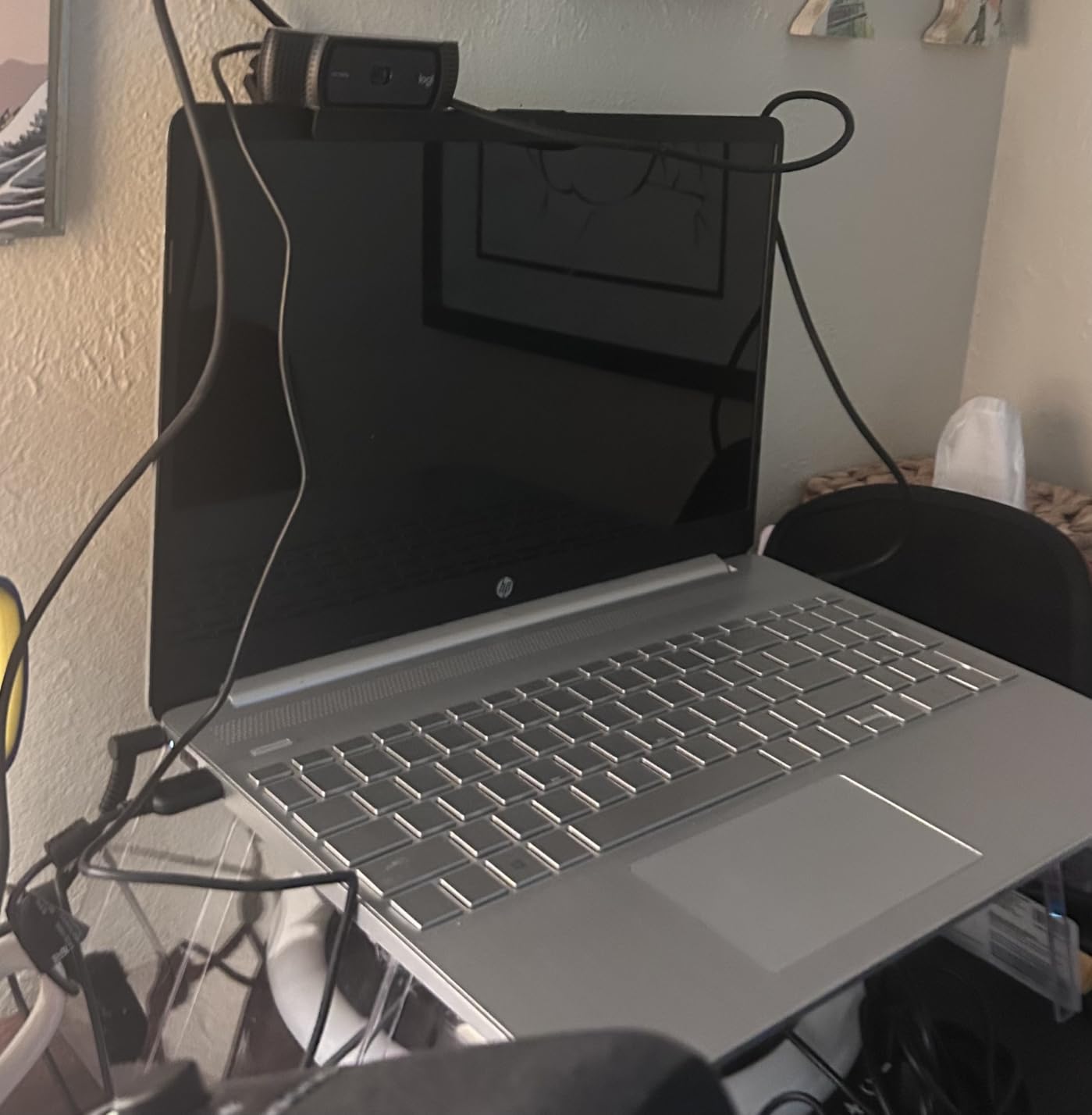
The complaint that appears more than any other in owner reviews is the missing privacy shutter. There is no physical cover over the lens, and reviewers who care about that fit external sliders or tape over it. The bundled XSplit VCam licence is only three months long, after which background removal stops working. Logitech also does not release a proper Linux driver, and owners running multi-camera Linux setups report the 1080p stream can be bandwidth-hungry enough to cause lag.
For streamers pairing a camera, the Elgato Stream Deck XL later in this list handles the control side of the same desk, cutting scene changes to single key presses. For everyone else, the C920x sits in the middle of the range: above a laptop’s built-in camera, below the 4K models that cost several times more for resolution most call platforms never request.
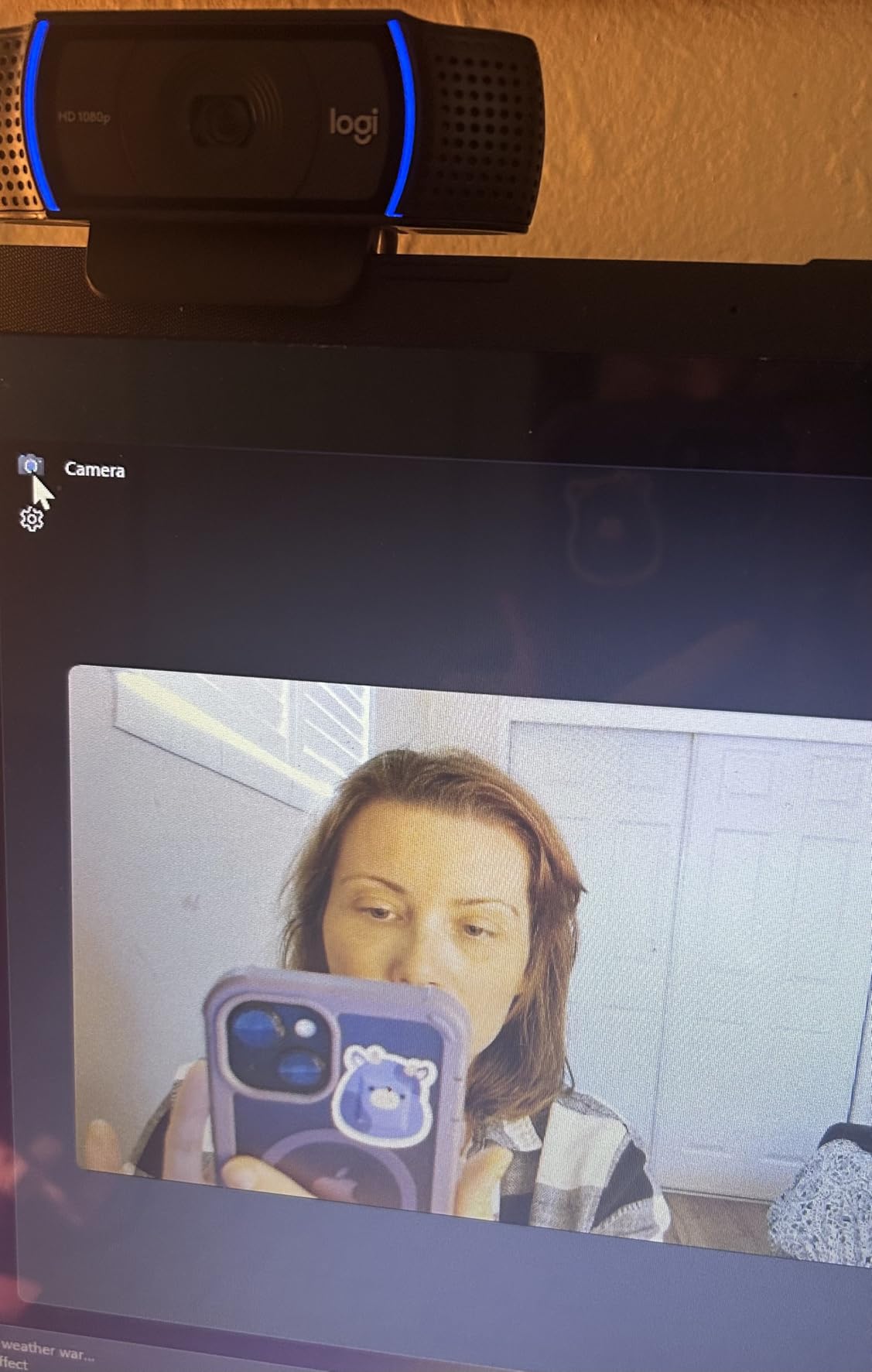
The single most effective upgrade here is not the webcam. A lamp beside the monitor at an angle beats any software processing, and the C920x will then handle the low-light adjustment on its own.
7. Elgato Stream Deck XL: Best for Streaming Workflows
Elgato Stream Deck XL Advanced Studio Controller, 32 Keys
Type: stream controller
Standout: 32 LCD shortcut keys
Weight: 410 g
Pros
- Highest rating in this group at 4.8 stars
- 32 LCD keys give visual confirmation of each command
- Deep integrations with OBS Twitch YouTube Discord Spotify and Philips Hue
- One-touch control of scenes cameras lighting and audio
- Magnetic stand and USB-C cable included
Cons
- Large desk footprint demands real space
- No Bluetooth so it needs a USB connection
- 32 keys can be more than a creator needs
This is the one non-Logitech pick in the list, and it earns the place on rating: 4.8 stars across 8,562 reviews, the highest score of any product covered here. A stream controller is not a Logitech category, but creators buying a webcam, a mic and a capture card this month are exactly the buyers who want one.
The idea is simple and it works. Thirty-two LCD keys sit under your fingers, and each one triggers an action in OBS, Twitch, YouTube, Discord, Spotify, Philips Hue, vMix or VoiceMod. Scenes, cameras, lighting states and audio levels all move to a single press, and the key’s screen changes to show the command registered, which is the detail people cite most.
Configuration is drag and drop, with custom icon packs so the layout matches your software rather than a generic grid. A magnetic stand and a USB-C cable are in the box, and the warranty is two years from the manufacturer.
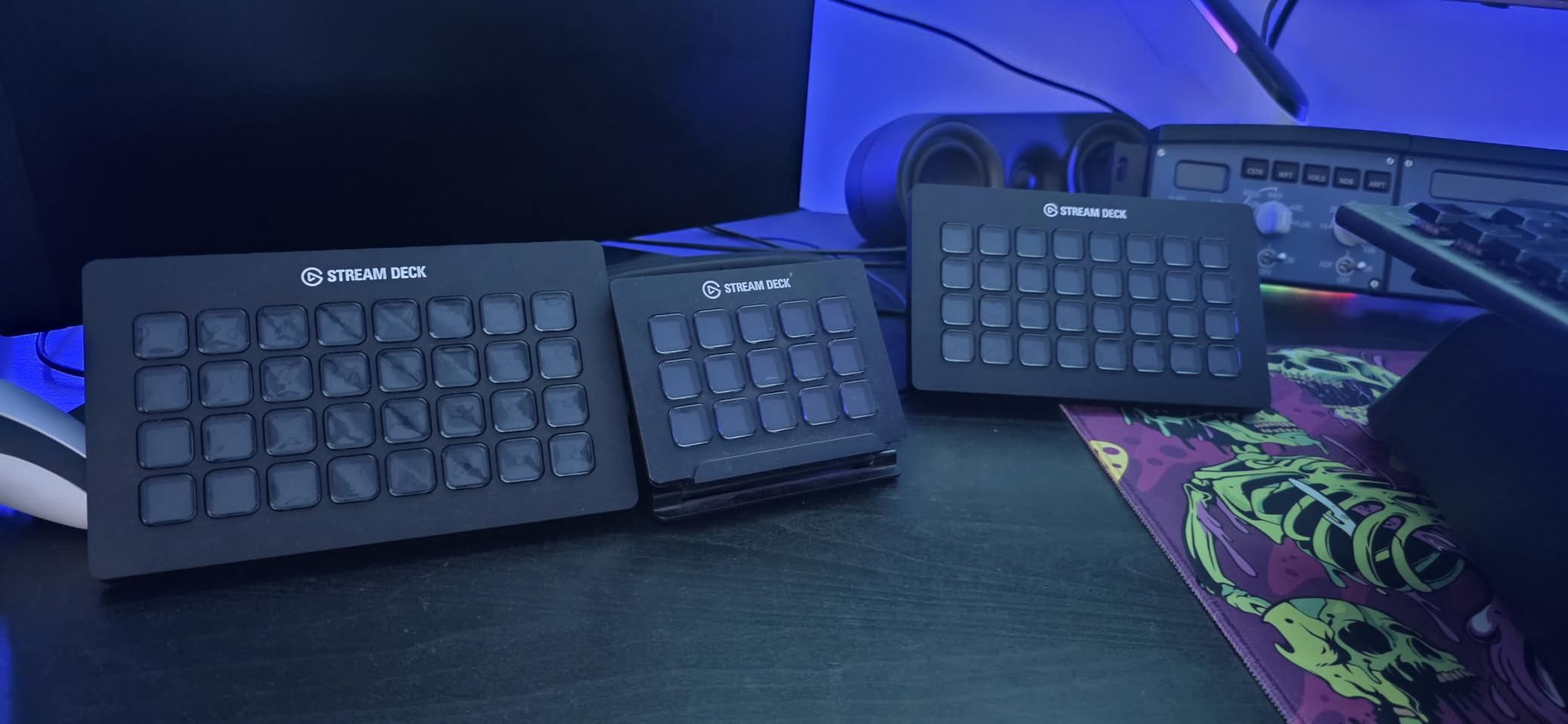
- 32 customizable LCD keys with visual feedback on every press
- Integrations with OBS, Twitch, YouTube, Twitter, Discord, Spotify, Philips Hue, vMix and VoiceMod
- One-touch control of scenes, cameras, lighting, media and social posting
- Runs on Windows 10 and macOS 10.13 or later over USB
The objections are mostly about size. At 7.17 by 1.34 by 4.41 inches and 410 g, it needs a clear stretch of desk, which matters on a small workstation or a laptop setup. There is no Bluetooth, so it is tied to one computer over USB. And with 32 keys available, a creator who only uses six will end up burying actions in folders to reach them, which owners mention as the main reason a smaller deck sometimes makes more sense.
Compare it with the Logitech C920x, which does the picture half of a streaming desk. The webcam captures the image and the stream controller removes the mouse from the process of switching scenes. If you record occasionally rather than stream weekly, the C920x alone covers it, and the XL earns its footprint only once you are switching scenes dozens of times in an hour.
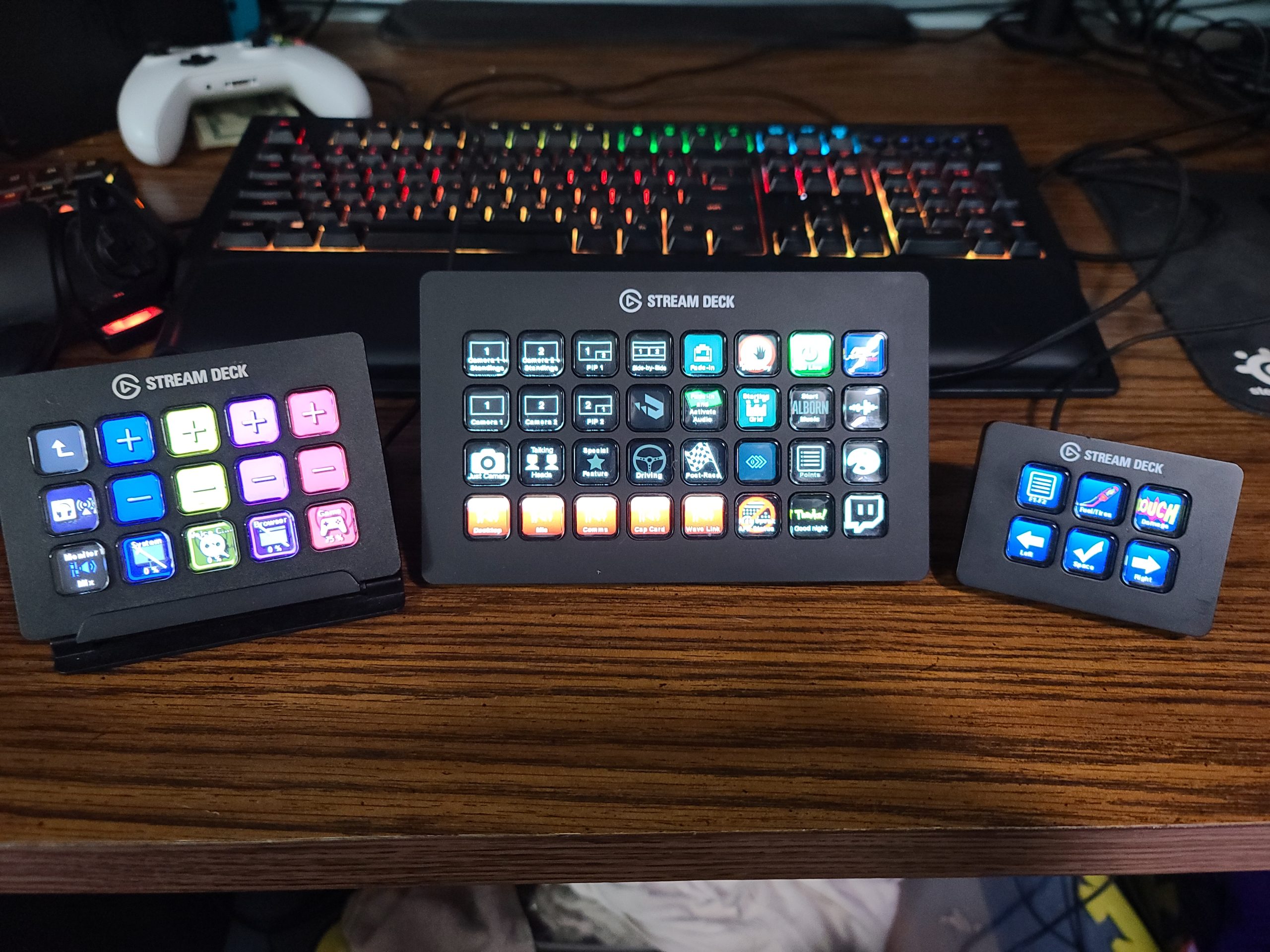
Plan the layout before you fill every key. A creator who labels by scene at the top and audio controls at the bottom stops hunting mid-broadcast, which is when mistakes cost a stream.
8. Logitech G733: Best for Wireless Gaming Audio
Logitech G733 Lightspeed Wireless Gaming Headset – Black
Type: wireless gaming headset
Standout: 29 hours of LIGHTSPEED
Weight: 278 g
Pros
- 29 hours of LIGHTSPEED battery at 20 m range
- PRO-G drivers reduce distortion on positional cues
- Reversible suspension headband with memory foam cushions
- Dual-zone LIGHTSYNC RGB across 16.8M colours
- Blue VO!CE certified broadcast-grade mic
Cons
- Non-detachable battery limits longevity and travel
- Fixed boom mic with no inline mute button
- Heavier than typical wireless headsets at 278 g
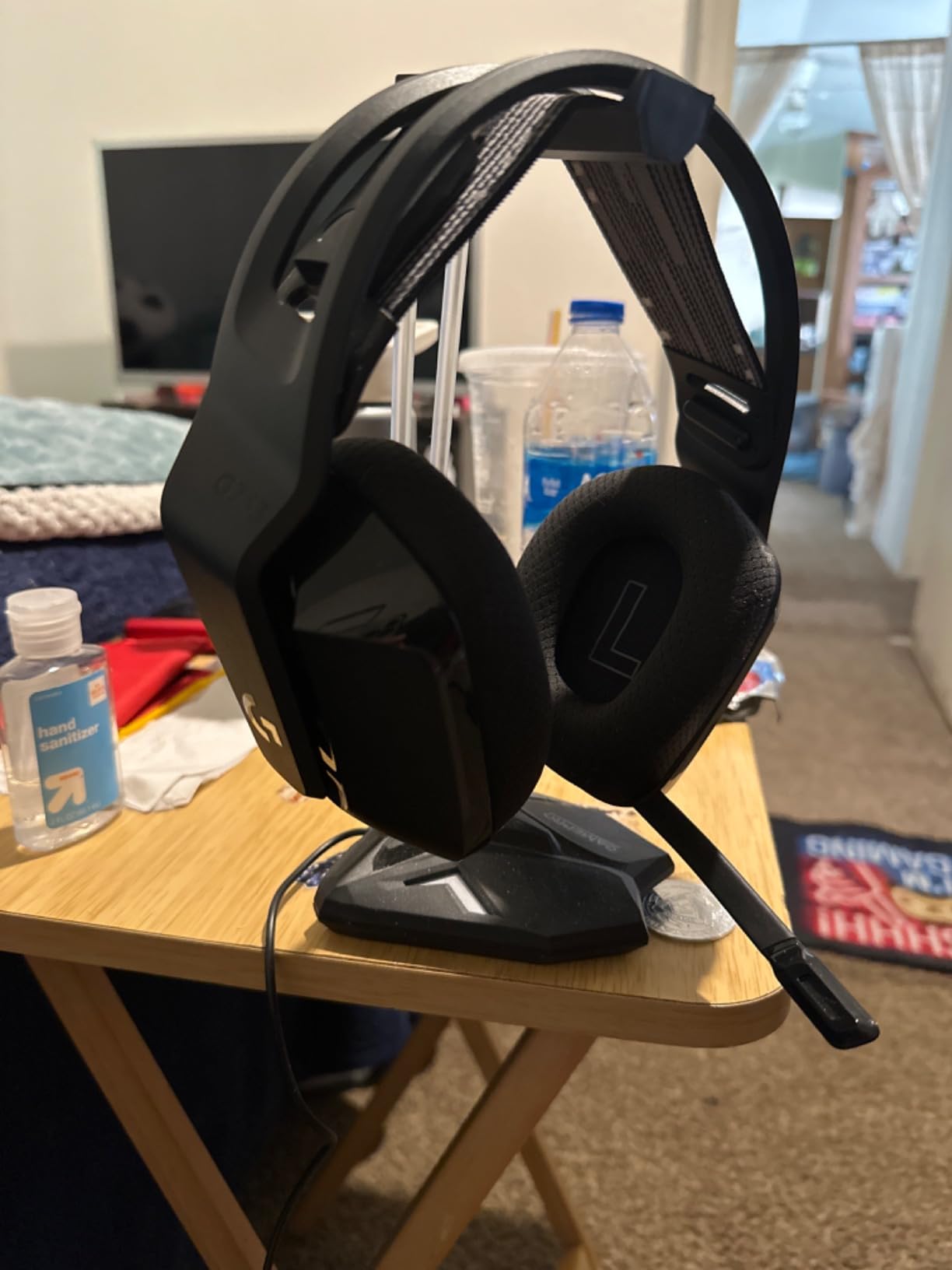
The G733 is the headset to buy for someone who plays long enough that a cable becomes a nuisance and specific enough that they want to hear direction. It runs up to 29 hours on LIGHTSPEED wireless at 20 m range, and the PRO-G drivers are tuned to keep distortion low on positional cues rather than pumping the bass.
Comfort is where the reviews are kindest. A reversible suspension headband spreads weight across the top of the head instead of pressing on the ears, and the memory foam cushions hold up through multi-hour sessions. That matters at 278 g, which is heavier than most wireless headsets and is the reason some owners with smaller heads find the fit snug after a few hours.
The lighting is the Logitech G signature done properly: dual-zone front-facing LIGHTSYNC with 16.8 million colours and preset animations, configured in G HUB. The mic carries Blue VO!CE certification, which is a broadcast-quality standard, though the physical mic is a fixed boom rather than a detachable one.
- LIGHTSPEED wireless with 20 m range and up to 29 hours of battery
- PRO-G drivers tuned for low-distortion positional audio
- Works on PC, PS5, PS4 and Nintendo Switch
- Reversible suspension headband with memory foam ear cushions
The console detail is the one to read carefully before buying. The listing states it works with PC, PS5, PS4 and Nintendo Switch, and reviewers note that reaching PS5 or PS4 in wireless mode does not carry chat audio on every console, so the included cable is still needed for voice. The fixed boom mic has no mute button on the inline control, which means muting happens in software. And a non-detachable battery is a long-term decision: it is fine for three years of play and limiting after that.
Against the Logitech H390, the comparison is between talking and playing. The H390 is a wired USB headset for calls, light and immediate. The G733 is a wireless over-ear for console or PC sessions where sound positioning and all-day comfort decide whether you keep wearing it. They solve different problems and are not really rivals.
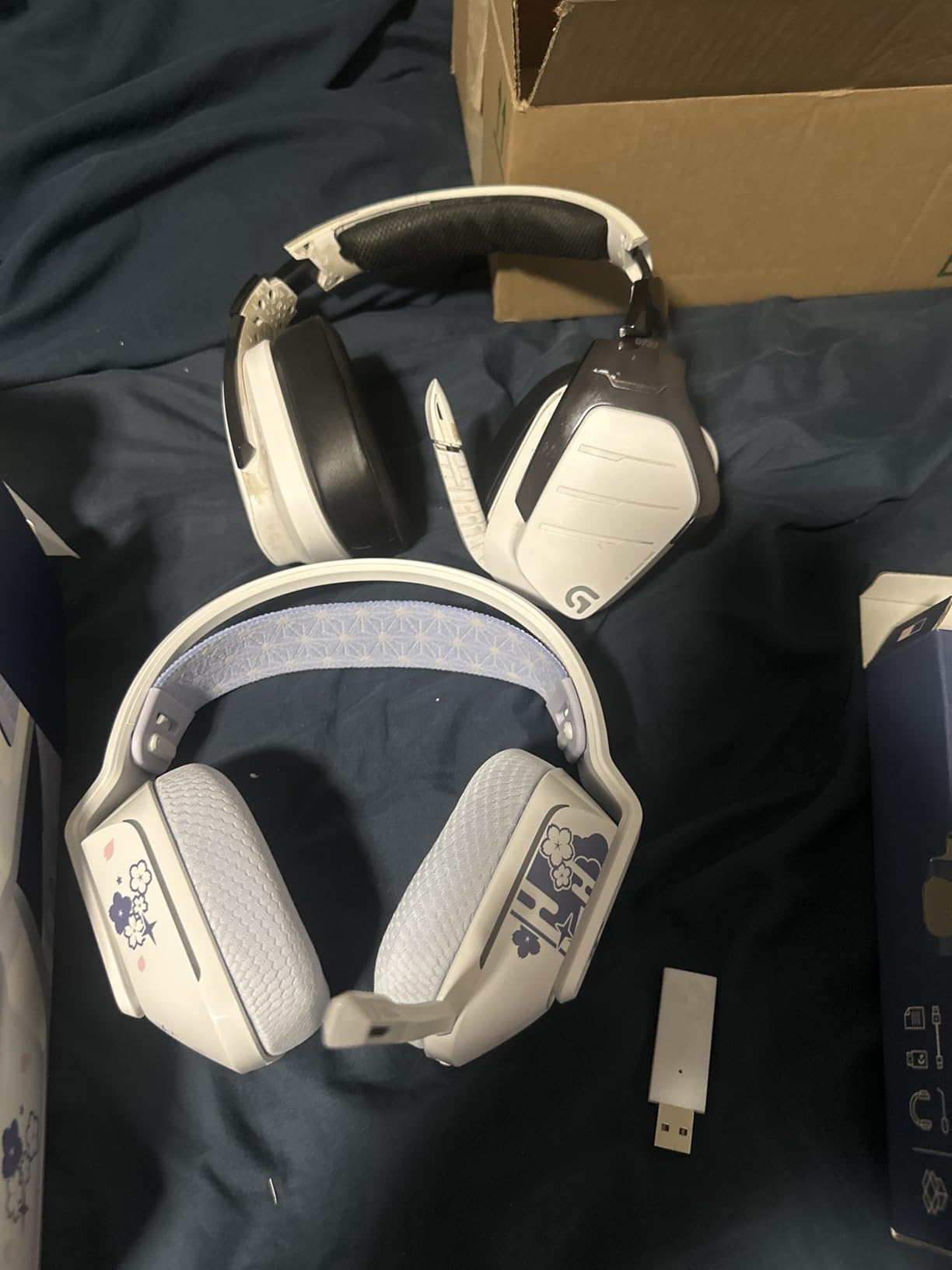
Install G HUB before a long session rather than five minutes before, so firmware, lighting and EQ updates are not waiting when you are ready to play.
9. Logitech Lift: Best for Ergonomic Work
Logitech Lift Vertical Ergonomic Wireless Mouse – Graphite
Type: vertical ergonomic mouse
Standout: 57-degree grip angle
Weight: 125 g
Pros
- 57-degree vertical angle reduces forearm strain
- Ergo-certified against ergonomist criteria
- Whisper-quiet clicks for shared offices
- SmartWheel switches from smooth to free-spin
- Up to 24 months of battery life
Cons
- Vertical shape needs an adjustment period
- Sized for small to medium right hands
- Modest 4000 DPI ceiling for competitive gaming
A vertical mouse does one thing: it turns the forearm so the wrist does not bend sideways for eight hours a day. The Lift does that at a 57-degree angle, with a softly textured grip and a thumb rest that keeps the hand supported, and it carries Logitech’s ergo-certified designation after being tested against ergonomist criteria.
That is not a marginal change. Owners working long shifts report the difference shows up in the second week, after the initial period where the unfamiliar angle feels awkward. The clicks are whisper-quiet, which matters on a shared desk or an open call, and the SmartWheel moves between smooth scrolling and free-spin for moving through a long list at speed.
Connectivity is the most flexible on this list. It pairs over Bluetooth Low Energy or through the included Logi Bolt USB receiver, across Windows, macOS, iPadOS, Chrome OS and Linux. One AA battery runs up to 24 months, and the Graphite version uses 70% certified post-consumer recycled plastic.
- 57-degree vertical angle with a snug thumb rest and textured grip
- SmartWheel smooth and free-spin scrolling in one control
- Bluetooth Low Energy or Logi Bolt USB across six operating systems
- Up to 24 months of battery life on one AA
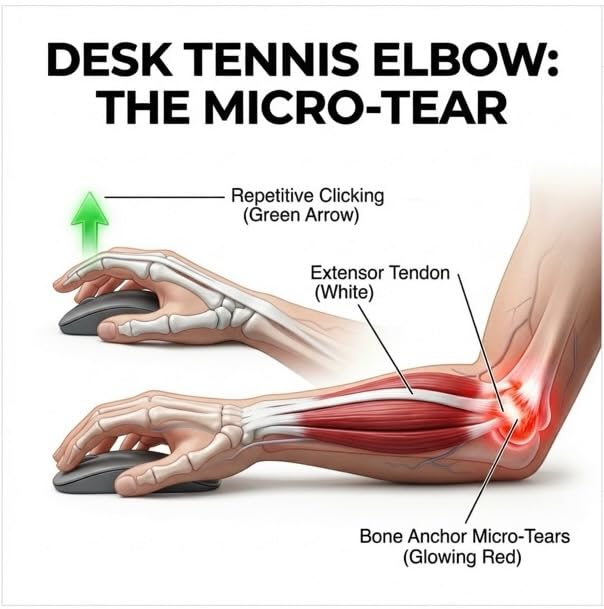
Two fit warnings, both straight from the owner reviews. The shape is built for small to medium right hands, and people with larger hands are pointed toward the MX series instead. And the six-button count is minimal, with a 4000 DPI ceiling that will not satisfy a competitive player. The Logi Bolt receiver also occupies a USB-A port unless you use it over Bluetooth.
The nearest comparison in this list is the Logitech M510, which is a conventional horizontal shape. If you are shopping purely for a mouse that feels normal and works on any surface, the M510 is the easier buy and the stronger all-rounder. The Lift is the one to choose because something in your current setup is causing discomfort, and the shape change is the entire point. It is also a better match for a desk setup built around long sessions, and the same logic applies to the chair you sit in: if you want a full ergonomic picture for long hours, our guide to ergonomic chairs for long hours covers the seating side of the same problem.
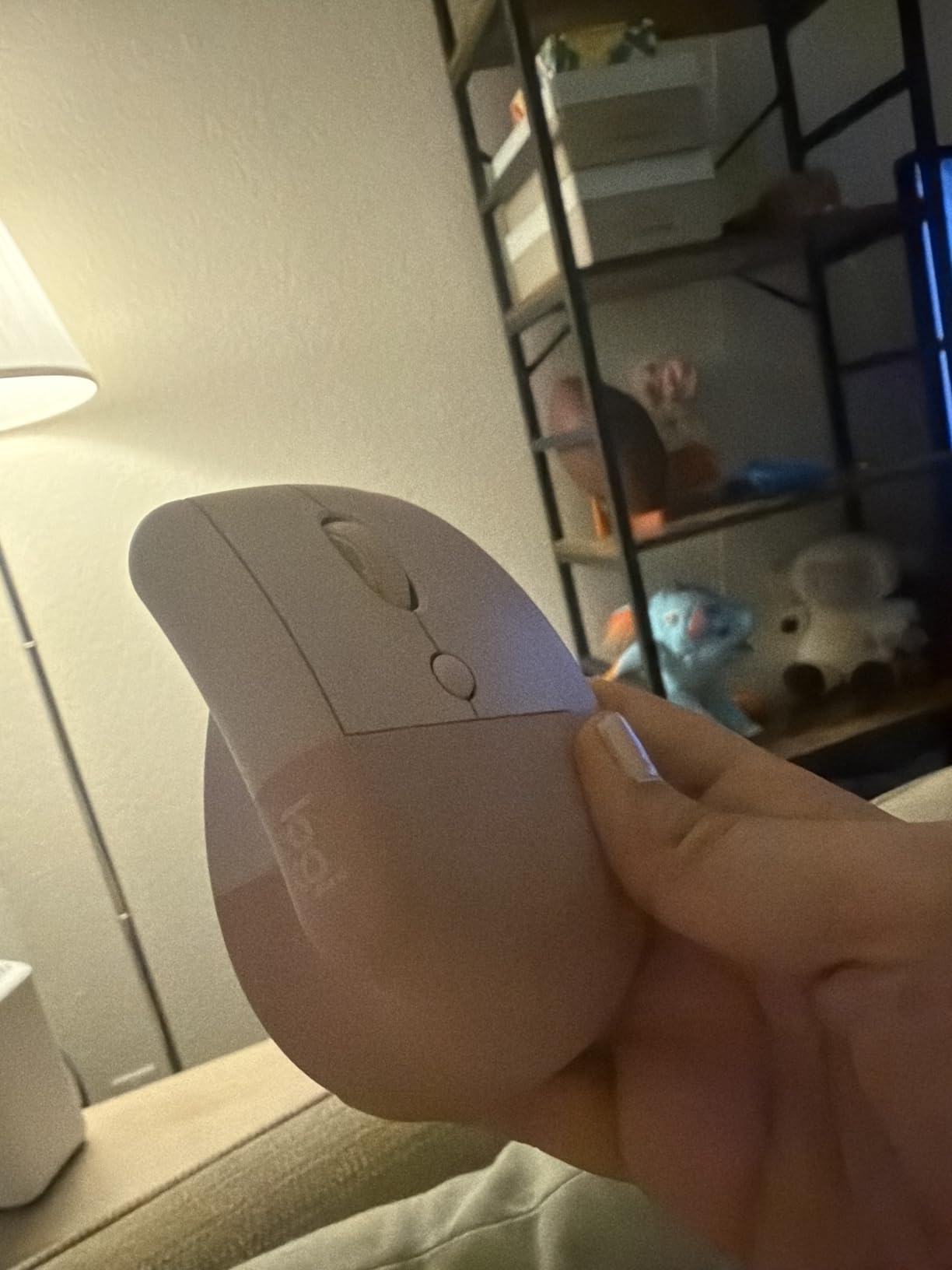
Allow about a week with the Lift before deciding. The adjustment period owners describe is real, and quitting on day two means paying twice for the same outcome.
10. Logitech K400 Plus: Best for TV and Media Use
Logitech K400 Plus Wireless Touch TV Keyboard for PC-Connected TV – Black
Type: touch keyboard for TV
Standout: integrated touchpad
Weight: 13.76 oz
Pros
- Integrated touchpad removes the need for a separate mouse
- 18 months of battery life on two AA batteries
- 33 ft range with an included USB range extender
- Media-friendly layout with quick volume and playback keys
- Spill-resistant quiet keys
Cons
- Small touchpad with no physical click buttons
- No backlighting for dark rooms
- Chiclet keys suit navigation rather than long typing
A PC connected to a television is a different problem from a PC on a desk. You are on a sofa, pointing at a screen across the room, and the mouse is in a drawer somewhere. The K400 Plus solves that with an integrated touchpad and 33 ft of range, plus a USB range extender in the box for when the PC sits in a media cabinet.
Everything about the layout points at that use. The keys are media-friendly and low-profile, so playback and volume controls sit under your thumb. Two AA batteries give up to 18 months, and an on/off button on the back stops the battery draining when the keyboard is idle. At 13.76 oz it is light enough to rest on a cushion, which is where it ends up in most homes.
Compatibility covers Windows 7 and later, Android 7 and later, and Chrome OS, so it also drives an Android TV box or a streaming stick that accepts a keyboard. Logitech lists a product carbon footprint of 4.9 kg CO2e, certified carbon neutral.
- Integrated 2.99 by 1.85 inch touchpad replaces a separate mouse
- Up to 18 months of battery life on two AA batteries
- 33 ft wireless range with an included USB range extender
- Spill-resistant, quiet keys and a media-friendly layout
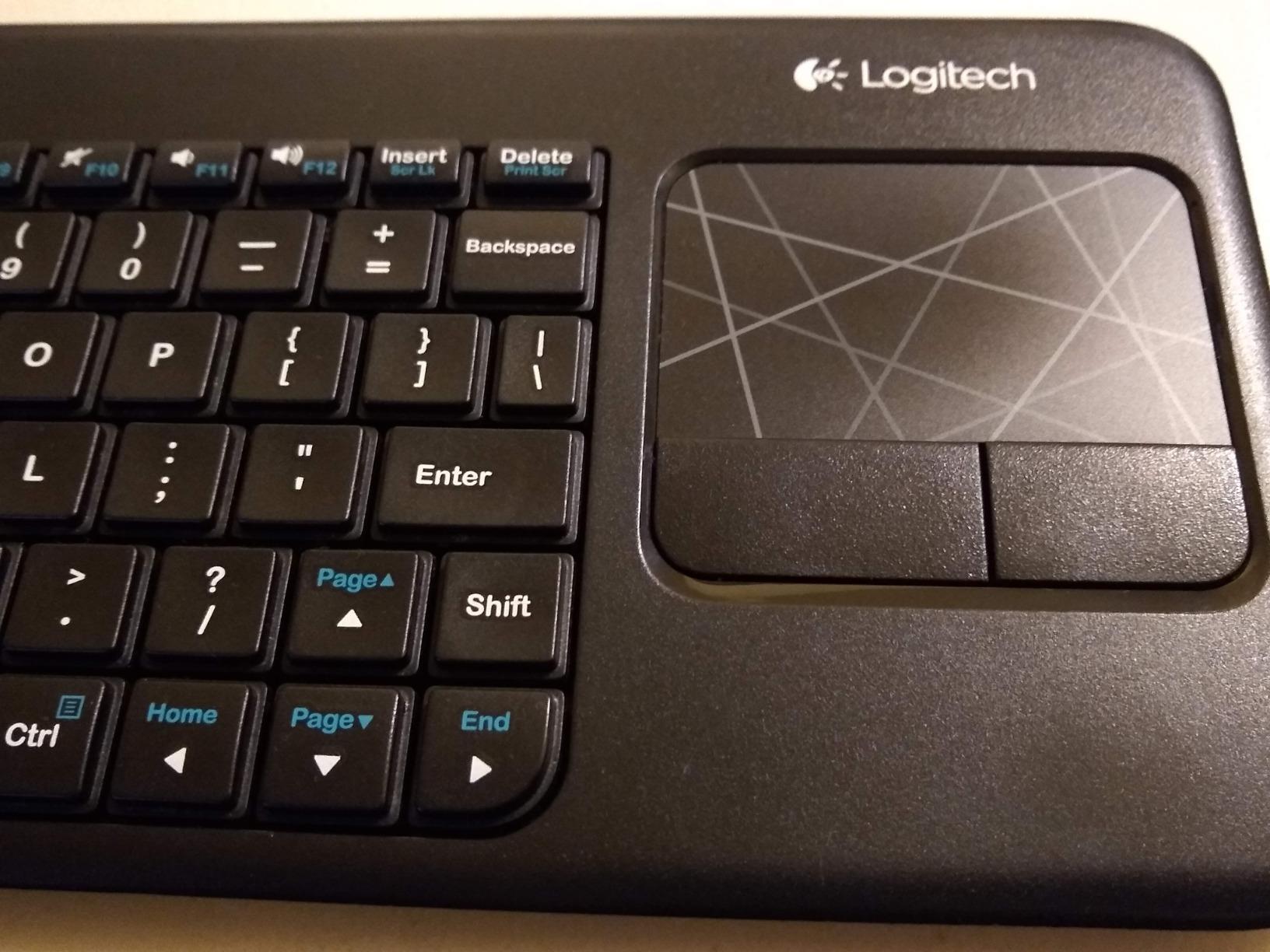
The limitations follow directly from the design. The touchpad is small and has no physical click buttons, so precise desktop-style pointing is hard, though moving a cursor and clicking a browser is not. There is no backlighting, which makes it difficult in a dark room. And the chiclet keys are built for navigation: anyone typing paragraphs will find them unsatisfying. Connectivity is strictly 2.4 GHz RF through a Unifying receiver, with no Bluetooth, so a USB-C-only device needs an adapter.
Set against the Logitech MK270 in this list, the difference is purpose. The MK270 is a full-size desk keyboard with a number pad, adjustable tilt legs and eight hotkeys, best suited to writing. The K400 Plus is a remote control shaped like a keyboard, and it is only useful when the computer is somewhere other than in front of you. If your PC is on the desk, buy the MK270 and keep a mouse with it.
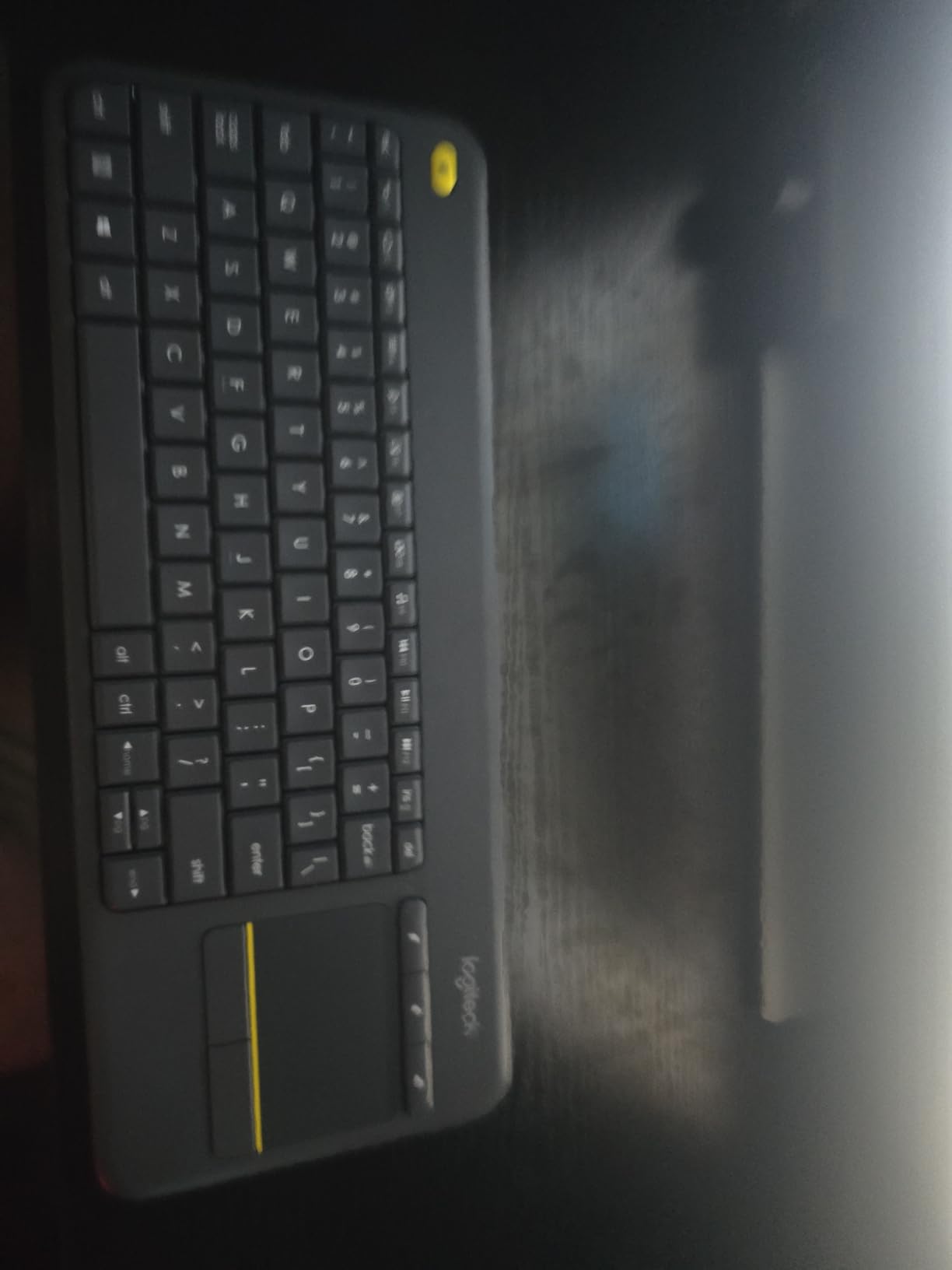
In a media cabinet setup, the included range extender is not optional. Without it, the signal usually struggles through the furniture between the cabinet and the sofa.
How to Choose Computer Accessories During Prime Big Deal Days
Match the device to your hand and your hours, not the spec sheet
The mistake that costs buyers most is taking a large flagship shape because of the numbers attached to it. The G502 Hero weighs in at 4.32 oz before its removable weights and fills the palm, which is right for a player who anchors their hand and wrong for someone with small hands. The G305 is the opposite, an ambidextrous claw-grip at 3.36 oz, and its own owner reviews include people with large hands who like it and others who find it cramped. When hand size is uncertain, a smaller ambidextrous body is the safer bet than a large right-hand shape.
Ergonomics is the other half of the same decision. If you are shopping because of wrist or forearm discomfort rather than performance, a vertical shape is the change that matters. Our picks on budget office chairs for larger users make the same point from the seating side: match the equipment to the person and the session length, not to a trend. A mouse that fits a fifteen-minute session will not fit a nine-hour shift.
Decide what actually has to be wireless
Wireless is the feature people assume they want. The five picks here that connect without a cable do it very differently. The G305 and G733 use LIGHTSPEED at a 1 ms report rate for gaming, where latency is visible. The Lift, M510 and K400 Plus use Bluetooth or a 2.4 GHz receiver for productivity, where a fraction of a millisecond does not register. The G502, H390 and Elgato Stream Deck XL are wired or USB and stay put.
Decide by what the cable costs you. A leaded mouse is a nuisance on a competitive desk where movement is constant. A USB headset is harmless when the computer is on the same table. A stream controller is meant to be fixed beside the keyboard.
Check the receiver and the port before you commit
Three products in this list use a USB-A receiver: the M510 and K400 Plus on the older Unifying standard, and the G305 with a nano receiver that stores inside the mouse. A USB-C-only laptop needs an adapter for each of those, and adapters add a point where the signal can degrade.
The Lift is the product to look at if ports are tight, because it runs over Bluetooth Low Energy as well as the included Logi Bolt receiver. For box contents, the MK270 and G502 list their batteries or receiver explicitly, while the H390 needs no battery at all. Checking the box contents before an event ends prevents the most common disappointment, which is an accessory that was assumed rather than included.
Prioritise comfort for long work and gaming sessions
Session length decides more than any specification. A headset worn for six hours needs a suspension headband and memory foam cushions, which is what the G733 provides at 278 g. A mouse used all day needs a shape that fills the palm and grips that do not fatigue, which is why the M510’s rubber-contoured shell is worth more than its sensor ceiling. A keyboard used for an hour of typing is a different product from one used for navigation, which separates the MK270 from the K400 Plus.
Long sessions also pull in the rest of the desk. If you are building a setup for gaming that runs past a few hours, the chair matters as much as the headset, and our guide to gaming chairs for bigger frames covers matching seat size and support to the same sessions.
Use the review count as the durability signal
Review volume tells you something a specification cannot. The MK270 sits on 110,834 reviews and the H390 on 67,385, both products people keep for years and buy again. The G502 Hero’s 58,704 reviews describe a mouse that has been in service since its generation started. The Elgato Stream Deck XL has 8,562, the lowest count here, which is normal for a specialist creator device rather than a warning.
That matters during a 48-hour event, when the pressure is to buy before a listing changes. A product with tens of thousands of owners is a known quantity, and a thin review history is not.
How to Shop Computer Accessories During the Sale
Read the model number on the listing, not just the product name. Logitech reuses family names across generations, and the suffix tells you whether you are looking at a Lightspeed wireless model, a wired Hero version or an older part number carried over from a previous line. Check what is in the box, because a receiver, a battery and a cable are each sometimes included and sometimes not. Confirm the colour and size variant matches the photos in the reviews, and check whether the seller is Amazon or a marketplace partner, since that changes the return path.
Most offers in this event need a Prime membership, and a free trial counts. Prices and offers can shift through the two days, so the button on each section is the place to see the current figure.
- Match the mouse shape to hand size before the sensor numbers
- Decide whether wireless latency matters for your actual use
- Check the receiver type and whether you need a USB-C adapter
- Prefer picks with high review counts when the window is short
- Confirm the model number and the box contents on the listing
- Buy the one thing you need rather than a bundle of near-duplicates
Frequently Asked Questions
What are the best Amazon Prime Big Deal Days Logitech deals?
The Logitech G502 Hero leads this list for most buyers, with a 25600 DPI sensor, 11 programmable buttons and 4.6 stars across 58,704 reviews. The G305 Lightspeed suits wireless gaming on a budget, the M510 covers long office days, and the C920x and G733 handle video calls and wireless gaming audio.
When does Amazon Prime Big Deal Days run in 2026?
Amazon’s Prime Big Deal Days runs October 6-7, 2026, a 48-hour event. Amazon confirmed the dates, and members normally get access before the main window opens.
Is a Prime membership required to buy these computer-accessory deals?
Most offers during Prime Big Deal Days are limited to Prime members, and a free trial counts as membership. A small number of event offers are open to everyone, so check the listing before assuming either way.
Do computer-accessory deals usually appear during the October sale?
Yes, peripherals are a regular category in the October event, and mice, headsets, keyboards and webcams are commonly among the offers. Offers change through the two days, so a deal can appear, change or end before the event finishes.
How can I tell whether a deal uses the correct model and generation?
Check the model number on the listing rather than the product name, since Logitech reuses family names across versions. Look for the generation suffix, confirm the box contents include the receiver and batteries you need, and check the photos in owner reviews for the matching colour and variant.
Final Verdict: Best Amazon Prime Big Deal Days Logitech Deals
Buy the Logitech G502 Hero if you play at a fixed desk and want a mouse that will outlast this event by years; its sensor ceiling, 11 buttons and 58,704 reviews make it the pick most worth watching during Prime Big Deal Days. The Logitech G305 Lightspeed is the budget-friendly alternative for wireless gaming, and it gives up very little for a much lighter body and a 250-hour battery. If your day is typing rather than gaming, the Logitech M510 is the office answer, with two-year batteries and six-device receiver pairing.
The rest divide by need: the MK270 for a first full desk setup, the H390 for calls and classes, the C920x for video and streaming, the G733 for wireless console and PC audio, the Lift for wrist comfort, the K400 Plus for a PC on the television, and the Elgato Stream Deck XL for creators who switch scenes dozens of times an hour. Pick one, check the model number and the current price on its listing, and buy early in the two-day window rather than at the end of it.