

The Fire HD 10 is the tablet we would watch first during Amazon’s October sale: a 10.1-inch Full HD screen, 13 hours of battery and the largest review base in this list. If you want the full app ecosystem instead, the iPad 11-inch with the A16 chip is the stronger all-round machine. Families shopping for a small child should look at the Fire 7 Kids bundle.
Prime Big Deal Days runs October 6-7, 2026, and most offers need a Prime membership. Everything below is a model worth watching rather than a confirmed discount, since offer pricing moves through the event.
Our Top 3 Picks for Best Amazon Prime Big Deal Days Tablet Deals (October 2026)
Best Amazon Prime Big Deal Days Tablet Deals Compared
| Product | Specifications | Action |
|---|---|---|
 Fire HD 10 Fire HD 10 |
|
Check Deal Price |
 iPad 11-inch A16 iPad 11-inch A16 |
|
Check Deal Price |
 Fire 7 Kids Fire 7 Kids |
|
Check Deal Price |
 iPad 7th Gen Renewed iPad 7th Gen Renewed |
|
Check Deal Price |
 Fire HD 8 Fire HD 8 |
|
Check Deal Price |
 Fire HD 10 Kids Fire HD 10 Kids |
|
Check Deal Price |
 Fire HD 8 Kids Pro Fire HD 8 Kids Pro |
|
Check Deal Price |
 Galaxy Tab A11+ Galaxy Tab A11+ |
|
Check Deal Price |
 Galaxy Tab S10 Lite Galaxy Tab S10 Lite |
|
Check Deal Price |
 Lenovo Idea Tab Lenovo Idea Tab |
|
Check Deal Price |
 iPad 9th Gen Renewed iPad 9th Gen Renewed |
|
Check Deal Price |
 Evermyth Android 16 Evermyth Android 16 |
|
Check Deal Price |
How We Chose
We compared screen size and resolution, memory and storage, battery claims, stylus support, warranty length and the weight of every tablet, then read what owners report in the Amazon ratings. The data was checked on October 2026. Ratings and review counts are the ones Amazon shows today, and current pricing sits behind each button.
1. Fire HD 10: Editor’s Choice for Streaming and Reading
Amazon Fire HD 10 tablet, built for relaxation, 10.1″ vibrant Full HD screen, octa-core processor, 4 GB RAM, 32 GB, Black
Type: Fire OS Android
Screen: 10.1-inch Full HD
Storage: 32 GB
Pros
- Bright 1080p screen
- 13-hour battery
- 25 percent faster than the last model
- 4 GB RAM
- Quick setup
Cons
- No Google Play Store
- Lock-screen ads
- Pre-installed bloatware
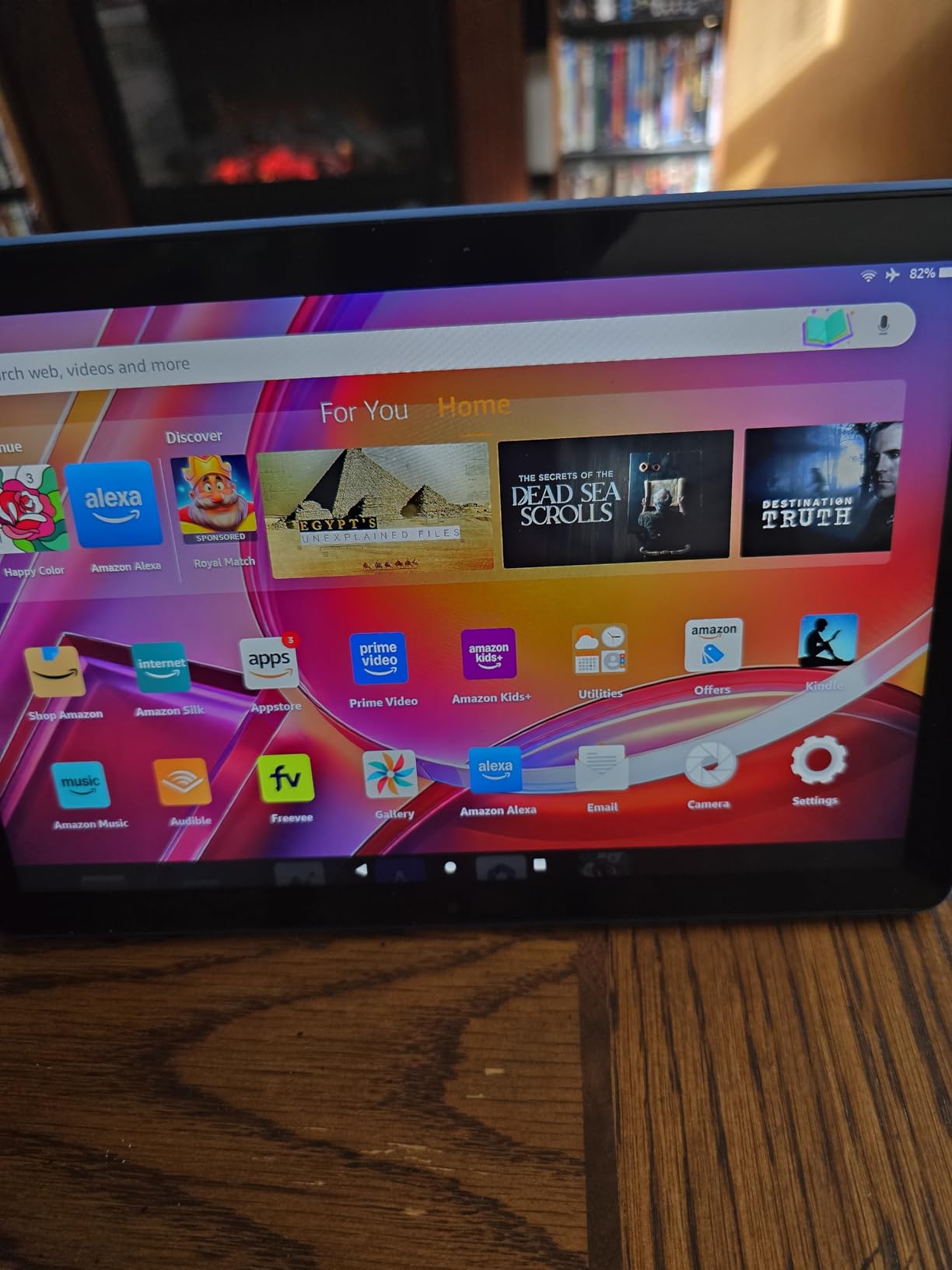
Most people shopping a tablet deal want one screen they will stare at for hours, and this balances screen size, battery and app choice with little fuss. The 10.1-inch 1080p panel runs 25 percent faster than the previous generation on 4 GB of RAM, and owners report a 13-hour battery that survives a long flight or a full day of reading.
Good to know: setup is quick and the 13-hour claim is the number most reviews repeat. Compared with the iPad 11-inch A16, the Fire HD 10 trades the full App Store for a lower entry cost and a Fire OS that nudges you toward Amazon’s own content.
The performance gain over the last Fire HD 10 shows up in everyday paging and video rather than in demanding work, so this is not the tablet for heavy creative software. If you need the apps, the iPad 11-inch A16 is the honest comparison.
2. iPad 11-inch A16: Premium Pick for Apps and Creative Work
Apple iPad 11-inch: A16 chip, 11-inch Model, Liquid Retina Display, 128GB, Wi-Fi 6, 12MP Front/12MP Back Camera, Touch ID, All-Day Battery Life — Blue
Type: iPadOS
Screen: 11-inch Liquid Retina
Storage: 128 GB
Pros
- Fast A16 chip
- All-day battery
- True Tone display
- Just 1.05 lb
- Works with Apple Pencil
Cons
- 128GB fills up quickly
- Dims dimmer than a laptop
- Pencil and keyboard cost extra
This is the pick for anyone whose tablet work involves specific apps: drawing software, banked apps, a full music or writing suite. The A16 chip handles split-screen and app switching without hesitation, and at 1.05 lb it is the lightest of the models here with a published weight.
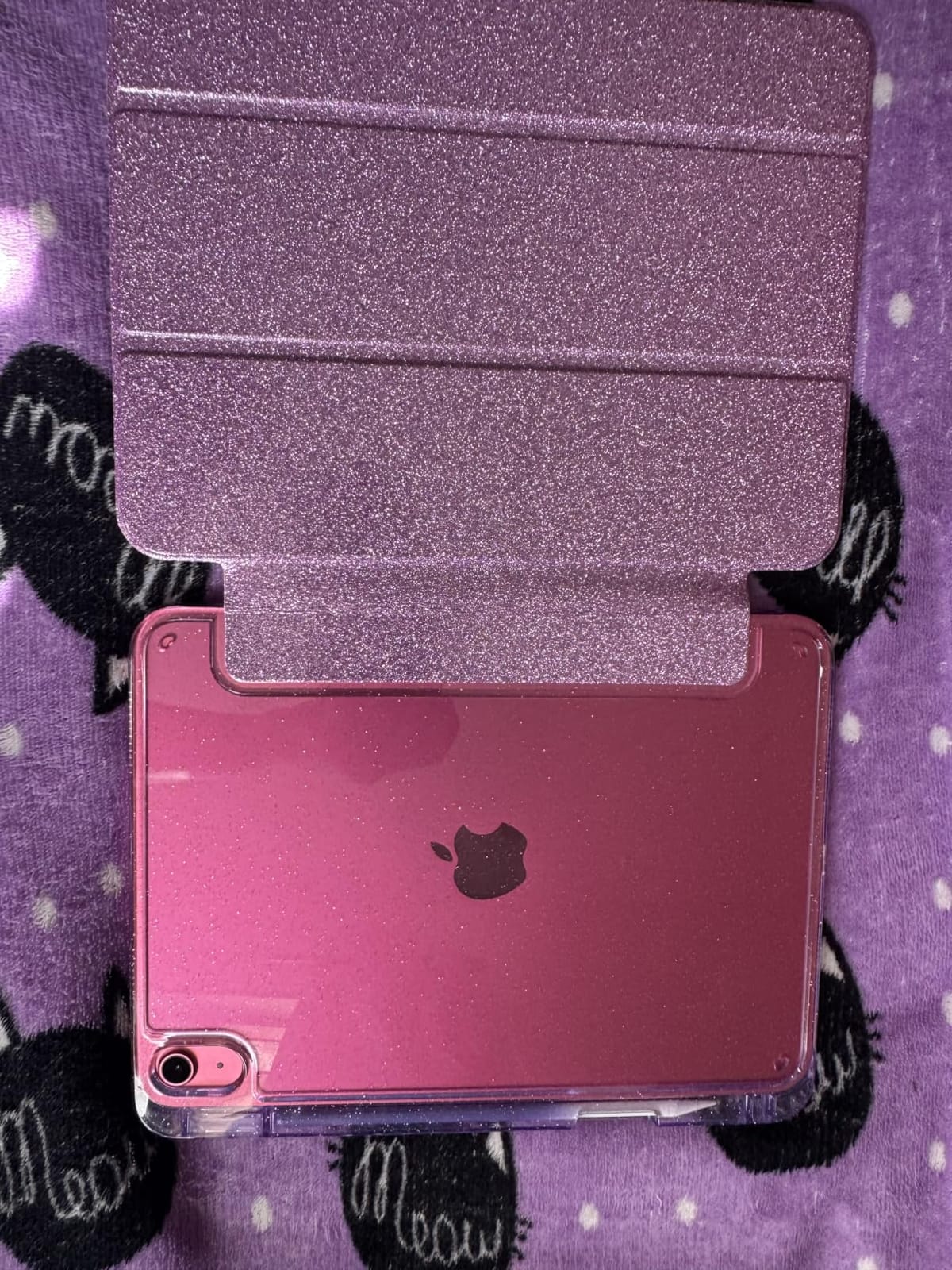
The catch is the running cost of ownership. Owners report that 128 GB disappears quickly once a few games and a library of video are on it, and Apple Pencil plus a Magic Keyboard Folio sit outside the tablet’s cost.
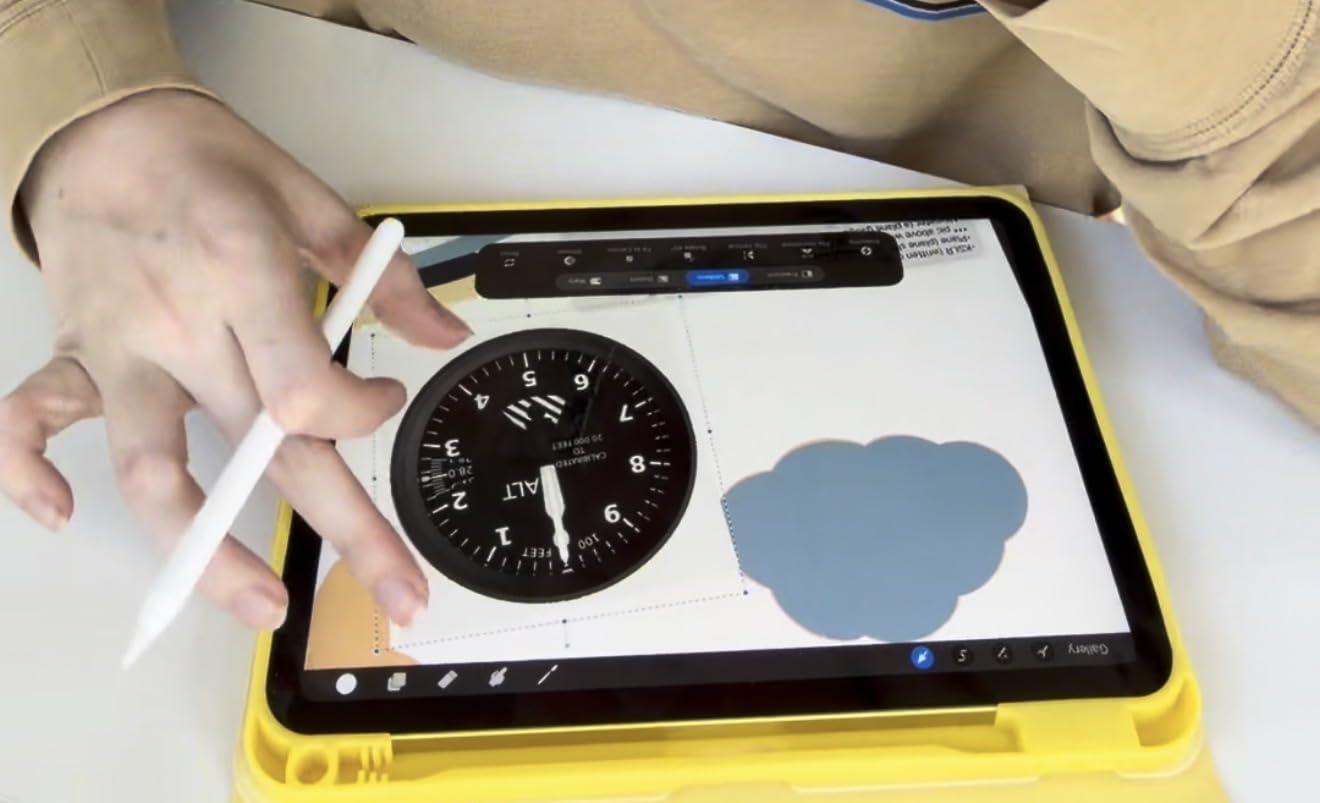
If app choice matters more than screen size, this is the one to watch during the sale. If it does not, the Fire HD 10 covers streaming and reading for a lot less.
3. Fire 7 Kids: Budget Pick for Ages 3 to 7
Amazon Fire 7 Kids tablet, ages 3-7. Top-selling 7″ kids tablet on Amazon. Includes ad-free and exclusive content, easy parental controls, 10-hr battery, 16 GB, Blue
Type: Fire OS Android
Screen: 7-inch
Storage: 16 GB
Pros
- Kid-proof case included
- One year of Amazon Kids+
- Parent dashboard controls
- 10-hour battery
- Two-year worry-free guarantee
Cons
- Usable storage far below 16 GB
- Confusing time limits
- Some performance lag
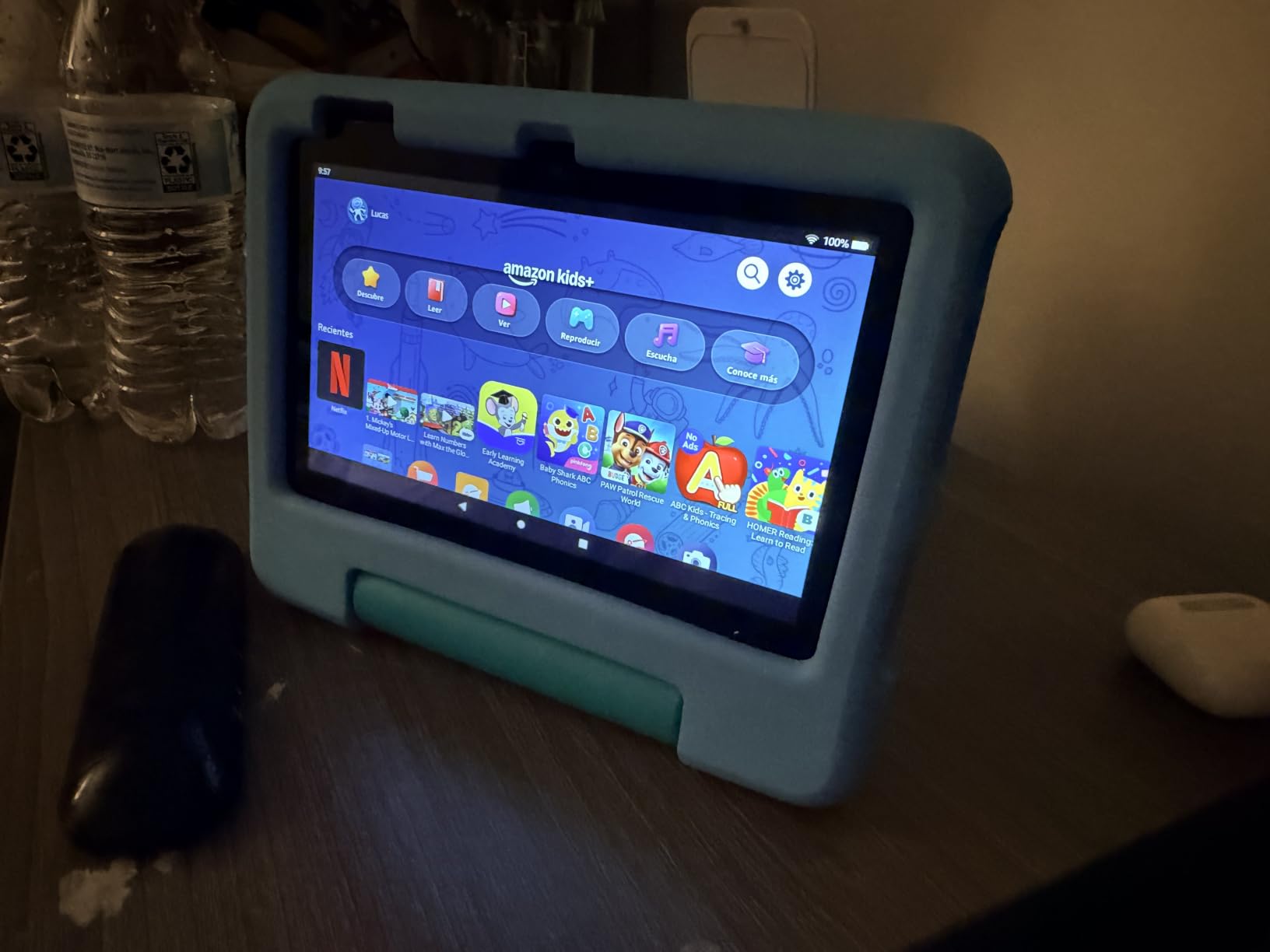
Built for a three-year-old to a seven-year-old. The included kid-proof case survives repeated drops, and the Amazon Kids+ year plus the parent dashboard mean a grown-up sets the limits once.
Skip it if the child is heading toward primary school and reading apps. At 16 GB, owners report far less usable space than the number suggests once the system takes its share, and the daily-limit settings are easy to misconfigure.
The Fire HD 10 Kids covers the same age range with a much bigger screen and longer battery, and the Fire HD 8 Kids Pro steps up for older children.
4. iPad 7th Gen Renewed: Best for Budget Access to iPad Apps
Apple 2019 iPad 7th Gen (10.2-inch, Wi-Fi, 32GB) Silver (Renewed)
Type: iPadOS renewed
Screen: 10.2-inch LCD
Storage: 32 GB
Pros
- Full App Store access
- 10.2-inch 2048x1536 screen
- Smart Connector for keyboards
- Touch ID sensor
Cons
- 2019 hardware with an A10 chip
- 32 GB only
- Short Renewed warranty
The most direct route onto iPadOS in this list. You get the full App Store, Touch ID and a Smart Connector for a keyboard, which the Fire tablets cannot offer at any price.
What you give up is speed and warranty. The A10 Fusion dates from 2019, the screen tops out at 500 nits, and a renewed unit carries the shorter Amazon Renewed cover rather than the full-year warranty of a new iPad. Buyers report cosmetic condition varies from unit to unit.
Read the condition notes carefully before ordering. Against the Fire HD 10 it wins on app choice; against the iPad 11-inch A16 it wins on nothing except cost.
5. Fire HD 8: Best for Travel and Commuting
Amazon Fire HD 8 tablet (newest model), 8” HD Display, 4GB memory, 64GB, responsive and vibrant, designed for portable entertainment, Black
Type: Fire OS Android
Screen: 8-inch HD
Storage: 64 GB
Pros
- Up to 13 hours of battery
- Doubled RAM at 4 GB
- 64 GB plus microSD
- Portable 8-inch size
Cons
- No Google Play Store
- Smaller lower-resolution screen
- Some streaming apps need a subscription
This is the one to pack. The 8-inch body fits a carry-on pouch and the 64 GB of storage takes a long flight of downloaded video without a microSD card, while the doubled RAM over the 2022 release keeps pages responsive.
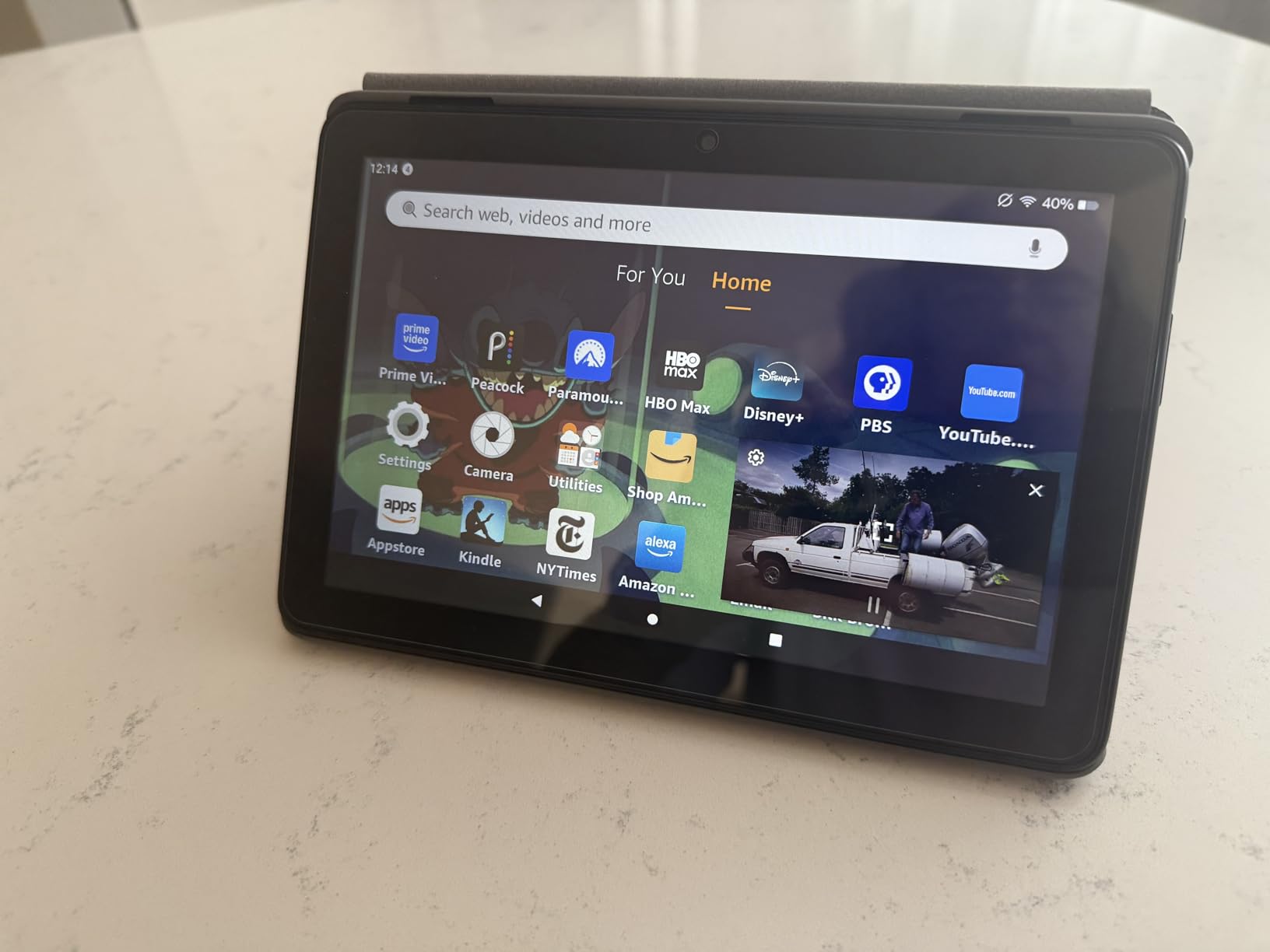
The screen is the compromise.
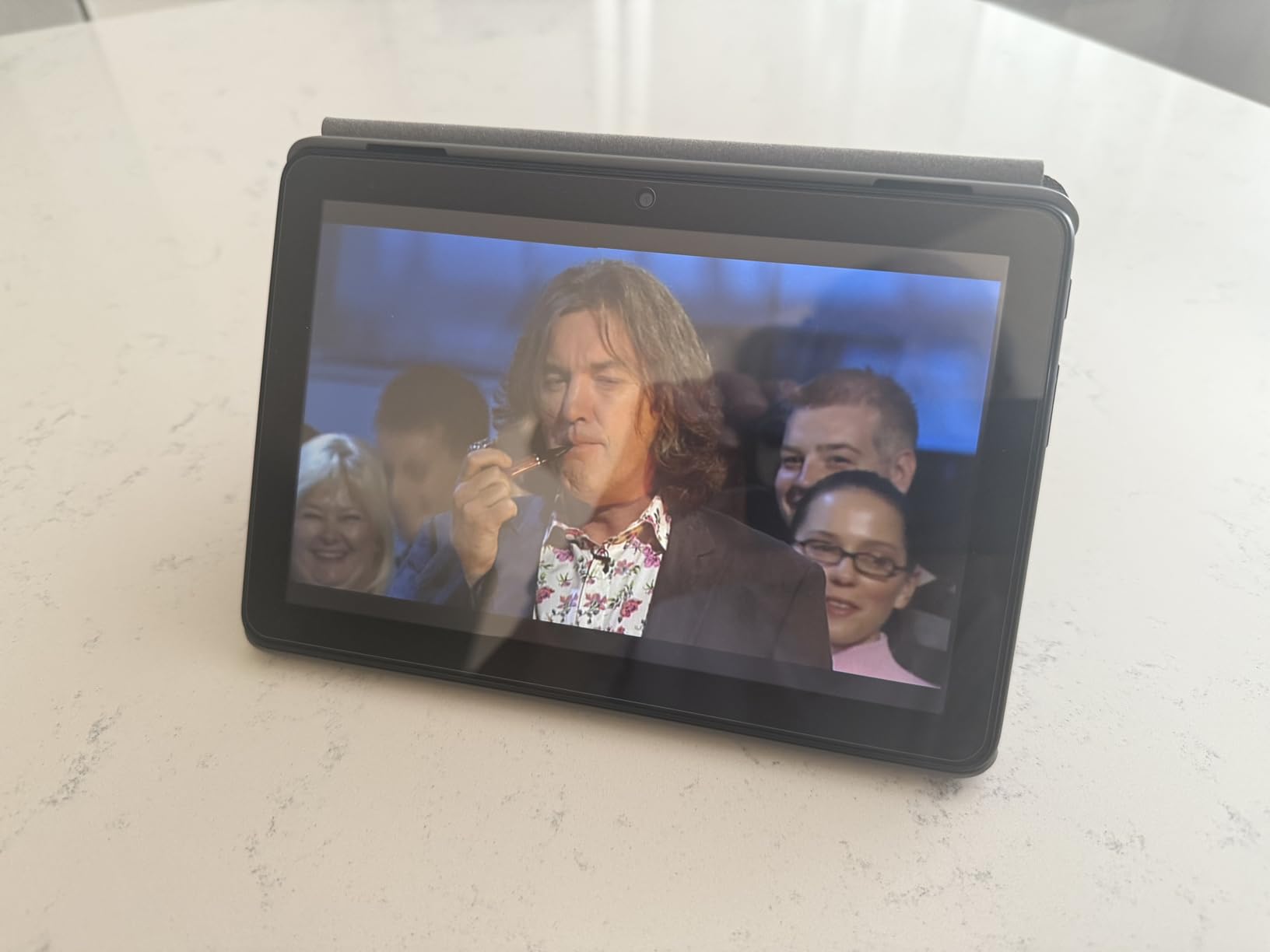
For reading on a train it is a strong pick. For watching films in a hotel room, step up to the Fire HD 10 or the Galaxy Tab A11+ with its quad speakers.
6. Fire HD 10 Kids: Best for a Larger Kids Screen
Amazon Fire HD 10 Kids tablet (newest model) ages 3-7 | Bright 10.1″ HD screen with included ad-free and exclusive content, robust parental controls, 13-hr battery, 32 GB, Disney Princess
Type: Fire OS Android
Screen: 10.1-inch Full HD
Storage: 32 GB
Pros
- Survives serious abuse
- Tough kid-proof case
- 13-hour battery
- Phone-managed parental controls
- 32 GB storage
Cons
- Visually busy kids interface
- 32 GB is modest
- Age filters stop at age 7
Same 10.1-inch Full HD screen as the adult Fire HD 10, wrapped in a kid-proof case with age filters for children aged three to seven. Grown-ups set limits from their own phone rather than digging through settings on the tablet itself.
The battery is the quiet winner. Thirteen hours means a long car journey without a charger, and one owner reported the case taking a hit from multiple cars with only the screen protector damaged.
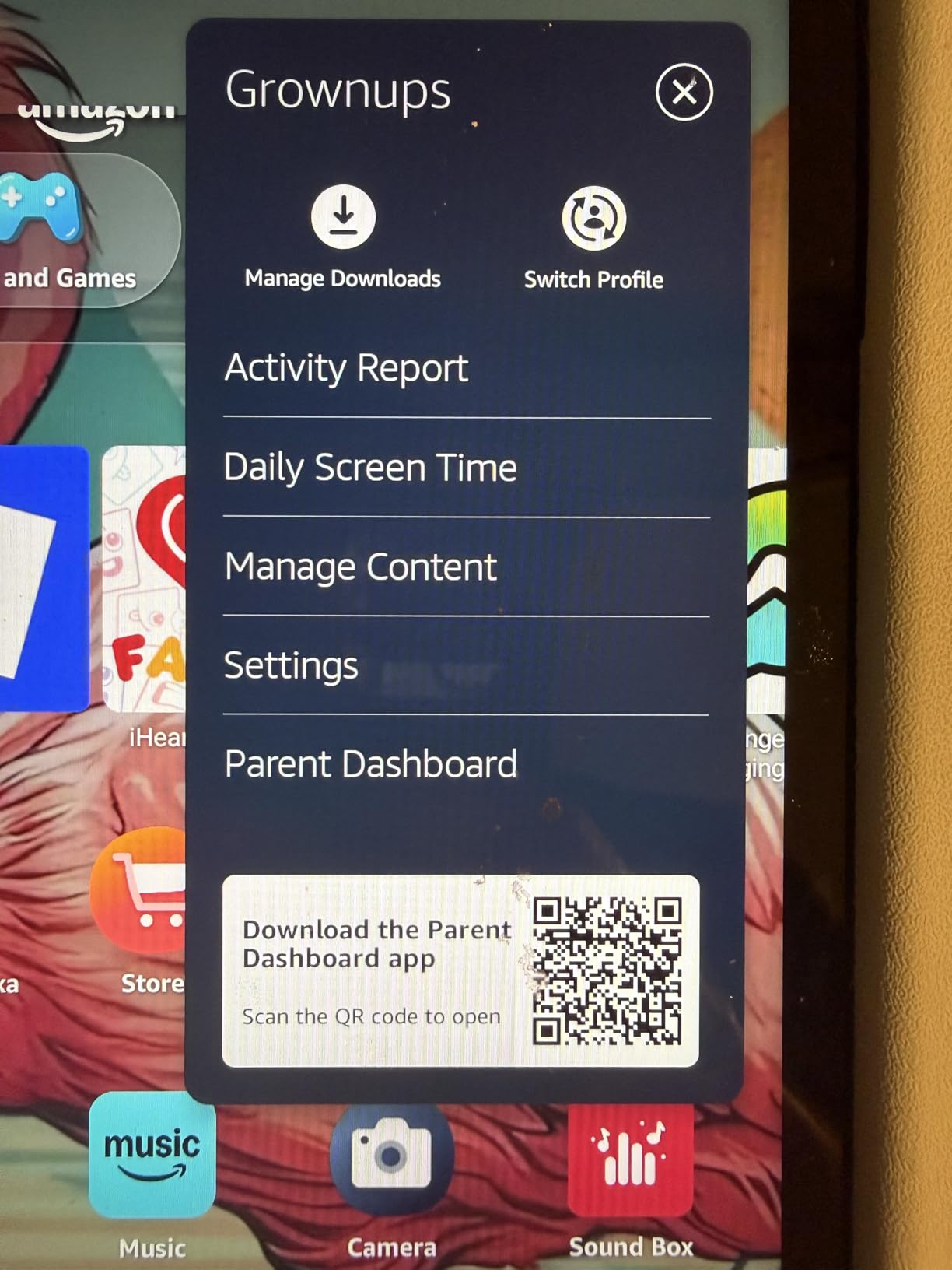
Two complaints come up repeatedly: the children interface is visually busy, and 32 GB is tight once content downloads accumulate. The Fire HD 8 Kids Pro solves both with 64 GB and a slimmer case.
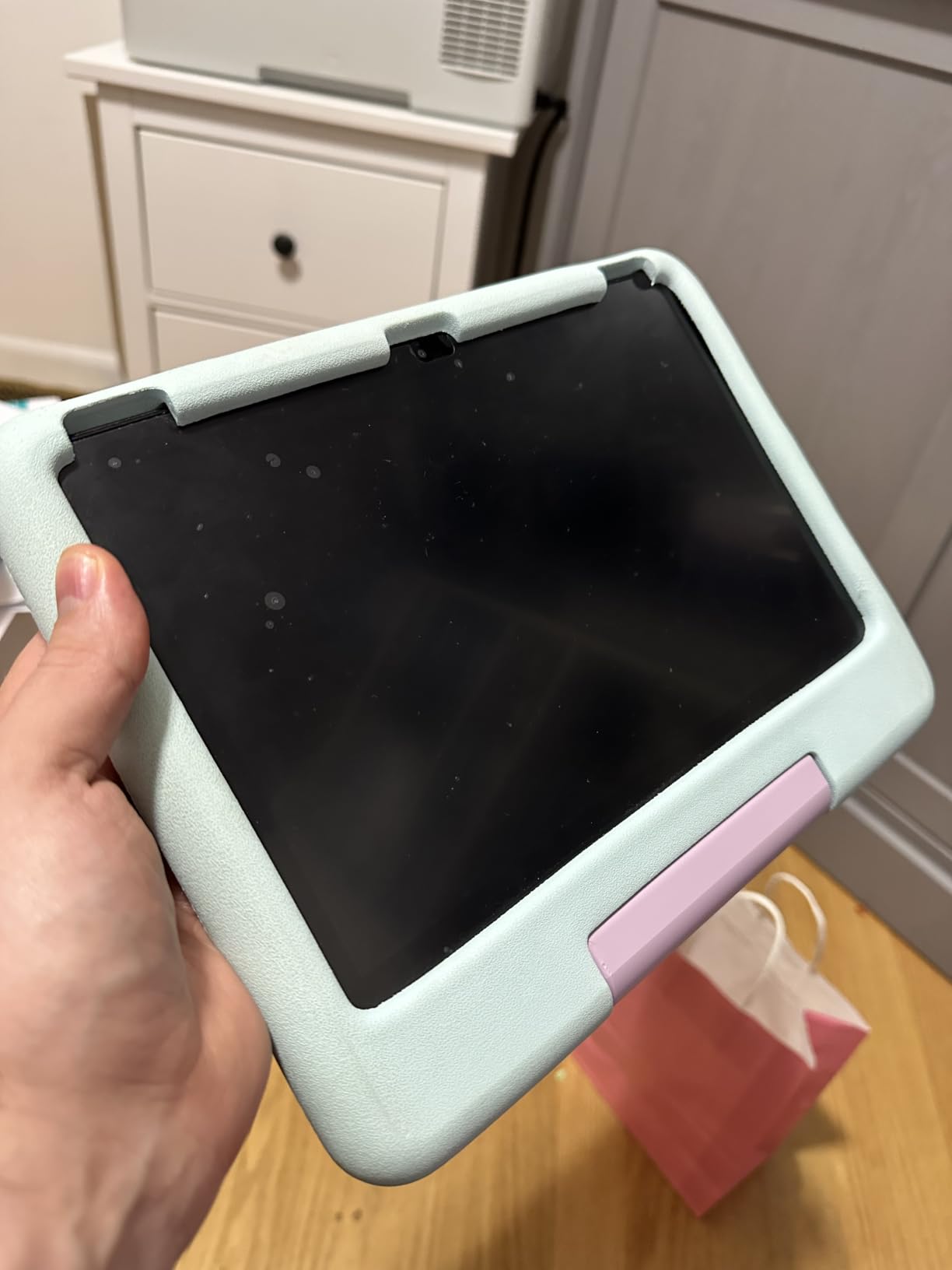
7. Fire HD 8 Kids Pro: Best for Ages 6 to 12
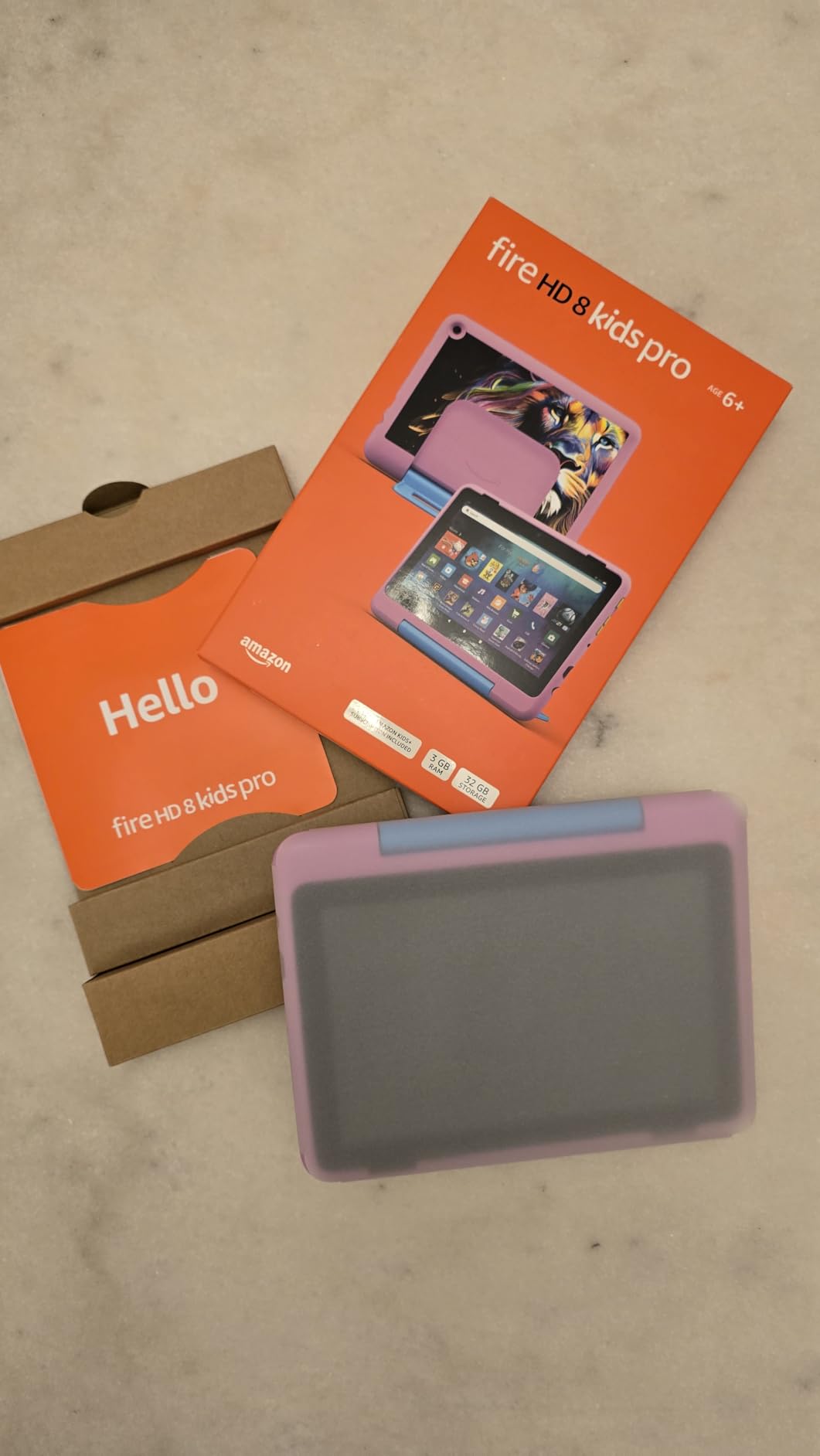
Amazon Fire HD 8 Kids Pro tablet, ages 6-12. Bright 8″ HD screen, includes ad-free content, parental controls, 13-hr battery, slim case for older kids, 64GB, Hello Teal, (2024 release)
Type: Fire OS Android
Screen: 8-inch HD
Storage: 64 GB
Pros
- Bright crisp 8-inch display
- 13-hour battery
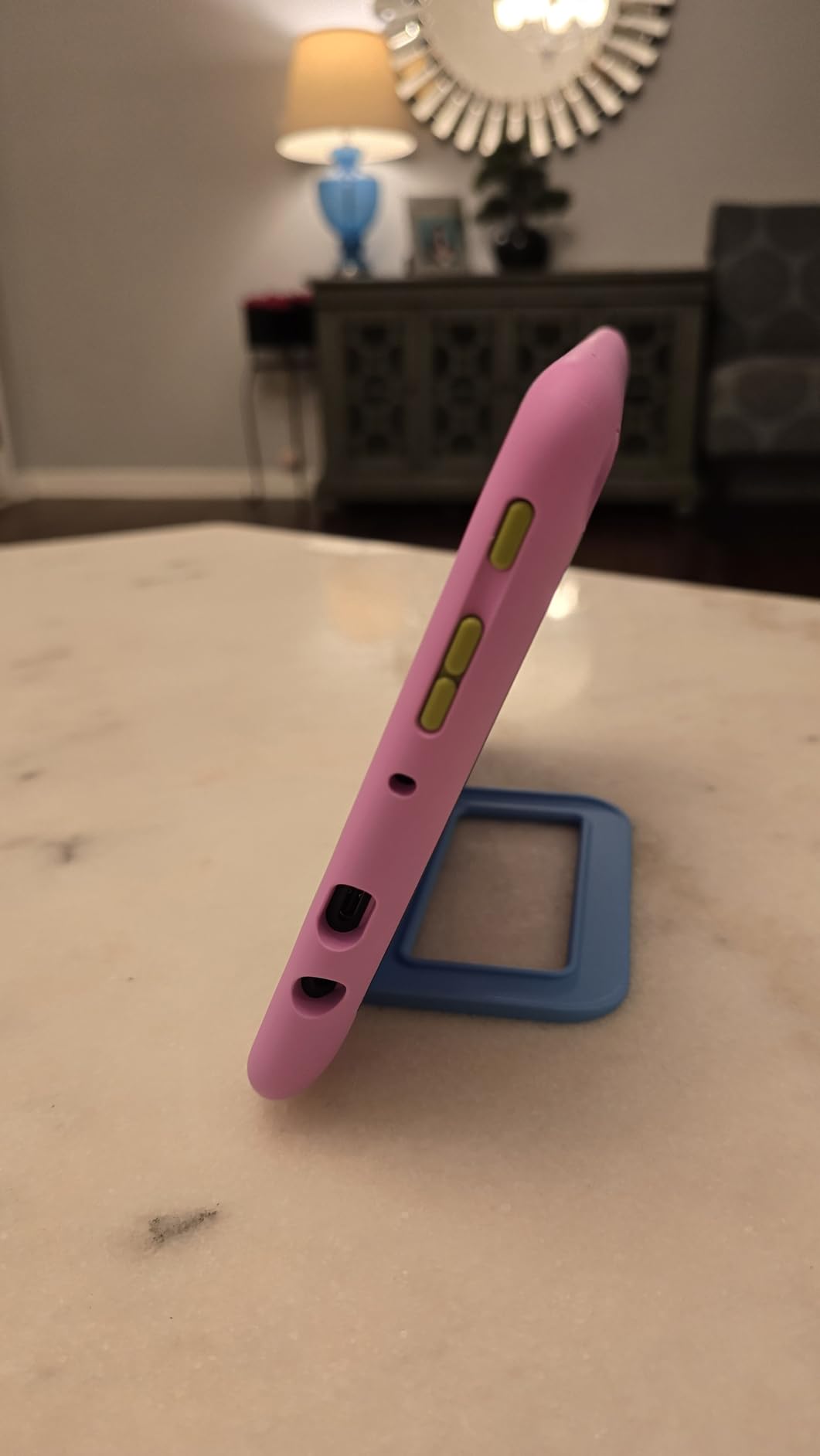
- Slim case built for throws
- 64 GB storage
- Up to 4 GB RAM
Cons
- YouTube Kids cannot be downloaded
- Only six months of Kids+ included
- Screen is 8-inch HD
This is the pick for a primary-school child, not a toddler. Age bands, safe browsing and the parent dashboard handle the filtering, and the 2024 release doubled the RAM to as much as 4 GB over the 2022 model.
Owners single out the battery holding up under heavy daily use, and the slim case survives repeated throws. Six months of Amazon Kids+ come included, which is less than the full year on the Fire 7 Kids.
One limitation dominates the reviews: YouTube Kids cannot be downloaded on this model. Check that before buying if the household depends on it.
8. Galaxy Tab A11+: Best for Everyday Android
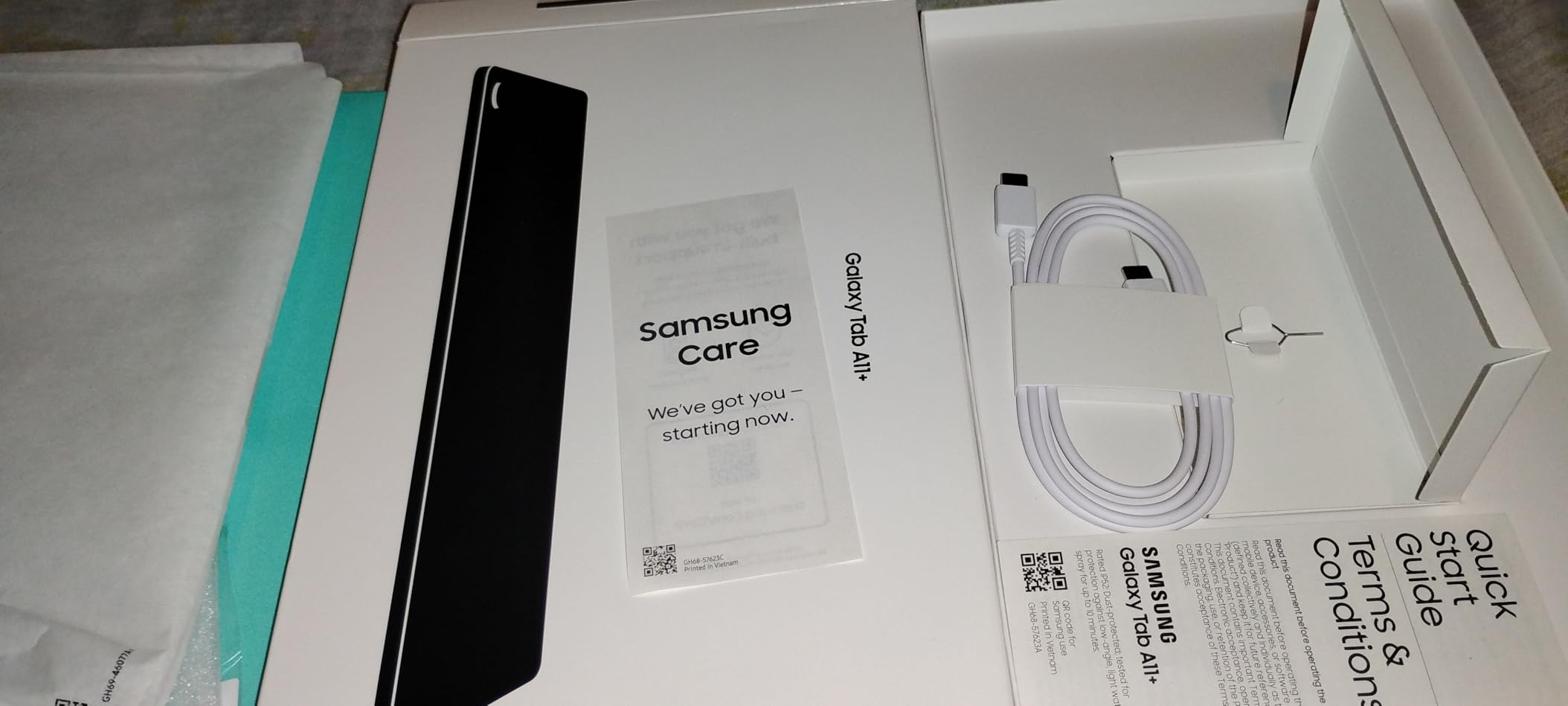
Samsung Galaxy Tab A11+ 6GB RAM, 128GB Storage, Expandable Storage, Gray
Type: Android 16
Screen: 11-inch LCD 90Hz
Storage: 128 GB
Pros
- 90Hz motion on an 11-inch screen
- Quad Dolby Atmos speakers
- 6 GB RAM
- 1.1 lb build
- 128 GB expandable
Cons
- LCD rather than AMOLED
- Entry-level MediaTek chipset
Google Play and Google apps put this in a different category from the Fire tablets. Six GB of RAM and 128 GB of expandable storage handle a household sharing one device without complaint.
The 90Hz panel makes scrolling feel closer to a phone than a tablet, and the quad speakers with Dolby Atmos suit films and calls.
It is not a flagship. The screen is LCD, so contrast trails an AMOLED panel, and the MediaTek octa-core is adequate rather than quick. For a Galaxy Tab S10 Lite with a stylus in the box, look one row down.
9. Galaxy Tab S10 Lite: Best for Notes and Sketching
Samsung Galaxy Tab S10 Lite, 6GB RAM, 128GB, 2TB Expand, 10.9” LCD, Gray
Type: Android
Screen: 10.9-inch LCD 90Hz
Storage: 128 GB
Pros
- S Pen in the box
- 16-hour battery claim
- 2 TB microSD expansion
- 1.2 lb slim body
- Exynos 1380 with 6 GB RAM
Cons
- LCD panel not AMOLED
- Warranty claims can be frustrating
The S Pen is the reason to look here. It needs no charging, works with minimal lag on notes and sketching, and turns a mid-size Android tablet into a notebook that is ready the moment it leaves the box.
Battery is the other draw: an 8000 mAh cell rated for up to 16 hours, with a full charge in roughly two hours. At 1.2 lb it is comfortable for one-handed reading in a chair.
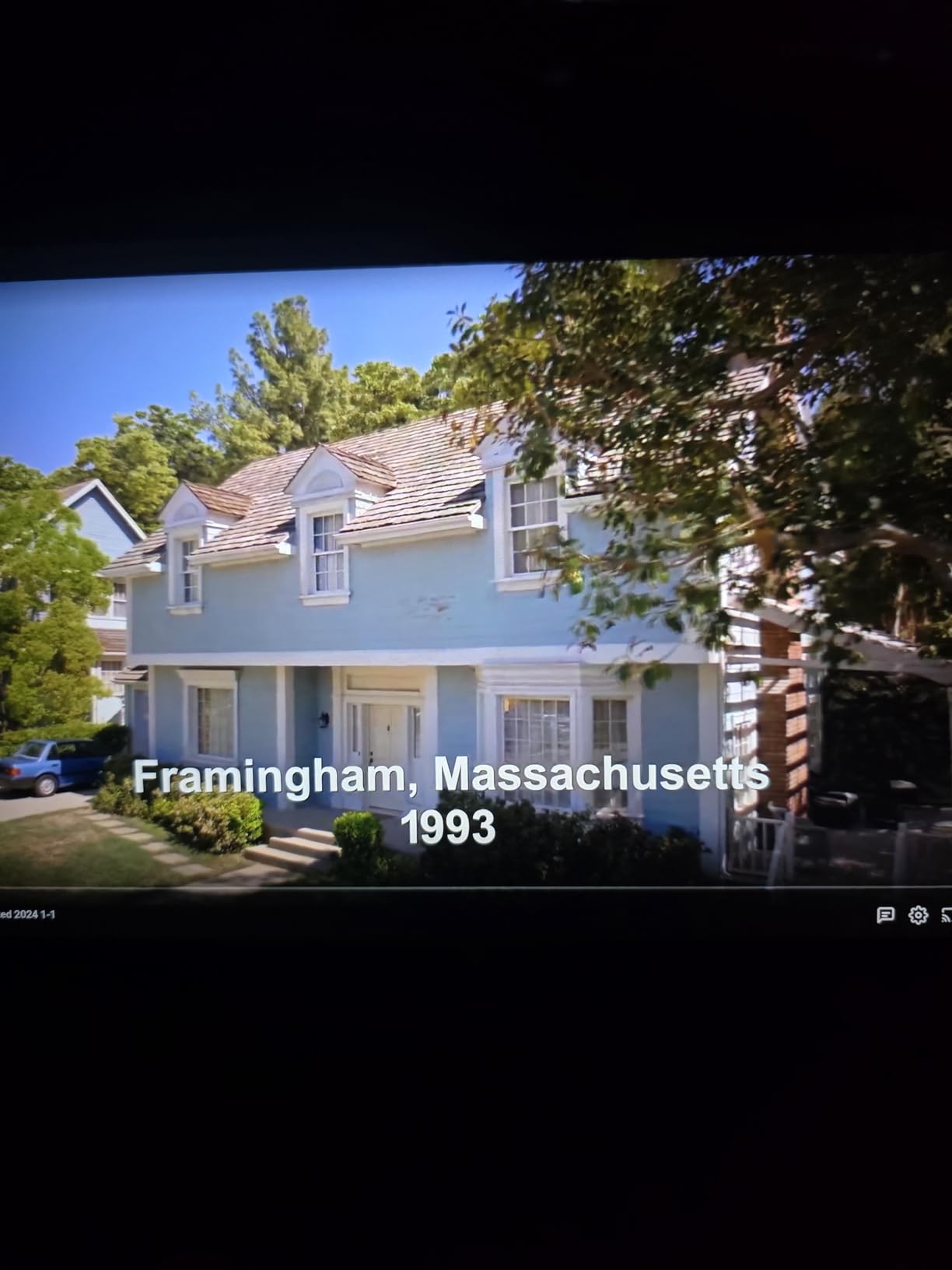
A caution: some owners report difficulty getting Samsung Care claims resolved, and the panel is LCD rather than AMOLED. Colour accuracy deserves its own look before you commit to a sketching tablet.
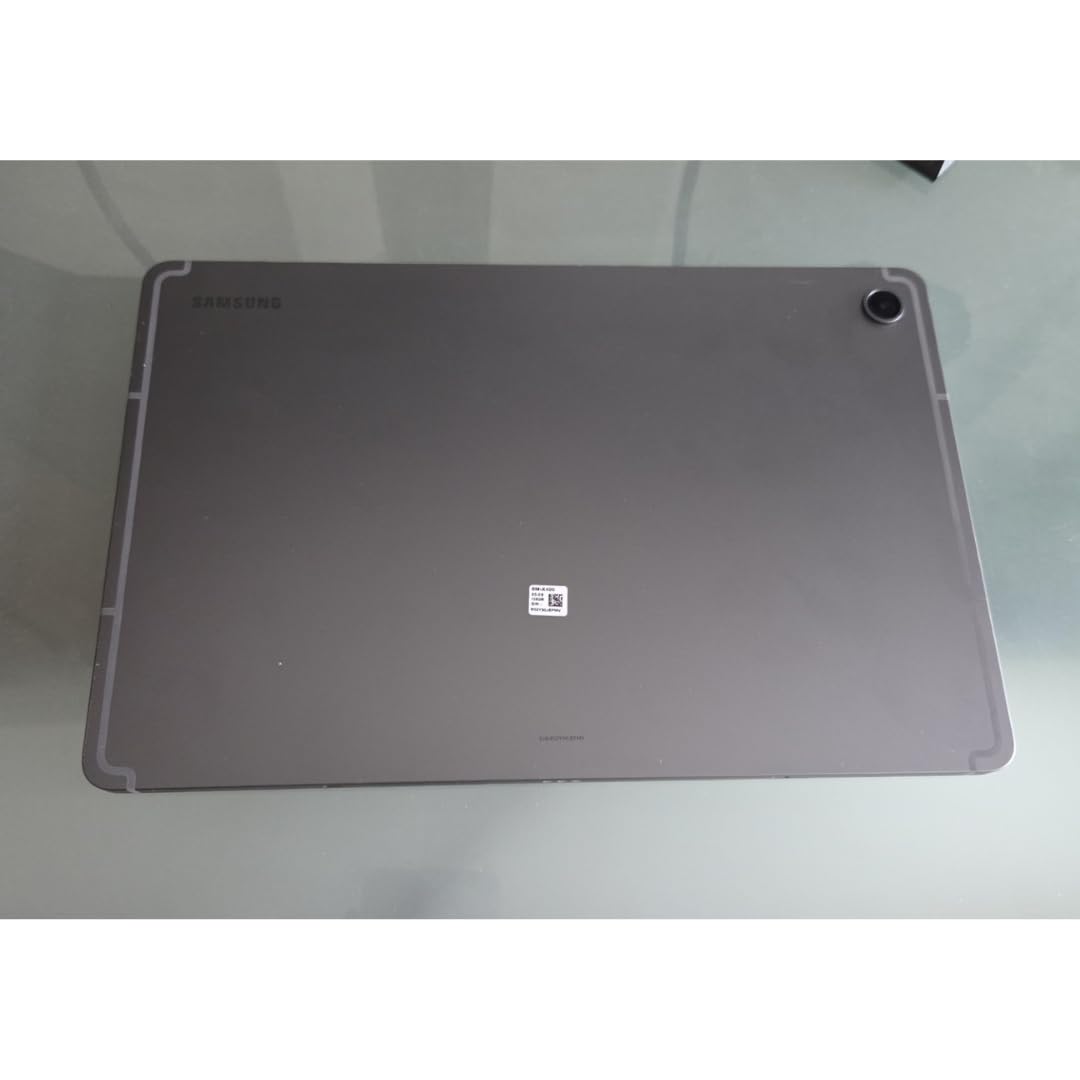
10. Lenovo Idea Tab: Best for Students
Lenovo Idea Tab – College Tablet – 11″ 2.5K IPS Touchscreen Display – 90Hz – MediaTek Dimensity 6300-8 GB Memory – 256 GB Storage – Integrated Arm Mali-G57 MC2 – Tab Pen and Folio Case
Type: Android
Screen: 11-inch 2.5K IPS 90Hz
Storage: 256 GB
Pros
- Tab Pen and folio case included
- 8 GB memory and 256 GB
- Sharp 2.5K screen at 90Hz
- Low blue light certification
Cons
- Modest 72 percent NTSC color
- 500 nits weak outdoors
- Entry-level MediaTek chip
Accessories usually decide this kind of purchase, and the Lenovo Idea Tab bundles a Tab Pen and a folio case in the box. Add 8 GB of memory and a 256 GB drive, and the extras budget largely disappears before the event ends.
The 2.5K panel at 90Hz runs above the resolution of the other models in this list, and low blue light certification is worth having for long evening revision sessions.
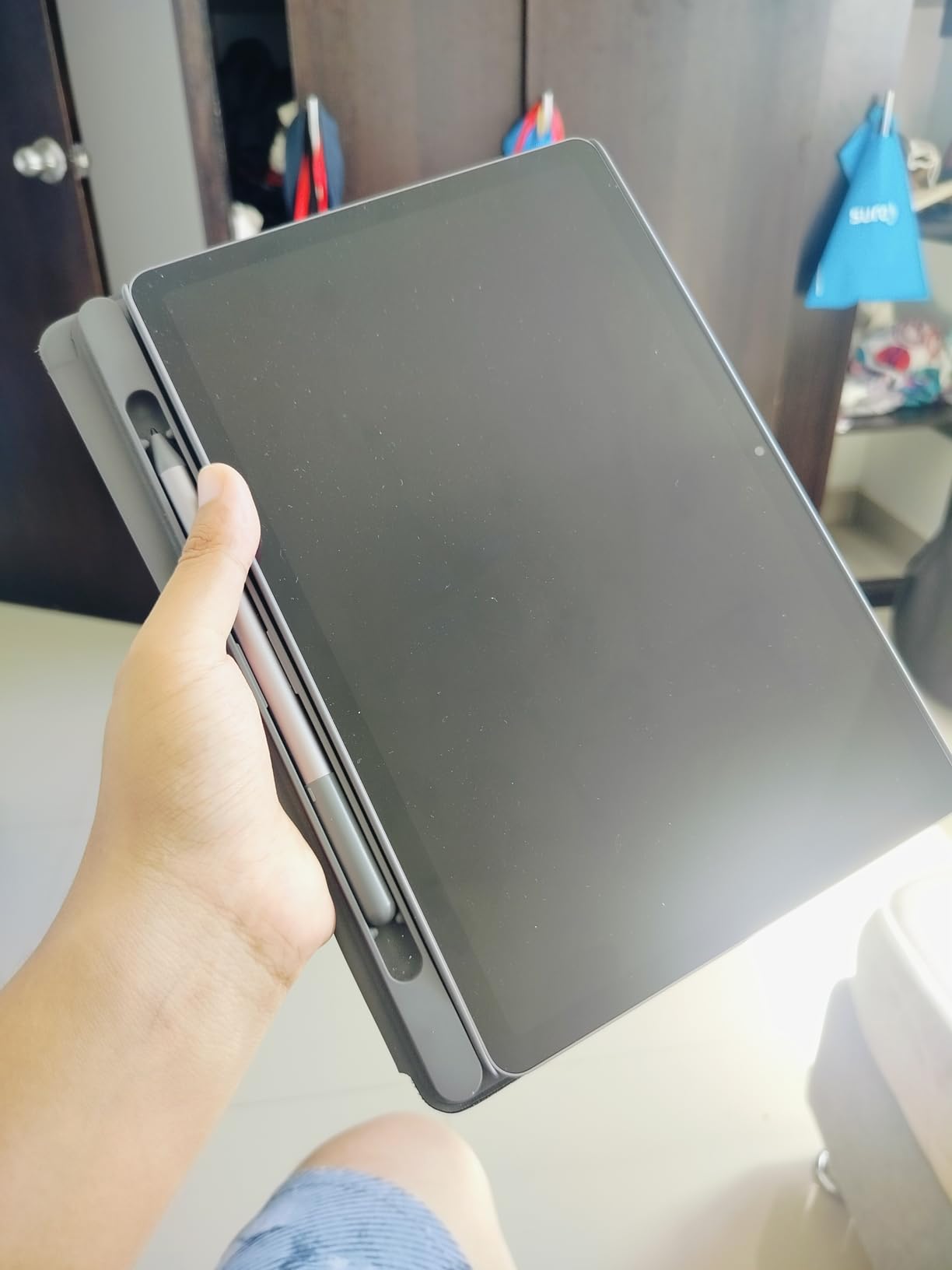
Two limits: 72 percent NTSC color coverage is modest, and 500 nits struggles in direct sunlight. Against the Galaxy Tab A11+, you trade warranty length and audio quality for resolution and bundled accessories.
11. iPad 9th Gen Renewed: Best for a Renewed 64GB iPad
Apple iPad 2021 (10.2-inch, Wi-Fi, 64GB) – Space Gray (Renewed)
Type: iPadOS renewed
Screen: 10.2-inch Retina
Storage: 64 GB
Pros
- 64 GB capacity
- Full App Store and Pencil support
- A13 Bionic chip
- 1.1 lb body
Cons
- Renewed condition varies
- Older A13 hardware
- Short Renewed warranty
Twice the storage of the 7th generation renewed iPad, which is the whole point of this pick. Sixty-four gigabytes holds a study library of PDFs and a season of shows without constant cleanup.
The one-star reviews on renewed listings tend to point at cosmetic or battery condition rather than a fault, so read the condition notes on the specific unit before ordering.
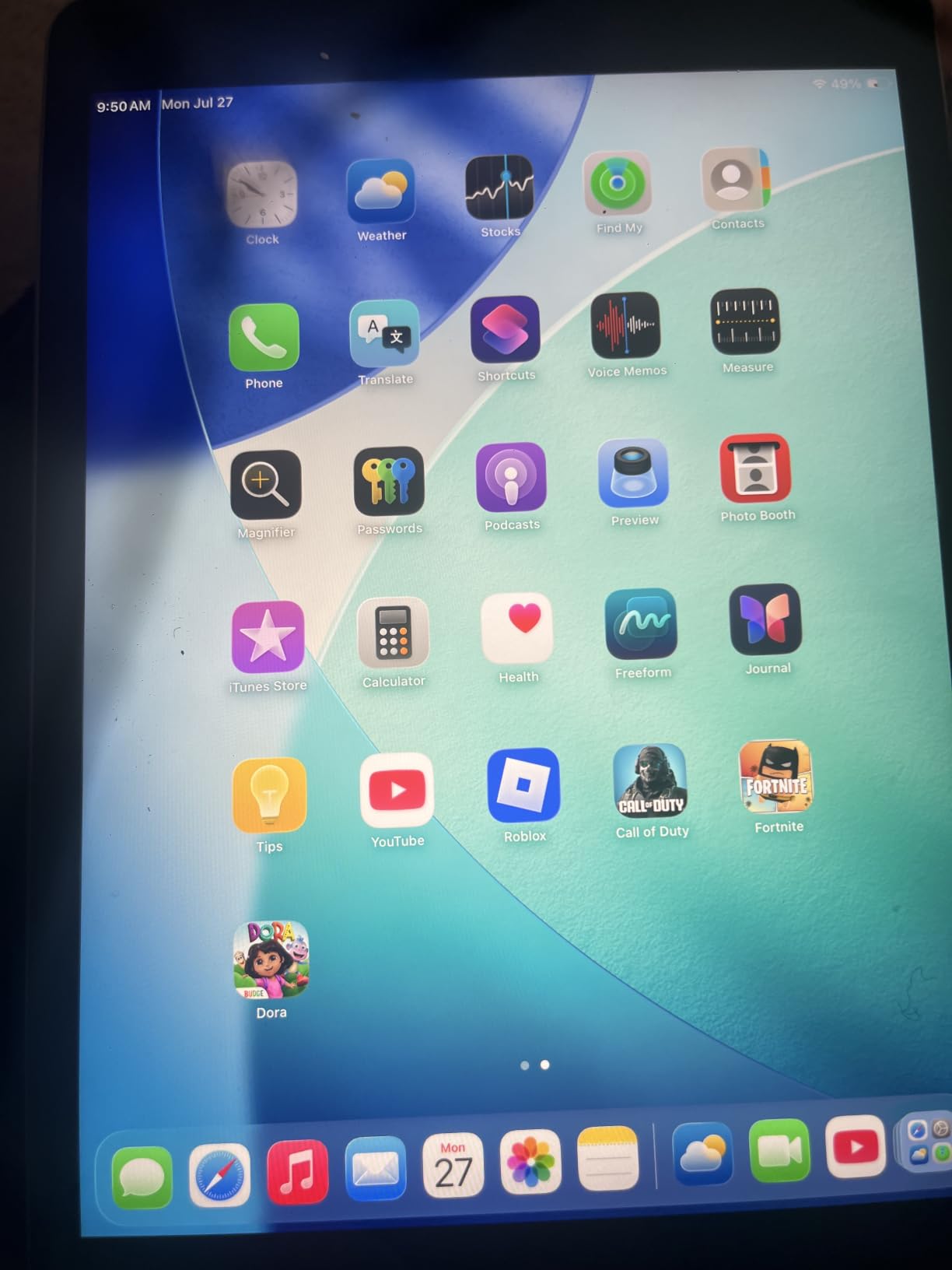
Choose this over the 7th gen for storage, and over the iPad 11-inch A16 only for cost. Anyone wanting the longer warranty of a new tablet should look at the current models instead.
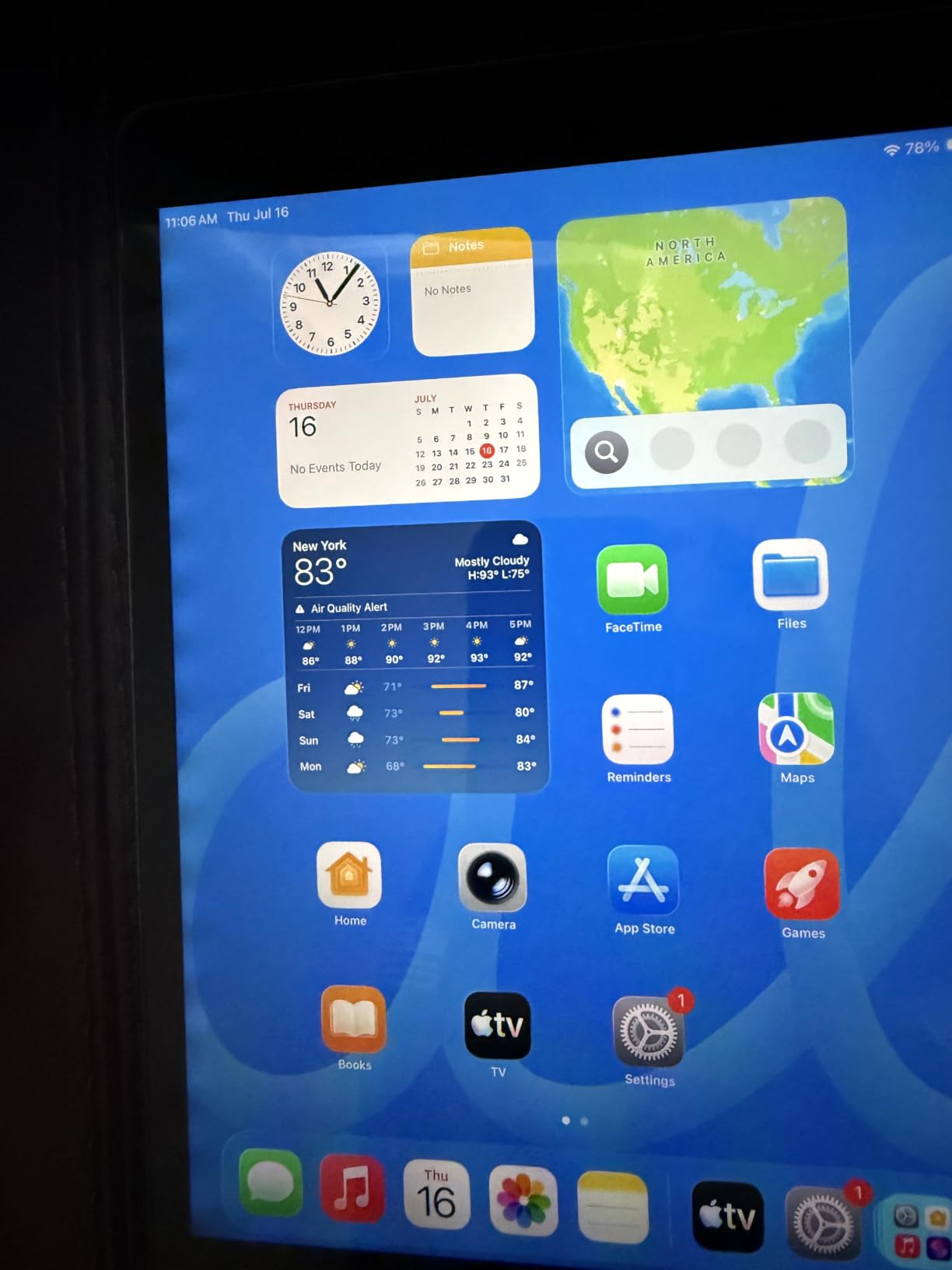
12. Evermyth Android 16: Best for a Big Screen on a Tight Budget
Android 16 Tablet 10 Inch, 24GB RAM 64GB ROM 1TB,HD IPS,Fast WiFi 6, BT 5.4
Type: Android 16
Screen: 10-inch IPS
Storage: 64 GB
Pros
- Google Play Store preinstalled
- 10-inch IPS display
- Android 16 and GMS certified
- Wi-Fi 6 and Bluetooth 5.4
Cons
- Lag on heavier tasks
- Much of the 24 GB RAM is virtual
- Entry-level 5-core chip and 1280x800 screen
Plenty of buyers treat this as a second screen for the kitchen or a gift that needs nothing. It arrives with Google Play certified and ready, which no Fire tablet here does.
Read the memory figure carefully. The headline 24 GB is 3 GB of physical memory plus 21 GB of virtual memory, and owners report lag on anything heavier than browsing and video.
The 1280×800 screen is fine indoors and weak outside, and the 5-core Allwinner processor is entry-level. The Galaxy Tab A11+ sits well above it for audio and app polish.
How to Choose Tablets During Prime Big Deal Days
Performance for Apps and Multitasking
Memory matters more than the processor number on a tablet. Four GB of RAM is the floor for keeping a browser, a video call and a document open at once, and six GB to eight GB is where multitasking stops stuttering.
The iPad 11-inch A16 and the Lenovo Idea Tab handle the heaviest workloads here, and the Lenovo bundles a pen and case. More detail sits in our tablets for college students guide.
Display Size and Media Quality
Ten inches is the practical floor for films, and anything you plan to sketch on or read long documents benefits from a sharper panel. The Lenovo Idea Tab leads on resolution at 2.5K, while the Fire HD 10 offers a large screen at the entry level.
For outdoor use, brightness matters more than resolution: the Lenovo’s 500 nits and the renewed 7th gen iPad’s 500 nits are indoor figures. Keep tablets for drawing in mind if colour accuracy is the priority.
Battery Life and Portability
Every pick here claims 8 to 16 hours, and those figures come from different testing methods, so compare them loosely. The Galaxy Tab S10 Lite claims up to 16 hours, the Fire tablets 13, the Lenovo Idea Tab runs long video sessions on a single charge.
Weight matters as much as hours. The iPad 11-inch A16 at 1.05 lb is the lightest model here on published weights, and the Fire HD 8 is the smallest adult-sized screen that still works for travel.
Accessories and Productivity Compatibility
Check what arrives in the box before budgeting for extras. The Galaxy Tab S10 Lite and the Lenovo Idea Tab include a pen, the kids tablets include a case, and the iPads include nothing at all: Apple Pencil and a Magic Keyboard Folio are separate purchases.
For classroom use our guide to tablets for teachers covers stylus support and case durability in more depth.
Storage Condition Seller and Bundle Details
Start with capacity, because advertised storage is never the usable figure. The Fire 7 Kids lists 16 GB and owners report far less once the system takes its share, while the Lenovo Idea Tab gives a full 256 GB.
Then check the seller, the condition and the warranty. Two picks here are Amazon Renewed units with the shorter Renewed cover, and one is not Prime. Our roundup of affordable tablets is a useful second look at the budget end.
How to Shop Tablet Deals During the Sale
Read the model code in the listing rather than the headline. Storage, screen size and Wi-Fi or cellular variants often share the same product name, so confirm the capacity and the connectivity before you commit.
Then check the condition wording, who the seller is and what arrives in the box, since bundles swap accessories often without changing the tablet model. Most offers need a Prime membership and offer pricing changes through the event.
- Confirm the model number and storage capacity, not just the screen size.
- Check whether the listing is new, renewed or part of a bundle.
- Look at warranty length: renewed units carry much less cover than new ones.
- Verify the seller and whether the offer needs a Prime membership.
- Read recent owner reviews for the exact variant before ordering.
Frequently Asked Questions
When does Amazon Prime Big Deal Days run in 2026?
Prime Big Deal Days runs October 6-7, 2026, and lasts 48 hours. Offers open and close through the two days, so a tablet listed today may not be at the same price tomorrow.
Do the best Amazon Prime Big Deal Days tablet deals require a Prime membership?
Most do. A large share of the offers are restricted to Prime members, and a free trial counts for the length of the trial. A small number of deals are open to everyone, but the better pricing is usually member-only.
Which tablet should I choose for streaming and reading?
For streaming, the Fire HD 10 gives a large Full HD screen at the entry level, and the Galaxy Tab A11+ adds quad Dolby Atmos speakers on an 11-inch 90Hz panel. For long reading sessions, the Galaxy Tab S10 Lite at 1.2 lb is an easy one-handed option.
How do I confirm that a tablet deal is for the model I want?
Match the model number in the specifications rather than the product title, then confirm storage, screen size and Wi-Fi or cellular. Renewed listings vary in condition, so read the condition notes and the warranty length before ordering.
Are Prime Big Deal Days tablet offers available without a discount?
Not always. Some tablets in this list are sold during the event as bundles with a case, a pen or a subscription rather than at a lower standalone price. Always check what is included in the box before comparing two offers.
How much tablet storage do I need for apps, games and media?
64 GB is a sensible floor for apps, documents and a reasonable video library. 128 GB suits heavy app users, and 256 GB covers downloaded media for travel. Every Fire tablet here also takes microSD cards, while the iPads do not.
Final Verdict: Best Amazon Prime Big Deal Days Tablet Deals
Buy the Fire HD 10 if you want one tablet for films, reading and the kids’ room without overthinking it. For full app choice and lighter build, the iPad 11-inch A16 is the better machine. The Fire 7 Kids is the budget-friendly option and covers ages 3 to 7 with a case and a year of Kids+ included.
Buy the Galaxy Tab A11+ for Google apps, the Galaxy Tab S10 Lite when you want a pen in the box, and the Lenovo Idea Tab for students who need 256 GB plus a folio case. The Fire HD 8 fits a travel bag, the Fire HD 10 Kids and Fire HD 8 Kids Pro cover older children, and the two renewed iPads suit buyers set on spending less. Check the current price through each button, then decide before the event ends.