
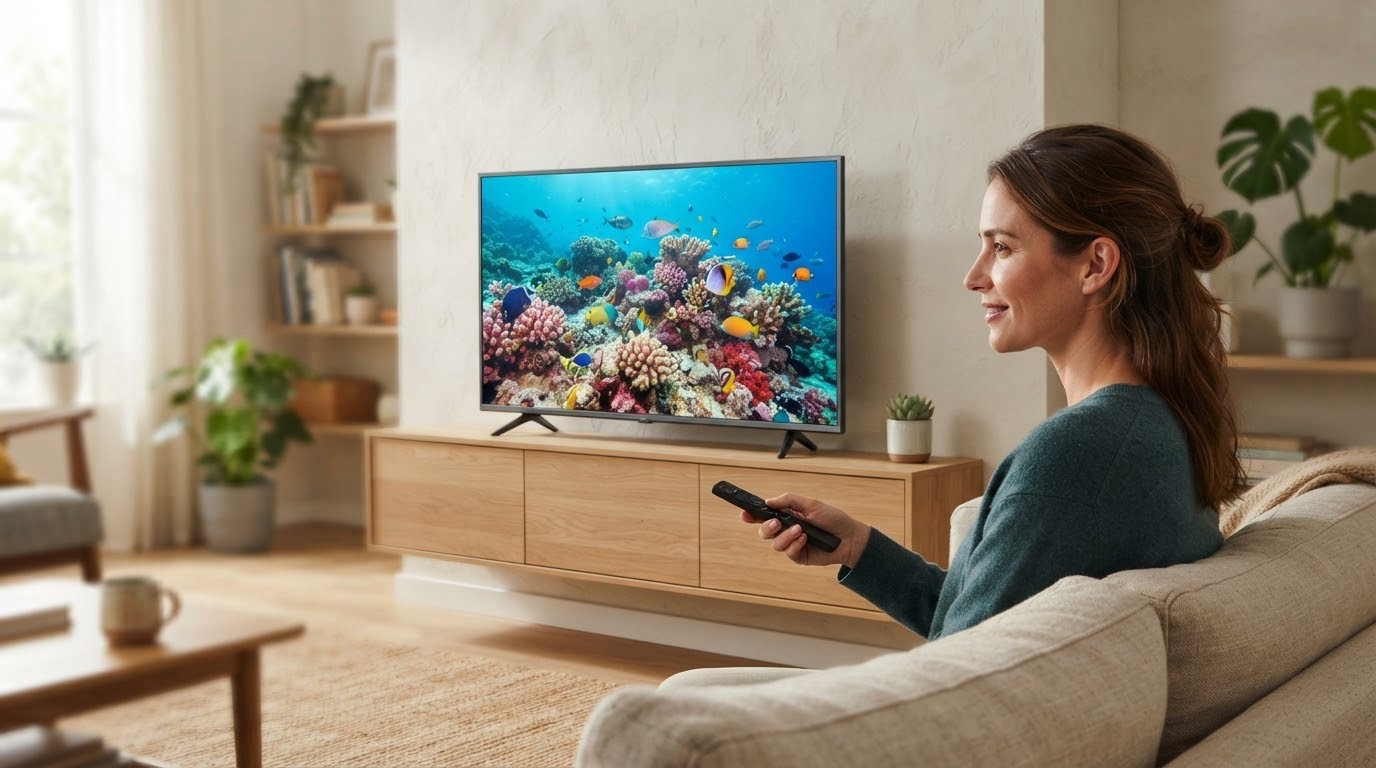
43 inches is the size that fits a bedroom wall, a dorm desk or an RV cutout without swallowing the room, and it is the one Amazon pushes hardest during Prime Big Deal Days. The Insignia F50 leads the list with a 4K HDR10 panel, an Alexa remote and the deepest owner base of any 43-inch set here. The Hisense R6 is the smarter buy for Dolby Vision, and the Toshiba C350 adds Atmos audio to Fire OS. The sale runs October 6-7, 2026, and offers shift through the window.
Our Top 3 Picks for Best Amazon Prime Big Deal Days 43-Inch TV Deals (October 2026)


Best Amazon Prime Big Deal Days 43-Inch TV Deals Compared
| Product | Specifications | Action |
|---|---|---|
| Insignia F50 |
|
Check Deal Price |
 Hisense R6 Hisense R6 |
|
Check Deal Price |
| Toshiba C350 |
|
Check Deal Price |
 Hisense E6 Hi-QLED Hisense E6 Hi-QLED |
|
Check Deal Price |
 Westinghouse Roku 43 Westinghouse Roku 43 |
|
Check Deal Price |
 Amazon Ember 43 Amazon Ember 43 |
|
Check Deal Price |
 Samsung Crystal UHD Samsung Crystal UHD |
|
Check Deal Price |
 Samsung M70H Samsung M70H |
|
Check Deal Price |
 Sony BRAVIA 2 II Sony BRAVIA 2 II |
|
Check Deal Price |
 Roku Select 43 Roku Select 43 |
|
Check Deal Price |
How We Chose
We compared panel type, resolution, refresh rate, HDR formats, port count, smart platform and speaker setup across ten 43-inch sets, then read the owner reviews on each listing for the complaints that specs do not show. Ratings, review counts and specifications were checked in October 2026.
1. Insignia F50: Editor’s Choice, Best for Budget 4K
Insignia F50
Resolution: 4K
Refresh: 60Hz
Platform: Fire OS
Audio: DTS Virtual:X
Pros
- Over 12000 reviews at 4.3 stars
- Crisp 4K with HDR10 and deep blacks
- Alexa remote works well for kids
- Three HDMI plus optical audio
Cons
- Fire OS menus and app loading are sluggish
- Picture adjustments pop back to the home screen
- Smearing when mirroring a PC or phone
The one to watch if you want the most proven budget set. With more than 12000 reviews behind it, the Insignia F50 has the widest owner history of any 43-inch television in this roundup, and at 4.3 stars it has held that rating across several generations of Fire OS updates.
Picture quality is where it surprises. Owners keep mentioning deep blacks and clean color for a plain LED panel, plus a peak brightness listed at 375 nits, which is brighter than most sets at this size. DTS Virtual:X gives the two built-in channels more width than a typical budget TV, and HDMI eARC lets you pass that signal to a soundbar untouched.
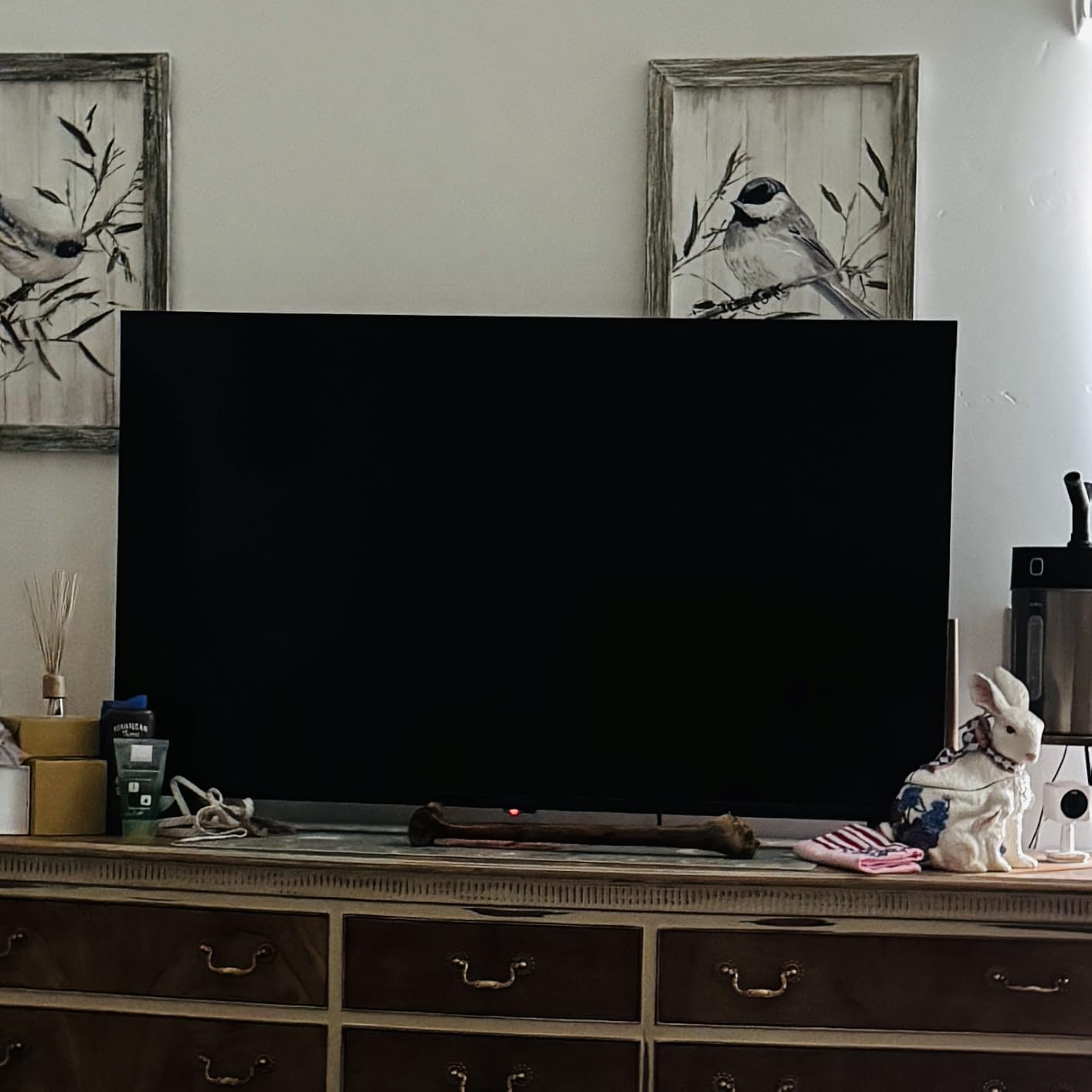
The tradeoff is software speed. Reviewers describe the Fire OS interface as noticeably sluggish, with apps that take a beat to open, and a few report that adjusting picture settings interrupts playback or returns them to the home screen. Owners also mention some ghosting when mirroring a computer or phone through AirPlay.
Compare it with the Hisense R6, which trades some of that value certainty for a cleaner Roku interface and Dolby Vision. If Fire OS bothers you, the Roku Select 43 is the same size with a far tidier menu.
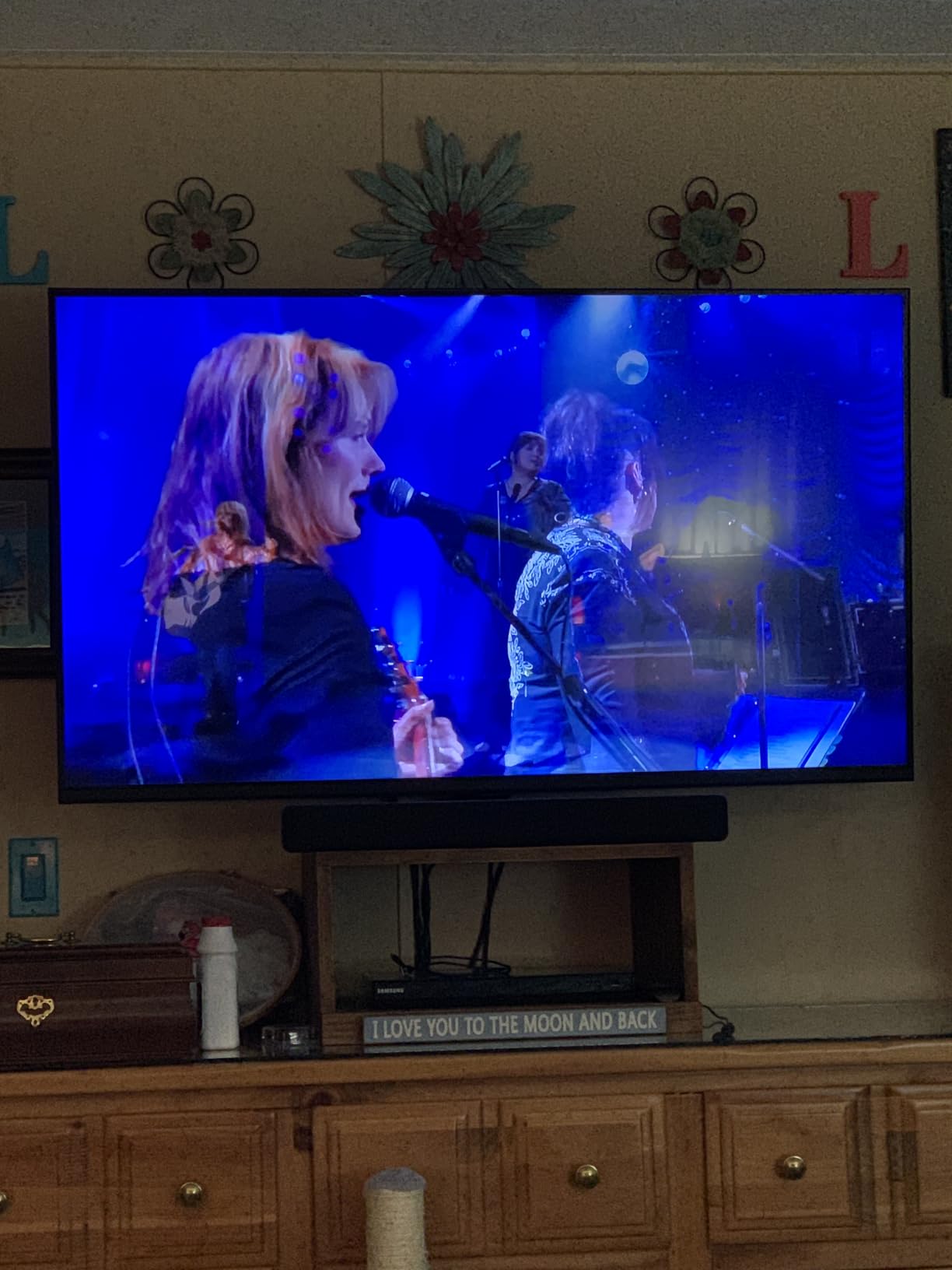
Good to know: the panel is VESA 200 x 300 mm, and the power connector sits in a recessed channel at the back, so measure the shelf depth before you commit.
2. Hisense R6: Best Value Dolby Vision Pick
Hisense R6
Resolution: 4K
Refresh: 60Hz
Platform: Roku OS
Audio: DTS Studio
Pros
- Dolby Vision HDR on a mid-range budget
- Roku OS is simple and quick to learn
- Full array LED backlight
- Works with Alexa and Google Assistant
Cons
- Two-channel audio is modest
- Roku slows after heavy app use
- Some apps need a firmware update first
Owners rate this one at 4.4 stars across more than 5000 reviews, and the reason keeps repeating: Dolby Vision on a mid-range 43-inch set is not something you normally get. A full array LED backlight gives it better uniformity than edge-lit budget panels, and Motion Rate 120 processing keeps fast sports from smearing.
Roku OS is the quieter selling point. People switching from Fire OS usually notice the difference in the first five minutes, because there are no promoted tiles competing for attention on the home screen. The Roku mobile app, Alexa and Google Assistant all work, and the listing notes a 2.1-channel audio setup with DTS Studio Sound.
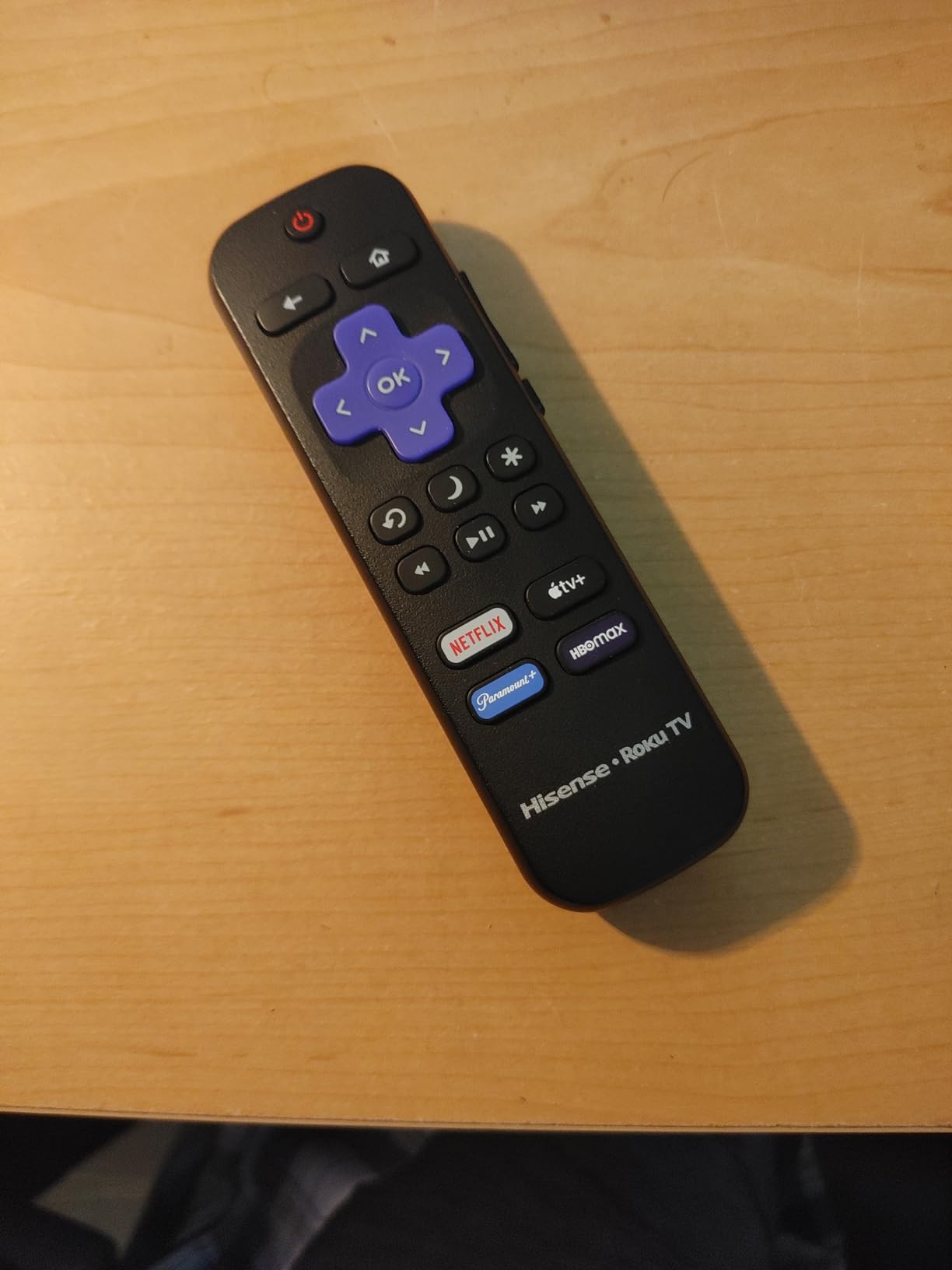
The most repeated complaint is sound. Two-channel speakers handle dialogue fine and struggle with films, so a lot of owners pair it with a soundbar. Reviewers also note that Roku performance can slow after a couple of years of heavy app caching, and that certain apps need a firmware update before first use.
The Insignia F50 carries far more owner history, but it gives up Dolby Vision. Compared with the Toshiba C350, which also carries Dolby Vision, the Hisense runs on Roku instead of Fire OS and skips the Atmos audio.
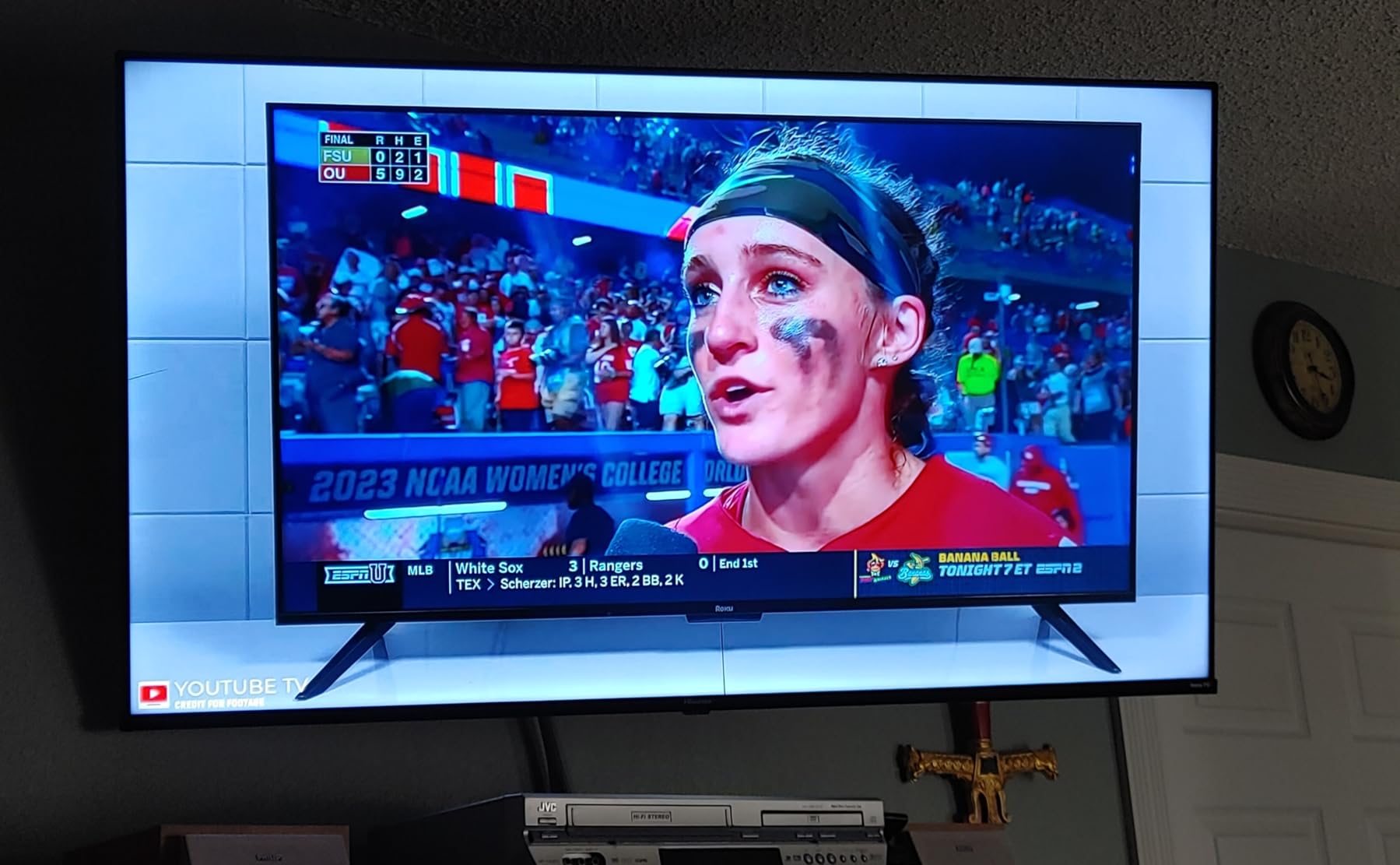
Two details worth knowing before you order. At 15 pounds this is one of the heavier sets here, and the 200 x 300 mm mount pattern means a full-motion bracket needs the right plate, since a plate from a different brand will not line up.
3. Toshiba C350: Budget Pick, Best for Dolby Vision on Fire OS
Toshiba C350
Resolution: 4K
Refresh: 60Hz
Platform: Fire OS
Audio: Dolby Atmos
Pros
- Dolby Vision plus Dolby Atmos at a budget tier
- REGZA Engine ZR and AI 4K upscaler
- Very light chassis for wall mounting
- Game Mode with ALLM and VRR
Cons
- Remote and menu response is slow
- Narrow viewing angles
- Default backlight looks washed out
The C350 is the rare budget 43-inch set that lists Dolby Vision, HDR10 Plus, HLG and Dolby Atmos together. Toshiba’s REGZA Engine ZR handles processing, and the AI 4K upscaler is one that owners with older HD libraries actually mention by name.
It is also the easiest set here to hang. Owners put its weight at roughly 13 pounds, and the VESA pattern is a roomy 400 x 400 mm, which accepts far more wall brackets than the 200 x 300 pattern most rivals use. Table or wall mount both work out of the box.
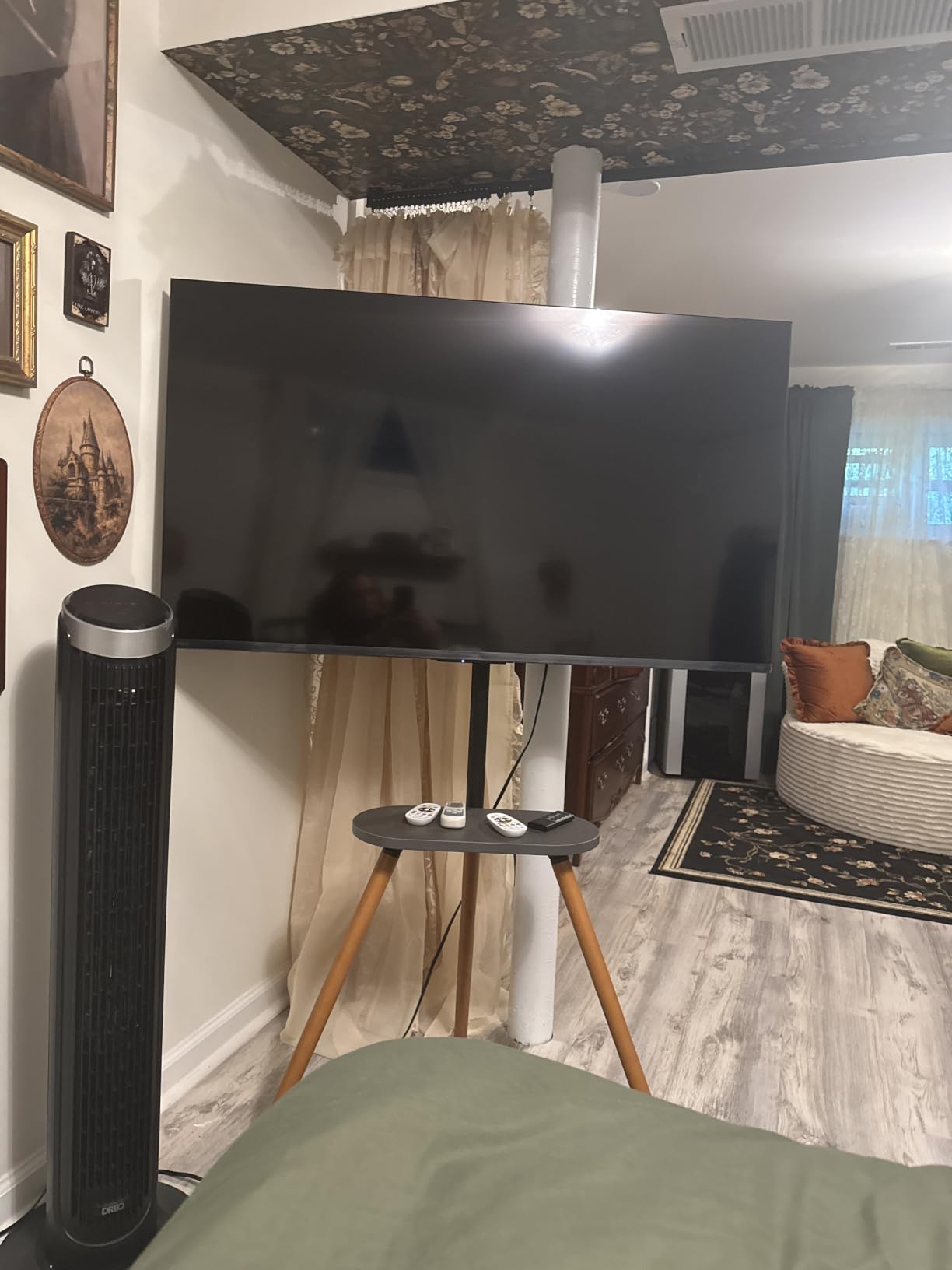
Gaming gets more attention here than on most Fire OS sets. Game Mode with ALLM and VRR support means a console can switch picture mode and hold frame rate without you touching a setting mid-match.
Owners report the same weakness across reviews: the remote and menus respond slowly, which points at limited memory rather than the panel. Narrow viewing angles cause distortion off-center, and the default backlight setting can look washed out until you adjust it. If the set sits at an angle to the sofa, the Hisense E6 Hi-QLED handles that better with a 178-degree viewing angle.
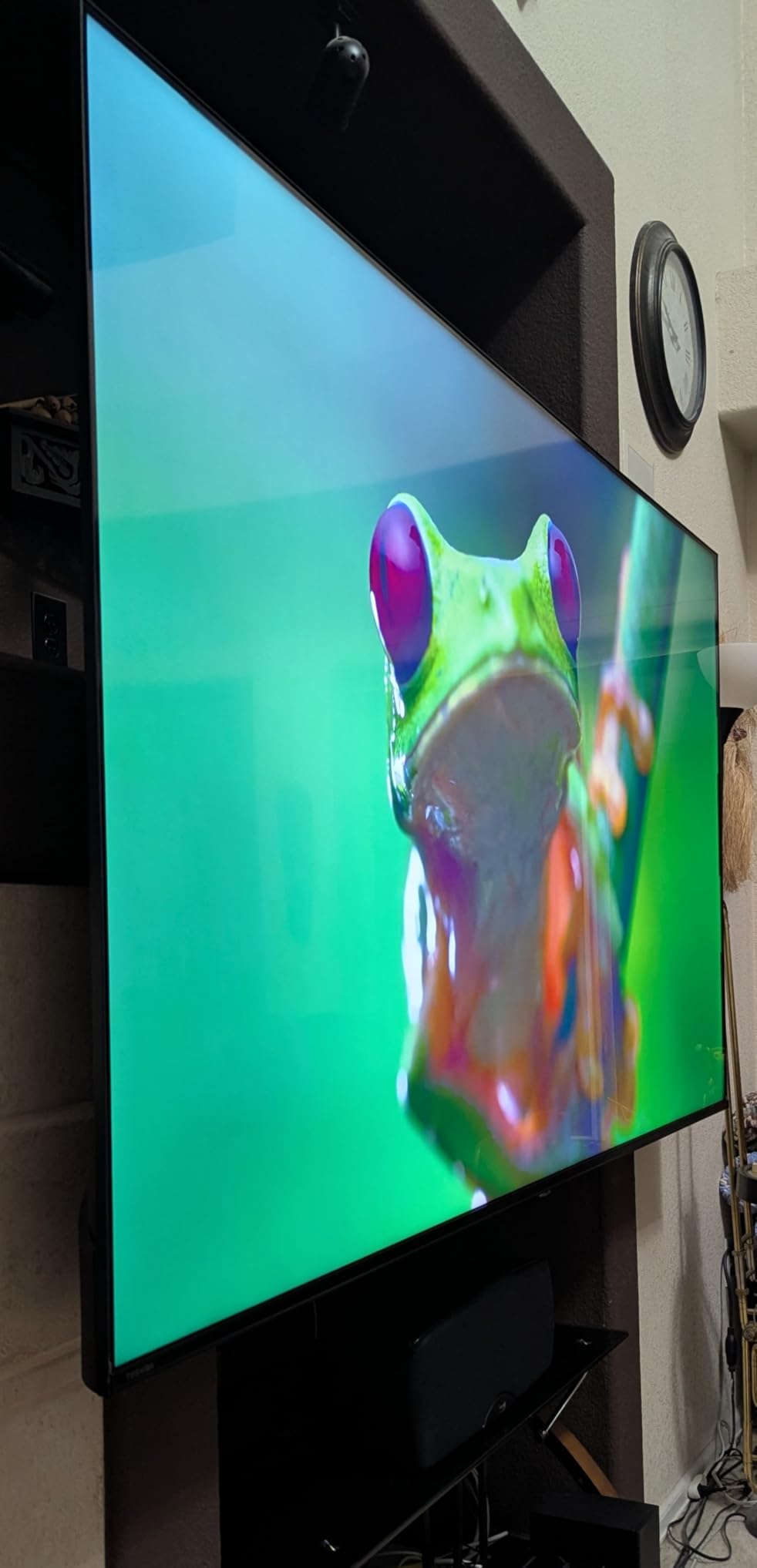
Plan the connection before you commit. There are two USB ports and Wi-Fi but no Ethernet, so a wired setup needs a USB network adapter or a streaming stick with its own networking.
4. Hisense E6 Hi-QLED: Best for QLED Color
Hisense E6 Hi-QLED
Resolution: 4K
Refresh: 60Hz
Platform: Fire OS
Audio: Dolby Atmos
Pros
- Quantum dot color with a wide color gamut
- Every major HDR format including HDR10+ Adaptive
- AI light sensor adjusts brightness automatically
- Wi-Fi 6 and Filmmaker Mode at this tier
Cons
- Lowest rating in the group at 4.0 with a 16 percent one-star share
- Fire OS can be sluggish
- Modest two-channel speakers
This is the only set here with quantum dot color in a Fire OS frame, and reviewers notice it immediately. The wide color gamut shows up in richer reds and greens, and the Total HDR Solution covers Dolby Vision, HDR10, HDR10 Plus, HDR10 Plus Adaptive and HLG, which is more format coverage than anything else in the roundup.
The AI light sensor is the sleeper feature. It reads ambient conditions and shifts brightness on its own, which matters in a bedroom that goes from afternoon sun to a dark evening without anyone touching the remote. Wi-Fi 6, Bluetooth 5 and AirPlay are also unusual at this level.
Be fair about the rating. It holds 4.0 stars across 2759 reviews, the lowest average here, with a one-star share reviewers put around 16 percent. Fire OS sluggishness and app or update instability come up repeatedly, and the two-channel speakers are unremarkable for movies.
Where the panel is concerned, it beats the Insignia F50 on color and beats the Toshiba C350 on viewing angle. It loses to both on rating, and that gap is part of why it is worth a look during the sale.
Worth knowing if you sit off-center: AI Smooth Motion with MEMC smooths lower-quality sources, but it also adds a layer of processing that some sports viewers dislike. Turn it off before match day.
5. Westinghouse Roku 43: Best for Connectivity
Westinghouse Roku 43
Resolution: 1080p
Refresh: 60Hz
Platform: Roku OS
Audio: Dolby Audio
Pros
- Four HDMI ports plus composite video and optical out
- 350 free live channels on Roku OS
- Works with Siri Alexa Google Assistant and HomeKit
- Bluetooth and AirPlay 2 casting included
Cons
- 1080p panel with a modest 220-nit peak
- 8-watt speakers are quiet
- Only 351 reviews of long-term feedback
Look at the port count before anything else here. Four HDMI ports, a composite video input, optical digital audio out, two USB and Ethernet is more connection options than any 4K set in this list, and it leaves room for a retro console, a cable box and a soundbar without a switcher.
The 1080p panel is the catch, and a real one. Peak brightness is listed at 220 nits with a 1000:1 contrast ratio, so this is a set for a secondary room, a dorm or an RV rather than a bright living room. A matte screen finish also helps with glare in a space that cannot be darkened.
What owners do like is Roku OS with 350 or more free live channels, plus AirPlay 2, Miracast, Bluetooth, Siri, Alexa, Google Assistant and Apple HomeKit on the same board. The 6-millisecond response time is fine for casual console play.
The honest limitation is evidence. At 351 reviews this is the thinnest feedback base in the roundup, and 8-watt speakers are quiet next to the Sony BRAVIA 2 II with its 20-watt 2.1 setup. For a primary screen in a lit room, the Samsung Crystal UHD is the better buy at 4K.
Brightness is the number to check here. A 220-nit peak means daylight from a side window will wash the picture out, so place it on a wall without direct glare rather than opposite one.
6. Amazon Ember 43: Best for Alexa and Cloud Gaming
Amazon Ember 43
Resolution: 4K
Refresh: 60Hz
Platform: Fire TV
Audio: Dolby Audio
Pros
- Newest Fire TV experience with Alexa+ voice search
- Wi-Fi 6 and a quad-core processor
- HDR10+ contrast holds up in dark scenes
- Four HDMI inputs plus AirPlay and Luna
Cons
- The priciest set in this roundup
- Omnisense ambient display adds interface clutter
- Basic Dolby Audio speakers
The Ember 4-Series is the first-party Fire TV set, and the hardware story is speed: a quad-core processor with Wi-Fi 6, which is why owners report apps loading quickly compared with the older Fire OS hardware in the Insignia and Toshiba. Four HDMI inputs cover a console, a soundbar and a streamer at once.
It is also the only set here with cloud gaming built in through Amazon Luna and Xbox Game Pass, so a household without a console still has something to play. HDR10+ support is listed, and owners say contrast holds up in dark scenes.
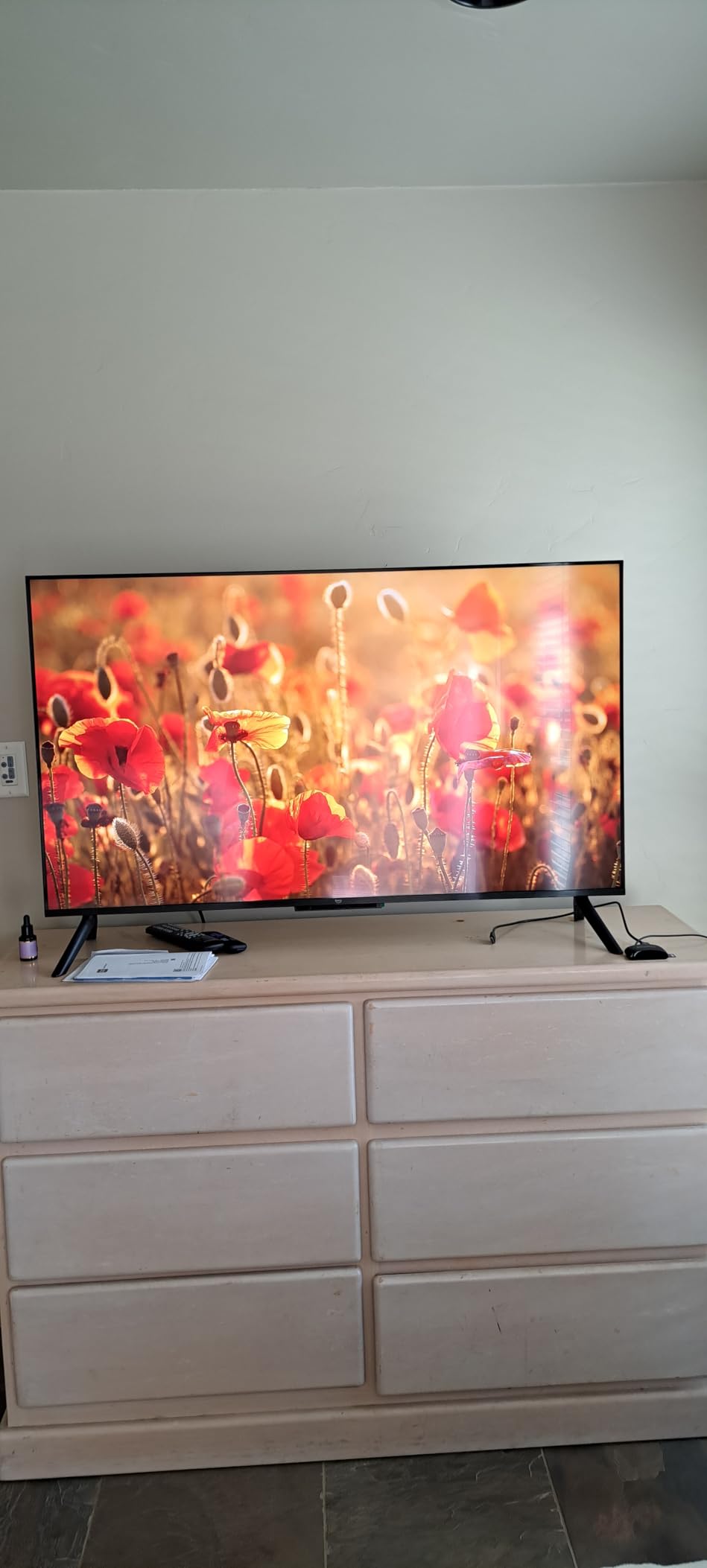
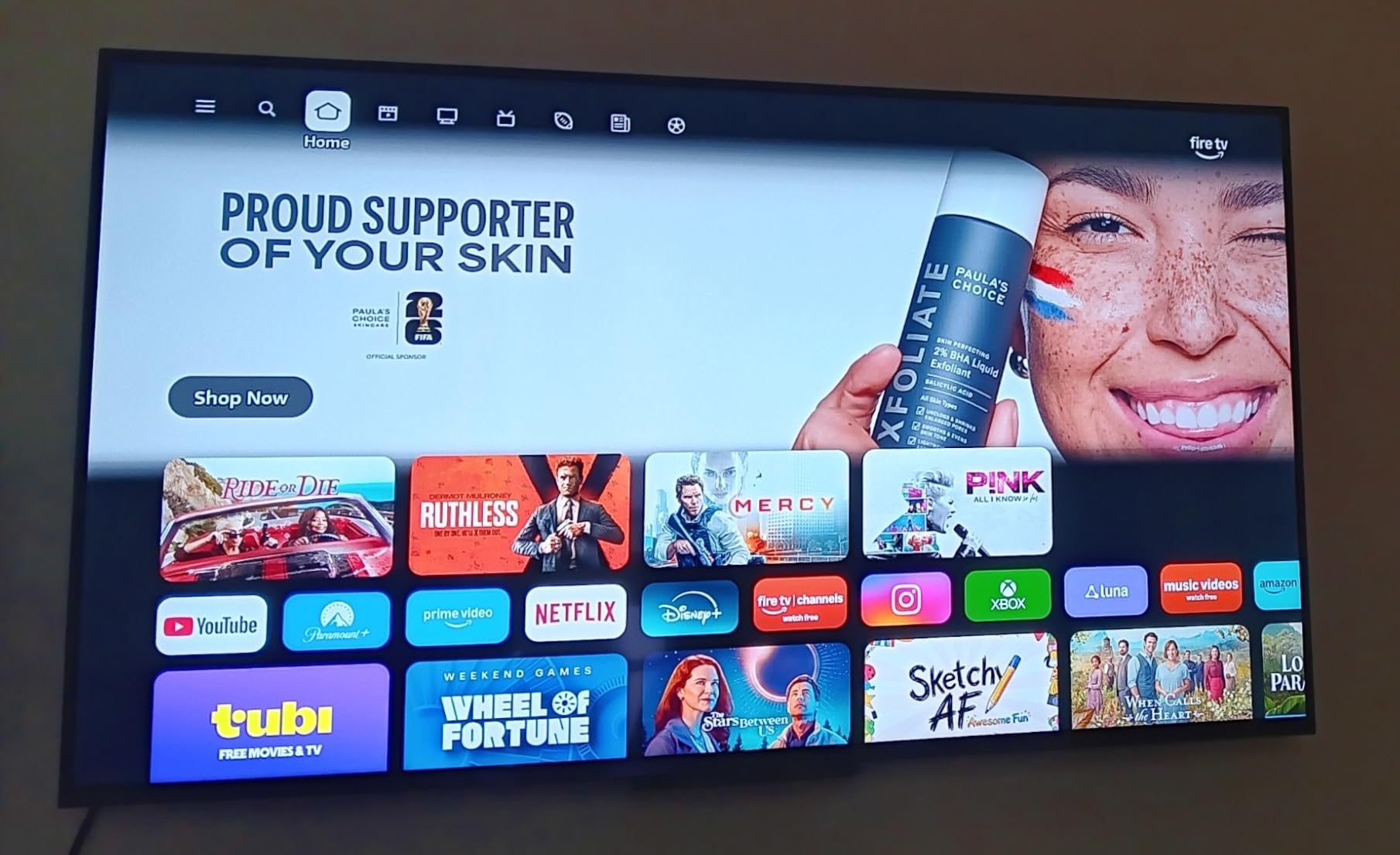
The negatives are consistent. It sits at the top of the price range in this roundup, and reviewers point out that the Omnisense ambient display plus the recommendation row make the interface busier than the older Fire TV layout, not less. Dolby Audio speakers are fine for news and thin for films.
Compared with the Insignia F50, the platform experience is faster and the hardware newer, but you pay for that. If picture quality matters more to you than voice search, the Insignia or the Toshiba C350 puts the money into the panel instead.
One gap in the listing is worth knowing about. Weight and full dimensions are not published, so check the carton measurements before you plan a wall mount.
7. Samsung Crystal UHD: Best for Free Channels
Samsung Crystal UHD
Resolution: 4K
Refresh: 60Hz
Platform: Tizen
Audio: Dolby Digital Plus
Pros
- Crystal Processor 4K with vivid Color Booster output
- Bluetooth 5.3 built in which most rivals omit
- Over 2700 streaming options with 750 free channels
- Motion Xcelerator for sports
Cons
- No dedicated input button on the remote
- Volume rockers confuse some owners
- Some app download failures reported
Samsung TV Plus is the reason to look at this one. Owners count more than 750 subscription-free channels alongside 2700 or so streaming options, which makes it a low-cost way to leave live content on all day. Alexa is built in, and the Tizen interface does not fight you.
The picture is a straightforward 4K LED with HDR10 Plus at 250-nit peak brightness and a 4000:1 contrast ratio, processed by the Crystal Processor 4K with a Color Booster for intensity. That is a mid-range result, not a class-leading one, and the reviews describe it as average rather than excellent.
The most common complaint has nothing to do with the panel. There is no dedicated input or source button on the remote, so switching from a console back to live TV means digging through menus, and the rocker volume buttons draw complaints from people used to clickers.
Bluetooth 5.3 is the spec sheet surprise here, since most sets this size skip it entirely. Compare it with the Samsung M70H, which shares the platform and adds a Mini-LED backlight for noticeably deeper blacks, and with the Roku Select 43 if a simpler menu matters more than free channels.
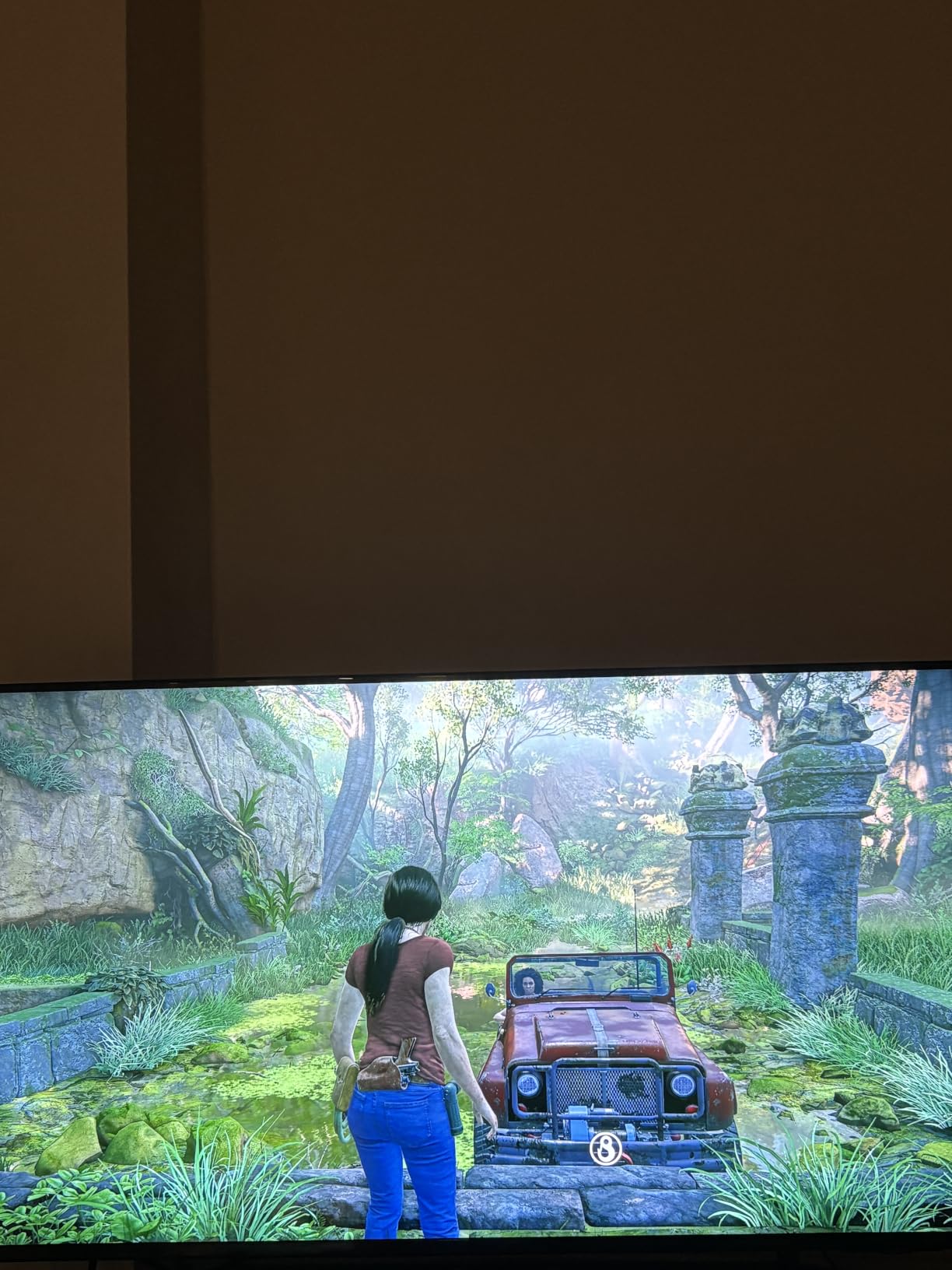
Good to know: at 14.8 pounds and 78 kWh a year this is one of the lighter and cheaper sets here to run, which matters in a bedroom that is on more than it is watched.
8. Samsung M70H: Best for Mini-LED Picture
Samsung M70H
Resolution: 4K
Refresh: 60Hz
Platform: Tizen
Audio: 2.0-channel
Pros
- Mini LED backlight gives deeper blacks than standard LED
- Pure Spectrum one-billion-color palette
- Soccer Mode and Gaming Hub are genuinely useful
- Lightweight 43-inch chassis for easy wall mounting
Cons
- Only two audio channels on a premium panel
- Refresh rate listed at 60Hz despite the 120Hz motion feature
- Tizen is not as simple as Roku
A Mini-LED backlight at 43 inches is unusual, and it is the whole point of this set. Owners specifically compare it with conventional LED sets the same size and note brighter highlights and deeper blacks in dark scenes, which is the gap a QLED quantum dot panel alone does not close.
The Pure Spectrum palette covers a billion colors, so reds, blues and greens look richer than on the standard LED sets here. Soccer Mode and Gaming Hub add real value for sports viewers rather than a checkbox feature, and Motion Xcelerator Turbo is tuned for movement.
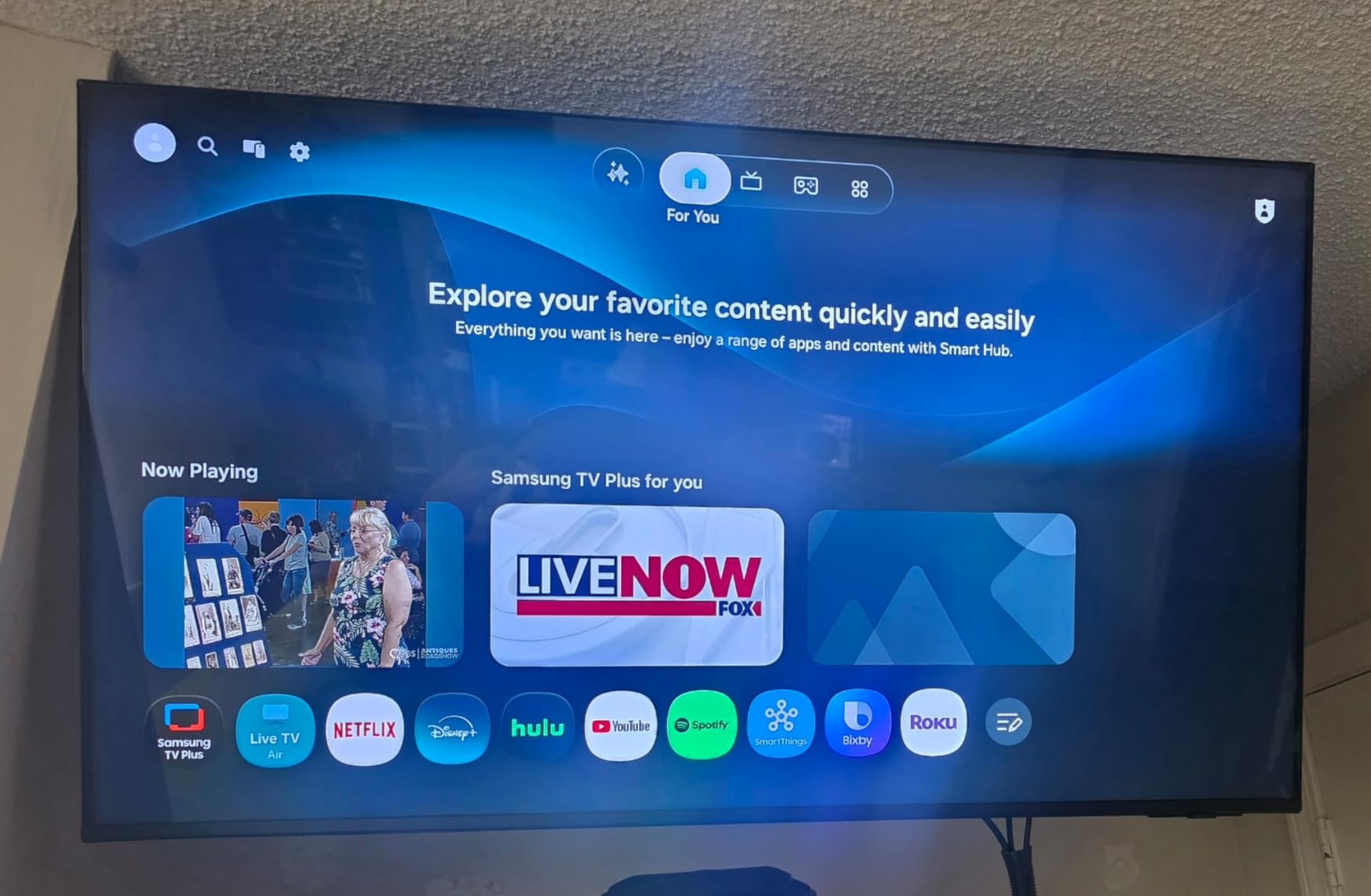
Read the refresh rate line carefully. The panel is listed at 60Hz even though the motion feature is branded 120Hz, so this is a better sports picture, not a faster one for competitive shooters. Built-in audio is two channels only, which is odd next to a premium panel and another reason to plan on external sound.
Against the Hisense E6 Hi-QLED, the Samsung wins on black level and on platform polish, and loses on rating, with 4.0 stars and a higher one-star share for the Hisense. Against the Sony BRAVIA 2 II, it wins on picture depth and loses on built-in sound and on gaming-specific features.
The mount pattern is 200 x 200 mm and the set weighs 14.8 pounds, which makes it easy to hang. That smaller pattern is common to Samsung, Sony and Roku sets here, so confirm your plate matches before you order the bracket.
9. Sony BRAVIA 2 II: Best for PS5 Owners
Sony BRAVIA 2 II
Resolution: 4K
Refresh: 60Hz
Platform: Google TV
Audio: 2.1ch Atmos
Pros
- 4K Processor X1 with X-Reality PRO for a natural picture
- Google TV with fast app loading
- 20-watt 2.1-channel speakers with Atmos and DTS:X
- PS5 Auto HDR Tone Mapping and Genre Picture Mode
Cons
- No RCA analog audio output
- Side connectors are hard to reach when wall mounted
- Some freezing and Wi-Fi drops
This is the set to shortlist if a PlayStation is the main thing plugged into it. Auto HDR Tone Mapping and Auto Genre Picture Mode are PS5 features that adjust the picture automatically per game and per scene, and long-time Sony owners single them out as the reason the TV pairs well with the console.
Processing is the 4K Processor X1 with 4K X-Reality PRO and Triluminos Pro color, which is why the picture reads as sharp and natural rather than oversaturated. Audio is the best in this roundup at 20 watts across 2.1 channels with Dolby Atmos and DTS:X, and Google TV loads apps quickly. Sony Pictures CORE movies are included.
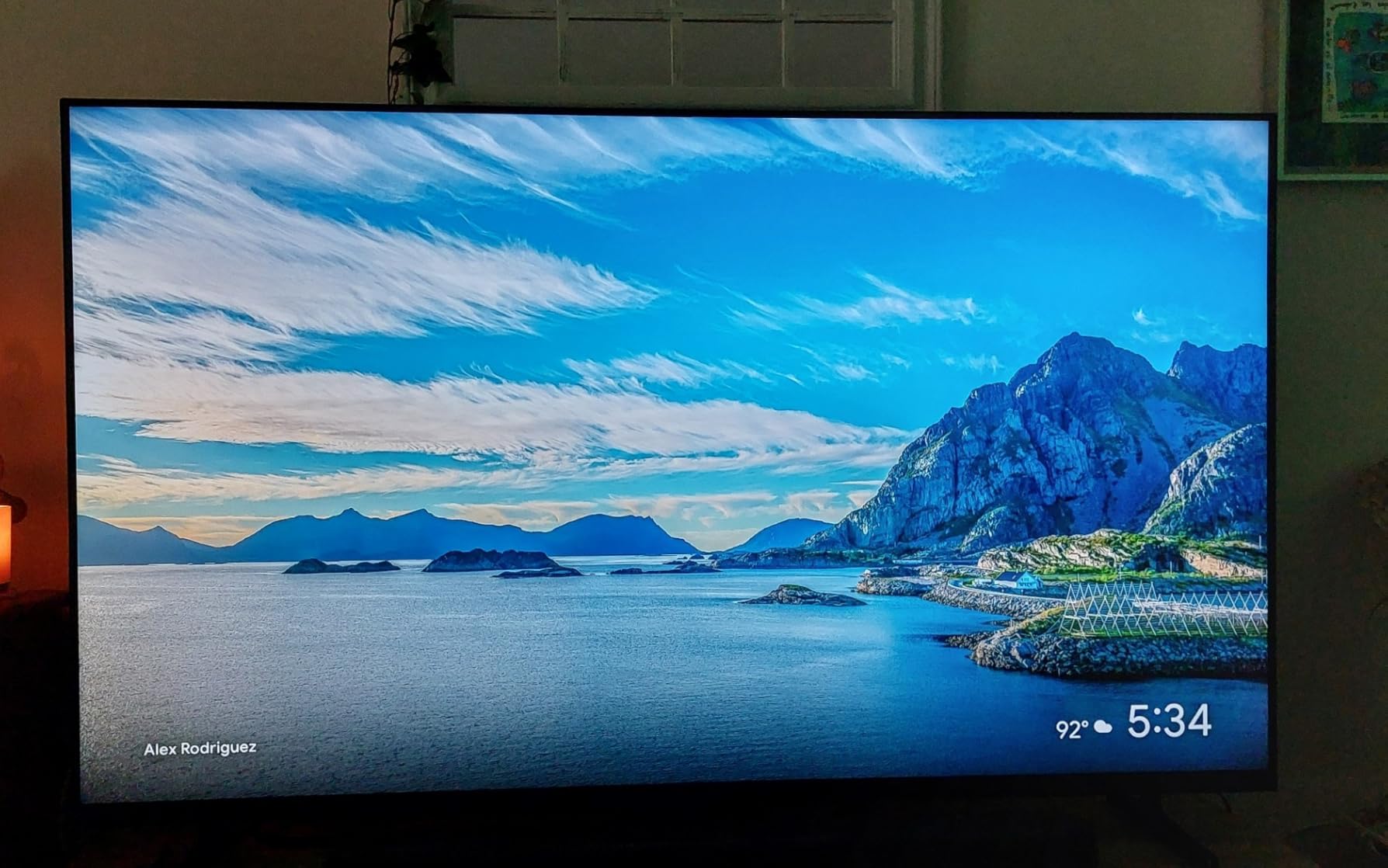
Two practical complaints come up repeatedly. There is no RCA analog audio output, so an older amplifier needs an adapter, and the connectors sit on the side where they are hard to reach once the set is mounted flat. A minority of owners also report freezing and dropped Wi-Fi connections.
It is also near the top of the price range here. If your use is a console on a tight budget, the Toshiba C350 gets you ALLM and VRR for far less, and if the picture is the priority rather than the console, the Samsung M70H has the better black level.
Have two people for the wall mount. At 17.2 pounds this is the heaviest 43-inch set on the list, and the connectors sit on the sides where a bracket can block them.
10. Roku Select 43: Best for Simple Setup
Roku Select 43
Resolution: 4K
Refresh: 60Hz
Platform: Roku OS
Audio: Dolby Audio 14W
Pros
- Roku OS rated the cleanest and fastest interface here
- Sharp 4K HDR10 picture for the money
- Setup takes minutes and apps launch quickly
- Bluetooth headphone mode with treble and bass controls
Cons
- Sound is unexceptional for a Dolby Audio set
- Needs an internet connection at first power-on
- LED panel rather than QLED
Ask owners why they bought it and the answer is nearly always the same: menus. This Roku OS build is rated above Fire OS, Google TV and Tizen for simplicity, with no promoted tiles stacked above the app row and no ambient display pushing recommendations at you.
The picture is a plain 4K LED with HDR10 and Roku Smart Picture doing the optimizing, and reviews call the colors lively for the money. Setup takes minutes, the OTA tuner pulls in dozens of local broadcast channels with a basic antenna, and 4 HDMI ports plus optical audio and two USB cover most hookups.
Two details catch people out. The set needs an internet connection at first power-on before any input works, so a bedroom TV with no network is a bad match. And like other Roku sets here, owners report caching that slows navigation after a couple of years of heavy use.
Compared with the Hisense R6, both run Roku OS at 43 inches, but the Hisense adds Dolby Vision and a full array backlight while the Select sticks to a standard LED panel. Compared with the Westinghouse Roku 43, you gain 4K and lose a composite video input.
Late at night, Bluetooth Headphone Mode has separate treble and bass controls, which helps when the 14-watt speakers are the last thing you want waking the house.
How to Choose 43-Inch TVs During Prime Big Deal Days
Screen Size and Room Fit
Forty-three inches is a bedroom, dorm, office and RV size, and it works as a living room set only if you sit close. A rough rule: about 6 feet of viewing distance for a 43-inch screen, closer than you would want for 50 inches and above. Before you pick a screen, pick the furniture: our picks for TV stands for large TVs run wider than a 37.7-inch chassis, so check the top width against the panel before you buy either.
If a 43-inch set feels small for your main room, the money often stretches further on a larger basic panel than on a better smaller one, and you can see where the value sits in our picks for 65-inch sets on a tighter budget when you are ready to move up a size.
Picture Quality and Display Technology
A standard LED panel is the baseline here, and QLED quantum dot is the practical ceiling at 43 inches. Mini-LED does reach this size through the Samsung M70H, but local dimming is otherwise rare, so do not expect OLED-level blacks from a budget set. Judge brightness by listed peak nits: the Insignia F50 comes in at 375 nits, the Samsung Crystal UHD at 250, and the Westinghouse at 220.
For HDR, Dolby Vision and HDR10 Plus are the formats worth paying up for, and only the Hisense R6, Toshiba C350 and Hisense E6 combine them. Check viewing angles too if the set sits off-axis, since the Toshiba’s narrow angles are a repeated owner complaint.
Gaming Features and Input Performance
Every 43-inch set on this list is a 60Hz panel, including the Samsung M70H whose 120Hz branding refers to motion processing rather than refresh rate. For a PS5 or Xbox Series X, what matters is HDMI 2.1 bandwidth, VRR and ALLM, and the Toshiba C350 lists all three. The Sony BRAVIA 2 II adds automatic PS5 picture adaptation on top.
Count your HDMI ports before buying, not after. Two is a minimum for a console plus a soundbar; four, as on the Amazon Ember 43 and Roku Select 43, removes the need for a switcher.
Smart-TV Platform and Streaming
Fire OS appears most often on this list, and its weakness is speed and sponsored tiles on the home screen. Roku OS wins on simplicity and app loading, with the Hisense R6 the best-specified Roku set here. Google TV on the Sony loads quickly, and Tizen on the two Samsung sets gives you the deepest free channel library.
Test the interface before you commit rather than trusting the brand. Open the app row, scroll a menu and turn the volume up, because that is where the platforms separate.
Audio, Connectivity and Features
Built-in speakers are the most common disappointment across all ten sets. Eight watts on the Westinghouse and two bare channels on the Samsung M70H are the weak spots, while the Sony’s 20-watt 2.1 setup is the outlier worth noticing. If you are planning external sound, our picks for budget soundbars for TVs cover the range these sets sell at.
Bluetooth is also uneven: the two Samsung sets and the Hisense E6 include it, several others do not, and the Roku Select uses it for a headphone mode with separate tone controls. For setups where the sound has to reach headphones or a kitchen radio across the room, Bluetooth transmitters for TVs close that gap.
How to Shop 43-Inch TV Deals During the Sale
Check the model number on the listing, not just the size, because 43-inch sets get replaced within a year and the price drop between generations is often smaller than it looks. Confirm the panel type and refresh rate in the specification block, read what is in the box, and check whether the seller is Amazon or a marketplace partner, since a third-party unit carries different return terms. Look for renewed or open-box wording in the condition field and skip it if the warranty is unclear.
Most offers need a Prime membership, and a free trial counts. Prices and offers change through the event, so use the buttons on this page to see the current figure rather than trusting any number written in a review.
- Match the model number in the listing to the specs quoted by the seller
- Confirm the panel is 4K and the refresh rate is 60Hz or better
- Check brightness in nits if the set lives in a bright room
- Count HDMI ports against the devices you will connect
- Verify the seller and condition before paying
- Compare the current price with a price history tracker before assuming a deal is real
Frequently Asked Questions
When does Amazon Prime Big Deal Days run in 2026?
Amazon Prime Big Deal Days runs October 6-7, 2026. It is a two-day event in October, and TV offers appear at the start and change through the window, so a deal you saw yesterday may be gone today.
Do I need Prime membership to buy a 43-inch TV during the sale?
Most Prime Big Deal Days offers require a Prime membership, and a free trial counts for the length of the trial. A small number of deals run for everyone, so check the offer wording on the listing before you assume you are locked in.
Is a 43-inch TV big enough for a bedroom or small living room?
Yes for a bedroom, dorm, office or small living room. Forty-three inches suits roughly 6 feet of viewing distance, and it is the largest size that fits many standard RV wall cutouts. In a large bright living room it can look small from a sofa.
Should I choose a 4K TV with a 120Hz refresh rate for gaming?
For competitive shooters, a native 120Hz panel helps, but none of the 43-inch sets in this roundup has one. At this size, prioritize HDMI 2.1 bandwidth, ALLM and VRR support instead, and treat 120Hz motion processing as a picture feature rather than a speed feature.
How can I tell whether a 43-inch TV deal is for a different model or size?
Open the specification section and read the model number, then confirm the screen size, panel type and refresh rate match the listing title. A discounted 43-inch set may be a prior-year model with a different picture processor, so treat it as a separate product.
What is the best Amazon Prime Big Deal Days 43-Inch TV Deals choice for watching sports?
The Samsung M70H is the pick for sports among the best Amazon Prime Big Deal Days 43-Inch TV Deals options, because its Mini-LED backlight holds bright highlights and deep blacks and its Soccer Mode handles fast movement. The Hisense R6 is the lower-cost alternative with Motion Rate 120 processing.
Final Verdict: Best Amazon Prime Big Deal Days 43-Inch TV Deals
Buy the Insignia F50 if you want the most proven budget 4K set and can live with Fire OS speed. Buy the Hisense R6 if Dolby Vision on a clean Roku interface is the better use of your money. Buy the Toshiba C350 for Dolby Vision and Atmos on Fire OS with the easiest wall mount in the group. Buy the Hisense E6 Hi-QLED for quantum dot color and an auto-adjusting light sensor, and the Samsung M70H for Mini-LED contrast and sports. The Amazon Ember 43 suits Alexa-first households and cloud gaming, the Samsung Crystal UHD suits free-channel watchers, the Sony BRAVIA 2 II suits PS5 owners, the Roku Select 43 suits anyone who wants the least fussy menu, and the Westinghouse Roku 43 suits a secondary room with several devices to plug in.
Check the current figures on each listing during the sale, compare them against a price history, and make the pick before the offers shift.