
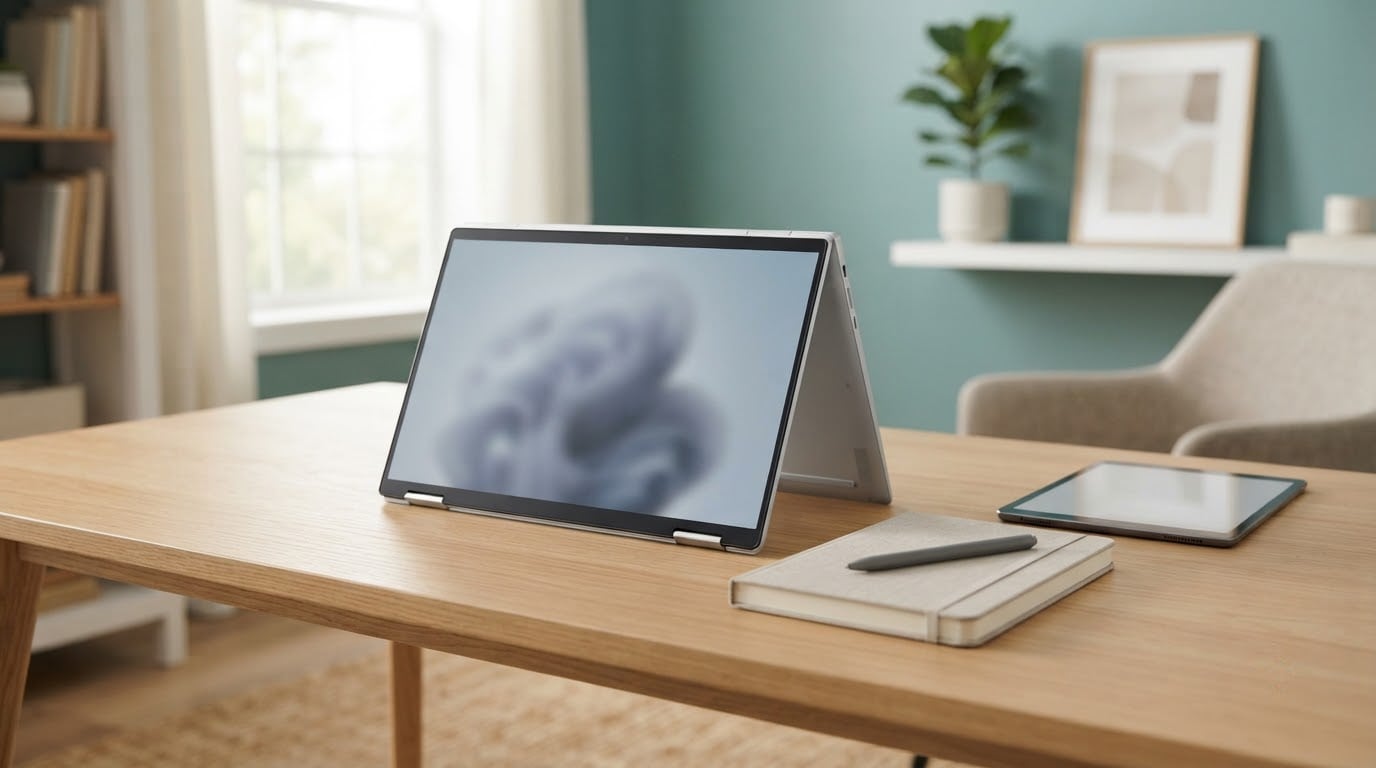
The Lenovo Yoga 7i is the one to watch most closely during Amazon’s Prime Big Deal Days, a 16-inch convertible with the highest owner rating in this group, a four-mode hinge and battery life owners describe in glowing terms. For a strict business budget, the ThinkPad E16 Gen 2 gives you the familiar keyboard and upgradeable memory. For the lowest spend, the 14-inch Chromebook does browsing, documents and video calls all day on one charge.
Prime Big Deal Days runs October 6-7, 2026, and offers change through the window. Use the list below to know which machine fits your week before you check any price.
Our Top 3 Picks for Best Amazon Prime Big Deal Days Lenovo Deals in 2026

Lenovo Yoga 7i
- 16-inch 2-in-1 touchscreen
- 360-degree hinge with four modes
- 16GB DDR5 and 1TB SSD

Lenovo IdeaPad Slim 3 16
- 16-inch WUXGA IPS display
- 16GB DDR5 expandable to 40GB
- 1.68kg aluminum chassis

Lenovo 14-inch Chromebook
- 14-inch FHD touchscreen
- 13.5 hour battery life
- Chrome OS with 4GB RAM
Best Amazon Prime Big Deal Days Lenovo Deals Compared
| Product | Specifications | Action |
|---|---|---|
| Lenovo Yoga 7i |
|
Check Deal Price |
| Lenovo IdeaPad Slim 3 16 |
|
Check Deal Price |
| Lenovo 14-inch Chromebook |
|
Check Deal Price |
 Lenovo ThinkPad E16 Gen 2 Lenovo ThinkPad E16 Gen 2 |
|
Check Deal Price |
 Lenovo IdeaPad Slim 3x Lenovo IdeaPad Slim 3x |
|
Check Deal Price |
 Lenovo V15 Gen 4 Lenovo V15 Gen 4 |
|
Check Deal Price |
 Lenovo IdeaPad 2-in-1 16 Lenovo IdeaPad 2-in-1 16 |
|
Check Deal Price |
 Lenovo V15 Ryzen 5 Lenovo V15 Ryzen 5 |
|
Check Deal Price |
 Lenovo IdeaPad 1i Lenovo IdeaPad 1i |
|
Check Deal Price |
 Lenovo IdeaPad Slim 3 Lenovo IdeaPad Slim 3 |
|
Check Deal Price |
How We Chose
Every machine here was compared on the specs that decide daily use: processor, memory, storage, screen, ports, weight and battery, plus the themes that show up repeatedly in owner reviews and ratings on Amazon. The data was checked in October 2026. No hands-on testing is claimed here, and every rating and spec comes from the listing.
1. Lenovo Yoga 7i: Editor’s Choice for Hybrid Work
Lenovo Yoga 7i 2-in-1 Laptop, 16″ 2K Touchscreen Display, Core Ultra 7 155U
Type: 16-inch 2-in-1
Weight: 4.6 lb
Memory: 16GB
Storage: 1TB SSD
Pros
- Highest owner rating in the group
- Four modes including tent and stand
- Excellent reported battery life
- Thunderbolt 4 and Gigabit LAN
- Windows 11 Pro with fingerprint reader
Cons
- Speakers disappoint despite Dolby Atmos branding
- 4.6 lb is heavy for a 16-inch convertible
- Integrated graphics only
Buy this one if your week involves a room with a screen and a room without one. Owners rate it 4.7 stars across 229 reviews, the highest figure in this roundup, and the recurring word is flexibility: laptop, tablet, tent and stand, switched through Lenovo Transition.
The hardware underneath is unusually grown-up for a convertible. A 12-core Intel Core Ultra 7 155U runs up to 4.8GHz, with 16GB of DDR5 memory, a 1TB PCIe 4.0 drive, two Thunderbolt 4 ports, HDMI, a microSD reader and a Gigabit LAN port, plus a backlit keyboard and a fingerprint reader under Windows 11 Pro.
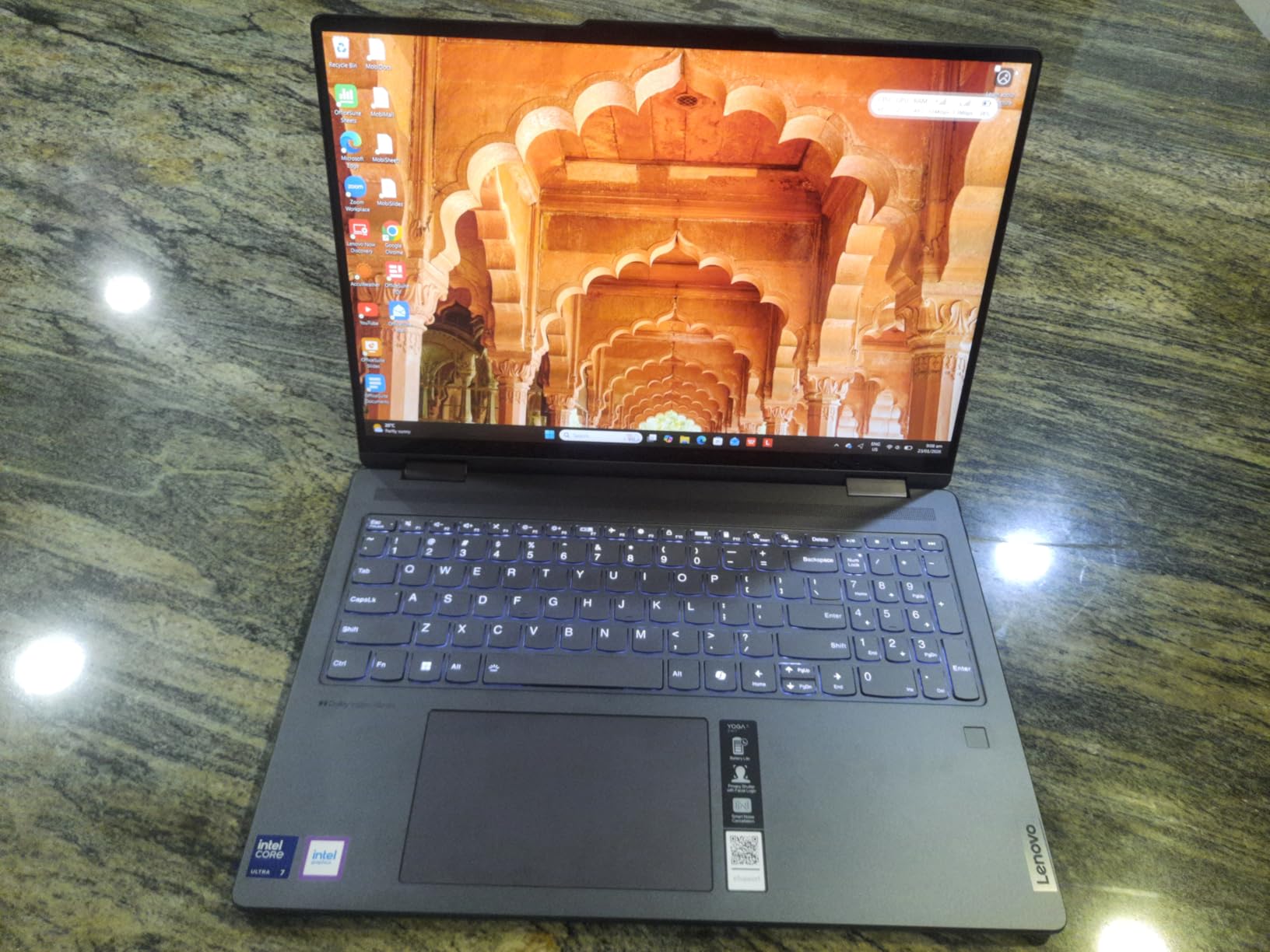
Several reviews mention using it as a third display in tent mode during long sessions, which is the use case the hinge exists for. The 16-inch 1920×1200 IPS touchscreen runs at 300 nits, and there is a numeric keypad tucked to the right of the keyboard, unusual on a machine this convertible.
The trade-off owners raise most is weight. At 4.6 lb, carrying the Yoga 7i plus its charger is a real consideration, and the built-in speakers are the other repeated complaint. If sound matters more than the hinge, the Lenovo V15 Ryzen 5 is a fraction of the weight with a wired network port.
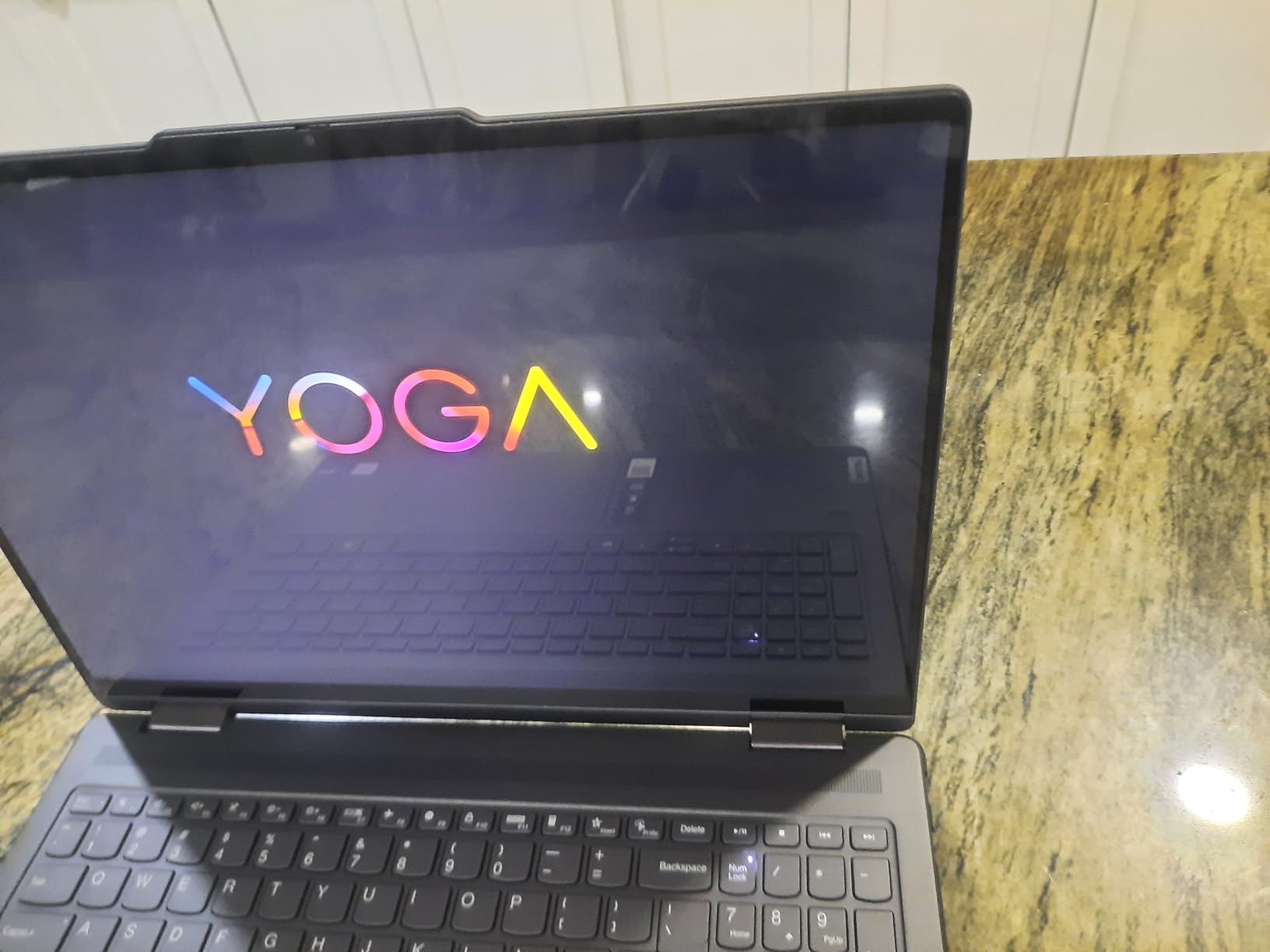
The panel is 1920×1200 rather than the 2K its listing headline implies, and the speakers are the part most likely to send you to external audio.
2. Lenovo IdeaPad Slim 3 16: Best for Everyday Office Work
Lenovo Business 15.6″ FHD Laptop, Intel Processor, 8GB DDR5, 128GB Storage
Type: 16-inch laptop
Weight: 3.7 lb
Memory: 16GB
Storage: 512GB SSD
Pros
- Light for a 16-inch chassis at 1.68kg
- Comfortable keyboard with numeric keypad
- 16GB DDR5 expandable to 40GB
- Good port selection with HDMI and SD reader
- TPM 2.0 and camera privacy shutter
Cons
- 45% NTSC color gamut is weak for design work
- No Windows Hello face unlock
- Integrated graphics cap heavy workloads
Most people buying in the 2026 Prime Big Deal Days laptop category want a machine that disappears into the bag and handles spreadsheets, mail and video calls. At 1.68kg in an aluminum chassis, this IdeaPad Slim 3 16 is one of the lighter 16-inch laptops here, and owners call out the comfortable keyboard with its full number pad.
Inside sits a 13th-generation Intel Core i5-13420H with 8 cores and 12 threads, 16GB of DDR5 memory that expands to 40GB, and a 512GB PCIe Gen4 NVMe drive. Ports run to two USB-A, one USB-C with DisplayPort 1.2 and power delivery, HDMI 1.4, an SD card reader and a headphone jack.
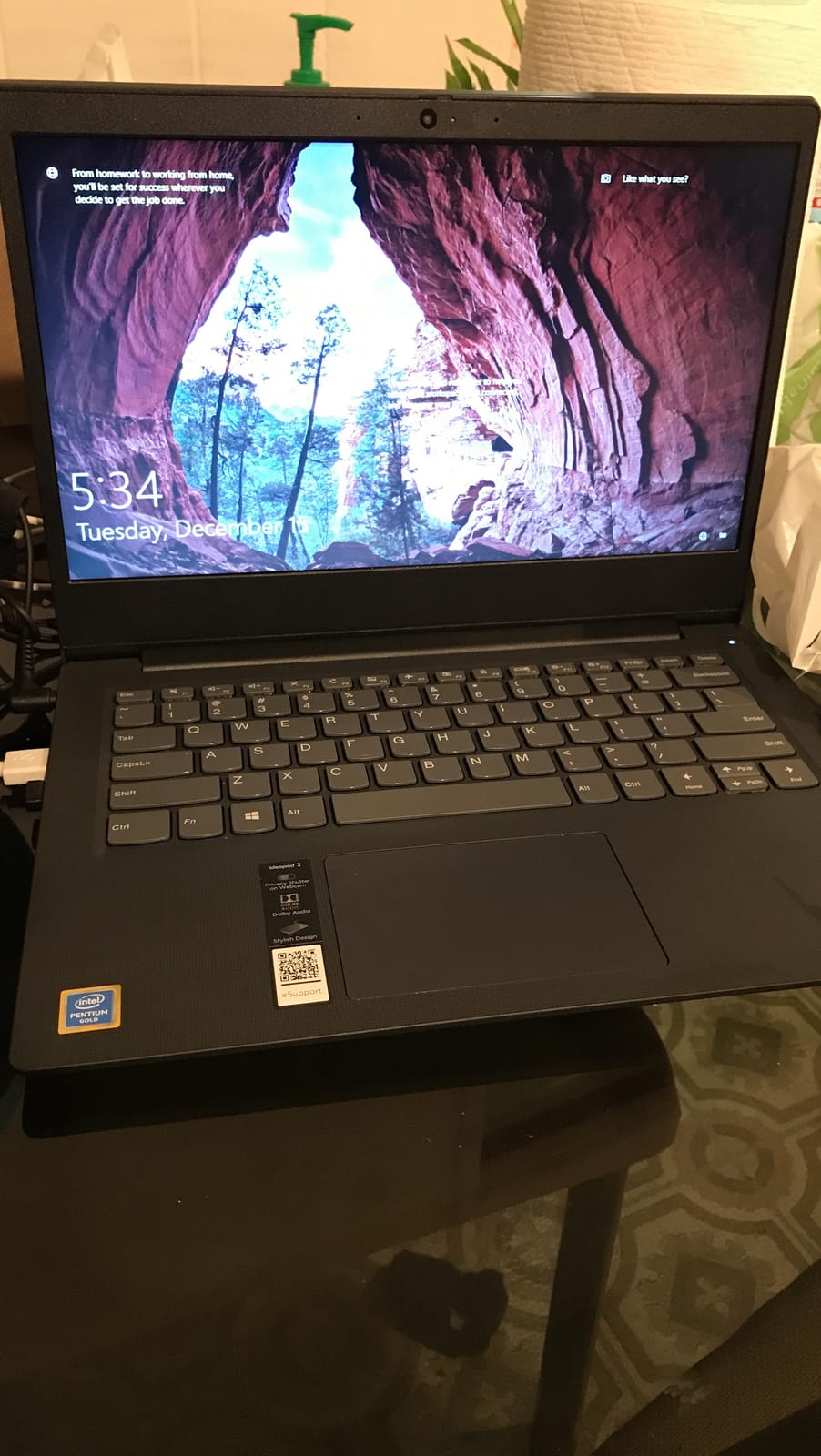
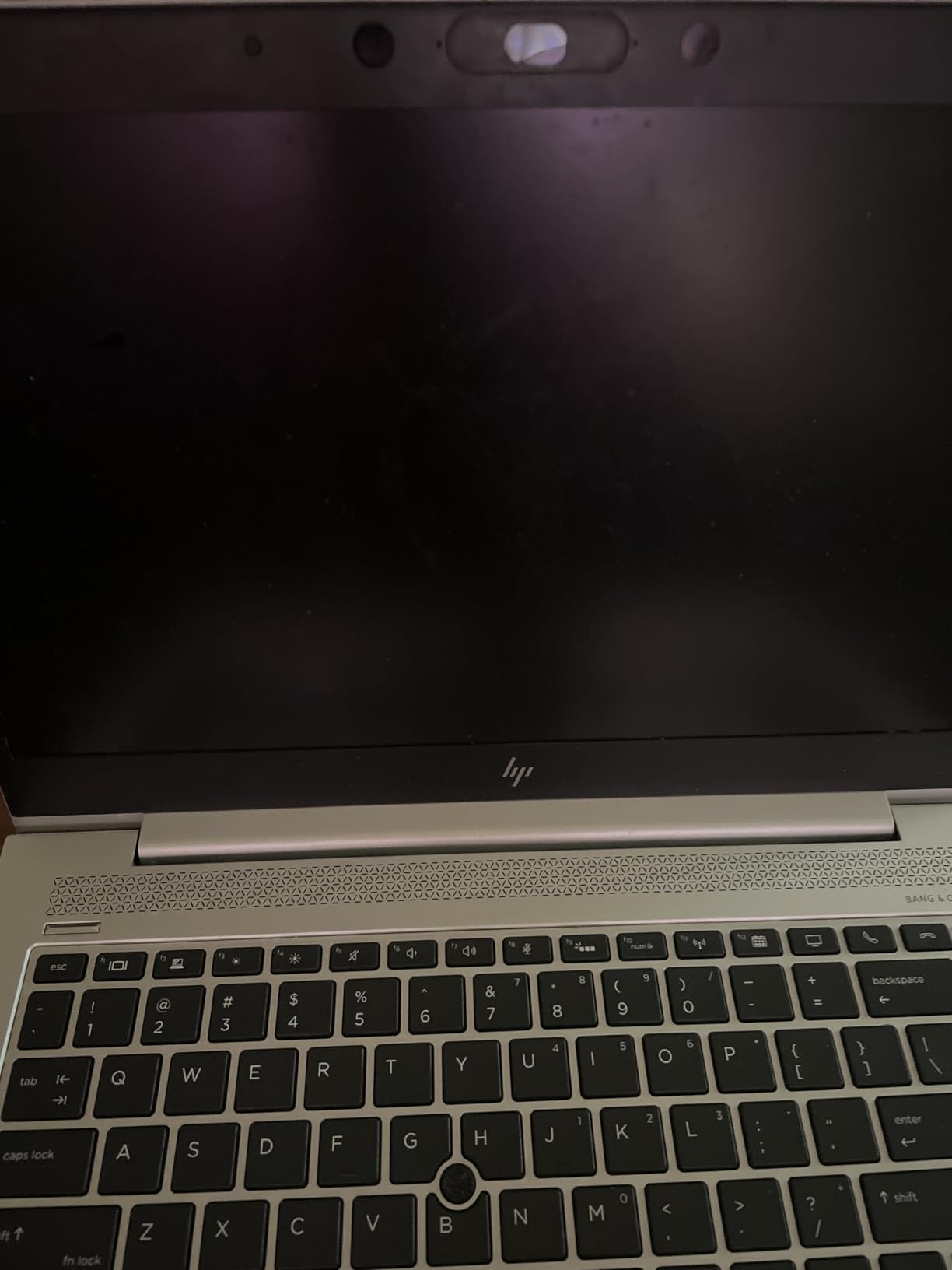
Owners mention quick boots, OneDrive-linked setup and smooth multitasking in ordinary office apps. A small number of reviews describe a unit failing to a black screen shortly after arrival, so keeping the box and checking the device fully on day one is worth the habit.
Two details to know before you commit. The webcam has a privacy shutter but no Windows Hello face login, and the 300-nit panel covers 45% NTSC, which is too narrow for photo or design work. For a wider color range in a similar shape, the Lenovo IdeaPad 1i has a 15.6-inch touch panel at the same brightness class.
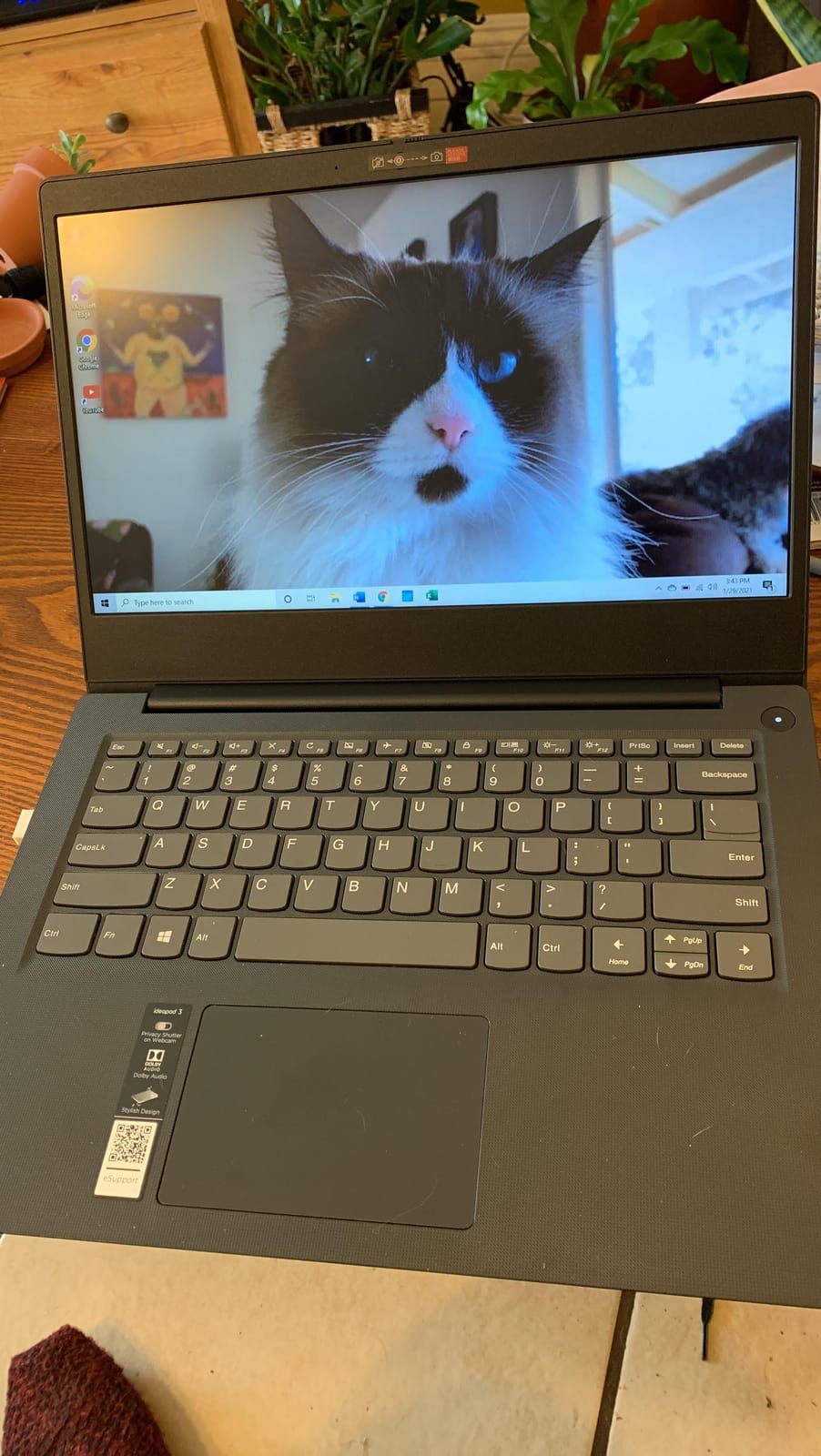
Firmware TPM 2.0 and a MIL-STD-810H tested chassis make this a sensible pick for a managed work laptop, and Windows 11 Home covers everything short of domain management.
3. Lenovo 14-inch Chromebook: Budget Pick for School and Travel
Lenovo Flagship Chromebook, 14” FHD Touchscreen Slim Thin Light Laptop Computer, 8-Core MediaTek Kompanio 520 Processor, 4GB RAM, 64GB eMMC, WiFi 6,Chrome OS, Abyss Blue
Type: 14-inch Chromebook
Weight: 2.9 lb
Memory: 4GB
Storage: 64GB eMMC
Pros
- Lowest spend in this roundup
- 13.5 hour rated battery life
- Backlit keyboard and 14-inch touchscreen
- Light at 2.9 lb
- Fast boot and quick account setup
Cons
- 4GB RAM and 64GB eMMC is a hard ceiling
- Touchpad tracking is inconsistent and sometimes lags
- Caps Lock key opens the apps tab
Say plainly what this is: an excellent Chromebook and a poor general-purpose Windows laptop. With 1,396 owner reviews averaging 4.2 stars, it is the most reviewed machine here, and the praise concentrates on battery life, screen quality and setup speed rather than raw capability.
The 14-inch 1920×1080 IPS touchscreen runs at 250 nits and 60Hz, with a 47Wh battery rated at 13.5 hours and a MediaTek Kompanio 520 octa-core chip driving Chrome OS. At 2.9 lb with a backlit keyboard, it is the machine to pack for a long trip where a charger is a liability.

The specifications are the problem. Memory is 4GB of DDR4 and storage is 64GB of eMMC, and while there is one open M.2 slot, a Chromebook that runs browser-based work will not benefit much from it. Owners report lag when too many tabs and apps stack up, and the touchpad draws repeated criticism for dropping or delaying input.
Skip it if you need desktop software, large local files or anything that needs real local storage. If your week is documents, email, video calls and streaming, it is the cheapest sensible machine on this list. Buyers hunting for more memory in a similar price bracket should look at the Lenovo V15 Ryzen 5 or the IdeaPad Slim 3 instead.
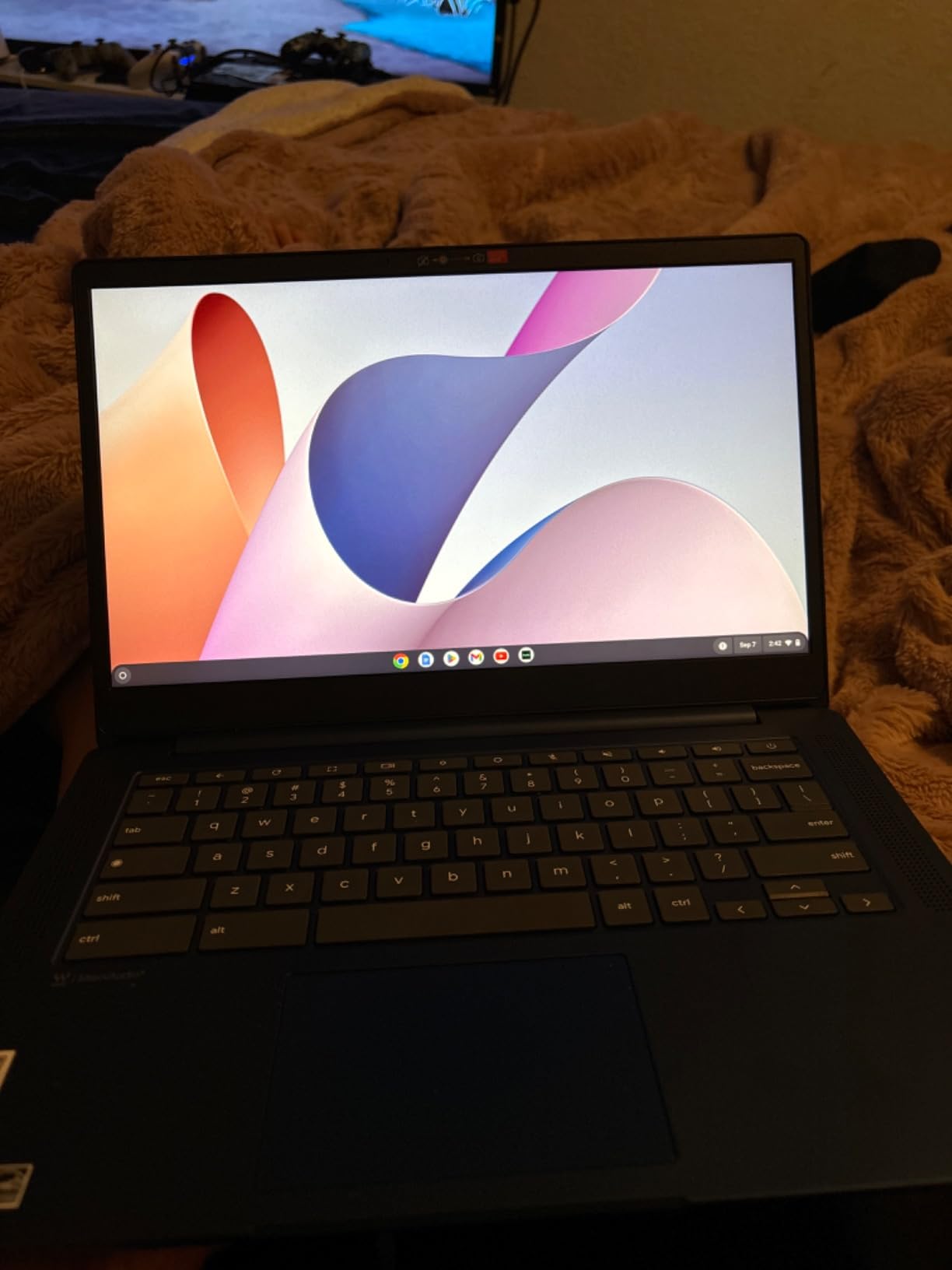
Good to know: the listing carries a 90-day warranty rather than the one-year coverage most laptops here include, and a small number of reviews mention durability or charging trouble after extended use.
4. Lenovo ThinkPad E16 Gen 2: Best for Business Build Quality
Lenovo ThinkPad E16 16 Ryzen 7 7735HS 16GB DDR5 512GB SSD Type-C Hub Laptop
Type: 16-inch ThinkPad
Weight: 3.9 lb
Memory: 16GB
Storage: 512GB SSD
Pros
- ThinkPad keyboard and chassis owners trust
- DDR5 memory with headroom to 32GB
- Radeon 680M graphics
- Backlit keyboard and privacy shutter
- Bundled 5-in-1 USB-C hub included
Cons
- Non-touch 300-nit panel is dim at 45% NTSC
- 512GB drive is modest for the class
- 3.9 lb is heavy for a business notebook
If your hands remember ThinkPad keyboards, this is the pick. Across 114 owner reviews averaging 4.5 stars, the praise lands first on the layout and the chassis, then on DDR5 memory that can grow from 16GB to 32GB later.
The E16 Gen 2 pairs an 8-core AMD Ryzen 7 7735HS with Radeon 680M graphics, which is enough for light photo and video work without a dedicated GPU. Four USB ports including USB-C, HDMI, Ethernet, Wi-Fi 6 and Bluetooth 5.3 round out a genuinely complete desk setup.
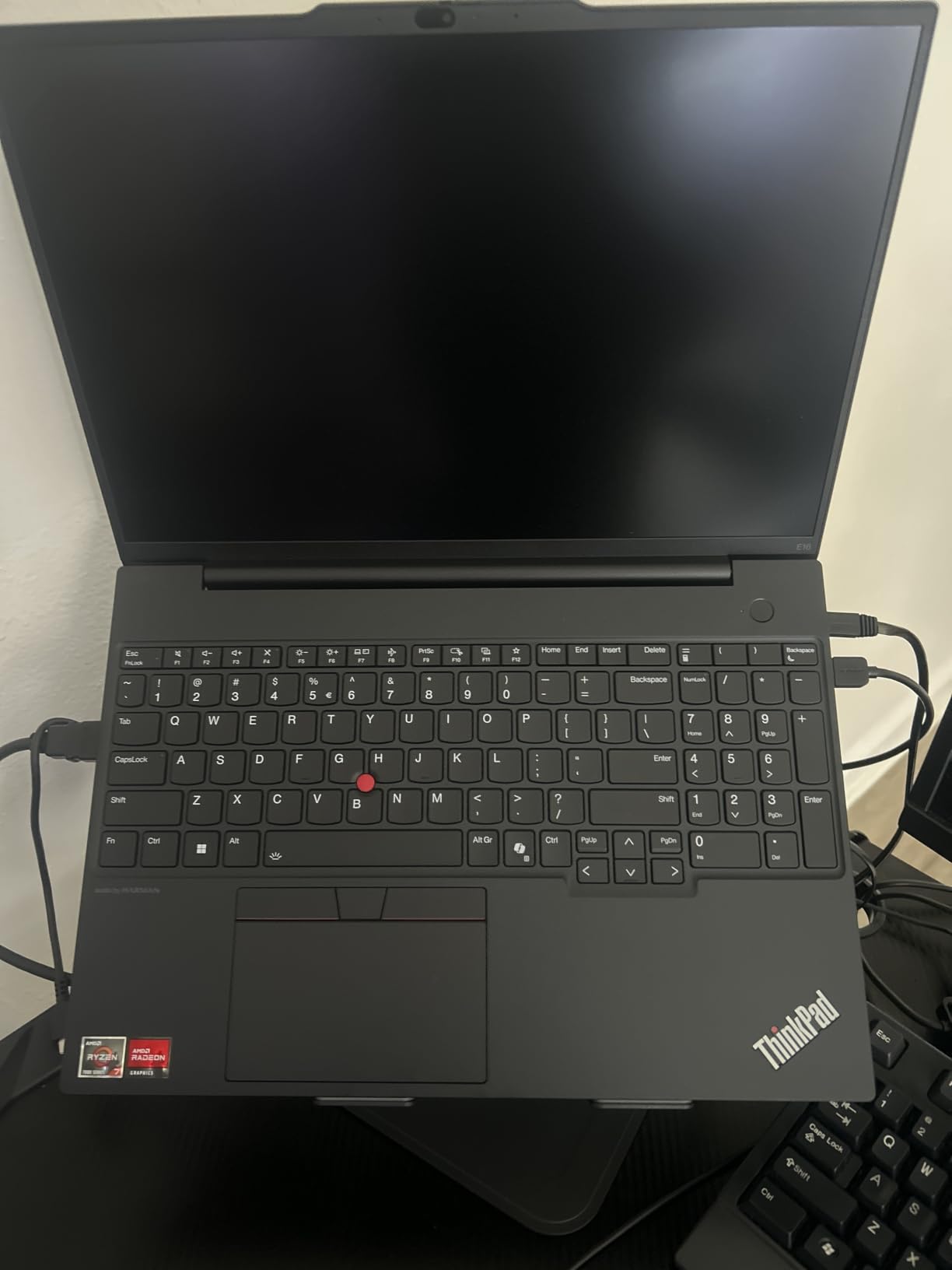
A 5-in-1 USB-C hub ships in the box, which quietly solves the port shortage that usually costs extra on a notebook like this. Windows 11 Pro 64-bit comes preinstalled with a one-year warranty, and the 720p camera has a privacy shutter.
The consistent complaint is the screen. It is a non-touch 1920×1200 panel at 300 nits and 45% NTSC, comfortable for documents and spreadsheets but dim next to the IdeaPad’s touch panels. Paired with a 512GB drive, the specification looks dated for a machine at this position. The Lenovo IdeaPad 2-in-1 16 answers both complaints with a 1TB drive and a touchscreen, at the cost of the keyboard.
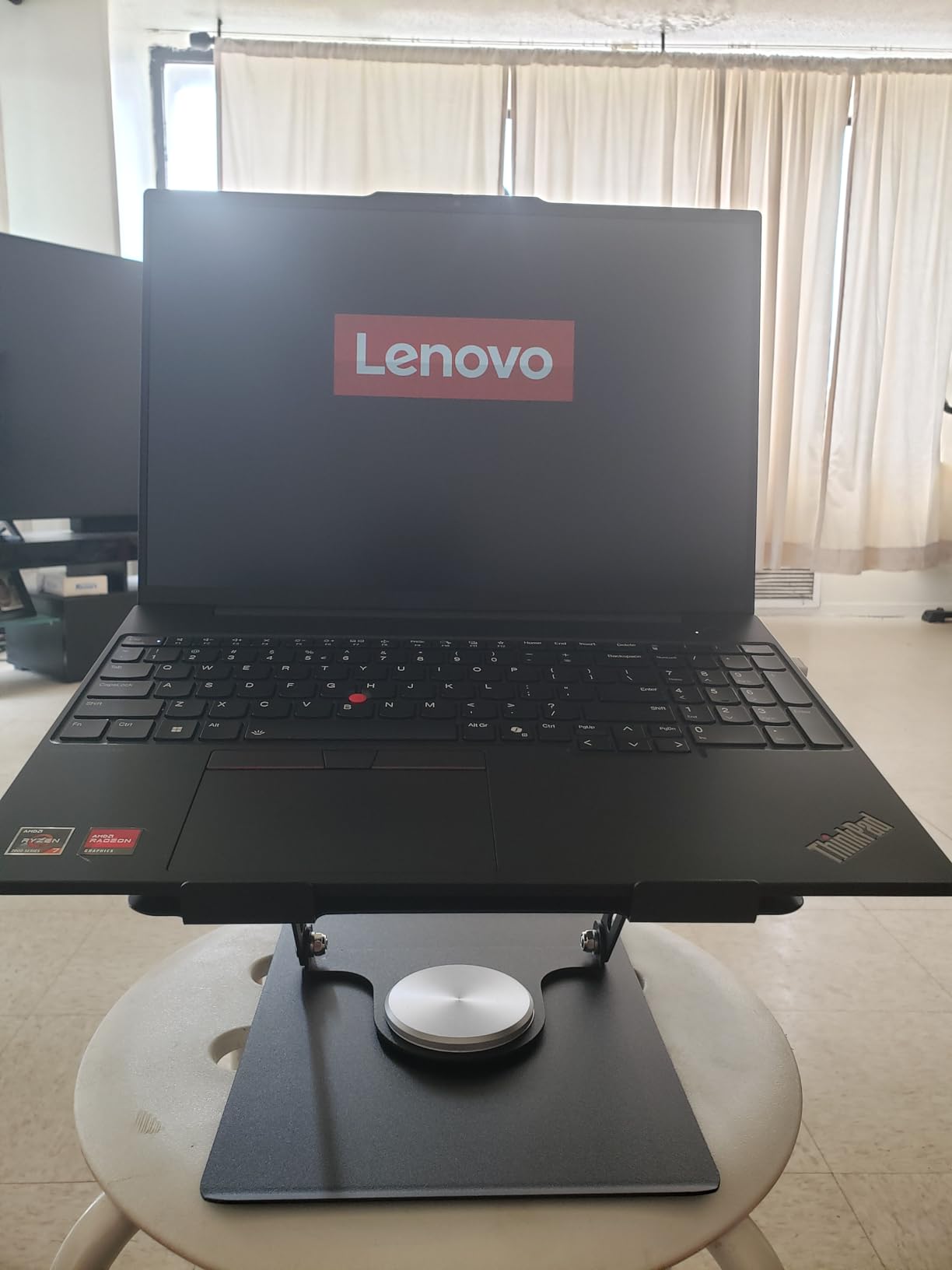
Good to know: 3.9 lb is fine for a desk-to-meeting-room commute and uncomfortable as a daily carry, so size your bag accordingly.
5. Lenovo IdeaPad Slim 3x: Best for All-Day Battery
Lenovo IdeaPad Slim 3X – 2025 – Everyday AI Laptop – Copilot+ PC – 15.3″ WUXGA Display – 16 GB Memory – 512 GB Storage – Snapdragon® X – Luna Grey
Type: 15.3-inch Copilot+ PC
Weight: 3.4 lb
Memory: 16GB
Storage: 512GB SSD
Pros
- 60Wh battery with 15 hour rated runtime
- 45 TOPS NPU for on-device Copilot+ features
- 120Hz 16:10 display
- MIL-STD-810H tested metal chassis
- Expandable M.2 storage slot
Cons
- ARM platform has limited native x86 software support
- Integrated graphics only with no gaming headroom
- Older applications may run through emulation
Battery life is the reason this one keeps coming up. A 60Wh cell with Rapid Boost charging and a Snapdragon X processor give it a 15-hour rated runtime, and 245 owner reviews at 4.4 stars describe the endurance as an all-day machine rather than a morning-to-lunch one.
The 15.3-inch 1920×1200 IPS panel runs at 120Hz, a smoother feel than the 60Hz panels on most machines here, and the 16:10 ratio gives more vertical room for documents. Wi-Fi 7, a fingerprint reader, a physical webcam shutter and a metal chassis tested to MIL-STD-810H add up to a well-equipped daily driver at 1.55kg.
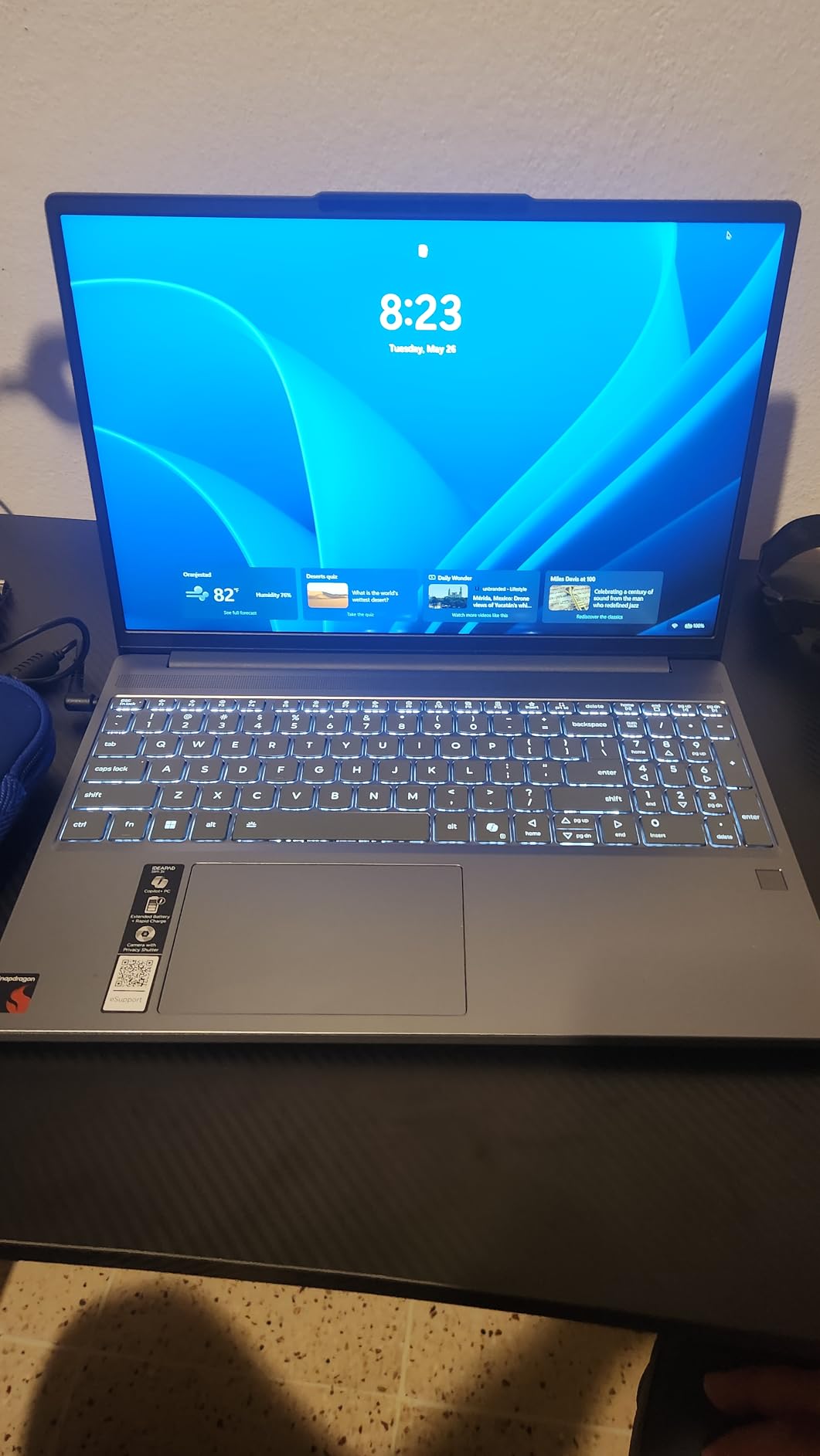
Memory is 16GB of LPDDR5 running at 8448 MHz with a 512GB SSD, and the M.2 slot means storage can grow later. The 45 TOPS NPU handles Copilot+ features on the device itself, and three months of Xbox PC Game Pass is included, though the integrated graphics stay far away from real gaming.
The one real compromise is the ARM architecture. Reviewers note limited native support for older x86 applications and some software that runs through emulation, which is worth checking against your daily programs before buying. If your work depends on legacy Windows software, the IdeaPad Slim 3 16 is the safer path.
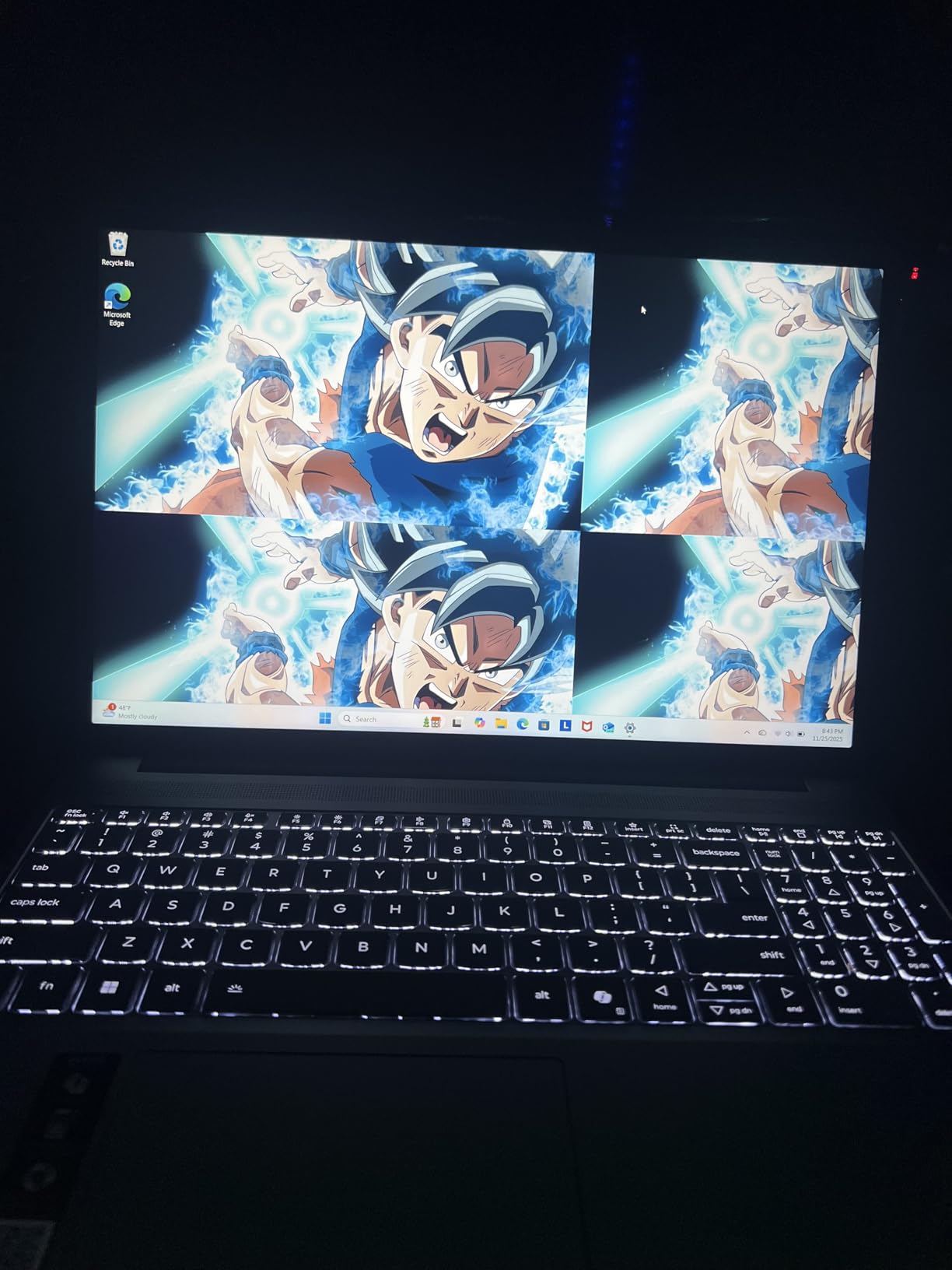
This is a Copilot+ PC, so on-device AI features depend on software that has been written for the platform rather than anything you can assume will work.
6. Lenovo V15 Gen 4: Best for Light Business Travel
Lenovo V15 Gen 4 Business Laptop, 15.6″ FHD Display, Intel Core i5-13420H (Beat i7-1355U), HDMI, RJ45, Webcam, Numeric Keypad, Wi-Fi, Windows 11 Pro, Black (16GB RAM | 512GB SSD)
Type: 15.6-inch business laptop
Weight: 3.6 lb
Memory: 16GB
Storage: 512GB SSD
Pros
- Lightest business notebook here at 3.6 lb
- RJ45 Ethernet and numeric keypad
- 16GB DDR4 expandable to 40GB
- 13th-gen Core i5 handles multi-app work
- Windows 11 Pro with one-year warranty
Cons
- Small 26Wh battery limits unplugged runtime
- DDR4 is slower than current DDR5 platforms
- 60Hz LCD panel and integrated graphics only
Not every work laptop needs to be a ThinkPad. The V15 Gen 4 covers the same ground for less money, and at 3.6 lb it is the lighter of the two Windows business notebooks here, which is exactly what a carry-on-friendly work setup needs.
The 13th-generation Intel Core i5-13420H provides 8 cores and 12 threads up to 4.6GHz, with 16GB of DDR4 memory that expands to 40GB and a 512GB PCIe NVMe drive. The port selection is the quiet hero: USB-A twice, USB-C, HDMI, full RJ45 Ethernet and a headphone jack.
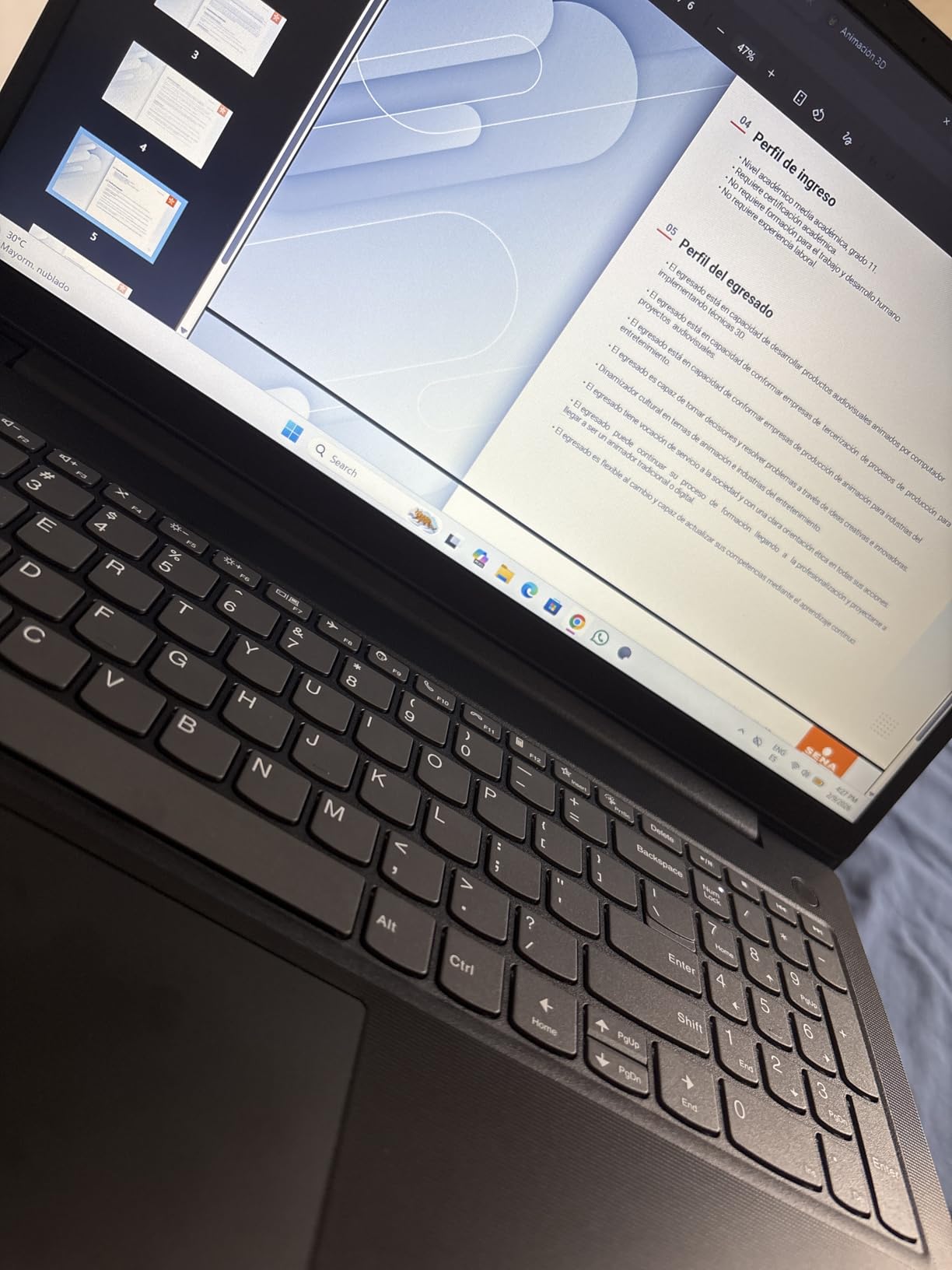
Owners at 195 reviews and 4.4 stars call the numeric keypad and wired Ethernet genuinely useful at this level, both of which have quietly disappeared from most thin laptops. Windows 11 Pro adds Group Policy and kiosk features that a home edition does not carry.
The 26Wh battery is the weak point, and owners cite it directly. A full workday away from an outlet is unlikely with this cell, which is where the IdeaPad Slim 3x with its 60Wh battery becomes the better travel option. The 60Hz 1920×1080 LCD and integrated UHD graphics also mean this is a work machine, not a media or gaming one.
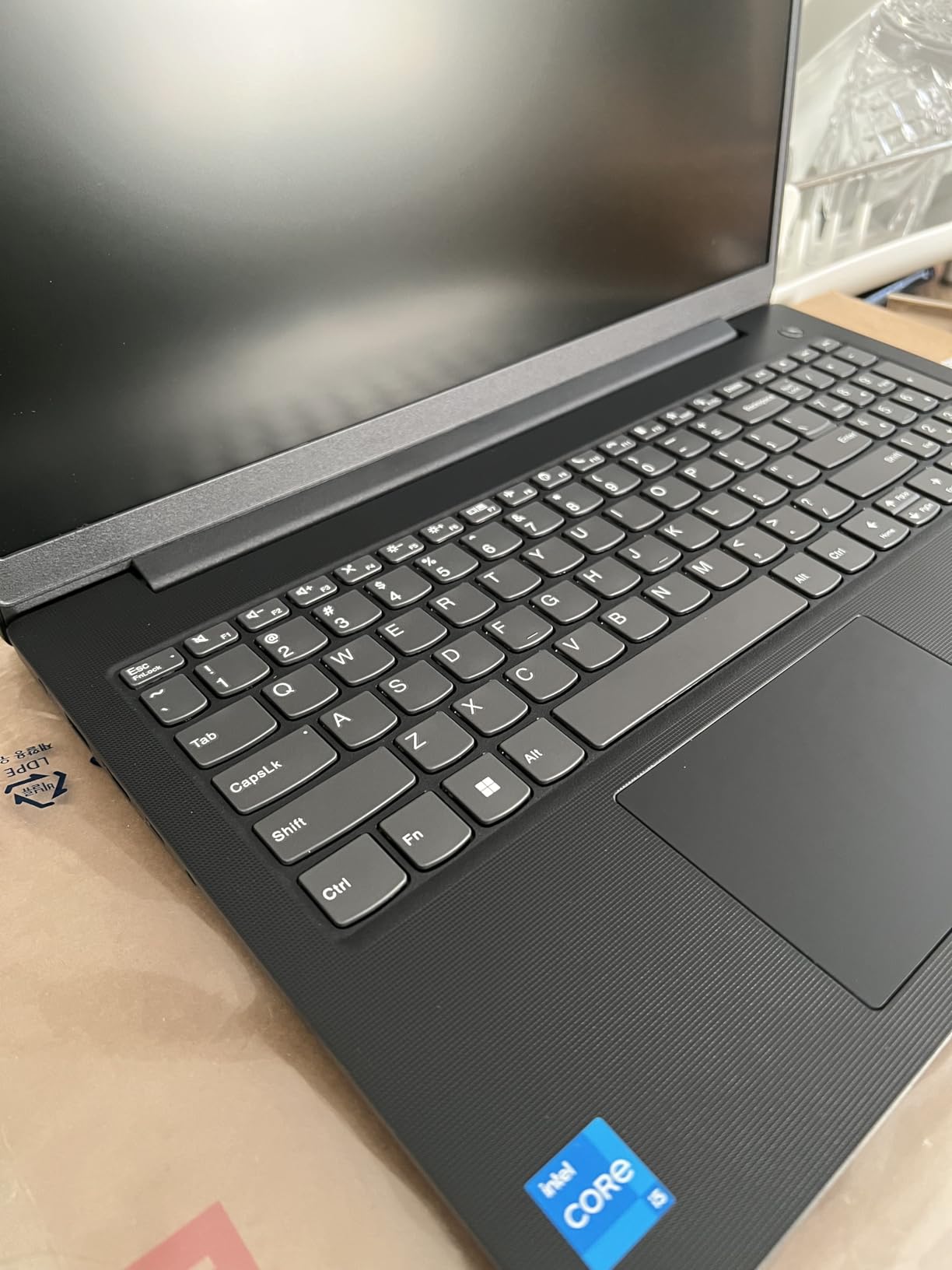
Memory here is DDR4 rather than DDR5, so it is slower than current platforms even though the capacity is fine for office work.
7. Lenovo IdeaPad 2-in-1 16: Best for 1TB Storage
Lenovo IdeaPad 2-in-1 Business Laptop, 16″ FHD+ Touch Display, AMD Ryzen 7 8845HS (>i7-1355U), 16GB DDR5 RAM 1TB SSD, Win 11 Pro, FP Reader, Backlit KB, Numeric Keypad, PLUSERA Earphones, Luna Grey
Type: 16-inch 2-in-1
Weight: 6 lb
Memory: 16GB
Storage: 1TB SSD
Pros
- Largest storage in this roundup
- 8-core Ryzen 7 8845HS with Radeon 780M
- 16-inch 1920x1200 touch display
- Fingerprint reader and backlit keyboard
- Good port selection avoids adapter clutter
Cons
- 6 lb is heavy for a 16-inch notebook
- 42Wh battery is not an all-day machine
- Some owners report a cheap feel in places
Storage is the reason to look here. A 1TB drive paired with 16GB of LPDDR5 memory means a photo library, a video project and a full software suite all fit without a single cloud dependency, and the Ryzen 7 8845HS with Radeon 780M graphics brings more graphics capability than the plain integrated chips on the other business machines here.
Eight cores and 16 threads running to 5.1GHz handle compilation, spreadsheets and light content creation without complaint. The 16-inch 1920×1200 LED touch panel at 16:10 gives real desk space, and ports include two USB-C, two USB-A, HDMI, a microSD reader and a headphone jack.
 i7-1355U), 16GB DDR5 RAM 1TB SSD, Win 11 Pro, FP Reader, Backlit KB, Numeric Keypad, PLUSERA Earphones, Luna Grey customer photo 1″ class=”wp-image-customer”/>
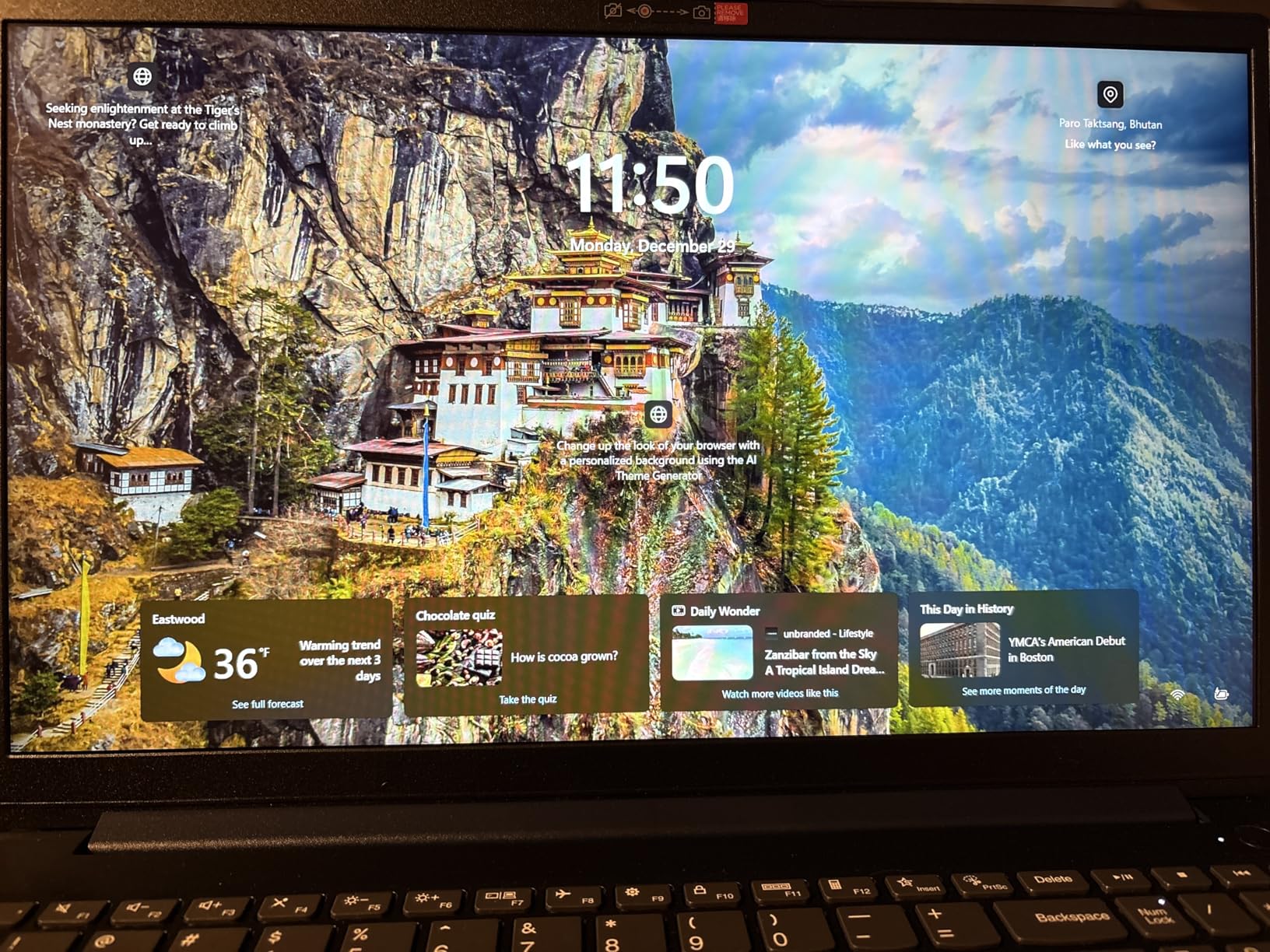
Owners at 204 reviews describe a dependable workhorse with a sturdy build, a fingerprint reader, a backlit keyboard and a numeric keypad, all running Windows 11 Pro. The 780M graphics make this a reasonable choice for photo and design work where the IdeaPad Slim 3 16’s 45% NTSC panel would fall short.
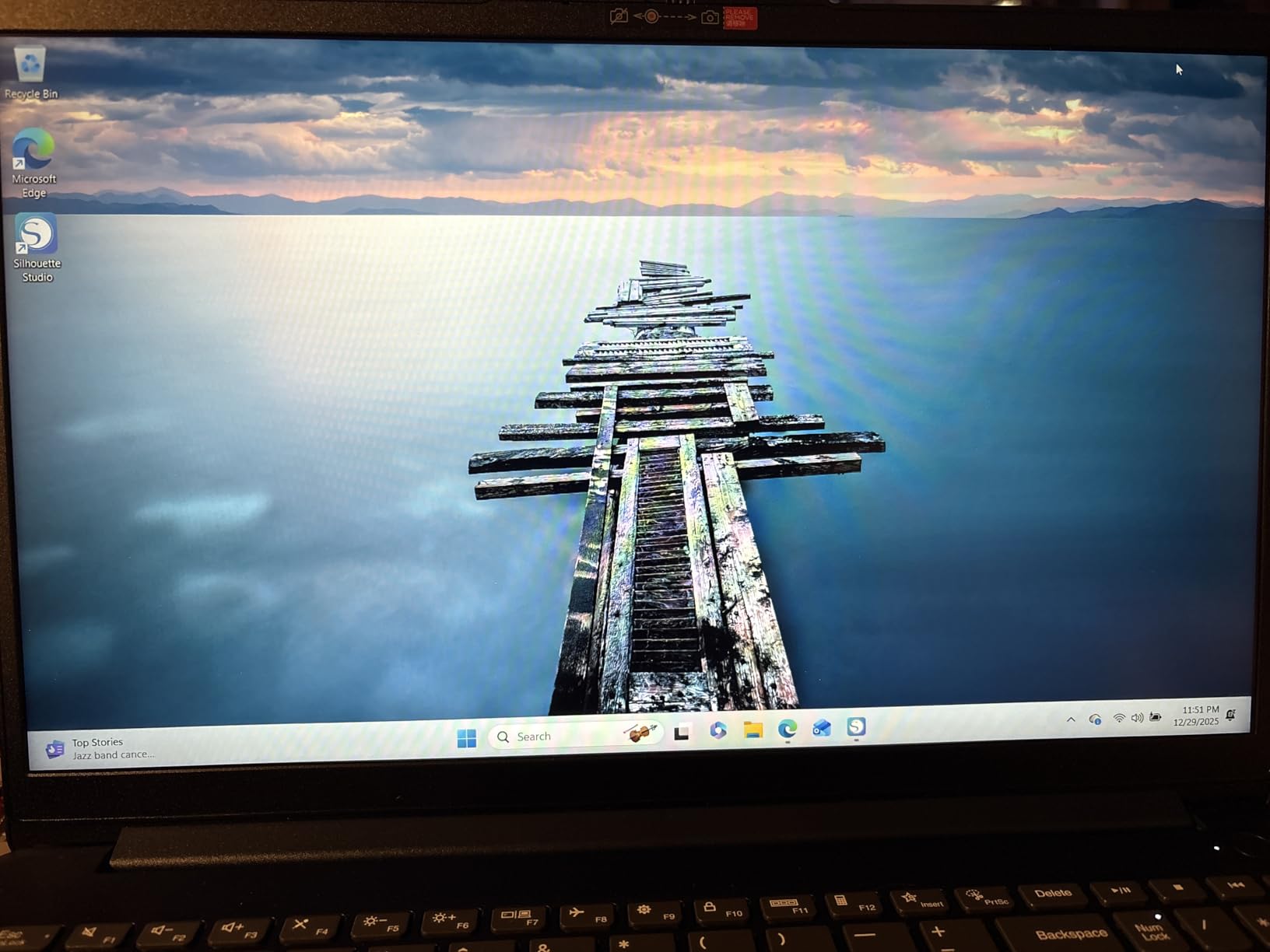
Two owners’ complaints decide it for some people. At 6 lb it is among the heaviest machines here, and the 42Wh battery does not deliver an all-day untethered session. If the laptop lives on a desk, those are minor. If it lives in a bag, the IdeaPad Slim 3x is a much better travelling companion.
 i7-1355U), 16GB DDR5 RAM 1TB SSD, Win 11 Pro, FP Reader, Backlit KB, Numeric Keypad, PLUSERA Earphones, Luna Grey customer photo 2″ class=”wp-image-customer”/>
The 60Hz refresh rate is unremarkable, and a few reviews mention build quality feeling inexpensive in places even though the internals hold up well.
8. Lenovo V15 Ryzen 5: Best for Wired Desks and Number Pads
Lenovo V15 Laptop, 15.6″ FHD Display, AMD Ryzen 5 5500U Hexa-core Processor (Beat Intel i7-1065G7), 16GB RAM, 512GB SSD, HDMI, RJ45, Numeric Keypad, Wi-Fi, Windows 11 Pro, Black
Type: 15.6-inch business laptop
Weight: 3.8 lb
Memory: 16GB
Storage: 512GB SSD
Pros
- RJ45 Ethernet and numeric keypad at this level
- 500-nit FHD display is bright
- 16GB memory covers heavy multitasking
- Windows 11 Pro with Group Policy and Kiosk mode
- Six-core Ryzen 5 5500U boosts to 4.0GHz
Cons
- Memory is soldered and cannot be upgraded
- Glossy screen finish catches reflections
- 2023 model generation and integrated graphics
Two features are quietly rare this year and both come standard here: a full RJ45 Ethernet jack and a numeric keypad on a 15.6-inch body. Owners at 358 reviews and 4.3 stars treat that combination as the reason to buy, especially for accounting, data entry and fixed desk setups.
The Ryzen 5 5500U provides six cores and 12 threads with an 8MB L3 cache, boosting from 2.1GHz to 4.0GHz, alongside 16GB of LPDDR4 memory and a 512GB PCIe NVMe drive. The 1920×1080 LCD panel runs at 500 nits, the brightest in this roundup, which makes it pleasant in a bright room.
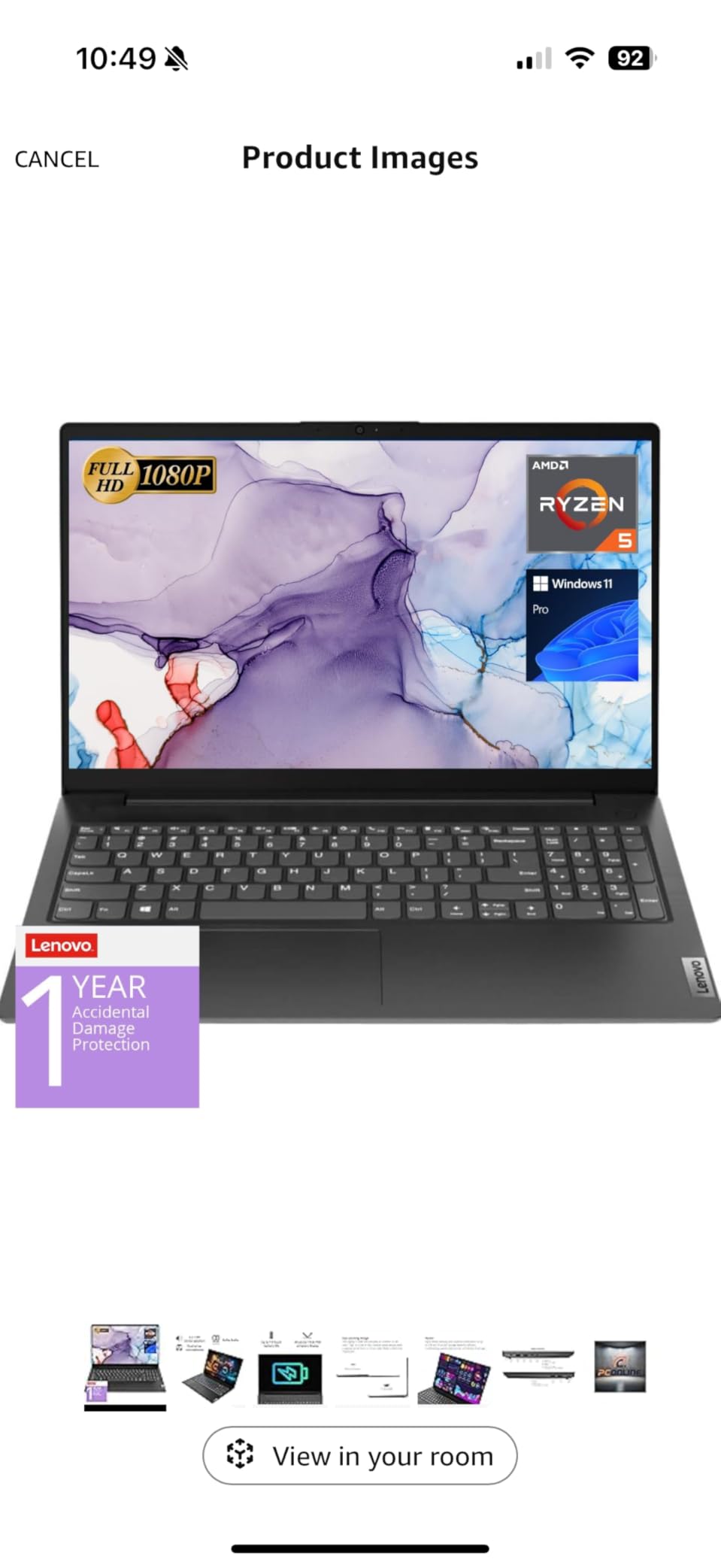
Windows 11 Pro here includes MDM support, Group Policy, Kiosk mode and Active Directory and Azure AD enrolment, which makes this a practical managed laptop rather than a home machine with a business sticker.
The trade-offs are structural rather than fixable. The 16GB of LPDDR4 memory is soldered, so 16GB is what you keep for the life of the machine, and the glossy finish picks up reflections in a way the anti-glare panels here do not. For upgradeability, the V15 Gen 4 reaches 40GB and the ThinkPad E16 Gen 2 reaches 32GB.
Good to know: this is a 2023 generation machine, so the Ryzen 5 5500U is an older platform. That is a fair trade for a bright panel, Ethernet and a keypad at this level.
9. Lenovo IdeaPad 1i: Best for an Entry Touchscreen
Lenovo IdeaPad 1i Laptop, 15.6″ FHD Touchscreen, Intel Core i5-1235U Processor, 16GB RAM, 512GB SSD, Webcam, HDMI, Wi-Fi 6, Windows 11 Home, Blue
Type: 15.6-inch touchscreen laptop
Weight: 5.2 lb
Memory: 16GB
Storage: 512GB SSD
Pros
- Large 15.6-inch IPS touchscreen at the entry tier
- 16GB RAM and 512GB SSD is generous for the class
- 65Wh battery is one of the larger cells here
- Comfortable keyboard with solid key travel
- Very fast setup out of the box
Cons
- Speakers are plain and some owners route audio externally
- 45% NTSC gamut limits color accuracy
- Some units shipped with US power cords and keyboards
A touchscreen at this price usually comes with a memory cut somewhere else. The IdeaPad 1i does not, and 183 owners at 4.2 stars single out the combination of a 15.6-inch IPS touch panel and 16GB of memory as the reason it feels like more than an entry machine.
The 12th-generation Intel Core i5-1235U runs 10 cores and 12 threads up to 4.4GHz, with 16GB of DDR4 across two memory slots and a 512GB PCIe NVMe drive. The 65Wh cell is among the largest in this group, and ports cover USB-C, two USB-A, HDMI 1.4, an audio jack and an SD card reader.

Owners also praise the keyboard, with solid key travel and a comfortable layout, and report a near-instant setup process. The panel is anti-glare at 300 nits with narrow bezels, and a 720p webcam covers everyday calls.
Two cautions. The 45% NTSC color gamut is the same weak point as the IdeaPad Slim 3 16, so neither suits color-critical work. And a number of international buyers report receiving a US power cord and US keyboard layout, which matters if you are outside the United States. For more graphics headroom, the Lenovo IdeaPad 2-in-1 16 pairs its Radeon 780M chip with a 16-inch touch display.
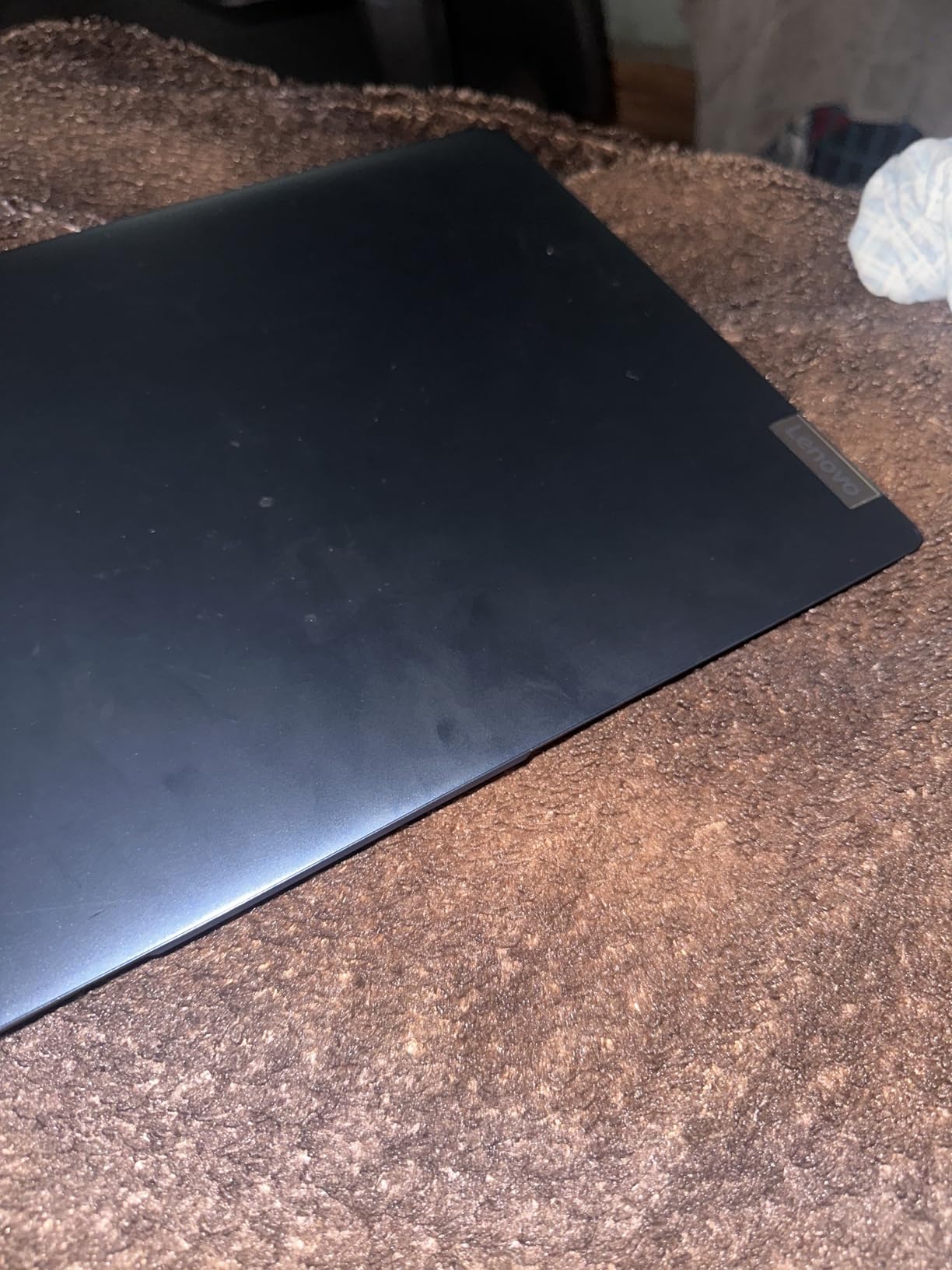
Two memory slots mean the 16GB here is easier to expand than the soldered LPDDR4 in the V15 Ryzen 5, even if the maximum capacity is not listed.
10. Lenovo IdeaPad Slim 3: Best Value 15.6-inch Workhorse
Lenovo IdeaPad Slim 3 Laptop 2025 15.6” FHD 1920 x 1080 Touchscreen, AMD Ryzen 7 5825U, 8-core, AMD Radeon Graphics, 16GB DDR4, 512GB SSD, Wi-Fi 6, Bluetooth 5.2, 720p HD Camera, Windows 11 Home
Type: 15.6-inch touchscreen laptop
Weight: 7.0 lb
Memory: 16GB
Storage: 512GB SSD
Pros
- Eight-core Ryzen 7 5825U handles real multitasking
- 15.6-inch FHD touchscreen at 300 nits
- Numeric keypad on a 15.6-inch chassis
- Free M.2 slot for a storage upgrade
- HDMI and SD card reader among the ports
Cons
- 26Wh battery is the smallest in the group
- Integrated Radeon graphics only
- 60Hz LCD and soldered LPDDR4 memory
The IdeaPad Slim 3 in this configuration is the value pick, and owners at 133 reviews and 4.5 stars describe the same balance every time: an 8-core Ryzen 7 5825U, 16GB of memory and a 512GB drive in a 15.6-inch touchscreen body with a numeric keypad. Very little else at this level offers all of that together.
Storage can grow later thanks to a free M.2 slot, and the port selection includes HDMI 1.4, USB and an SD card reader across seven ports. The 1920×1080 capacitive touchscreen runs at 300 nits with a privacy camera, and Wi-Fi 6 and Bluetooth 5.2 handle connectivity.
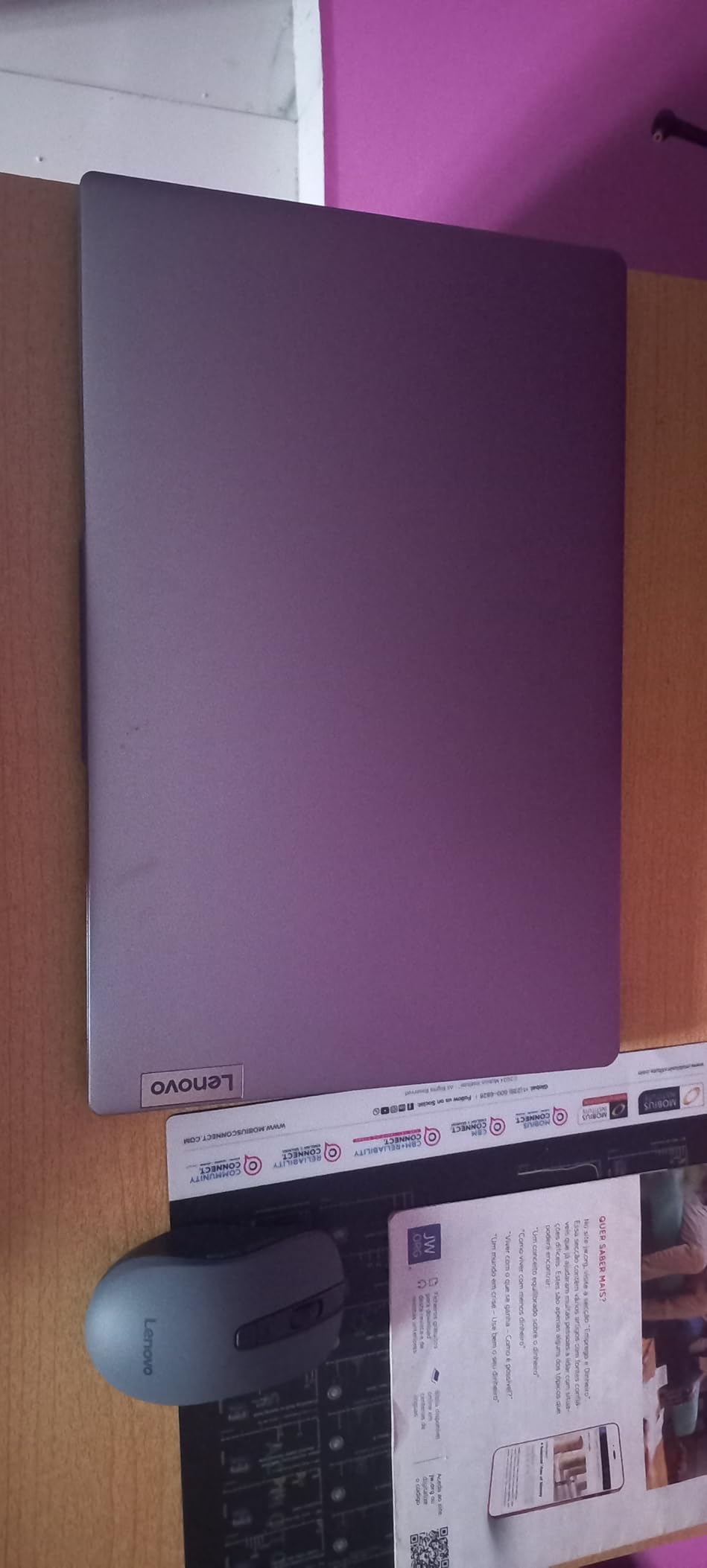
Owners rate the Ryzen 7 chip as genuinely capable for the money, and the keypad on a 15.6-inch chassis is the detail that wins over buyers who work with numbers. The 16GB of LPDDR4 memory covers multitasking without strain.
The 26Wh battery is the smallest here and the most common complaint, and 7.0 lb makes this a desk machine rather than a portable one. The 16GB memory is soldered, so treat it as fixed and plan around it. If you need to travel, the IdeaPad Slim 3x carries a 60Wh cell and weighs 3.4 lb.
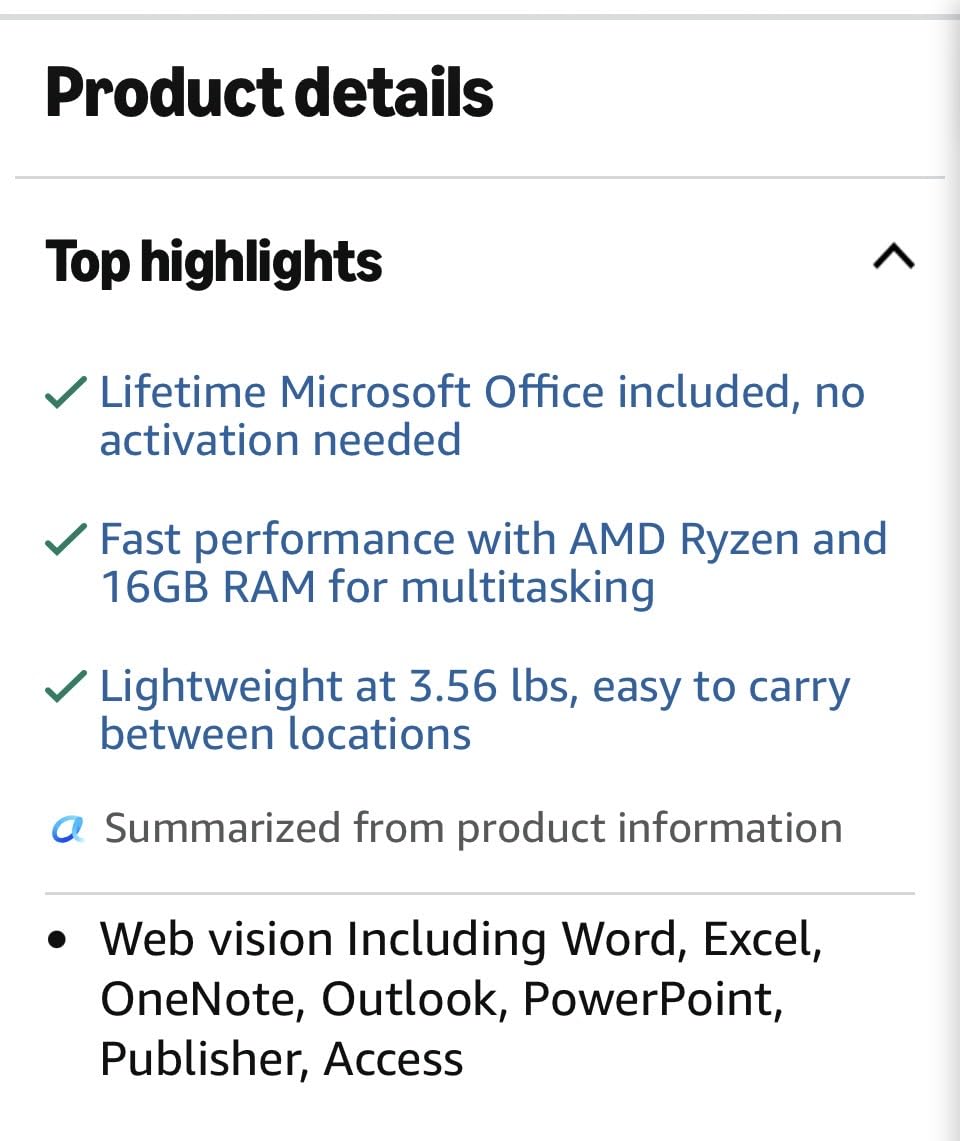
A 60Hz LCD panel is the norm at this level, so do not read 60Hz as a fault, and the free M.2 slot makes an easy first upgrade if you run out of room.
How to Choose Lenovo Laptops During Prime Big Deal Days
Start with memory, not the processor
Set a floor of 16GB of memory and 512GB of storage for anything beyond web browsing and documents, and skip anything below it however appealing the headline number looks. Several machines here meet that bar, and the 4GB Chromebook on this list is the clearest example of a cheap device that stays capped for the life of the machine.
Match the panel to the work
For documents and spreadsheets, a 1920×1200 IPS panel at 300 nits is enough. For photo or design work, avoid 45% NTSC panels, which cover a narrow slice of the color range, and look for stronger integrated graphics such as Radeon 680M or 780M instead. Touchscreens help on a 16-inch body more than on a 15.6-inch one.
Check the battery before the screen size
Battery capacity explains runtime more reliably than screen inches. Cells here run from 26Wh on the V15 Gen 4 and the IdeaPad Slim 3 up to 60Wh plus a 15-hour rating on the IdeaPad Slim 3x, and the difference between those two ends is the difference between a desk-bound laptop and an all-day one.
Weigh upgradability and ports
Soldered memory cannot be replaced, while the V15 Gen 4 reaches 40GB, the ThinkPad E16 Gen 2 reaches 32GB and the IdeaPad 1i has two slots. Check for RJ45 Ethernet, a numeric keypad and an SD card reader, because adding them later means carrying a dongle for years.
How to shop Lenovo laptop deals during the sale
Read the exact model string on the listing, not just the family name, since IdeaPad Slim 3 and IdeaPad Slim 3x are different machines with different chips. Confirm the screen size, processor, memory and storage match the configuration you decided on, then check who sells and who delivers the item, because a marketplace seller changes warranty and return terms. Most offers need a Prime membership, and a free trial counts, and every price and offer can change hour by hour through the event.
Before you buy, check these six things:
- Memory of at least 16GB and storage of at least 512GB, whatever the headline says
- Color gamut and brightness if any design or photo work is involved
- Battery capacity in watt-hours, not just a runtime claim
- Whether memory is soldered or upgradeable
- Port selection, especially RJ45 Ethernet, USB-C charging and a card reader
- Whether the seller and shipper match the terms you expect
Frequently Asked Questions
When does Prime Big Deal Days 2026 run, and do you need Prime?
Prime Big Deal Days 2026 runs October 6-7, 2026, a 48 hour window. Most offers require a Prime membership, though a free 30 day trial covers anyone who has not used one before. Offers on individual Lenovo models can change through the window, so it is worth checking the exact configuration on the listing rather than relying on a general deal page.
Which Amazon Prime Big Deal Days Lenovo Deals should I check first?
Check the Yoga 7i first if you want the strongest all-round machine, the ThinkPad E16 Gen 2 if a business keyboard and upgradeable memory matter most, and the 14-inch Chromebook if your spend should stay as low as possible. All three cover very different needs, so the right first pick depends on memory, screen and battery rather than on any single specification.
Is the 4GB Lenovo Chromebook worth buying?
It is a good Chromebook and a poor general laptop. The 4GB of memory and 64GB of eMMC storage cap how many apps and tabs you can run at once, and the touchpad draws repeated complaints. For documents, email, video calls and streaming it is hard to beat, and the 13.5 hour rated battery makes it a strong travel companion.
Are Prime Big Deal Days laptop offers better than Black Friday ones?
They are close, and the honest answer is that it depends on the category. Offers in this roundup are strongest on mainstream business and family laptops, while monitors and small accessories usually go deeper later in the year. Buy during the October event if the machine you want hits its lowest recorded price, since waiting is a gamble on a different model going on offer instead.
How do I tell whether an offer covers the configuration I want?
Read the model string and the specification list on the listing itself rather than the family name, because several models in this roundup share a name while using different processors. Confirm the screen size, memory, storage and graphics, then check whether the seller and shipper are the ones you want. Deals often apply to one configuration while the page shows a range.
Should I buy a Lenovo laptop on Amazon or direct from Lenovo?
Amazon is convenient for Prime offers, fast delivery and simple returns, while Lenovo runs its own parallel sale page with configure to order options and occasional coupon codes. Comparing the two before checkout is worthwhile, especially for a ThinkPad or Legion configuration, because prices on the same model can differ between them on any given day of the sale.
Final Verdict: Best Amazon Prime Big Deal Days Lenovo Deals
Buy the Lenovo Yoga 7i, our Editor’s Choice, if you want one machine that works at a desk and on a sofa, with the best owner rating in this group and a battery owners praise. Buy the Lenovo 14-inch Chromebook, our Budget Pick, if your work is browser-based and you want to spend the least. Choose the Lenovo ThinkPad E16 Gen 2, Best for Business Build Quality, when the keyboard and memory headroom decide it, and the Lenovo IdeaPad Slim 3x, Best for All-Day Battery, when you are away from an outlet all day.
For storage-heavy work pick the Lenovo IdeaPad 2-in-1 16, Best for 1TB Storage. For a light work bag, the Lenovo V15 Gen 4, Best for Light Business Travel, is the one to carry. For fixed desks, the Lenovo V15 Ryzen 5, Best for Wired Desks and Number Pads, has the Ethernet port and keypad. For a touch panel on a budget, take the Lenovo IdeaPad 1i, and for the strongest general balance at 15.6 inches, the Lenovo IdeaPad Slim 3 as Best Value. The Lenovo IdeaPad Slim 3 16, Best for Everyday Work, covers the mainstream office case at 3.7 lb.
Then check the final configuration and the current offer on the listing before you buy.