
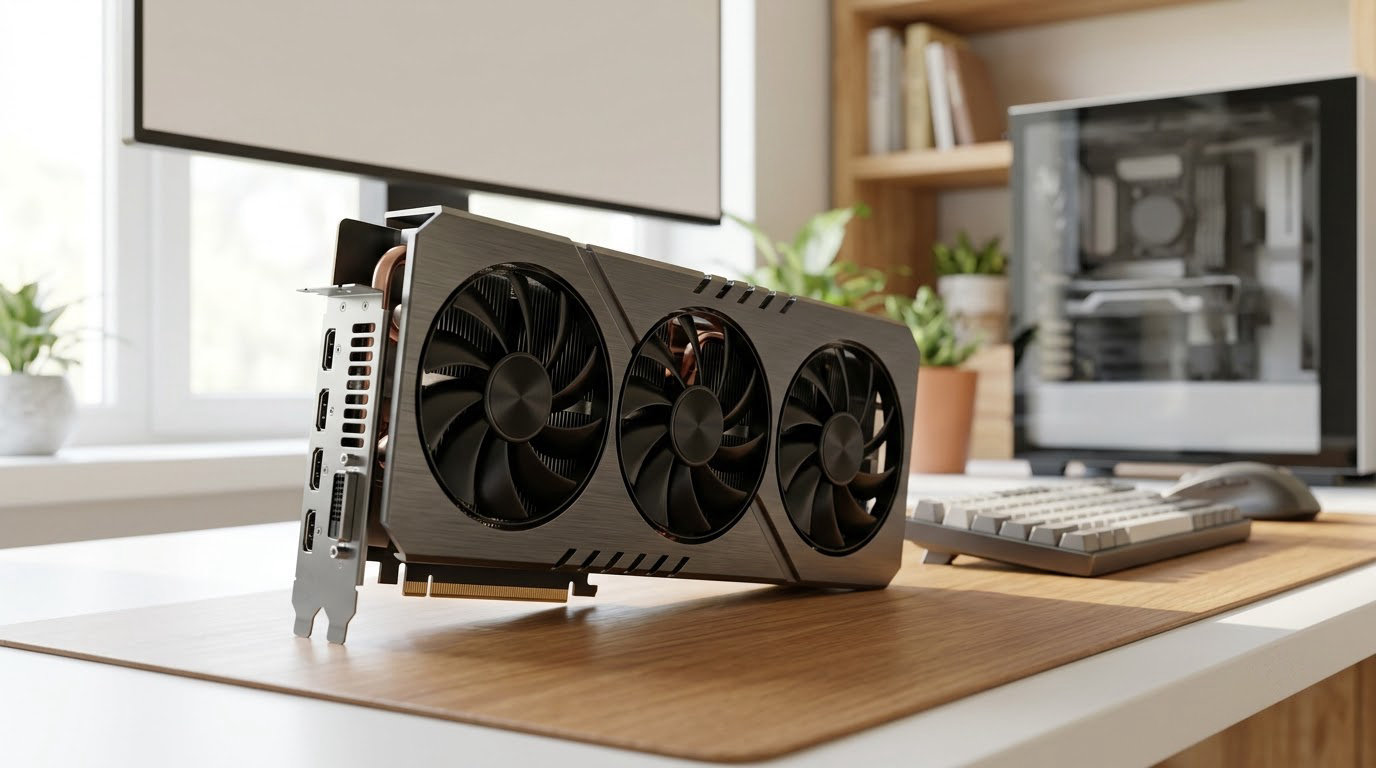
The best Amazon Prime Big Deal Days graphics card deals in 2026 are the ones worth checking by model number, not by the size of the discount badge. The ASUS Dual RTX 3050 leads this list because it carries more owner reviews than any other card here, holds a 4.6 rating, and its two-slot, 6GB design still suits small cases and light 1080p play. Two other picks suit different readers: the ASRock Arc B570 for anyone who wants 10GB of video memory at entry level, and the ASUS Dual RTX 5060 for a newer Blackwell card with DLSS 4 in a compact frame.
Prime Big Deal Days runs October 6-7, 2026, and most of its offers need an active Prime membership. Card prices move constantly through an event like this, so treat every pick below as one to watch rather than a confirmed markdown.
Table of Contents
Our Top 3 Picks for Best Amazon Prime Big Deal Days Graphics Card Deals
These three cover the entry and mainstream tiers that most builders are actually shopping for during the sale. The first is the safest first graphics card, the second wins on memory, the third is the modern midrange pick.

Best Amazon Prime Big Deal Days Graphics Card Deals Compared
Every card below is listed in the same fields, so the differences are easy to scan: the job it suits, how much video memory it carries, how fast the chip boosts, and how many fans it moves. Prime Big Deal Days offers on the same GPU often swing between board partners, so compare the card first and the listing second.
| Product | Specifications | Action |
|---|---|---|
 ASUS Dual RTX 3050 ASUS Dual RTX 3050 |
|
Check Deal Price |
| ASRock Arc B570 |
|
Check Deal Price |
 ASUS Dual RTX 5060 ASUS Dual RTX 5060 |
|
Check Deal Price |
 ASUS Dual RTX 5060 Ti ASUS Dual RTX 5060 Ti |
|
Check Deal Price |
 Gigabyte RX 9070 XT Gigabyte RX 9070 XT |
|
Check Deal Price |
 ASUS Prime RTX 5070 Ti ASUS Prime RTX 5070 Ti |
|
Check Deal Price |
 Gigabyte RTX 5080 Gigabyte RTX 5080 |
|
Check Deal Price |
 Gigabyte RTX 5060 Gigabyte RTX 5060 |
|
Check Deal Price |
 XFX Swift RX 9070 XT XFX Swift RX 9070 XT |
|
Check Deal Price |
 MSI RTX 5070 Ventus MSI RTX 5070 Ventus |
|
Check Deal Price |
How We Chose
Every card here was compared on the specs that actually decide a GPU purchase: video memory, boost clock, bus width, cooler size, power connectors and warranty. We also read the owner reviews and ratings on the Amazon listing for each card, and the comparison was checked against the product data on October 2026.
1. ASUS Dual RTX 3050: The Most-Backed First Graphics Card
ASUS Dual GeForce RTX 3050 6GB GDDR6 OC Edition Gaming Graphics Card
VRAM: 6GB GDDR6
Boost: 1500 MHz
Fans: 2
Warranty: 3 years
Pros
- Two-slot design fits small cases
- 6GB GDDR6 with DLSS 3 support
- Dual axial-tech fans
- Stainless steel bracket with IP5X dust resistance
Cons
- 6GB frame buffer limits texture-heavy titles
- Entry-level core count restricts settings at high resolutions
The pick to watch if this is your first graphics card. Nothing else on this list has as much owner history behind it: 1116 reviews at 4.6 stars, and a card that has been on shelves long enough that its failure points are well documented rather than mysterious.
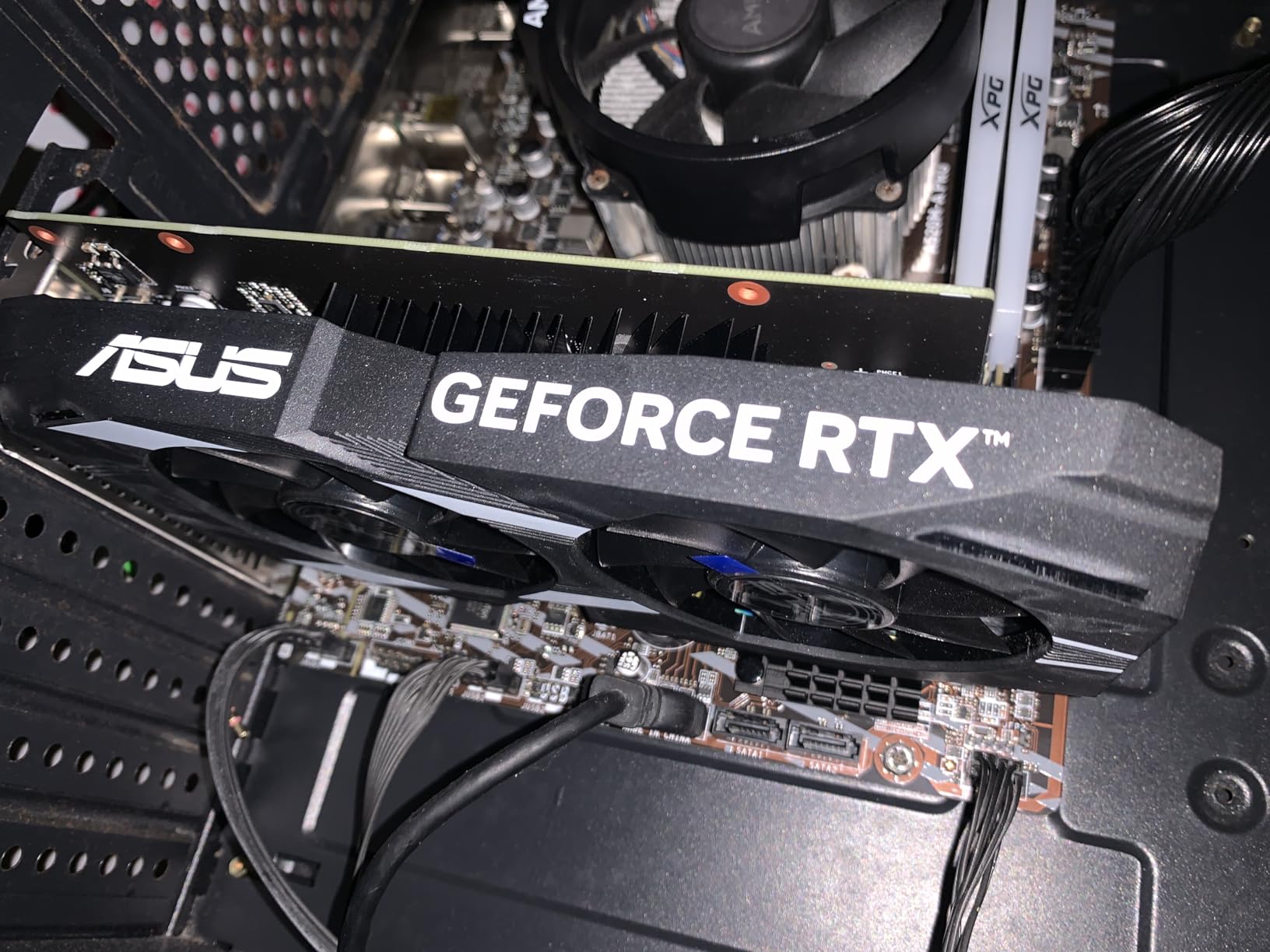
At 7.9 inches long and two slots wide, this is the easiest card here to install. It clears small mATX cases, older power supplies and tight drive cages where a three-fan 5070 Ti simply will not go, and it runs on a modest board power draw with a single feed.
- 6GB of GDDR6 with DLSS 3 upscaling support
- Two-slot, 7.9 inch length for case clearance peace of mind
- Stainless steel bracket and IP5X dust resistance
- Boost clock of 1500 MHz in OC mode, 1470 MHz by default
Owners report the trade-off plainly: 6GB is the ceiling, and texture-heavy modern titles will show it. If you play at 1080p and mostly want esports titles, older hits and a bit of DLSS headroom, it does the job. For heavy 1440p texture work, look at the ASUS Dual RTX 5060 instead.
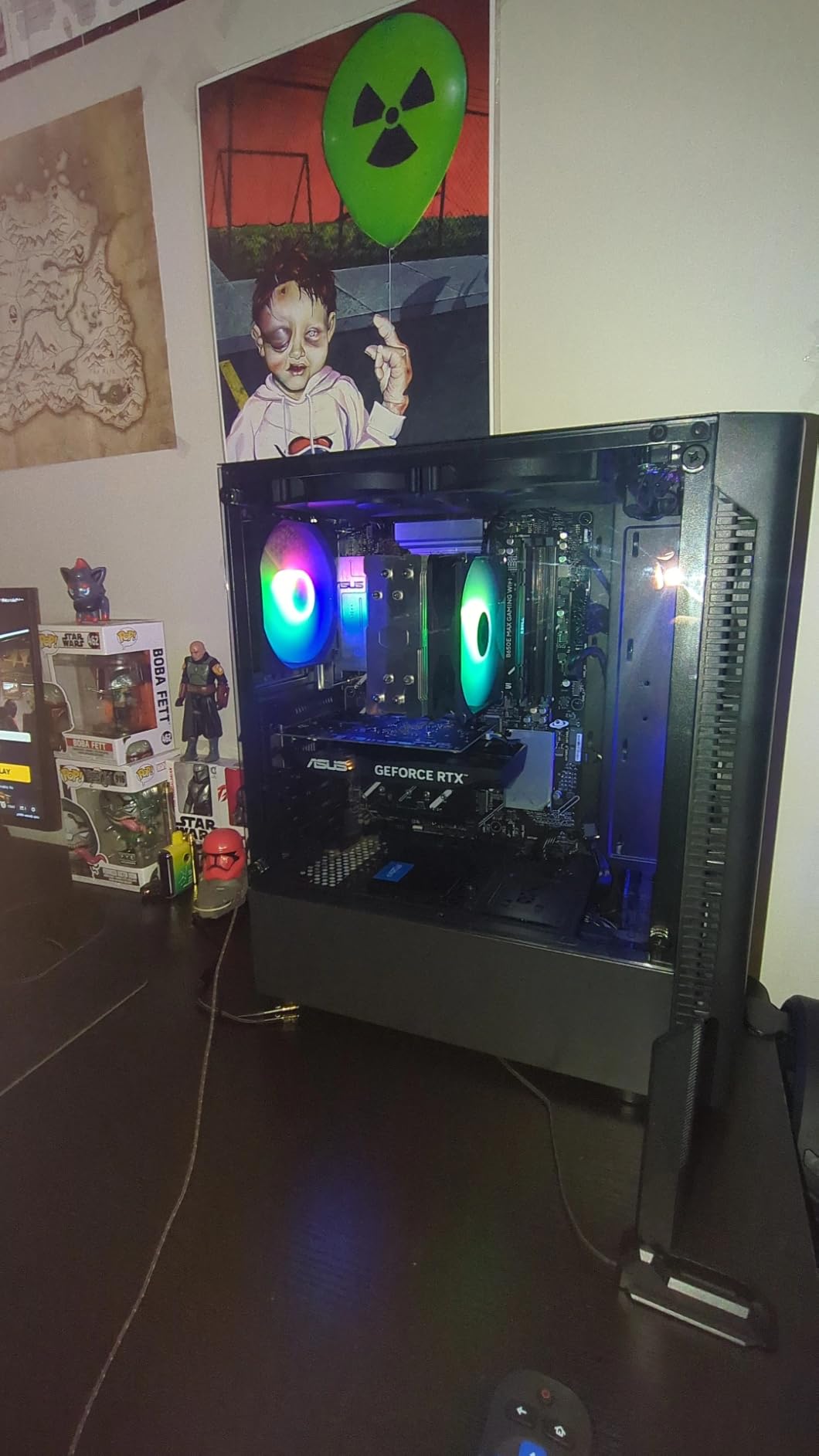
Good to know: the card carries a three-year warranty, and the 2-slot design means you keep a free expansion slot for a second card or a capture card later.
2. ASRock Arc B570: More Memory Than the Entry Tier Usually Offers
ASRock Intel Arc B570 Challenger 10GB OC GDDR6 Graphics Card, 2600 MHz GPU, 19 Gbps Memory, Dual Fan, Metal Backplate, HDMI 2.1a, DisplayPort 2.1, 0dB Cooling
VRAM: 10GB GDDR6
Boost: 2600 MHz
Fans: 2
Warranty: 2 years
Pros
- 10GB VRAM on a 160-bit bus
- 0dB dual axial fans run quietly
- Metal backplate resists GPU sag
- AV1 encode and decode media engine
Cons
- Needs Resizable BAR enabled in BIOS
- Some owners report driver setup issues
- Intel software polish trails the competition
Skip it if you are not willing to spend five minutes in BIOS. This card is unusually generous on memory for its tier, and that is the whole pitch: 10GB of GDDR6 on a 160-bit bus, running at 19 Gbps with a 2600 MHz GPU clock.
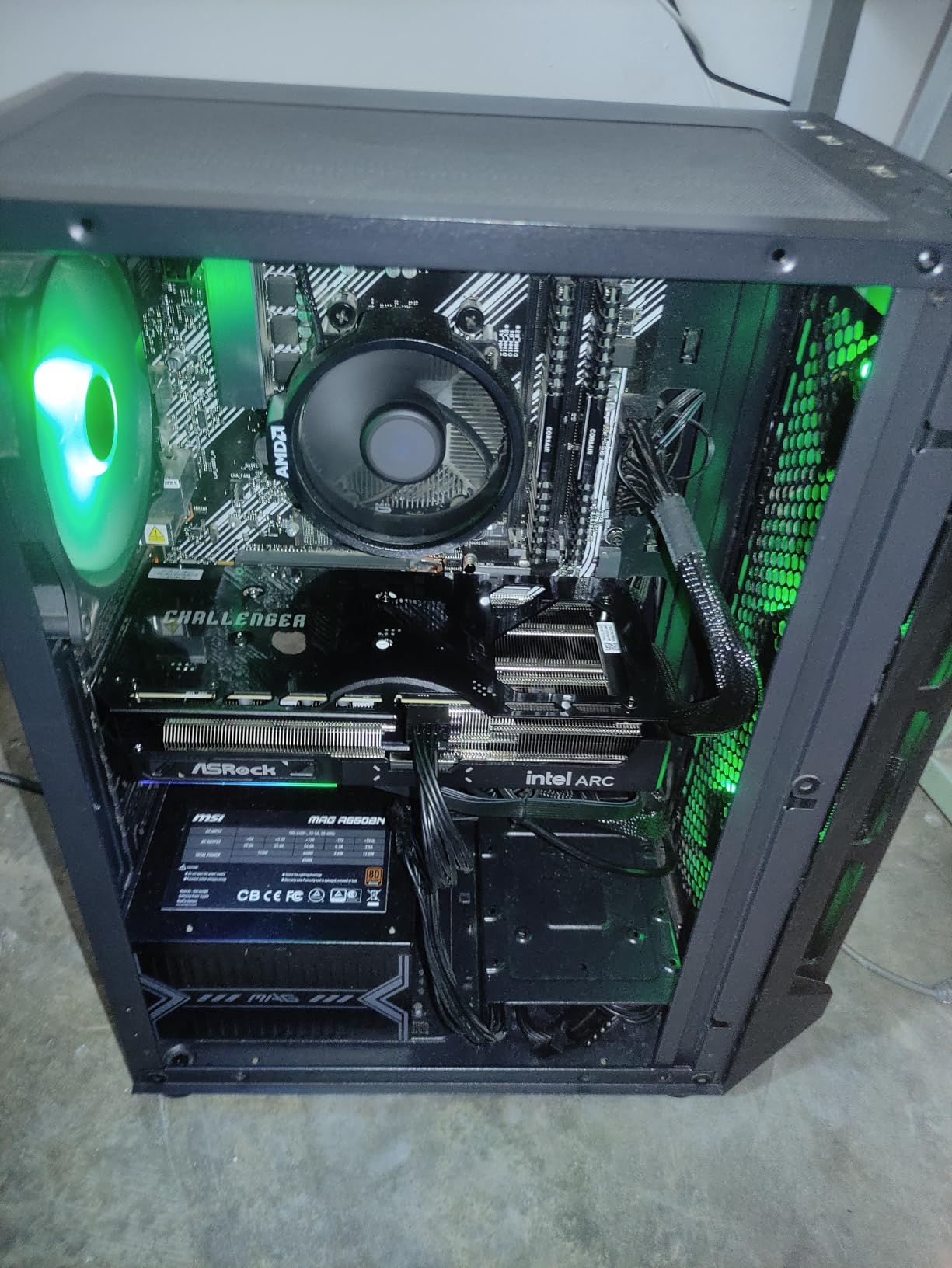
Owners treat it as a real step up from older 8GB budget cards at 1080p and 1440p, and the 0dB dual axial fan setup means it stays silent at idle and in lighter games. The metal backplate does more than look good; it stiffens the card against sag in a full tower.
- Xe2-HPG architecture with Xe Matrix Extensions for AI work
- Intel Xe Super Sampling 2 upscaling
- Three DisplayPort 2.1 and one HDMI 2.1a output
- Single 8-pin power connector
Two things to weigh. Several reviews mention needing ReBAR switched on to reach full performance, and some owners hit stability hiccups that a clean driver reinstall or a CMOS reset cleared. The second is that Intel’s software still trails the two big names on polish, so expect a little more setup patience than with an ASUS or Gigabyte card.
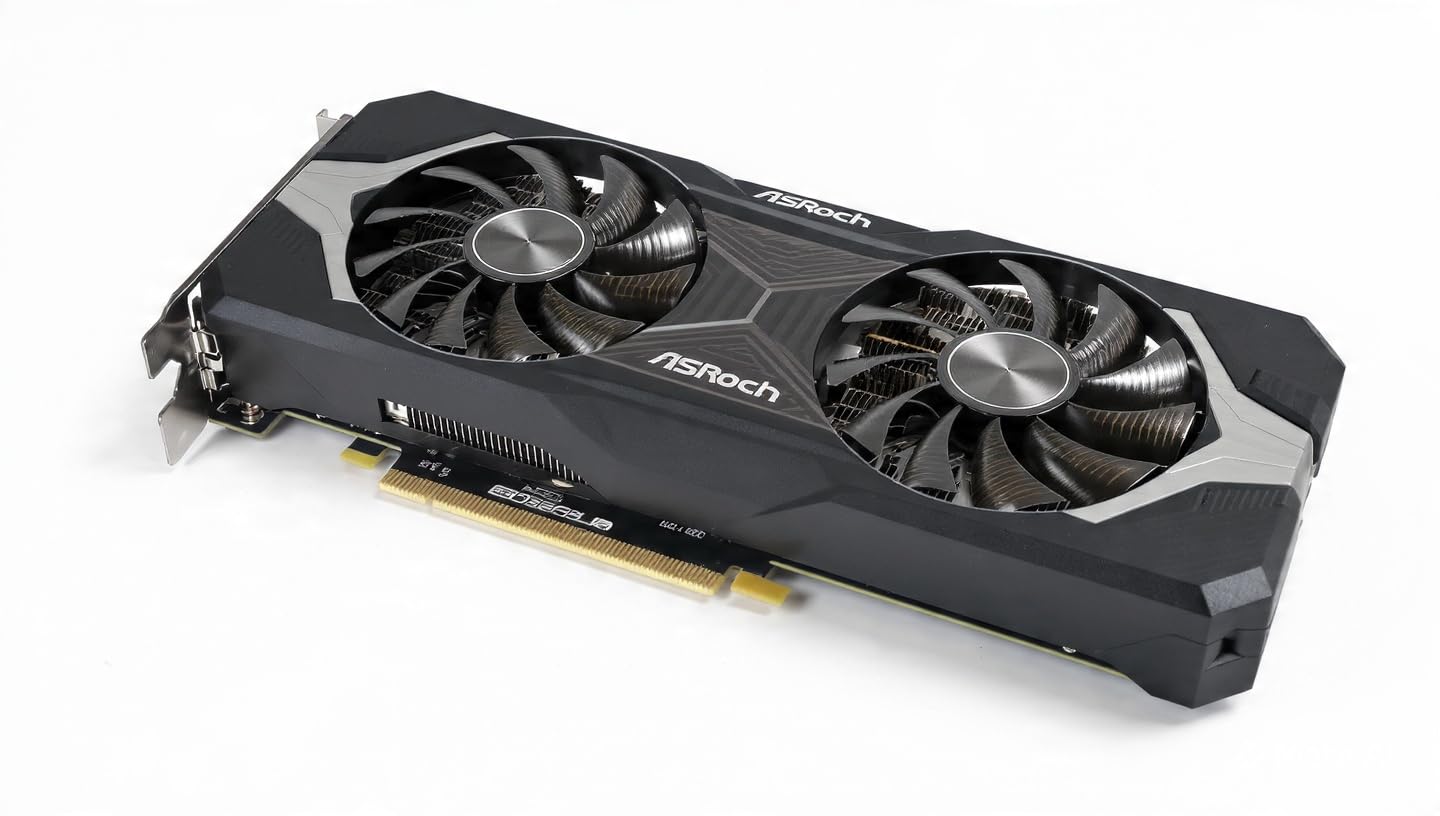
Compared with the ASUS Dual RTX 3050, the Arc B570 buys you four extra gigabytes of memory and a much higher clock, but it is a PCIe x8 card with a two-year warranty rather than three.
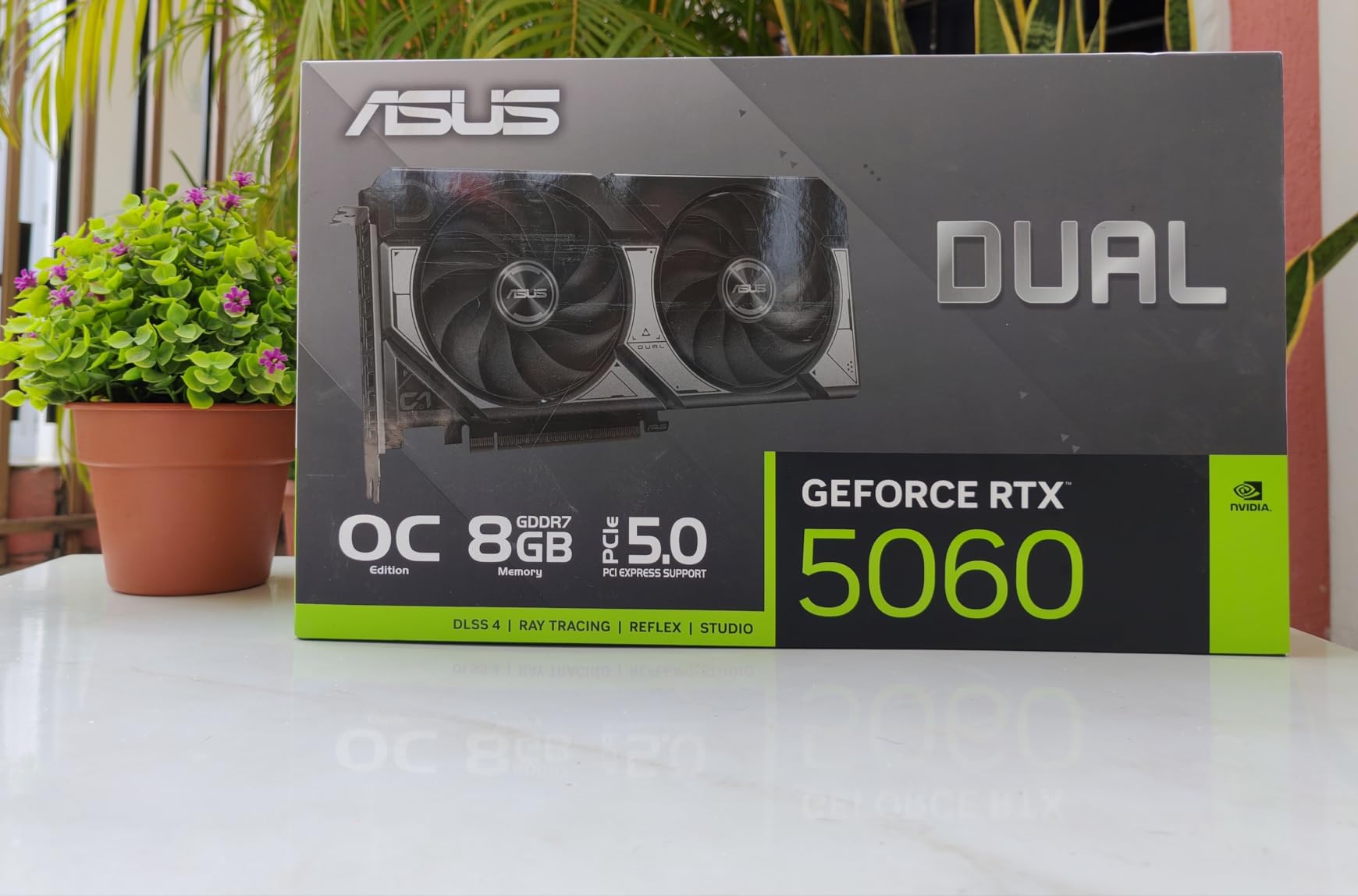
3. ASUS Dual RTX 5060: The Blackwell Card Most Buyers Should Watch
ASUS Dual NVIDIA GeForce RTX 5060 8GB GDDR7 OC Edition (PCIe 5.0, 8GB GDDR7, DLSS 4, HDMI 2.1b, DisplayPort 2.1b, 2.5-Slot Design, Axial-tech Fan Design, 0dB Technology), 3 Year Warranty
VRAM: 8GB GDDR7
Boost: 2535 MHz
Fans: 2
Warranty: 3 years
Pros
- GDDR7 and PCIe 5.0 bandwidth jump
- Runs efficiently and stays quiet
- SFF-friendly 2.5-slot dual fan
- DLSS 4 frame generation
Cons
- 8GB VRAM caps texture-heavy settings
- Not the quietest under sustained full load
- One owner reported persistent audio crackle
This is the card most people end up buying. It is the first step into Blackwell in this list, with 8GB of GDDR7 on a PCIe 5.0 interface, 623 AI TOPS and DLSS 4 frame generation, and it holds a 4.7 rating across 561 reviews.
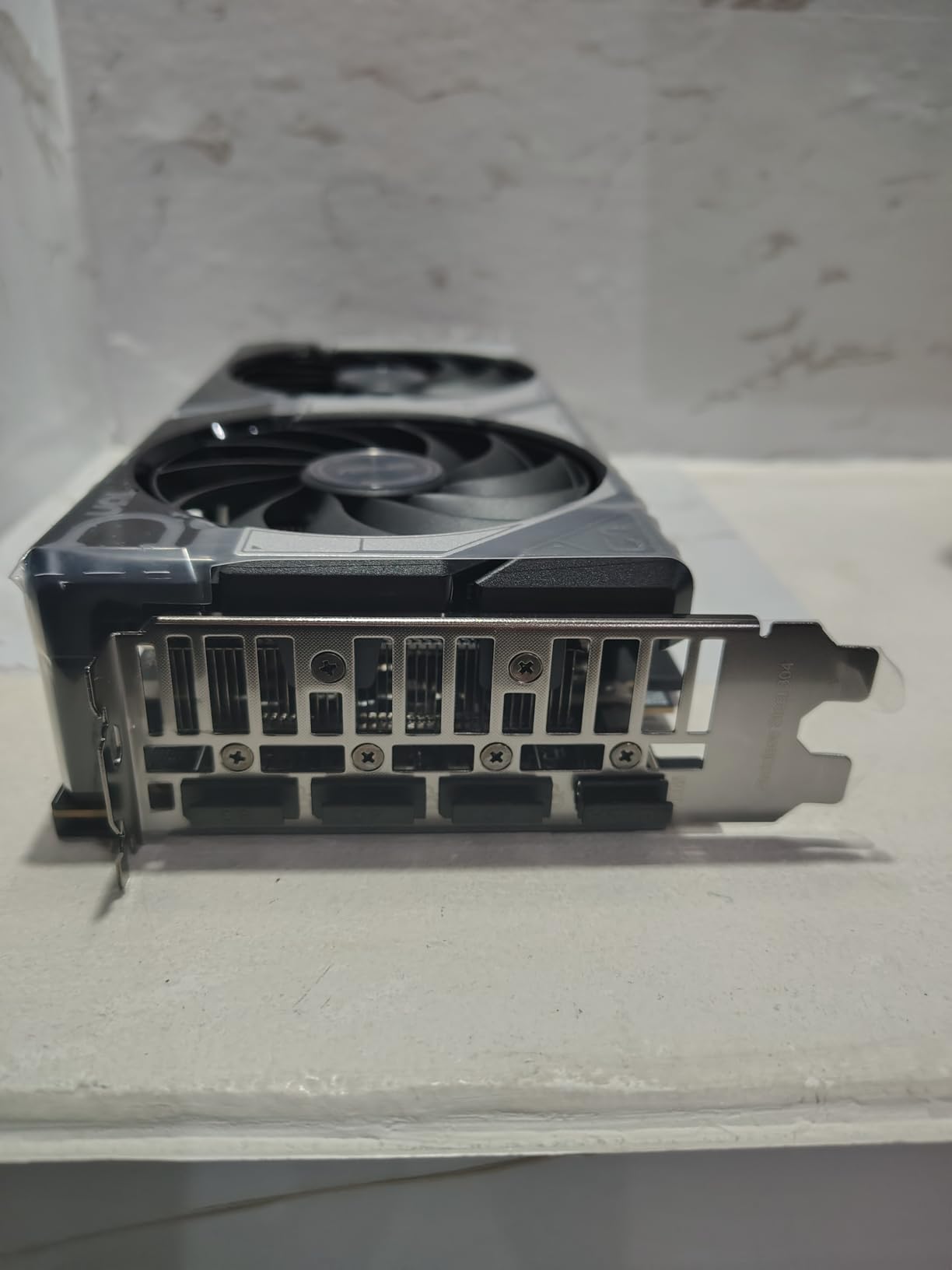
Owners consistently single out two things: how quietly and efficiently it runs, and how well the 2.5-slot SFF-ready cooler clears adjacent hardware. At 9 inches long and 1.4 pounds, it fits mid-tower and small form factor cases alike, and the axial-tech fans stop entirely at idle.
- Boost clock of 2535 MHz default, 2565 MHz in OC mode
- Native DisplayPort 2.1b x3 and HDMI 2.1b
- Three-year warranty with no RGB clutter
The near-universal complaint is the same one: 8GB. It is fine for 1080p and comfortable at 1440p with DLSS 4 doing work, but high-refresh ray tracing at maximum texture quality will lean on that frame buffer. Owners also note it is not the quietest card here under a long full-load session, and one reviewer reported persistent audio crackle at high sample rates.
If you want the same Blackwell features with double the memory and a higher clock, the ASUS Dual RTX 5060 Ti is the step up. If you want the card to disappear inside a small case, look at the Gigabyte RTX 5060 at 7.83 inches.
4. ASUS Dual RTX 5060 Ti 16GB: The 1440P High-Refresh Pick
ASUS Dual GeForce RTX 5060 Ti 16GB GDDR7 OC Edition Gaming Graphics Card
VRAM: 16GB GDDR7
Boost: 2632 MHz
Fans: 2
Warranty: 3 years
Pros
- 16GB of VRAM at a midrange tier
- Cool and quiet under full load
- 9 inch length suits small builds
- Single 8-pin connector at 180W class
Cons
- Factory overclock is only about 30 MHz
- 128-bit memory bus is narrow for the class
- Nvidia driver quirks still surface for some
Sixteen gigabytes of GDDR7 in a midrange card is the reason this one keeps coming up. Owners treat it as the sensible 1440p pick, with enough memory headroom that texture-heavy titles and future releases will not push against the ceiling.
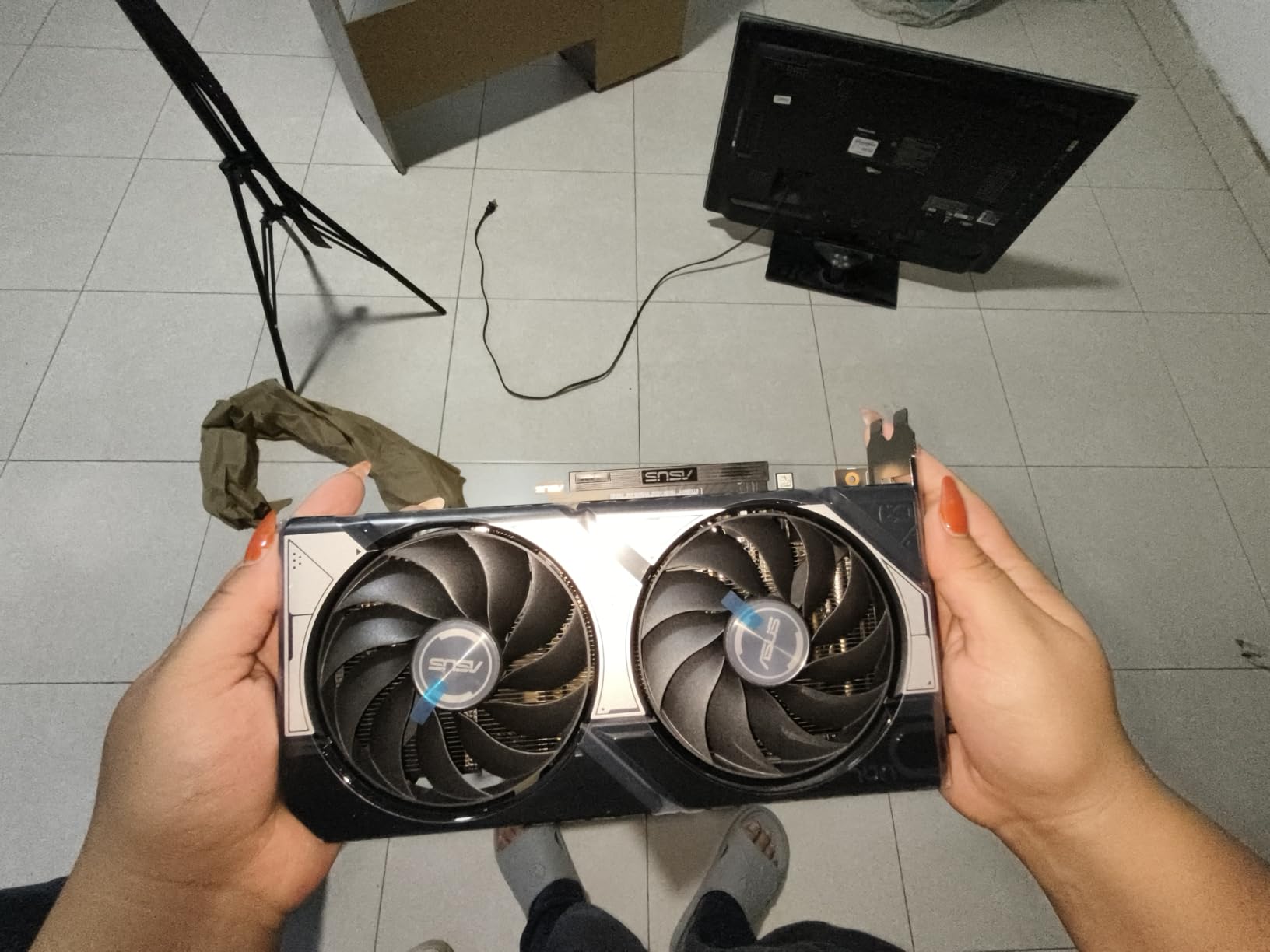
Thermals are the quiet win. Reviewers describe low-60s Celsius under sustained load, dual ball-bearing fans, and a dual BIOS toggle that lets you flip between Quiet and Performance profiles without touching software. At 9 inches and 0.66 kg it is one of the lighter cards in this list despite sitting well above entry level.
- 767 AI TOPS with DLSS 4
- 2632 MHz boost in OC mode, 2602 MHz default
- Single 8-pin power connector, 180W class board power
- Three DisplayPort 2.1b and one HDMI 2.1b
Two honest reservations. The factory overclock is roughly 30 MHz, about one percent, so manual tuning is what justifies the OC Edition label. And the 128-bit memory bus is narrow for the class, with GDDR7 speed only partly offsetting it.
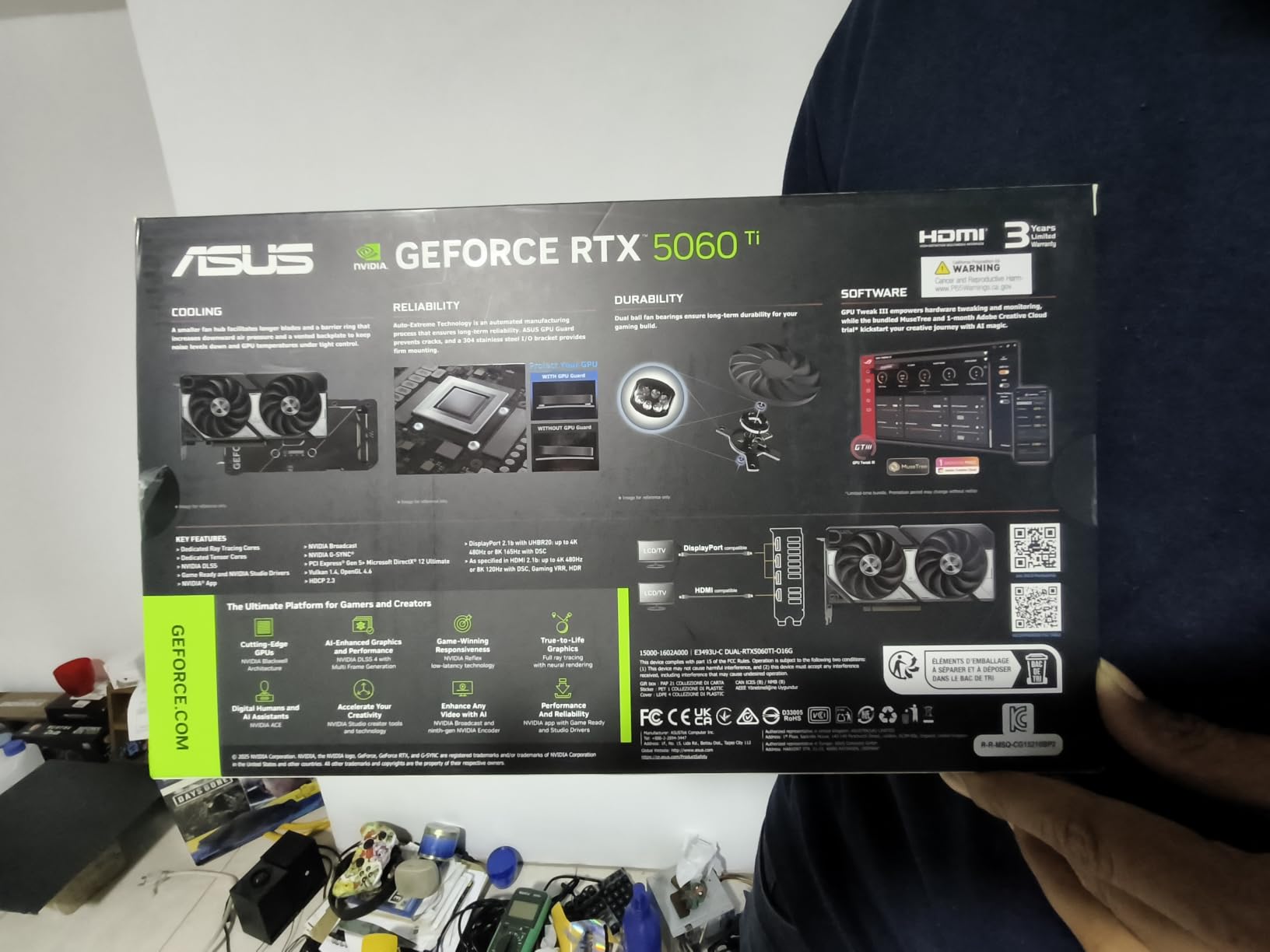
Against the ASUS Dual RTX 5060, the jump buys memory and a small clock gain rather than a generational leap. If your target is heavy ray tracing at 4K, step up to the ASUS Prime RTX 5070 Ti instead.
5. Gigabyte RX 9070 XT: The Raster Performance Per Pound Card
GIGABYTE Radeon RX 9070 XT Gaming OC 16G Graphics Card, PCIe 5.0, 16GB GDDR6, GV-R9070XTGAMING OC-16GD Video Card
VRAM: 16GB GDDR6
Boost: 3060 MHz
Fans: 3
Warranty: 3 years
Pros
- Strong raster performance per dollar
- 16GB clears low-VRAM warnings in 4K titles
- WINDFORCE cooling runs cool in older cases
- RGB and triple-fan styling
Cons
- Three 8-pin connectors are awkward to replace
- Warmer and louder under sustained load
- May need a clean driver uninstall after install
Owners overwhelmingly frame this as the best performance-per-dollar card available, and the numbers back that up: 160 to 220 FPS at 1440p in many titles, on a boost clock of 3060 MHz with 16GB of GDDR6. It is the card buyers in this tier keep recommending to each other in owner reviews.
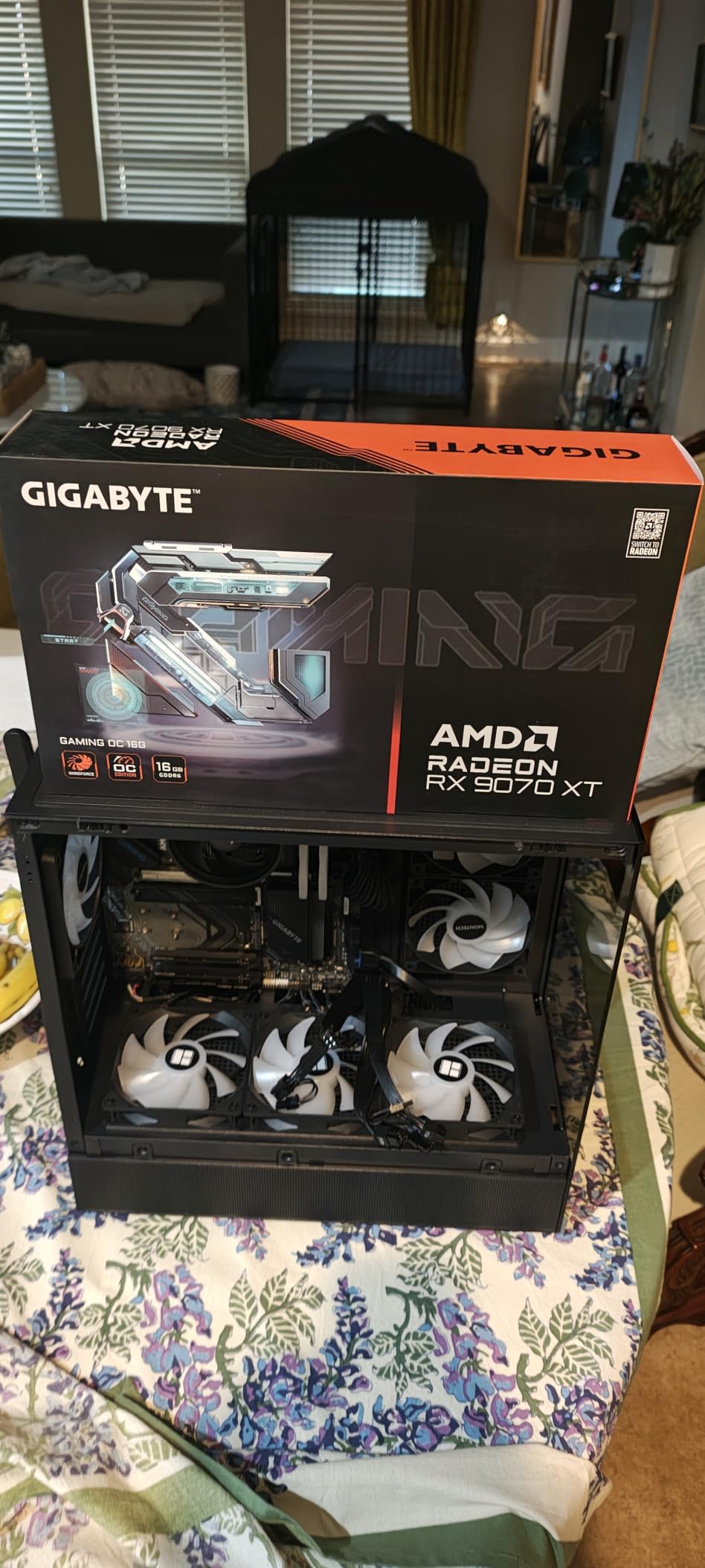
The WINDFORCE cooler with server-grade thermal conductive gel keeps it running cool even in older, tighter cases, and FSR upscaling performs well in the titles that support it. For a 4K high-refresh display, this is the pick that gets you there without stepping up a full tier.
- 3060 MHz boost clock on RDNA 4 silicon
- PCIe 5.0 interface with 7680 x 4320 max output
- RGB lighting that reads well in a glass side panel
- 1.78 kg with an 11.34 inch length
The trade-offs owners keep repeating: three 8-pin power connectors, which is annoying when you are replacing a card that used one or two, a higher edge-to-junction ratio than sibling models, and noticeable noise under a long full load. Some also run a clean driver uninstall before a fresh install so an older driver package does not linger.
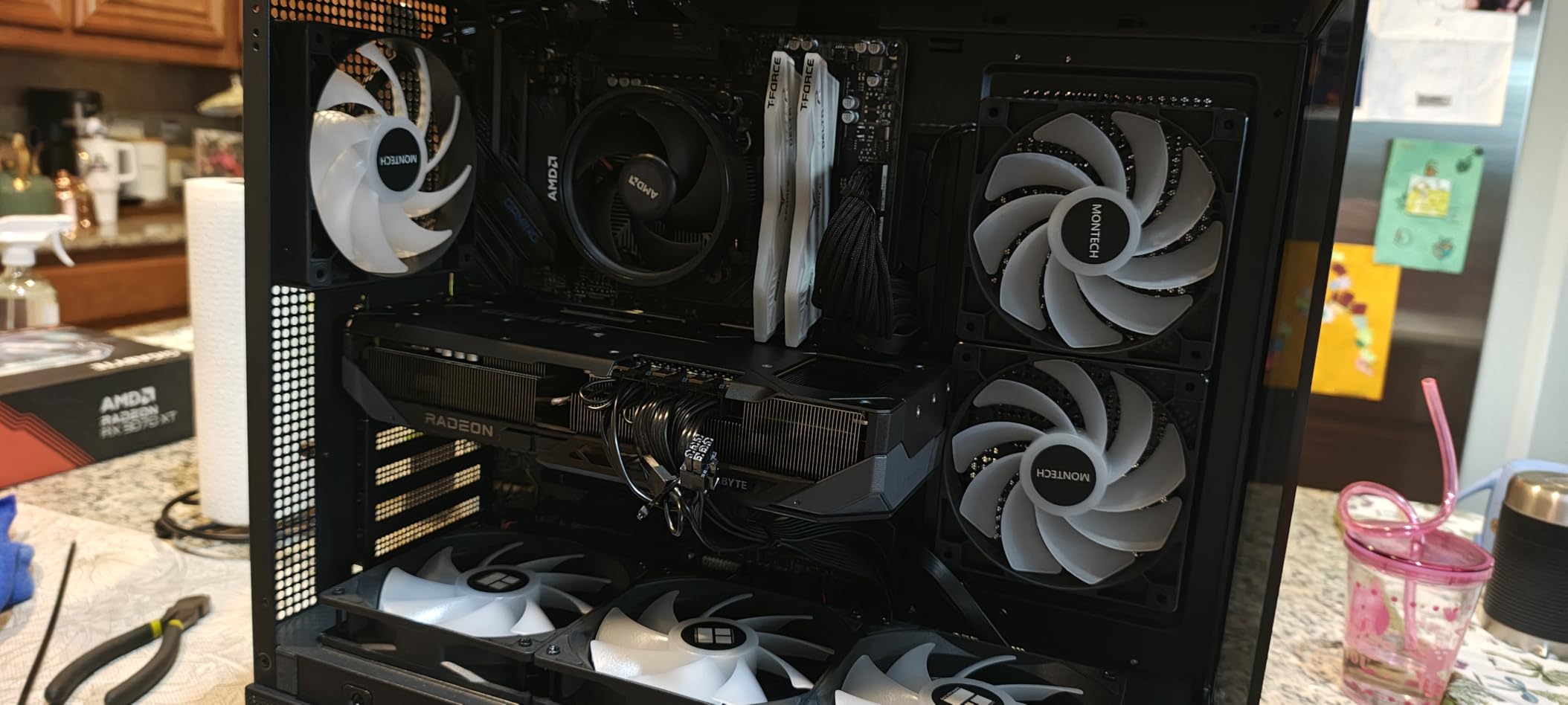
The XFX Swift RX 9070 XT is the other way into the same GPU. Compare the two on connector count and cooler size before deciding, and skip this one entirely if your case is small.
6. ASUS Prime RTX 5070 Ti: The 4K Ray Tracing Pick
ASUS Prime GeForce RTX 5070 Ti 16GB GDDR7 OC Edition Gaming Graphics Card
VRAM: 16GB GDDR7
Boost: 2452 MHz
Fans: 3
Warranty: 3 years
Pros
- 16GB GDDR7 for 4K and heavy ray tracing
- 2.5-slot SFF-ready design for its class
- Dual HDMI 2.1b plus three DisplayPort 2.1a outputs
- Dual BIOS Quiet and Performance profiles
Cons
- Needs a 750W PSU with a 12VHPWR connector
- 12 inch length needs real case space
- Costs more than midrange Blackwell for a modest uplift
This is the card for someone whose monitor is 4K and whose settings include ray tracing. Sixteen gigabytes of GDDR7 with a Blackwell tensor pipeline gives comfortable headroom, and the triple axial-tech fans with a phase-change GPU thermal pad handle the sustained load that ray tracing produces.
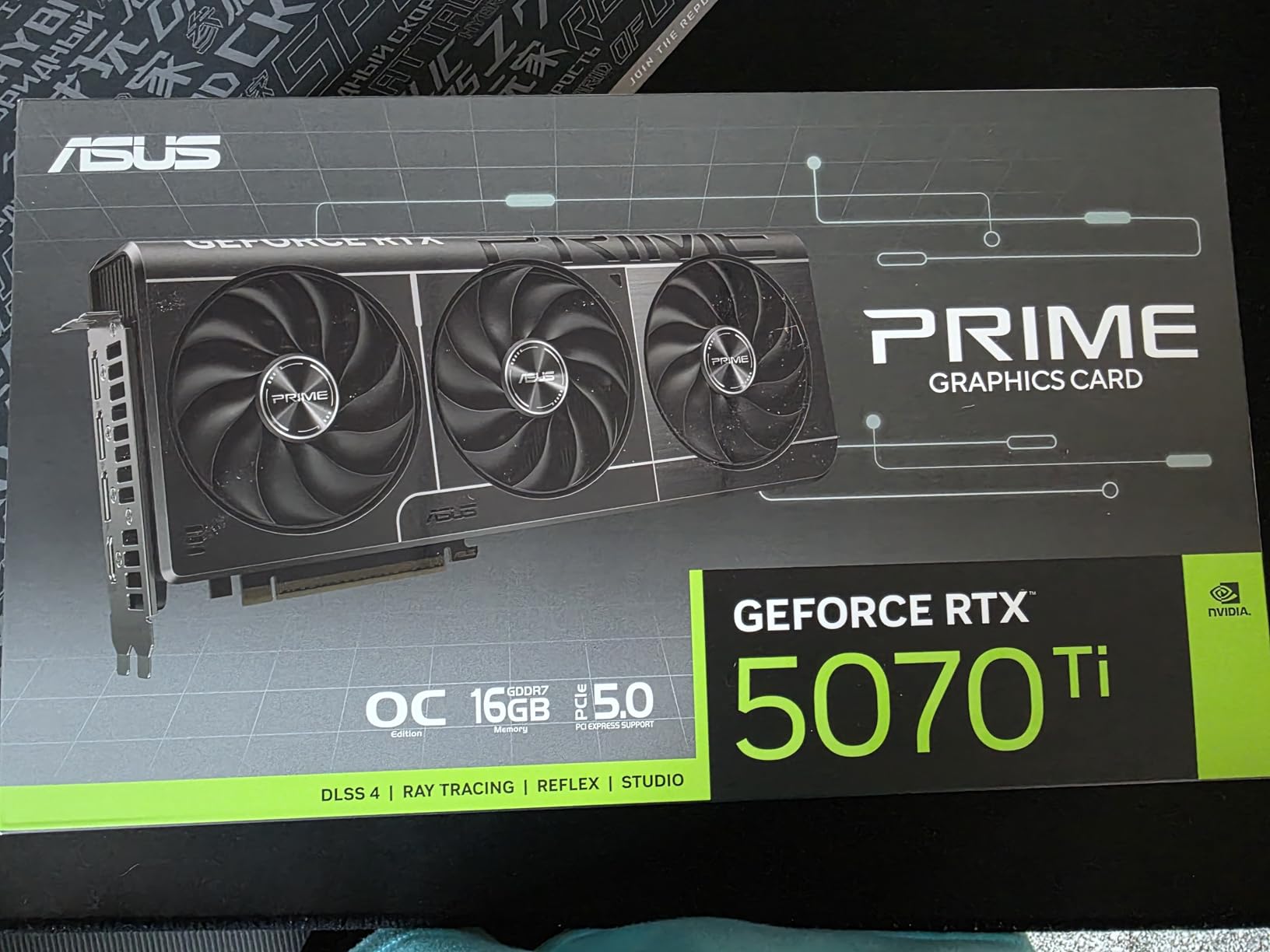
Worth noting for anyone running multiple displays: the output count is generous, with three DisplayPort 2.1a and two HDMI 2.1b, which is more HDMI than most competing cards offer. A dual BIOS switch gives you a Quiet profile and a Performance profile from the card itself.
- 2452 MHz default boost, 2527 MHz in OC mode
- 750W PSU minimum with a 16-pin 12V-2×6 connector
- 306mm, 2.5-slot SFF-ready cooler at 2.6 pounds
- GPU Tweak III for tuning and monitoring
Owners report strong satisfaction, but the practical warnings are the most repeated thing in the reviews: check that your power supply can handle it and that the connector seats properly, and measure your case for a 12-inch card. It is a slim, SFF-friendly design for a card of this class, but it is not small.
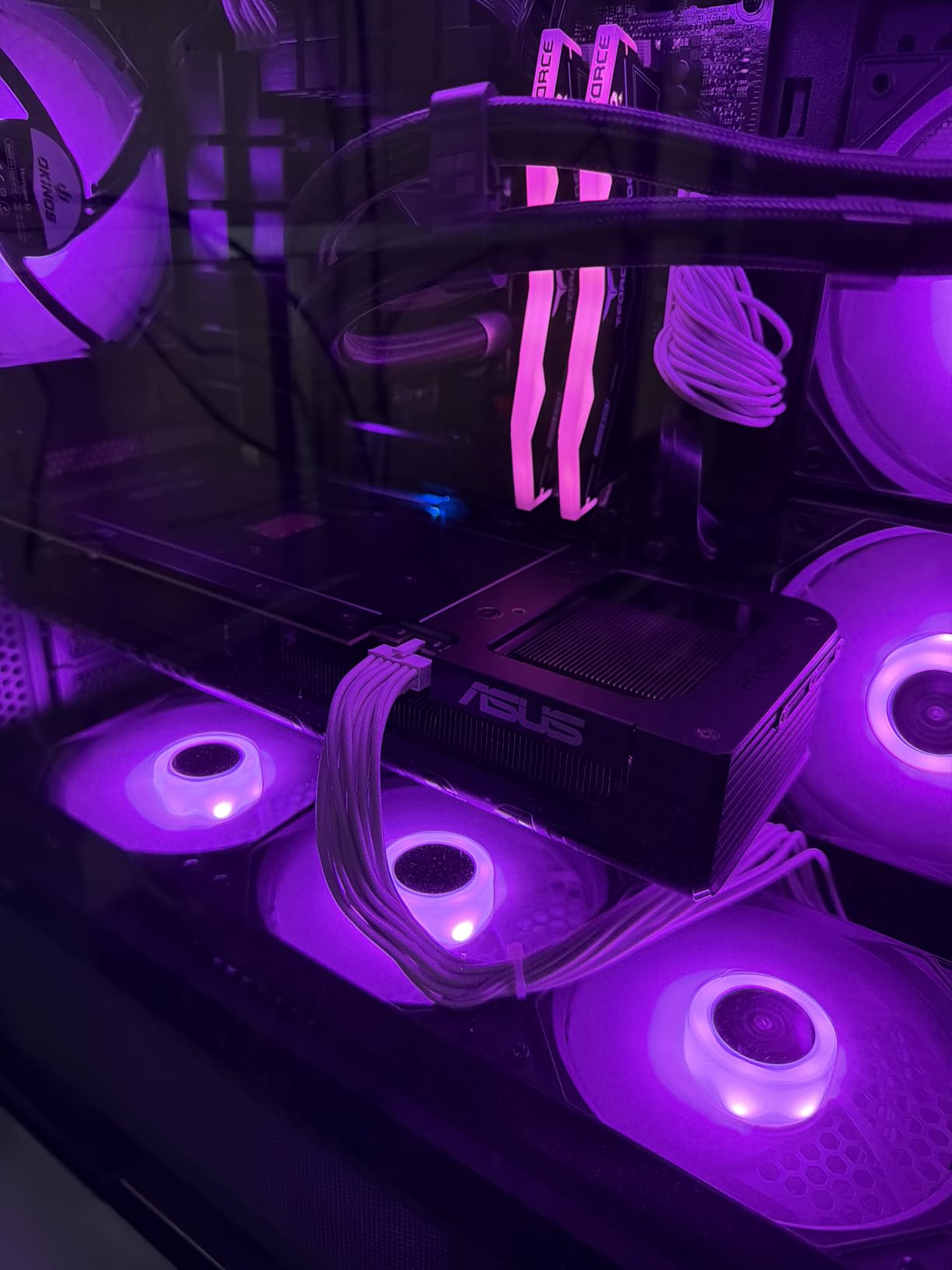
Compared with the Gigabyte RX 9070 XT, you are buying ray tracing performance and DLSS 4 rather than raw raster frames per pound. Buyers who mostly play without ray effects are better served by the Radeon.
7. Gigabyte RTX 5080: The Flagship 4K Card
GIGABYTE GeForce RTX 5080 Gaming OC 16G Graphics Card, WINDFORCE Cooling System, 16GB 256-bit GDDR7, GV-N5080GAMING OC-16GD Video Card
VRAM: 16GB 256-bit GDDR7
Boost: 2.73 GHz
Fans: 3
Warranty: 3 years
Pros
- Huge raw performance for 4K including 4K streaming
- Holds 60-65 Celsius under load
- Easy to overclock with stable results
- Quiet except at maximum fan speed
Cons
- Very large at 13.46 inches
- 12V-2x6 seating must be checked carefully
- Fan resonance possible in the 1450-1600 RPM range
Owners describe this as a huge upgrade from 3000-series cards, and the specs suggest they are right. Sixteen gigabytes of GDDR7 on a 256-bit memory interface is double the bus width of the 5060 Ti, with a 2.73 GHz boost clock and DLSS 4 behind it.
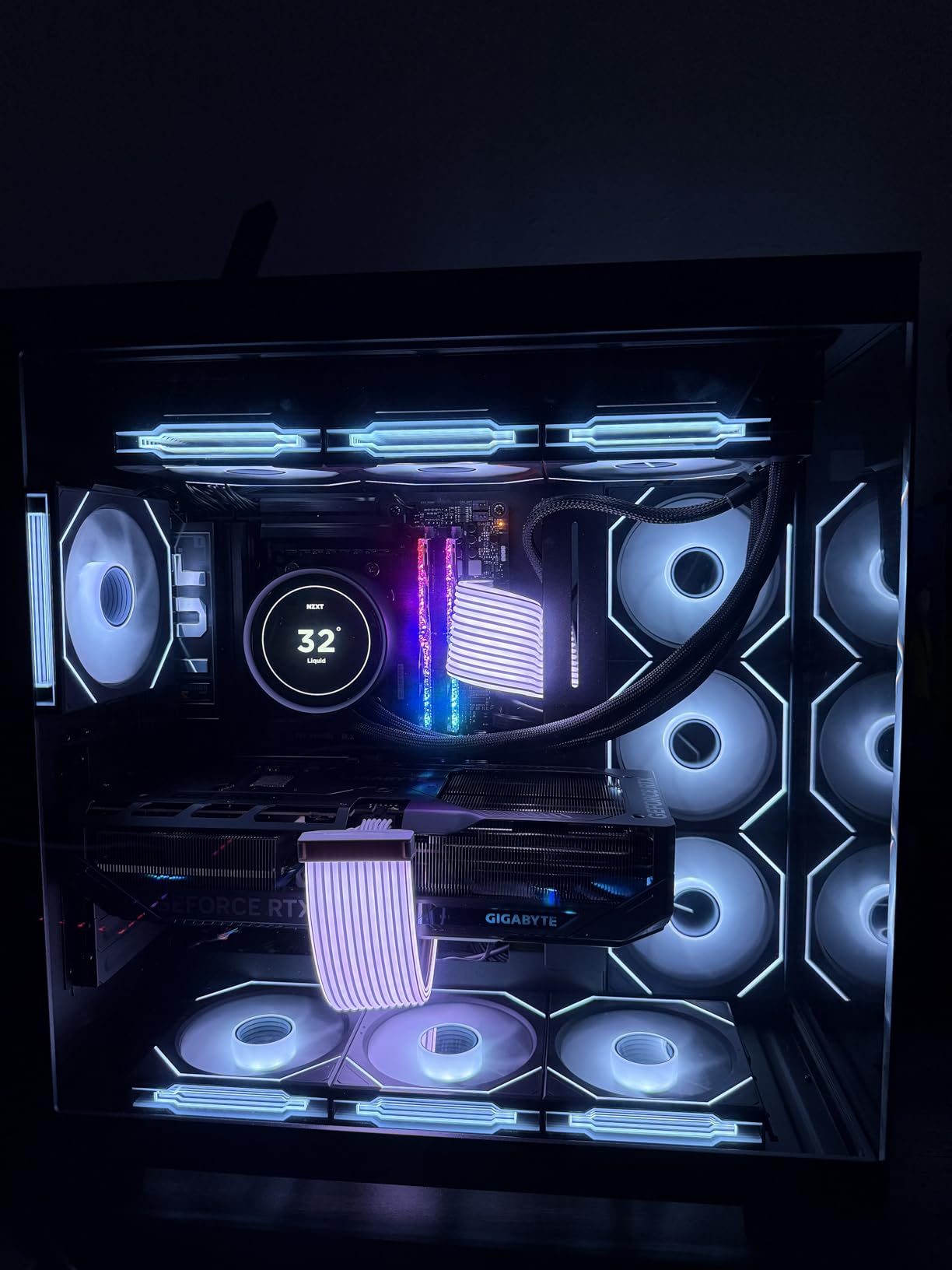
The thermal story is strong: reviewers report around 60 to 65 Celsius under load thanks to a large fin and heat pipe stack, with the card staying quiet during normal operation and only audible when the fans are forced to maximum. Overclocking headroom is another recurring theme, with stable core and memory overclocks, and the VBIOS update utility makes firmware maintenance straightforward.
- 16GB 256-bit GDDR7 on PCIe 5.0
- 12V-2×6 to 3x PCIe 8-pin adapter and VGA holder included
- WINDFORCE triple-fan cooling with subtle RGB
- 4 pounds at 13.46 inches long
Size is the first thing to check: 13.46 inches needs a full ATX case with room to spare. The 12V-2×6 connection needs careful seating, and a loose plug can cause a no-signal boot. Some owners also hear fan resonance in the 1450 to 1600 RPM range unless the curve is tuned or the card is undervolted.
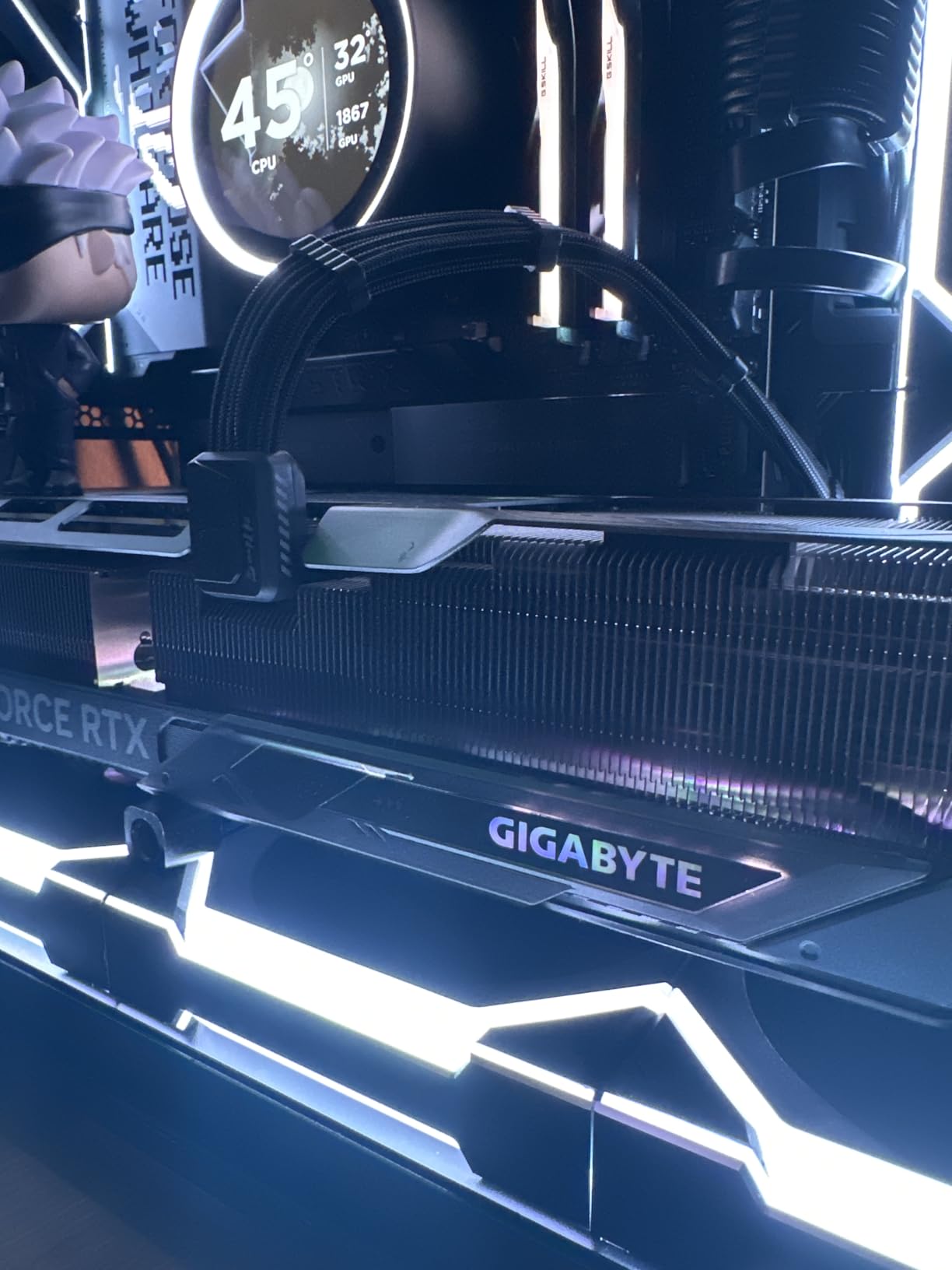
The MSI RTX 5070 Ventus is the sensible alternative if 13 inches will not fit. It gives up a large slice of performance, but it is 236mm and 774g.
8. Gigabyte RTX 5060: The Short Card With Full Blackwell Features
GIGABYTE GeForce RTX 5060 WINDFORCE OC 8G Graphics Card, Cooling System, 8GB 128-bit GDDR7, PCIe 5.0, Manufactured by NVIDIA, DisplayPort & HDMI – Video Output Interface, GV-N5060WF2OC-8GD Video Card
VRAM: 8GB 128-bit GDDR7
Boost: 2512 MHz
Fans: 2
Warranty: 3 years
Pros
- 7.83 inch length suits small cases
- WINDFORCE dual fan keeps noise modest
- GDDR7 and PCIe 5.0 lift bandwidth
- DLSS 4 frame generation
Cons
- 8GB ceiling in texture-heavy titles
- 128-bit bus limits long-term headroom
At 7.83 inches, this is the shortest full-size card in the roundup, and that is the entire reason to pick it. Owners building in compact enclosures love it, and the WINDFORCE dual-fan cooler keeps noise modest for a card of this class.
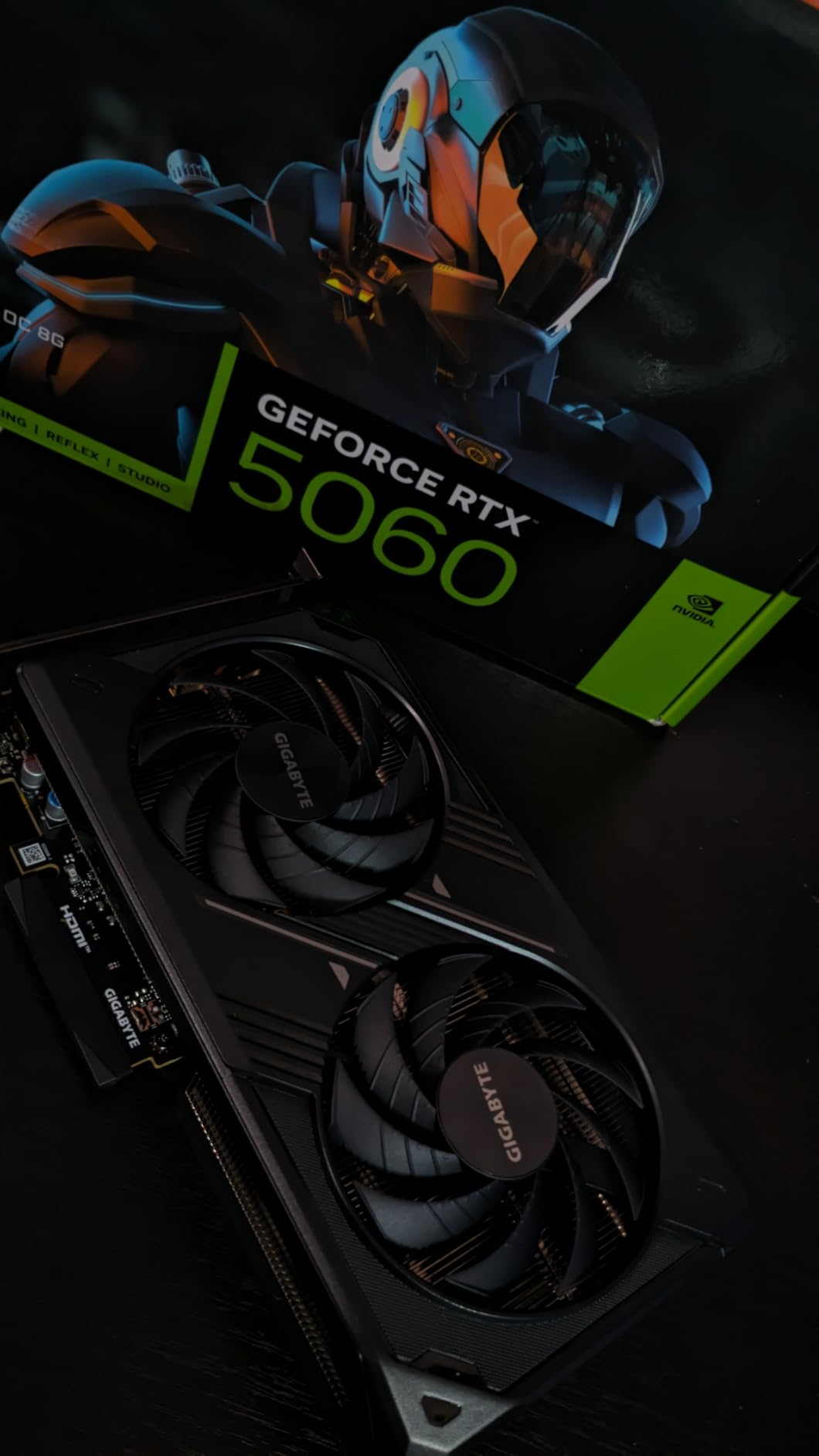
Underneath the small footprint it is a normal Blackwell budget card: 8GB of GDDR7 on a 128-bit bus, a 2512 MHz factory OC, PCIe 5.0, and DLSS 4 frame generation for perceived smoothness. Reviewers mark it as a well-liked step up from the RTX 4060 generation, with 426 reviews averaging 4.7.
- 7.83 by 4.57 inch footprint
- DisplayPort and HDMI outputs up to 7680 x 4320
- Factory OC model number GV-N5060WF2OC-8GD
- Three-year manufacturer warranty
The limitation is the familiar one. Eight gigabytes on a 128-bit bus is the standard complaint, and it shows in texture-heavy titles and high-refresh ray tracing. If your case has room for 9 inches, the ASUS Dual RTX 5060 is the better-built card with a 2.5-slot cooler that clears adjacent slots.
9. XFX Swift RX 9070 XT: The Straightforward Second Way Into RDNA 4
XFX Swift AMD Radeon RX 9070XT Triple Fan Gaming Edition with 16GB GDDR6 HDMI 3xDP, AMD RDNA 4 RX-97TSWF3BA
VRAM: 16GB GDDR6
Boost: 2970 MHz
Fans: 3
Warranty: 3 years
Pros
- 16GB GDDR6 competes with costlier cards
- Swift triple-fan cooler handles thermals
- Factory 2970 MHz boost is stable
Cons
- Triple-fan cooler is bulkier and louder
- Fewer display outputs than some rivals
Same GPU as number five, different card, different reasons to buy it. The XFX Swift brings 16GB of GDDR6 and RDNA 4 performance to buyers who want a simpler power and cooling story than the triple-8-pin alternative, and its 4.7 rating across 273 reviews makes it one of the strongest-rated cards here.
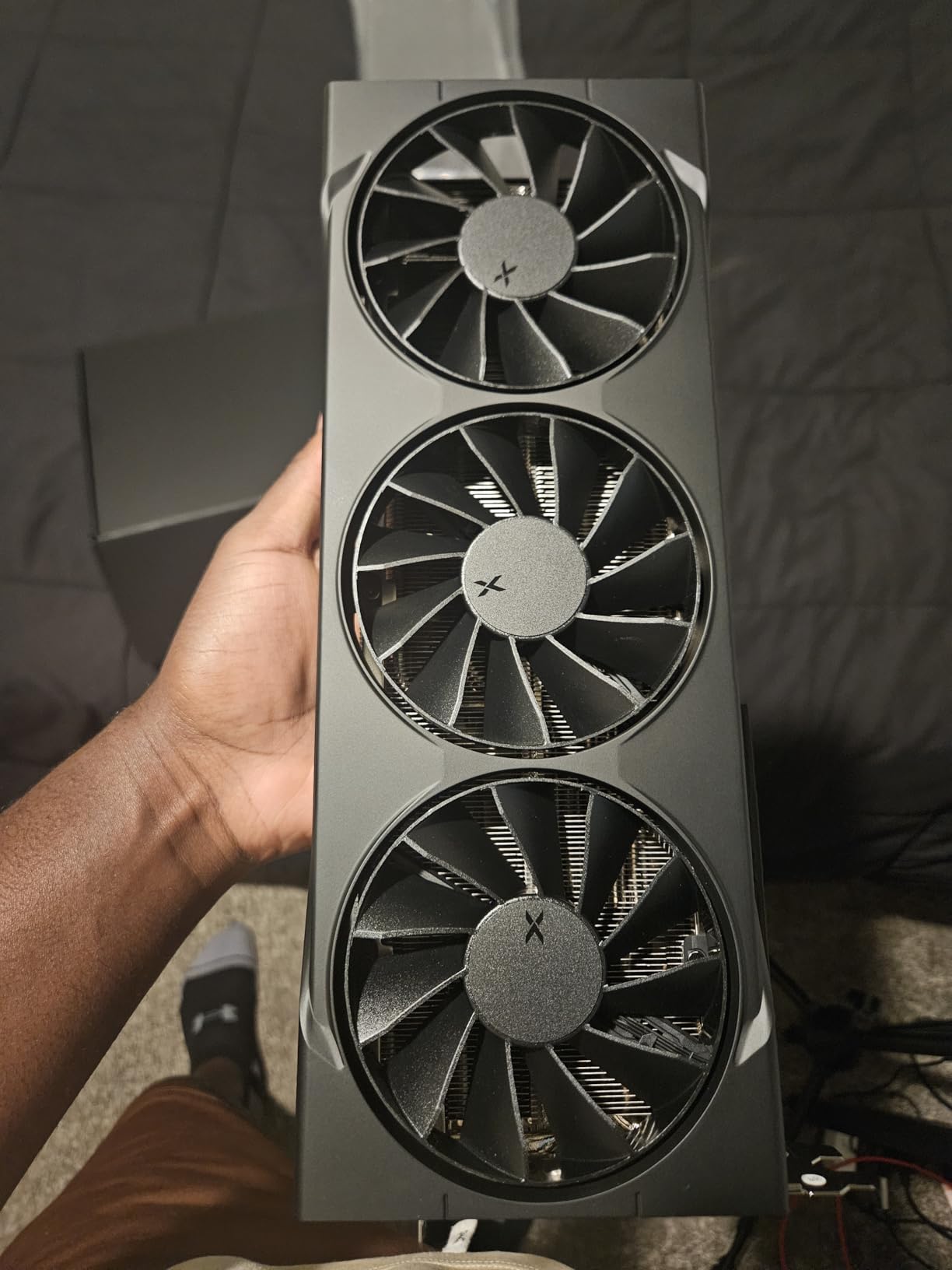
The boost clock is factory-set at 2970 MHz and stable, running on 20 GHz memory. XFX’s SWFT triple-fan solution handles RX 9070 XT thermals well, which is the main thing to verify on a card without a factory OC to lean on.
- RDNA 4 architecture with 16GB GDDR6
- One HDMI and three DisplayPort outputs
- PCI Express x16 interface at up to 7680 x 4320
- Three-year manufacturer warranty
Owners value the memory-per-cost ratio, and the reservations are mechanical: triple-fan coolers are bulkier and louder than dual-fan alternatives, and the output count is thinner than some competing 9070 XT models. If your rig is small, this is the wrong RX 9070 XT. If you want the strongest raster frames per pound with room for a big card, the Gigabyte model is the more popular pick.
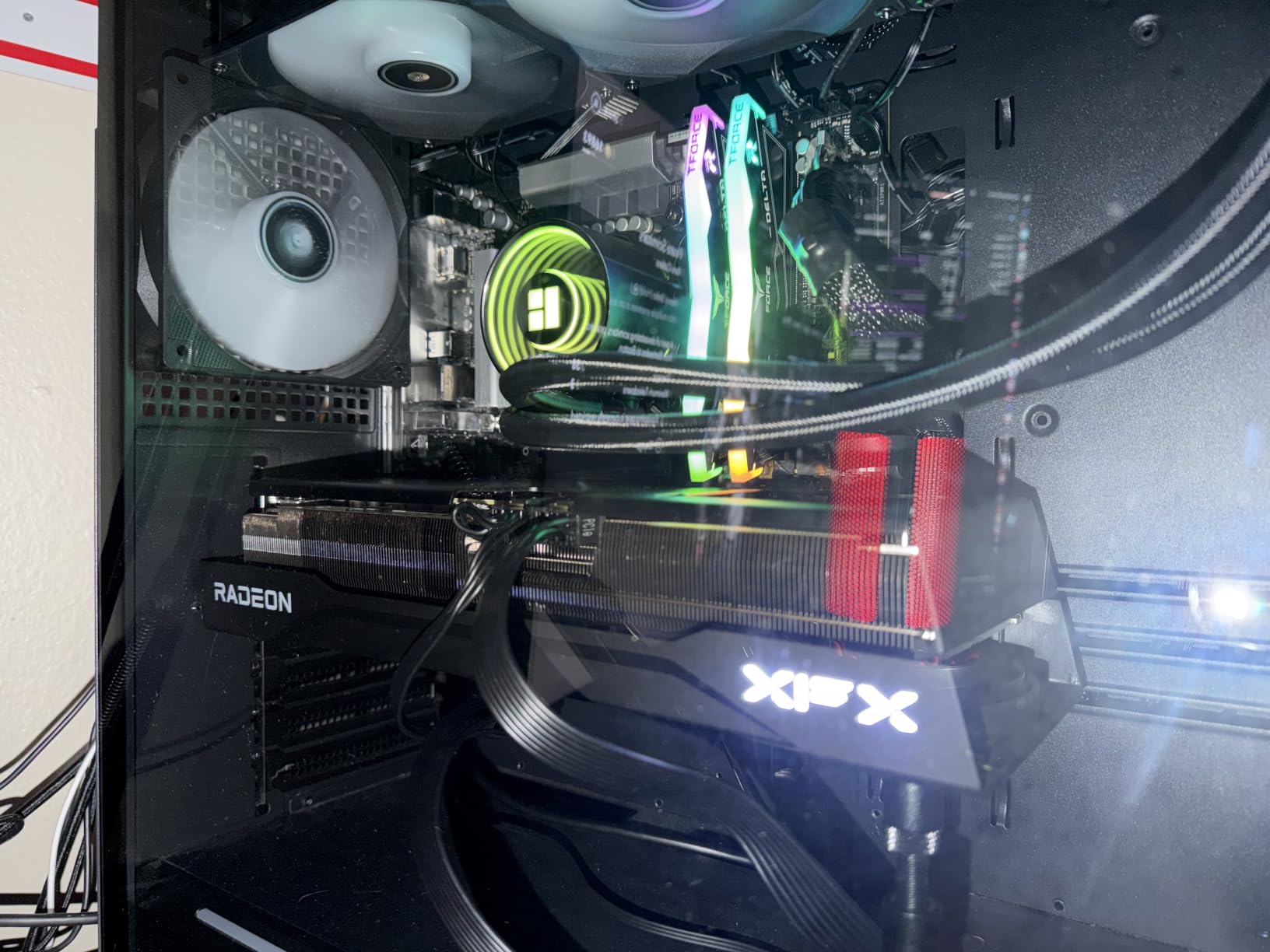
Compare the two before buying: the Gigabyte Gaming OC boosts higher at 3060 MHz and adds RGB, while this one runs cooler in the noise department and asks less of your power supply.
10. MSI RTX 5070 Ventus 2X OC: The Card That Fits Where Others Do Not
MSI NVIDIA GeForce RTX 5070 12G Ventus 2X OC Graphics Card
VRAM: 12GB GDDR7
Boost: 2557 MHz
Fans: 2
Warranty: 2 years
Pros
- 236mm two-fan design fits small ITX cases
- TORX 5.0 fans stay quiet until load demands
- Temperatures hold even in small enclosures
- 3x DisplayPort 2.1b plus HDMI 2.1b
Cons
- Fans get loud under sustained heavy load
- Needs a 650W PSU with the 16-pin connector
- 12GB VRAM is modest for the tier
Buy the MSI RTX 5070 Ventus if your case is the constraint. At 236mm long, 2.5 slots and 774g, it is a full high-end card in a footprint that reaches into small ITX enclosures where triple-fan designs simply will not go.
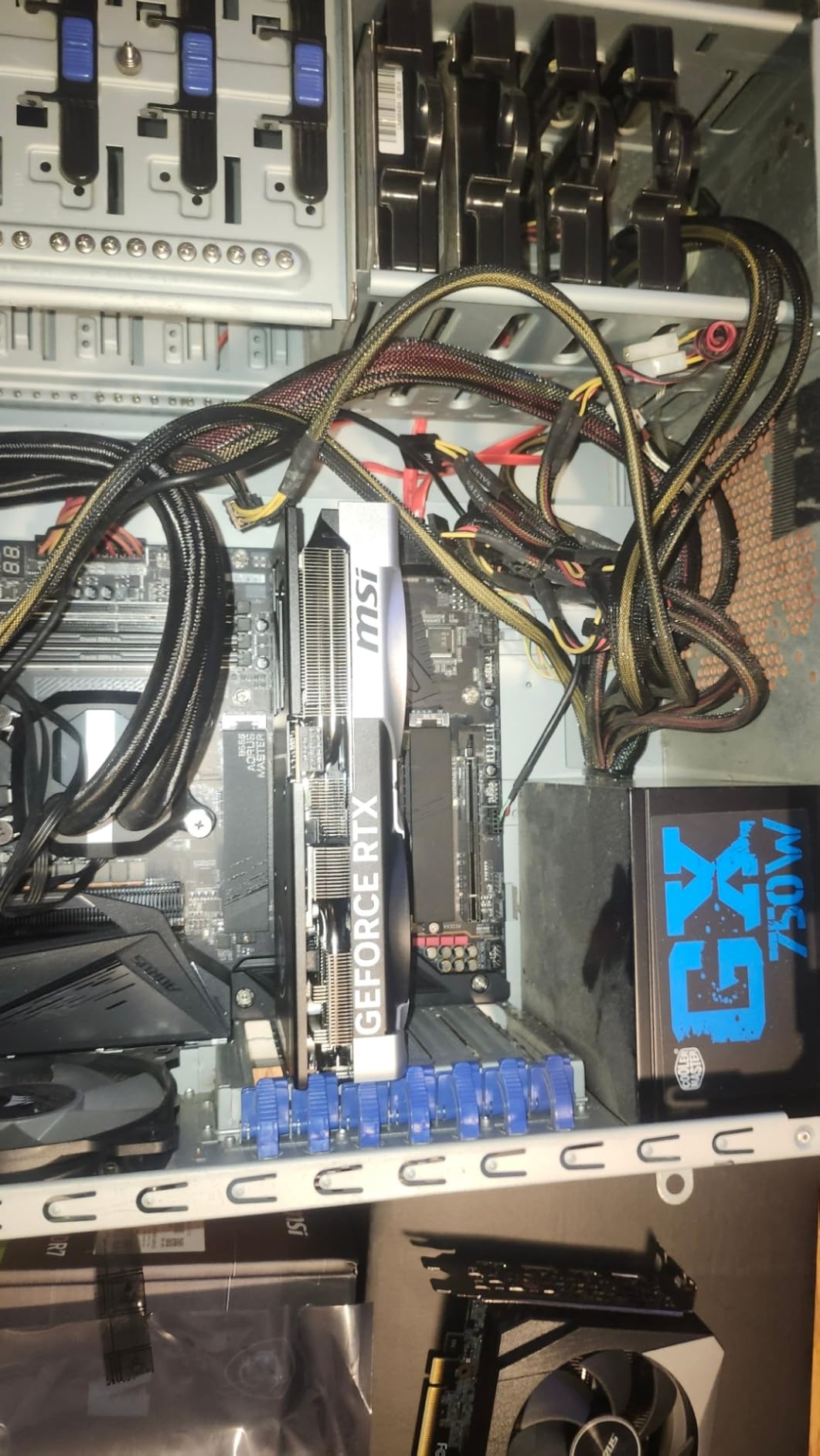
Owners frequently cite the short two-fan form factor as the deciding factor. Underneath, it is Blackwell with 4th generation RT cores, 12GB of GDDR7 at 28 Gbps on a 192-bit bus, and DLSS 4.0 frame generation. The TORX 5.0 fans with ZERO FROZR 0 RPM mode hold temperatures in the mid-30s to low-70s Celsius even in small enclosures, and reviewers report it handling generative image, video and local LLM workloads well.
- 2557 MHz factory-OC boost clock
- Three DisplayPort 2.1b and one HDMI 2.1b supporting 4K at 480Hz
- 650W or greater recommended with a 16-pin 250W connector
- Perforated backplate and upgraded PCB
The reservation owners repeat most is noise under sustained heavy load, plus 12GB of VRAM feeling modest for a card at this level. The warranty is two years rather than three, which is shorter than the ASUS and Gigabyte cards here.
How to Choose Graphics Cards During Prime Big Deal Days
Graphics card deals during an Amazon sale event are easier to judge when you know which spec decides your build. Work through these five checks before you click a button on any of the picks above.
Check Motherboard and Power-Supply Compatibility
Measure before you order. Card length is the first thing: the ASUS Dual RTX 3050 and Gigabyte RTX 5060 come in under 8 inches, the Gigabyte RX 9070 XT is 11.34 inches, and the Gigabyte RTX 5080 needs 13.46 inches plus room for the power cable bend. Then check the slot width, because a 2.5-slot card still needs the neighbouring slot free for airflow, and the ASUS Prime RTX 5070 Ti and Gigabyte RTX 5080 both need a 750W supply with a 16-pin connector while the MSI RTX 5070 Ventus asks for 650W with a 16-pin feed.
Match VRAM to Your Target Resolution
Eight gigabytes is workable for 1080p and 1440p, sixteen is the right call for 4K, heavy textures and creator software, and anything above 16GB only matters for local AI work and high-end rendering. The practical ceiling on an 8GB card shows up in texture-heavy titles, and owners of both the ASUS Dual RTX 5060 and the Gigabyte RTX 5060 name it as the one thing they would change. If you work on visuals as well as play, the resolution you edit at matters as much as the one you game at, and our guide to 27-inch monitors for graphic design covers the panel side of that decision.
Compare Core Performance and Upscaling
Read the boost clock and the memory bus together, because memory bandwidth is what a 128-bit card gives up against a 192-bit or 256-bit one. On the upscaling side, DLSS 4 on the Blackwell cards here and FSR on the two Radeon cards both add perceived smoothness, with the Radeon option depending on how well the specific game supports it. Work out your real target frame rate at your actual resolution before paying up a tier.
Assess Cooling, Size and Acoustic Design
The two-fan coolers on the ASUS cards and the Gigabyte RTX 5060 stay quietest at idle and in lighter games, and the 0dB fan modes listed for several models stop the fans entirely when idle. Triple-fan designs like the Gigabyte RX 9070 XT, ASUS Prime RTX 5070 Ti and Gigabyte RTX 5080 move more heat and tend to be audible under a long full load. Fan noise is one of the most repeated notes in owner reviews across this list, so decide based on how loud your case already is.
How to Shop Graphics Card Deals During the Sale
Check the model number in the listing rather than the marketing name, because the same GPU appears in several variants and only the model number tells you the memory size and cooler. Confirm the condition: new, used, or Amazon Resale refurbished, and check who the seller is, since a third-party Prime seller does not carry the same return terms as Sold by Amazon. Read what is in the box, particularly whether a power adapter or adapter cable is included, and check the warranty term stated on the page against the manufacturer’s own coverage. Most Prime Big Deal Days offers need an active Prime membership, and prices change through the event, so use the buttons here to see the current listing rather than relying on an old screenshot.
- Match the model number to the memory size and cooler you actually want
- Confirm new versus renewed, and who the seller is
- Verify the power connector count and PSU wattage against your build
- Check the physical length against your case’s clearance
- Use the listing button for the current figure, since sale pricing moves
Frequently Asked Questions
What are the best Amazon Prime Big Deal Days graphics card deals?
The strongest cards to watch this event are the ASUS Dual RTX 3050 for a first build, the ASRock Arc B570 for entry-level 10GB memory, and the ASUS Dual RTX 5060 for a modern Blackwell card with DLSS 4. At the midrange, the ASUS Dual RTX 5060 Ti and Gigabyte RX 9070 XT cover 1440p and light 4K. Offers change through the event, so check the current listing.
When does Prime Big Deal Days run, and do I need Prime?
Prime Big Deal Days runs October 6-7, 2026, and most of its offers are limited to Prime members, though a free trial counts. Graphics cards are a common category in the event, but the depth varies by model and by board partner. Prices and participation change through the two days.
Are renewed graphics cards worth buying for gaming?
Renewed cards can be worth it for a known lower-end model, but the risk sits with the seller and the warranty rather than the chip itself. Check whether the card is sold as renewed by Amazon or by a third party, what the stated warranty covers, and whether the return window is long enough to test it. The picks in this roundup are all new listings.
Can I install a desktop graphics card in a laptop?
Almost never. Desktop cards use a full PCIe x16 slot and their own power supply, while laptops use a different connector and much lower power limits. A few eGPU enclosures exist for Thunderbolt or USB-C ports, but they are expensive and limited. The compact picks here, such as the MSI RTX 5070 Ventus, suit small desktop cases instead.
Does the graphics card model number determine warranty eligibility?
Usually yes, because the model number ties the card to a specific board partner and warranty term. The cards here range from two years on the ASRock Arc B570 and MSI RTX 5070 Ventus to three years on most ASUS and Gigabyte models. Confirm the term on the listing and keep the invoice, since retailers and manufacturers handle claims differently.
How do I know if a graphics card listing has the correct power connectors?
Check the card’s specifications for the connector count and type, then confirm your power supply has the matching cable. The Gigabyte RX 9070 XT uses three 8-pin connectors, the ASUS Prime RTX 5070 Ti and Gigabyte RTX 5080 use a 16-pin 12V-2×6 connection, and the Gigabyte RTX 5080 ships with an adapter to three 8-pin cables. Seat 16-pin plugs fully.
Final Verdict: Best Amazon Prime Big Deal Days Graphics Card Deals
Buy the ASUS Dual RTX 3050 if this is your first card or your case is small; it has the deepest owner history in this roundup and a two-slot frame. The ASRock Arc B570 is the budget-friendly alternative for anyone who wants 10GB of memory now rather than 6GB, and it is the only card here with that much VRAM at entry level.
For most upgrades, the ASUS Dual RTX 5060 is the pick to watch, and the ASUS Dual RTX 5060 Ti takes you to 1440p high refresh with 16GB. Raster-first players should look at the Gigabyte RX 9070 XT, or the XFX Swift RX 9070 XT if the power connectors are the deciding factor. Creators and 4K ray tracing users belong on the ASUS Prime RTX 5070 Ti, the Gigabyte RTX 5080 is the flagship option, and the Gigabyte RTX 5060 and MSI RTX 5070 Ventus are there for builds where case size rules everything. Open the listing for the current figure before you commit, since offers move through the event.