

The best digital picture frames for grandparents are Wi-Fi frames that relatives can push photos to remotely, so an older family member sees new pictures without printing anything, learning a new app, or being asked for help. You configure the frame once from your own phone, share a private email address or invite link with the family, and the screen rotates through whatever everyone sends.
That solves the two problems every family hits. Printed photos pile up in a drawer because swapping them takes effort, and sending pictures by text or email means your grandparent has to find a device, open an app, and figure out what to tap. A frame in a normal-looking wooden or matte black frame removes both steps, and the screen keeps cycling on its own while everyone else just sends.
We spent six weeks comparing twelve frames that showed up in senior-focused and family-sharing searches, setting each one up the same way we would as a gift: load photos first, connect Wi-Fi second, then hand the frame to someone who would never open a settings menu. We looked hard at screen size and viewing distance, whether the grandparent has to touch anything at all, what happens when the Wi-Fi drops, and what the frame costs after the first year. The category is crowded with near-identical listings, so the differentiators are narrow but real.
Two things came up again and again in reader questions and forum threads: people want a frame with no recurring subscription, and they want a setup where the grandparent does nothing at all after the gift. Those two filters removed more than half of what we considered as serious contenders. If you also want a broader look at the category, our general best digital photo frames guide covers options beyond the senior focus, and our picks on what grandparents actually love help with the photo side of the gift.
Top 3 Picks for Best Digital Picture Frames for Grandparents (October 2026)

Skylight 10 inch Frame
- 10 inch 1280x800 touchscreen
- Unique email address for sending photos
- Gift Mode preloading
- Offline mode

Aura Carver 10.1 inch
- Free unlimited storage with no subscription
- Share by app email text or cloud
- Auto-brightness HD display
- Preloaded gifting mode

Pix-Star LUX 10.4 inch
- 4:3 no-glare display
- Included remote control
- Works offline without Wi-Fi
- Free lifetime cloud backup
What Is the Easiest Digital Photo Frame for Grandparents?
The easiest digital photo frame for grandparents is a Wi-Fi frame with a dedicated email address, free cloud sharing, and no touchscreen required in normal use. You connect it to the home network, load twenty photos, and share one email address with relatives. From then on the frame needs nothing from the person living with it. The screen rotates on its own, and the only control they ever press is the physical switch to pause it.
That mental model matters more than any spec. Frames fail with grandparents not because the technology is hard, but because ownership is unclear. If Grandma thinks she is supposed to add photos, she will eventually tap something she cannot undo. So the best setups are built to be finished: one-time configuration by the giver, then a silent display.
A few practical rules make that work. Pick a frame that never needs to be touched, which rules out fingerprint-covered touchscreens for anyone with arthritis or tremor. Choose one with at least a 10-inch screen if they will sit three or more feet away from it. Keep the frame on a screen schedule so it sleeps at night instead of glowing in a dark bedroom. And confirm the free tier covers what you need, because recurring fees are the single most common complaint in this category.
Best Digital Picture Frames for Grandparents (October 2026)
Every frame below shares photos remotely without the grandparent installing anything. The columns that matter most for this audience are screen size, how photos arrive, and whether a fee shows up later.
| Product | Specifications | Action |
|---|---|---|
| Skylight 10 inch Touchscreen Frame |
|
Check Latest Price |
| Aura Carver 10.1 inch HD Frame |
|
Check Latest Price |
 akimart 10.1 inch Frameo 32GB akimart 10.1 inch Frameo 32GB |
|
Check Latest Price |
 AEEZO 10.1 inch Wi-Fi Frame AEEZO 10.1 inch Wi-Fi Frame |
|
Check Latest Price |
| Pix-Star LUX 10.4 inch Wi-Fi Frame |
|
Check Latest Price |
 Pastigio 15.6 inch FHD Frame Pastigio 15.6 inch FHD Frame |
|
Check Latest Price |
 FANGOR 15.6 inch 64GB Frame FANGOR 15.6 inch 64GB Frame |
|
Check Latest Price |
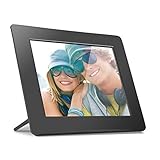 Aluratek 8 inch LCD Frame Aluratek 8 inch LCD Frame |
|
Check Latest Price |
 BSIMB 32 inch Anti-Glare Frame BSIMB 32 inch Anti-Glare Frame |
|
Check Latest Price |
 Yemsd 15.6 inch Calendar and Frame Yemsd 15.6 inch Calendar and Frame |
|
Check Latest Price |
 PiPivision 21.5 inch Wall Frame PiPivision 21.5 inch Wall Frame |
|
Check Latest Price |
 SwitchBot AI Art 13.3 inch E Ink Frame SwitchBot AI Art 13.3 inch E Ink Frame |
|
Check Latest Price |
1. Skylight 10 Inch Touchscreen Frame – Easiest Overall for Grandparents
Skylight Digital Picture Frame, Load from Phone Capability, 10″ Black
10 inch 1280x800 touchscreen
Skylight email address
Gift Mode preloading
Offline mode
Pros
- Unique email address means anyone can send without an account
- Matte finish keeps glare off the screen
- No subscription for basic photo sharing
- Preloads photos and a message before delivery
Cons
- Resize settings sometimes revert after a few weeks
- New photos need a Wi-Fi connection
- Corded power with no battery option
This is the frame we keep coming back to for the specific problem of grandparents, and the rating on the largest review base in this roundup backs that up. Setup is genuinely short: plug it in, join the home network, choose a Skylight email address, and you have a private inbox that accepts photos from anyone you give it to. There is no account for the recipient to create and no app for them to install.
The matte screen finish was the detail that convinced us. Glossy panels throw reflections from lamps and windows, which makes a photo harder to read for aging eyes. Reviewers repeatedly single out the picture quality and the glare-free viewing as the reason the frame lives on a mantel rather than in a box.
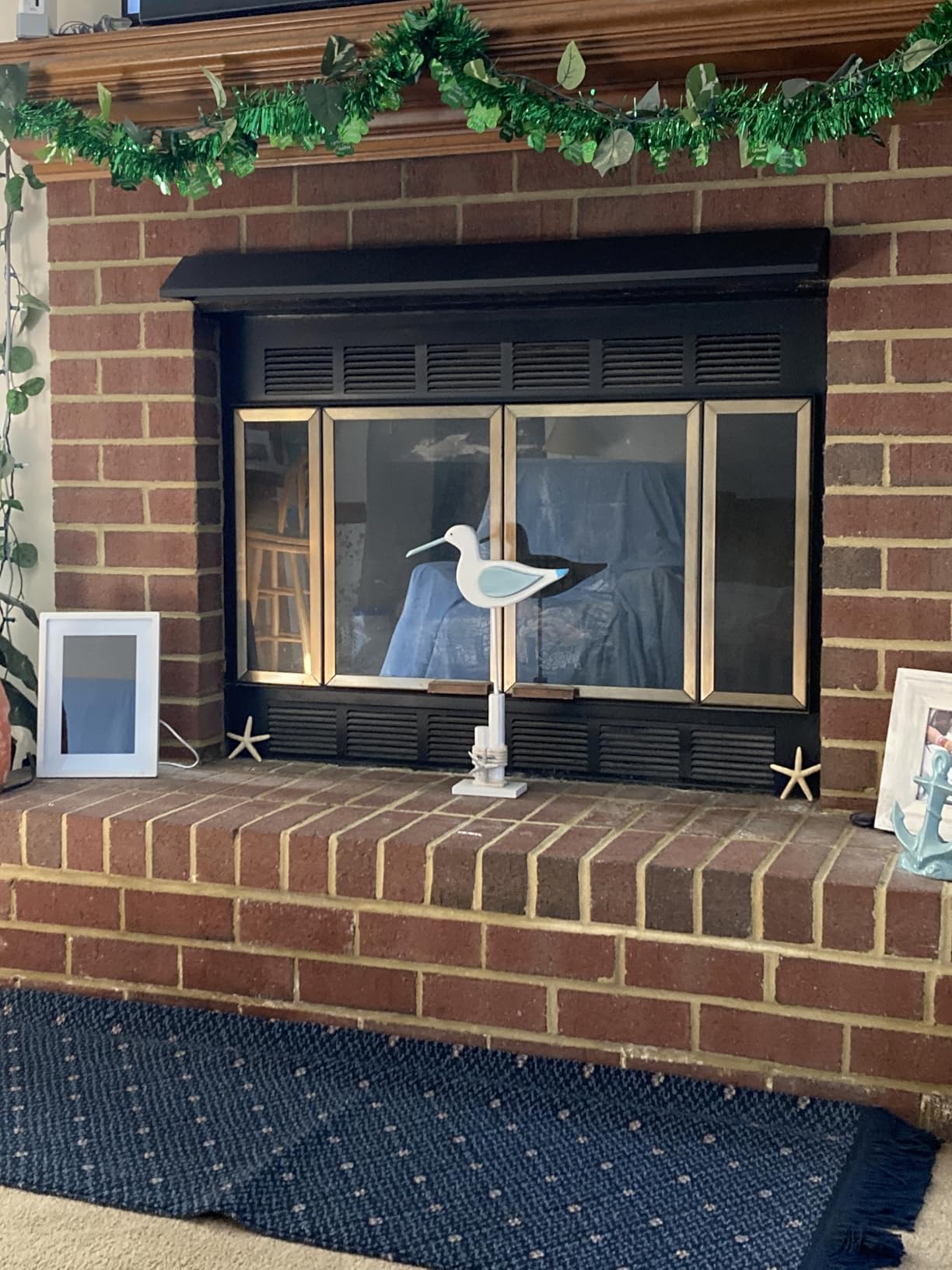
Gift Mode is the feature that changes this from a device into a present. You preload a set of photos and a short message before it ships, so the frame arrives already looking personal instead of showing a setup screen. Several reviewers describe exactly that moment, opening the box to find family pictures already rotating.
What we would flag is the Wi-Fi dependency and a quirk around photo resizing. Display preferences have been reported to revert to the original setting after a few weeks, which usually means re-choosing a layout from your phone rather than from the frame. New pictures also need a live network, so a frame in a cottage or a spare room will show whatever was last synced.
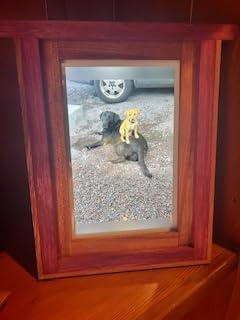
Why it works when nothing else does
The email address is the whole trick. A sibling, an aunt, a niece, anyone with a phone can attach a photo to an email and it appears on the mantel. That is a lower bar than opening an app, creating a login, learning a share sheet, or granting permissions. For a family spread across several states, it is the difference between photos actually arriving and photos sitting in a camera roll.
The offline mode matters too. Anything already on the frame keeps displaying when the network drops, so a Wi-Fi outage does not turn the screen black. That is not a feature most buyers look for and every buyer with a flaky router appreciates.
Where it falls short
There is no way around the power cord. Someone has to find an outlet, and if the frame lives in a room with no nearby socket, the cable runs across a walkway. Some households solve this by choosing a wall-mount model instead.
The touchscreen invites touching. It responds well and most users find it easy, but a screen that accepts fingerprints is a screen that eventually gets smudged, and for someone with tremor or arthritis, taps that land slightly off can open menus they cannot get out of. If that describes your grandparent, look at the Pix-Star LUX further down with its physical remote.
2. Aura Carver 10.1 Inch HD Frame – Free Unlimited Storage, No Fee Ever
Aura HD Digital Picture Frame | Carver: The Best Frame for Gifting (Black, 10″)
10.1 inch HD touchscreen
Free unlimited storage
Share by app email or text
Auto-brightness
Pros
- No subscription fee for unlimited photo and video storage
- Share from iCloud or Google Photos without downloading anything
- One-minute setup suited to older users
- Display calibrates to ambient lighting
Cons
- Costs more than most 10 inch frames
- Video clips capped near 30 seconds
- Screen mirroring needs a Windows PC
The strongest argument for Aura over every rival here is the absence of a recurring fee. Photo and video storage is unlimited and free, with no paid tier that unlocks basic sharing years later. For a gift that is expected to keep working after the novelty wears off, that removes the most common long-term complaint in this category.
Sharing paths are unusually broad. You can send from the app, by email, by text message, or straight from an iCloud or Google Photos library, which matters because half the family is on one and half on the other. Setup is described as roughly a minute, and the listing copy names parents and grandparents as the intended users.
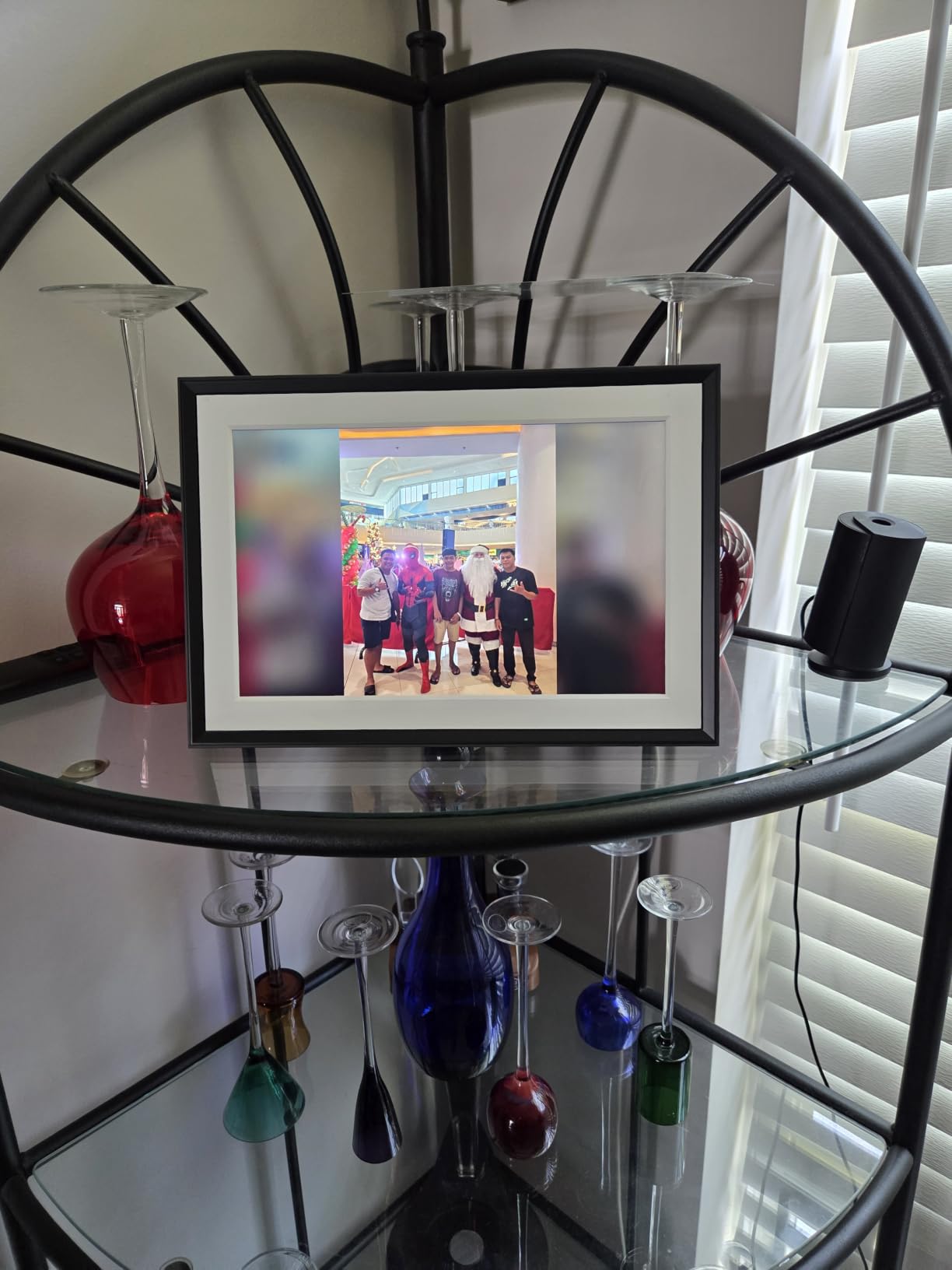
The screen auto-adjusts brightness to the room, so it is readable in a bright kitchen in the morning and does not glow at night. Reviewers also point to how well the frame blends into existing decor, which sounds cosmetic but decides whether an older relative leaves it on the sideboard or moves it into a drawer.
Video is the compromise. Clips play with sound and run about thirty seconds, so short birthday candles work and longer events do not. Screen mirroring from a computer is listed as Windows-only, which is a small annoyance if your household is Mac-based.
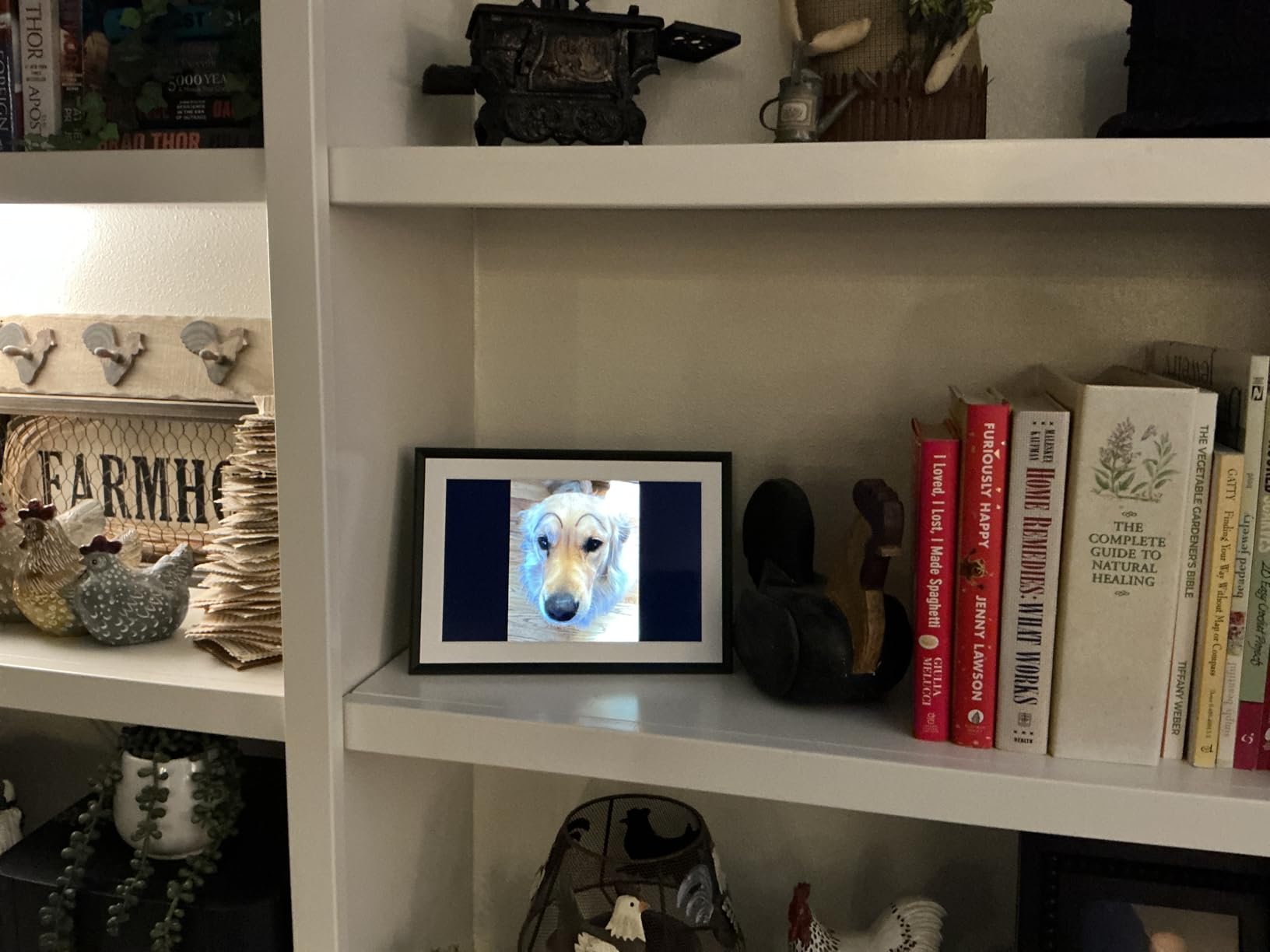
Best for families that hate recurring fees
If you have ever bought a frame and then discovered that viewing photos from a phone required a paid plan, this is the one to buy. The free tier here is not a trial. It is the product, and it does not expire.
There is also a genuine recovery advantage. Cloud libraries from Apple and Google can be re-linked at any time, so a lost account is less catastrophic than it is on a system where your photos only exist inside someone else’s app.
What you give up for the polish
It sits at the higher end for a 10-inch frame, and you are paying for the brand, the packaging, and the auto-brightness behaviour. Families on a tight budget will find more capacity per pound in the Frameo models further down.
It still needs a cord and a router nearby. Neither this frame nor its rivals solves that problem, and it is worth measuring your mantel before you commit rather than after.
3. akimart 10.1 Inch Frameo Frame – 32GB Without a Subscription
32GB FRAMEO 10.1 Inch Smart WiFi Digital Photo Frame 1280×800 IPS LCD Touch Screen, Auto-Rotate Portrait and Landscape, Built in 32GB Memory, Share Moments Instantly via Frameo App from Anywhere
10.1 inch 1280x800 IPS screen
32GB built-in memory
Frameo app photo sharing
Auto-rotate stand
Pros
- Holds tens of thousands of photos with no subscription
- Several family members can add pictures
- Durable plastic body that survived drops
- Captions help identify people
Cons
- Sender name and date are printed under captions and cannot be removed
- Video limited to about 15 seconds
- Only accepts JPG and MP4 formats
This Frameo-based frame is the value pick for anyone who wants a lot of storage and refuses to pay a monthly fee for it. Thirty-two gigabytes inside the frame means tens of thousands of pictures live on the device itself, so playback does not depend on a cloud connection continuing to work.
Sharing runs through the Frameo app for iOS and Android, and multiple relatives can send to the same frame once they have the code. The auto-rotate stand is genuinely useful, letting the same frame sit upright for a portrait of a grandchild or sideways for a landscape shot of a holiday.
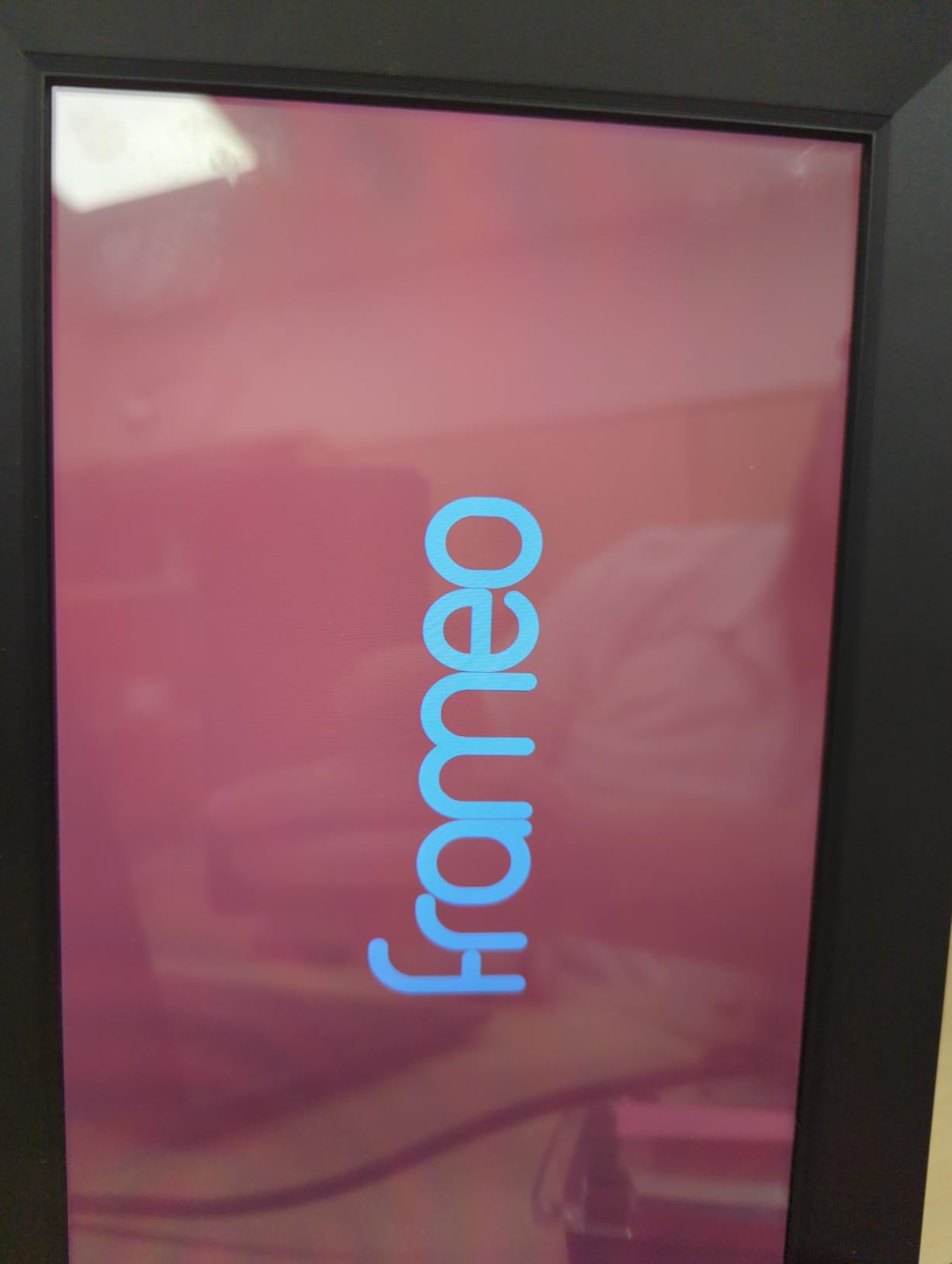
Build quality came up more than once in reviews, with owners noting the frame survived drops without cracking. That matters in a household where the device lives on a low shelf near a walking route and gets moved around to make room for mail.
Calendar sync with iCloud, Google, Outlook, and Yahoo is a nice extra for a kitchen, and collage mode can show six photos at once, which helps when a single image feels lonely on a ten-inch screen.
Why families with big libraries like it
The math is simple. A family that scans albums every few years will fill a small frame quickly and start deleting things they want to keep. Thirty-two gigabytes removes that pressure entirely, and it does so without a subscription.
The microSD expansion slot is there if you ever need more, though for a grandparent gift most people never touch it once the internal storage is loaded.
The caption setting that causes confusion
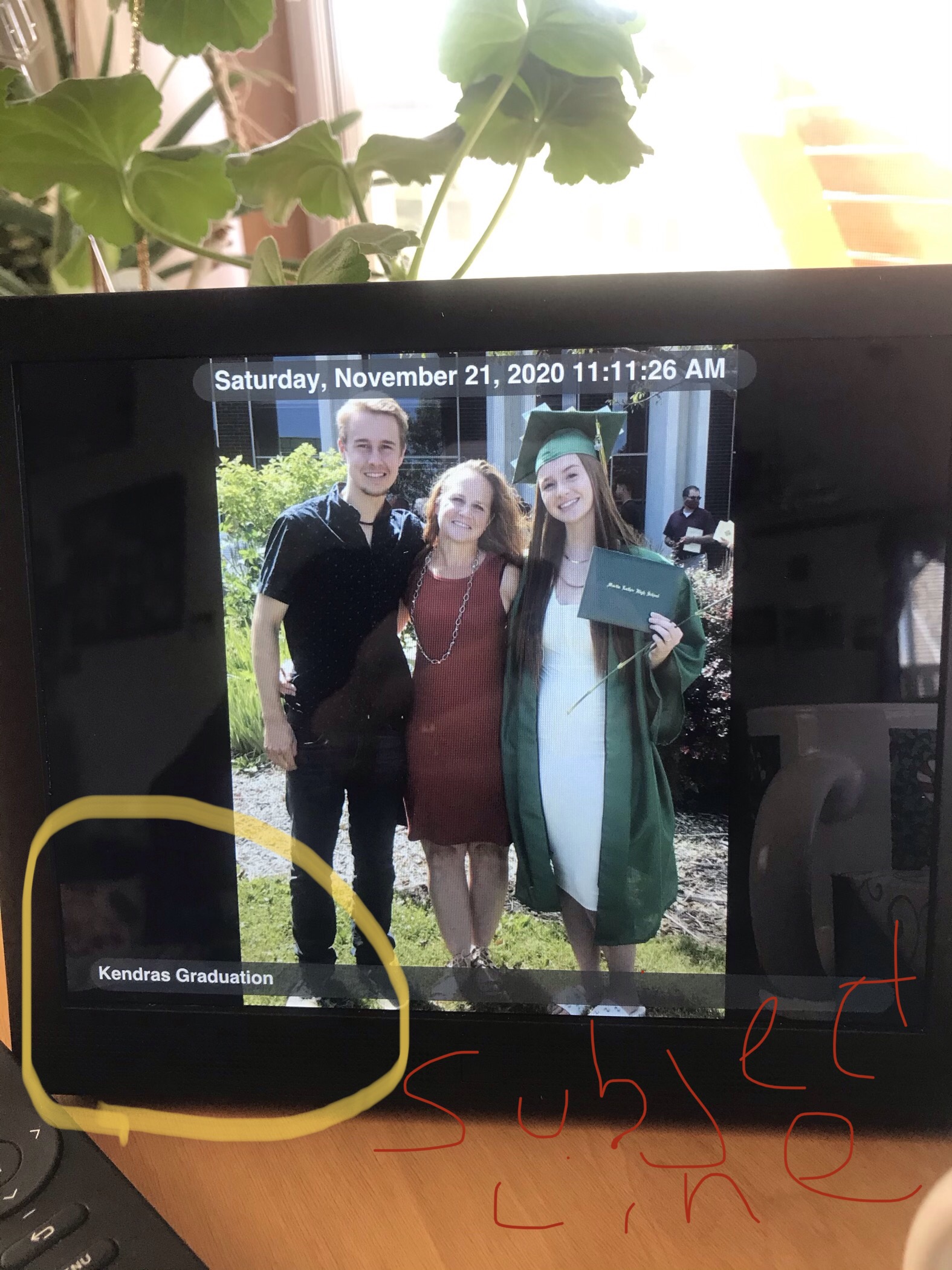
Every photo arrives with a caption showing the sender’s name and the submission date, and that line cannot be switched off. One review describes this causing repeated confusion for a grandparent with dementia, since an unfamiliar name under a familiar face reads as a stranger.
If memory care is part of your situation, test this one carefully with the specific relative in mind, or choose a frame that lets you disable captions entirely. Some files also need converting before they will load, since only JPG and MP4 are accepted.
4. AEEZO 10.1 Inch Wi-Fi Frame – Brightest Screen on a Budget
AEEZO Digital Picture Frame, 10.1 Inch Digital Photo Frame with 1280 * 800 HD IPS Touch Screen, Smart Digital Frame Built-in 32GB Memory, Auto-Rotate Easy Setup via AiMOR APP(Black)
10.1 inch 1280x800 HD IPS screen
32GB internal storage
AiMOR app sharing
Light sensor brightness
Pros
- Sharp bright display at the lowest cost in this roundup
- 32GB holds more than 50000 photos
- Gravity-sensor rotation works reliably
- No subscription for photo sharing
Cons
- SD card media must be imported before playback
- App cannot delete a photo sent by mistake
- One report of the touchscreen locking up after a year
If the budget for a gift is fixed and you want a bright screen rather than a large one, this frame delivers more per pound than anything else we tested. The IPS panel is sharp with adjustable brightness, and an ambient light sensor handles the dimming automatically once you turn it on.
Thirty-two gigabytes of internal memory holds a very large library, and the AiMOR app lets you grant upload access to family and friends individually. That invite-only approach is the right default for a device sitting in an open-plan living room.
The listing copy names parents, grandparents, and children as the intended users, and reviewers describe the setup as straightforward with quick uploads afterward. There is a one-year manufacturer warranty and lifetime support behind it.
Fill Frame mode fills the screen with the image instead of leaving borders, and a gravity sensor rotates the picture when you turn the frame. Both are small touches that reduce the number of times someone has to intervene.
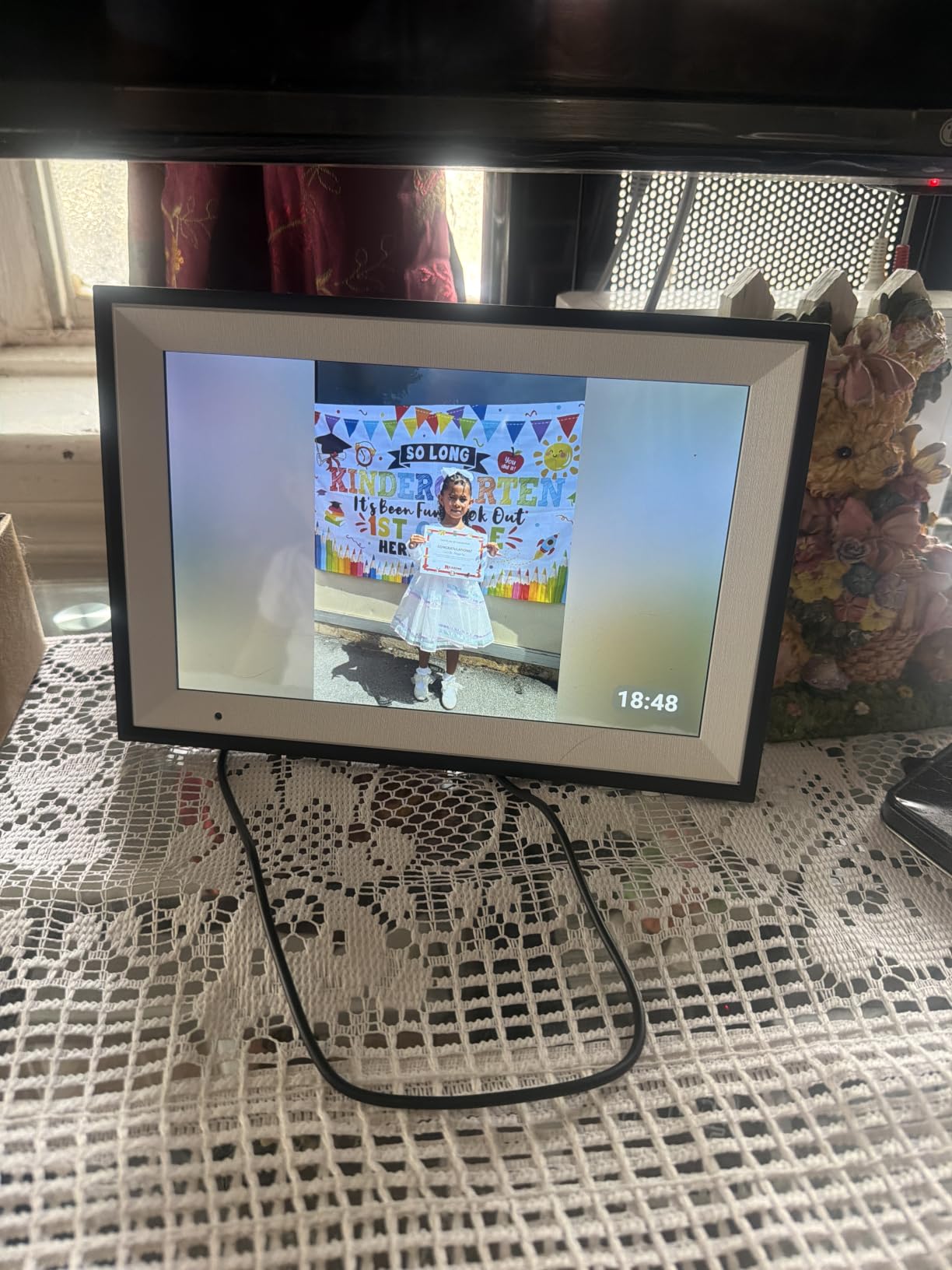
Best when the budget is the deciding factor
This is the frame to buy when the recipient would be thrilled by a big bright screen and would be less thrilled by a subscription. Sharing a dozen family photos costs nothing forever, and the storage is more than most households will fill in a decade.
For grandparents who live with a family member who handles tech, the simplicity of one app and one shared access list is the appeal. You become the person who sends photos, and nothing is asked of them.
The quirks to know before buying
Two things catch people out. Photos and videos on an SD card have to be imported into internal memory before they will play, which makes the card more of a loading tool than a display source. And if you send the wrong photo by mistake, the app cannot remove it, so you have to do it on the frame itself.
Wi-Fi discovery is also a recurring mention. Some networks do not appear in the app list and there is no rescan button, so a router restart can be needed during setup. Do the configuration where the router is, not at the mantel.
5. Pix-Star LUX 10.4 Inch Wi-Fi Frame – Remote Control and Offline Playback
Pix-Star LUX 10.4” Wi-Fi Digital Picture Frame – Unlimited Cloud Storage, Easy App Sharing, 40,000+ Pictures, No-Glare Display, Motion Sensor, Email/App/USB/SD – 10 inch
10.4 inch no-glare 4:3 display
Remote control included
Offline playback
Free cloud backup
Pros
- Remote means the screen stays free of fingerprints
- 4:3 ratio shows photos as they were taken
- Keeps displaying photos when Wi-Fi drops
- Two-year warranty and fast support
Cons
- Menus take a week to get used to
- Cloud uploads are slow in large batches
- No battery so it must stay plugged in
This is the frame we recommend when the person receiving it has hands that shake, or joints that ache, or simply no interest in touching a screen. Navigation happens on a physical remote, so the display never collects fingerprints and there is nothing to tap by accident.
It is also the only Wi-Fi frame here that genuinely shrugs off a network outage. Photos already loaded keep playing from internal storage, from an SD card, or from a USB stick, so a router reboot in the middle of the evening does not leave a blank rectangle on the wall.
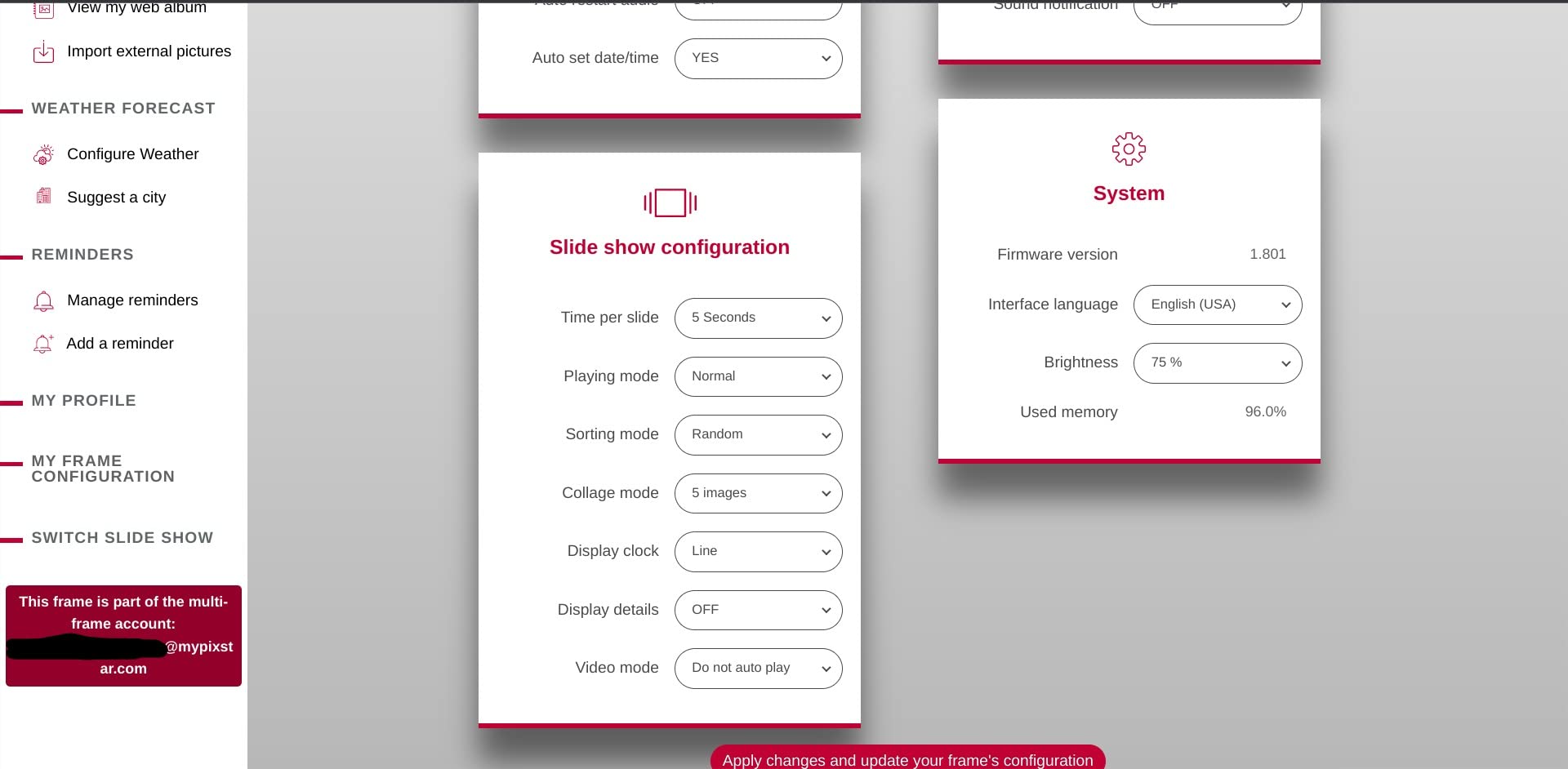
The 4:3 no-glare panel is a deliberate choice. Family photos from prints and albums are usually 4:3 or 3:2, so this screen shows a portrait of a grandchild without cropping their head off or adding black bars down the sides. The matte surface also cuts reflections from lamps and windows.
Cloud backup is free for life and the entire library can be restored if the frame is ever replaced or lost, which is the single most reassuring feature for a gift. One grouped account manages up to twenty-five frames, handy for a large family.
Best for grandparents who should not touch anything
Operation is one button. Press it to pause, press it again to resume. That is the entire interaction model, and it removes the entire category of problems where a relative accidentally deletes a photo or opens a settings menu they cannot exit.
Sharing options are broad, covering the app, the frame’s own email address, Google Photos, Dropbox, OneDrive, Flickr, USB, and SD. Whatever a relative already uses to store photos, they can send from there directly.
The learning curve to expect
The menus are deeper than the one-button framing suggests, and reviewers note it takes about a week for most people to stop hunting through them. Nobody needs to learn it in detail. Set the schedule and the rotation once, and the frame runs unattended for years.
It still needs a cord, and large batch uploads to the cloud are slow, so send a few photos at a time rather than a whole album dump in one go.
6. Pastigio 15.6 Inch FHD Frame – Biggest Screen at a Mid-Range Cost
Digital Picture Frame, Frameo 15.6” Digital Photo Frame WiFi Large Display
15.6 inch 1920x1080 FHD screen
Frameo app sharing
Wall mount with stand
SD or USB transfer
Pros
- Screen size makes older photos and faces easy to read
- Works without Wi-Fi using SD card or USB
- Vibrant colour in several finishes
- React emoji replies back to senders
Cons
- Wi-Fi uploads can stall and need a reboot
- Bulk uploads may take time to appear
- Remote management and longer video need a paid plan
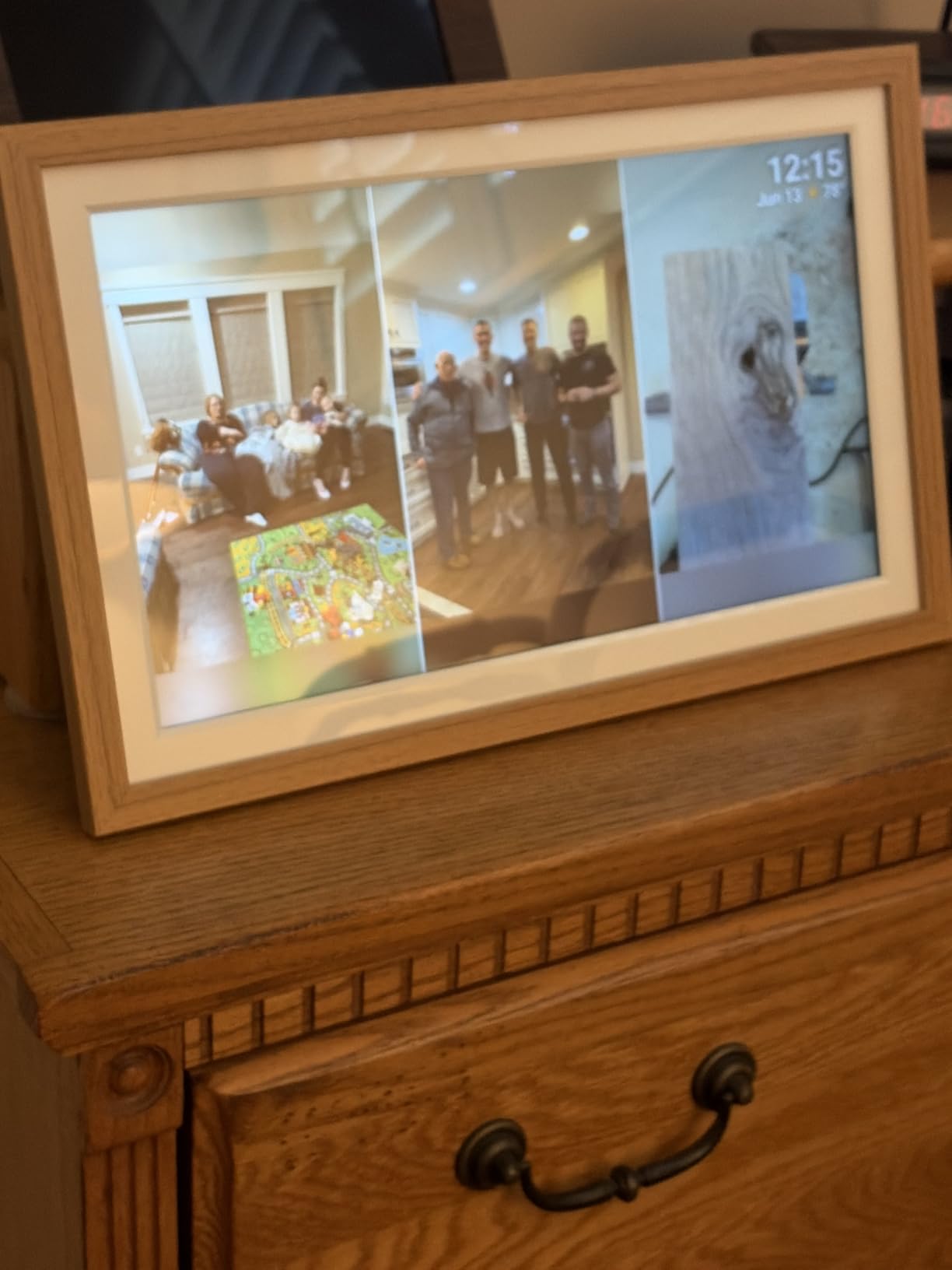
Screen size is the single biggest factor for declining eyesight, and at 15.6 inches this frame changes what a grandchild’s face looks like from across a room. Reviews describe this as the deciding factor for grandparents, with older photographs from decades past showing more detail than they do on a hand-sized screen.
It is also usable without Wi-Fi. Photos can be loaded from a full-size SD card, a FAT32 USB drive, or a Windows computer over USB-C, which makes it a good choice for a house with poor internet or a room far from the router.
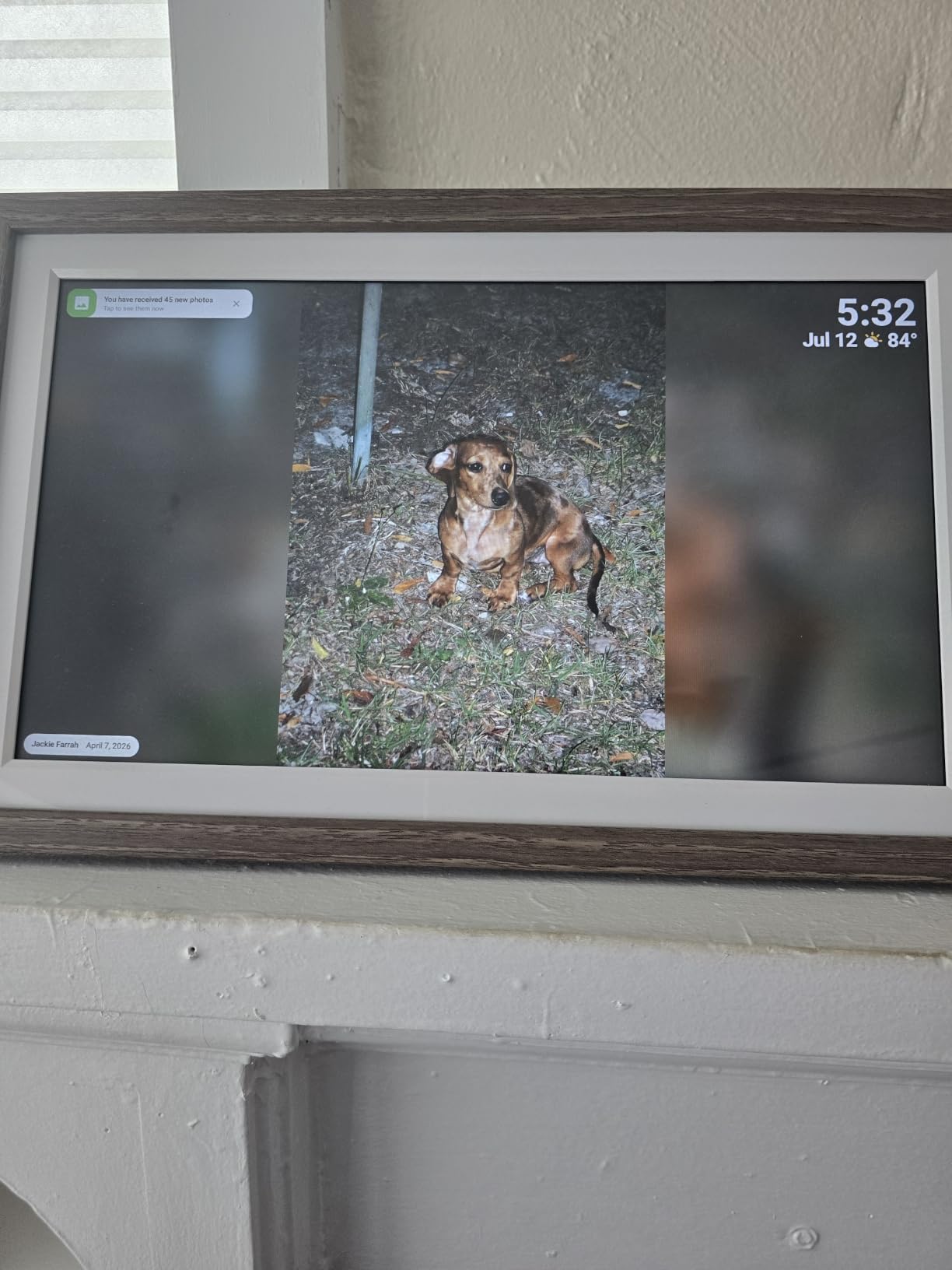
The wall mount is included with a stand, so you can choose to hang it or lean it. Thirty-two gigabytes of built-in memory covers a large family library, and React emoji replies let the recipient send a heart back to whoever sent the photo, which turns a one-way gift into a conversation.
Fill Frame and subject selection help with composition, and auto-rotation handles the orientation switch. Several finishes are available, which matters when the frame is going to sit in a living room rather than a bedroom.
Why bigger is genuinely better here
Viewing distance decides this. Someone sitting three feet away gets real benefit from 15.6 inches and little from the difference between 10 and 10.1 inches. If the frame will hang on a wall at eye level or sit across the room on a sideboard, size solves more than any software feature.
Reviews repeatedly mention that relatives who dislike technology took to this frame because it simply showed pictures without asking anything of them. That matches the no-interaction model exactly.
What could interrupt the experience
Wi-Fi uploads are the weak point. Some users report transfers stalling and needing the frame rebooted, and a large batch may take a while to show up in full. Sending a handful of photos at a time is more reliable and gives the grandparent something new sooner.
Remote management and longer video sit behind a paid annual plan. Basic photo sharing does not, but check the current tier boundaries before you rely on remote admin later on.
7. FANGOR 15.6 Inch 64GB Frame – Best for Video Clips With Sound
64GB 15.6″ Large Digital Picture Frame, Uhale WiFi Electronic Photo Frames with 1920 x 1080 FHD IPS Touch Screen, Support Auto-Rotate Wall Mounted SD&USB Card, Share Photos/Videos from Phone Instantly
15.6 inch 1920x1080 FHD screen
64GB built-in storage
Built-in speaker
Uhale app sharing
Pros
- Largest internal storage of any frame we tested
- Built-in speaker adds sound to video clips
- Invite-only access keeps the frame private
- Wall mountable with auto-rotation
Cons
- SD and USB media must be formatted to FAT32
- App video uploads capped near 2 minutes
- No battery so it needs a constant connection
Sixty-four gigabytes of internal storage is more capacity than any other frame in this roundup, enough for a very large family archive. If your relatives are the kind who rescan shoeboxes every few years, this removes the conversation about deleting things.
The built-in speaker is what separates it from most frames its size. Video clips play with audio, and relatives can hear a first word or a bit of a birthday song without adding a separate speaker. Uploads through the app run up to about two minutes, while files moved by SD card or USB have no time limit.
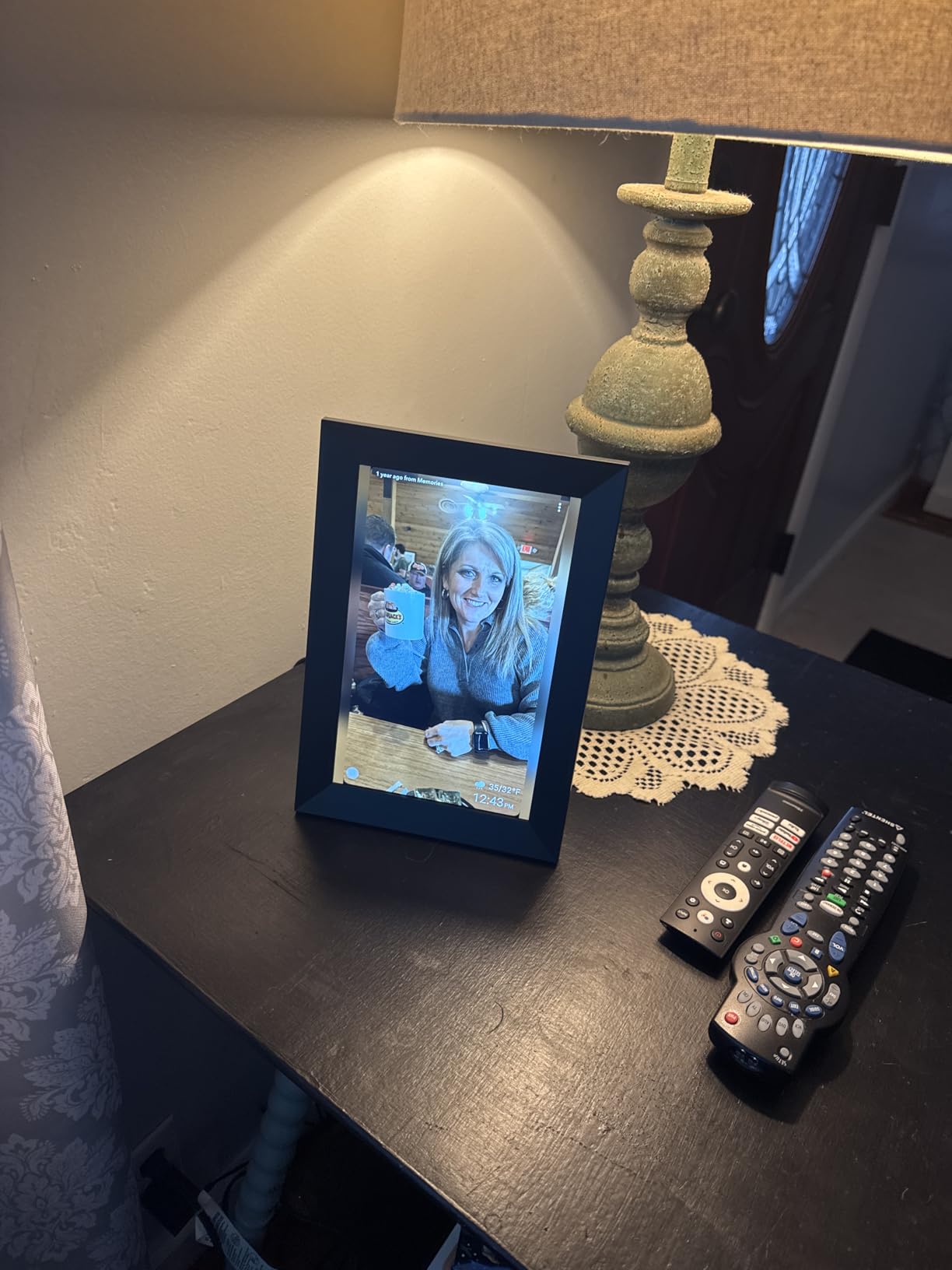
Access through the Uhale app is invite-only, so only the people you list can add pictures. That is the right default for a large screen sitting in a room where visitors can see it, and it avoids the surprise of a stranger’s holiday photo appearing on the family wall.
The brand also lists a 365-day warranty and lifetime technical support with responses aimed at within 24 hours, which is worth something on a device that will sit unattended in someone else’s house.
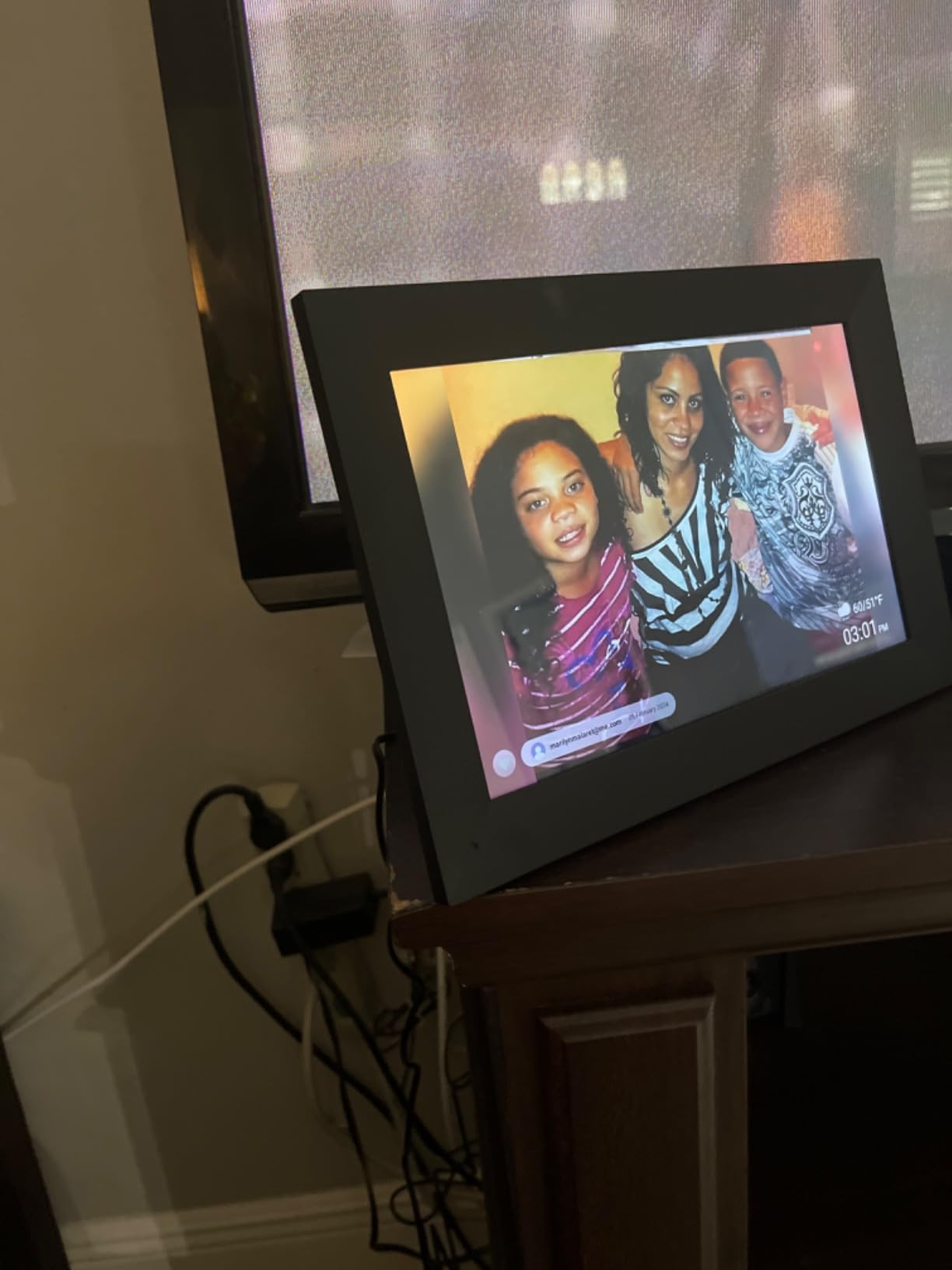
Best when you want family video, not just photos
Most digital frames handle video as an afterthought with no audio. This one treats it as a feature, which makes it the pick for relatives who respond to hearing a grandchild say something rather than seeing a still image.
Auto-rotation, weather, clock, photo titles, slideshow mode, and playback order are all adjustable, and blessing templates give you a quick way to add a caption to a photo without typing.
The formatting gotcha to plan for
SD cards and USB drives must be formatted to FAT32 before use, and larger capacity cards are reported to be unreliable. That is a five-minute job on a computer but it is a real stumbling block if you assumed the frame would simply read whatever you plugged in.
There is no internal battery, so it needs a permanent power connection. Plan the cable route before the frame arrives rather than after.
8. Aluratek 8 Inch LCD Frame – No Wi-Fi, No App, No Fees
Aluratek 8 Inch LCD Digital Photo Frame with Auto Slideshow Using USB SD/SDHC (ADPF08SF) – Black
8 inch 4:3 LCD display
Automatic slideshow from USB or SD
No Wi-Fi app or fee needed
Pros
- Works with no Wi-Fi and no account ever
- Slideshow starts as soon as media is plugged in
- Compact and light enough to move between rooms
- Sharp screen for its size
Cons
- Picky about file names and can lock up silently
- Reports of random reboots after a few days
- Short power cord and no battery option
This is the frame for the house with no reliable internet, the relative who refuses all accounts, or anyone who wants a device that will still work in five years. Plug in a USB stick or an SD card and the slideshow starts. There is no network, no app, no login, and no fee.
That simplicity is why we still include it. For a grandparent whose only technology is a television and a kettle, a frame with no account concept is the least likely device in this list to end up in a drawer.
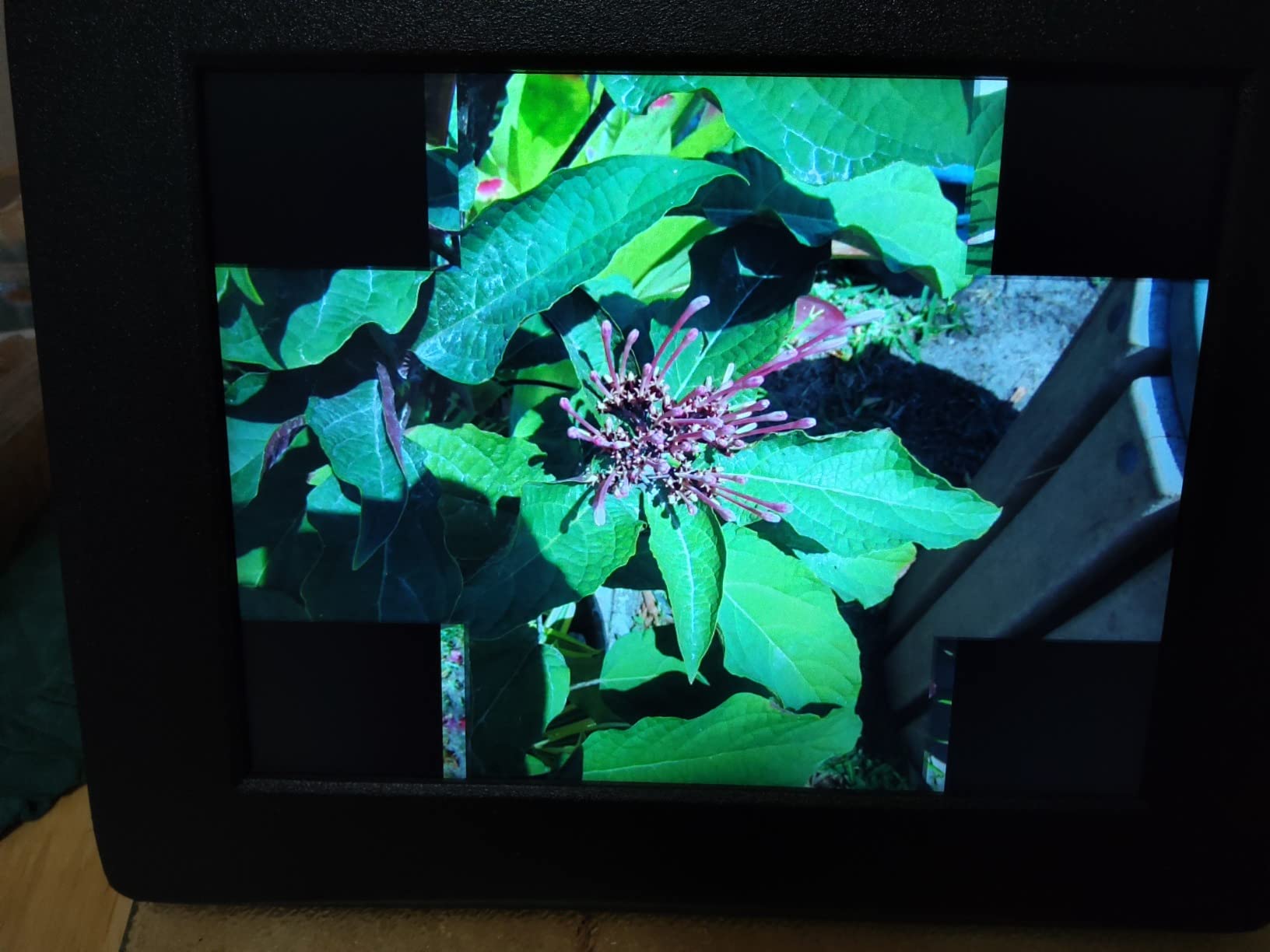
The removable kickstand lets it sit on a table or hang on a wall, and at eight inches it is compact enough for a small shelf or a travel bag. Rear push buttons handle sizing, transitions, and brightness for anyone who wants to adjust it.
Preparation is the whole game here. Rename your files to something plain before copying them across, because the frame is fussy about unusual names and can stall without telling you why.

Best when the Wi-Fi is the problem
Relatives in rural areas, in hospital rooms, or in homes where the router is a source of frustration will never send new photos to this frame. That is the trade. You refresh it in person when you visit, which for some families is a perfectly acceptable trade for a device that never stops working.
It also makes an excellent second frame. Put a Wi-Fi model in the living room for daily updates and this one in the bedroom or a spare room, loaded with a fixed rotation of family photos.
Where the savings come back as friction
The rating here is the lowest in the group, and the complaints explain why. File-name sensitivity, occasional random reboots, and a shuffle mode that restarts the same sequence every time all show up repeatedly in reviews.
The screen is 800 by 600, which is modest, and the slideshow interval tops out around five seconds. It is a set-and-forget device rather than one you will want to fiddle with, which is exactly the point.
9. BSIMB 32 Inch Anti-Glare Frame – A Family Photo Wall
BSIMB 32″ Digital Picture Frame, Anti-Glare Screen, Dual-Band Wi‑Fi, 64GB
32 inch 1920x1080 anti-glare screen
64GB memory
Remote control included
Wall-mountable
Pros
- Statement-size display that works like a gallery wall
- Remote control keeps operation to one button
- USB and microSD expansion on top of 64GB
- Share a code so several relatives can add photos
Cons
- Highest cost in this roundup by a wide margin
- Remote batteries are not included
- USB and microSD need an adapter that is not included
At thirty-two inches this is not a mantel frame, it is a wall display. If your grandparent has a blank wall in a hallway or a family room and can mount something properly, this turns it into a continuously changing gallery of the people they love.
The matte anti-glare finish matters more at this size than at any other. A glossy thirty-two-inch panel in a sunlit hallway is a mirror, and the whole point is defeated if they cannot see the photos from across the room.
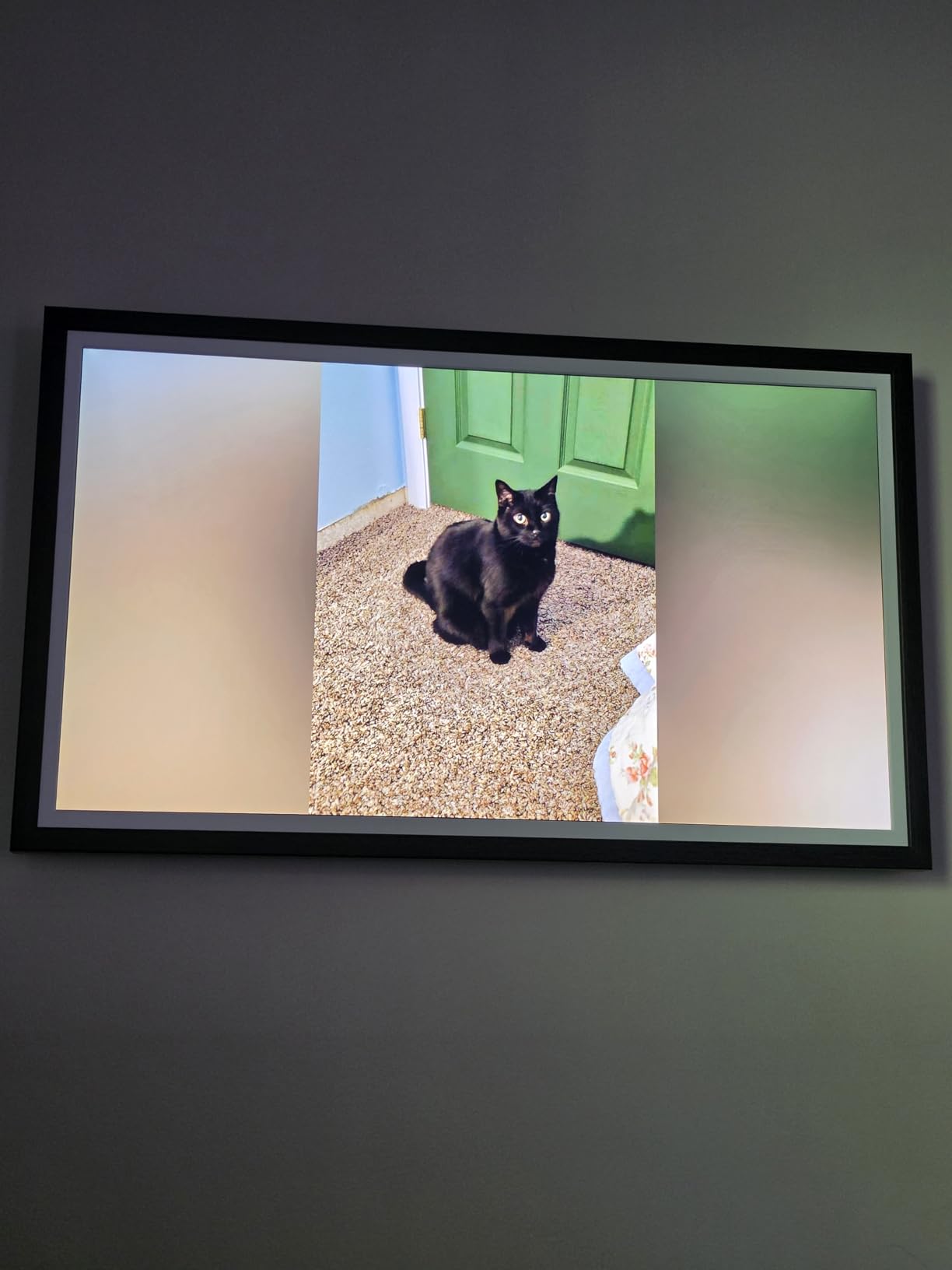
A remote control is included for older or less technical users, which is the right call at this size because nobody wants to walk across a room to touch a screen that size. Dual-band Wi-Fi means it connects on both the 2.4 and 5 GHz bands, so it is more likely to find a stable network in a larger home.
Sharing runs through the VPhoto app or by email, and you can share a photo code so several relatives add to the same frame without passing around login details.
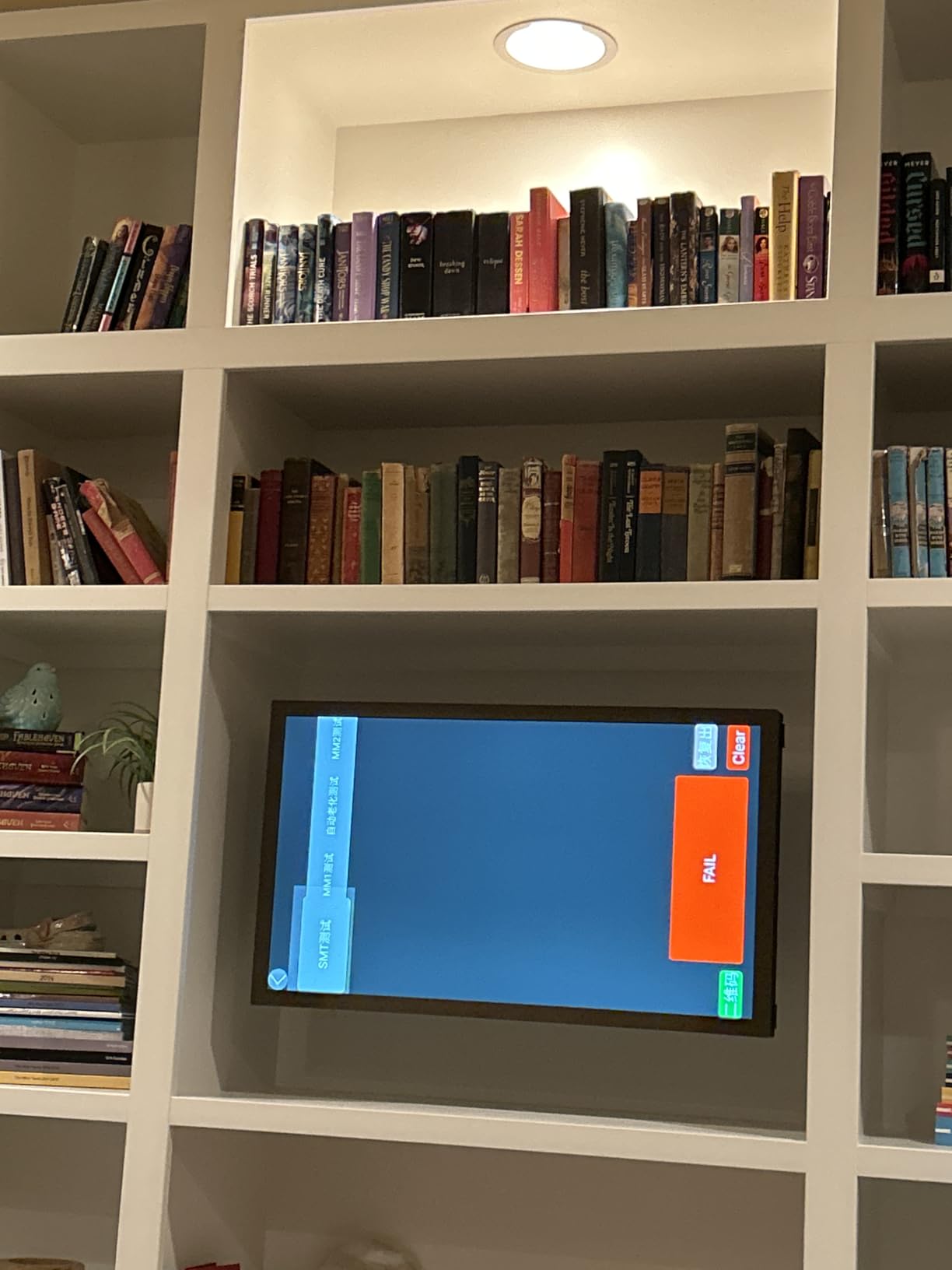
Best when the wall is the destination
If you have a blank wall and someone willing to run a cable to it, the payoff is immediate. Grandchildren at school, holidays, and ordinary Tuesdays all cycle through automatically, and nothing has to be printed, framed, or swapped.
The rotation and wall-mount design let you mount it in landscape or portrait depending on the wall, and sleep mode scheduling stops it glowing through the night.
The honest drawbacks
This is by far the most expensive frame we looked at, and the satisfaction numbers are correspondingly softer, with a higher share of critical reviews than the smaller models. Some of that is value for money, some is missing accessories.
Remote batteries are not included, and expanding storage by USB or microSD requires a converter that is not in the box. Both are small costs but both surface in the first week of ownership.
10. Yemsd 15.6 Inch Calendar and Photo Frame – Two Jobs on One Wall
15.6″ Digital Calendar Wall Touch Screen, Chore Chart, Photo Frame, Bases
15.6 inch glare-free screen
Family calendar and chore chart
Real-time cloud sync
32GB expandable
Pros
- Calendar and photo display in one wall unit
- Real-time sync across Google Outlook and iCloud
- Several family members can edit at once
- Two-year warranty with 24 hour support
Cons
- Photos only display when the calendar is idle
- Batteries not included for full day wall use
- Chore features are aimed at children not grandparents
This one does two jobs. It is a wall-mounted family calendar with meal planning and a chore chart, and it becomes a photo frame whenever the calendar is idle, with AI restoration applied to older images in slideshow mode.
The calendar side is genuinely well built for households. Google, Outlook, and iCloud calendars sync in real time, and multiple family members can edit simultaneously, so a grandchild’s school event can be added by a parent without asking anyone.
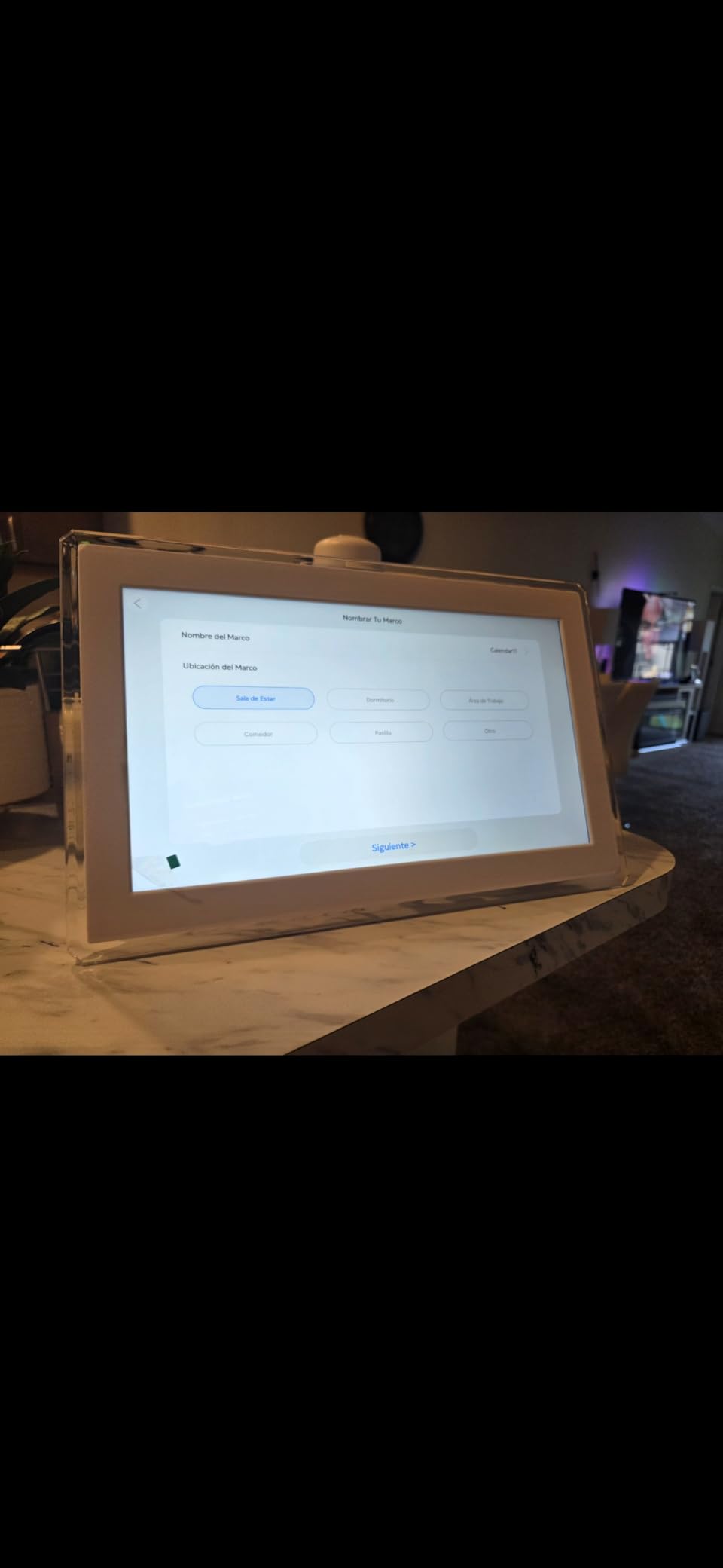
For a grandparent, the useful part is the reverse: the family gets visibility into appointments they might otherwise miss, and a shared screen everyone in the house can read. No subscription fee is attached to the calendar sync, which is unusual for this category.
The fifteen-inch screen is glare-free and readable across a room, and both wall and desk mounting hardware are included. Storage expands to thirty-two gigabytes for the photo side.
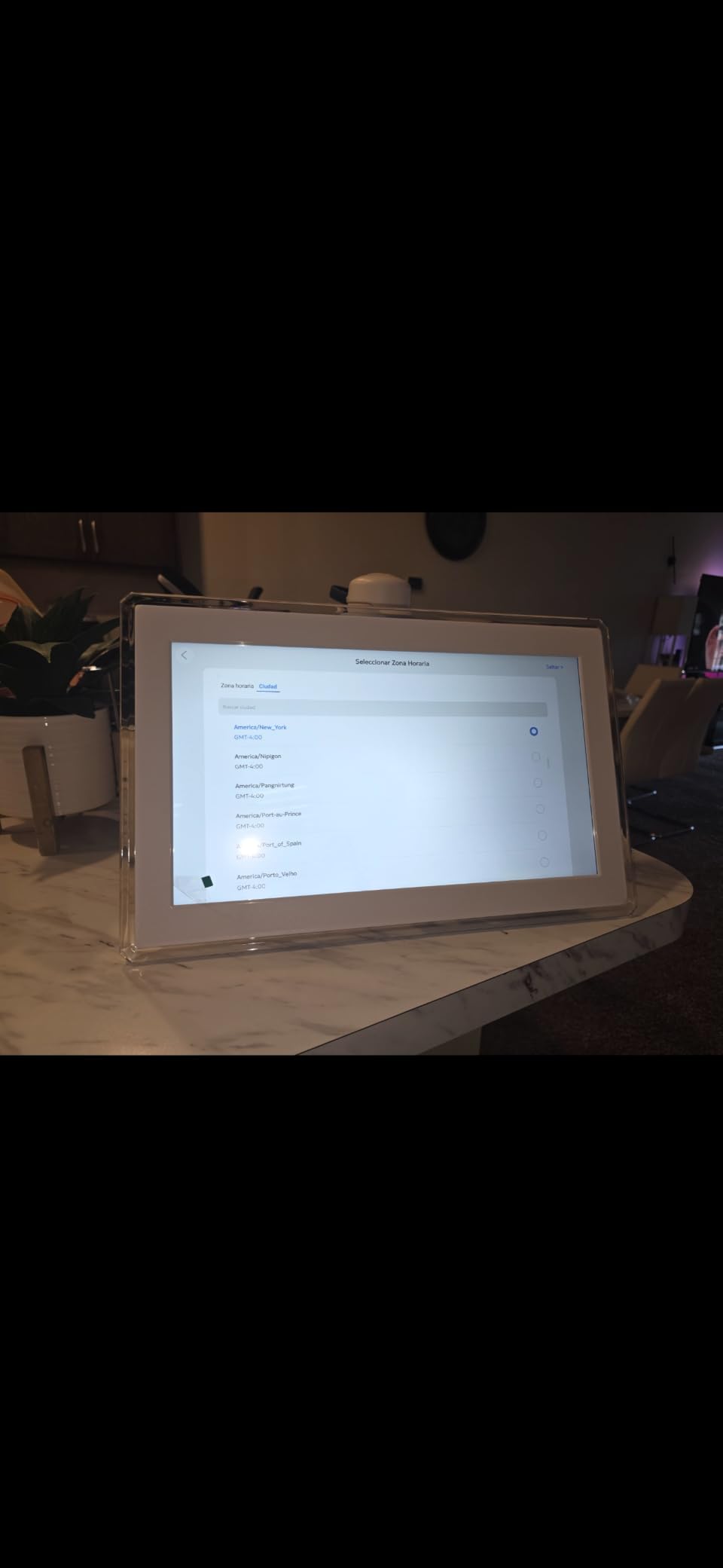
Best for a household that runs on a shared schedule
If the family already coordinates through shared calendars, this puts that schedule on a wall where a grandparent will actually see it, without anyone needing to open anything. That is a different value proposition from pure photo sharing, and for some households it is the more useful one.
It suits multi-generational homes where the same screen serves a parent managing carpools and a grandparent who wants to know when everyone is visiting.
Why it is not our primary photo pick
Photos only appear when the calendar function is idle, so the display alternates between two purposes rather than being a photo frame you can rely on. If someone puts a full week of events in, your grandparents may not see many pictures.
The chore and reward points features are built for children rather than older adults, and batteries are not included for a full day of wall use. It is a strong second screen for a busy kitchen, not a replacement for a dedicated photo frame in the sitting room.
11. PiPivision 21.5 Inch Wall Frame – Big Wall Display With On-Screen Browsing
21.5″ WiFi Digital Picture Frame, Large Wall Mounted Family Photo Display
21.5 inch 1920x1080 FHD touchscreen
Frameo app sharing
32GB built-in storage
Digital calendar
Pros
- Readable from across the room
- Recipients can react delete and read captions
- 32GB holds a large family library
- Long cord reaches most wall positions
Cons
- Frameo free tier limits sends to about 10 pictures at a time
- Orientation often needs re-adjusting after upload
- Videos play with sound in a shared room
At twenty-one and a half inches this sits in the gap between a mantel frame and a wall unit. The screen is bright with wide viewing angles, and the built-in digital calendar means it does something useful even when no new photo has arrived.
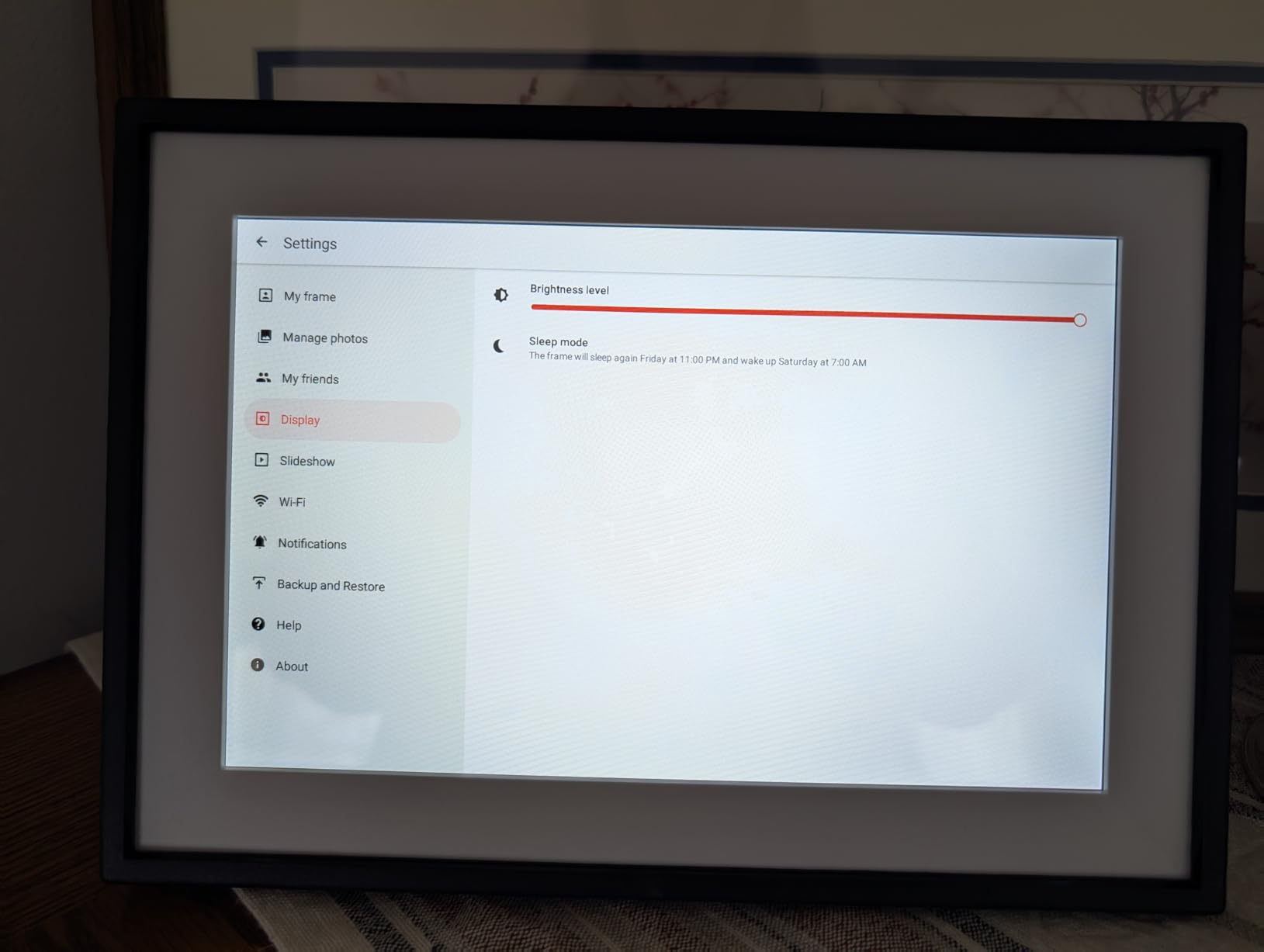
Unlike the fully hands-off frames, the touchscreen browses photos, manages albums, and adjusts settings on the device itself. That means the recipient can react to a picture or remove one they would rather not see, which some grandparents genuinely enjoy.
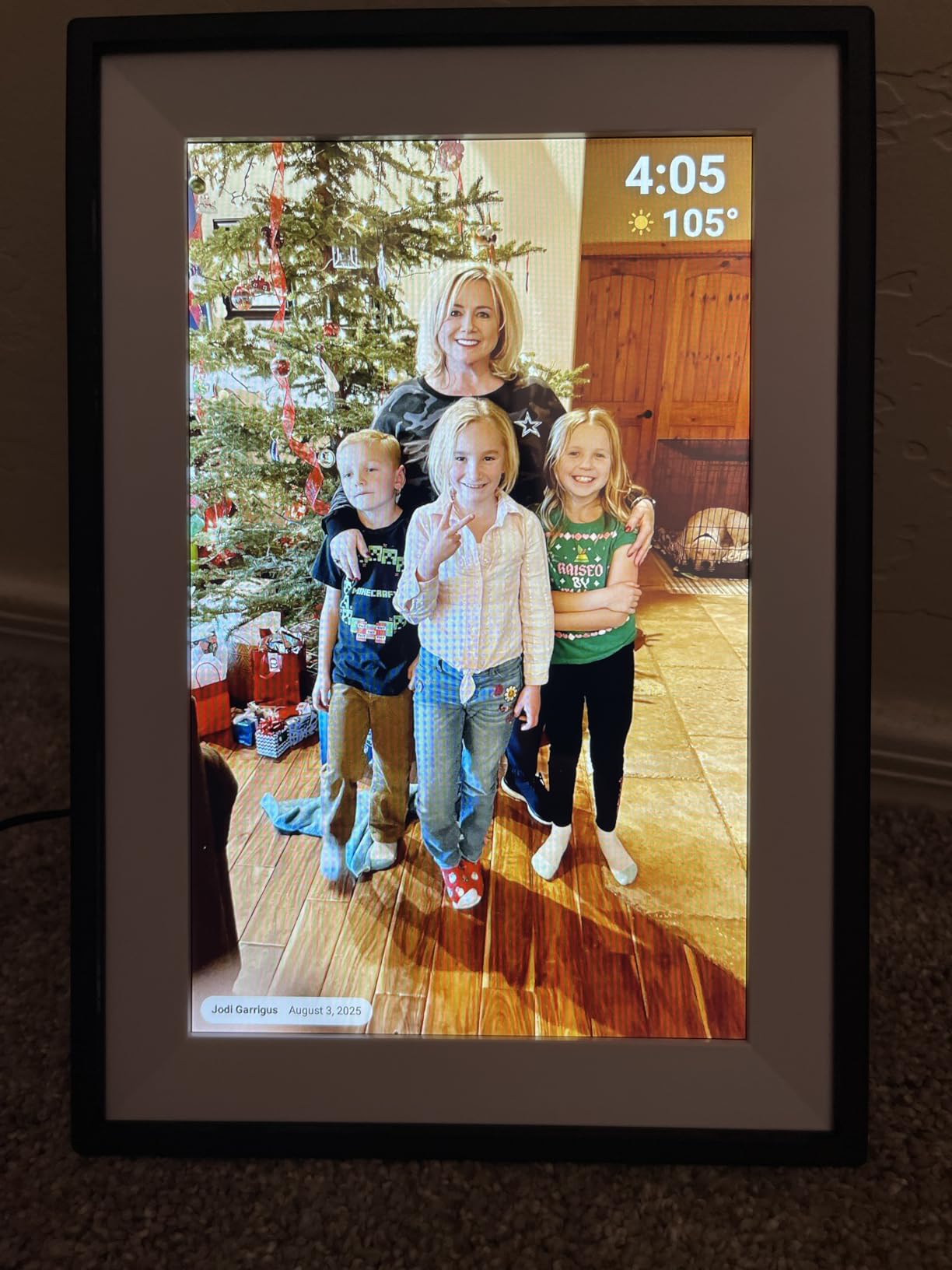
Reviews describe gifting these to parents and parents-in-law and then watching an entire extended family start sending in pictures once the frame was on the wall. Grandparents reacting to and captioning incoming photos is called out repeatedly as the emotional centre of the experience.
Thirty-two gigabytes of built-in storage keeps a growing collection intact rather than forcing you to delete older pictures as new ones arrive.
Best for a living room or hallway wall
Designed to be wall-mounted rather than leaned, it suits a living room, family room, bedroom, or hallway where it can be seen from several metres. The touchscreen at that size is usable for a capable older adult without feeling like a control panel.
Frameo sharing means family members use an app many already have installed on their own phones, which lowers the barrier for distant relatives.
What to check before you commit
The Frameo free tier limits sending to roughly ten pictures at a time, so uploading a whole album takes several rounds. Orientation and framing often need re-adjusting on the device after an upload, which is a small task but one you will be doing remotely.
Video plays with sound, which is worth considering if the room is shared or the frame sits near a bedroom wall. And with the smallest review base in this roundup, it carries less long-term history than the Skylight or Aura models.
12. SwitchBot AI Art 13.3 Inch E Ink Frame – Cordless and Quiet
SwitchBot AI Art Frame 13.3”, Electronic Ink Picture Frame, Wireless Digital Photo Frame, Long Battery Life, Alexa Compatible, Wall Decoration, Home Décor, AI-Generated Art, Gift for Art Lovers
13.3 inch E Ink display
2000mAh battery up to 2 years
Images persist without power
Alexa control
Pros
- No wires and no nearby outlet required
- Non-backlit screen has no glare and no night glow
- Images persist even when the battery is empty
- Light at 1.5 kg and easy to mount
Cons
- Photos look painterly and muted with coarse pixels
- Only stores about 10 images at a time
- AI art features need a paid monthly subscription
This is the only frame in the roundup that needs no cord. A rechargeable battery rated at up to two years of use at one refresh per week means you can mount it or stand it wherever the wall is, including a spot with no outlet nearby.
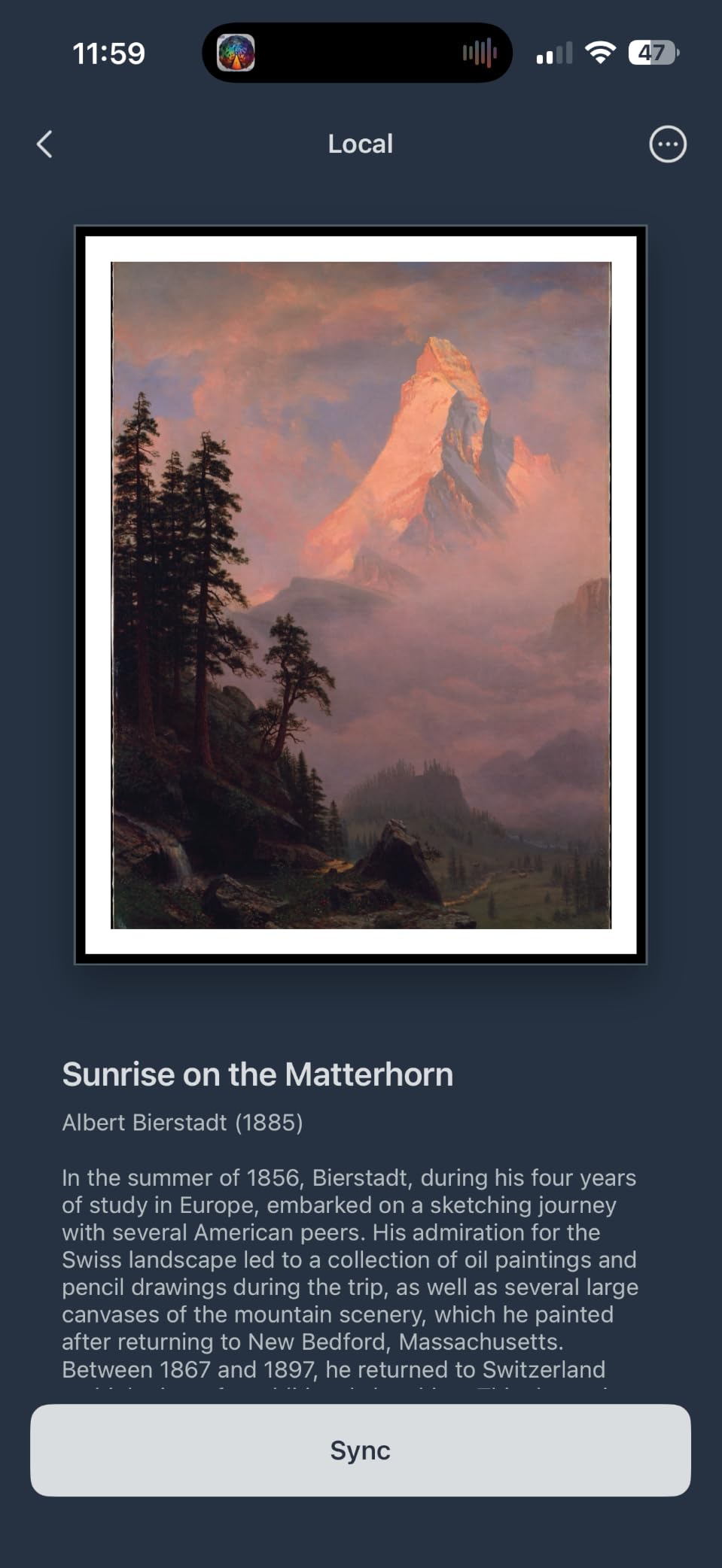
The electronic ink panel is non-backlit, so it produces no glare, no blue light, and no glow in a dark room. Enthusiasts describe it as the only digital frame that does not look like a screen, which matters for someone who finds a glowing rectangle in the living room unsettling.

Images persist on the panel even after the battery runs out, so the frame degrades gracefully instead of going black. Alexa voice control and scheduling by time of day, holiday, or event are supported through the SwitchBot app.
The box includes a charger, USB-C cable, mounting accessories, and spare frame mats, which is unusually complete for a wall-mounted device.
Best when there is no outlet and no screen is wanted
The cordless design solves a genuine problem. Some mantels and hallway walls have no nearby socket, and running an extension lead across a walkway is a trip hazard you should not accept in an older person’s home.
It is also the only frame here suited to a bedroom, since it emits no light while displaying.
Why it rates lowest in the group
Electronic ink renders photos painterly and muted rather than matching what a family member sees on a phone, and the pixel structure is coarse if viewed from close up. Reviewers also find images dark in dim rooms with weak colour.
Storage is limited to around ten images locally, and the AI art generation that gives this frame its name sits behind a paid monthly subscription. For family photos specifically, the visual compromise is real.
How to Choose a Digital Picture Frame Your Grandparent Will Actually Use
Start with the person, not the specification sheet. The single most useful question is whether your grandparent will ever be asked to do anything beyond turning the frame on. If the honest answer is no, choose a frame with a dedicated email address and a remote or button for everything else. The frame with the best screen in the world still fails if it asks an 80-year-old to create an account.
Next, size the screen to the viewing distance. A ten-inch frame works when someone sits two to three feet away, reading in an armchair. Fifteen inches and up makes a real difference once the frame is across the room or mounted on a wall. Our guide to choosing picture frames covers the traditional-print side of the same decision.
Check the subscription tier before you buy, not after
Recurring fees are the most common complaint in this category, and they usually appear after the gift when the free tier runs out. Look for frames where unlimited photo and video storage is genuinely free, including the Aura Carver and the Pix-Star LUX in this roundup.
Some Frameo-based frames gate remote management and longer video behind a paid annual plan while leaving basic sharing free. That is acceptable if your family sends a few photos a month. It is not acceptable if you intend to load several hundred images remotely.
Also confirm what happens if the person who set the frame up loses access to the account. A frame whose photos live only inside one person’s app is a single point of failure, and family members report this exact frustration. Frames with an email address or a cloud backup that survives a device change are more resilient.
Pre-load the frame before you give it
Set the frame up at your own home first, then ship or carry it. Load thirty photos, set the sleep schedule, disable anything you do not want touched, and check the display in a dim room at night.
This one habit removes most of the disappointment people report. A frame that arrives on a setup screen looks like homework. A frame that arrives already showing twenty family photos looks like love, and the recipient never learns that anything technical happened at all.
Write down the frame’s email address and account details on a card and leave it in a drawer, not in a photo frame on display. Whoever needs it in eighteen months will not remember which app it belonged to.
Plan for low vision, tremor, and memory care
For low vision, go larger than you think you need and put the frame where the light is indirect rather than facing a window. Avoid gloss, which turns a bright room into a mirror. For tremor or arthritic hands, choose a frame with a physical remote, because the touchscreen models collect fingerprints and produce accidental taps that lead nowhere.
For memory care, the Frameo caption setting deserves a specific warning. On some frames every photo carries the sender’s name and date beneath it, and an unfamiliar label under a familiar face reads as a stranger, which caused repeated confusion for a grandparent with dementia in one review. Turn captions off if your frame allows it, and stick to images the person already recognises.
Families caring for a relative with mid-stage memory loss have also reported that video calling hardware went unused, while a simple frame that delivers familiar faces without requiring a response kept working. Familiarity beats interactivity in that situation.
Cords, outlets, and what to do when things break
Every Wi-Fi frame here is corded except the SwitchBot, so find the outlet before the frame arrives. If the nearest socket is across a walkway, a cordless electronic ink model or a wall-mounted frame with a long cable is the safer answer.
If the screen goes blank, work through this order. Confirm the frame is powered and the sleep schedule has not paused it. Check that the home network is still up, because these frames cache photos and usually keep displaying. Restart the frame by unplugging it. Then check the account, since a changed password or a lapsed sign-in is the usual hidden cause.
Frames with an email address recover more easily because you can resend a photo without touching an app. If nobody in the family remembers the login details, the frame becomes a very expensive photo frame with a fixed rotation, so write those details down.
Privacy, briefly
Photos sent to a Wi-Fi frame travel through a cloud service run by the manufacturer. That is a fair trade for remote sharing, but it means your family pictures sit on someone else’s servers. Use invite-only sharing where available so strangers cannot send images to a frame on an open shelf, and avoid uploading anything you would not want stored off your own phone.
Pair the frame with something physical. Scanned prints, a handwritten note, or an extra charger in the box make the gift feel personal in a way no screen can, and our picks on digital art frames cover the alternative of displaying generated artwork instead of photos.
Frequently Asked Questions
What is the easiest digital photo frame for grandparents?
The easiest digital photo frame for grandparents is a Wi-Fi frame with a dedicated email address, free cloud sharing, and no touchscreen required in normal use. You configure it once from your own phone, load twenty photos, and share the email address with relatives. After that the frame needs nothing from the person living with it, since the screen rotates on its own and the only control they need is the physical pause button.
Do grandparents need an app or an account to use a digital picture frame?
No. With every frame in this roundup, the person receiving it never installs an app or creates an account. The giver sets up the frame, connects it to Wi-Fi, loads photos, and shares a private email address or invite link with relatives. The grandparent only watches the screen and can pause it with a button or remote.
Which digital photo frame has no subscription fee?
Several frames here never charge a recurring fee. The Aura Carver offers unlimited photo and video storage for free, the Pix-Star LUX provides free lifetime cloud backup with library restore, and the AEEZO and FANGOR frames include ample internal storage with no subscription needed for sharing. Some Frameo-based frames gate remote management and longer video behind a paid annual plan, so check the tier limits before buying.
How do I send photos to my parents’ digital frame from my phone?
Most frames give the family two routes. The first is a dedicated email address for the frame, where anyone attaches a photo and it appears on the screen without any account. The second is a sharing app such as Frameo, Aura, AiMOR, Pix-Star, or Uhale, where invited relatives upload photos and short videos. Aura also accepts iCloud and Google Photos libraries directly.
How big should a digital picture frame be for an older person?
Match the screen to the viewing distance. A 10-inch frame works when someone sits two to three feet away, which suits an armchair or a bedside table. Fifteen inches and up makes a real difference when the frame is across the room or mounted on a wall. For declining eyesight, size and a matte anti-glare finish help more than any software feature.
What happens if the frame loses Wi-Fi or the account is forgotten?
It depends on the frame. Frames with offline mode, such as the Skylight and Pix-Star LUX, keep displaying photos already loaded from internal memory, an SD card, or a USB stick, so a network outage does not produce a blank screen. The real risk is a lost login, which can leave a frame stuck on its last synced rotation. Write the frame’s email address and account details on a card and keep it somewhere safe.
Are Frameo frames good for seniors?
They are a strong value option, with large internal storage and no subscription for basic sharing, which suits families sending photos without paying a monthly fee. Two things to know before buying: video clips are usually limited to about 15 seconds, and on some models every photo carries an automatic caption showing the sender’s name and date that cannot be removed. That caption caused documented confusion for a grandparent with dementia.
Can I set up a digital picture frame before giving it as a gift?
Yes, and we recommend it. Set the frame up at your own home, load around thirty photos, adjust the sleep schedule, disable anything you do not want touched, and check the display in a dim room. Gift Mode or a similar preloading feature means it arrives already rotating family pictures instead of showing a setup screen, so the recipient never learns that anything technical happened.
Bottom Line: Which Frame to Buy for Your Grandparent
For most families, the Skylight 10 Inch Touchscreen Frame is the best digital picture frame for grandparents because it combines a dedicated email address, preloading before the gift, offline viewing, and the largest body of reviews in this category. If the recurring fee bothers you more than the price, the Aura Carver gives you unlimited free storage with the same one-time setup model.
Go bigger when eyesight is the issue, and pick the Pix-Star LUX when hands are the issue. Our best digital picture frames for grandparents all share one rule: configure it completely before you hand it over, then never ask the recipient to do anything again.