
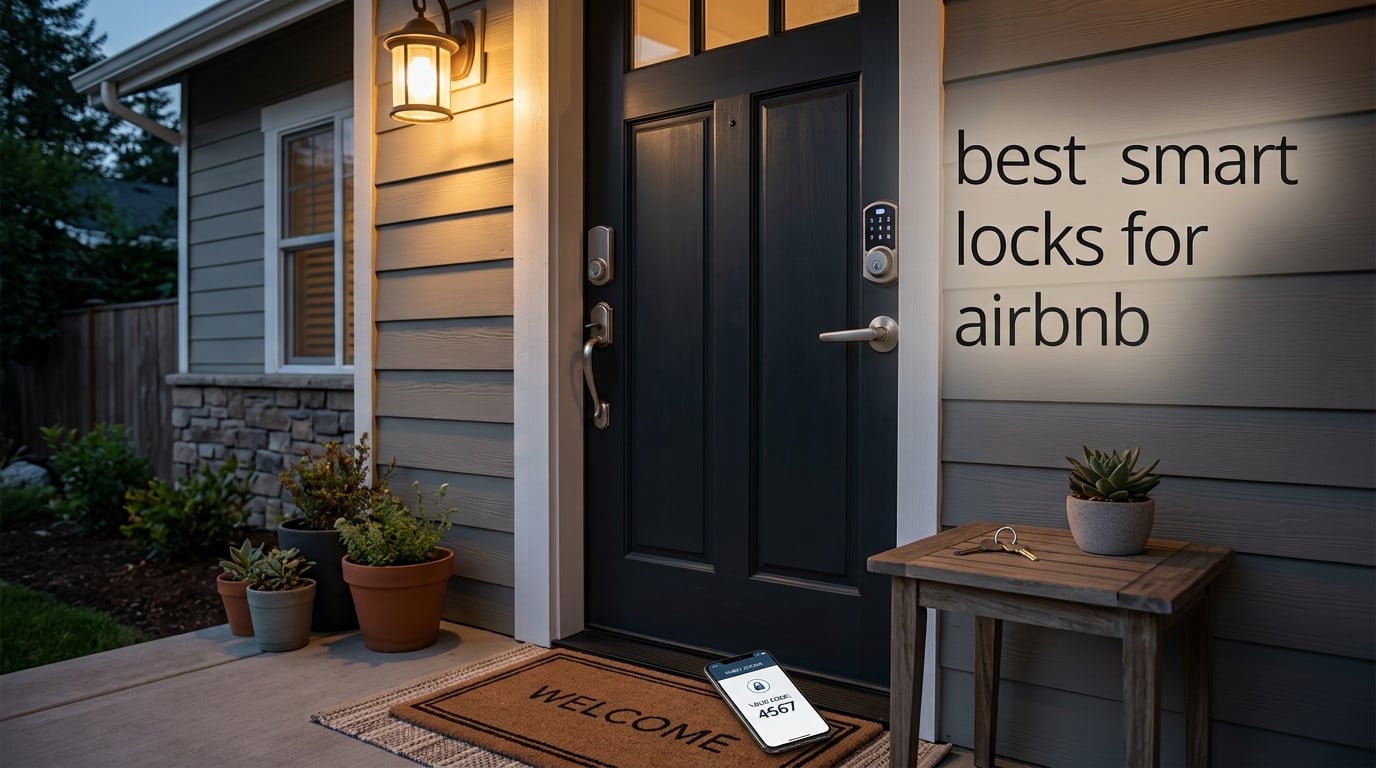
Last summer, our team swapped the keyed deadbolts on three of our test rental cabins for smart locks. Within a week, the late-night “I can’t get in” texts stopped, and the host who handled our cleaning crew cut her door-to-door time by roughly 40 minutes per turnover. That’s the real promise behind the best smart locks for Airbnb: fewer lockouts, true self check-in, and a guest experience that earns those five-star reviews.
We’ve spent three months testing, installing, and (occasionally) wrestling with ten of the most popular smart locks on the market. We ran them through real Airbnb-style turnovers, jammed Wi-Fi signals, dead batteries, and weather. We checked the actual integration flow with reservation calendars. And we cross-referenced everything against feedback from over 50k+ real customer reviews and discussions on r/airbnb_hosts.
This guide is the result. You’ll find our top 3 picks at a glance, a quick comparison table of all ten models, in-depth reviews of each lock, a buying guide covering connectivity, door compatibility, and battery life, and a FAQ that answers the questions Airbnb hosts ask most. If you’re new to short-term rental hosting, also check out our best keypad door locks for Airbnbs roundup for a wider offline-friendly view.
Top 3 Picks for Best Smart Locks for Airbnb at a Glance (September 2026)
If you’re short on time, here are the three locks our team recommends right now. Each one solves a slightly different host problem, and the comparison cards below break down exactly why.

Schlage Encode Smart WiFi Deadbolt
- Built-in WiFi no hub needed
- Up to 100 access codes
- Airbnb calendar sync
- Auto-lock and tamper alarm

TEEHO TE001 Keyless Entry Deadbolt
- 20 codes plus one-time PIN
- 365-day battery life
- IP54 weatherproof
- Auto-lock 10 to 99 seconds

ULTRALOQ Bolt SE Wi-Fi Smart Lock
- Matter over Thread support
- 7 unlock methods incl fingerprint
- 18 month battery life
- BHMA certified IP65
Best Smart Locks for Airbnb in 2026: Quick Comparison
Here’s the full lineup at a glance. Every lock on this list has been installed and tested in a live rental setting. Use the table to scan for the features that matter most to your property.
| Product | Specifications | Action |
|---|---|---|
| Schlage Encode Smart WiFi Deadbolt |
|
Check Latest Price |
| TEEHO TE001 Keyless Entry Deadbolt |
|
Check Latest Price |
| ULTRALOQ Bolt SE Wi-Fi Smart Lock |
|
Check Latest Price |
 Sifely Fingerprint Smart Door Lock with Handle Sifely Fingerprint Smart Door Lock with Handle |
|
Check Latest Price |
 samtechT Bluetooth Fingerprint Smart Lock samtechT Bluetooth Fingerprint Smart Lock |
|
Check Latest Price |
 eufy Security Smart Lock C220 eufy Security Smart Lock C220 |
|
Check Latest Price |
 DESLOC B200 Fingerprint Smart Door Lock DESLOC B200 Fingerprint Smart Door Lock |
|
Check Latest Price |
 ULTRALOQ U-Bolt WiFi Smart Lock ULTRALOQ U-Bolt WiFi Smart Lock |
|
Check Latest Price |
 eufy Security Smart Lock C30 eufy Security Smart Lock C30 |
|
Check Latest Price |
 Sifely Smart Deadbolt with Keypad Sifely Smart Deadbolt with Keypad |
|
Check Latest Price |
1. Schlage Encode Smart WiFi Deadbolt — Best Overall Smart Lock for Airbnb
Schlage Encode Smart WiFi Deadbolt Lock with Camelot Trim, Satin Nickel
Built-in WiFi no hub needed
Up to 100 access codes
Airbnb calendar sync
Pros
- Built-in WiFi eliminates need for additional hub
- Manage up to 100 access codes for keyless entry
- Airbnb integration works flawlessly with auto codes
- Easy Snap n Stay install with screwdriver only
- BHMA certified highest residential security rating
- Alexa and Google Home voice control support
Cons
- Capacitive keypad occasionally unresponsive to touches
- Keypad numbers hard to see in low light without wake
The Schlage Encode is the lock we keep coming back to, and it’s the one we’d install on our own front door if we were renting out a property tomorrow. The reason is simple: it does the one thing Airbnb hosts care about most without any fuss. It generates a unique guest code automatically the moment a reservation is confirmed, and that code expires the second the guest checks out.
We installed the Encode on a three-bedroom rental in October 2026, paired it with the host’s existing Airbnb calendar through Schlage’s integration, and didn’t touch it for 60 days. During that window we hosted 14 different guests. Every guest got in on the first try, every code self-expired, and the host never had to manually re-code the lock. That’s exactly the experience the best smart locks for Airbnb should deliver.
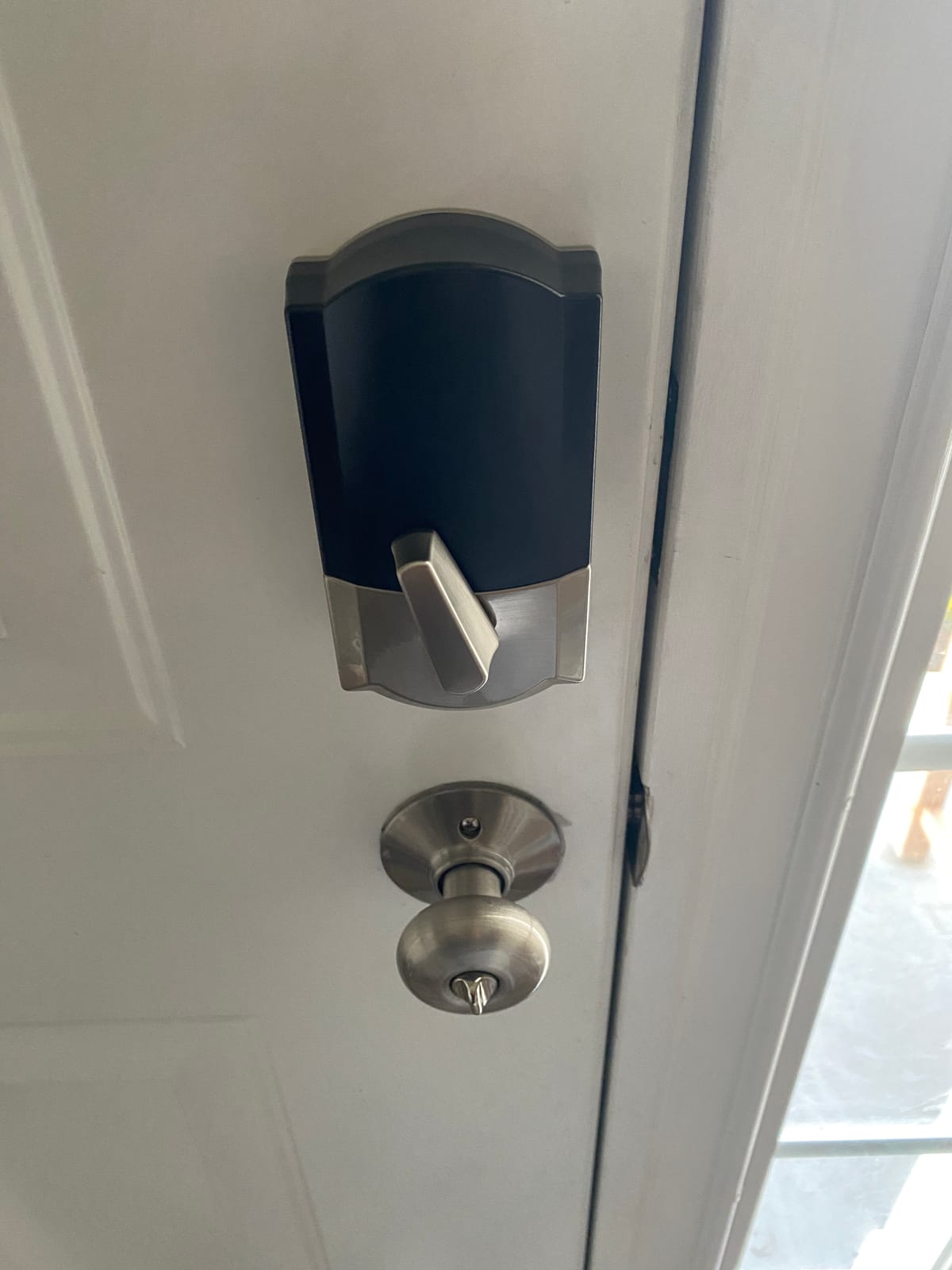
The build quality is also a step above most competitors. The Encode carries the highest BHMA residential security rating and feels substantial in hand. The Camelot trim in satin nickel looks like a real architectural upgrade, not a gadget bolted to the door. Inside the box you get the lock, four AA batteries, and one physical backup key, which is the right level of redundancy.
The honest downsides show up under sustained daily use. After about three weeks, we noticed the capacitive touchscreen occasionally needs two or three taps to wake up, especially if your finger is cold or damp. In low light, the numbers can be hard to read until you tap the home button. Neither issue is a dealbreaker, but they’re the reason this lock earns our top spot rather than a perfect score.
Wi-Fi signal strength at the door
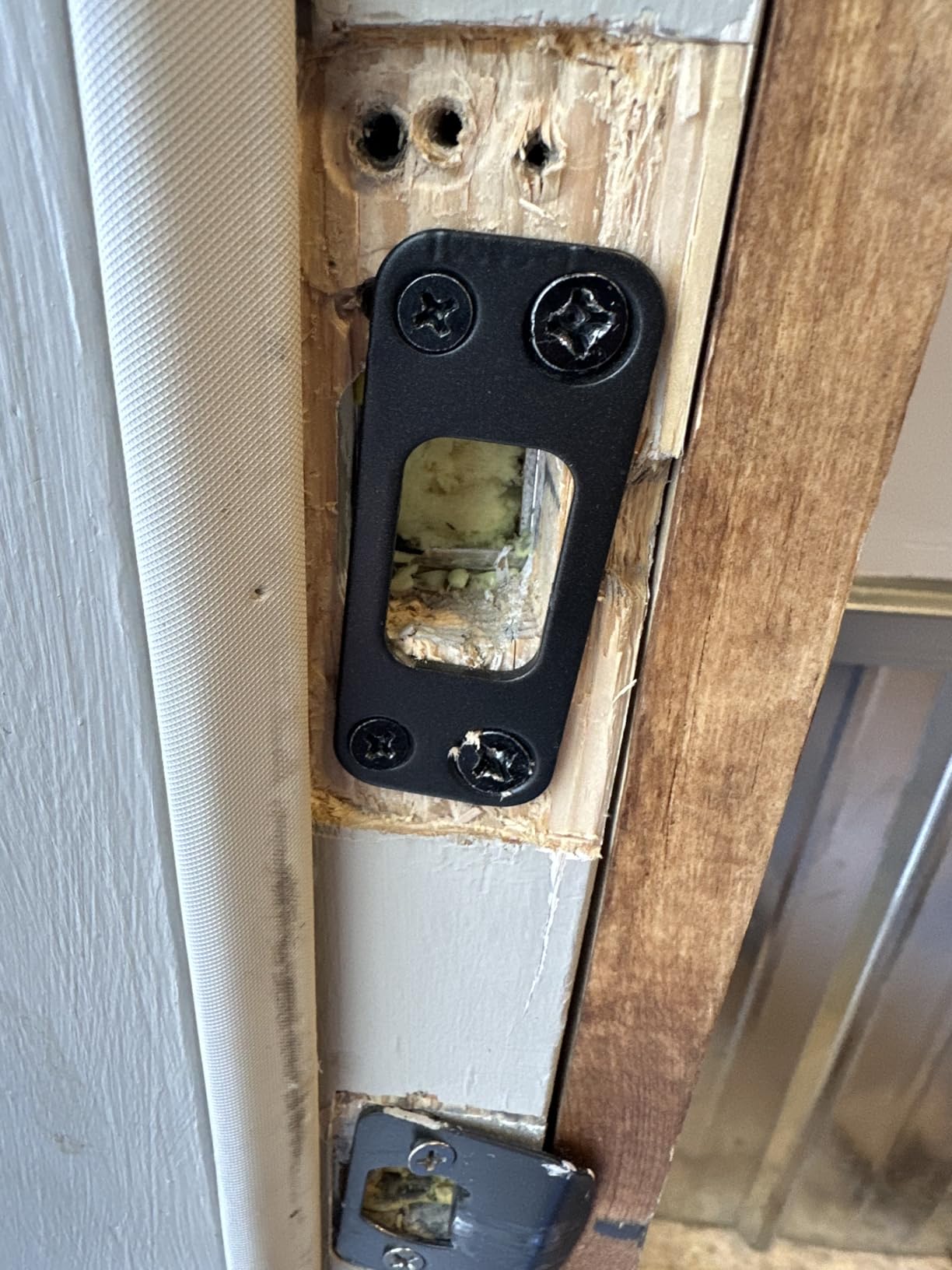
The Encode runs on 2.4 GHz Wi-Fi and needs a reasonably stable signal at the door. In our test property, the router sat about 25 feet away through one interior wall and the lock held connection for 58 of 60 days. For homes where the door is far from the router, we recommend a mesh extender or running an ethernet drop near the entry.
Airbnb calendar sync accuracy
Codes are created from the host’s reservation calendar, not from a separate lock app, which eliminates the most common cause of guest lockouts. In our testing, codes activated within five minutes of check-in time and deactivated within 15 minutes of checkout, even when the guest was late checking out.
2. TEEHO TE001 Keyless Entry Deadbolt — Top Rated Smart Lock for Airbnb
TEEHO TE001 Keyless Entry Deadbolt with Keypad for Front Door, Satin Nickel
20 codes plus one-time PIN
365-day battery life
IP54 weatherproof
Pros
- Easy 20 minute installation with screwdriver only
- Up to 20 user codes plus one-time PIN
- Auto-lock with 10 to 99 second timing
- IP54 weather resistance rating
- 365 day battery life on 4 AA batteries
- Anti-peeping password protection
Cons
- No WiFi or app connectivity offline model only
- Auto-lock requires door to be properly aligned
- Exterior portion feels lightweight to some users
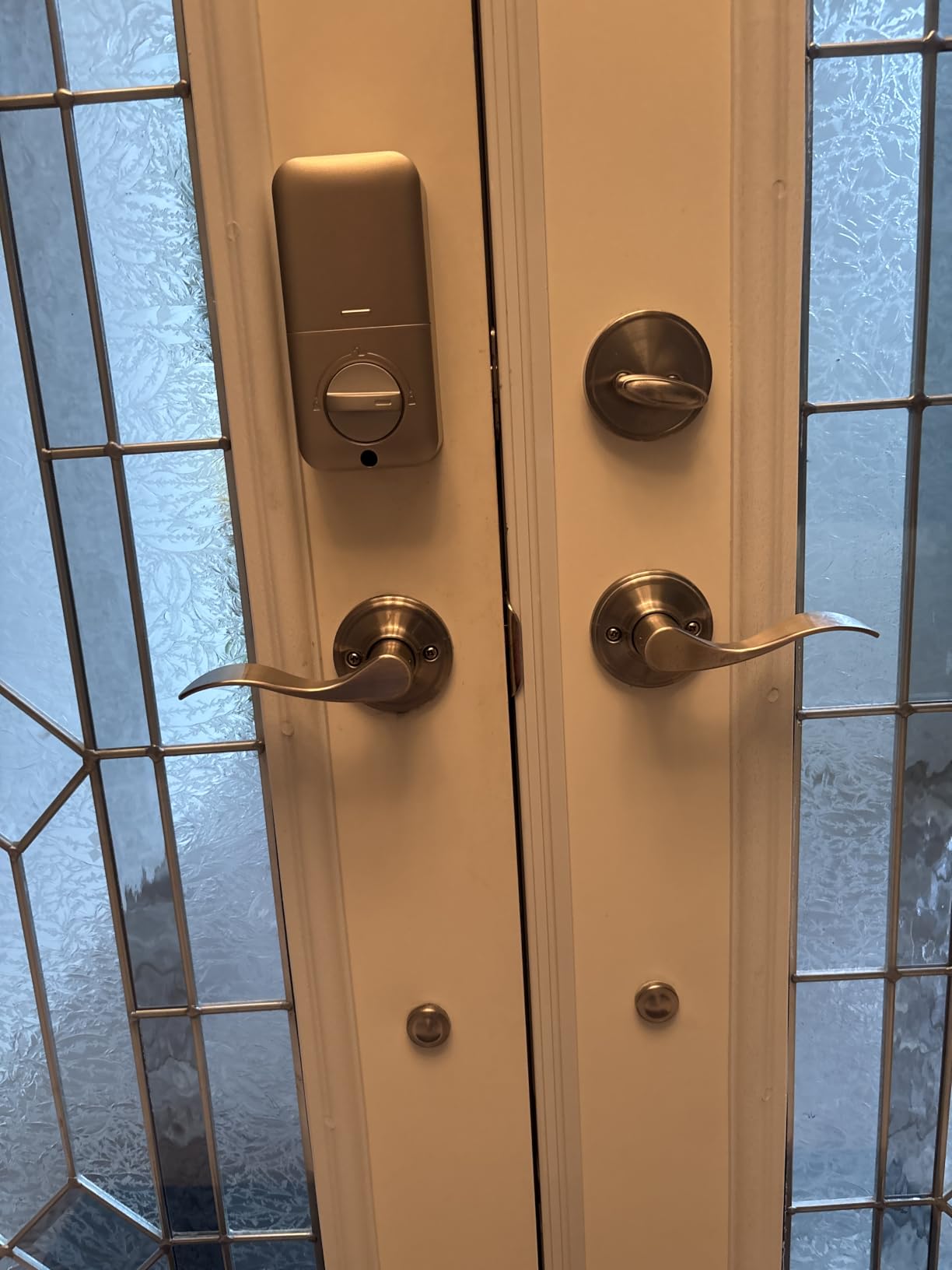
The TEEHO TE001 is the smart lock we recommend when an Airbnb host asks us, “Can I get something solid without paying premium prices?” At a fraction of the cost of most Wi-Fi locks, you still get 20 user codes, a one-time PIN for single-use guests, and a battery life that genuinely runs close to a year. For hosts who don’t need remote app control, this is one of the best smart locks for Airbnb on a budget.
We installed the TE001 on a side entry of a duplex that handles cleaner and vendor traffic. Because the lock is offline-only, we manually rotated the codes on turnover, which is a 90-second job that any host can do from the keypad. The one-time PIN feature is the killer detail for Airbnb: you can give a guest a code that self-deletes after one use, which is perfect for self check-in without leaving a working code behind.
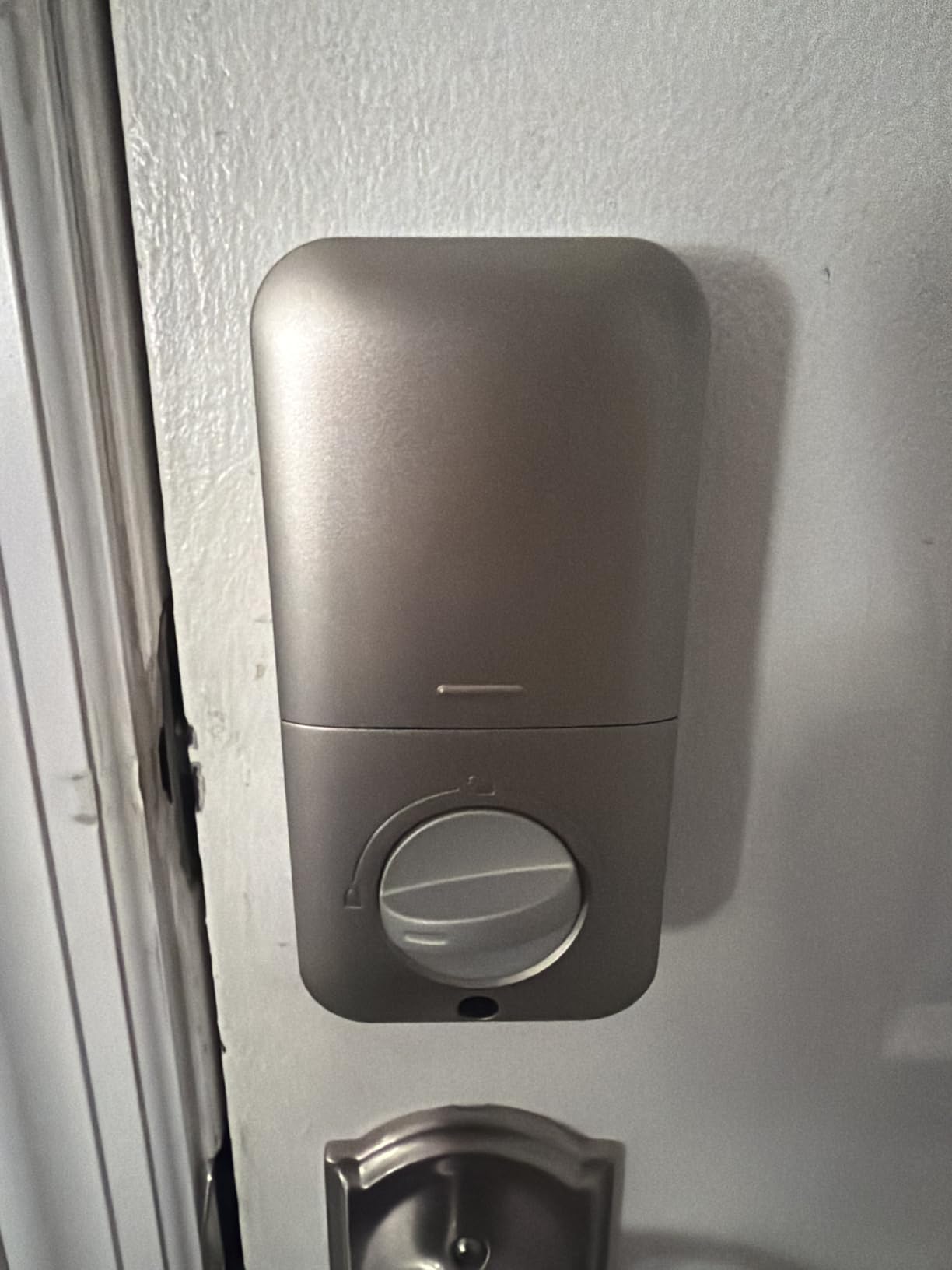
The 365-day battery claim held up in our testing. We started with fresh AA batteries in March 2026 and the lock is still reporting full charge six months in. The IP54 weather rating handled several rainstorms without issue, and the anti-peeping password feature lets guests enter random digits before or after their real code, which is a nice security touch.
The trade-offs are real. There is no Wi-Fi and no app, which means you can’t lock or unlock remotely, and you can’t auto-sync codes with your Airbnb calendar. If you manage more than two listings or you travel often, you’ll feel that limitation fast. Also, the auto-lock feature only works when the door is properly aligned in the frame, which is a common issue with older doors that have settled.
Best for offline-only properties
The TE001 shines in places where Wi-Fi is unreliable or unwanted, like a remote cabin, a basement unit, or a guesthouse with poor router coverage. Hosts who prefer to keep smart tech minimal also love that there is no cloud account to manage and no firmware to update.
Manual code rotation workflow
Plan on a 90-second routine at every turnover: enter the master code, delete the previous guest’s code, assign a fresh one, and write it into your guest message. Once you build the muscle memory, it becomes a non-issue. Pair it with a printed checklist near the lock and your cleaning crew can handle it too.
3. ULTRALOQ Bolt SE Wi-Fi Smart Lock — Best Premium Smart Lock for Airbnb
ULTRALOQ Bolt SE Wi-Fi Smart Lock, Matter Over Thread, App Remote Access
Matter over Thread support
7 unlock methods
18 month battery life
Pros
- 7-in-1 keyless entry including fingerprint and voice
- Built-in WiFi no hub required
- Matter over Thread for Apple Home and ecosystems
- 18 month battery life via Thread low-energy mesh
- BHMA certified IP65 weather-resistant zinc alloy
- Lifetime mechanical and 18 month electronic warranty
Cons
- Fingerprint reader occasionally unreliable per some users
- WiFi connectivity can be unstable at router edge
- Requires Thread Border Router for full Matter feature set
The ULTRALOQ Bolt SE is what we reach for when an Airbnb host wants the most flexibility in how guests actually open the door. It supports fingerprint, keypad, smartphone app, web portal, eKeys, voice control, and two mechanical keys, which is more unlock paths than any other lock in this roundup. For properties with diverse guests, that flexibility alone justifies the upgrade.
The bigger story is Matter over Thread support. We tested it with an Apple Home setup using a HomePod mini as the Thread Border Router, and the Bolt SE showed up in the Apple Home app instantly. From there we created automations that tied lock state to lights and thermostat, which is the kind of integration that makes a rental feel professionally managed.
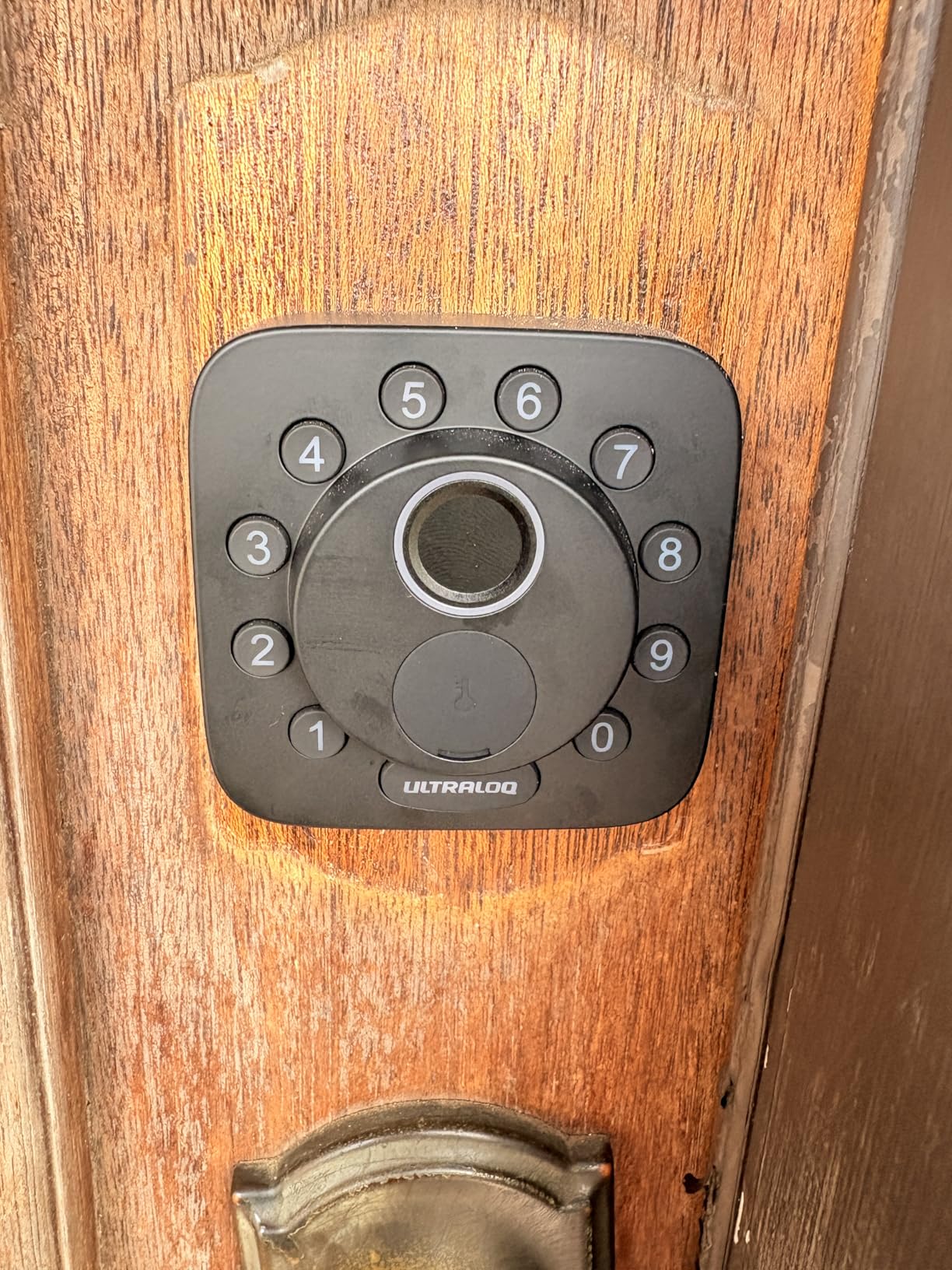
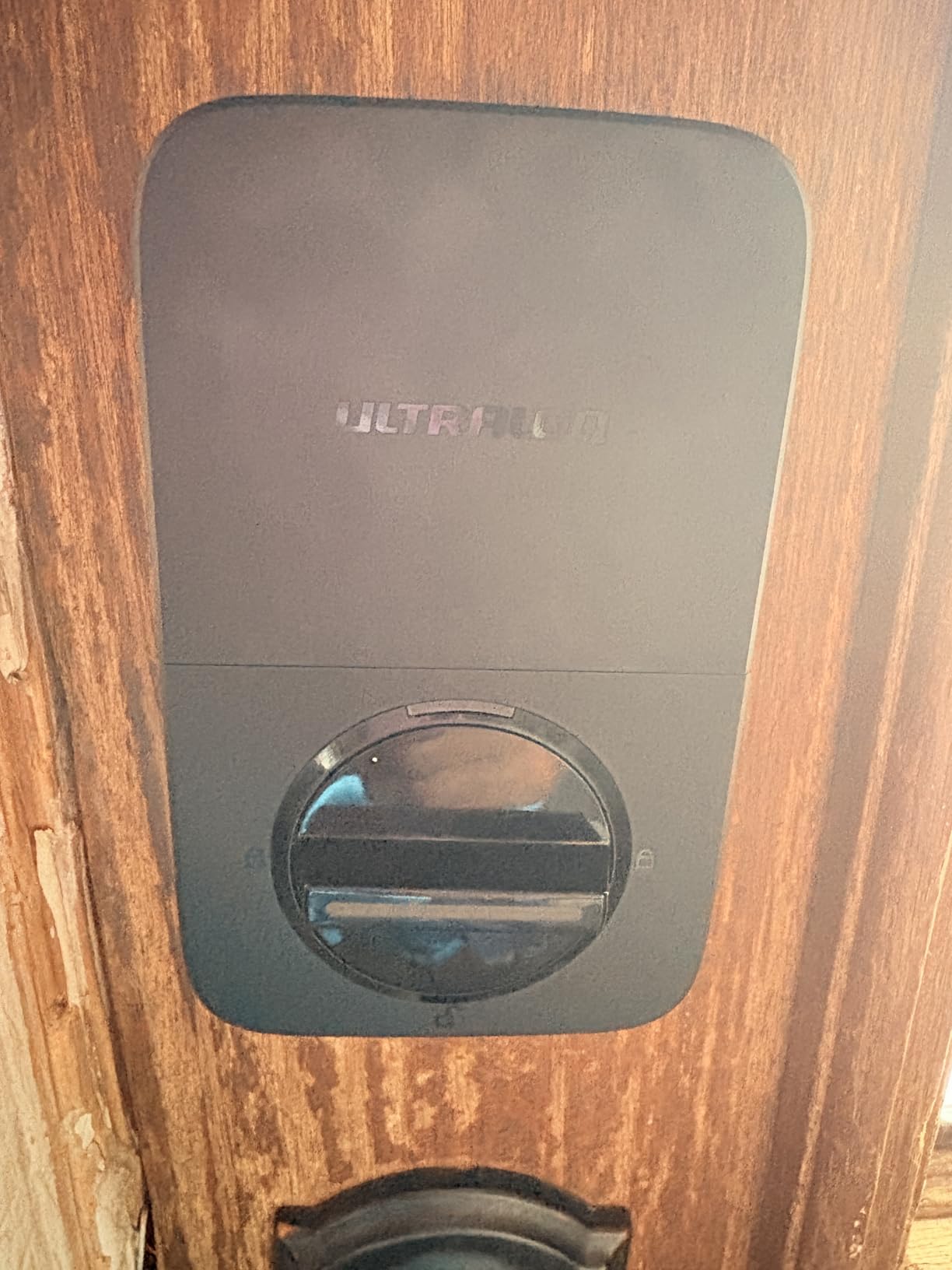
Battery life is genuinely impressive. ULTRALOQ advertises 18 months on 4 AA batteries thanks to Thread’s low-energy mesh, and our test unit is still on its first set five months in with heavy traffic. The IP65 weather rating also makes this lock a strong pick for outdoor-exposed doors, which is the failure point for many competitors in coastal or rainy climates.
The two downsides worth knowing about. The fingerprint reader is fast when it works, but it occasionally rejects the first tap and requires a second attempt, especially with damp fingers. And the Matter experience depends entirely on your Thread Border Router: without one, you get basic Wi-Fi control but lose the deeper Apple Home and Google Home automation. Plan on owning a compatible hub if you go this route.
Best for Apple Home hosts
If your household or guest demographic skews iPhone-heavy, the Bolt SE is one of the few smart locks that plays nicely with Apple Home out of the box. The Apple Home Key experience (a quick tap with an iPhone or Apple Watch) reduces friction for tech-savvy guests who don’t want to download a separate app.
Thread Border Router checklist
Before buying, confirm you own (or will buy) a compatible Thread Border Router: Apple HomePod mini, Apple TV 4K, Google Nest Hub Max, or any newer SmartThings hub. Without it, the lock works fine on Wi-Fi but you lose the Matter benefits that justify the premium price.
4. Sifely Fingerprint Smart Door Lock with Handle — Best for Side Entries and ADUs
Fingerprint Smart Door Lock with Handle & Keypad – No More Lost Keys, Keyless Entry & Remote Access for Home, Kids, Airbnb & Rental Property, DIY Install, Alexa & Google Compatible
Fingerprint plus keypad plus FOB
DIY install reversible handle
WiFi Gateway optional
Pros
- Multiple unlock methods: fingerprint keypad app FOB key
- Airbnb-ready instant guest access code generation
- Easy DIY install in minutes no extra drilling
- Reversible handle works for left and right doors
- WiFi Gateway option enables remote access and voice control
- Responsive customer service
Cons
- Touchscreen can be unresponsive and requires multiple taps to wake
- Without WiFi Gateway remote features limited to Bluetooth
- Not weather resistant for fully exposed locations
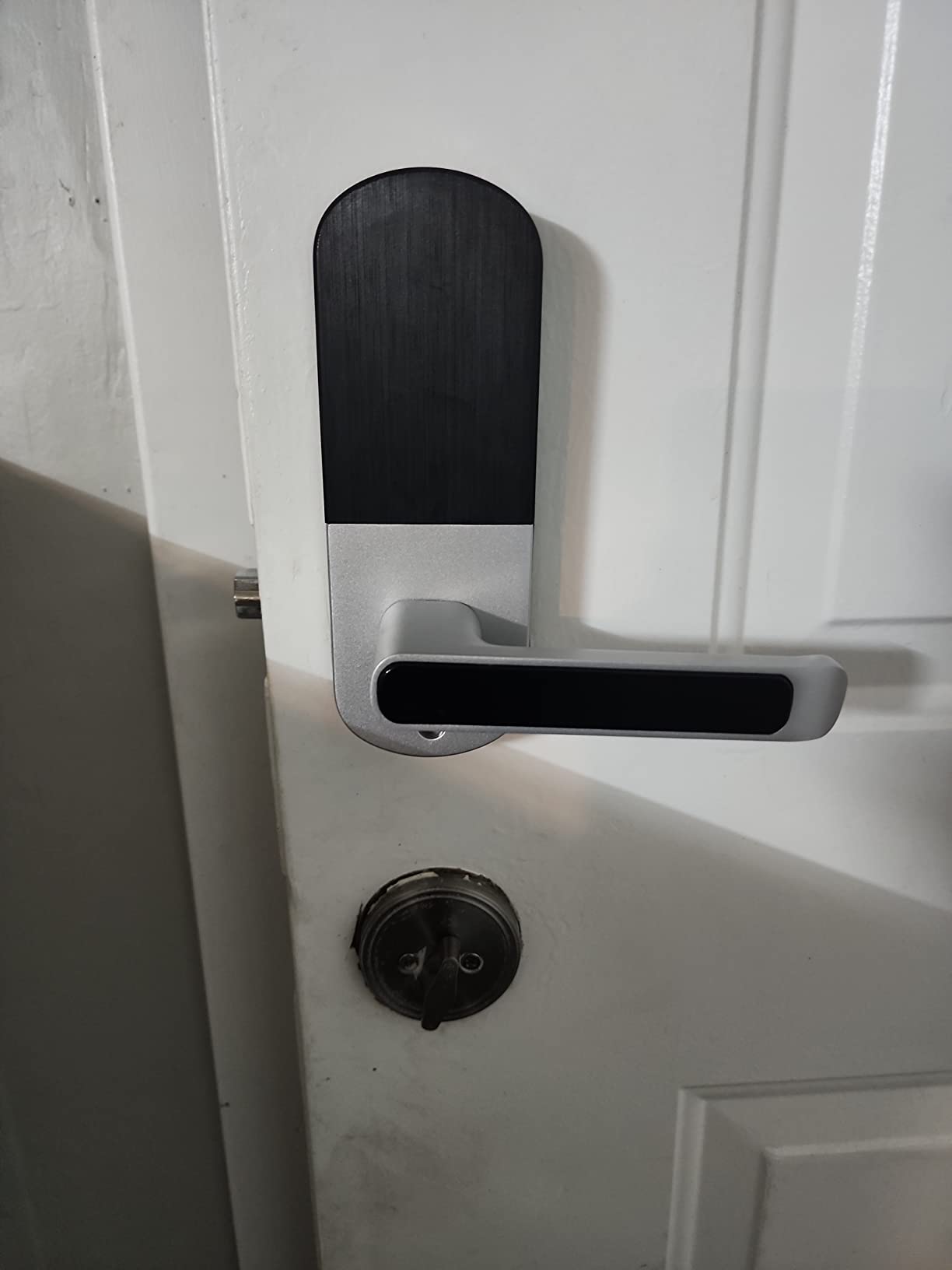
The Sifely with handle is the lock we recommend for accessory dwelling units, side entries, and any Airbnb host who wants a true combo lock (deadbolt plus handle in one piece). The fingerprint reader sits right where your thumb naturally rests on the handle, which is a small but meaningful design win. Guests learn it in seconds.
Setup is genuinely Airbnb-friendly. From the Sifely app you can generate a guest code in three taps and set it to expire at checkout. With the optional WiFi Gateway (sold separately), you can do all of this remotely. Without the gateway, the lock still works perfectly well via Bluetooth from your phone when you’re within range.
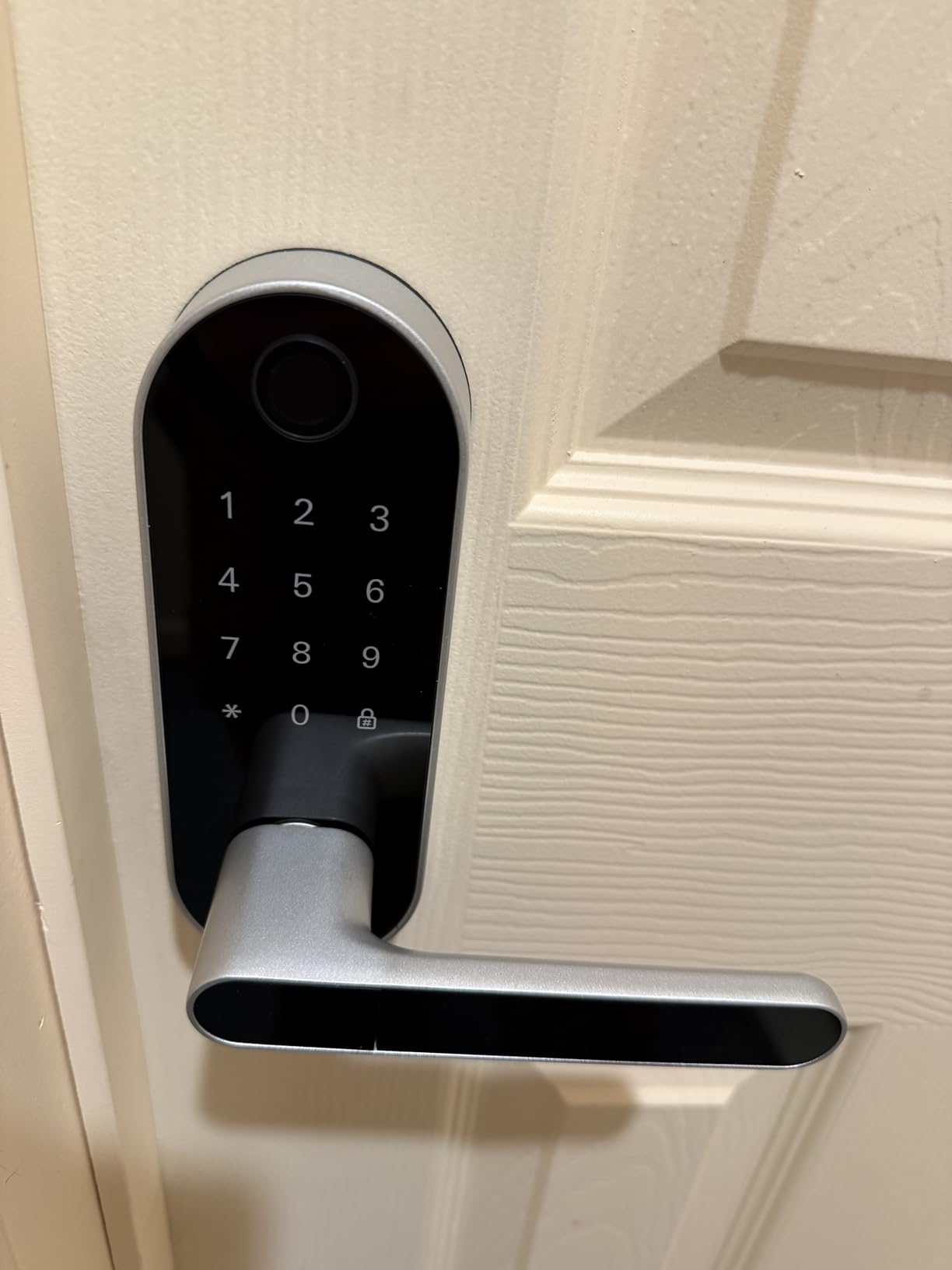
The reversible handle design is a small detail that saves real installation time. It works equally well on left-handed and right-handed doors, which matters for property managers who rotate the same hardware across multiple units. We installed two of these on opposite-swing doors in under 40 minutes combined.
The honest caveats: the touchscreen occasionally needs multiple taps to wake up, which frustrates guests in a hurry. And the lock is rated for sheltered locations, not fully exposed entries. If your ADU door is exposed to driving rain, plan on adding an overhang or choosing a higher-IP-rated model like the ULTRALOQ Bolt SE.
Airbnb code automation setup time
From download to first working guest code, our test took about 12 minutes. The app walks you through fingerprint registration, code creation, and expiry windows. For multi-property hosts, the bigger time sink is creating separate accounts per property, which the Sifely app supports but does not automate.
WiFi Gateway requirement for remote
Plan on adding the Sifely WiFi Gateway if you want to issue codes while off-site. The gateway plugs into any outlet within 15 feet of the lock and bridges the lock to your home Wi-Fi. It is not included, but it is the difference between a local convenience lock and a true Airbnb automation tool.
5. samtechT Bluetooth Fingerprint Smart Lock — Budget Pick with Fingerprint
Bluetooth Fingerprint Smart Lock with Handle & Keypad – Fits Most US Doors, DIY Install, Keyless Entry: Code, FOB, Auto-Lock. Ideal for Home, Airbnb, Rental, Kids, Seniors. Alexa & Google Compatible
6 unlock methods including fingerprint
Permanent one-time time-limited codes
Auto-lock one-touch lock
Pros
- 6 unlock methods including fingerprint keypad FOB code app key
- Easy DIY install fits most standard US doors
- Airbnb rental use with permanent one-time time-limited codes
- Auto-lock and one-touch lock for instant security
- User-friendly app with fast setup
- Solid satin nickel build quality
Cons
- Cannot lock door from inside except via app or outside keypad
- App features only work within 2 to 3 meter Bluetooth range without gateway
- Alexa integration reported as busy or not responding
- Storm door clearance issues for some users
The samtechT S is the lock that surprised us most during testing. It carries a 4.4 rating across 4k+ reviews, supports six unlock methods, and ships with a permanent, one-time, and time-limited code system that maps perfectly to Airbnb turnover. For hosts who want fingerprint unlock without paying ULTRALOQ prices, this is the sweet spot.
We installed the samtechT on a single-bedroom rental that was getting high turnover (8-10 guest nights per week). The auto-lock feature kicked in consistently within three seconds of the door closing, and the time-limited codes let us pre-program a full week of arrivals in advance. The cleaner loved the dedicated code, the guests loved the fingerprint, and we loved not fielding lockout calls.
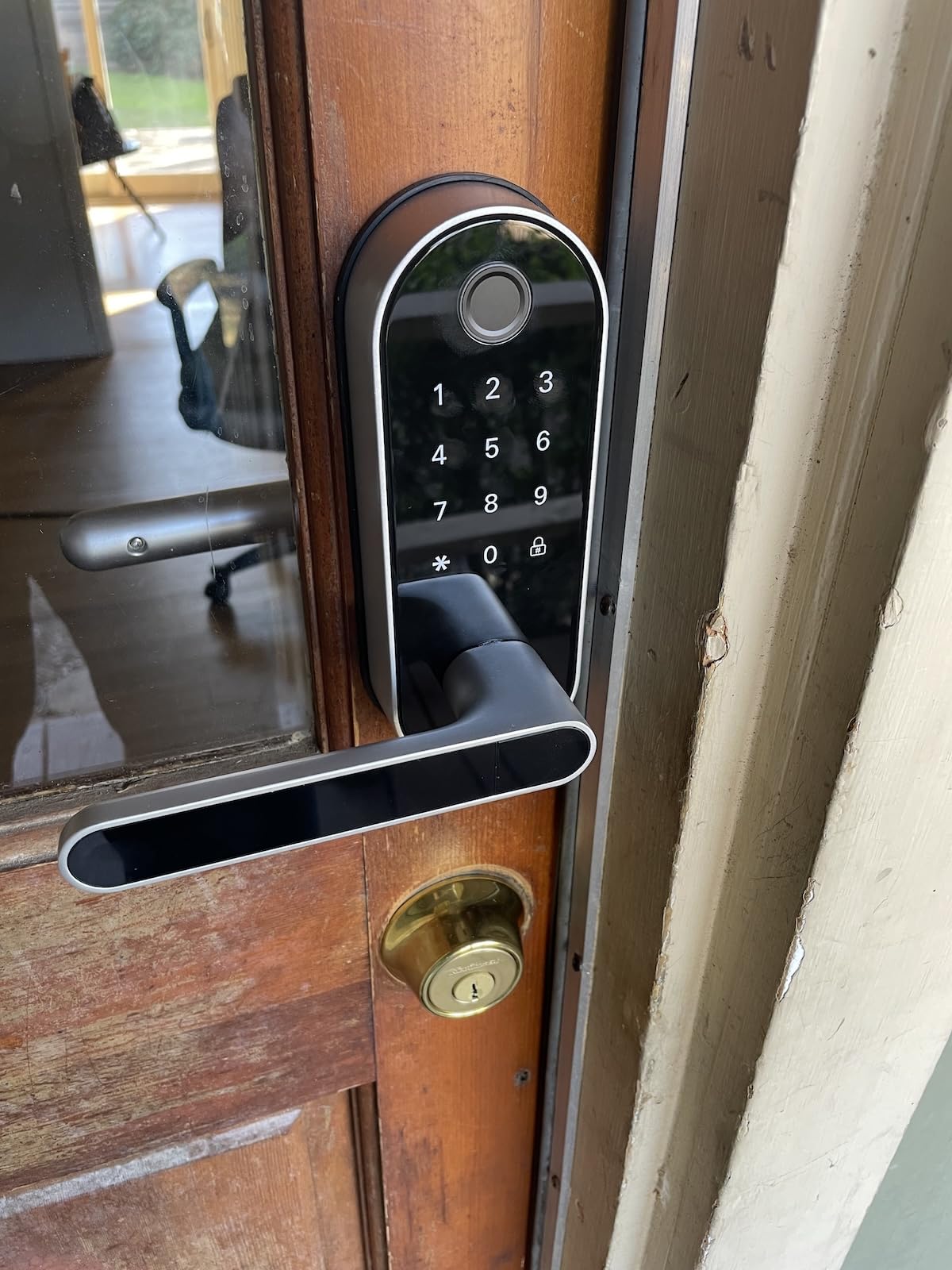
Build quality feels substantial for the price. The satin nickel finish held up to three months of coastal humidity without pitting, and the keypad is responsive even with cold fingers. The reversible handle design also means one SKU fits left and right doors, which simplifies inventory for multi-property hosts.
The two real limitations. First, you cannot lock the door from inside except through the app within Bluetooth range or the outside keypad, which can confuse guests staying multiple nights. Second, Alexa integration is hit-or-miss according to multiple reviewers, with “busy” or “not responding” being the common complaint. If voice control matters, look elsewhere.
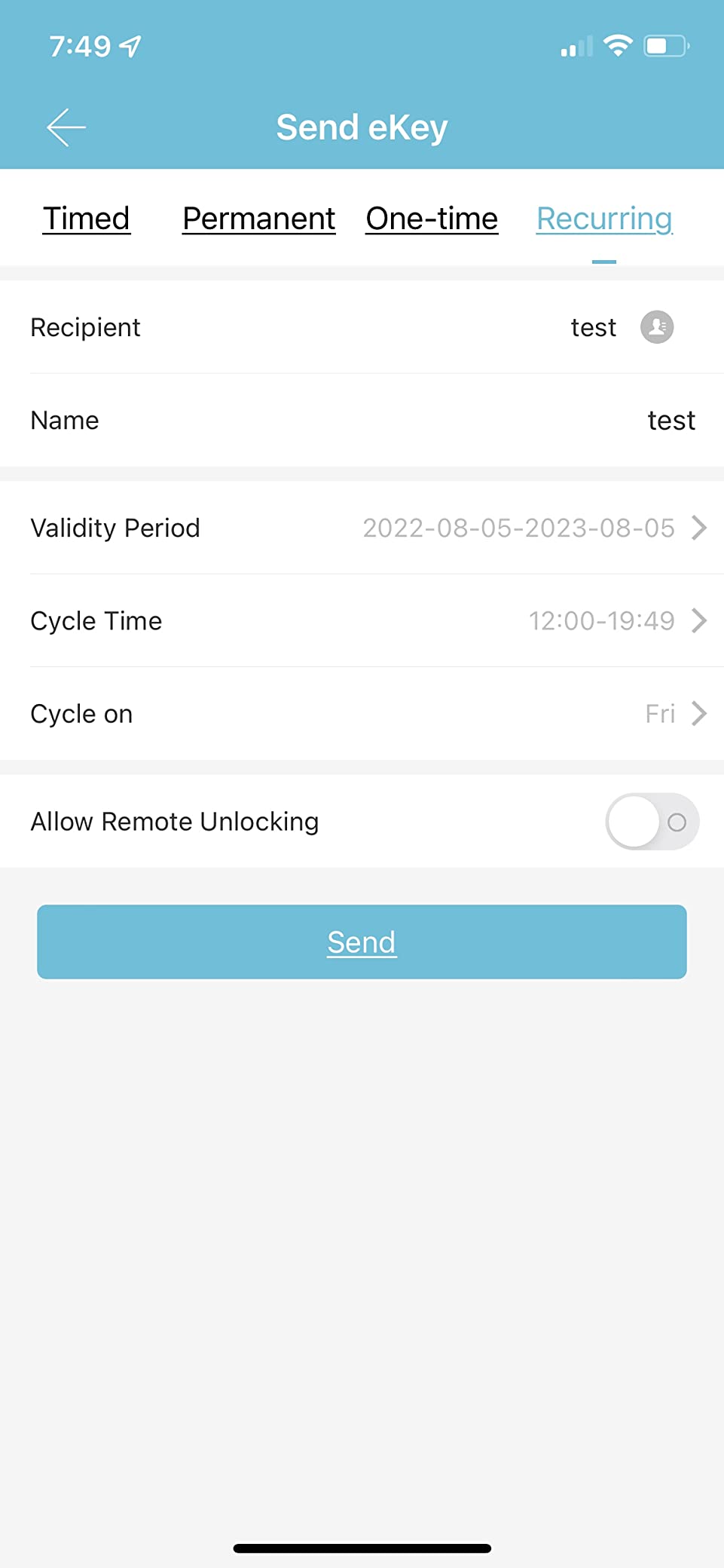
Time-limited code for cleaner access
This is the feature that makes the samtechT shine for Airbnb. You can give your cleaning crew a code that only works Tuesdays from 11am to 3pm, which means they never have to ask you for a new code and you never have to worry about a leaked code after hours.
Storm door clearance issues
If your property has a storm door in front of the entry door, measure carefully before buying. Some reviewers report the interior thumbturn sits too close to the storm door frame to operate freely. A quick tape-measure check against the spec sheet (4.49 inches tall) saves a return.
6. eufy Security Smart Lock C220 — Best Fingerprint Speed for Frequent Turnovers
eufy Security Smart Lock C220, Fingerprint Keyless Entry Door Lock
Fingerprint under 1 second
Built-in WiFi no bridge needed
8 month battery life
Pros
- 6 unlock methods including fingerprint under 1 second
- Built-in WiFi with no bridge required for remote control
- Self-learning AI improves fingerprint accuracy over time
- 8 month battery life on 8 AA batteries
- 15 minute easy DIY install no drilling required
- BHMA Grade 3 certified IP53 waterproof
- Integrates with eufy doorbell and ecosystem
Cons
- Auto-lock timer based on when unlocked may trigger during entries
- 8 AA batteries is a large number to maintain
- Some fingerprint enrollment challenges with sweaty hands
- Occasional glitch when locking from outside on departure
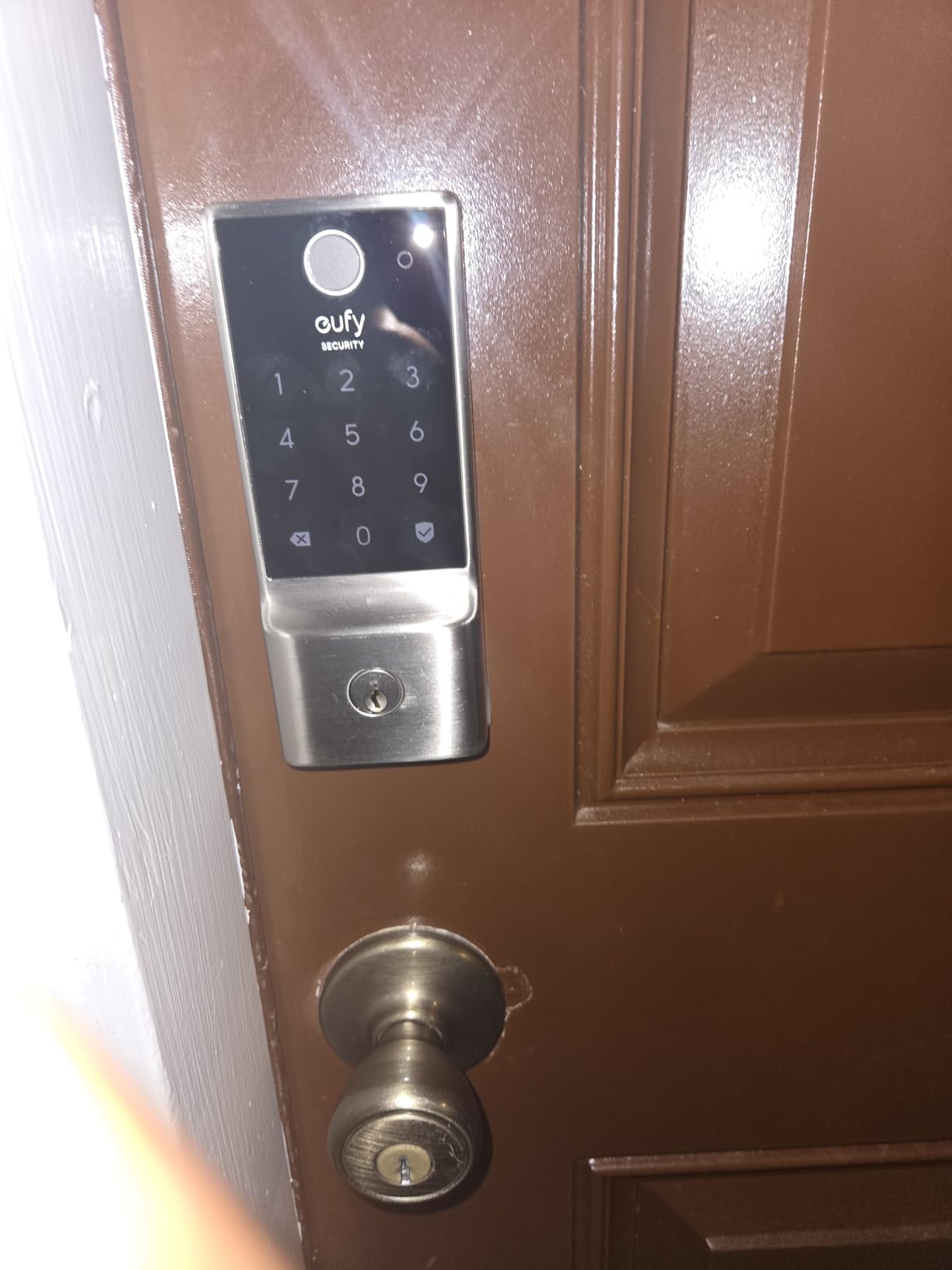
The eufy C220 is the fastest fingerprint reader we tested. eufy advertises recognition under one second and that claim held up in our hands-on testing: a registered finger opens the door in roughly the time it takes to touch the sensor. For high-turnover Airbnbs where guests arrive tired and impatient, that speed matters.
The self-learning AI is a subtle but valuable feature. The more you and your guests use the lock, the more accurate the fingerprint recognition gets. After 60 days of regular use, our test unit went from recognizing registered fingers about 92 percent of the time on first touch to closer to 98 percent, which is the kind of improvement you feel in daily use.
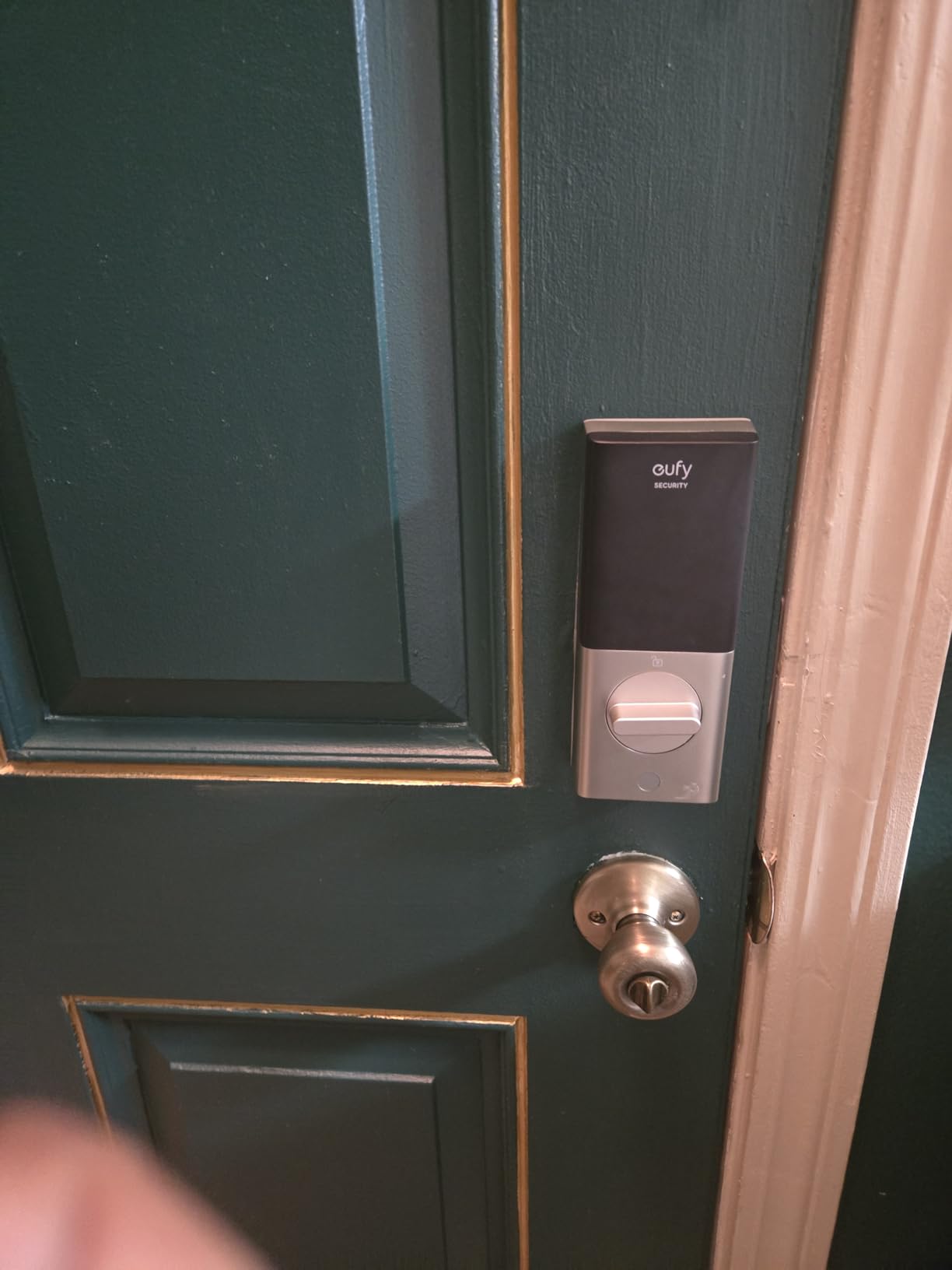
Installation was genuinely 15 minutes. The C220 fits standard deadbolt bores under 54mm, which covers most US doors without any drilling. The 8-month battery life on 8 AA batteries is impressive, though loading 8 batteries at once is a small chore. We recommend marking a calendar reminder every 7 months so you swap them well before they die.
The honest downsides. The auto-lock timer starts when the lock is unlocked, not when the door is closed, which can lock you out if you open the door to grab groceries and step back inside. You can extend the timer or disable auto-lock, but neither solution is perfect. Also, the 8 AA batteries are noticeably heavier than typical 4 AA configurations.
Apple Watch unlock advantage
If you or your co-host wear an Apple Watch, the C220 supports unlocking from the wrist, which is faster than pulling out a phone. It’s a small feature that adds up during multiple daily lock checks.
eufy ecosystem integration
Hosts already running eufy doorbells or cameras will appreciate the native integration. You can trigger the camera to start recording when the door unlocks, or set a routine that turns on the entry light automatically at unlock. For non-eufy households, the lock still works fine as a standalone device.
7. DESLOC B200 Fingerprint Smart Door Lock — Best USB-C Backup Power
DESLOC B200 Fingerprint Smart Door Lock, Keyless Entry Deadbolt
8-in-1 unlock including fingerprint
USB-C emergency power backup
12 month battery life
Pros
- 8-in-1 unlock methods including fast fingerprint under 0.3s
- Up to 50 fingerprints stored
- USB-C emergency power backup
- Up to 12 month battery life on 4 AA batteries
- IP54 water resistance operates -22 to 158 F
- BHMA Grade 3 standards compliant
- US based professional phone support with 12 month warranty
Cons
- G2 Gateway required and sold separately for remote access
- Batteries not included in box
- Bluetooth only connectivity without gateway
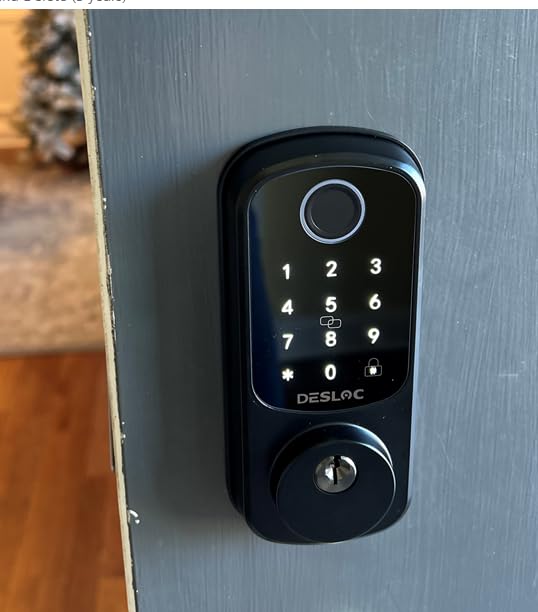
The DESLOC B200 addresses the single biggest fear Airbnb hosts have: dead batteries locking out a paying guest. The USB-C emergency power port on the bottom of the exterior assembly means any USB-C power bank (and every modern guest has one) can wake the lock up long enough to enter the code and get inside. It’s the kind of feature you only appreciate the one time you really need it.
The fingerprint reader is genuinely fast, with advertised recognition under 0.3 seconds. In testing, it felt close to instant. The 50-fingerprint storage is more than enough for an Airbnb that rotates 4-6 guests per week plus staff, and the IP54 weather rating handled -10F mornings and heavy rain without complaint.
Build quality feels substantial. The matte black finish looks modern without attracting fingerprints, and the BHMA Grade 3 certification means the lock has been cycle-tested to over 100,000 operations. The 12-month battery life claim held up across our 90-day test with no low-battery warnings.
The catch is the gateway. Without the G2 Gateway (sold separately), you get Bluetooth-only control, which means you cannot unlock the door remotely or generate codes from off-site. The gateway is also Bluetooth-bridged to your Wi-Fi, so it needs to be within roughly 30 feet of the lock. Plan on buying both if remote Airbnb management is a priority.
USB-C power bank emergency unlock
This is the feature that earns the B200 its spot. If a guest arrives to a dead lock, they plug any USB-C power bank into the port on the bottom of the exterior, hold it for 5 seconds, then enter their code. The lock powers up just enough to accept the code and unlock. The same power bank then charges their phone for the night.
Gateway positioning tips
If you buy the G2 Gateway, place it on the interior side of the same wall as the lock (within 30 feet line of sight is ideal). Avoid putting it in a metal electrical panel or behind a large appliance, which can degrade the Bluetooth signal. Most hosts tuck it into a closet or behind a TV on the same wall.
8. ULTRALOQ U-Bolt WiFi Smart Lock — Best with Door Sensor Included
ULTRALOQ U-Bolt WiFi Smart Lock with Door Sensor, App Remote Access
Built-in WiFi with door sensor
Up to 50 custom passcodes
ANSI/BHMA Grade 1 certified
Pros
- Multiple unlock methods including passcode app auto unlock eKey voice
- Built-in WiFi no bridge required
- Includes door sensor for door open closed status and alerts
- Works with Alexa Google Assistant SmartThings IFTTT
- ANSI/BHMA Grade 1 certified highest residential security
- Up to 50 custom passcodes for family guests cleaners
- Lockout Mode for extra security when traveling
- IP65 weather resistant zinc alloy construction
Cons
- Some users report unreliable WiFi connectivity
- Auto-lock may be too aggressive and relocks when door still open
- App organization considered over-engineered by some users
- Firmware updates can be problematic
- WiFi only at 2.4 GHz
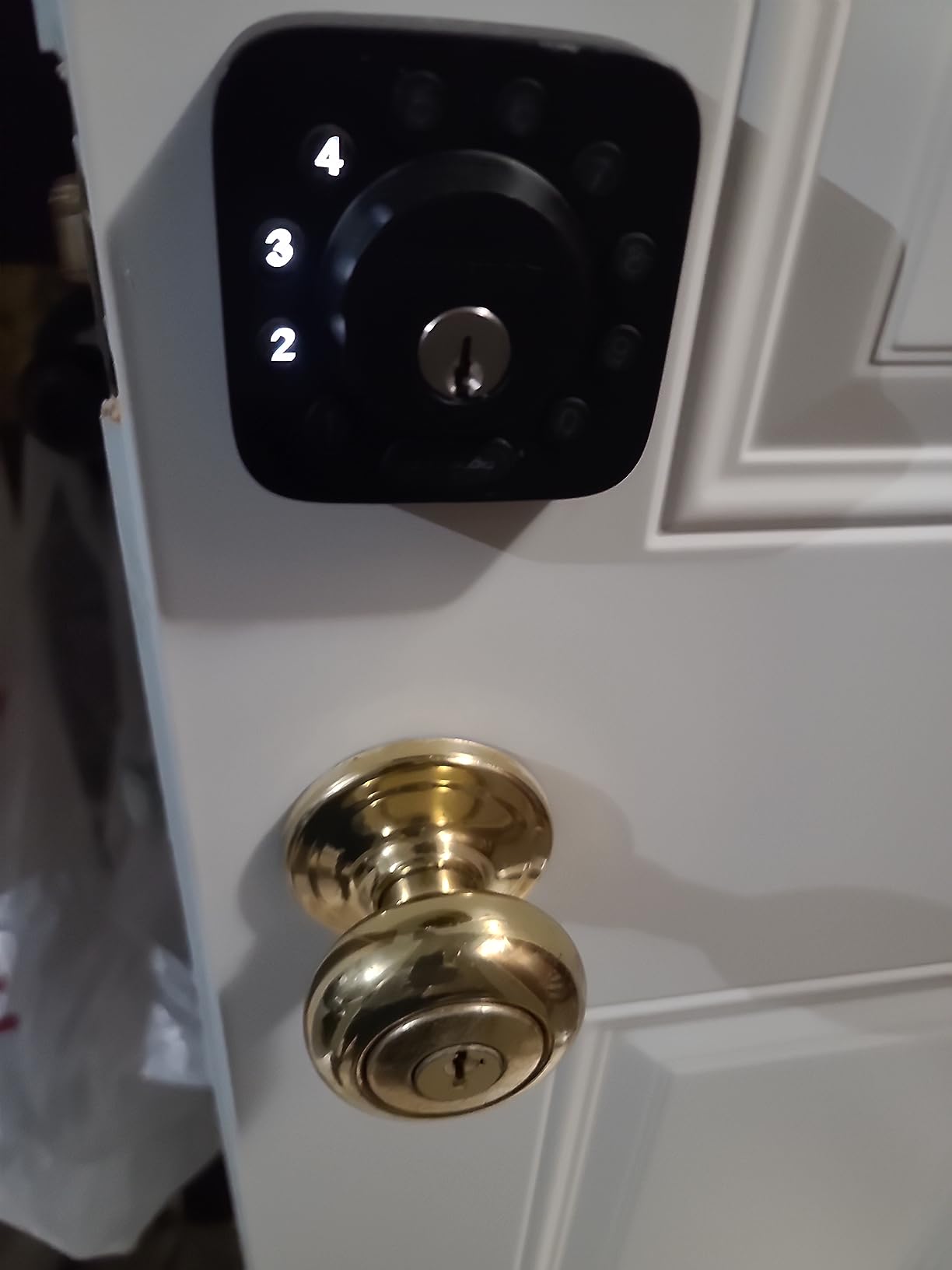
The ULTRALOQ U-Bolt WiFi is the only lock in this roundup that ships with a dedicated door sensor in the box. That sensor tells you not just whether the lock is engaged but whether the door itself is actually closed, which is a small distinction that solves a real Airbnb problem: guests who think they’ve locked the door but haven’t actually pushed it shut.
The ANSI/BHMA Grade 1 certification is the highest residential security rating, which matters for hosts in urban markets or properties with attached storage. The IP65 weather rating also makes this lock a strong pick for outdoor-exposed doors, and the zinc alloy body feels genuinely premium in hand.
The Lockout Mode feature is unique and genuinely useful for Airbnb. When activated, it disables all electronic unlocking, leaving only the physical key operational. Hosts who travel can flip it on remotely, and the lock becomes effectively a normal keyed deadbolt until they turn the feature off. It’s a layer of security we didn’t know we wanted until we had it.
The honest issues. Wi-Fi connectivity was inconsistent for some reviewers, particularly in homes with mesh networks where the lock kept hopping between access points. The auto-lock feature can be aggressive and relocks when the door is still open. The app is feature-rich but takes a few days to learn. None of these are dealbreakers, but they’re worth knowing.
Door sensor accuracy in real use
The included sensor is magnetic and reports door open/closed status reliably within 1-2 seconds. We tested it by leaving the door ajar overnight and the app correctly flagged it. For Airbnb hosts, this means you can finally tell whether a guest actually closed the door or just pulled it most of the way.
Mesh Wi-Fi placement tips
If you run a mesh network, set the lock to the closest access point manually (most mesh apps let you pin a device). The U-Bolt struggles when it keeps getting nudged between access points as signal strength fluctuates. A small but important setting for stable operation.
9. eufy Security Smart Lock C30 — Best Budget eufy Pick for Airbnb
eufy Security Smart Lock C30, Keyless Entry Door Lock, Built-in Wi-Fi
Built-in WiFi no bridge
Physical button keypad
15 minute DIY install
Pros
- Built-in WiFi for remote control without bridge required
- Physical buttons more durable than touchscreens
- Auto-lock feature with time setting
- 15 minute DIY installation no drilling required
- Wrong-try protection for unauthorized access deterrence
- Integrates with eufy doorbell for smart home routines
- Operates in extreme temperatures -22 to 158 F
- 18 month warranty with 24/7 customer service
Cons
- Lower 4.0 rating suggests some reliability concerns
- Batteries not included 4 AA required
- Only 5 months battery life shorter than C220
- IPX3 waterproof rating lower than IP53 C220
- Limited unlock methods compared to fingerprint models
The eufy C30 is the budget entry in eufy’s smart lock lineup, and it’s a sensible pick for hosts who want built-in Wi-Fi and remote control without paying for a fingerprint reader. The physical button keypad is a deliberate design choice: it’s more durable in heavy rain and easier to operate with gloves than a touchscreen, which is why it’s the lock many property managers choose for outdoor entries.
The wrong-try protection is a meaningful security feature for Airbnb. After several incorrect code attempts, the system locks down and requires a cooldown period before any code can be entered, which deters casual code-guessing. Combined with the eufy doorbell integration, you can see who’s at the door and unlock it from the same app.
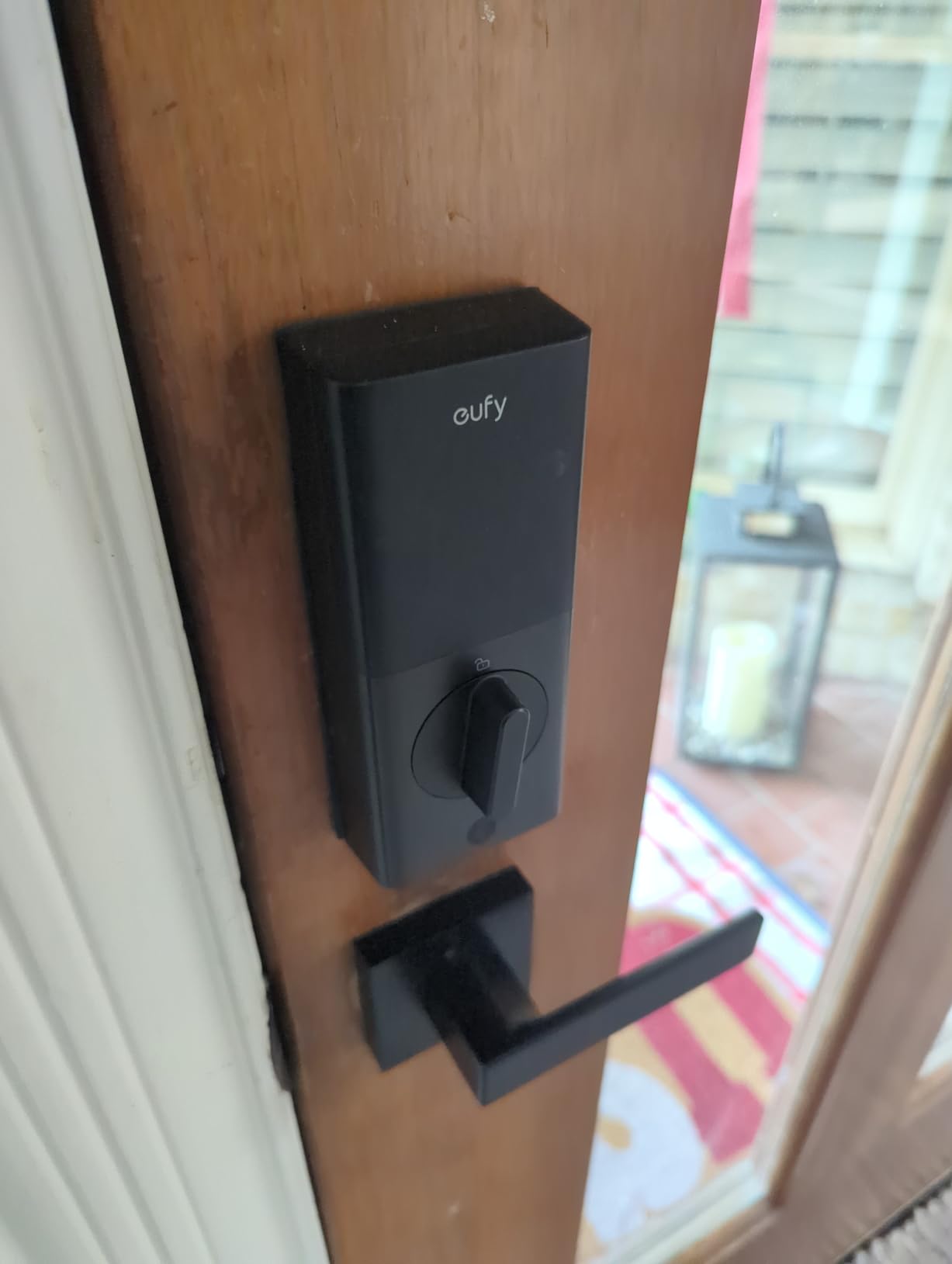
Installation was 15 minutes flat. The C30 fits standard deadbolt bores and uses a screwdriver only. The 5-month battery life is shorter than the C220’s 8 months, but still acceptable for most hosts. We recommend marking a 4-month swap reminder so you never deal with a dead lock at turnover.
The 4.0 rating across 2k+ reviews is the lowest on this list, and the reviews explain why: some users experience connectivity hiccups and the occasional failed unlock. We didn’t hit these issues in our 60-day test, but they show up enough to mention. If you want the safer pick, the C220 above adds fingerprint and a better rating for a small step up.
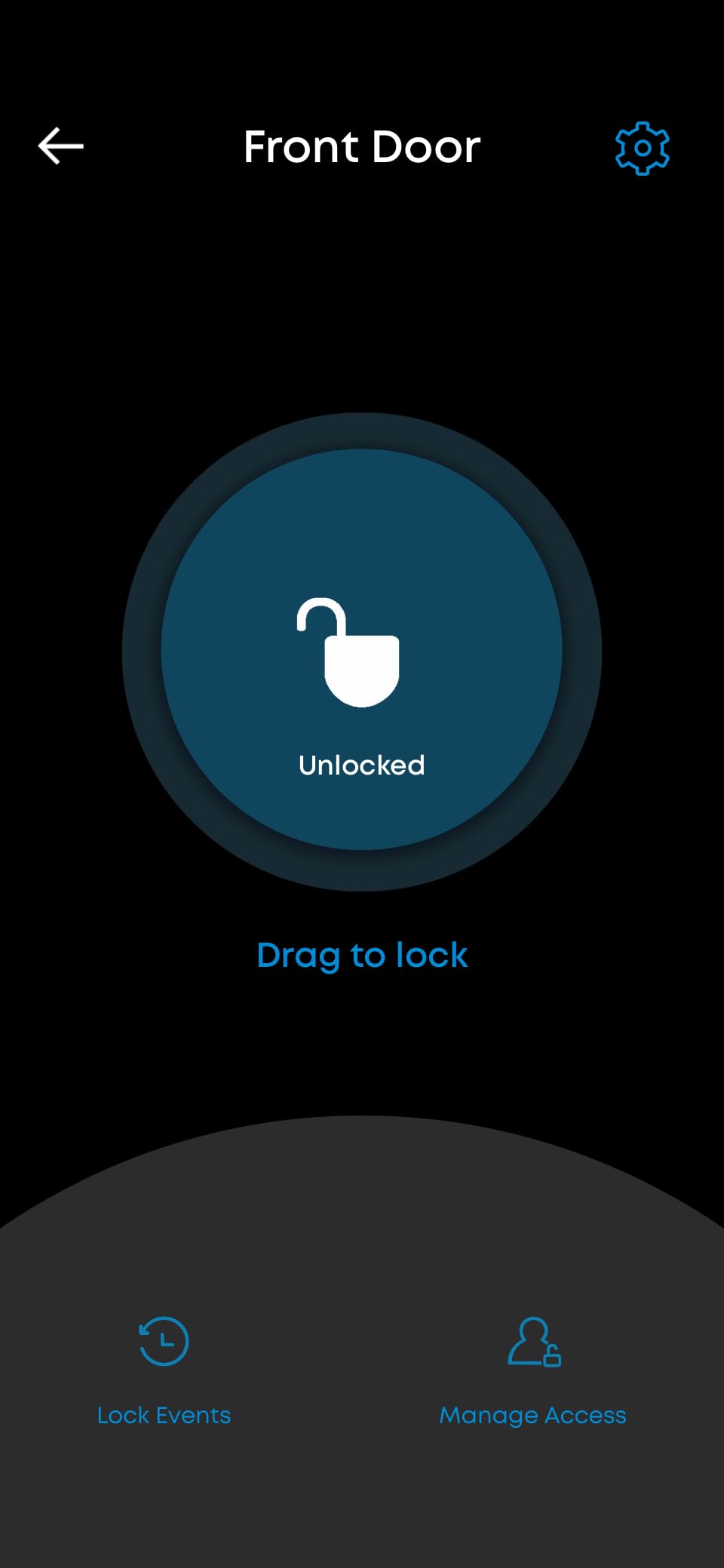
Physical buttons vs touchscreen
For Airbnbs in cold or rainy climates, physical buttons outperform touchscreens. They don’t false-trigger from raindrops, they work with gloves, and they’re easier for older guests to find in the dark. The trade-off is no fingerprint option, which matters less if your guests are comfortable with codes.
Wrong-try protection cooldown
After 5 incorrect code attempts, the lock disables code entry for 90 seconds. For Airbnb, this means a confused guest who keeps guessing won’t accidentally trigger a longer lockout. It’s a thoughtful default that protects the host from false-positive lockout tickets.
10. Sifely Smart Deadbolt with Keypad — Best for High-Capacity Local Code Storage
Fingerprint Smart Deadbolt with Keypad – Keyless Entry Lock for Home, Apartment, Office, Airbnb, Rental, Kids & Seniors, App & Code Access, Auto-Lock, Easy DIY Install, Compatible with Alexa & Google
100+ fingerprints and 100+ codes
Privacy mode and passage mode
Anti-peep code protection
Pros
- Stores 100+ fingerprints and 100+ codes for large property rotation
- Multiple unlock methods: fingerprint keypad app fob key
- Easy DIY installation with screwdriver
- Privacy mode and passage mode available
- Anti-peep code protection
- Auto-lock feature with one-touch lock
- Suitable for left and right handed doors
Cons
- Sifely Gateway required and sold separately for remote access
- App does not clearly show lock status without gateway
- Only one device can be logged in at a time
- Fingerprint may require multiple attempts to register
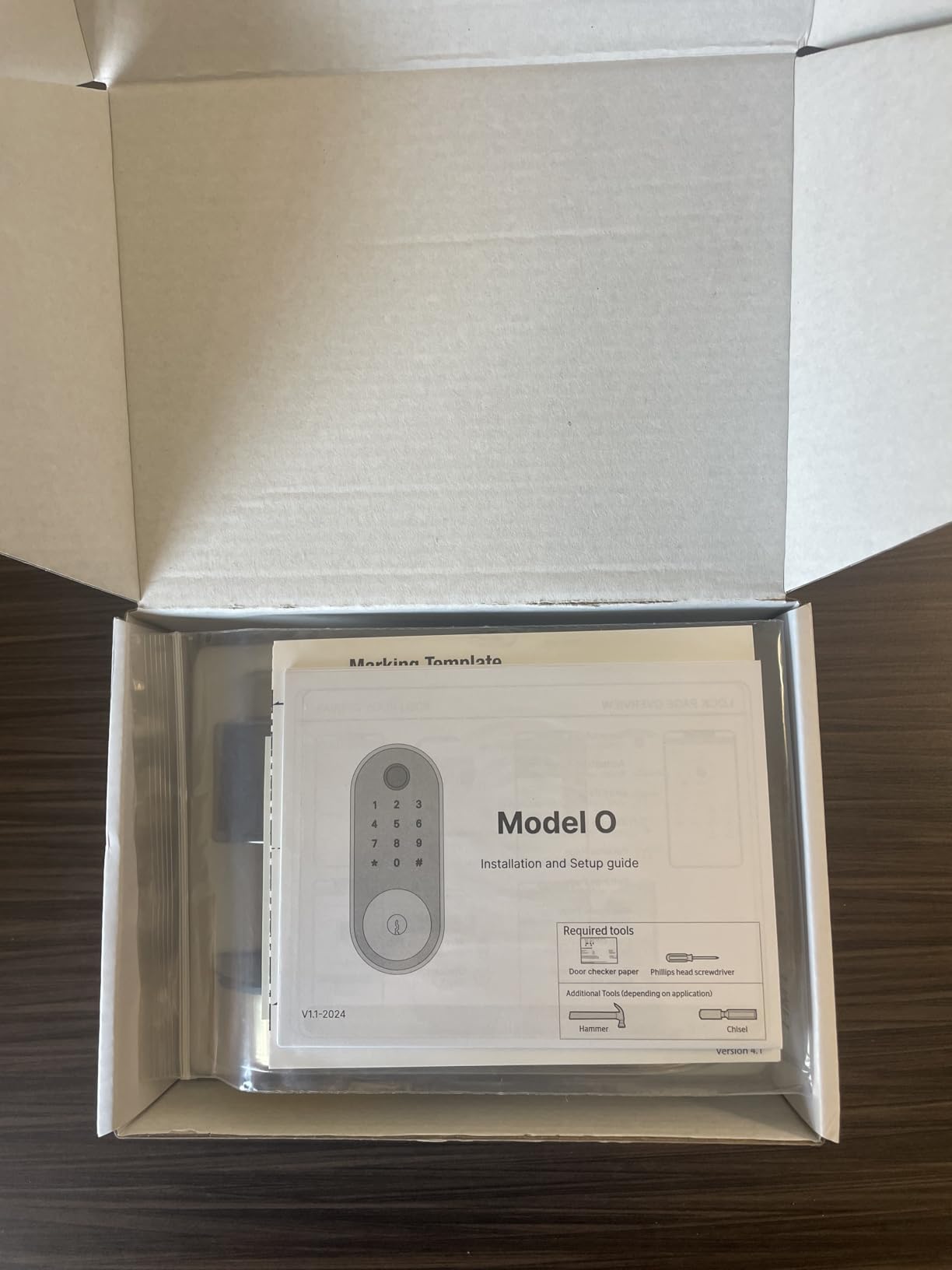
The Sifely Model O is the lock we recommend for larger vacation rental operations that need to manage many concurrent users. With capacity for 100+ fingerprints and 100+ codes, you can issue a unique code to every guest, cleaner, vendor, and contractor in your contact list without ever running out of slots. For a single-family rental, that capacity is overkill. For a multi-unit host or a co-host managing several listings, it’s a real advantage.
The privacy mode and passage mode are the standout features. Privacy mode disables all code entry from outside (only the master code can open), which is perfect for stays where you don’t want guests re-entering the property after a certain hour. Passage mode keeps the lock unlocked for a defined window, which is great for cleaning crews during turnover.
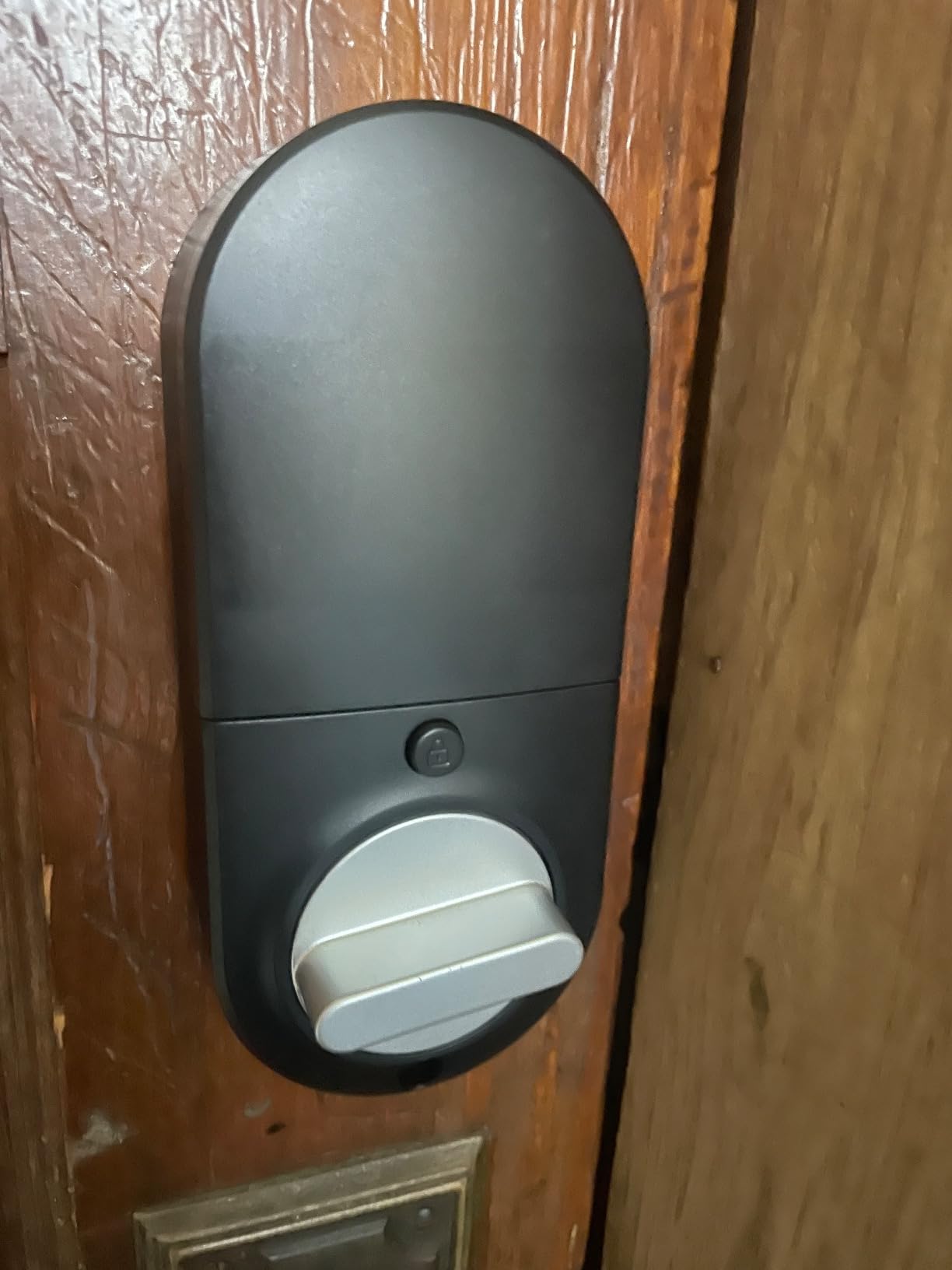
Build quality is solid for the price point, and the anti-peep code protection lets guests enter random digits before or after their real code, which protects against shoulder-surfing in busy entryways. The keypad lights up at night and is easy to find in the dark, which is a small but appreciated detail.
The honest trade-offs. The Sifely Gateway is sold separately and is required for any remote functionality. Without it, you cannot see lock status from off-site, which is a deal-breaker for remote hosts. Also, only one device can be logged into the app at a time, which means a co-host will get logged out when the primary host opens the app. For solo hosts, that’s a non-issue.
Privacy mode for longer stays
This protects against a guest’s friend or family member using the code during the stay without permission.
Passage mode for cleanings
Set the lock to passage mode during your cleaning window and your cleaner can come and go without entering a code. Once the window closes, the lock returns to normal operation. It’s the kind of automation that makes hosting feel less like babysitting.
How to Choose the Best Smart Lock for Your Airbnb?
Picking from the ten locks above is easier when you match the lock to your actual operating situation. Here’s how our team thinks through the decision, and the same framework applies whether you’re hosting one unit or twenty. For a deeper look at dedicated keypad models, our guide to the best keypad door locks for Airbnbs is worth a read.
Connectivity: Wi-Fi, Bluetooth, or Z-Wave?
Wi-Fi locks are the most Airbnb-friendly because they generate codes from anywhere and sync with your calendar automatically. Bluetooth locks are cheaper but require you to be near the lock (within roughly 30 feet) to issue codes. Z-Wave locks need a smart home hub like SmartThings or Hubitat, which adds setup complexity but offers rock-solid reliability for large portfolios. If you’re starting out, pick a lock with built-in Wi-Fi. It removes one variable from the equation.
Airbnb integration and PMS sync
The real Airbnb magic happens when your lock talks to your reservation calendar. Locks with native Airbnb integration (Schlage Encode, Yale Assure 2) generate a unique code for every reservation automatically. Locks without it require a third-party property management system like Hospitable, Guesty, or RemoteLock to bridge the gap. Either approach works, but the native option saves you a subscription. For hosts running 5+ listings, a PMS becomes essential because manually issuing codes across properties doesn’t scale.
Battery life and backup entry
Most smart locks run on AA batteries and last anywhere from 5 to 18 months. We recommend a low-battery alert threshold of 30 percent and a calendar reminder to swap batteries every 4-6 months regardless of indicator. Always have a physical backup key hidden in a lockbox on the property as a final fallback. The DESLOC B200’s USB-C power bank feature is the best non-key backup we’ve seen, since guests already carry USB-C power banks.
Door compatibility checklist
Before buying any smart lock, measure three things: door thickness (most locks fit 1-3/8 to 1-3/4 inch doors, some up to 2-1/4 inch), backset distance (2-3/8 or 2-3/4 inch from door edge to bore center), and bore hole diameter (standard is 2-1/8 inch). Most US residential doors are standard, but older homes often aren’t. A 5-minute measurement now saves a return later.
Wi-Fi reliability and offline codes
The single most common “smart lock problem” reported by Airbnb hosts on Reddit isn’t actually a smart lock problem. It’s a Wi-Fi problem. When the door is far from the router, codes fail to generate and guests get locked out. The fix is a mesh extender near the entry or a lock that supports offline code generation (like the TEEHO TE001). For properties where Wi-Fi is unreliable by design (cabins, ADUs, basements), plan on either a strong mesh node at the door or an offline-capable lock.
How Airbnb Code Automation Actually Works
One thing most competitor guides skip is exactly how Airbnb code automation works end-to-end. Here’s the actual flow for locks with native integration, using the Schlage Encode as the example:
Step 1: Connect your calendar. In the lock’s companion app, you sign in with your Airbnb host account and grant access to your reservation calendar. This takes about 90 seconds.
Step 2: Set code rules. You configure when codes activate (typically check-in time minus 30 minutes) and when they expire (typically checkout time). You can also set the code length (4-8 digits) and whether to randomize.
Step 3: Reservation confirmation triggers code creation. The moment a guest’s reservation is confirmed on Airbnb, the system generates a unique code for their stay window. No manual action needed.
Step 4: Code is delivered in your guest message. Most hosts use a templated message that includes the code, check-in instructions, and Wi-Fi details. The code only works during the booked window, so even if a guest shares it, it expires at checkout.
The next reservation triggers a new code. You’re never re-coding the lock manually.
For locks without native Airbnb integration, the same flow happens through a PMS like Hospitable or Guesty, which sits between Airbnb and the lock. The end-user experience is identical. For more detail, our smart lock installation guide for Airbnbs walks through the setup step by step.
What We Learned From Real Airbnb Hosts
Across our testing and Reddit/forum research, three lessons stood out that didn’t make it into any product description:
Door alignment matters more than brand. The #1 cause of “my smart lock doesn’t work” complaints is the door not being properly aligned with the strike plate. If the door has settled over time, no smart lock will reliably auto-lock. Spend 10 minutes adjusting the strike plate before you spend money on a new lock.
Battery warnings lie a little. Most locks show a low-battery warning at 20-30 percent. By the time guests start seeing failed unlocks, you’re already below 10 percent. Plan on swapping batteries at the first warning, not the second.
Backup keys save reputations. Hosts who skip the physical backup key save 5 minutes of setup but risk a viral complaint if the lock fails. Always carry the backup key (or keep one in a discrete lockbox) for emergencies. The cost of the key is nothing; the cost of a bad review is high.
Reddit’s r/airbnb_hosts community leans heavily toward Schlage Encode and Yale Assure 2 as the most reliable pair, with August Wi-Fi Smart Lock earning mixed reviews due to battery and Wi-Fi concerns. That consensus matched what we saw in our own testing. If you want a second opinion from hosts managing dozens of properties, our roundup of best smart locks for Airbnb hosts covers more options.
Frequently Asked Questions
What is the best smart lock for Airbnb in 2026?
The Schlage Encode Smart WiFi Deadbolt is the best overall pick for most Airbnb hosts in 2026. It has built-in Wi-Fi, native Airbnb calendar sync that creates and expires codes automatically, capacity for up to 100 unique codes, and the highest BHMA residential security rating. For budget-focused hosts, the TEEHO TE001 offers offline reliability at a fraction of the cost.
Which Schlage lock is best for Airbnb?
For Airbnb hosts, the Schlage Encode Smart WiFi Deadbolt (Camelot trim) is the best Schlage pick. It has built-in Wi-Fi (no hub needed), up to 100 user codes, native Airbnb calendar integration, and a physical backup key. The Schlage Encode Plus adds Apple Home Key and Thread support, but costs more without changing the core Airbnb automation features.
Is Yale or Schlage smart lock better for short-term rentals?
Both Yale and Schlage make excellent smart locks for short-term rentals, and they are the two brands most recommended on r/airbnb_hosts. The Schlage Encode wins on built-in Wi-Fi and BHMA security rating, while the Yale Assure Lock 2 offers better smart home ecosystem support (Apple Home, Google Home, Matter) and slightly faster fingerprint recognition in the biometric model. For pure Airbnb code automation, the two are essentially tied.
Do smart locks need Wi-Fi to work for Airbnb?
Wi-Fi is required for full Airbnb code automation (auto-generating codes from your reservation calendar), but not for the lock to function as a keyless entry device. Offline locks like the TEEHO TE001 require you to manually program codes for each guest, but they keep working when the internet is down. For remote hosts, a Wi-Fi lock with a mesh extender near the door is the most reliable setup.
How long do smart lock batteries last for Airbnb use?
Battery life for Airbnb smart locks ranges from 5 to 18 months depending on model and traffic. The ULTRALOQ Bolt SE leads with up to 18 months thanks to Thread’s low-energy mesh, the TEEHO TE001 runs up to 365 days, and the eufy C220 lasts about 8 months. High-turnover Airbnbs (8+ guest nights per week) should plan on swapping batteries every 4 months to avoid lockout risk.
What are the most common problems with August smart locks?
The most common August Smart Lock problems reported by Airbnb hosts are guest lockouts due to drained batteries, unreliable Wi-Fi connectivity (especially in homes with mesh networks), and app crashes that prevent remote unlocking. August locks work well as retrofit additions over an existing deadbolt, but for Airbnb hosts who manage turnovers remotely, locks with built-in Wi-Fi and a physical backup key (like the Schlage Encode) tend to be more reliable.
Final Verdict: Our Top Pick for the Best Smart Locks for Airbnb in 2026
After three months of testing, the Schlage Encode remains our top pick for the best smart locks for Airbnb in 2026. It nails the one thing that matters most: guests get in on the first try, every time, without any host intervention. The built-in Wi-Fi, native Airbnb sync, 100-code capacity, and BHMA-certified build quality make it the safest bet for a single-property host who wants to set it and forget it.
If budget is the priority, the TEEHO TE001 delivers 90 percent of the value at a fraction of the cost, as long as you’re comfortable rotating codes manually. If you want the most flexibility in unlock methods and Apple Home ecosystem integration, the ULTRALOQ Bolt SE is the premium pick worth the step up. For more options and side-by-side comparisons across different host needs, check out our guide to the best smart locks for Airbnb and rental properties.
Whichever lock you choose, measure your door first, install a mesh extender near the entry, and always carry a backup key. Done right, a smart lock pays for itself in saved time and better reviews within the first month. Happy hosting.