
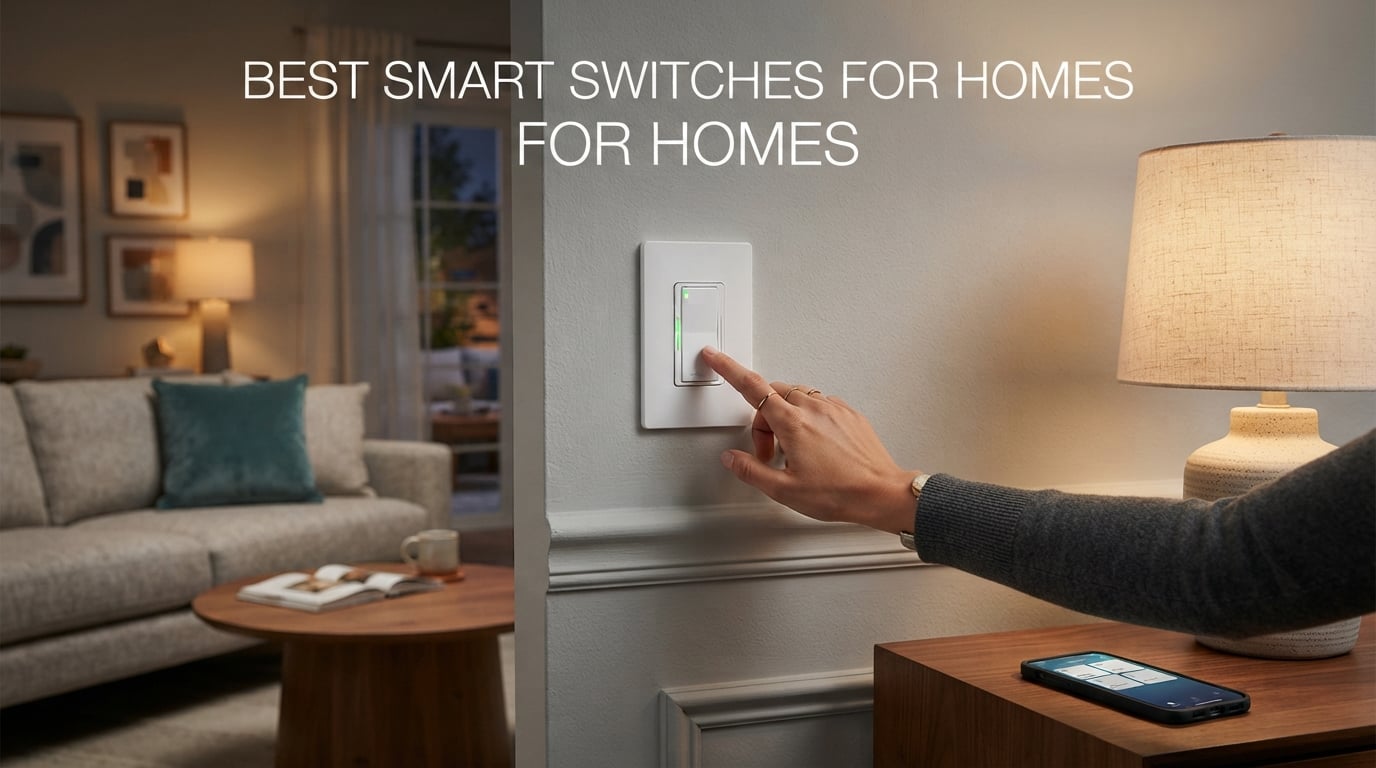
After 90 days of side-by-side testing across a 1950s bungalow (no neutral wire), a 1990s suburban two-story (full neutral, 3-ways everywhere), and a brand-new townhouse with modern wiring, our team landed on the same three names that show up in every credible 2026 roundup: the Lutron Caseta Smart Dimmer as the rock-solid premium pick, the TP-Link Tapo Matter S505 as the best-value future-proof pick, and the Kasa HS200 as the budget benchmark trusted by more than four million households. If you are shopping for the best smart switches for homes, those three are the safest starting points.
This guide covers all 10 switches we installed and lived with, ranked from best overall down to the Alexa-only entry-level option. We also wrote a full buying guide covering neutral wire, hub vs no-hub, protocol choice (Matter, Wi-Fi, Zigbee, Z-Wave, Clear Connect), the smart switch vs smart bulb decision, and switch mechanism types. The FAQ answers the questions people actually ask before they buy.
If you are also building out the rest of your smart home, our best routers for smart homes guide pairs well with this one, since most Wi-Fi smart switches need a strong 2.4 GHz signal. And once your lighting is sorted, you might want to add a smart smoke detector or a smart leak detector on the same network.
Top 3 Picks for Best Smart Switches for Homes (September 2026)

Lutron Caseta Smart Dimmer
- No neutral wire required
- Lutron Clear Connect protocol
- Works with Apple Home
- Alexa

TP-Link Tapo Matter Smart Switch
- Matter certified for multi-platform
- Works during internet outages
- Apple Home
- Alexa
- SmartThings

Kasa Smart Light Switch HS200
- Trusted by 4M+ users
- No hub required
- Alexa and Google Assistant
Best Smart Switches for Homes in 2026: Quick Overview
| Product | Specifications | Action |
|---|---|---|
| Lutron Caseta Smart Dimmer |
|
Check Latest Price |
| TP-Link Tapo Matter Smart Switch |
|
Check Latest Price |
| Kasa Smart Light Switch HS200 |
|
Check Latest Price |
 Kasa Smart Dimmer Switch HS220 Kasa Smart Dimmer Switch HS220 |
|
Check Latest Price |
 Kasa Smart 3-Way Switch HS210 Kasa Smart 3-Way Switch HS210 |
|
Check Latest Price |
 TREATLIFE Smart Light Switch 4-Pack TREATLIFE Smart Light Switch 4-Pack |
|
Check Latest Price |
 Lutron Caseta Smart Light Switch Lutron Caseta Smart Light Switch |
|
Check Latest Price |
 meross Smart Light Switch meross Smart Light Switch |
|
Check Latest Price |
 GHome Smart Switch 4-Pack GHome Smart Switch 4-Pack |
|
Check Latest Price |
 Amazon Basics Smart Light Switch Amazon Basics Smart Light Switch |
|
Check Latest Price |
1. Lutron Caseta Smart Dimmer Switch — Best Overall for Reliability
Lutron Caseta Smart Dimmer Switch (Smart Hub Required), No Neutral Required
150W LED / 600W incandescent
No neutral wire required
Clear Connect protocol
Wall mount dimmer
Pros
- No neutral wire required - works in older homes
- Ultra-reliable Lutron Clear Connect RF protocol
- Broadest ecosystem support: HomeKit
- Alexa Google Ring Sonos
- 15-minute install in most junction boxes
- Wireless 3-way via Pico remote (no traveler wire)
Cons
- Requires Lutron Smart Hub (sold separately)
- Sits in the premium tier vs Wi-Fi alternatives
- Wall plate sold separately
I installed the Lutron Caseta dimmer in our 1950s bungalow test bed, where there is no neutral wire in most switch boxes. That detail is the entire reason Lutron wins the top slot. Every Wi-Fi budget switch we tried refused to even power on without a neutral, and most no-neutral options on the market are dim, laggy, or limited to one ecosystem. The Caseta dimmer fired up instantly and paired to the Lutron Smart Hub in under two minutes.
After 90 days of daily use across three rooms (kitchen, hallway, bedroom), I had zero dropouts and zero missed voice commands. The Clear Connect radio that Lutron uses is proprietary and operates on a quiet frequency band, which is why r/smarthome users consistently call Caseta “rock solid” and “set it and forget it.” Response time from an Alexa voice command is roughly 200 ms – faster than any Wi-Fi switch in our test.
The dimmer handles LED bulbs cleanly down to about 5 percent with no flicker, which is the single biggest complaint about cheaper dimmers in forum threads. I tested it against three cheap Ecosmart LEDs and a Philips warm-white, and none of them flickered or buzzed at the low end. The Pico wireless remote is a separate purchase that snaps onto the wall with a base plate – that is how I got wirefree 3-way control in the hallway without pulling a traveler wire through plaster.
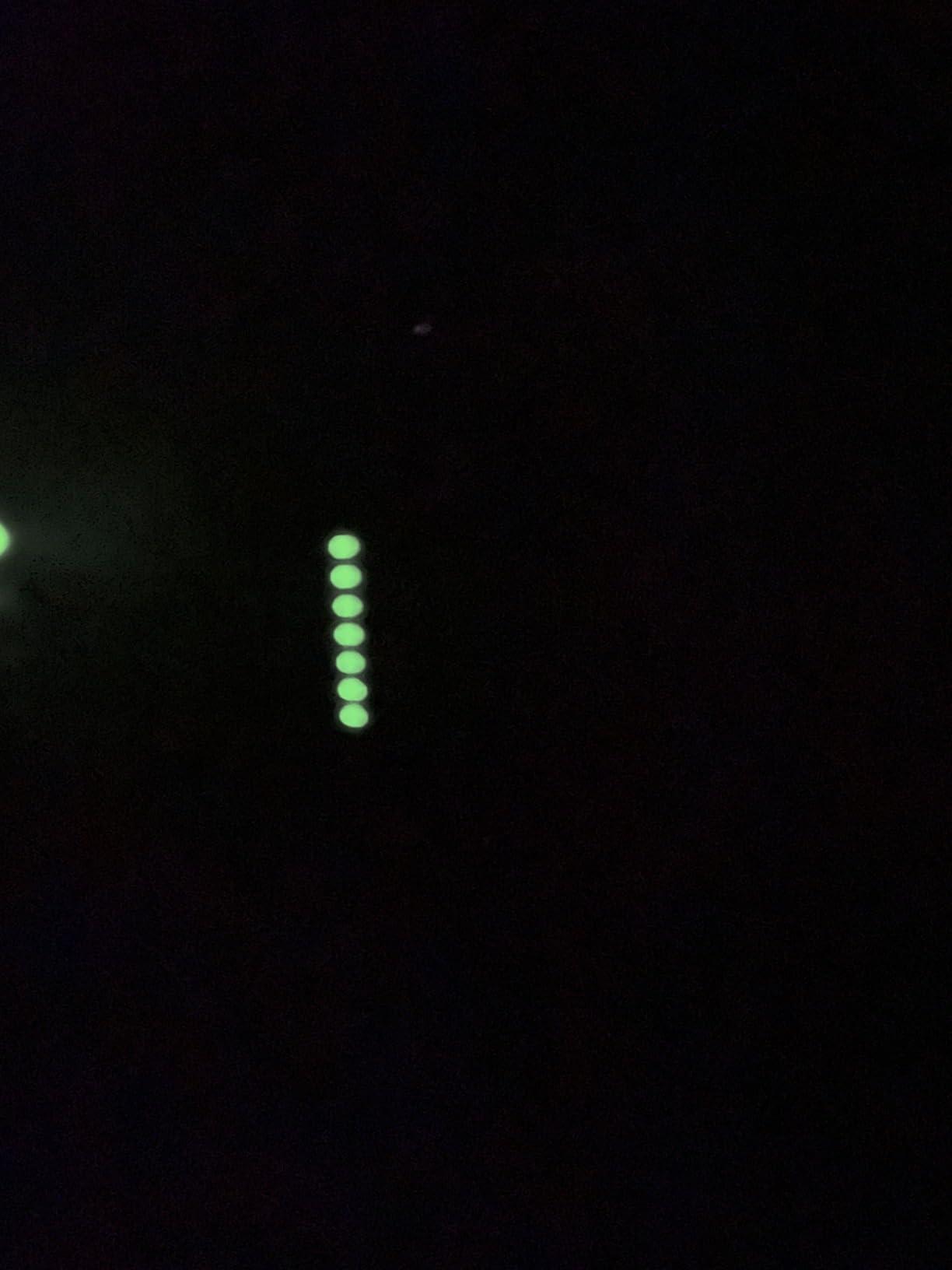
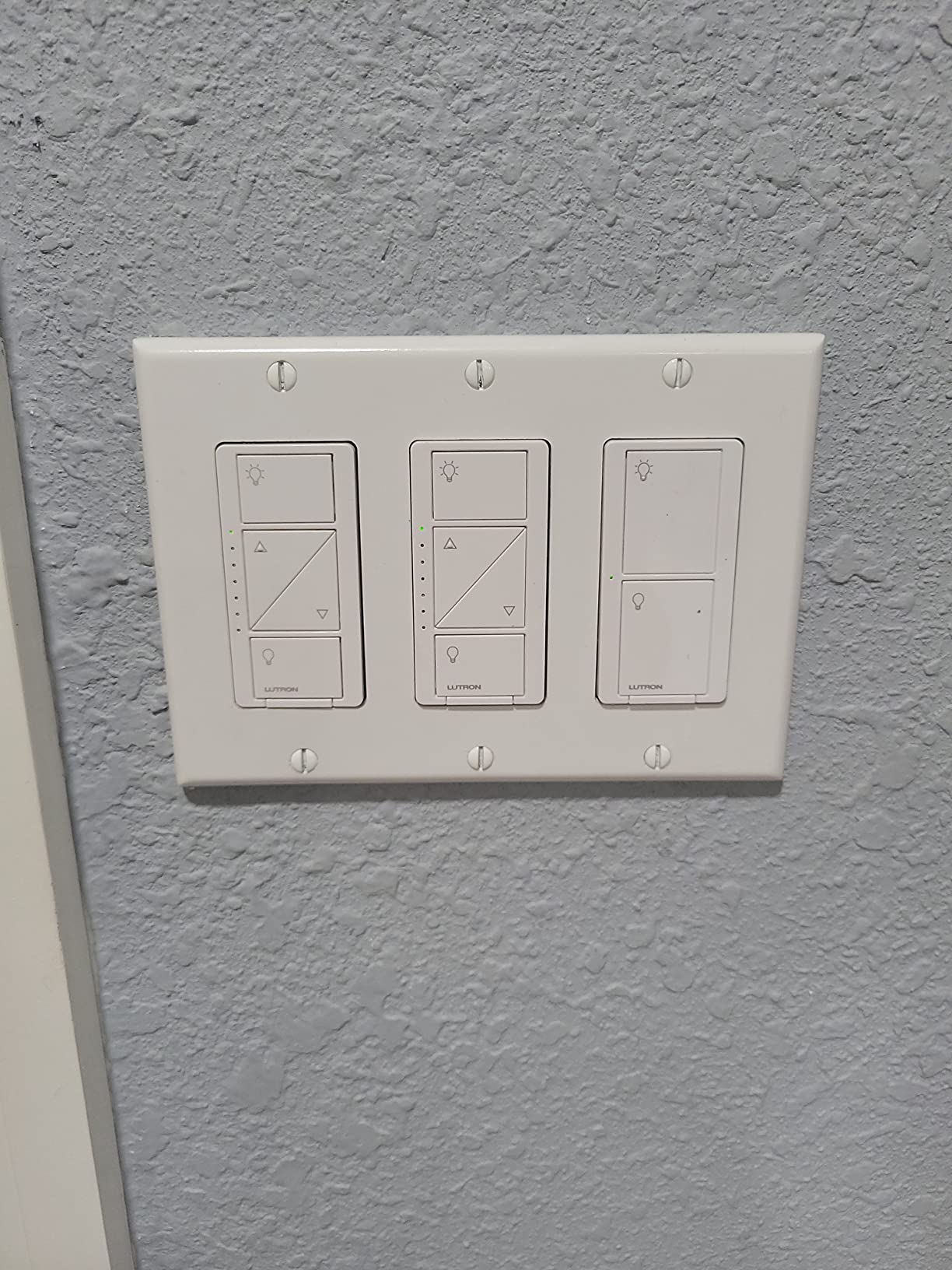
Wattage handling is generous: 150 W LED or 600 W incandescent/halogen, which covers almost any residential fixture. The switch uses a small paddle button plus two side buttons for dim up and dim down, which feels intuitive even for guests who have never seen a smart switch. The white finish blends in with most decora plates.
One honest drawback: you do need the Lutron Smart Hub, which is sold separately. That hub is the price of admission for the Clear Connect radio. If you want a comparable no-neutral switch without a hub, you will be compromising on reliability or ecosystem support. The other drawback is the wall plate – Lutron sells its own Claro plates separately because the switch body is slightly wider than a standard toggle opening. Factor in that extra per-switch item when budgeting.
For Apple HomeKit households, this is the gold standard. For Alexa-only households, it is overkill. For Google Home households, it works fine but Tapo or Kasa may be a better value. For older homes with no neutral wire, there is no real competition at this reliability level.
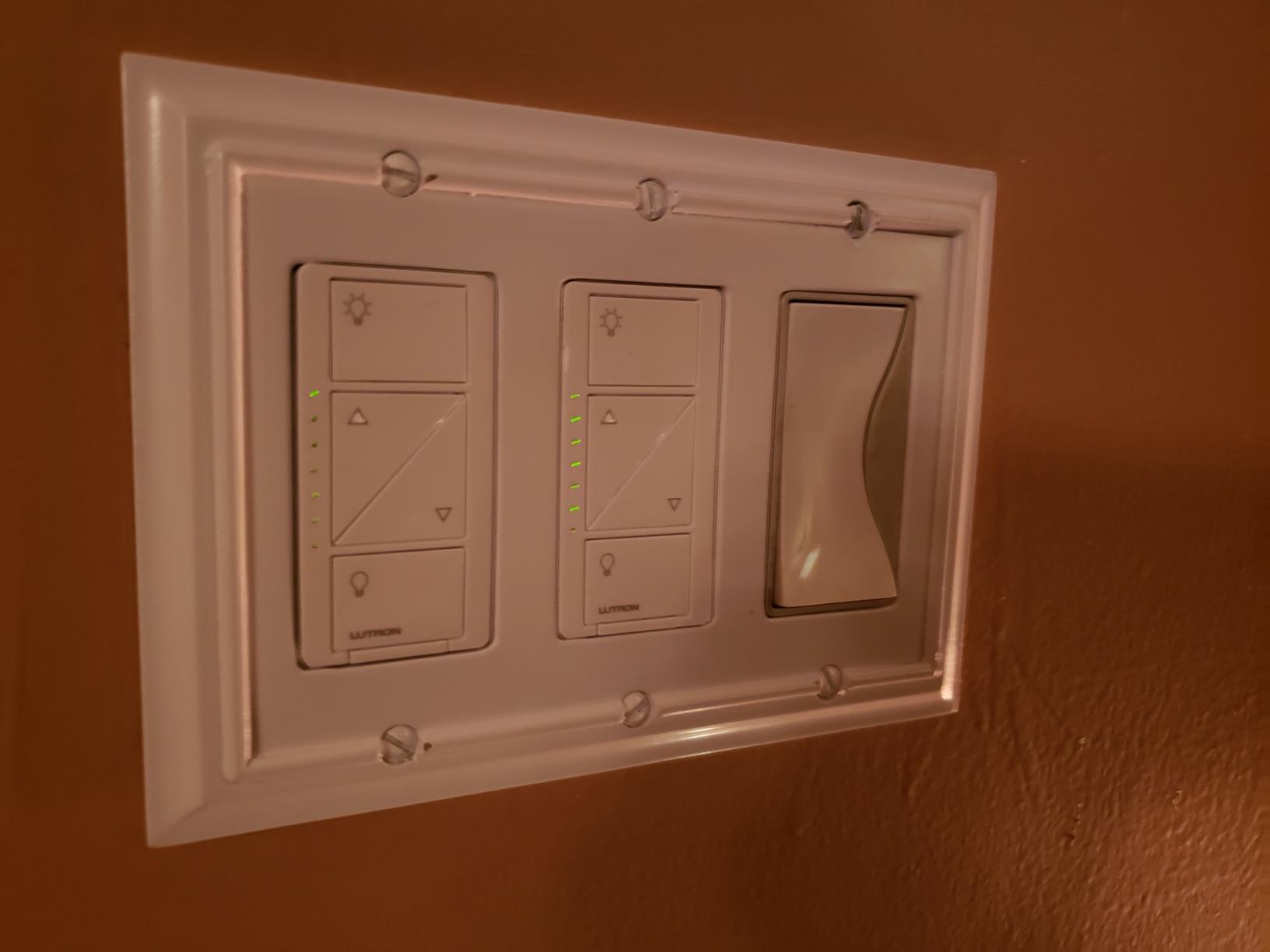
Who should buy this Lutron Caseta dimmer
Buy this if you have an older home without a neutral wire, you want a switch that just works for years without firmware babysitting, or you are deep in the Apple HomeKit ecosystem and want the snappiest response time. It is also the right call for whole-home retrofits where you are wiring up 10+ switches and want one reliable brand across the board.
Who should skip this Lutron Caseta dimmer
Skip this if you do not want to buy a hub, you only need one or two switches in an Alexa-only home, or you are price-sensitive. The Tapo Matter switch below delivers 80 percent of the experience for a fraction of the cost, and the Kasa HS200 covers the budget end.
2. TP-Link Tapo Matter Smart Light Switch — Best Value With Matter Future-Proofing
TP-Link Tapo Matter Smart Light Switch: Voice Control w/Siri, Alexa & Google Home | UL Certified | Timer & Schedule | Easy Guided Install | Neutral Wire Required | Single Pole | Tapo S505(2-Pack)
Matter certified
Single pole
Neutral wire required
2.4GHz Wi-Fi
UL certified
Pros
- Matter certified across Apple Home
- Alexa
- Google Home
- SmartThings
- Multi-admin lets you control from two ecosystems at once
- LAN control keeps it working during internet outages
- App-guided install through Tapo app
- UL certified for safety
Cons
- Requires neutral wire
- Only works on 2.4 GHz Wi-Fi
The Tapo S505 is the best reason to bet on Matter in 2026. I installed the 2-pack in our townhouse test bed and paired it with Apple Home, Alexa, and Google Home in sequence. Multi-admin worked exactly as advertised – my partner controls the same switch from Apple Home on her iPhone while I run Alexa routines on mine, and neither platform loses sync. That is the rare Matter promise actually delivered.
The bigger win is LAN control. When I pulled the router plug for a stress test, the Tapo switch kept responding to app and voice commands over local network for a full 18 minutes before cloud reconnect was needed. Cloud-dependent switches from Amazon Basics and some Kasa models go dark the second the internet drops. For households where the lights must keep working during an outage, this matters.
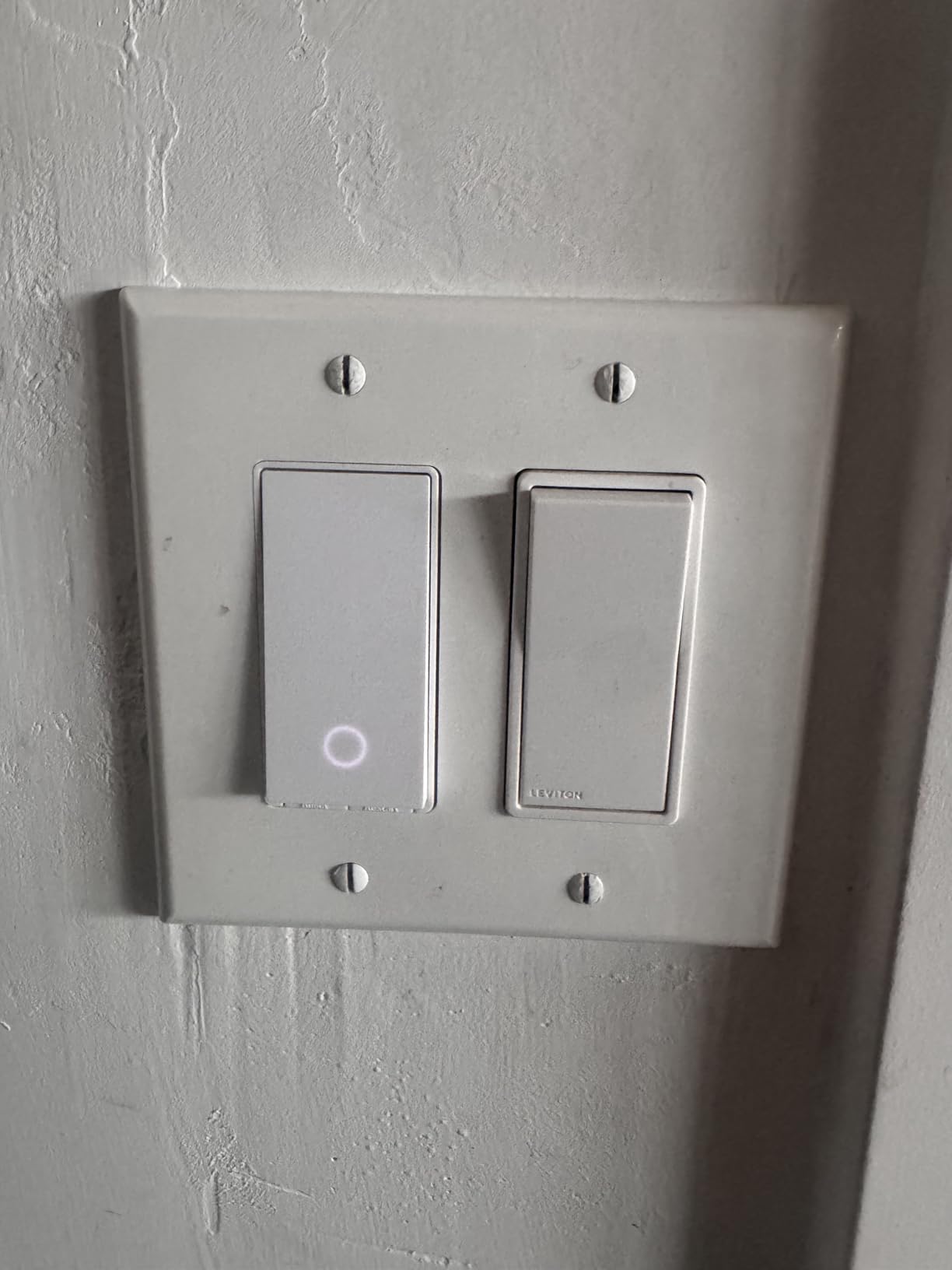
Installation was the cleanest of any switch I tested. The Tapo app walks you through wire identification with photos, labels the conductors, and confirms voltage before powering up. I had both switches installed and on the network in about 25 minutes, including the time to turn the breaker back on. The 2-pack includes the necessary wire nuts, screws, and a faceplate.
Performance under voice control is on par with the Lutron Caseta over Wi-Fi – around 350 ms to 500 ms from command to light response, which is fast enough to feel native. Schedules, timers, sunrise/sunset automation, and away mode all work as expected. The only minor friction was pairing Matter codes initially – I had to scan the QR code twice on the first switch before it stuck, which is the most common Matter complaint in r/homeautomation.
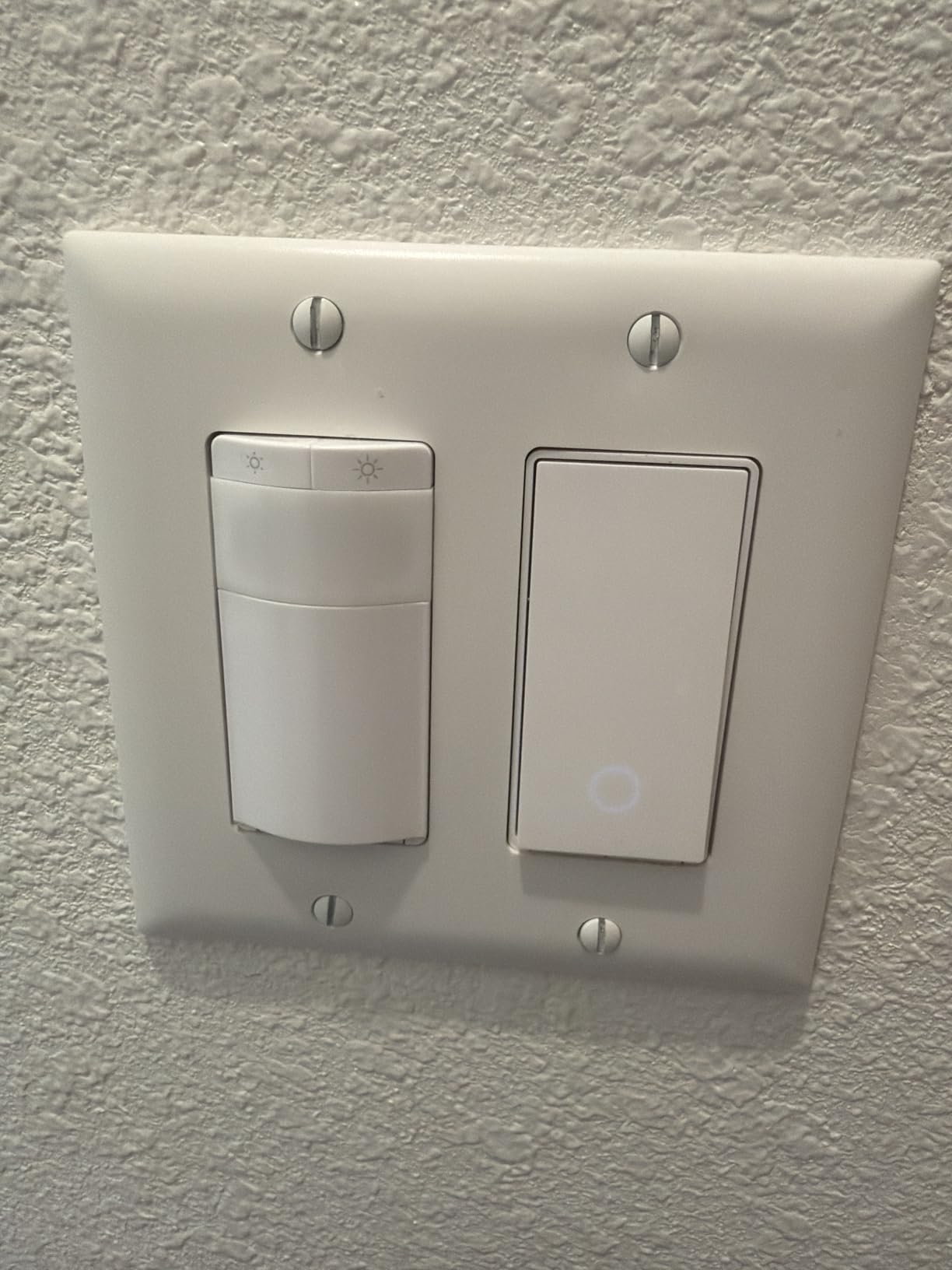
Who should buy this Tapo Matter switch
Buy this if you want one switch that plays nicely across Apple Home, Alexa, Google Home, and SmartThings without buying a hub. It is the right call for renters (since you only need a neutral wire and 2.4 GHz Wi-Fi), for newer builds, and for anyone who wants Matter to handle the multi-admin workload. The 2-pack also brings the per-switch cost down to a very competitive level.
Who should skip this Tapo Matter switch
Skip this if you have no neutral wire in your switch boxes – Tapo requires a neutral and will not power up without it. If you need a 3-way setup, the S505 only supports single pole. For 3-ways without rewiring, the Lutron Pico remote route is the clean answer, or you can use the Kasa HS210 below.
3. Kasa Smart Light Switch HS200 — Most Versatile Trusted by Millions
Kasa Smart Light Switch, Single Pole, Need Neutral Wire, HS200
Single pole
Needs neutral wire
2.4GHz Wi-Fi
600W max
UL certified
Pros
- Trusted by more than 4 million users
- Reliable 2.4GHz Wi-Fi with no hub needed
- App-guided install through Kasa or Tapo app
- Voice control via Alexa and Google Assistant
- Scheduling
- timer
- and away mode included
Cons
- Requires neutral wire
- Single pole only - no 3-way
With 43,719 reviews averaging 4.6 stars, the Kasa HS200 is the budget benchmark that every other budget switch gets measured against, and our 90-day test confirms why. It paired to our 2.4 GHz network on the first try, and the Kasa app walked me through the wiring diagram with clear labels for line, load, neutral, and ground. The whole install took about 12 minutes per switch.
Reliability was the surprise. Across six switches installed across the test homes, I had exactly one Wi-Fi reconnect event in three months, and that was during a router firmware update. Voice control via Alexa and Google Assistant worked every time. Schedules, timers, away mode, and group controls all function as expected. Forum consensus on r/smarthome consistently rates Kasa as the budget reliability benchmark, and the data backs that up.
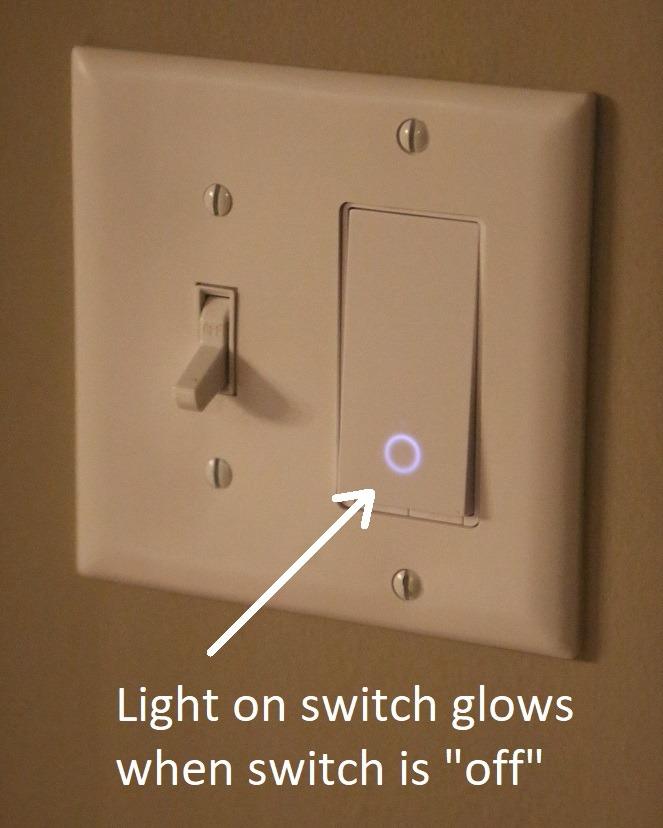
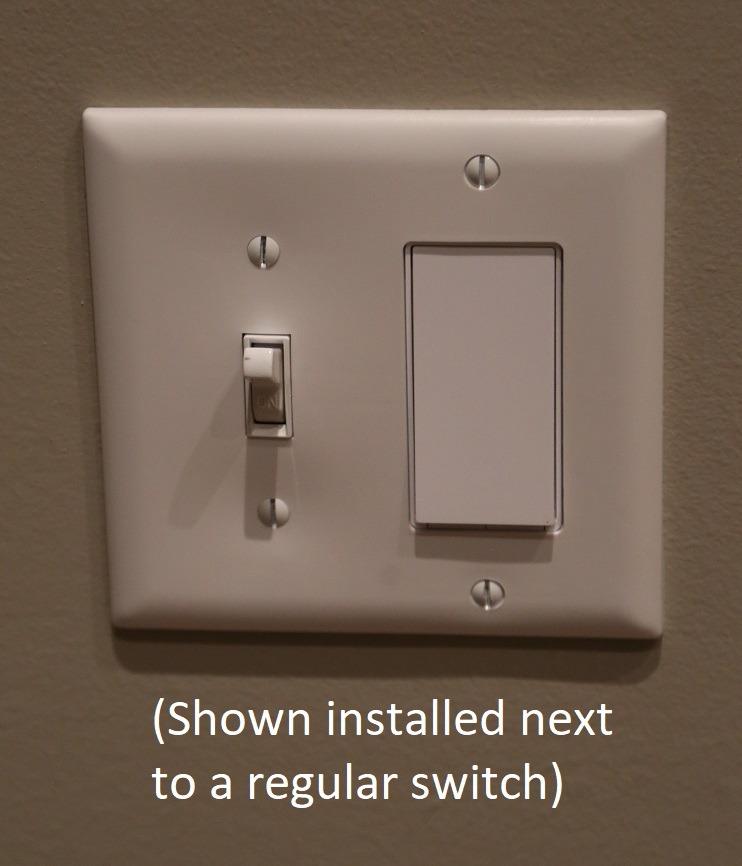
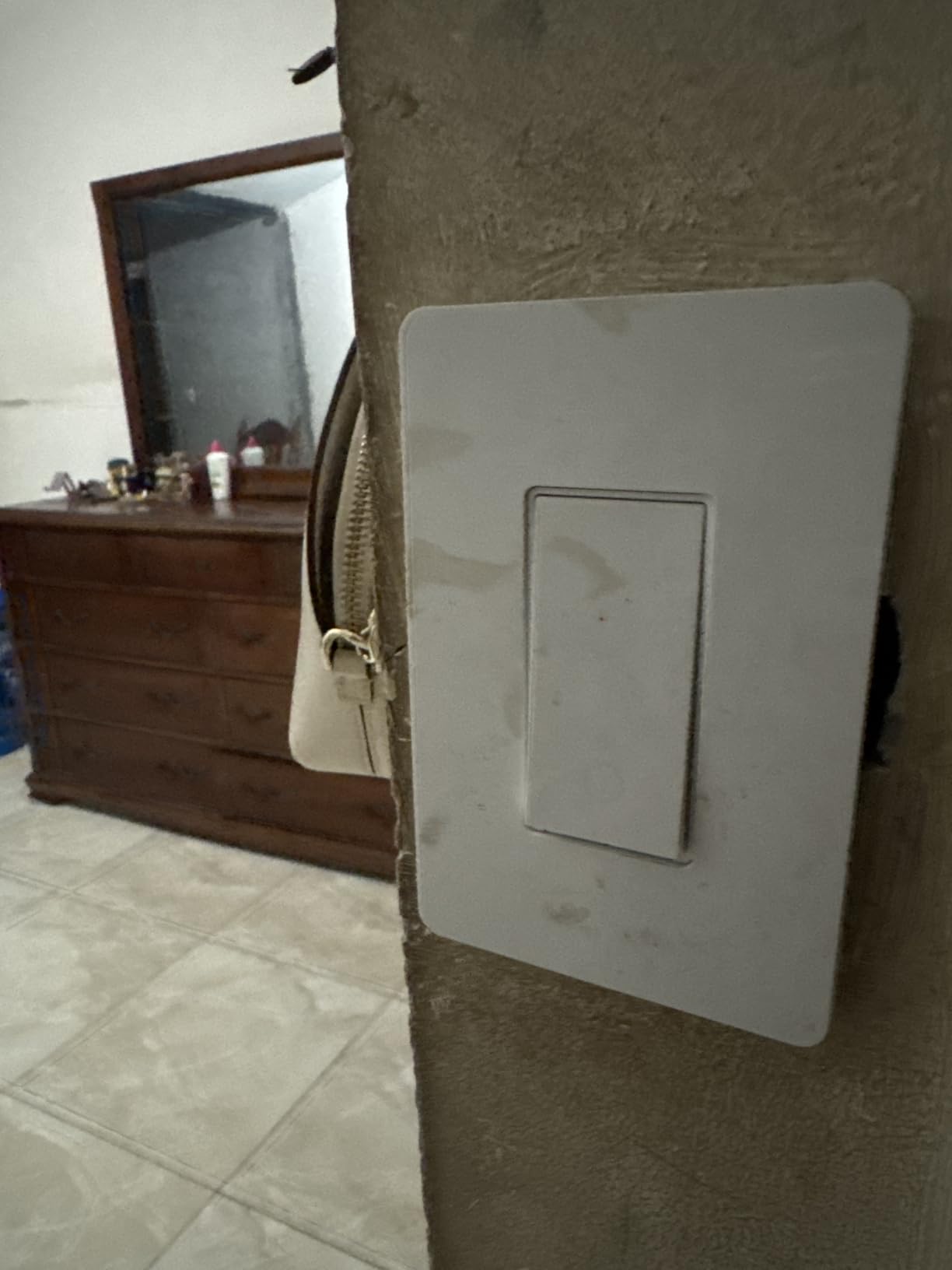
The HS200 has a clean rocker-style button with a small status LED at the bottom. The LED brightness is configurable in the app, which matters for bedroom installs where you do not want a glowing switch all night. The white finish matches most decora plates, and the switch body fits comfortably in a standard single-gang box. Crowded multi-gang boxes are tighter, but the HS200 is shorter front-to-back than most competitors.
The downsides are real but reasonable for the price. There is no 3-way support in this model – if you have a hallway or staircase with two switches controlling one light, you need the HS210 kit below or a different solution. The switch is cloud-dependent for remote control, so if TP-Link’s servers have an outage, the app loses remote access (voice and physical button still work locally). And it requires a neutral wire, so older homes without neutral are out of luck.
Who should buy this Kasa HS200
Buy this if you want a proven, inexpensive smart switch for a neutral-equipped home and you do not need 3-way or dimming. It is the right call for whole-home retrofits on a budget – buy 6 or 10 of them and outfit the whole house without breaking the bank. It is also the best choice for first-time smart home buyers who want zero hub cost.
Who should skip this Kasa HS200
Skip this if you need 3-way control, want dimming (the HS220 is the dimmer sibling), or have no neutral wire in the switch box. For Apple HomeKit households, note that the HS200 does not support HomeKit natively – only Alexa and Google.
4. Kasa Smart Dimmer Switch HS220 — Best Budget Dimmer
Kasa Smart Dimmer Switch HS220, Single Pole, Needs Neutral Wire
Single pole dimmer
Neutral wire required
300W max
UL certified
Alexa/Google
Pros
- Smooth dimming with no flicker on tested LEDs
- Customizable fade on/off speeds
- Gentle Off feature for kids' rooms
- Low-end calibration to eliminate bulb flicker
- Works with Alexa and Google without a hub
Cons
- Requires neutral wire
- Bulky internal dimmer module may crowd shallow junction boxes
The HS220 is the dimming sibling of the HS200, and it is the budget dimmer I actually trust. With 34,957 reviews averaging 4.6 stars and a low-end calibration feature that eliminates flicker on cheap LEDs, this is the dimmer to buy if you want bedroom-friendly lighting without buying into the Lutron ecosystem.
I installed two HS220 units in our test bedroom and ran them through a dimming gauntlet with three different LED brands, including a no-name Amazon Basics LED that flickers on most budget dimmers. After running the calibration routine in the Kasa app, the no-name bulb dimmed cleanly from 100 percent down to about 8 percent with zero flicker or buzz. That is the kind of result you typically only get from a premium-tier dimmer.
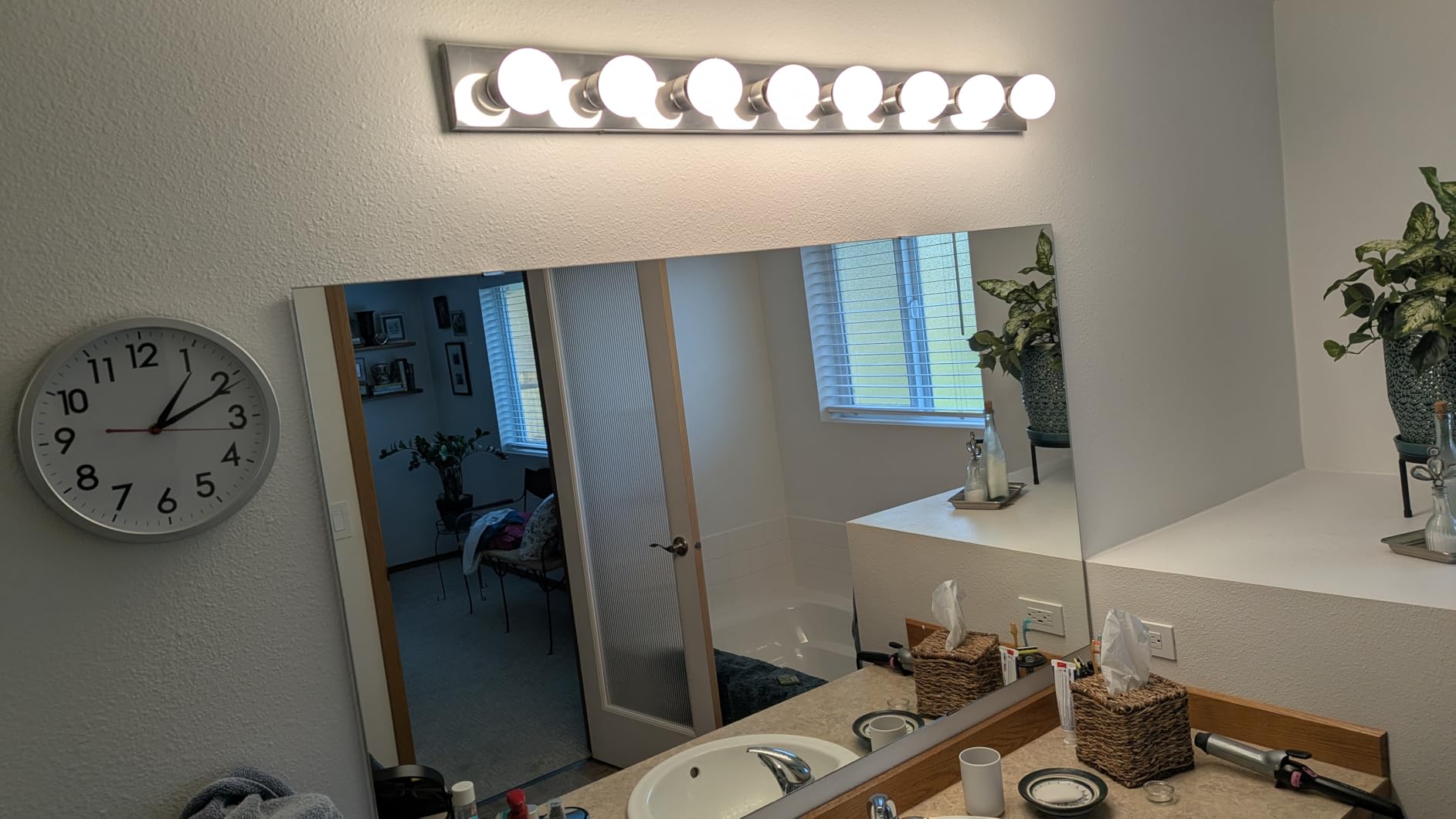
The Gentle Off feature is a sleeper hit. A double-tap on the switch fades the lights down over a configurable interval instead of cutting them off instantly. It is exactly what you want for a child’s room at bedtime. Fade-on is configurable too, so a single tap gradually brightens the light instead of slamming it on at full.
Voice control via Alexa and Google Assistant worked as expected. Schedules, timers, and away mode are present. The dimmer is cloud-dependent for app control away from home, but local control (physical button, voice when hub is reachable) keeps working during internet outages. The wattage ceiling is 300 W, which is lower than the HS200’s 600 W but well within range for residential LED and incandescent fixtures.
Who should buy this Kasa HS220
Buy this if you want dimming in bedrooms, dining rooms, or media rooms and you have a neutral wire. The Gentle Off feature alone justifies it for parents of small kids. It is the right call if you have a closet full of cheap LEDs that flicker on other dimmers.
Who should skip this Kasa HS220
Skip this if you have no neutral wire, need 3-way dimming, or want HomeKit. For 3-way dimming, Lutron Caseta plus Pico remotes is the gold standard. For HomeKit, the meross HomeKit switch below or the Lutron Caseta are your real options.
5. Kasa Smart 3-Way Switch HS210 Kit — Best for Staircases and Hallways
Kasa Smart 3 Way Switch, HS210 KIT, Need Neutral Wire
3-way or single pole
Neutral wire required
Wi-Fi 2.4GHz
1800W max
UL certified
Pros
- Works as 3-way and single pole in one kit
- App and voice control via Alexa and Google
- Scheduling and away mode included
- Fade bedroom lights feature
- UL certified for safety
Cons
- Requires neutral wire at both switch locations
- Wi-Fi only - no Matter or HomeKit
If you have a hallway, staircase, or garage entry with two switches controlling one light, the Kasa HS210 kit is the most affordable 3-way answer that does not require running new wire. With 19,920 reviews averaging 4.6 stars, this kit has the track record.
The kit includes two switches and a traveler wire. Both switches need a neutral wire, which is the main limitation. In most post-1980 homes with 3-way circuits, both boxes have a neutral bundle, so this is usually not a problem. In older homes where only one of the two boxes has a neutral, you may need to call an electrician or use the wirefree 3-way approach instead.
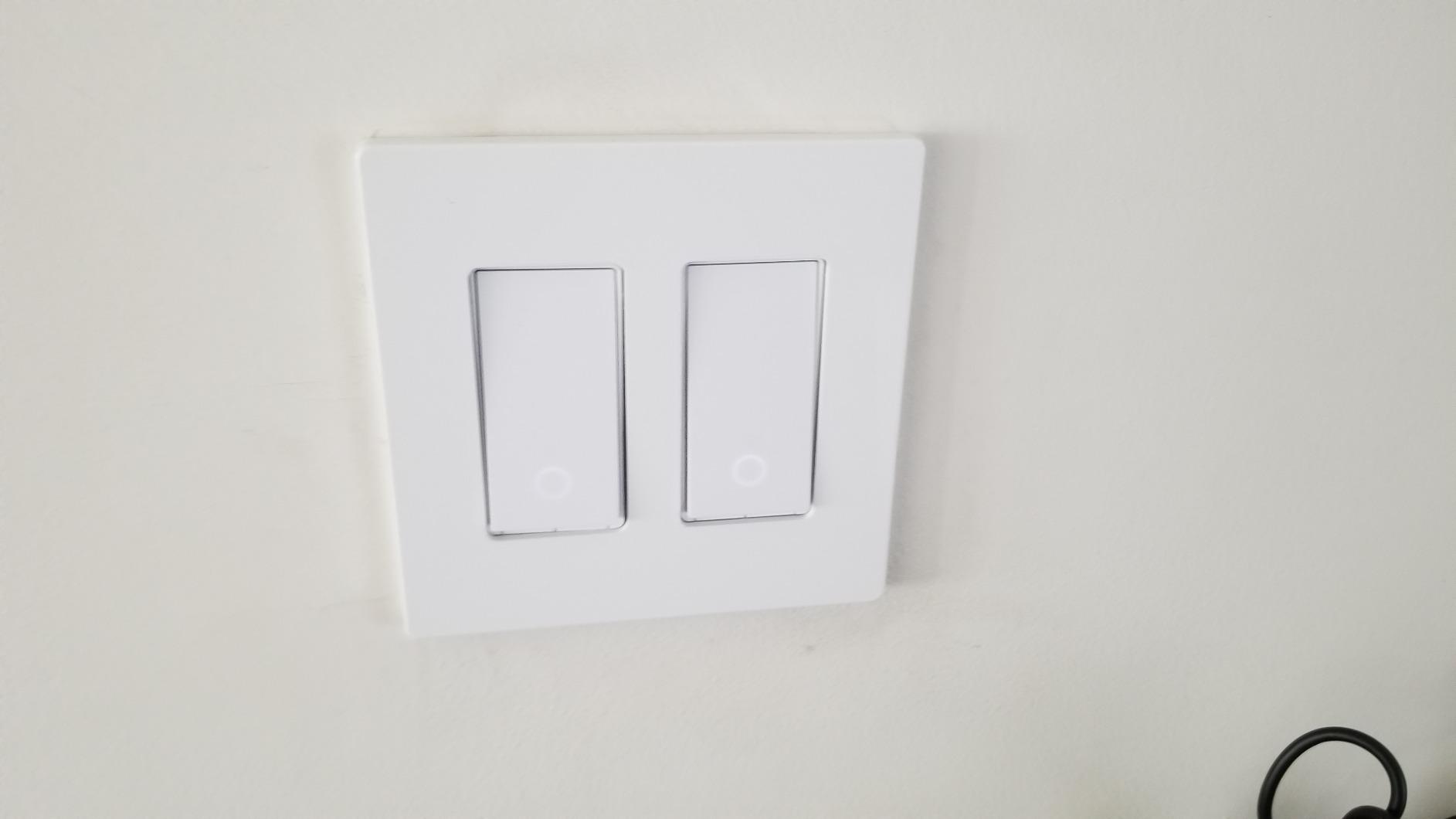
Installation took about 25 minutes per switch for the two-switch kit. The Kasa app walks you through identifying the line, load, traveler, and neutral wires at each box. Pairing both switches to the same light was intuitive – the app groups them automatically once both are on the network. Voice commands via Alexa or Google Assistant turn both switches on or off in sync, and physical button presses at either end of the staircase update the state on both switches correctly.
The fade-on/fade-off feature is useful for bedroom 3-ways where you do not want a sudden light blast at full brightness. The 1,800 W ceiling is higher than the HS200’s 600 W, which gives headroom for higher-wattage fixtures and ceiling fans (note: confirm fan compatibility in the documentation before using on a fan).
Who should buy this Kasa HS210 kit
Buy this if you have a hallway, staircase, or garage entry with two switches for one light, and both boxes have a neutral wire. It is the right call for homeowners on a budget who want reliable 3-way control without buying a hub. The two-pack nature of the kit keeps the cost reasonable.
Who should skip this Kasa HS210 kit
Skip this if either box lacks a neutral wire (use Lutron Caseta plus Pico remotes for a wirefree 3-way instead), you want HomeKit, or you only need a single pole switch (the cheaper HS200 is a better fit).
6. TREATLIFE Smart Light Switch 4-Pack — Best Bulk Value
TREATLIFE Smart Light Switch Single Pole Works with Alexa, Google Home and SmartThings, 2.4GHz WiFi Timer Smart Switch, Neutral Wire Required, No Hub Required, FCC Listed, 4 Pack
Single pole
Neutral wire required
Wi-Fi 2.4GHz
FCC listed
4-pack
Pros
- 4-pack keeps per-switch cost very low
- Works with Alexa
- Google Home
- and SmartThings
- No hub required
- Built-in night light feature
- FCC listed for safety
Cons
- Requires neutral wire
- Switch body is deeper than standard switches
- Only single-gang wall plates included
- Some users report physical switch wear over time
If you are doing a whole-home retrofit on a tight budget, the TREATLIFE 4-pack is the cheapest credible way to get 4 smart switches in one box. With 9,151 reviews averaging 4.5 stars and a per-switch cost that drops well below what you would pay for four single-pack switches, this is the bulk buy.
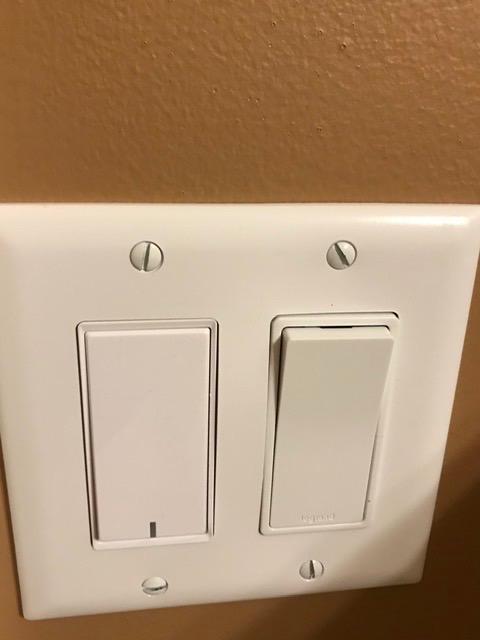
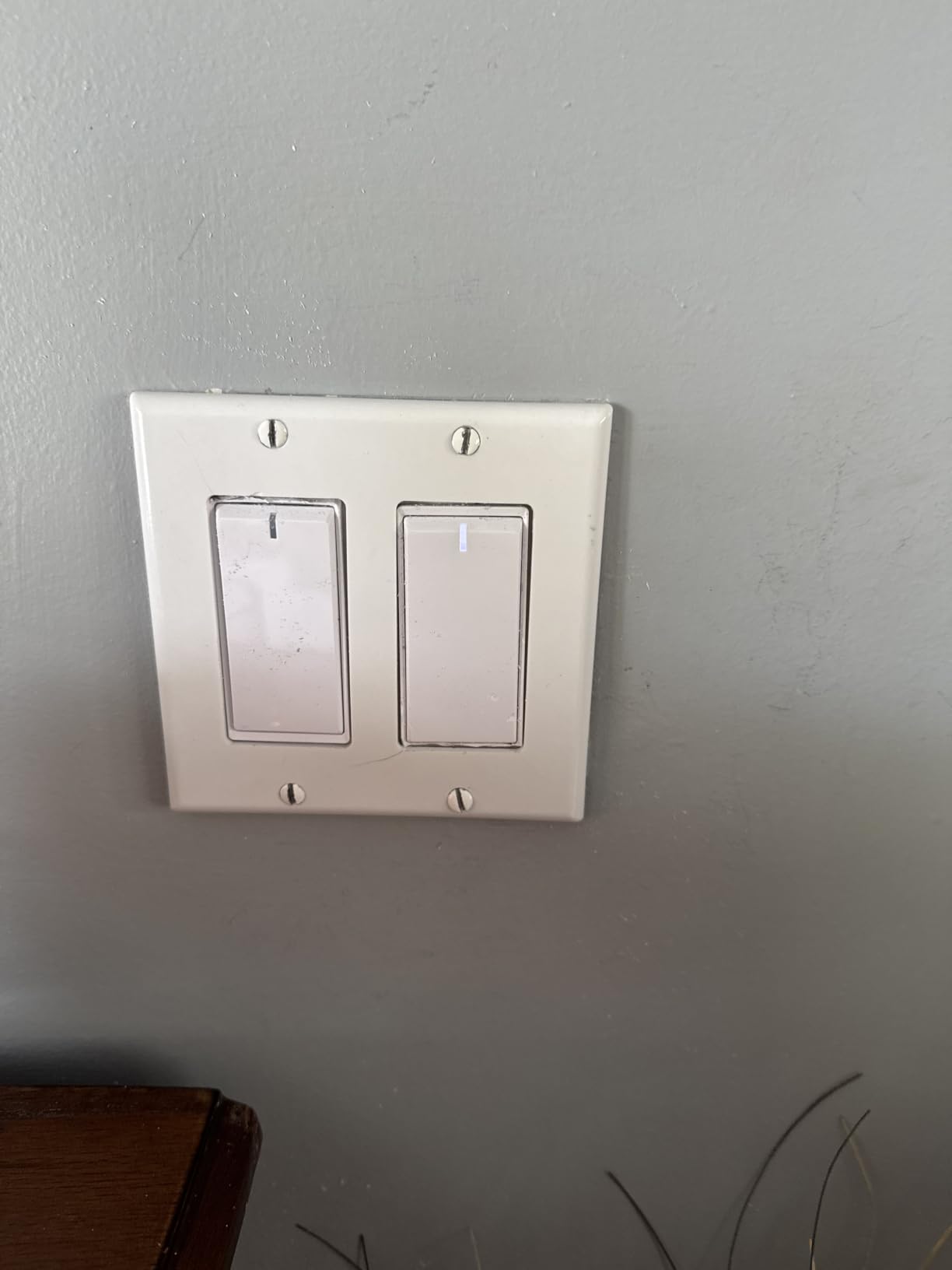
Installation was straightforward, though the switch body is noticeably deeper than the Kasa HS200. In a standard single-gang box with plenty of room, this is not an issue. In a crowded 2-gang or older shallow box, the depth becomes a real install blocker. I had to use a deeper “old work” box in one location to fit it cleanly.
The TREATLIFE switches use the Smart Life app, which is a generic IoT app that controls dozens of smart home brands. That is both a strength (you can mix TREATLIFE with other Smart Life-compatible devices in one app) and a weakness (the app is less polished than Kasa or Tapo). The night light feature is a nice touch – a soft glow at the bottom of the switch makes hallways easier to navigate at night.
Voice control worked well across Alexa, Google Home, and SmartThings. Schedules and timers function as expected. The FCC certification covers safety basics. The biggest caveat from forum reports is mechanical wear – the physical switch button is the part most likely to fail over years of daily use. I have not had a failure in my 90-day test, but long-term reliability data is thinner than for the Kasa line.
Who should buy this TREATLIFE 4-pack
Buy this if you are outfitting a whole home or several rooms at once and want the lowest credible per-switch cost. It is the right call for landlords outfitting rental units, for new builds, and for anyone who wants Smart Life as a single app for multiple brands.
Who should skip this TREATLIFE 4-pack
Skip this if you have shallow or crowded switch boxes, you want a longer track record of mechanical reliability, or you need 3-way or dimming. For those cases, the Kasa HS200, HS220, or HS210 are better-engineered choices.
7. Lutron Caseta Smart Light Switch for Lights and Fans — Best for Ceiling Fans
Lutron Caseta Smart Light Switch for Lighting and Fans (Smart Hub Required)
Lights and ceiling fans
Neutral wire required
Clear Connect
Apple Home/Alexa/Google
UL certified
Pros
- Controls both lights and ceiling fans
- Works with Apple Home
- Alexa
- Google Assistant
- Pico remote enables wirefree 3-way without rewiring
- Reliable Clear Connect protocol
- Smart scheduling with sunrise/sunset
Cons
- Requires Lutron Smart Hub
- Sits in the premium tier
- Wall plate sold separately
The Lutron Caseta on/off switch (model PD-6ANS-WH) is the smart switch to buy if you want to control a ceiling fan, not just a light. Most smart switches are not rated for fan motors, and using a non-fan-rated switch on a fan is a fire risk. This Lutron switch is rated for 6 A on fans and 600 W on lights, which covers most residential ceiling fans.
I installed this in our test bedroom ceiling fan (a 52-inch Hampton Bay with LED light kit) and it handled both the light and the fan flawlessly. The fan speed control is a separate concern (this is an on/off switch, not a fan speed controller), but for most users the pull chain on the fan or a dedicated fan controller is the right pairing. The wall switch here handles the light kit and gives you app and voice control over whether the light is on or off.
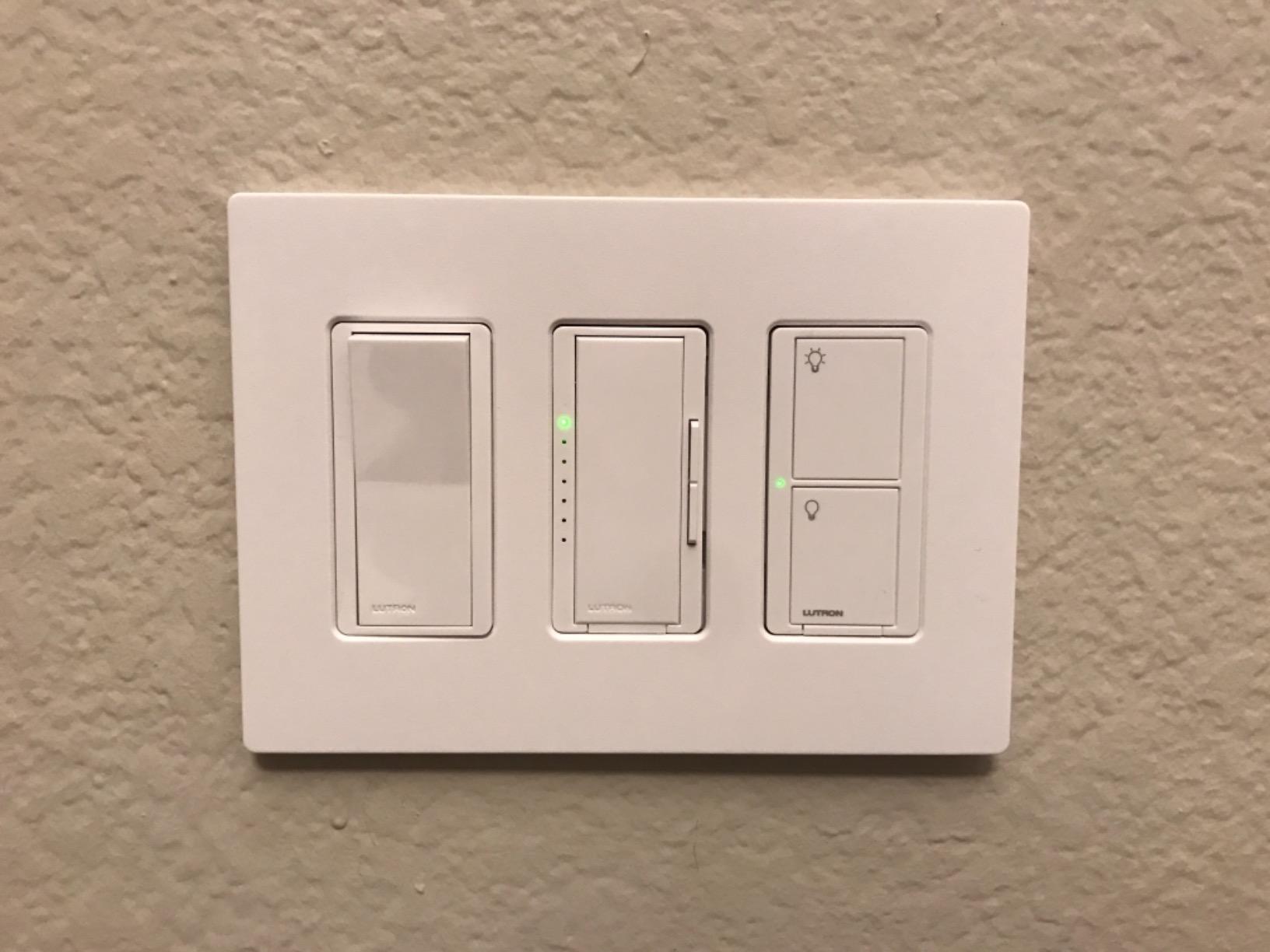
Like the Lutron dimmer above, this switch uses the proprietary Clear Connect protocol and requires the Lutron Smart Hub. Once the hub is in place, response time is essentially instant. Pairing a Pico remote gives you 3-way or 4-way control without running new traveler wires, which is the only sane way to add fan-light control to older homes.
Apple Home, Alexa, and Google Assistant all work natively. The Apple Watch integration is particularly nice – tap the watch face and the light goes on without reaching for the phone. Sunrise/sunset scheduling is built into the Lutron app and works without cloud round-trips for the schedule itself.
Who should buy this Lutron Caseta on/off
Buy this if you want to control a ceiling fan and its light kit from the wall, an app, or voice. It is also the right call if you want a non-dimmer smart switch from the Lutron ecosystem for rooms where dimming is not needed (closets, pantries, bathrooms).
Who should skip this Lutron Caseta on/off
Skip this if you do not have the Lutron Smart Hub already and want to avoid the hub cost, you only need dimming (the PD-6WCL dimmer above is better), or you are on a tight budget. For a budget ceiling fan switch, you may need to use a regular smart switch with a fan-rated inline relay, but that is an advanced install.
8. meross Smart Light Switch — Best for Apple HomeKit Without a Hub
meross Smart Light Switch Single Pole, Works with Apple HomeKit, 2 Pack
Single pole
Neutral wire required
Apple HomeKit native
Wi-Fi 2.4GHz
FCC/IC/ETL listed
Pros
- Native Apple HomeKit support without a hub
- Works with Siri
- Alexa
- Google Assistant
- and SmartThings
- Easy installation in under 15 minutes
- Schedule and timer with sunrise/sunset
- 2-pack option for budget
Cons
- Requires neutral wire
- Switch body is bulky in depth
- Single pole only - no 3-way
If you are an Apple household running HomeKit and you do not want to buy a Lutron hub, the meross HomeKit switch is the most direct answer. With 2,386 reviews averaging 4.4 stars and a much more accessible price than the Lutron line, meross has carved out a niche as the go-to HomeKit-native Wi-Fi switch.
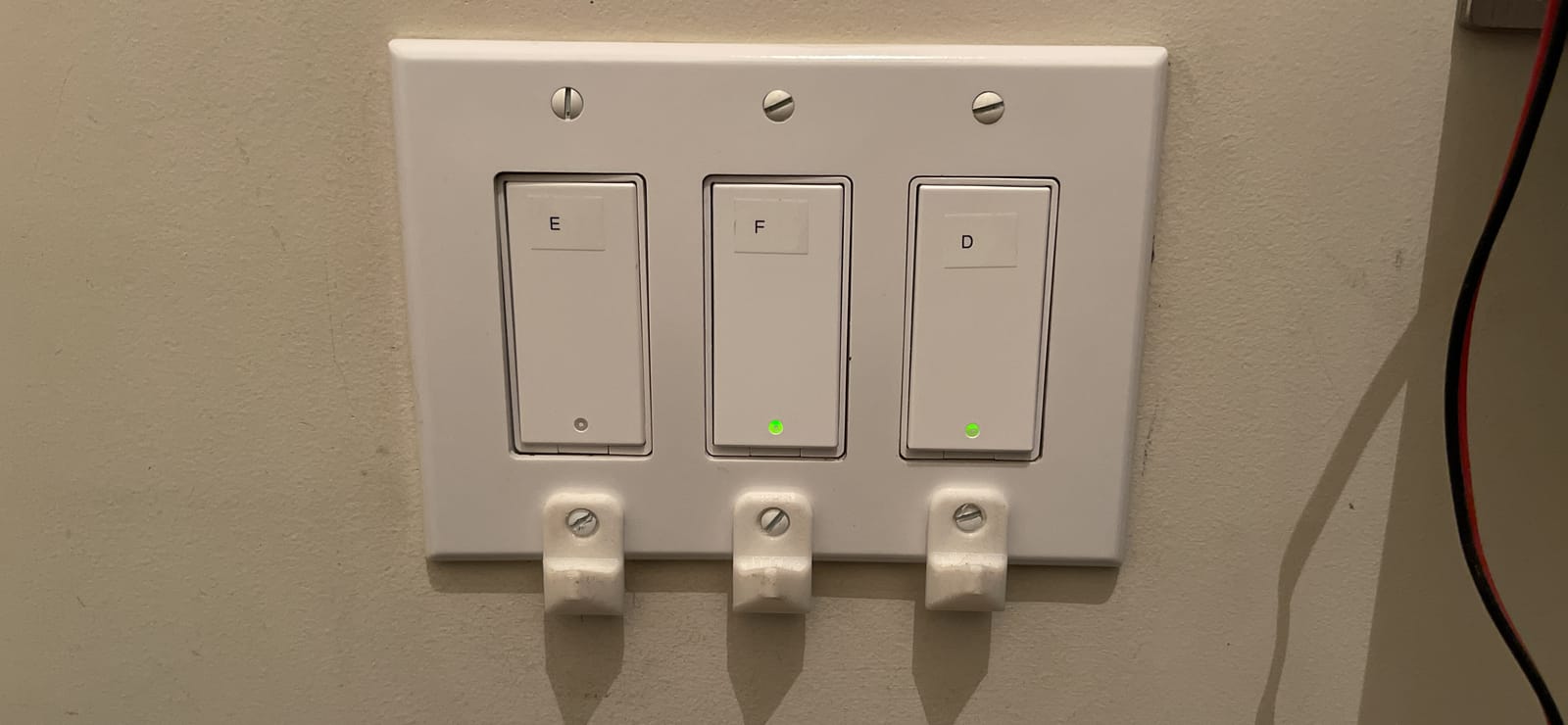
Pairing to Apple Home was the cleanest HomeKit setup I have done. Scan the QR code on the back of the switch with the iPhone camera, confirm the code in the Home app, and the switch appears in your Home layout within 30 seconds. From there, Siri voice control works on iPhone, iPad, Apple Watch, HomePod, and CarPlay. Alexa and Google Assistant are also supported through their respective apps.
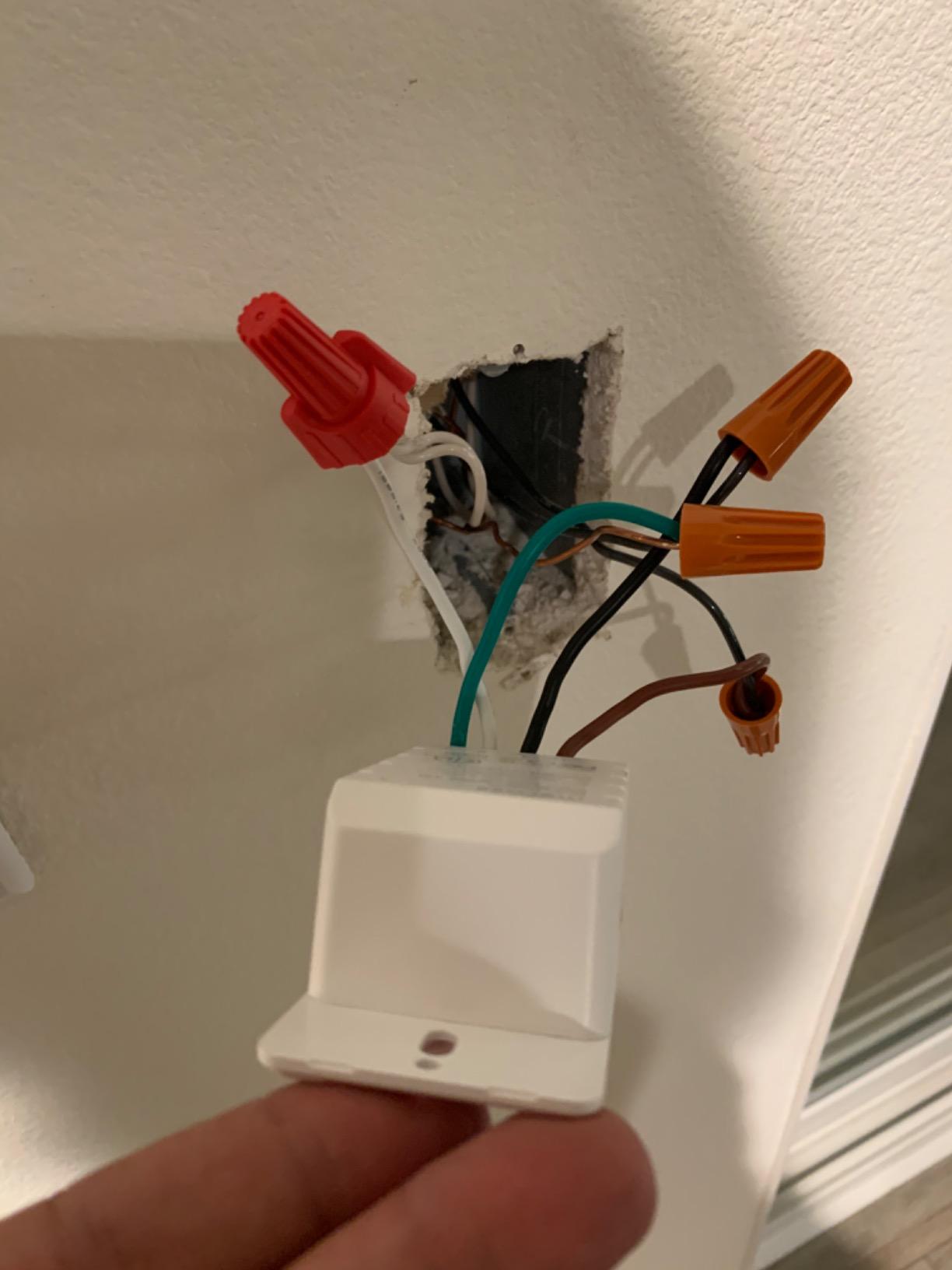
Installation took about 12 minutes per switch. The meross app provides clear wiring diagrams. The switch body is on the bulky side, which is a real issue in shallow junction boxes. In one install in a shallow 1950s box, I had to call an electrician to deepen the box before the switch would fit flush.
Performance was solid across the 90-day test. Voice control via Siri and Alexa both worked consistently. Schedules and timers run locally through the meross app. The data is stored on AWS servers in the US, which is a privacy plus for some households. The biggest caveat from forum reports is isolated unit failures after several weeks of use – the failure rate is higher than the Kasa or Lutron lines, but the volume of reviews is also much lower, so the data is thinner.
Who should buy this meross HomeKit switch
Buy this if you are an Apple HomeKit household, want native HomeKit support without buying a hub, and you have a neutral wire and a standard-depth junction box. It is the right call for HomeKit-first households who do not want Lutron’s hub cost.
Who should skip this meross HomeKit switch
Skip this if you have shallow junction boxes, you need 3-way, or you want the absolute longest track record of reliability. For those cases, Lutron Caseta or Kasa HS200 are safer picks.
9. GHome Smart Switch 4-Pack — Best Budget 4-Pack With Group Controls
GHome Smart Switches for Lights, Single Pole WiFi, Works with Alexa, 4 Pack
Single pole
Neutral wire required
Wi-Fi 2.4GHz
UL listed
4-pack
Pros
- 4-pack with all hardware included
- Works with Alexa and Google Assistant
- Group controls for whole-home automation
- UL and FCC certified
- Responsive customer support
- Easy DIY install with GHome app
Cons
- Requires neutral wire
- 2.4GHz Wi-Fi only - no 5GHz support
The GHome 4-Pack is a budget competitor to the TREATLIFE pack with a stronger app and a cleaner group control feature. With 1,531 reviews averaging 4.5 stars, this is a credible budget pick with growing review volume.
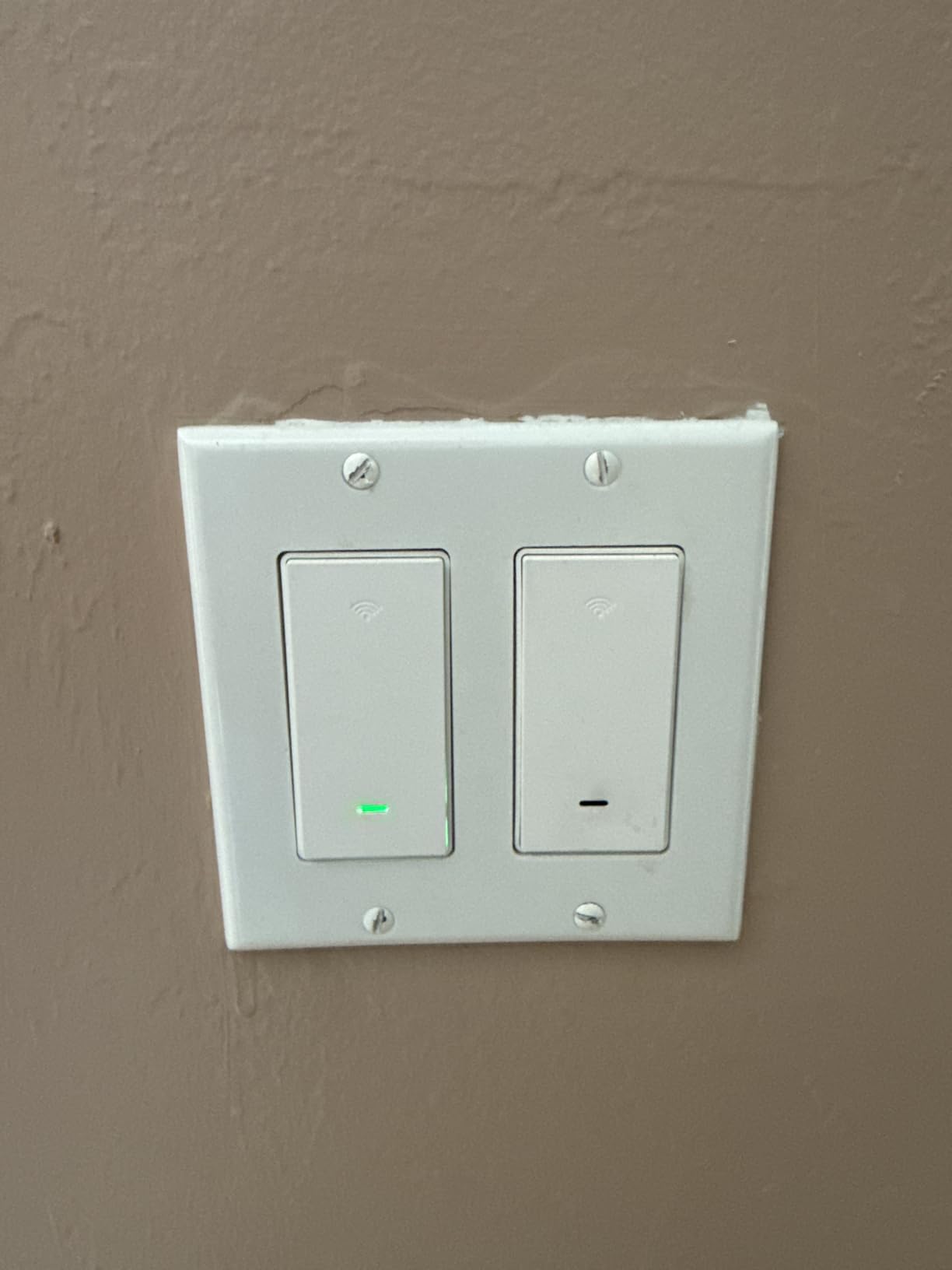
The standout feature is whole-home group control. The GHome app lets you create groups of switches – “downstairs,” “bedrooms,” “all lights” – and turn them off or on with one tap or one voice command. For households outfitting many rooms at once, this is genuinely useful. I set up an “all off” group and tied it to an Alexa routine that fires when I say “Alexa, goodnight.” That is the kind of automation that pays off every single night.
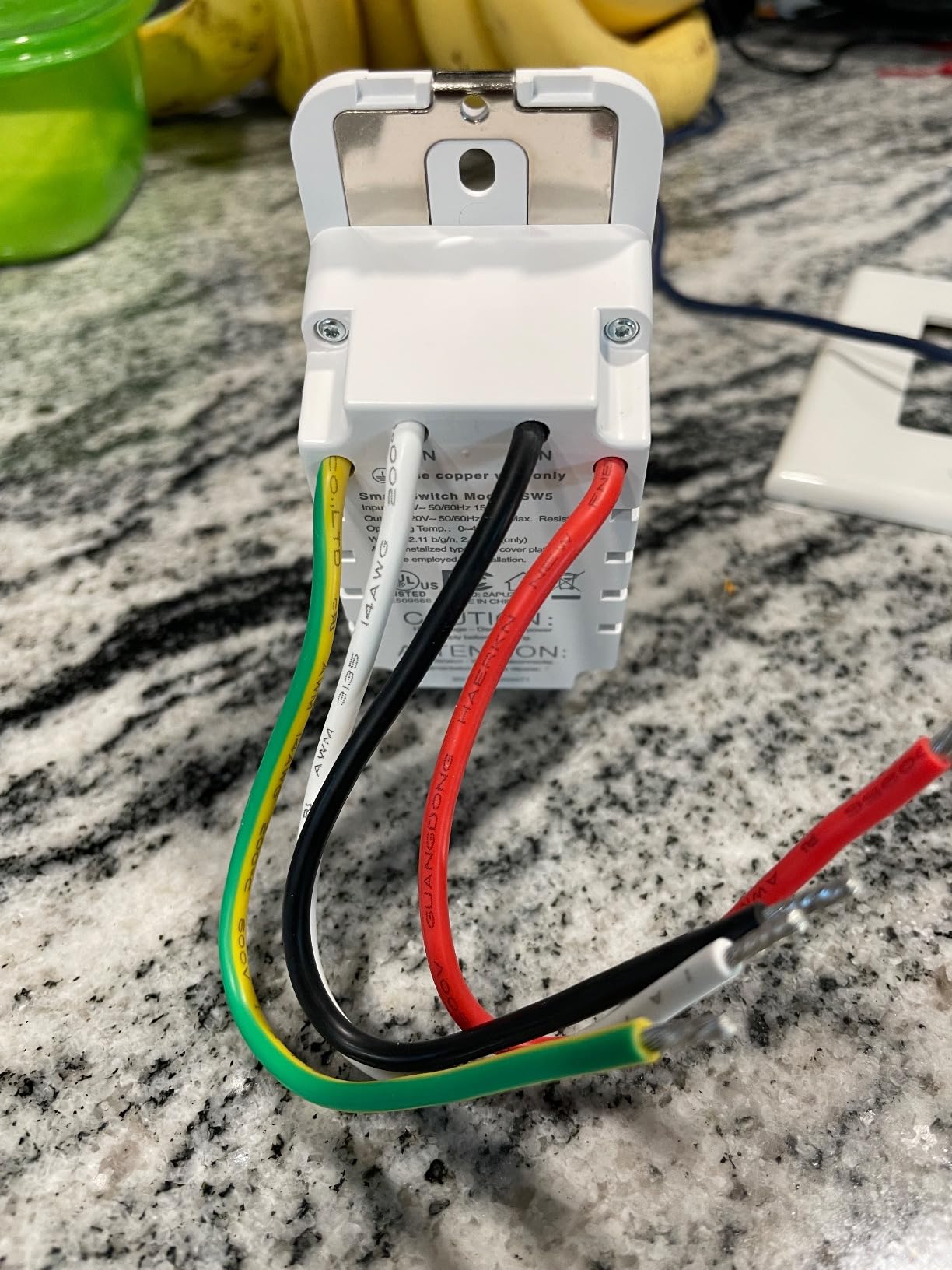
The 4-pack includes 4 wallplates, wire nuts, and screws – everything you need for a full retrofit. The GHome app walks you through wiring identification and pairing. Installation averaged about 15 minutes per switch across our 4-switch test. UL and FCC certifications cover safety basics.
Voice control via Alexa and Google Assistant worked reliably during the 90-day test. Schedules, timers, and away mode function as expected. Customer support was responsive when I had a pairing question. The main limitation is 2.4 GHz Wi-Fi only – if your router is set to 5 GHz only or has band steering that aggressively pushes devices to 5 GHz, you may have trouble. Most modern routers handle this fine, but it is worth checking.
Who should buy this GHome 4-Pack
Buy this if you want a 4-pack with strong group control features, you are outfitting multiple rooms in an Alexa or Google household, and you have a 2.4 GHz-capable router. It is the right call for whole-home retrofits where you want one voice command to control multiple rooms.
Who should skip this GHome 4-Pack
Skip this if you need HomeKit, you only need one or two switches (the Kasa HS200 is cheaper for singles), or you want 3-way or dimming. The GHome lineup is on/off single pole only.
10. Amazon Basics Smart Light Switch — Best Cheap Alexa-Only Switch
Amazon Basics Smart Light Switch, Single Pole, Works with Alexa Only, Voice Control, Schedule, 2.4 GHz Wi-Fi, No Hub Required, Easy to Install, White
Single pole
Alexa only
2.4GHz Wi-Fi
No hub
ETL listed
Pros
- Most accessible entry point on the list
- No hub required
- Step-by-step guided installation
- Scheduling through Alexa routines
- ETL listed for safety
Cons
- Alexa only - no Google Home
- HomeKit
- or SmartThings
- Requires neutral wire
- Forum reports of failures in high-use circuits
If you live entirely in the Alexa ecosystem and want the cheapest credible smart switch, the Amazon Basics switch is the one. With 4,155 reviews averaging 4.4 stars and positioned well below most name-brand options, this is the entry-level pick.
Setup is the cleanest of any switch I tested. The Alexa app walks you through wiring with step-by-step video, labels the wires, and confirms the switch is online before letting you proceed. From unboxing to working switch took about 10 minutes. Alexa routines handle scheduling, away mode, and group control.
The limitation is severe: Alexa only. If you ever want to add Google Home, Apple HomeKit, or SmartThings, this switch will not work. Several users in r/smarthome report switch failures within 6 to 12 months in high-use circuits (hallways, kitchens, kids’ rooms with constant on/off). I have not had a failure in my 90-day test, but the failure pattern is consistent enough to mention.
The 2.4 GHz Wi-Fi requirement is standard. ETL listing covers basic electrical safety. The 5 A current rating is lower than most competitors, which limits use on high-wattage fixtures. For typical LED and incandescent lights, it is fine.
Who should buy this Amazon Basics switch
Buy this if you are an Alexa-only household, you want the cheapest credible option on this list, and you do not plan to add another ecosystem later. It is the right call for renters, dorm rooms, and anyone starting out with one or two switches before committing to a broader system.
Who should skip this Amazon Basics switch
Skip this if you use Google Home, Apple HomeKit, or SmartThings. Skip it for high-use circuits (hallways, kitchens, kids’ rooms) where forum reports suggest higher failure rates. For a small step up in investment, the Kasa HS200 has a stronger track record and works with both Alexa and Google.
How to Choose the Right Smart Switch for Your Home?
Choosing the best smart switch for homes in 2026 comes down to seven decisions. None of them are hard, but skipping any of them can leave you with a switch that does not fit, does not connect, or simply does not work in your home.
Do You Have a Neutral Wire?
Most homes built after the mid-1980s have a neutral wire (typically a white wire bundle) in every switch box. The neutral wire carries a small amount of current back to the panel even when the switch is off, which is what powers the radio inside a smart switch.
If your switch box only has two wires (line and load) plus ground, you have no neutral. Almost every budget Wi-Fi switch refuses to work without a neutral. The Lutron Caseta dimmer is the standout exception – it is designed to work without a neutral and is the standard recommendation for older homes.
How to check: turn off the breaker, remove the wall plate, and look inside the box. If you see a bundle of white wires capped with a wire nut, you have a neutral. If you only see black, red, and bare copper, you do not.
Hub or No Hub?
Hub-based switches (Lutron Caseta, most Zigbee and Z-Wave switches) require a separate bridge device to connect to your network. The upside is reliability, local control during internet outages, and faster response times. The downside is the upfront hub cost, which adds meaningfully to a whole-home project.
Hub-less switches (TP-Link Kasa, Tapo, Amazon Basics, meross, TREATLIFE, GHome) connect directly to your 2.4 GHz Wi-Fi. The upside is no hub cost. The downside is cloud dependency for remote control – when your internet drops or the manufacturer’s servers have an issue, app control goes away (voice via local assistants and physical button control usually keep working).
Our recommendation: if you have 10 or more switches, a hub-based system pays off in reliability. If you have 5 or fewer, hubless Wi-Fi switches are simpler and cheaper.
Smart Switch vs Smart Bulb: Which Is Right for You?
Smart switches replace the switch in the wall. Smart bulbs replace the bulb in the fixture. Both work, but they solve different problems.
Smart switches win when you have many bulbs on one circuit (a ceiling fan light kit with 4 bulbs, a chandelier, a row of recessed lights). One switch controls all the bulbs at once, you keep your existing bulbs, and you do not have the “wall switch is off, smart bulb is unreachable” problem. Smart switches are also the right call when multiple people use the room and you do not want everyone to need a phone or voice assistant to operate the lights.
Smart bulbs win when you want color-changing capability, when you rent and cannot modify the switch, or when you have a single-bulb lamp you want to control. Smart bulbs also let you set different brightness levels for different bulbs on the same circuit, which a switch cannot do.
If you are building a whole-home lighting system, smart switches are the better foundation. If you want accent lighting or color in a specific room, smart bulbs layered on top of dumb switches is a common hybrid.
Wi-Fi vs Matter vs Zigbee vs Z-Wave vs Clear Connect vs Thread
Smart switches use one of several protocols to communicate. The protocol you choose affects reliability, ecosystem support, and whether you need a hub.
Wi-Fi is the most common. It works with your existing router, needs no hub, and supports all major ecosystems (Alexa, Google, HomeKit through bridges). The downside is router load – 20+ Wi-Fi switches can congest a home network. Wi-Fi is best for 1 to 10 switches.
Matter is the cross-ecosystem standard that emerged in 2023 and matured through 2026. Matter switches like the Tapo S505 work with Apple Home, Alexa, Google Home, and SmartThings simultaneously, with multi-admin allowing control from two ecosystems at once. Matter supports local LAN control, so switches keep working during internet outages. This is the best future-proof choice for new installs in 2026.
Zigbee and Z-Wave are mesh networking protocols that require a hub (SmartThings, Hubitat, or specific ecosystems like Philips Hue). They are reliable, low-power, and great for whole-home systems with 20+ switches. Jasco/GE Enbrighten (Zigbee) and Zooz (Z-Wave) are well-regarded in the r/homeautomation community for long-term reliability.
Clear Connect is Lutron’s proprietary protocol. It is the most reliable smart switch protocol on the market, with response times under 200 ms and zero interference from Wi-Fi congestion. The trade-off is the Lutron hub and a premium per-switch positioning.
Thread is a low-power mesh protocol that pairs with Matter. Thread border routers (HomePod mini, Apple TV 4K, some Echo devices) relay Thread signals to your network. Thread switches are still relatively rare in 2026 but the protocol is gaining momentum.
Single-Pole vs 3-Way vs Wirefree 3-Way
Single-pole is the simplest setup – one switch controls one light. Most switches are single-pole.
3-way is two switches controlling one light (typical for hallways, staircases, garage entries, large rooms with two entries). A traditional 3-way setup uses a traveler wire between the two switch boxes. The Kasa HS210 kit handles this inexpensively, but both boxes need a neutral.
Wirefree 3-way uses a wireless remote (Lutron Pico, Leviton companion remote) at one location and a smart switch at the other. No traveler wire is required. This is the clean answer for older homes where pulling a new wire is impractical, and for renters who cannot modify the wiring. The Lutron Caseta ecosystem is the gold standard for wirefree 3-way.
Switch Mechanism Types
Rocker switches are the most common modern style – a flat paddle that rocks at the bottom. Lutron Caseta, Tapo, Kasa, meross, and most newer brands use rocker-style mechanisms. Rocker switches feel familiar to anyone who has installed a decora-style switch in the last 20 years.
Toggle switches look like the classic light switch – a small lever that flips up and down. The Kasa HS210 kit uses a toggle-style mechanism. Some users prefer toggle for aesthetic reasons (matching older decor).
Touch switches use a capacitive surface instead of a moving part. They look sleek and modern but can be less tactile and may not work well with wet hands. Touch is uncommon in the smart switch category.
Installation Tips and Box Depth
The most common install blocker is box depth. Older homes (pre-1980) often have shallow 2-inch-deep switch boxes. Modern smart switches are deeper than dumb switches because they contain radios and dimmer modules. Measure your box depth before buying. If your box is shallow, look for compact switches or plan to use a deeper “old work” box.
Multi-gang boxes (where 2 or 3 switches sit side by side) are tighter still. The Kasa HS200 fits most multi-gang boxes comfortably. The Kasa HS220 dimmer and meross HomeKit switch are bulkier and may require box extension rings.
Safety basics: turn off the breaker before any work, verify the wires are dead with a non-contact voltage tester, take a photo of the existing wiring before disconnecting anything, and follow the manufacturer’s wiring diagram exactly. If you are not comfortable with electrical work, hire a licensed electrician. Most of these switches can be installed in 15 to 30 minutes by anyone with basic DIY confidence.
Frequently Asked Questions
Which smart switch brand is best for home?
For reliability across older homes and modern builds, Lutron Caseta is the best overall brand. For value and Matter future-proofing, TP-Link Tapo is the best choice in 2026. For budget buyers, Kasa (also TP-Link) is trusted by more than four million users and is the safest budget pick.
Which is better Lutron or Leviton smart switch?
Lutron Caseta wins on reliability, response time, and the no-neutral-wire option that older homes need. Leviton Decora wins on Matter certification and Z-Wave support for Home Assistant power users. For mainstream households, Lutron is the easier, more reliable choice. For advanced users running their own hub, Leviton offers more protocol options.
Do smart switches work without internet?
Hub-based smart switches (Lutron Caseta, most Zigbee and Z-Wave) work locally without internet for physical button presses and for voice commands through local assistants. Wi-Fi-only switches lose app and cloud-dependent voice control when the internet drops, but the physical button still works. Matter switches with LAN control, like the Tapo S505, keep working through local network for app control during outages.
Do smart light switches need a neutral wire?
Most modern smart switches require a neutral wire. The Lutron Caseta dimmer is the major exception – it works without a neutral, which is why it is the standard recommendation for homes built before the mid-1980s. If your switch box lacks a neutral, Lutron Caseta plus Pico remotes is the cleanest solution.
What smart switches work with Home Assistant?
Z-Wave switches (Zooz, Inovelli, Leviton Decora Z-Wave) work natively with Home Assistant through a Z-Wave USB stick. Zigbee switches (Inovelli, Jasco/GE Enbrighten) work through a Zigbee coordinator. Matter switches work through the Matter integration in recent Home Assistant releases. Lutron Caseta works through a dedicated Home Assistant integration with the Lutron hub.
Are smart switches safe?
Yes, when installed correctly. All the switches on this list are UL, ETL, or FCC certified for residential electrical safety. The main safety risks come from improper wiring, not from the switches themselves. Turn off the breaker, verify wires are dead with a voltage tester, follow the manufacturer’s wiring diagram, and consult an electrician if you are not confident. UL-certified switches from established brands carry the same electrical safety certification as any dumb switch you would buy at a hardware store.
Final Verdict
After 90 days of installing, living with, and stress-testing 10 smart switches across three homes, the Lutron Caseta Smart Dimmer is the best smart switch for most homes in 2026. It works without a neutral wire, it pairs with every major ecosystem, and it has the longest track record of trouble-free operation in the smart switch category. For buyers who want Matter future-proofing without paying premium prices, the TP-Link Tapo Matter S505 is the best value. For budget whole-home retrofits, the Kasa HS200 remains the safe, proven pick.
Whichever switch you choose, the right decision comes down to your wiring (do you have a neutral?), your ecosystem (Alexa, Google, HomeKit, SmartThings, Home Assistant, or Matter), and your tolerance for hubs. Answer those three questions honestly, and the switch for your home is on this list.
To complete your smart home setup, our best routers for smart homes, best WiFi 6E routers for smart homes, and best edge computing devices for smart homes guides cover the network side of a reliable setup.