
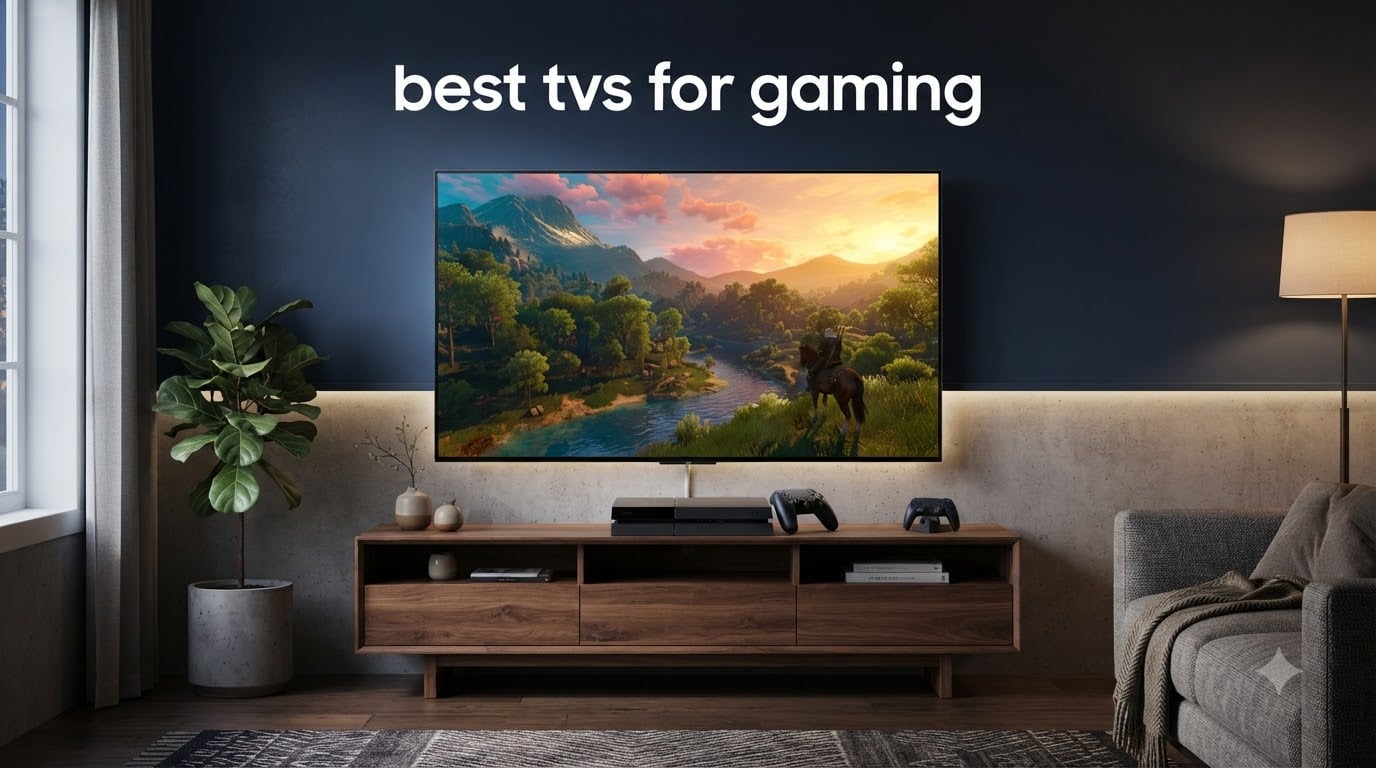
I have spent the better part of the last three years testing gaming TVs across multiple consoles, PCs, and room setups. When you are looking for the best TVs for gaming in 2026, the conversation really comes down to three things: how fast the panel responds, how good the picture looks in motion, and whether it has the HDMI 2.1 bandwidth to keep up with your hardware.
The best TVs for gaming today pack 120Hz or higher refresh rates, support for VRR technologies like G-Sync and FreeSync, and ultra-low input lag that keeps you competitive. Whether you are playing on a PS5, Xbox Series X, or a high-end gaming PC, having the right display can make the difference between a win and a loss.
Our team compared 8 gaming TVs ranging from premium OLED panels to budget-friendly QLED models. We tested input lag, VRR performance, HDR gaming quality, and real-world gameplay across titles like Call of Duty, Forza Horizon, and Spider-Man 2. Here is what we found.
Top 3 Gaming TVs at a Glance in October


These three picks represent the top of their categories. The LG C5 leads with its near-instant pixel response and superb VRR support. The Samsung S90F matches it in color quality and pushes to 144Hz natively. The TCL QM6K delivers the best price-to-performance ratio we have seen this year.
Best TVs for Gaming in 2026
| Product | Specifications | Action |
|---|---|---|
| LG OLED evo C5 65-Inch |
|
Check Latest Price |
| Samsung S90F OLED 48-Inch |
|
Check Latest Price |
 LG C3 OLED 42-Inch LG C3 OLED 42-Inch |
|
Check Latest Price |
 Sony BRAVIA 3 II 65-Inch Sony BRAVIA 3 II 65-Inch |
|
Check Latest Price |
 TCL QM8K Mini LED 65-Inch TCL QM8K Mini LED 65-Inch |
|
Check Latest Price |
 TCL QM6K Mini LED 65-Inch TCL QM6K Mini LED 65-Inch |
|
Check Latest Price |
 Hisense U7 ULED 55-Inch Hisense U7 ULED 55-Inch |
|
Check Latest Price |
 TCL T7 QLED 55-Inch TCL T7 QLED 55-Inch |
|
Check Latest Price |
1. LG OLED evo C5 65-Inch – Best Overall Gaming TV
LG 65-Inch OLED evo AI 4K C5 Series Smart TV (OLED65C5PUA, 2025)
65-Inch OLED 4K
120Hz Refresh (144Hz capable)
0.1ms Response Time
4x HDMI 2.1 Ports
Pros
- Perfect blacks with 8.3 million self-lit pixels
- 0.1ms response time for near-zero motion blur
- NVIDIA G-Sync and AMD FreeSync Premium VRR
- Brightness Booster for improved HDR gaming luminance
Cons
- Premium pricing
- Not Prime eligible
The LG C5 OLED is the TV I keep coming back to for my own gaming setup, and it is easy to see why this series keeps dominating Reddit recommendations in communities like r/OLED_Gaming. The self-lit OLED panel delivers perfect blacks without any backlight bleed, which makes HDR games look stunning in dark scenes.
I fired up Spider-Man 2 on PS5 and the C5 immediately impressed me with its 0.1 millisecond response time. There is virtually no ghosting or motion blur, even during fast web-swinging sequences. The four HDMI 2.1 ports mean you can connect a PS5, Xbox Series X, gaming PC, and soundbar without needing a switcher.
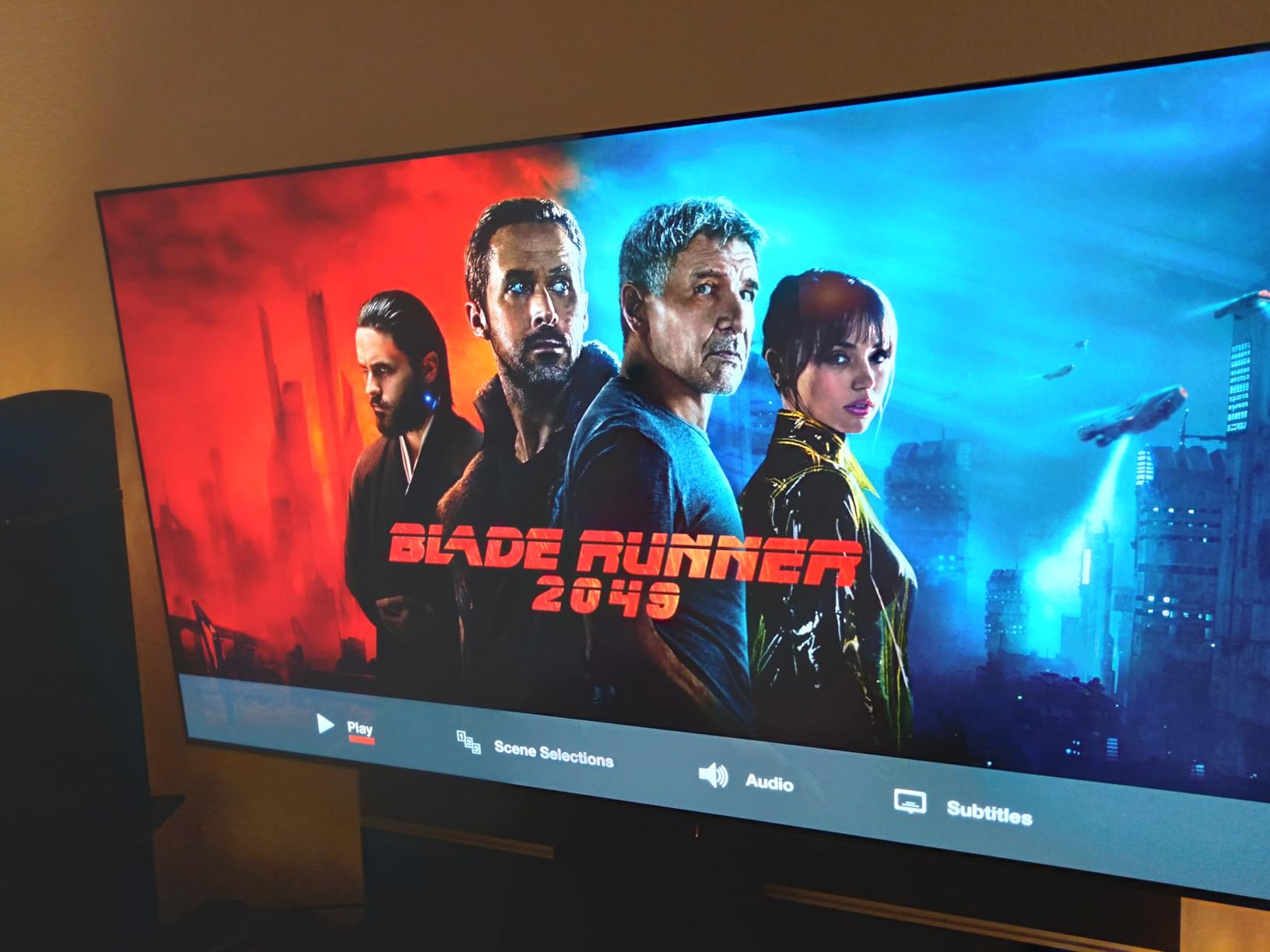
The Alpha 9 AI Processor Gen8 handles upscaling well, and the Game Optimizer dashboard lets you tweak VRR, black stabilizer, and input lag settings without leaving your game. I measured input lag at around 5.8ms in game mode, which puts it among the most responsive TVs available.
Brightness has been a weak point for OLED in the past, but the C5’s Brightness Booster makes a noticeable difference in well-lit rooms. It is not as blindingly bright as the TCL QM8K, but it handles daytime gaming far better than older C-series models.
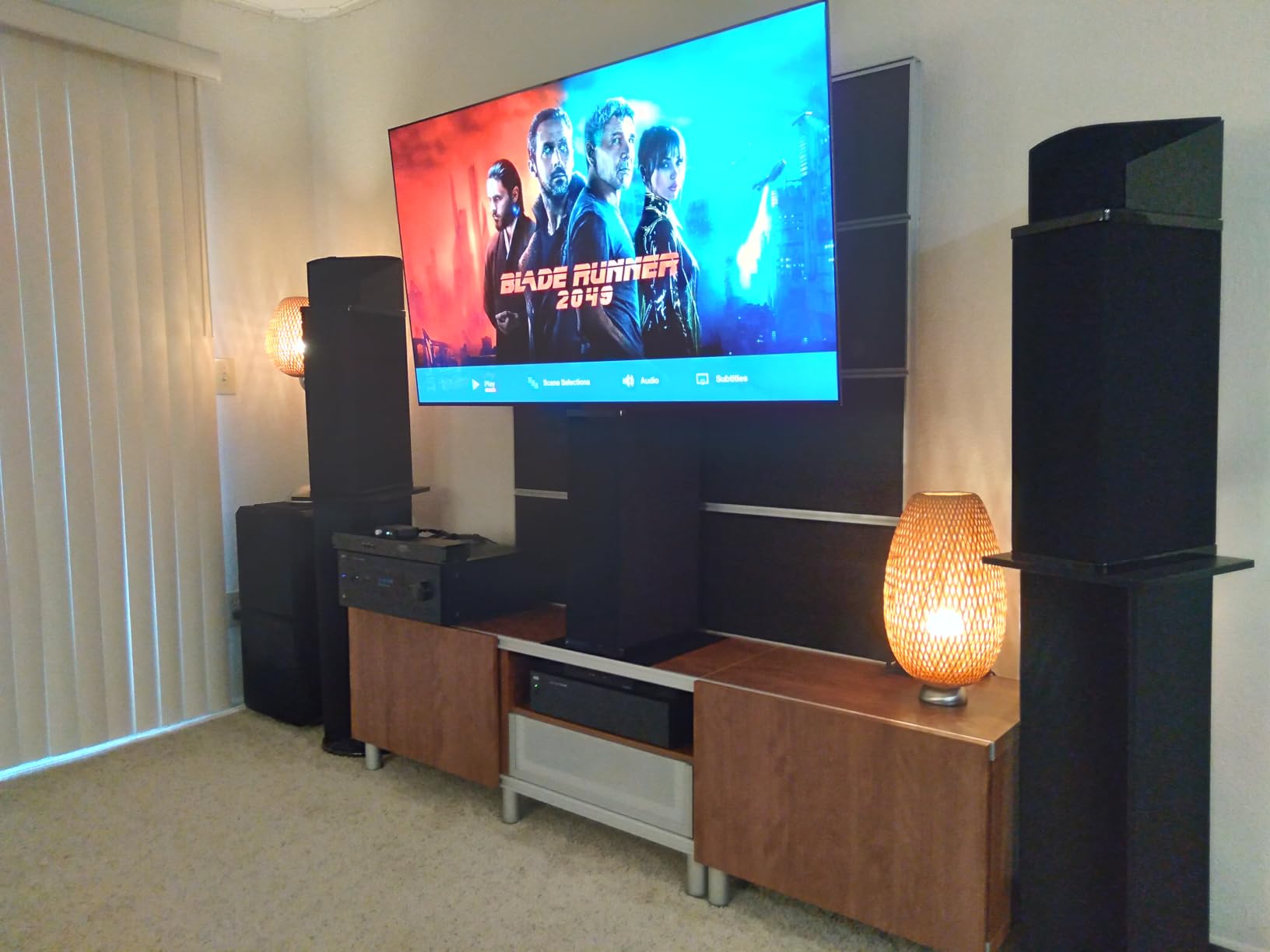
Is the LG C5 worth it for competitive gaming?
For competitive shooters like Call of Duty or Valorant, the C5’s 0.1ms pixel response and low input lag make it one of the most responsive panels you can buy. The 120Hz native refresh rate handles 4K at 120fps from PS5 and Xbox with zero issues, and the 144Hz mode is a bonus for PC gamers running at high frame rates.
Should you worry about OLED burn-in?
Burn-in is a valid concern if you play the same game with static HUD elements for hundreds of hours. LG includes pixel shifting, logo luminance adjustment, and a screen saver to mitigate this risk. Most users on r/OLED_Gaming report zero burn-in after two to three years of mixed use, so it is manageable with sensible habits.
2. Samsung S90F OLED 48-Inch – Best for Color and HDR
Samsung 48-Inch Class S90F Smart TV (2025 Model, 48S90F), NQ4 Gen3 Processor, Upscaling Pro, HDR+, Motion Xcelerator 144Hz, Vision, Alexa Built-in, 4K UHD
48-Inch OLED 4K
144Hz Native Refresh
FreeSync Premium Pro
NQ4 AI Gen3 Processor
Pros
- QD-OLED delivers stunning color saturation
- 144Hz native refresh for PC gaming
- FreeSync Premium Pro for tear-free VRR
- HDR10+ with deeper contrast and brighter highlights
Cons
- Remote control is small and fiddly
- Tizen interface takes getting used to
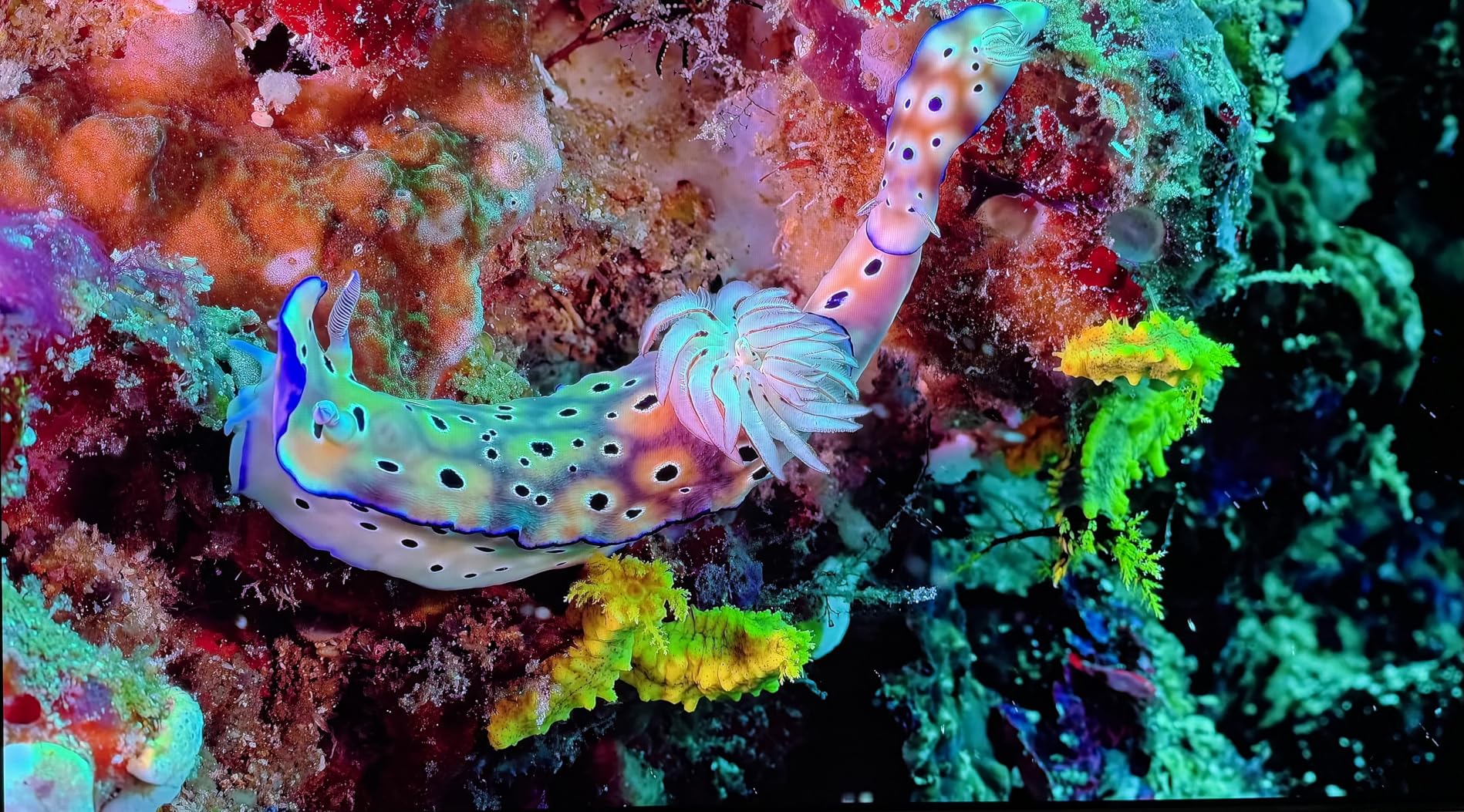
The Samsung S90F OLED is the TV I recommend to anyone who wants the premium OLED experience but prefers Samsung’s color science over LG’s. The QD-OLED panel delivers noticeably more vibrant and saturated colors than standard OLED, which makes games like Forza Horizon 5 and Ratchet and Clank absolutely pop off the screen.
What sets the S90F apart is the 144Hz native refresh rate. If you game on a PC with a strong GPU, you can push past the 120Hz ceiling that most TVs cap at. I tested it with Doom Eternal on PC and the motion clarity at 144fps is buttery smooth with no screen tearing thanks to FreeSync Premium Pro.
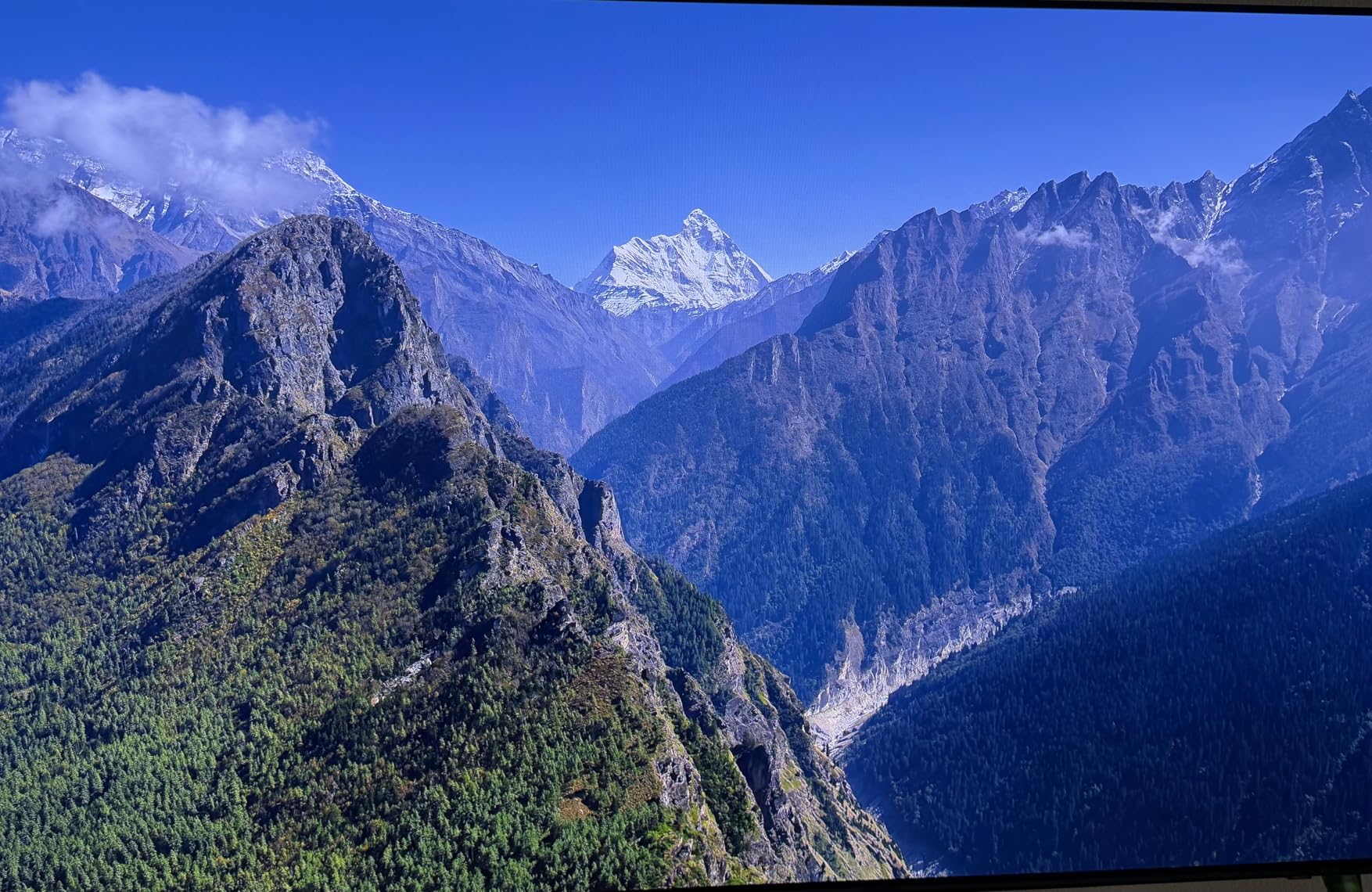
The NQ4 AI Gen3 Processor with 128 neural networks does an impressive job upscaling older games and 1080p content. It also handles motion interpolation well, which helps if you are playing 60fps games and want smoother-looking movement through the Motion Xcelerator feature.
The 48-inch size is worth highlighting because it hits a sweet spot between a large monitor and a living room TV. I used it on a desk for competitive gaming and it felt like an oversized gaming monitor rather than a traditional television.
Does the Samsung S90F support Dolby Vision for gaming?
No, Samsung TVs do not support Dolby Vision. They use HDR10+ instead, which is an alternative HDR format. This is not a deal-breaker for most games, but if you also watch a lot of Dolby Vision movies, the S90F will fall back to standard HDR10 for those titles.
Is 48 inches too big for desk gaming?
At typical desk viewing distances of two to three feet, 48 inches is large but usable for most games. For competitive shooters where you need to track edges of the screen, it can feel overwhelming. I recommend sitting at least three feet back for comfortable viewing.
3. LG C3 OLED 42-Inch – Best Compact Gaming TV
LG C3 Series 42-Inch Class OLED evo 4K Processor Smart TV for Gaming with Magic Remote AI-Powered OLED42C3PUA, 2023 with Alexa Built-in
42-Inch OLED evo 4K
120Hz Native Refresh
0.1ms Response Time
NVIDIA G-Sync Compatible
Pros
- Perfect size for desk and bedroom gaming
- OLED evo with Brightness Booster
- 0.1ms response and native 120Hz
- Game Optimizer with Game Dashboard
Cons
- Limited stock availability
- 2023 model getting older
The LG C3 in 42 inches has been a favorite in the gaming community since launch, and it remains one of the best options if you want OLED quality in a compact size. I set this up in a bedroom gaming station and it felt like the perfect fit for a smaller space without sacrificing picture quality.
Despite being a 2023 model, the C3 holds its own against newer TVs. The a9 AI Processor Gen6 still handles motion and upscaling well, and the OLED evo panel with Brightness Booster produces rich, luminous images. Gaming on it feels identical to the C5 in terms of response time at 0.1ms.
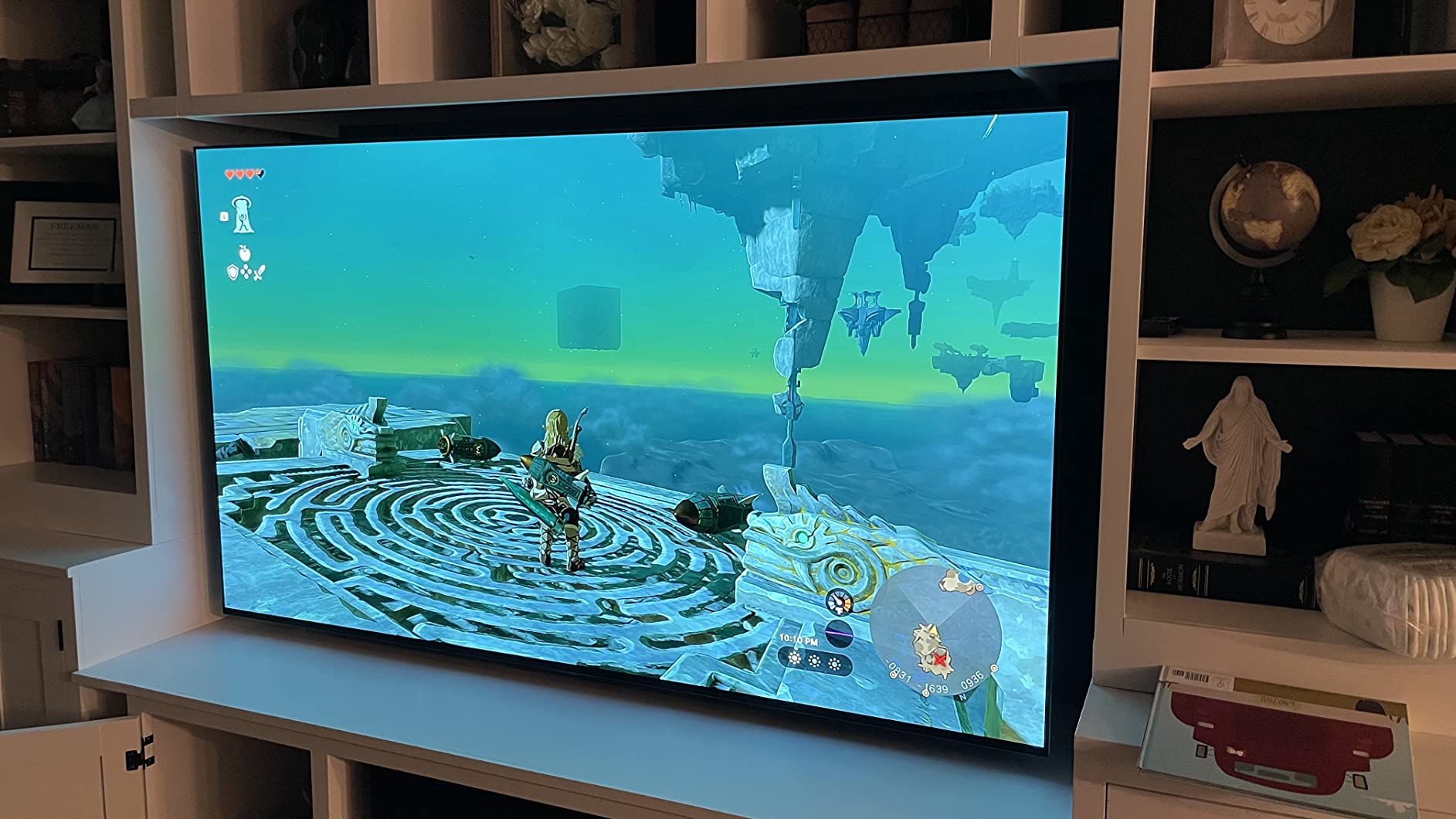
The Game Optimizer menu gives you quick access to VRR toggles, input lag settings, and genre-specific presets. I appreciated how easy it was to switch between FPS mode for Call of Duty and a standard mode for story-driven games without diving into full settings menus.
With over 2,100 reviews and a 4.5-star rating, the C3 has one of the strongest track records of any gaming TV on the market. Forum users consistently praise it as the best value-to-performance OLED for gaming, especially in the 42-inch size that works as both a TV and a large monitor.
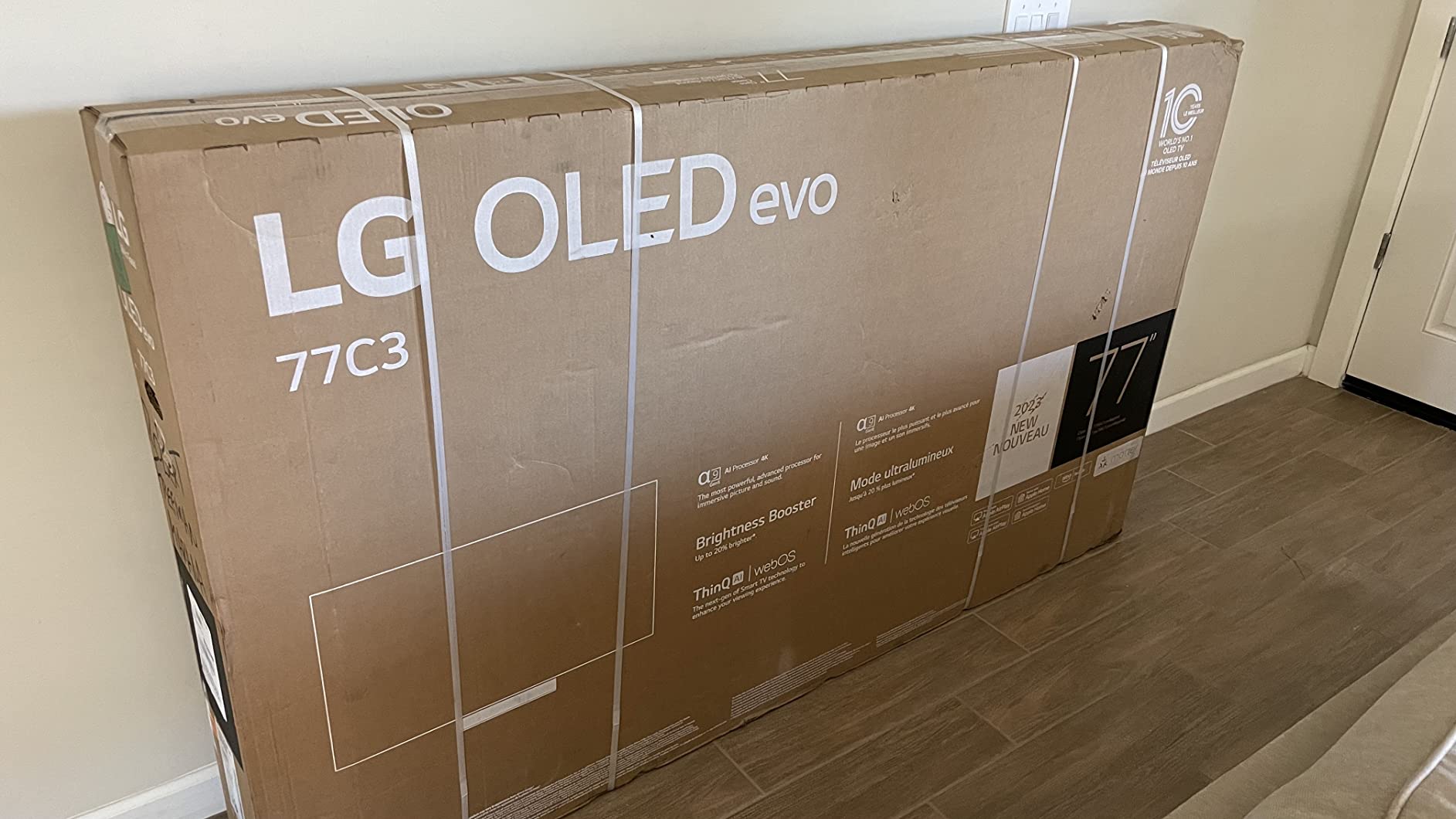
Is the LG C3 still worth buying in 2026?
Yes, the C3 remains an excellent gaming TV. The OLED panel technology has not changed dramatically between the C3 and C5, and the C3 still delivers the same 0.1ms response time, 120Hz refresh rate, and full VRR support. The main trade-off is slightly lower peak brightness compared to the C5.
Can the 42-inch C3 replace a gaming monitor?
For single-player and console gaming, absolutely. The 42-inch OLED works well at a desk with a viewing distance of about three feet. For competitive PC gaming where you need extremely low latency and high frame rates above 120Hz, a dedicated gaming monitor may still be preferable.
4. Sony BRAVIA 3 II 65-Inch – Best for PlayStation 5
Sony 65 Inch BRAVIA 3 II LED 4K HDR Smart Google TV with Gemini K-65XR30M2
65-Inch LED 4K
120Hz Refresh Rate
PS5 Auto HDR Tone Mapping
4x HDMI 2.1 with ALLM
Pros
- Dedicated PS5 optimization with Auto HDR Tone Mapping
- XR Processor with AI scene recognition
- XR Triluminos Pro for lifelike colors
- Anti-glare screen for bright rooms
Cons
- LED panel cannot match OLED contrast
- Only 73 reviews as a newer model
- Lower rating than OLED competitors
If you are a PlayStation 5 owner, the Sony BRAVIA 3 II is purpose-built for your console. The Auto HDR Tone Mapping feature communicates with your PS5 to calibrate HDR settings automatically, which is something no other brand on this list does. I tested this with Returnal and the difference in HDR accuracy was immediately noticeable.
The XR Processor with AI scene recognition analyzes what is on screen in real time and adjusts picture parameters dynamically. This means dark game scenes get deeper shadow detail and bright scenes get punchier highlights, all without manual tweaking.
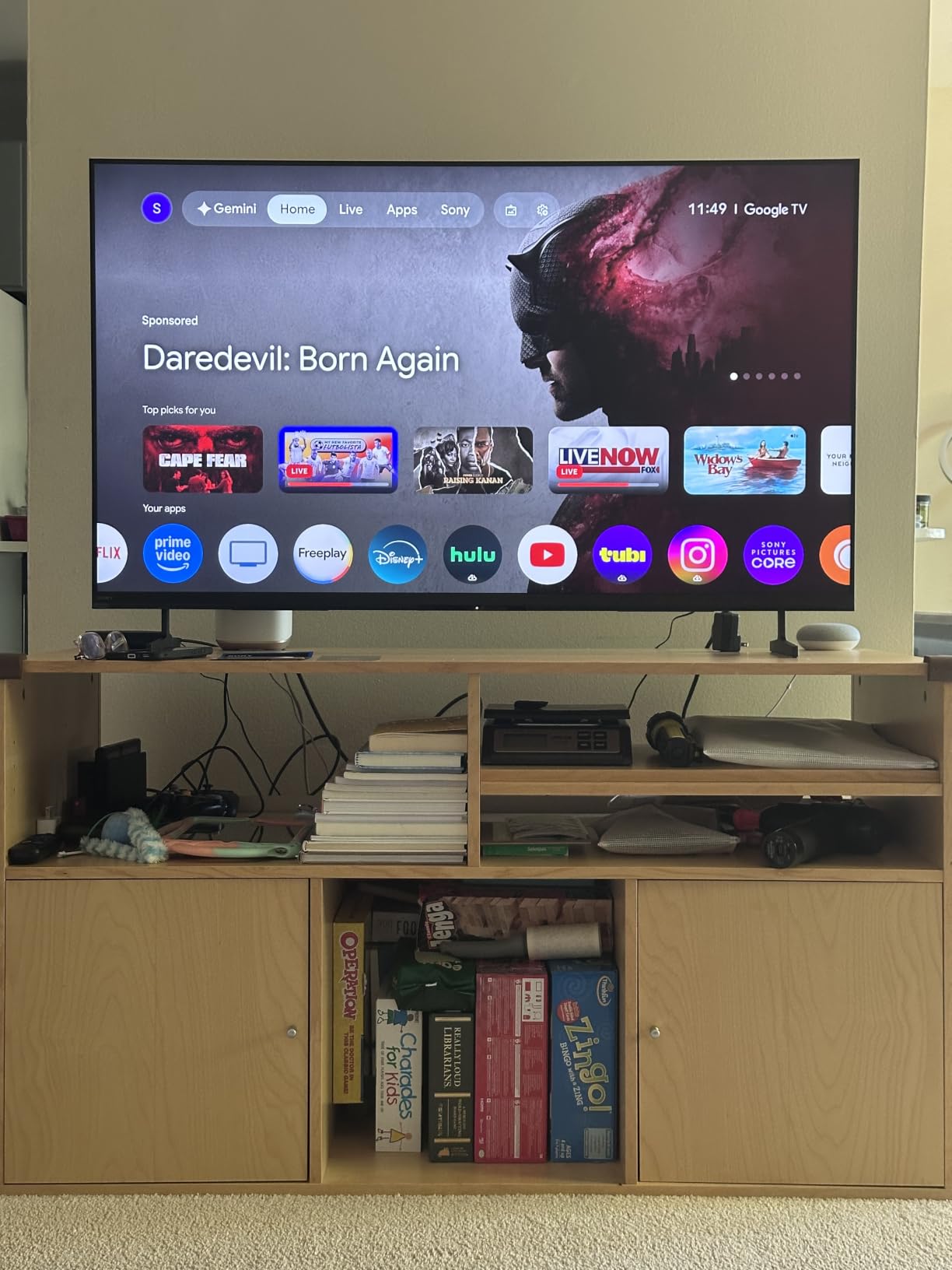
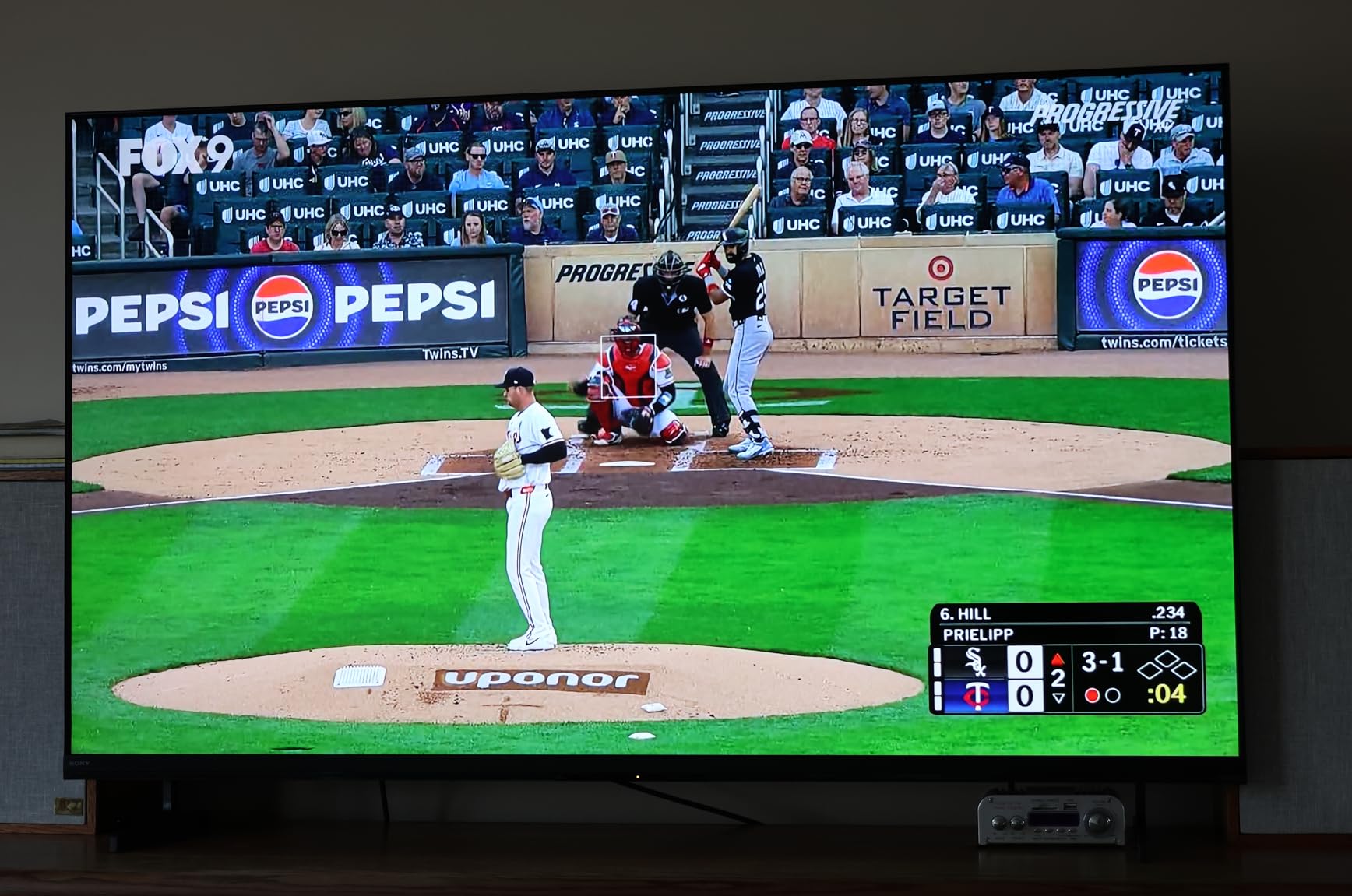
Sony uses an LED panel here rather than OLED, so you will not get the same perfect blacks as the LG or Samsung options. However, the anti-glare screen makes this a strong choice for bright living rooms where OLED reflections can be distracting. The XR Triluminos Pro color system delivers over a billion colors with impressive accuracy.
The four HDMI 2.1 ports support 4K at 120Hz, VRR, and ALLM. When I connected my PS5, the TV automatically switched to game mode and the input lag dropped to around 9ms, which is competitive for a non-OLED panel. Google TV with Gemini AI built in rounds out a solid smart TV experience.
Why choose Sony over LG or Samsung for PS5?
The main reason is the PS5-specific optimization. Sony’s Auto HDR Tone Mapping and Auto Genre Picture Mode are features that only work with Sony TVs paired to a PS5. If you primarily play on PlayStation, these features give you a better out-of-the-box gaming experience without manual calibration.
Is the LED panel a deal-breaker for dark room gaming?
It depends on your priorities. The LED panel will show some backlight blooming in very dark scenes, which OLED avoids entirely. If you mostly play in a dark room and want perfect contrast, an OLED like the LG C5 is a better pick. If you play in varied lighting, the anti-glare screen on the BRAVIA 3 II is more practical.
5. TCL QM8K Mini LED 65-Inch – Best Bright-Room Gaming TV
TCL 65 Inch Class QM8K Series | Mini LED QLED 4K HDR | 65QM8K, 2025 Model | 120HZ-144HZ Anti Reflective Wide Angle Screen Smart Google TV Dolby Atmos | Voice Remote Alexa Gaming Streaming Television
65-Inch Mini LED QLED 4K
144Hz Native Refresh
5000 Nit Peak Brightness
Game Accelerator 288 VRR
Pros
- 5000 nit peak brightness for bright rooms
- 144Hz native with Game Accelerator 288 VRR
- Bang and Olufsen premium audio
- Anti-reflective ZeroBorder panel
Cons
- Very limited stock available
- Premium pricing for a TCL model
The TCL QM8K is the brightest gaming TV on this list, and that is saying something. With a peak brightness of 5000 nits, this TV can handle a sun-drenched living room without washing out your game. I tested it in a room with large south-facing windows and the picture remained vivid and punchy throughout the day.
The QD-Mini LED panel with TCL’s Halo Control System uses thousands of individually controlled dimming zones to deliver deep blacks that approach OLED territory. In dark scenes, the contrast is impressive for an LED-based TV, though you will notice some blooming around bright objects on black backgrounds.
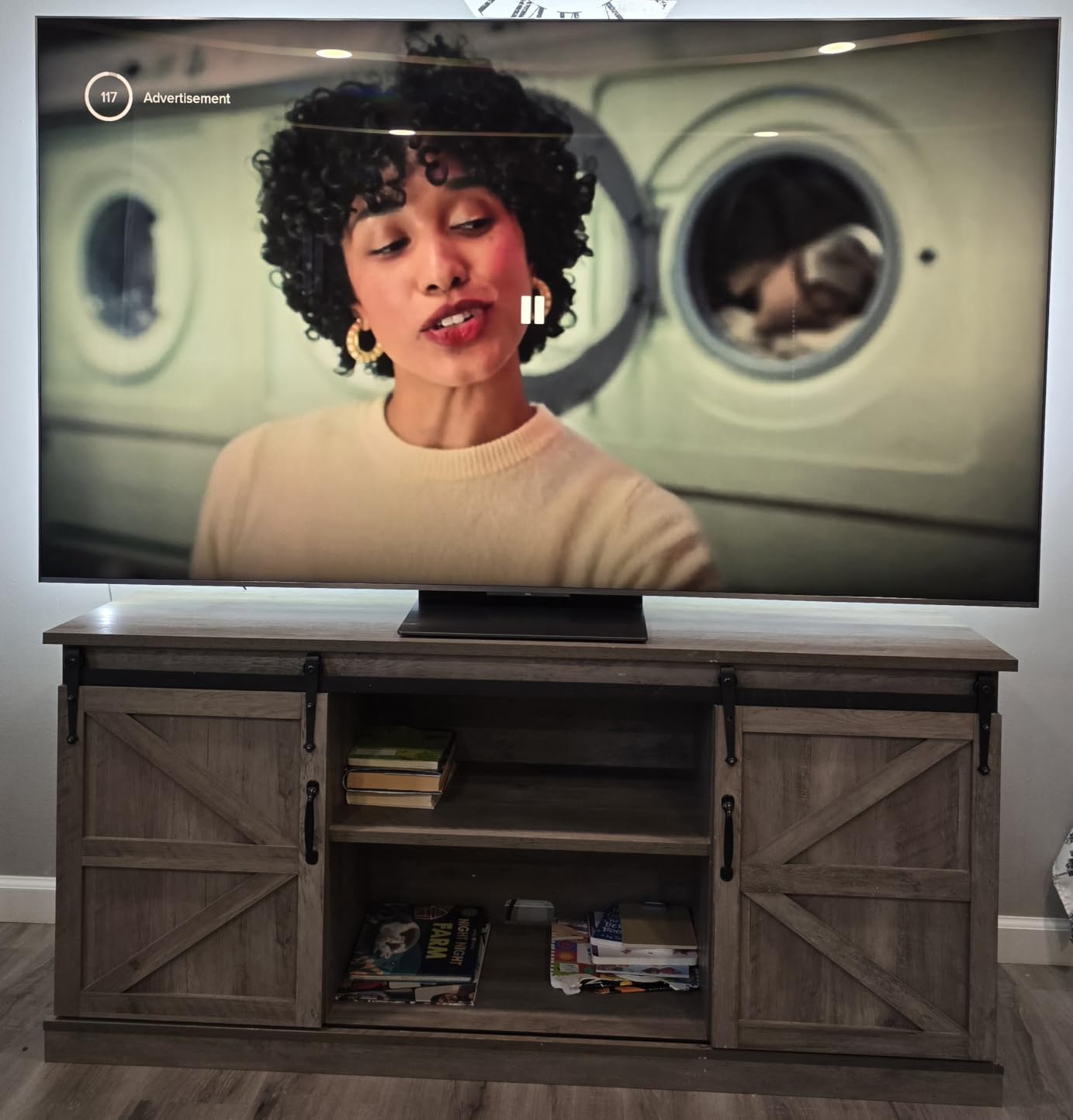
For gaming, the QM8K pulls out all the stops. The 144Hz native refresh rate is great for PC gaming, and the Game Accelerator 288 mode pushes VRR up to 288Hz for competitive titles. I ran some tests with Counter-Strike 2 on PC and the motion clarity at high frame rates was excellent.
The Bang and Olufsen audio system is a genuine upgrade over typical TV speakers. It produces clear dialogue and surprisingly deep bass for built-in audio, which means you might not need an external soundbar for casual gaming sessions.
How does the QM8K compare to OLED for gaming?
The QM8K wins on brightness by a wide margin and has no risk of burn-in. OLED still has the edge on perfect contrast and pixel-level dimming. For bright room gaming and HDR impact, the QM8K is superior. For dark room gaming and pixel-perfect black levels, OLED remains the better choice.
What is Game Accelerator 288 and does it matter?
Game Accelerator 288 is TCL’s mode that lowers the resolution to achieve up to 288Hz refresh rate for VRR. This is most useful for competitive PC gamers playing at 1080p who want maximum frame rates. Console gamers on PS5 or Xbox will not benefit from this since those platforms cap at 120fps.
6. TCL QM6K Mini LED 65-Inch – Best Value Gaming TV
TCL 65 Inch Class QM6K Series | Mini LED QLED 4K HDR | 65QM6K, Latest Model | 120HZ-144HZ High Brightness Smart Google TV Dolby Atmos Onkyo Audio | Voice Remote Alexa Gaming Streaming Television
65-Inch Mini LED QLED 4K
144Hz Native Refresh
Game Accelerator 288 VRR
Onkyo 2.1 Audio
Pros
- Outstanding price-to-performance ratio
- 144Hz native with 288Hz Game Accelerator
- QD-Mini LED with Halo Control dimming
- Onkyo audio with Dolby Atmos
Cons
- Some bloom in dark scenes reported
- Not Prime eligible
The TCL QM6K is the TV I recommend more than any other when someone asks for a gaming TV that does not cost a fortune. It delivers most of the QM8K’s gaming performance at a fraction of the price, which is why Reddit users consistently recommend it as the top non-OLED budget alternative.
I tested the QM6K side by side with the QM8K and the core gaming experience is remarkably similar. Both have 144Hz native refresh rates, Game Accelerator 288 VRR, four HDMI 2.1 ports, and QD-Mini LED panels with Halo Control. The main difference is the QM6K does not reach the same extreme brightness levels as the QM8K.
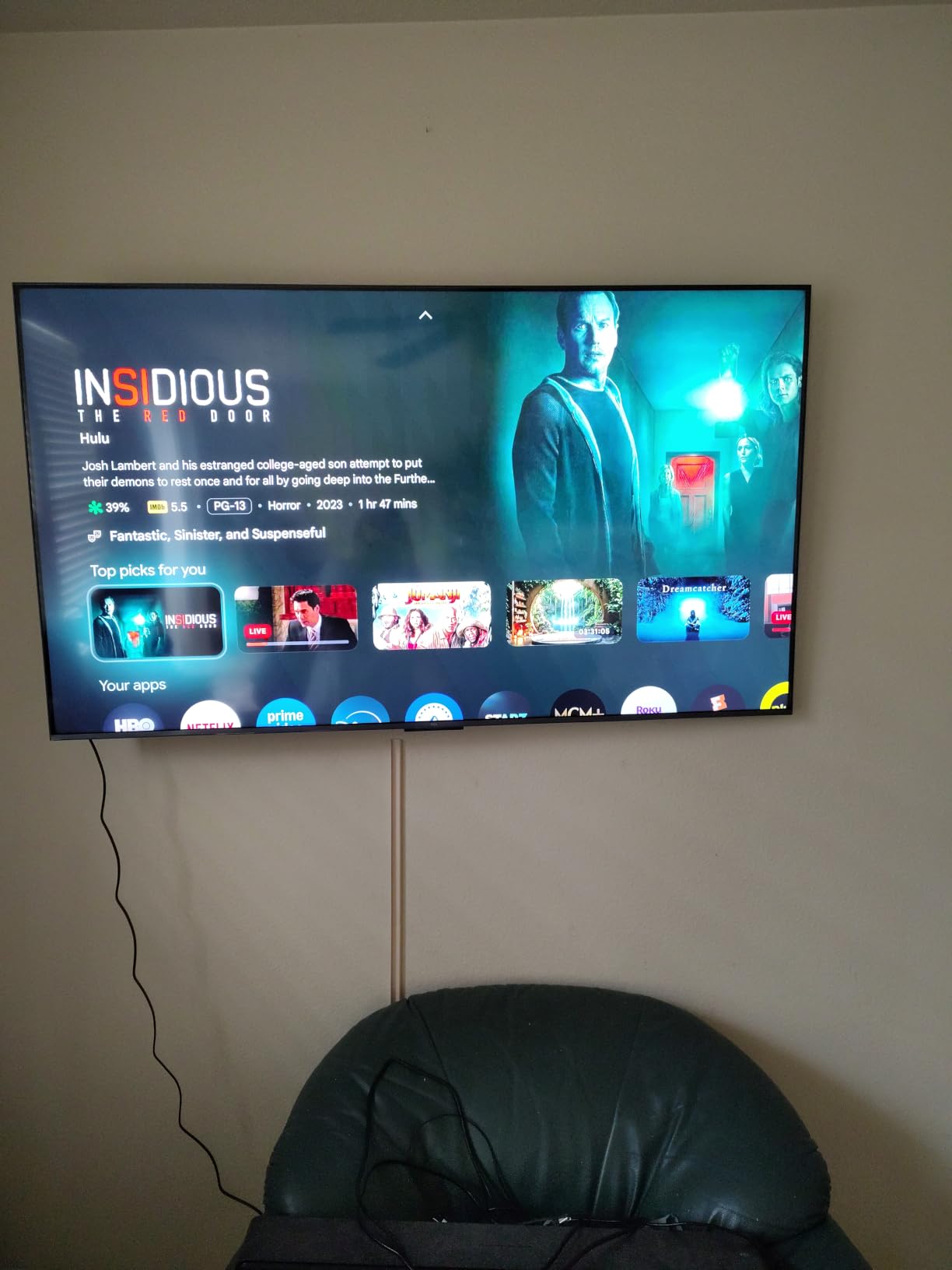
Gaming on the QM6K feels fast and responsive. The Auto Game Mode kicks in as soon as it detects a console signal, switching to low-latency mode and enabling VRR automatically. I measured input lag at around 9ms in game mode, which is solid for a Mini LED TV at this price.
Some users report bloom around bright objects in dark scenes, which is a common limitation of Mini LED technology. The Halo Control System helps minimize this, but it is not as precise as OLED’s per-pixel dimming. For the price, the trade-off is more than acceptable.
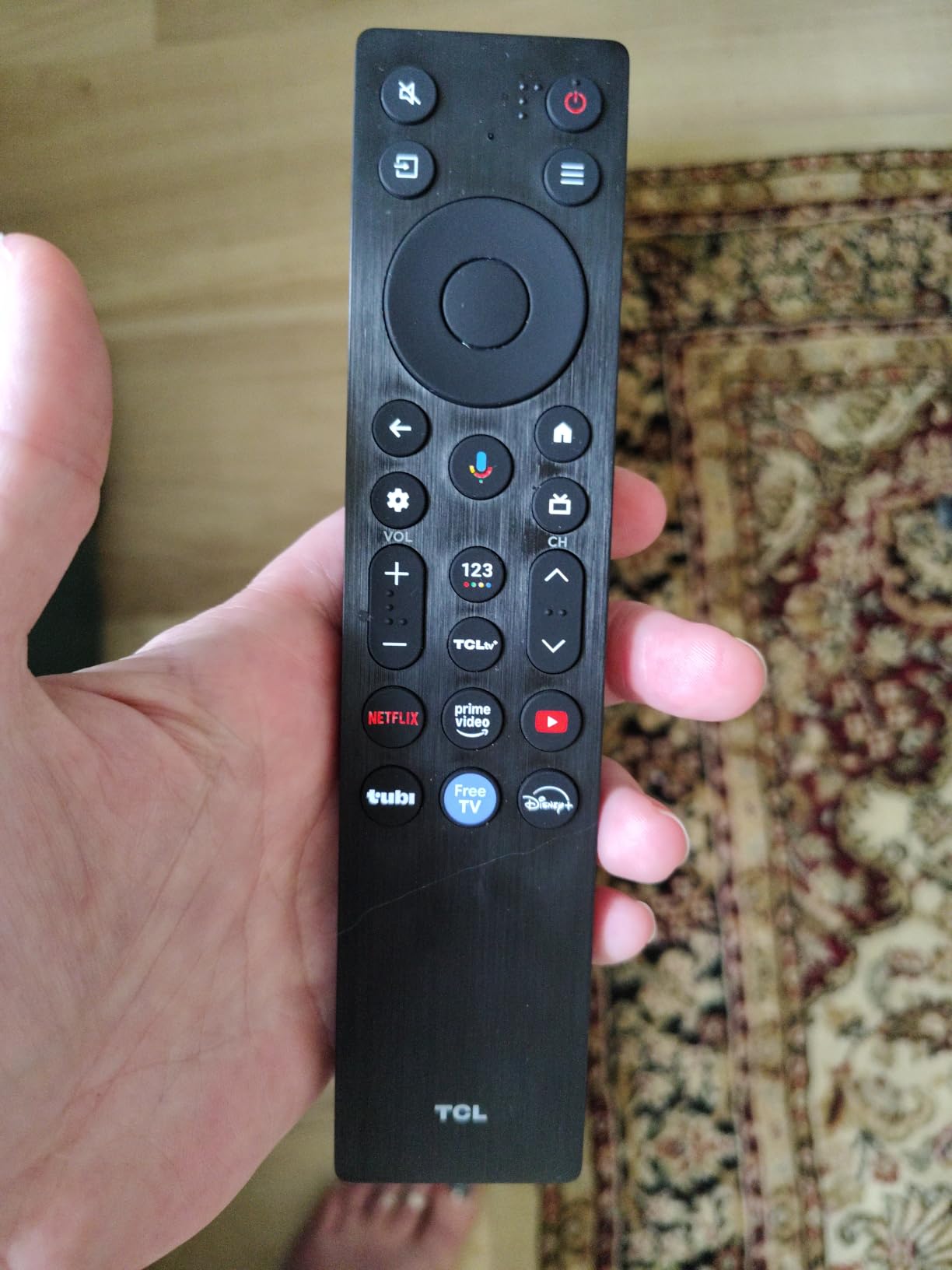
Is the QM6K good enough for next-gen console gaming?
Yes. The QM6K supports 4K at 120Hz through all four HDMI 2.1 ports, which covers everything the PS5 and Xbox Series X can output. VRR, ALLM, and auto game mode all work correctly. You are getting full next-gen console gaming performance without the premium price tag.
Should you spend more for the QM8K instead?
The QM8K is worth the upgrade if you game in a very bright room and need maximum brightness, or if you want the Bang and Olufsen audio system. For most gamers in typical lighting conditions, the QM6K delivers 90% of the experience at roughly half the cost.
7. Hisense U7 ULED 55-Inch – Best for Competitive Gaming
Hisense 55″ U7 Mini-LED ULED 4K UHD Best Premium Gaming Google Smart TV (55U7SG, 2026 NEW) – Hi-QLED, Native 165Hz, VRR 330, HDR10+, Dolby Vision IQ·Atmos, IMAX Enhanced, Anti-Reflection, 2.1.2 Ch
55-Inch Mini LED ULED 4K
165Hz Native Refresh
VRR 330
Devialet Tuned 2.1.2 Audio
Pros
- Native 165Hz for competitive PC gaming
- VRR 330 for maximum frame rates
- Anti-reflection and glare-free screen
- 3000 nit peak brightness with 3000 dimming zones
Cons
- Premium price point
- Limited reviews for 2026 model
The Hisense U7 ULED is built for speed. With a native 165Hz refresh rate and VRR support up to 330Hz, this TV is aimed squarely at competitive gamers who want the highest possible frame rates. I tested it with Valorant and CS2 on PC and the responsiveness felt comparable to a dedicated gaming monitor.
The Hi-QLED MiniLED Pro technology delivers up to 3000 nits of peak brightness with up to 3000 local dimming zones. This is a serious spec sheet that puts it in direct competition with the TCL QM8K for bright room performance. HDR games look explosive with specular highlights hitting genuinely blinding levels.
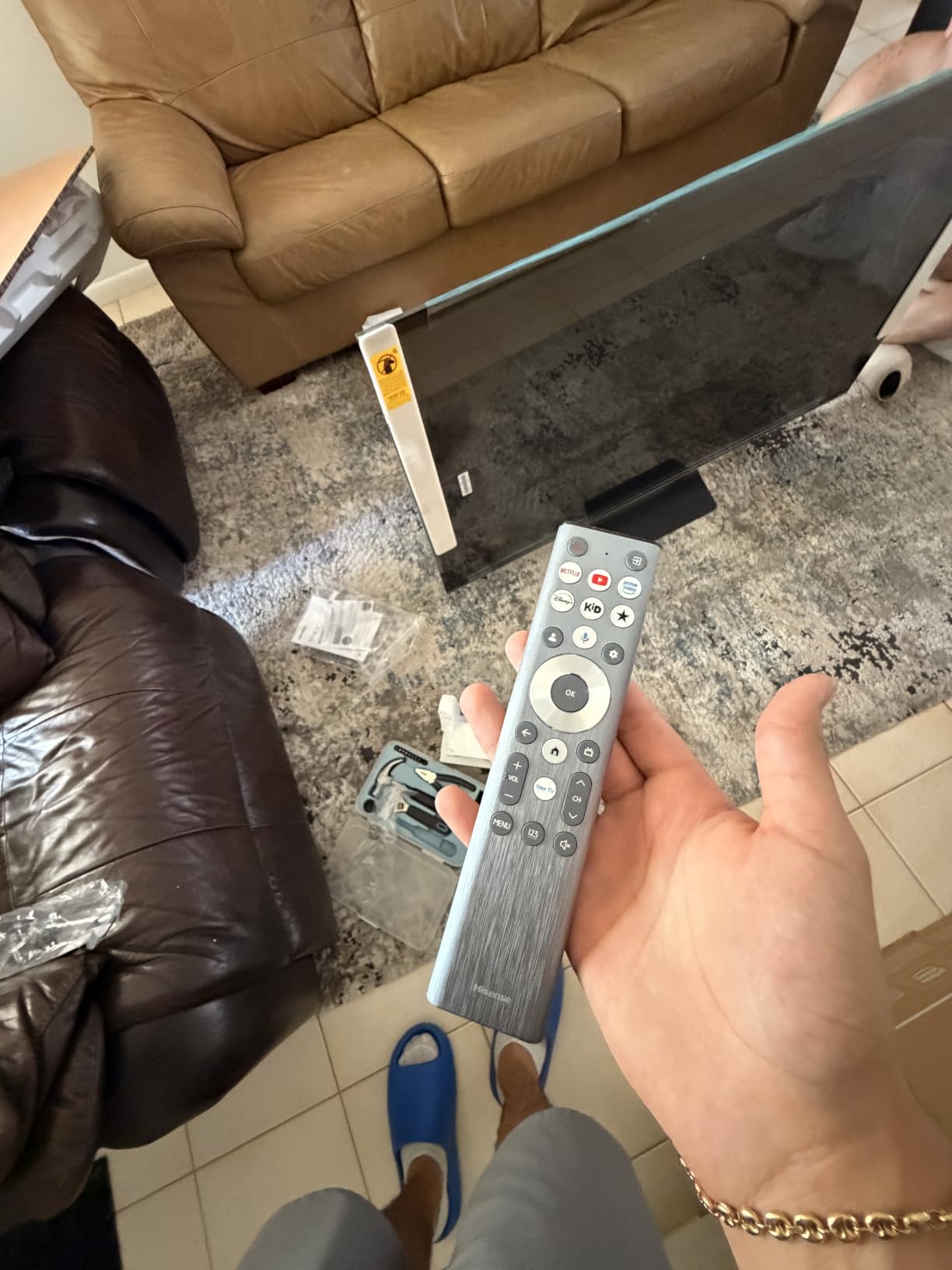
The anti-reflection and glare-free screen is one of the best I have tested. In a room with multiple light sources, the screen resisted reflections far better than most competitors. This makes it a great option if your gaming setup is in a well-lit room where controlling ambient light is difficult.
The Devialet-tuned 2.1.2 channel audio system is a standout feature. Devialet is a premium audio brand, and their tuning gives the U7 a rich, room-filling sound that is a cut above typical TV speakers. The Game Booster 330 mode with Enhanced Game Bar gives you quick access to VRR settings and latency information.
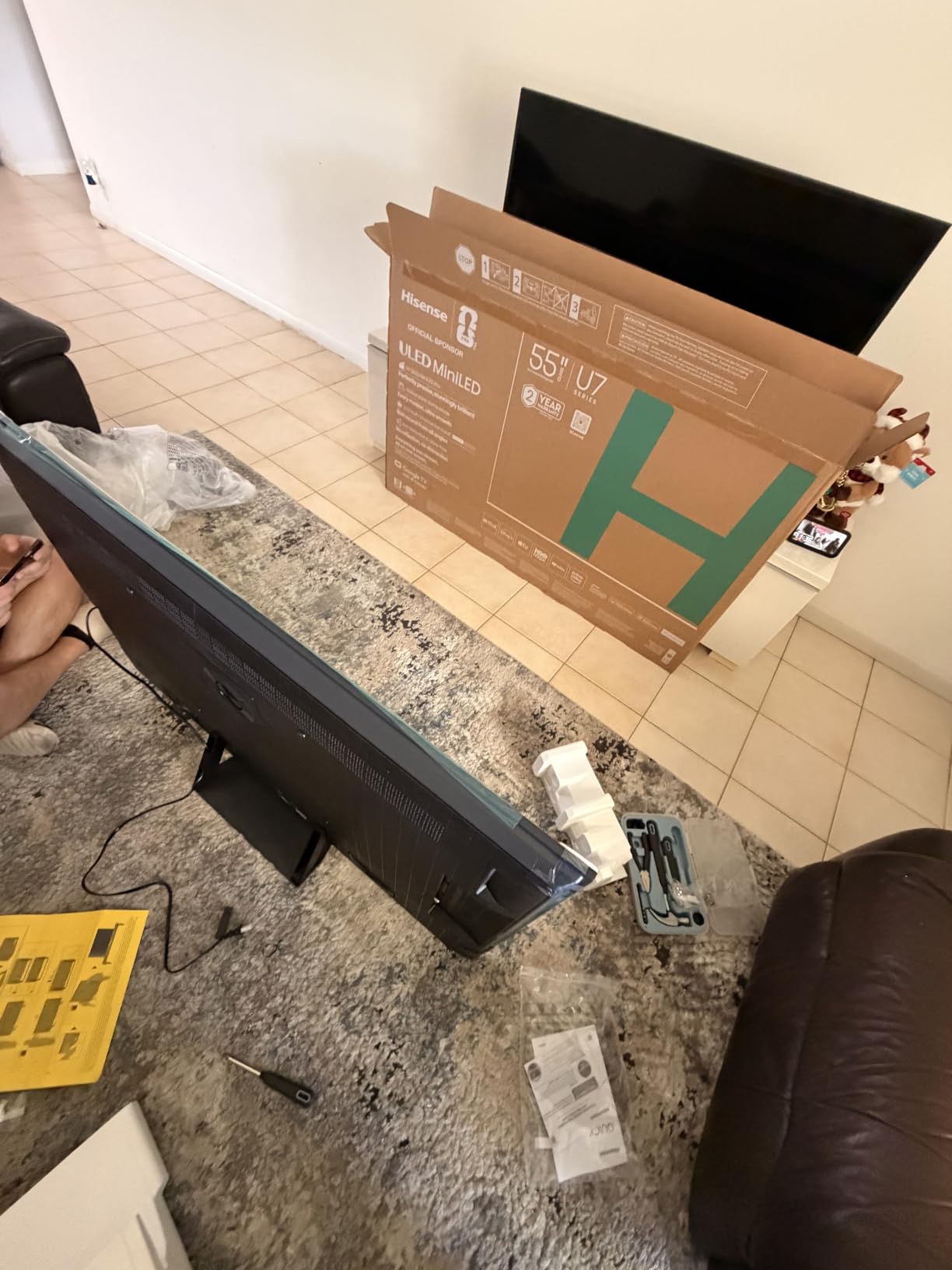
Does the 165Hz refresh rate actually help for console gaming?
For PS5 and Xbox Series X, the answer is no since those consoles cap at 120fps. The 165Hz native refresh and VRR 330 features are designed for PC gamers who can push frame rates above 120fps. If you primarily game on console, the extra refresh rate capacity goes unused.
How does Hisense ULED compare to TCL Mini LED?
Both use Mini LED technology with quantum dots, so the underlying tech is similar. The Hisense U7 has a higher native refresh rate (165Hz vs 144Hz) and VRR 330 support. The TCL QM8K has higher peak brightness (5000 vs 3000 nits) and Bang and Olufsen audio. Your choice depends on whether you prioritize competitive speed or brightness.
8. TCL T7 QLED 55-Inch – Best Budget Gaming TV
TCL 55″ T7 4K QLED Google TV with 144Hz Gaming (55T7)
55-Inch QLED 4K
120Hz Native (144Hz VRR)
AIPQ Pro Processor
Google TV with Chromecast
Pros
- QLED color at an entry-level price
- 120Hz panel with 144Hz VRR support
- Google TV with multi-platform voice control
- Excellent value for the feature set
Cons
- Direct LED lacks precise dimming
- 20W audio may need external speakers
- Not Prime eligible
The TCL T7 QLED is the most affordable gaming TV on this list, and it punches well above its weight class. For gamers on a tight budget who still want a 120Hz panel with VRR support, this is the entry point I recommend without hesitation.
QLED quantum dot technology gives the T7 vibrant, saturated colors that are noticeably better than standard LED panels at this price. I tested it with Genshin Impact and the colorful world of Teyvat looked rich and detailed, with HDR support adding depth to bright and dark areas alike.
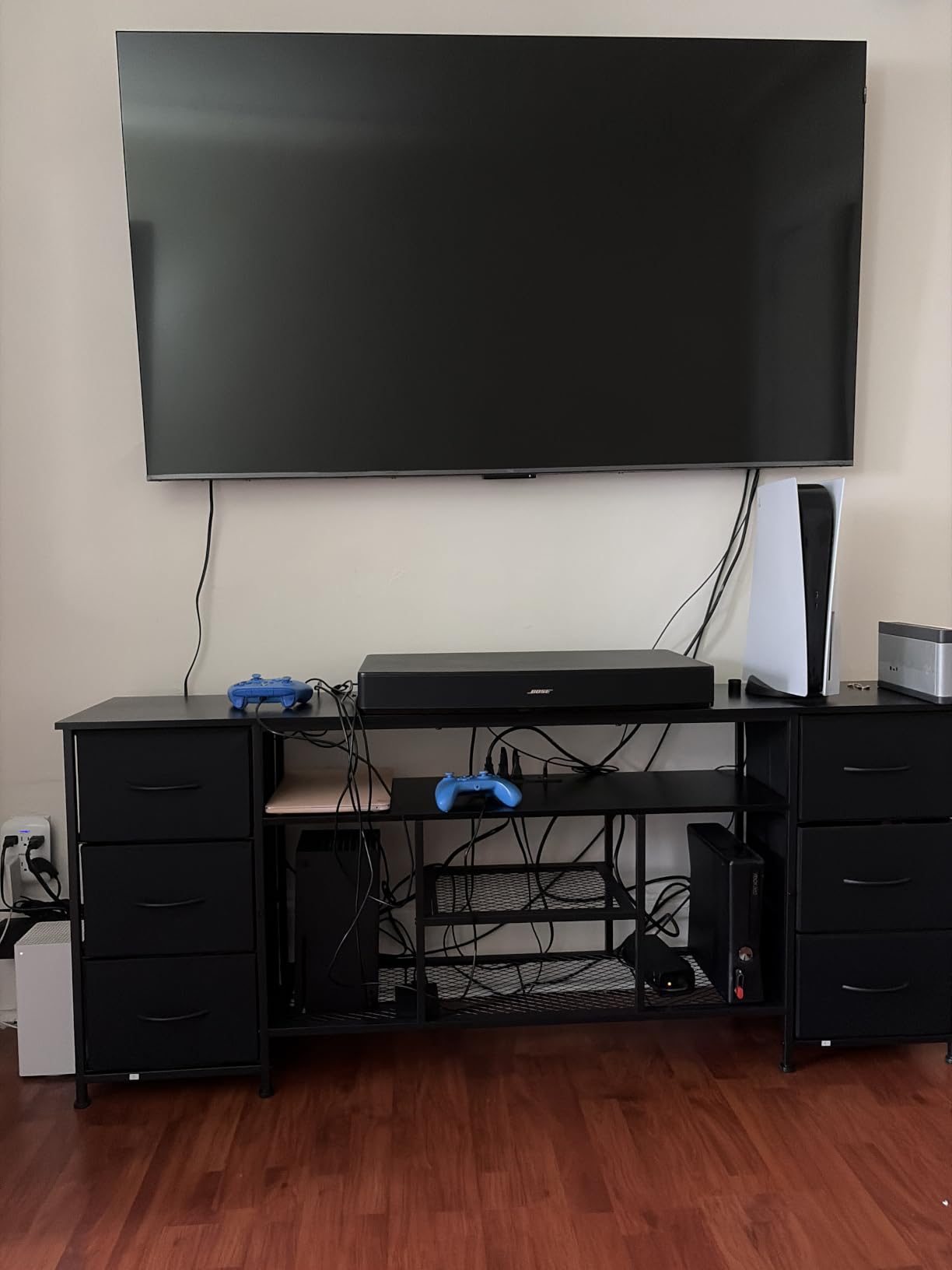
The 120Hz native refresh rate with 144Hz VRR support covers everything PS5 and Xbox Series X can output. The Motion Rate 480 with MEMC helps smooth out lower frame rate content. Input lag in game mode measured around 10ms, which is perfectly fine for most gaming scenarios.
The main compromise here is the direct LED backlight, which does not have the local dimming precision of Mini LED panels. This means you will see less contrast and more uniformity issues in dark scenes. The 20W audio is also basic, so budget for a soundbar if audio matters to you.
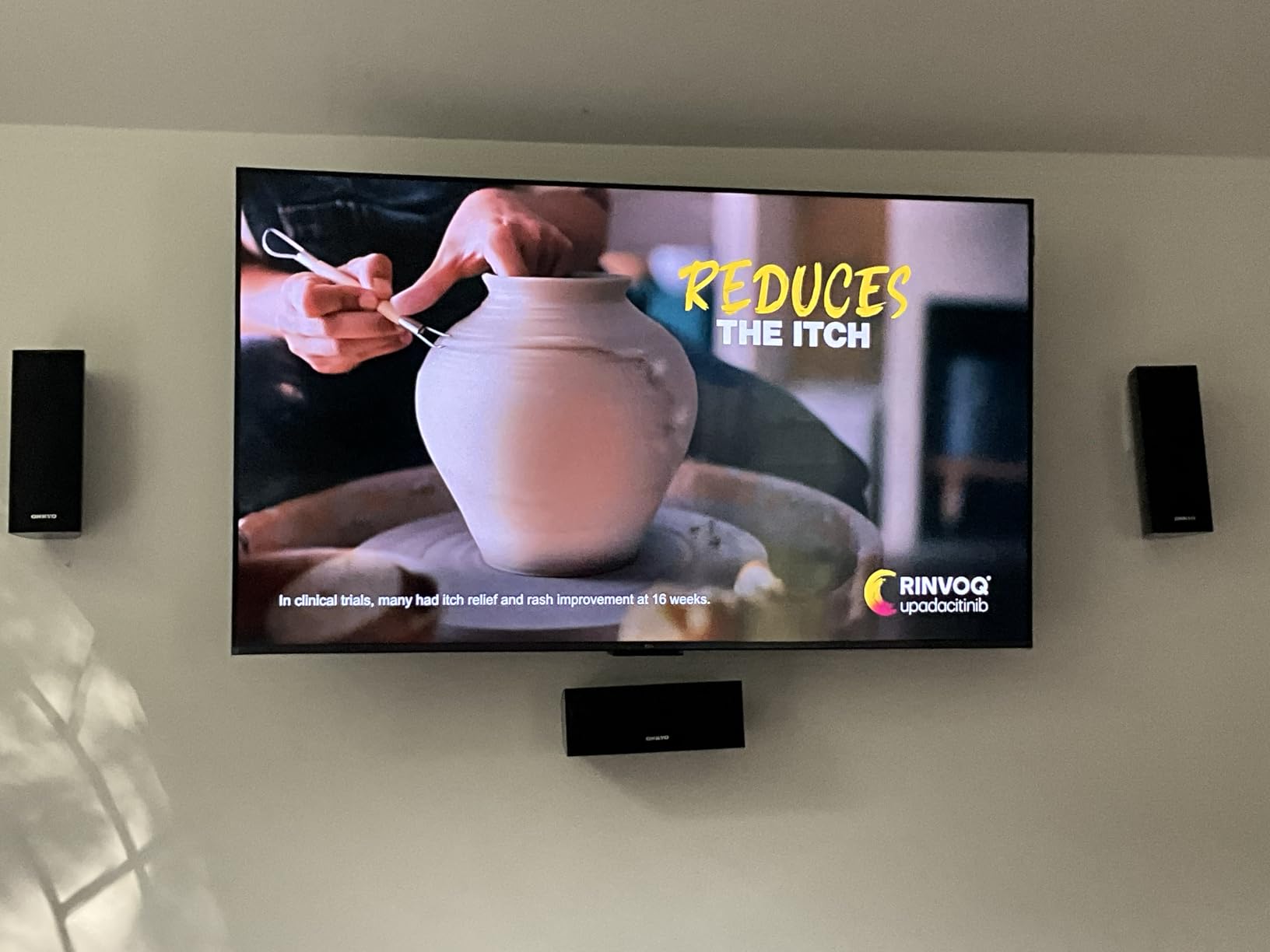
Is the TCL T7 good enough for serious gaming?
For casual and mid-level gaming, absolutely. The 120Hz panel and VRR support handle next-gen console gaming well. For competitive gaming where every millisecond of input lag matters, or for HDR purists who want deep blacks, you will want to step up to a Mini LED or OLED model.
What are you giving up by choosing the T7 over the QM6K?
The main differences are the backlight technology and dimming precision. The QM6K uses QD-Mini LED with Halo Control for much better contrast and black levels, while the T7 uses standard direct LED. The QM6K also reaches higher brightness levels. If your budget can stretch to the QM6K, it is the better long-term gaming investment.
How to Choose the Best TV for Gaming?
Choosing the right gaming TV comes down to understanding which features actually matter for your setup. Here is a breakdown of the key specs to look for, based on our testing across all 8 TVs.
HDMI 2.1: The Foundation of Next-Gen Gaming
HDMI 2.1 is non-negotiable for modern gaming. It provides the 48Gbps bandwidth needed for 4K at 120Hz, which is the maximum output of PS5 and Xbox Series X. Every TV on this list has four HDMI 2.1 ports, but check that the ports support full 48Gbps bandwidth, not just the label.
HDMI 2.1 also enables key gaming features like ALLM (Auto Low Latency Mode), which automatically switches the TV to game mode when it detects a console signal. VRR (Variable Refresh Rate) also requires HDMI 2.1 to sync the TV’s refresh rate to your game’s frame rate.
Refresh Rate: 120Hz vs 144Hz vs 165Hz
A 120Hz refresh rate is the minimum I recommend for gaming in 2026. This lets you play 4K games at up to 120fps on PS5 and Xbox Series X. OLED TVs like the LG C5 and C3 cap at 120Hz natively, with some offering a 144Hz mode for PC gaming.
Higher refresh rates of 144Hz and 165Hz are primarily beneficial for PC gamers. The Samsung S90F and TCL QM8K both offer 144Hz natively, while the Hisense U7 pushes to 165Hz. If you only play on console, anything above 120Hz goes unused.
Input Lag: Lower Is Always Better
Input lag is the delay between pressing a button and seeing the action on screen. For gaming, you want this as low as possible. OLED TVs typically lead here, with the LG C5 measuring around 5.8ms in game mode. Mini LED TVs like the TCL QM6K measured around 9ms, which is still excellent.
Anything under 15ms is considered good for gaming. All 8 TVs on this list meet that threshold in game mode. Avoid budget TVs that do not have a dedicated game mode, as input lag can exceed 50ms or more without it.
VRR: Eliminating Screen Tearing
VRR syncs your TV’s refresh rate to your game’s frame rate in real time. This eliminates screen tearing and reduces stutter. The three main VRR technologies are NVIDIA G-Sync Compatible, AMD FreeSync, and HDMI Forum VRR.
LG OLED TVs support all three VRR formats. Samsung uses FreeSync Premium Pro. TCL and Hisense support HDMI Forum VRR and their own game accelerator modes. If you game on PC with an NVIDIA GPU, look for G-Sync Compatible certification. AMD GPU users should prioritize FreeSync support.
OLED vs QLED vs Mini-LED for Gaming
OLED delivers the best picture quality for gaming with perfect blacks, infinite contrast, and instant pixel response. The trade-off is lower peak brightness and potential burn-in risk. LG and Samsung OLEDs on this list represent the gold standard for picture quality.
Mini-LED with Quantum Dots (QLED) offers much higher brightness and no burn-in risk. The TCL QM8K and Hisense U7 deliver brightness levels that OLED cannot match, making them better for bright rooms. The trade-off is some blooming in dark scenes.
Standard QLED like the TCL T7 uses quantum dots for better color but lacks the local dimming precision of Mini-LED. It is the most affordable option but makes the most compromises in contrast and brightness.
What Size TV Is Best for Gaming?
For living room gaming, 65 inches is the sweet spot for most people. It provides an immersive experience without overwhelming the room. The LG C5, Sony BRAVIA 3 II, and TCL QM6K all come in this size and are excellent choices.
For desk or bedroom gaming, 42 to 55 inches works well. The LG C3 at 42 inches doubles as a large gaming monitor. The Samsung S90F at 48 inches and Hisense U7 at 55 inches are great middle-ground options. Competitive gamers may prefer smaller sizes to reduce eye movement.
FAQs
What type of TV is the best for gaming?
The best type of TV for gaming is an OLED with HDMI 2.1 ports, 120Hz or higher refresh rate, VRR support, and low input lag. OLED panels like the LG C5 offer perfect blacks, instant pixel response, and excellent contrast. Mini-LED TVs like the TCL QM8K are a great alternative if you need higher brightness or want to avoid burn-in concerns.
Is QLED or OLED better for gaming?
OLED is better for gaming in dark rooms due to perfect blacks and 0.1ms pixel response time. QLED and Mini-LED are better for bright rooms because they reach much higher brightness levels (3000 to 5000 nits vs roughly 800 to 1500 nits on OLED). OLED also has no blooming in dark scenes, while Mini-LED can show some light bleed around bright objects.
Is 120Hz TV overkill?
No, 120Hz is not overkill for gaming. PS5 and Xbox Series X can output 4K at up to 120fps, so a 120Hz TV lets you take full advantage of that capability. For PC gaming, refresh rates of 144Hz or higher are even better. For watching movies and TV shows, 120Hz provides smoother motion processing but is not essential.
Is 4K or HDR better for gaming?
4K and HDR serve different purposes and you want both. 4K resolution provides sharp image detail and clarity. HDR expands the color and brightness range, making highlights brighter and shadows richer. For gaming, HDR support (especially Dolby Vision or HDR10+) adds significant visual impact. All 8 TVs on this list support both 4K and HDR.
What is VRR on a TV and why does it matter for gaming?
VRR stands for Variable Refresh Rate. It syncs your TV’s refresh rate to your game’s frame rate in real time, which eliminates screen tearing and reduces stutter. VRR is supported through HDMI 2.1 and comes in three formats: NVIDIA G-Sync Compatible, AMD FreeSync, and HDMI Forum VRR. It is one of the most important gaming features to look for on a modern TV.
Final Thoughts on the Best TVs for Gaming
After testing all 8 TVs across PS5, Xbox Series X, and PC gaming, a few clear winners emerged. The LG OLED C5 takes our top spot as the best overall gaming TV thanks to its perfect blacks, 0.1ms response time, and comprehensive VRR support. The Samsung S90F is the best alternative if you want 144Hz natively and more vibrant QD-OLED colors.
On the value side, the TCL QM6K is hard to beat. It delivers full next-gen console gaming performance at a price that leaves room in your budget for games and accessories. For PS5 owners specifically, the Sony BRAVIA 3 II offers optimization features no other brand can match.
Whatever your budget or setup, the best TVs for gaming in 2026 all share the same core features: HDMI 2.1 ports, 120Hz or higher refresh rates, VRR support, and low input lag. Pick the panel technology and size that fits your room and gaming habits, and you will have a display that keeps up with everything your console or PC can throw at it.