

If your Wi-Fi still drops when the kids start streaming or your work laptop fights the smart TV for bandwidth, the Prime Big Deal Days sale is the moment to fix it. The TP-Link Archer AX55 is our top pick: AX3000 dual-band Wi-Fi 6, a USB 3.0 port for shared storage, and a 2-year warranty at a price most budgets can swallow.
If you want dead-simple whole-home coverage instead, the Amazon eero 6 mesh brings TrueMesh routing and a built-in Zigbee hub for smart home devices. For shoppers ready to step up to Wi-Fi 6E, the TP-Link Archer AXE75 adds the 6 GHz band and a 2.5G WAN port for multi-gig internet plans. Amazon confirmed Prime Big Deal Days runs October 6-7, 2026, and most offers need a Prime membership, so the window is short.
Table of Contents
Our Top 3 Picks for Best Amazon Prime Big Deal Days Wi-Fi Router Deals

TP-Link Archer AX55
- Wi-Fi 6 AX3000 dual-band
- 5 Gigabit Ethernet ports
- USB 3.0 for media sharing
- 2-year warranty

Amazon eero 6
- Wi-Fi 6 mesh dual-band
- Up to 1500 sq ft coverage
- Built-in Zigbee smart home hub
- Supports 75+ devices

TP-Link Archer AX21
- Wi-Fi 6 AX1800 dual-band
- 4 high-gain antennas
- VPN server support
- 2-year warranty
Best Amazon Prime Big Deal Days Wi-Fi Router Deals Compared (2026)
| Product | Specifications | Action |
|---|---|---|
| TP-Link Archer AX55 |
|
Check Deal Price |
| Amazon eero 6 |
|
Check Deal Price |
| TP-Link Archer AX21 |
|
Check Deal Price |
 TP-Link Archer AXE75 TP-Link Archer AXE75 |
|
Check Deal Price |
 TP-Link Deco X55 3-Pack TP-Link Deco X55 3-Pack |
|
Check Deal Price |
 TP-Link Archer A8 TP-Link Archer A8 |
|
Check Deal Price |
 TP-Link Archer AX10 TP-Link Archer AX10 |
|
Check Deal Price |
 GL.iNet Flint 2 GL.iNet Flint 2 |
|
Check Deal Price |
 ASUS RT-AX1800S ASUS RT-AX1800S |
|
Check Deal Price |
 NETGEAR Nighthawk BE9300 NETGEAR Nighthawk BE9300 |
|
Check Deal Price |
 NETGEAR Nighthawk CAX30 NETGEAR Nighthawk CAX30 |
|
Check Deal Price |
 Amazon eero 7 3-Pack Amazon eero 7 3-Pack |
|
Check Deal Price |
How We Chose
We compared the specs that matter for a home network: Wi-Fi standard and bands, coverage area, port speeds, mesh capability, security features and warranty length. Each pick is cross-checked against owner reviews and current Amazon ratings, with data reviewed on October 2026. The list covers a range of price tiers, from entry-level Wi-Fi 5 routers to multi-gig Wi-Fi 7 systems.
1. TP-Link Archer AX55: Best for Streaming and Gaming
TP-Link Dual-Band AX3000 Wi-Fi 6 Wireless Gigabit Internet Router for Home
Standard: Wi-Fi 6
Speed: 2976 Mbps
Weight: 1.7 lb
Warranty: 2 years
Pros
- AX3000 speeds (2402 + 574 Mbps)
- USB 3.0 port for media sharing
- VPN server and client support
- Improved cooling with larger heat sink
- HomeShield security included
Cons
- No 6 GHz band (Wi-Fi 6E)
- Larger footprint than compact routers
- App-only advanced configuration
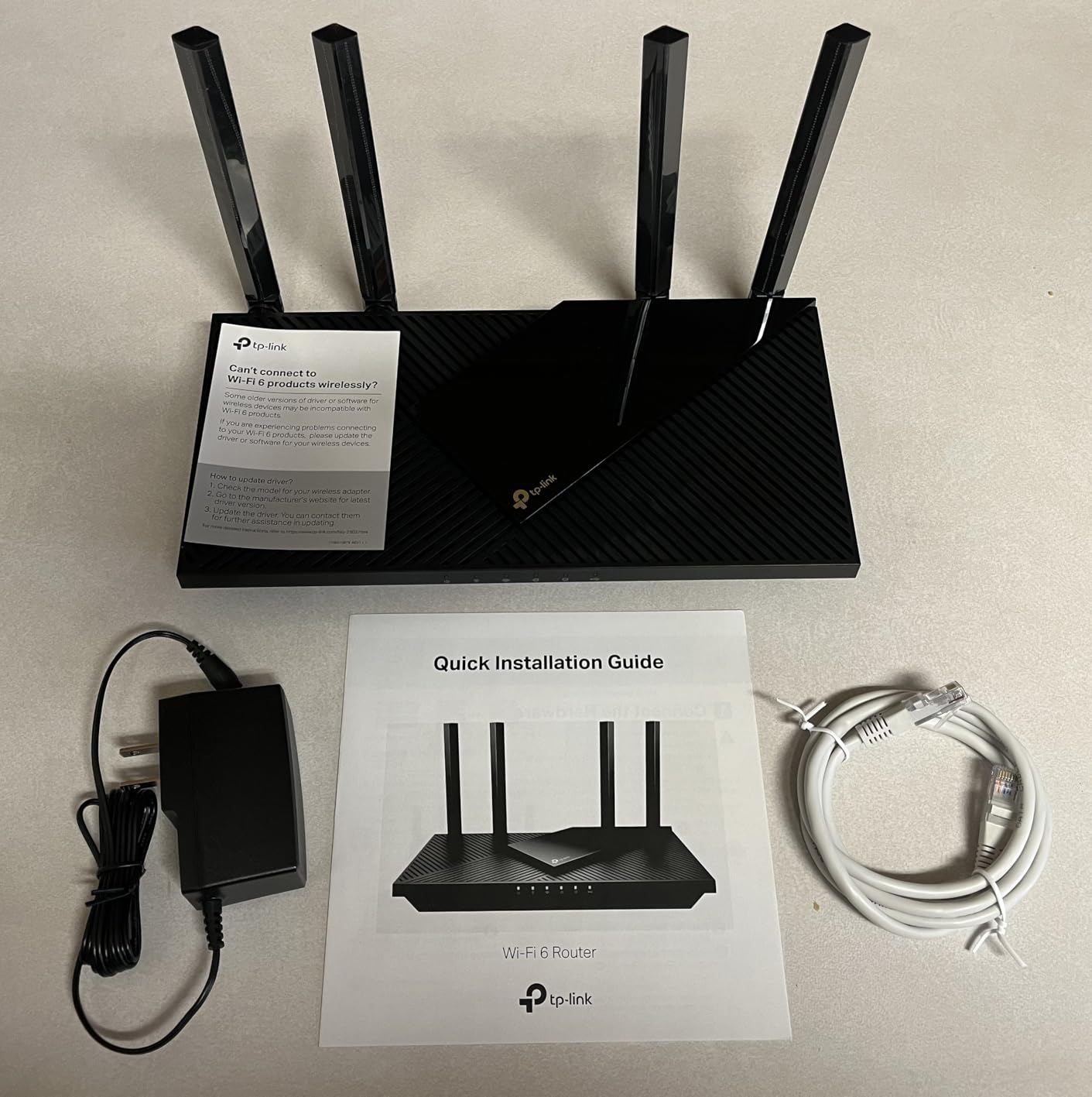
The Archer AX55 is the sweet spot in this lineup: AX3000 dual-band throughput (2402 Mbps on 5 GHz and 574 Mbps on 2.4 GHz), four high-gain antennas with beamforming, and a 5-port Gigabit Ethernet layout that includes USB 3.0 for plugging in a shared drive. For a household streaming 4K, gaming online and running a dozen smart devices, it is the most balanced router here.
Owners consistently praise the cooling design and stable connection under load. One reviewer noted running a home office, two game consoles and simultaneous 4K streams with no buffering once they switched to the AX55 from an older Wi-Fi 5 unit. VPN server and client support is a bonus for remote workers.
Skip it if you specifically want the 6 GHz band; the AX55 is dual-band only. The 2.4 GHz range is also reported as softer at long distance, which is a common trait of AX3000-class routers with external antennas.
For shoppers curious about how this router handles movie night, the AX55 handles 4K streams without breaking a sweat in most homes. The eero 6 below covers whole-home mesh, while the AX55 covers single-point speed and ports.
2. Amazon eero 6: Best for Easy Whole-Home Mesh
Amazon eero 6 mesh wifi router – Supports internet plans up to 900 Mbps, Coverage up to 1,500 sq. ft., Connect 75+ devices, 1-pack
Standard: Wi-Fi 6
Speed: 900 Mbps
Coverage: 1500 sq ft
Warranty: 1 year
Pros
- TrueMesh routing for stable coverage
- Easy app-driven setup
- Built-in Zigbee smart home hub
- Supports 75+ devices
- Automatic security updates
Cons
- Only 2 Ethernet ports
- Advanced features require eero Plus
- App-only management (no web UI)
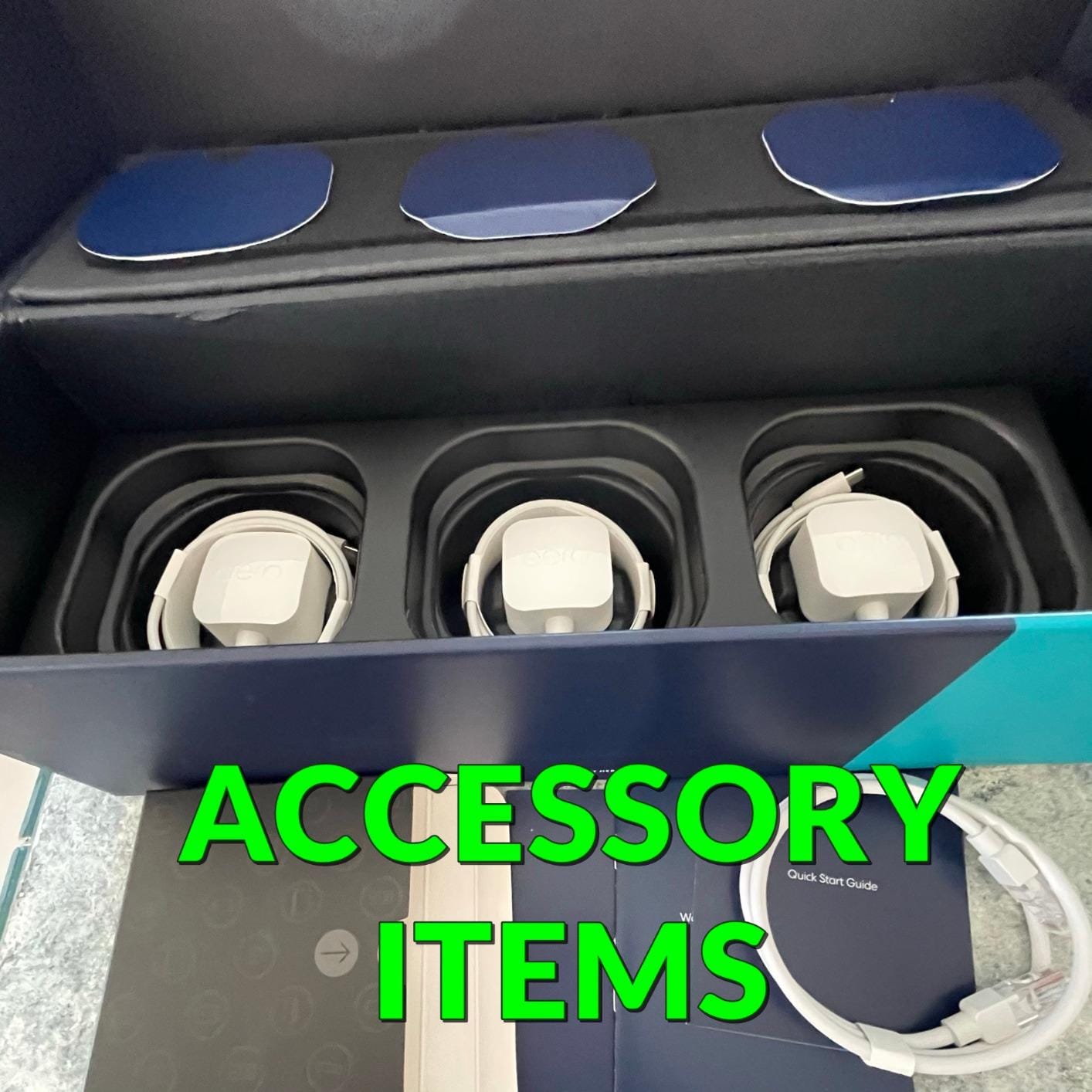

If the goal is fewer dead zones and zero tinkering, the eero 6 is the easiest router on this list to deploy. The single-pack covers up to 1500 sq ft and connects 75+ devices, and reviewers say the app walks you through setup in under ten minutes. As an Amazon-owned brand, eero also sees steady in-house deals during Prime Big Deal Days, so it is a natural pick to watch this week.
The built-in Zigbee hub is a quiet win for smart home households: compatible lights, locks and sensors pair directly without a separate bridge. eero pushes automatic updates in the background, so security patches arrive without lifting a finger.
The trade-off is the port count: only two Ethernet ports on the unit, so a multi-gig wired setup will need a switch. Owners also mention that the eero Plus subscription unlocks parental controls and ad blocking, so plan accordingly.
Skip the eero 6 if you need wired backhaul across multiple floors; the TP-Link Deco X55 below handles that use case with three Gigabit ports per node. The eero 6 fits shoppers who want the simplest possible mesh.
3. TP-Link Archer AX21: Best for Budget Buyers
TP-Link AX1800 WiFi 6 Router (Archer AX21 V5)
Standard: Wi-Fi 6
Speed: 1200 Mbps
Weight: 1.1 lb
Warranty: 2 years
Pros
- Wi-Fi 6 at a budget price
- Easy setup with Tether app
- Beamforming and 4 antennas
- VPN server (OpenVPN/PPTP)
- Works with all major ISPs
Cons
- No 6 GHz band (Wi-Fi 6E)
- No USB port for media sharing
- 2.4 GHz range weaker at distance
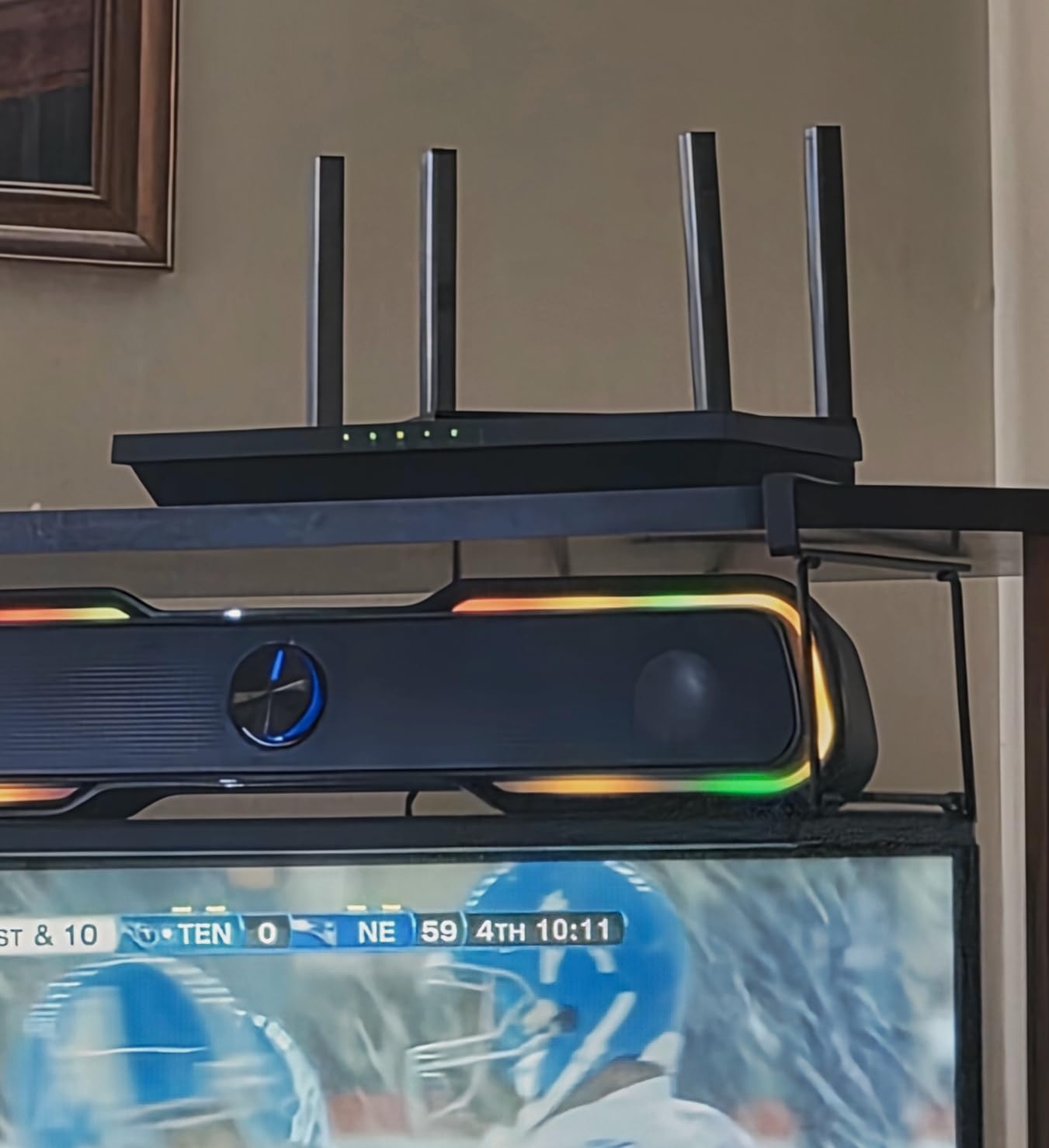
Most readers in this price tier end up with the Archer AX21, and for good reason. It runs Wi-Fi 6 on a dual-band AX1800 setup (up to 1200 Mbps on 5 GHz plus 574 Mbps on 2.4 GHz) with four high-gain antennas and beamforming, so most two- to three-bedroom homes will get solid signal without adding extenders.
For a budget-friendly router, owners report surprising longevity. One reviewer mentioned using the AX21 for daily streaming, a work VPN and a small smart home setup with no drops after a full year. The Tether app keeps setup painless, and WPA3 security is included.
The main trade-off is the missing 6 GHz band; the AX21 is dual-band only, so if you want Wi-Fi 6E headroom, jump to the Archer AXE75 further down. There is also no USB port for sharing a drive across the network, which the Archer AX55 above adds at a small step up.
Good to know: the AX21 is OneMesh compatible, so you can add a TP-Link extender later without replacing the main router. Owners upgrading from the Archer A8 below usually keep the same Tether app experience.
4. TP-Link Archer AXE75: Best for Wi-Fi 6E on a Budget
TP-Link AXE5400 Tri-Band WiFi 6E Router, 2025 PCMag Editors’ Choice
Standard: Wi-Fi 6E
Speed: 5400 Mbps
Weight: 0.69 kg
Warranty: 2 years
Pros
- True tri-band with 6 GHz
- 2.5 Gbps WAN port
- 160 MHz channel support
- EasyMesh compatible
- VPN server and client (3 protocols)
Cons
- Setup more complex than basic routers
- No 6 GHz on older iPhones
- Some setup quirks with USB sharing
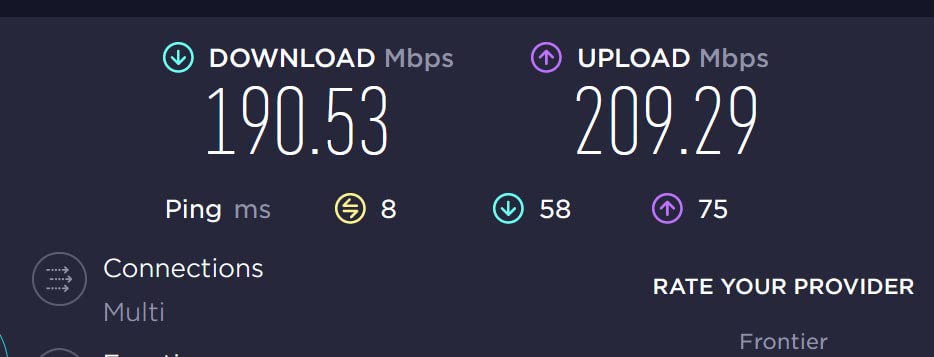
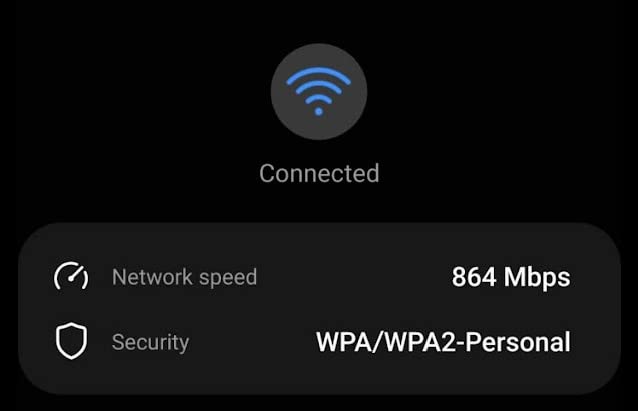
The Archer AXE75 brings the 6 GHz band to a price most shoppers can stretch to. Tri-band (6 GHz at 2402 Mbps, 5 GHz at 2402 Mbps, 2.4 GHz at 574 Mbps), eight antennas, and a 2.5 Gbps WAN port so multi-gig internet plans are not wasted. PCMag named it an Editors’ Choice in 2026 for its balance of price and feature set.
For a household running newer phones, laptops and a VR setup, the 6 GHz band means lower interference from neighbours’ networks and faster speeds at close range. The 1 GHz dual-core CPU and 512 MB of RAM handle the throughput without breaking a sweat.
The catch: older devices (including iPhone 14 and earlier) cannot see the 6 GHz band at all, so the benefit depends entirely on what gear you already own. Setup is also more involved than the entry-level Archer AX routers, so plan a few extra minutes during installation.
Owners in congested apartment buildings say the 6 GHz band is where the AXE75 earns its keep: less neighbour noise, faster close-range speeds. If your household is mostly older laptops and phones, the Archer AX55 above still delivers better everyday value.
5. TP-Link Archer A8: Best for Budget Setups
TP-Link AC1900 Smart WiFi Router Dual Band Router for Wireless Internet
Standard: Wi-Fi 5
Speed: 1900 Mbps
Weight: 0.91 lb
Warranty: 2 years
Pros
- Wi-Fi 5 AC1900 at a low price
- Full Gigabit Ethernet ports
- OneMesh compatible for expansion
- Easy Tether app setup
- Parental controls included
Cons
- Wi-Fi 5 standard (not Wi-Fi 6)
- No USB port
- Only 3 antennas
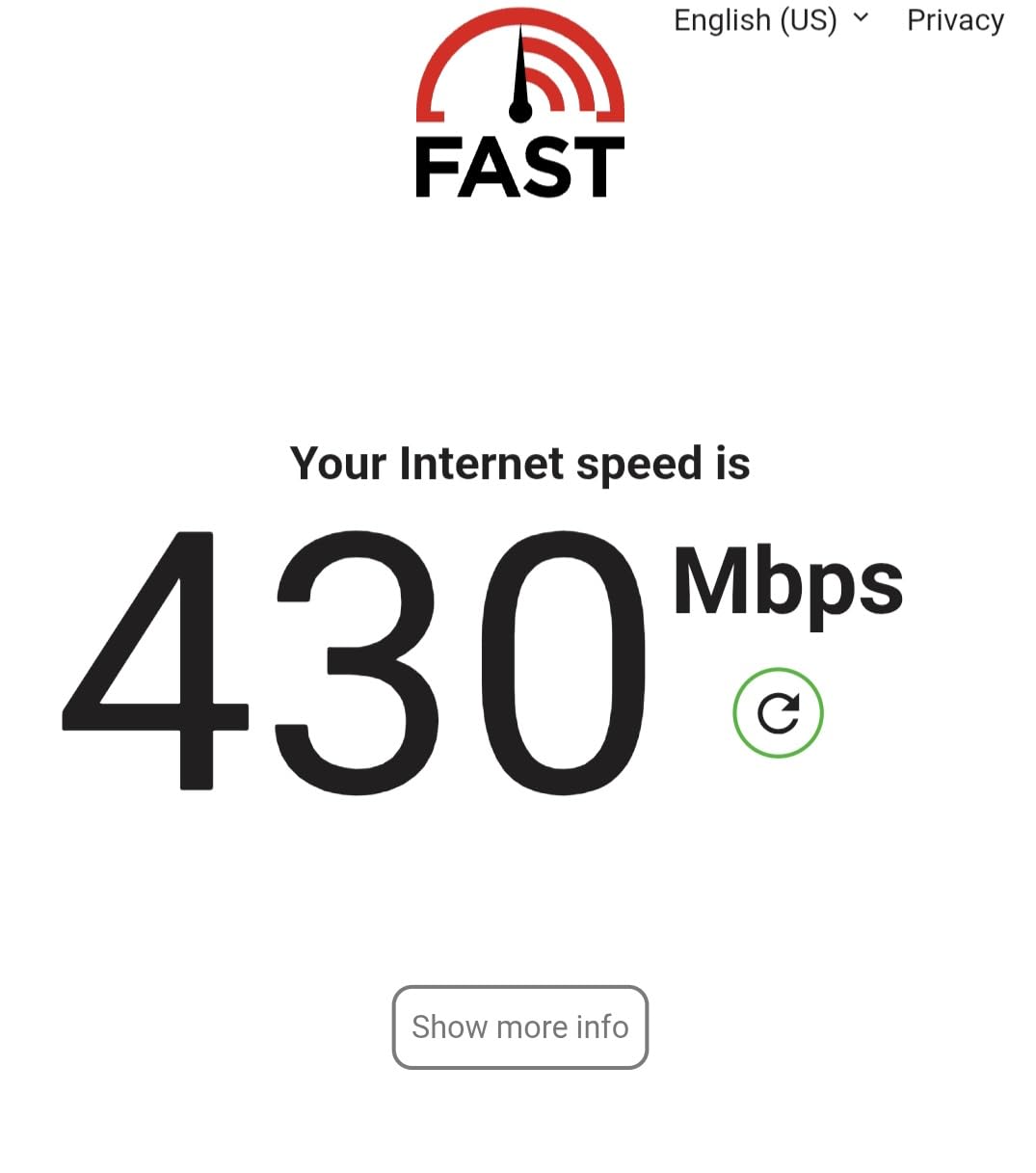
The Archer A8 is the cheapest router on this list that still feels current. AC1900 dual-band (1300 Mbps on 5 GHz plus 600 Mbps on 2.4 GHz), four Gigabit LAN ports plus a Gigabit WAN, and OneMesh support if you ever want to add an extender without replacing the main router.
For a small home or apartment with a sub-gig internet plan, the A8 still handles streaming, browsing and a handful of smart home gadgets without blinking. Owners running the A8 as the primary router in a 1-bedroom say it covers the whole unit comfortably with a single access point.
The honest caveat: this is Wi-Fi 5, not Wi-Fi 6, so it lacks OFDMA, WPA3 and the efficiency gains of newer standards. If you are streaming 4K to multiple TVs simultaneously or running a busy smart home, step up to the Archer AX10 or AX21.
Good to know: the A8 keeps the same Tether app experience as the rest of the TP-Link Archer line, so swapping up to an AX10 or AX21 later is painless. Pick the A8 when every dollar counts and your devices do not need Wi-Fi 6 features.
6. TP-Link Archer AX10: Best for Small Apartments
TP-Link Smart WiFi 6 Dual Band Router 4 Gigabit LAN Ports
Standard: Wi-Fi 6
Speed: 1500 Mbps
Weight: 0.84 lb
Warranty: 2 years
Pros
- Affordable Wi-Fi 6 entry point
- Easy Tether app setup
- Solid 5 GHz performance
- VPN server support
- WPA3 security
Cons
- No USB port
- 2.4 GHz range weaker at distance
- No 160 MHz channel width
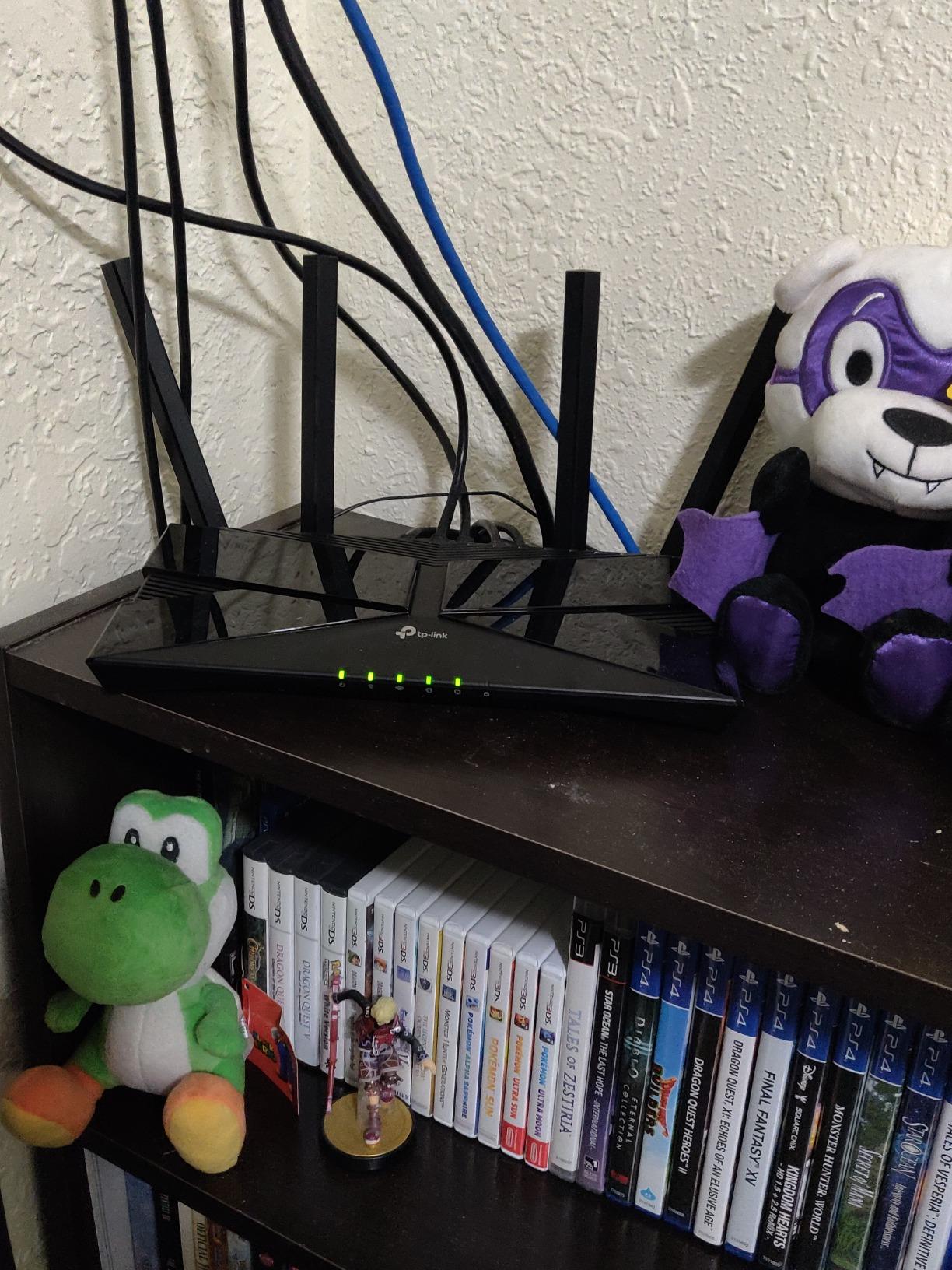
The Archer AX10 is a tidy Wi-Fi 6 router for apartments and small homes where coverage is not a worry. AX1500 dual-band (1201 Mbps on 5 GHz plus 300 Mbps on 2.4 GHz), a dual-core 900 MHz processor, and full WPA3. The unit is small enough to hide on a shelf and the four fixed antennas tuck flat.
Owners in studio and one-bedroom setups report steady streaming and gaming performance without needing extenders. The Tether app keeps setup simple and the scheduled reboot feature is genuinely useful for keeping long-running connections healthy.
Trade-offs: there is no USB port and no 160 MHz channel support, so throughput on the 5 GHz band is slightly behind the AX3000-class routers like the AX55. The 2.4 GHz band also thins out fast past one wall.
Good to know: the AX10 is OneMesh compatible, so the same Tether app handles the main router and any extenders you add later. Pick the AX10 if your devices support Wi-Fi 6 and you want a future-ready budget router.
7. TP-Link Deco X55 3-Pack: Best for Large Homes
TP-Link Deco X55 AX3000 WiFi 6 Mesh System, Deco X55(3-Pack)
Standard: Wi-Fi 6
Speed: 3000 Mbps
Coverage: 6500 sq ft
Warranty: 2 years
Pros
- Covers up to 6500 sq ft with 3-pack
- 3 Gigabit ports per unit
- Ethernet backhaul support
- AI-driven mesh optimization
- HomeShield security included
Cons
- App can be buggy at times
- No web interface for advanced settings
- Placement sensitivity for nodes
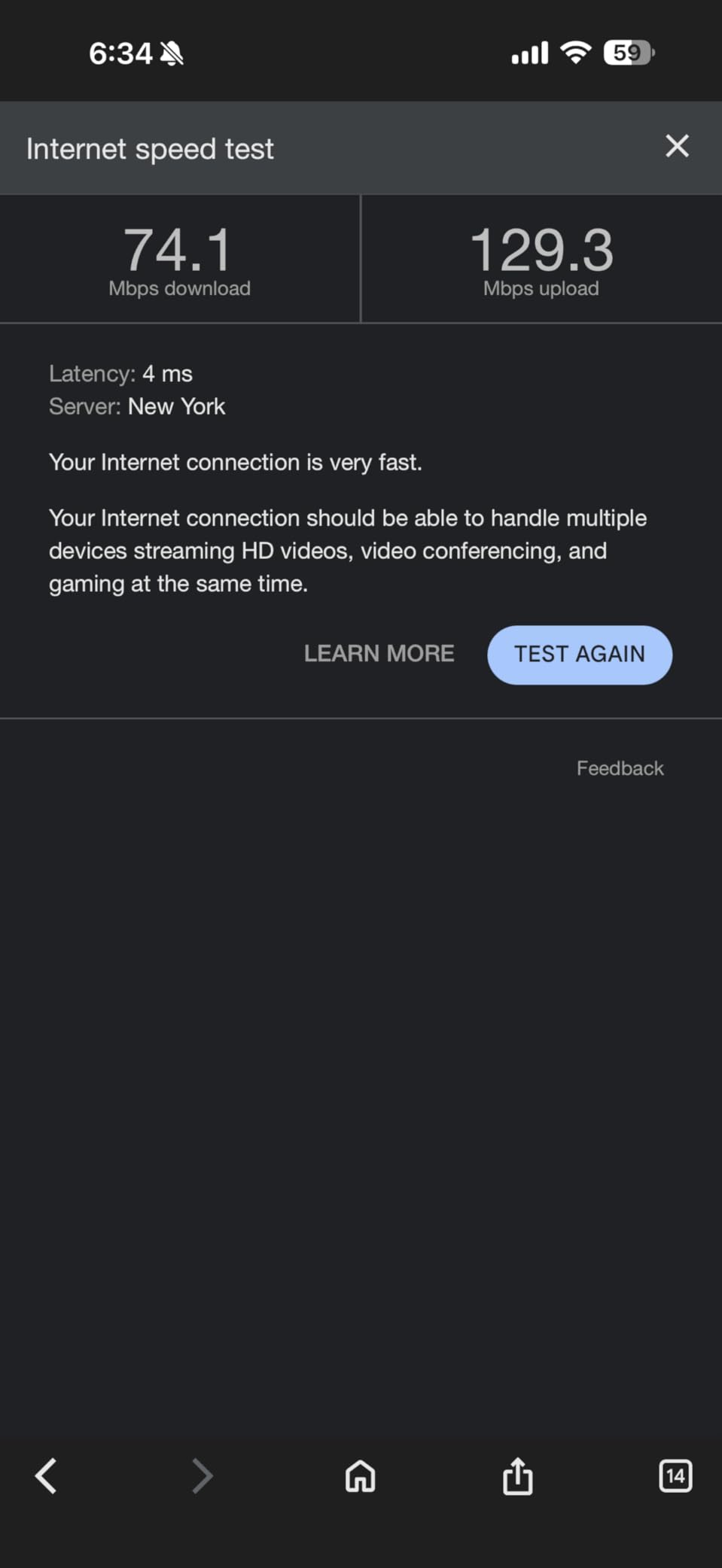
The Deco X55 3-pack is the most coverage per pound of router in this list. With three nodes, the system covers up to 6500 sq ft and supports 150+ connected devices, making it ideal for multi-storey homes, finished basements and households where one router has always been a fight.
The AI-driven mesh picks the best path between nodes automatically, and each unit offers three Gigabit Ethernet ports with wired backhaul support. Owners who run Ethernet between floors say the system runs noticeably better with backhaul than wireless, so it is worth cabling if your home allows it.
The main grumble is the app: a few owners report quirks during device naming or initial pairing, and advanced configuration is mobile-only. Placement matters; nodes too close together or tucked behind TVs can degrade handoff between rooms.
Pick the Deco X55 over the eero 6 above when you need wider coverage and Ethernet backhaul. Pick the eero 6 when software polish and smart home integration matter more than raw port count.
8. GL.iNet Flint 2: Best for Power Users
GL.iNet GL-MT6000 Flint 2 Wi-Fi 6 Gaming Router Dual 2.5G Ports
Standard: Wi-Fi 6
Speed: 6000 Mbps
Weight: 761 g
Warranty: 2 years
Pros
- Pre-installed OpenWrt firmware
- Dual 2.5G multi-gig ports
- WireGuard ~900 Mbps / OpenVPN ~880 Mbps
- AdGuard Home for ad blocking
- Quad-core 2 GHz CPU with 1 GB RAM
Cons
- Steeper learning curve for non-technical users
- No Wi-Fi 6E / 6 GHz band
- Boxy utilitarian design
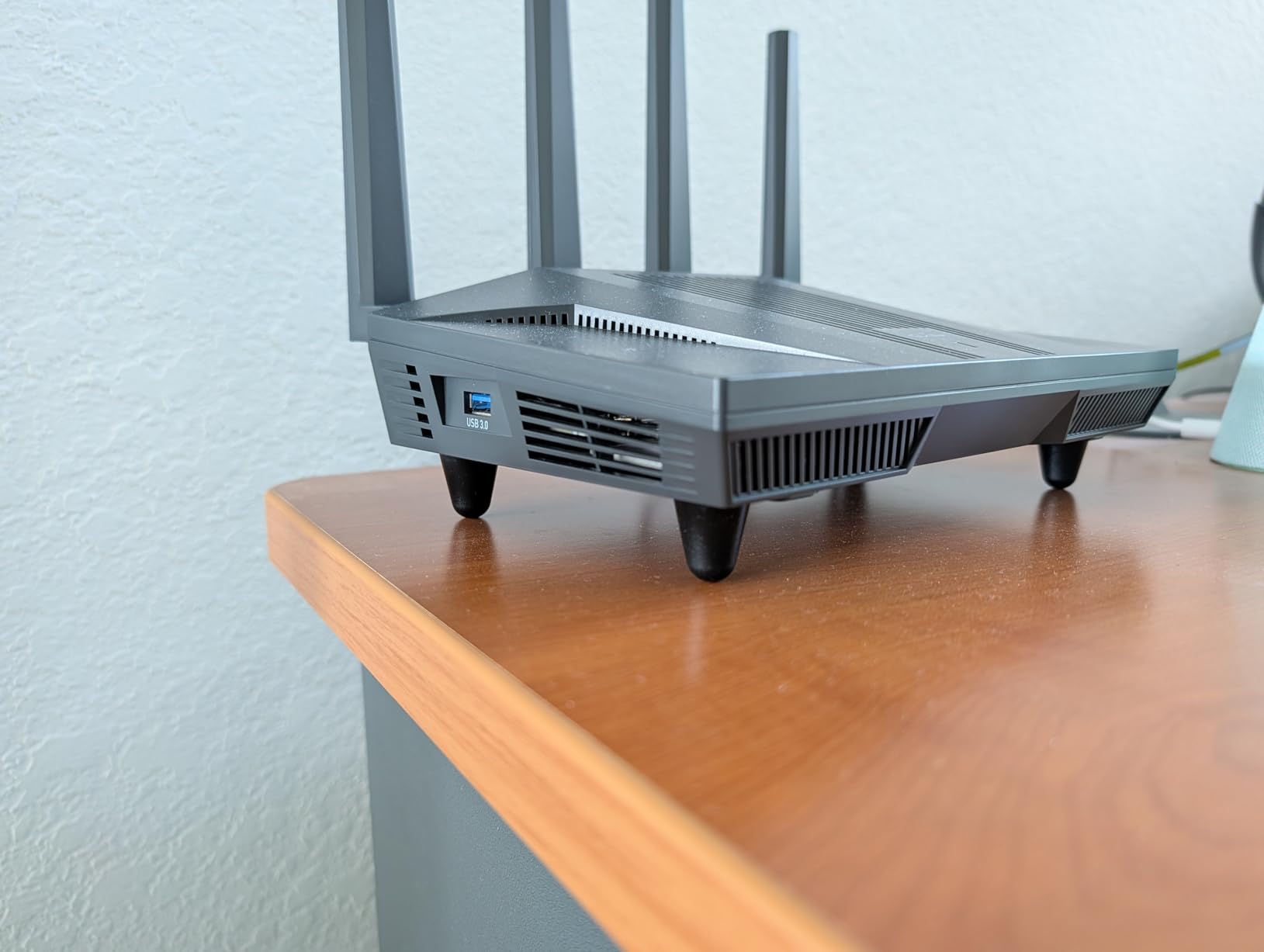
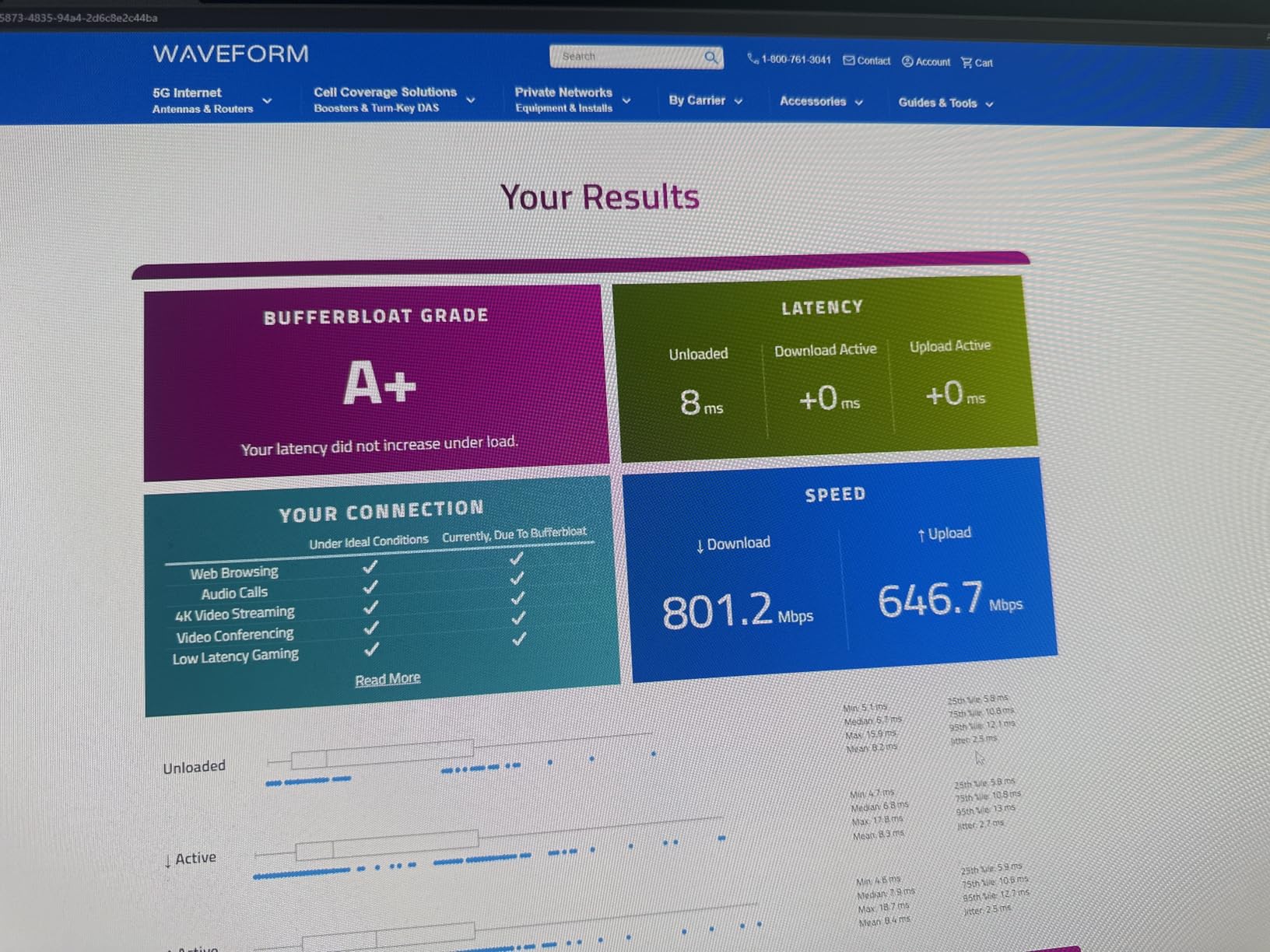
The Flint 2 is the only router on this list that ships with OpenWrt out of the box. For power users who want VLANs, custom DNS, network-wide VPN, or AdGuard Home for blocking ads on every device, the hardware is hard to beat at this price: a quad-core 2 GHz MediaTek CPU, 1 GB of DDR4 RAM, 8 GB of storage, and dual 2.5G ports for true multi-gig wired setups.
VPN performance is the standout. WireGuard hits around 900 Mbps in owner testing, and OpenVPN lands near 880 Mbps, fast enough that a VPN-on-the-router makes sense for whole-home privacy. DFS channel support on the 5 GHz band also helps in congested apartment buildings.
The honest trade-off is the learning curve. This is not a plug-and-play router; owners mention that the initial OpenWrt setup, updating firmware, and configuring SQM/QoS take real time. The design is also boxy and built for function, not for the living room shelf.
Pick the Flint 2 if you want full control of your router and care more about VPN throughput than raw Wi-Fi 7 throughput. The Archer AX55 above is the friendlier pick for plug-and-play households.
9. ASUS RT-AX1800S: Best for Free Security
ASUS RT-AX1800S Dual Band WiFi 6 Extendable Router, Subscription-Free Network Security, Parental Control, Built-in VPN, AiMesh Compatible, Gaming & Streaming, Smart Home
Standard: Wi-Fi 6
Speed: 1800 Mbps
Weight: 0.82 lb
Warranty: 3 years
Pros
- AiProtection Classic powered by Trend Micro (free)
- Subscription-free network security
- 5 Gigabit Ethernet ports
- AiMesh compatible for expansion
- 3-year warranty
Cons
- Limited parental controls granularity
- Some firmware quirks with many connections
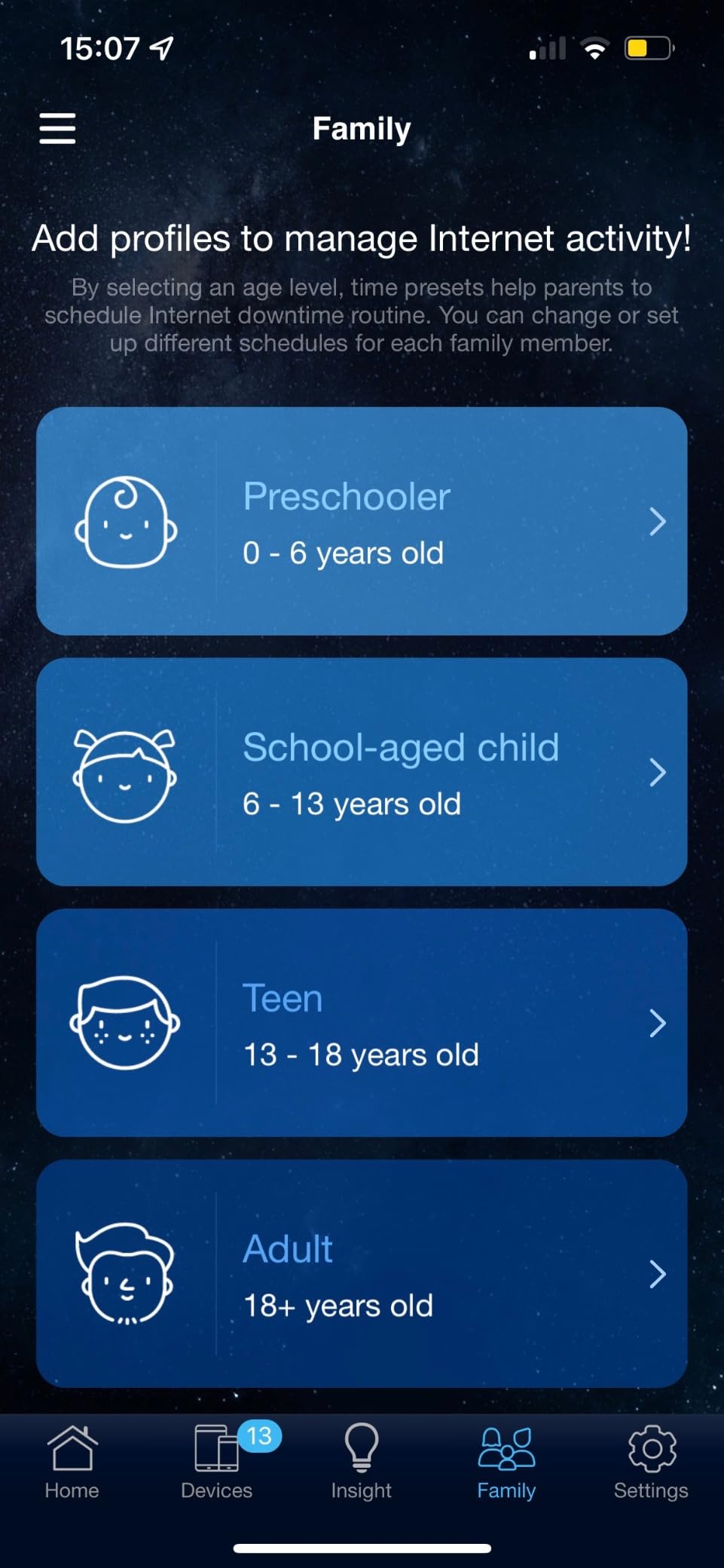
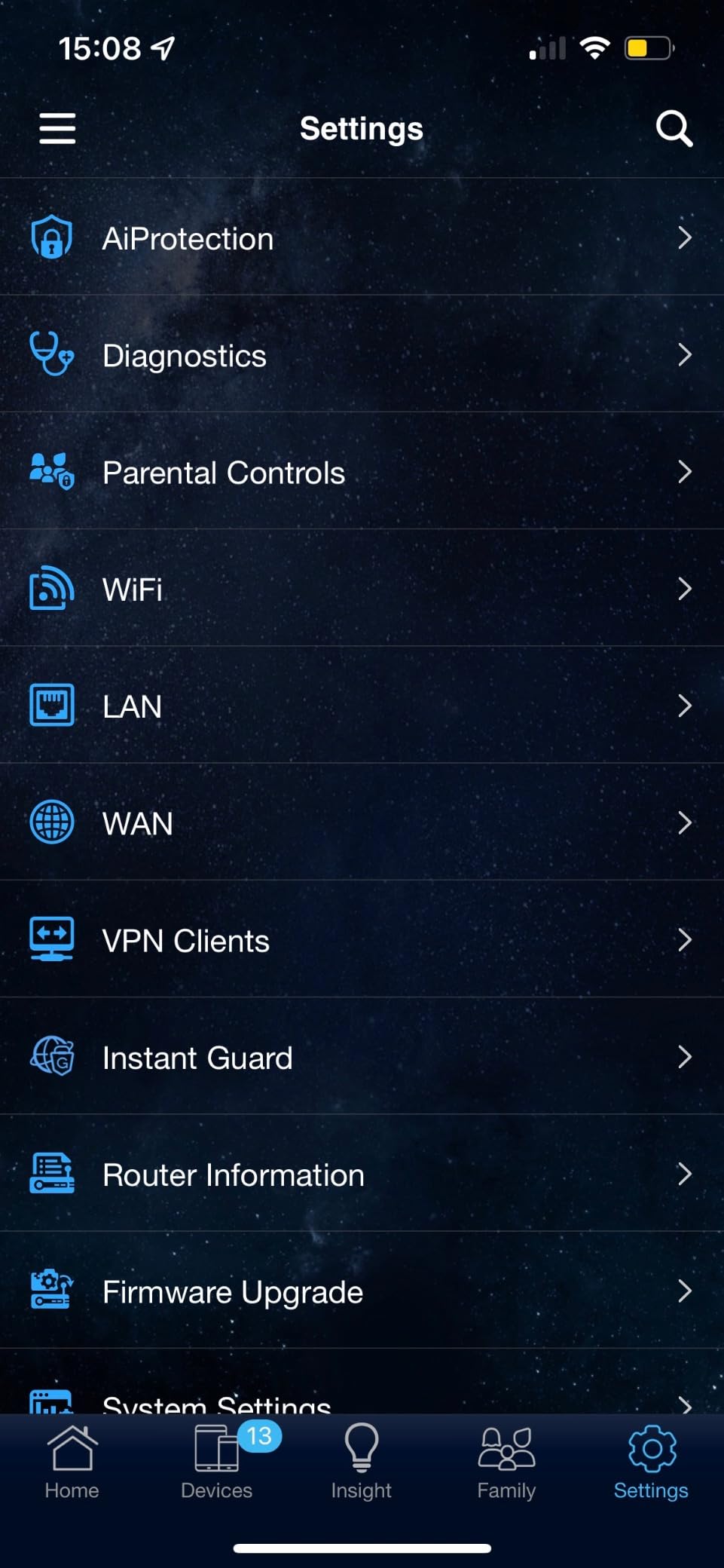
The RT-AX1800S is the rare router that bundles real security without a subscription. AiProtection Classic, powered by Trend Micro, sits at the network level and blocks malicious sites for every connected device. Most consumer routers either skip this or charge a monthly fee, so the ASUS approach is genuinely unusual at the price.
The hardware covers the fundamentals: AX1800 dual-band, four Gigabit LAN plus one Gigabit WAN, AiMesh compatibility for whole-home expansion later, and a 3-year warranty (longer than most routers here). The ASUS Router app makes initial setup quick.
Trade-offs: parental controls are limited compared with the bigger ASUS range; if detailed schedules and content filtering matter, step up to an ASUS AX58U or RT-AX86U. A few owners also note firmware quirks when too many simultaneous connections are active, though most home setups never hit that limit.
Good to know: AiMesh support means you can mix the RT-AX1800S with other ASUS routers for a budget mesh. If you want Wi-Fi 6E as well, the Archer AXE75 above is the better step up.
10. NETGEAR Nighthawk BE9300: Best for Wi-Fi 7
NETGEAR Nighthawk WiFi 7 Router, Up to 2,500 sq ft, 9.3 Gbps
Standard: Wi-Fi 7
Speed: 9.3 Gbps
Coverage: 2500 sq ft
Warranty: 1 year
Pros
- Wi-Fi 7 tri-band (2.4 + 5 + 6 GHz)
- 9.3 Gbps total throughput
- 2.5 Gig WAN + 2.5 Gig LAN ports
- Supports up to 100 devices
- Covers up to 2500 sq ft
Cons
- Higher price point
- NETGEAR Armor requires subscription after trial
- 1-year warranty only
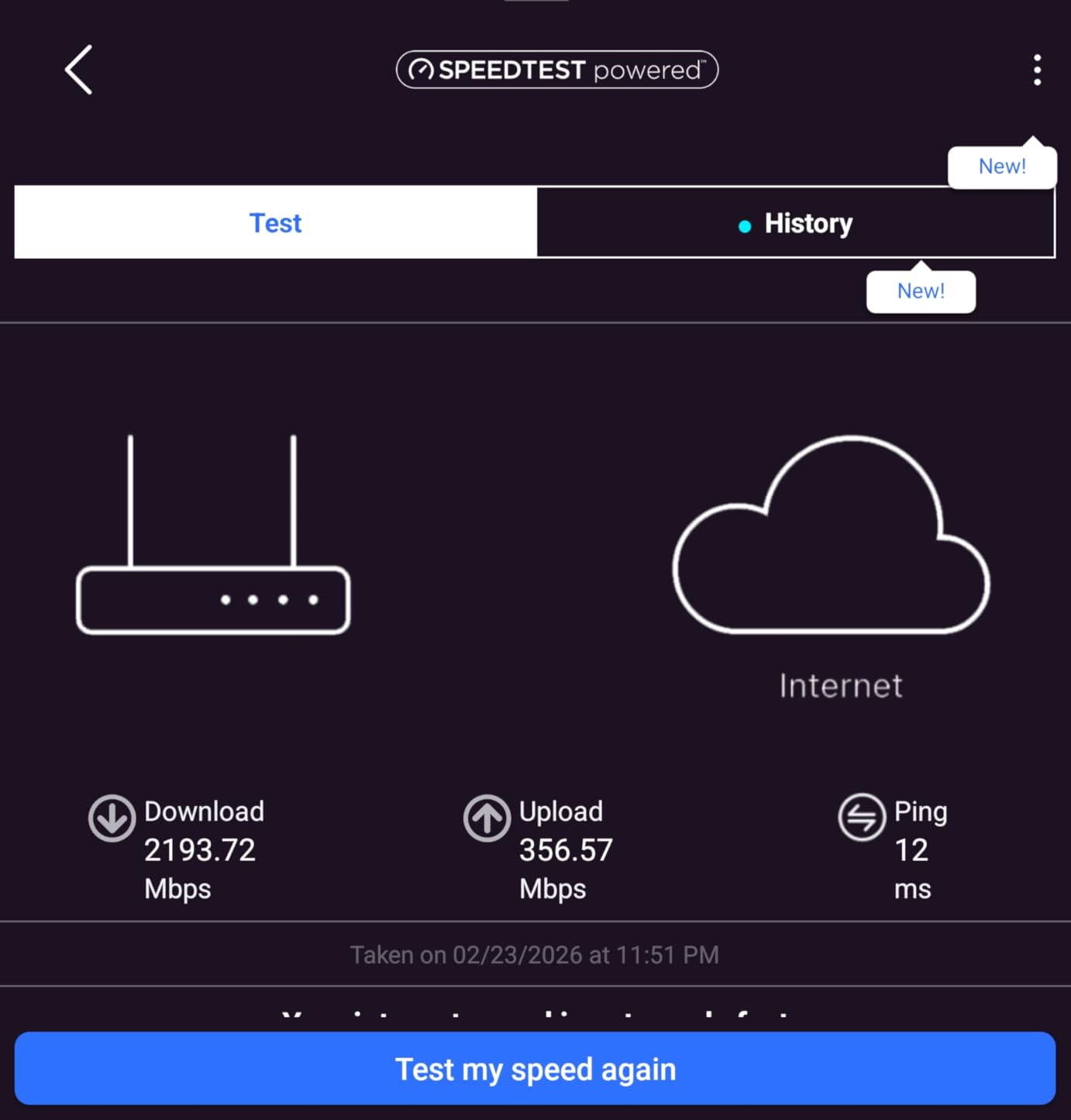
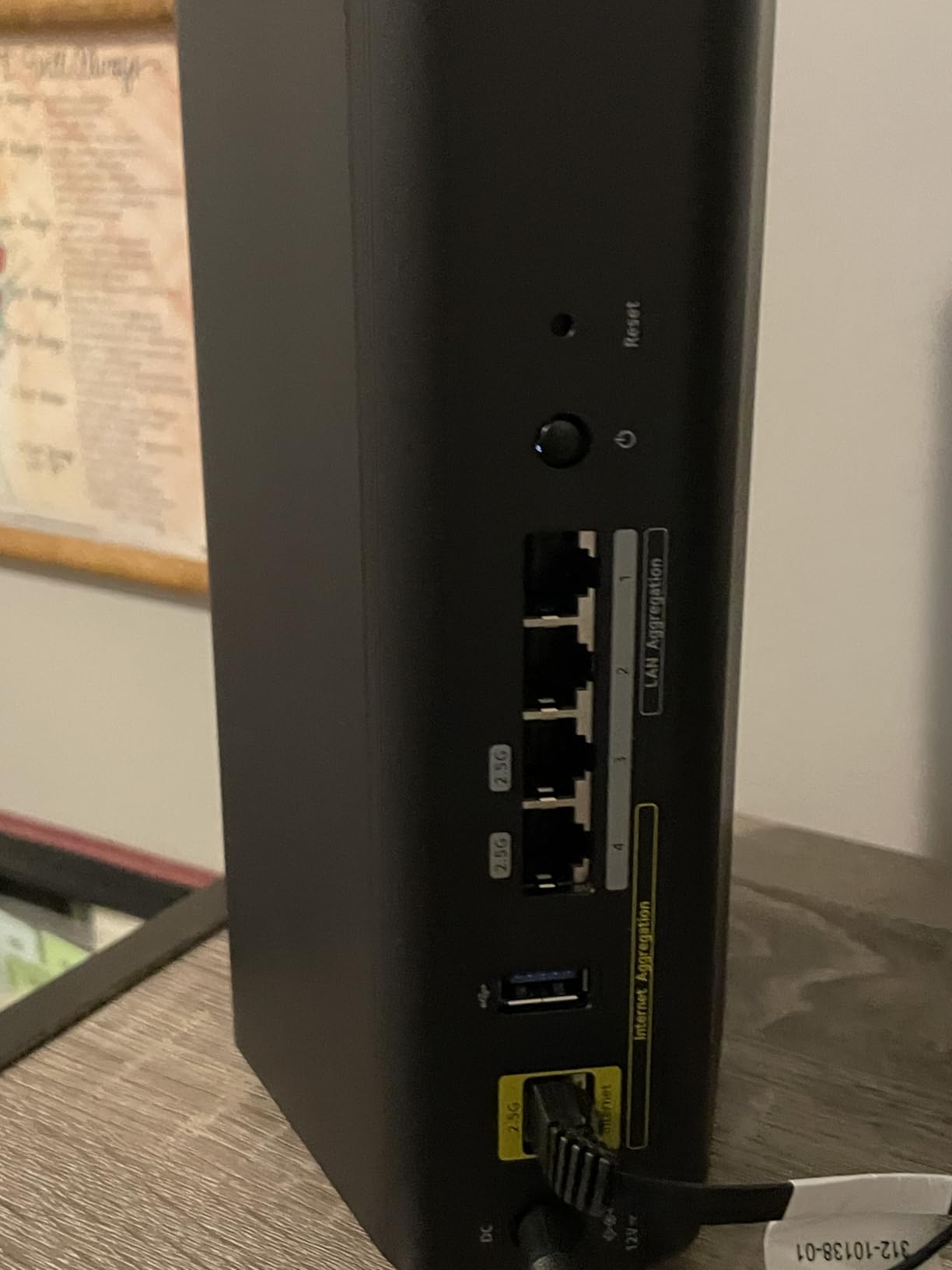
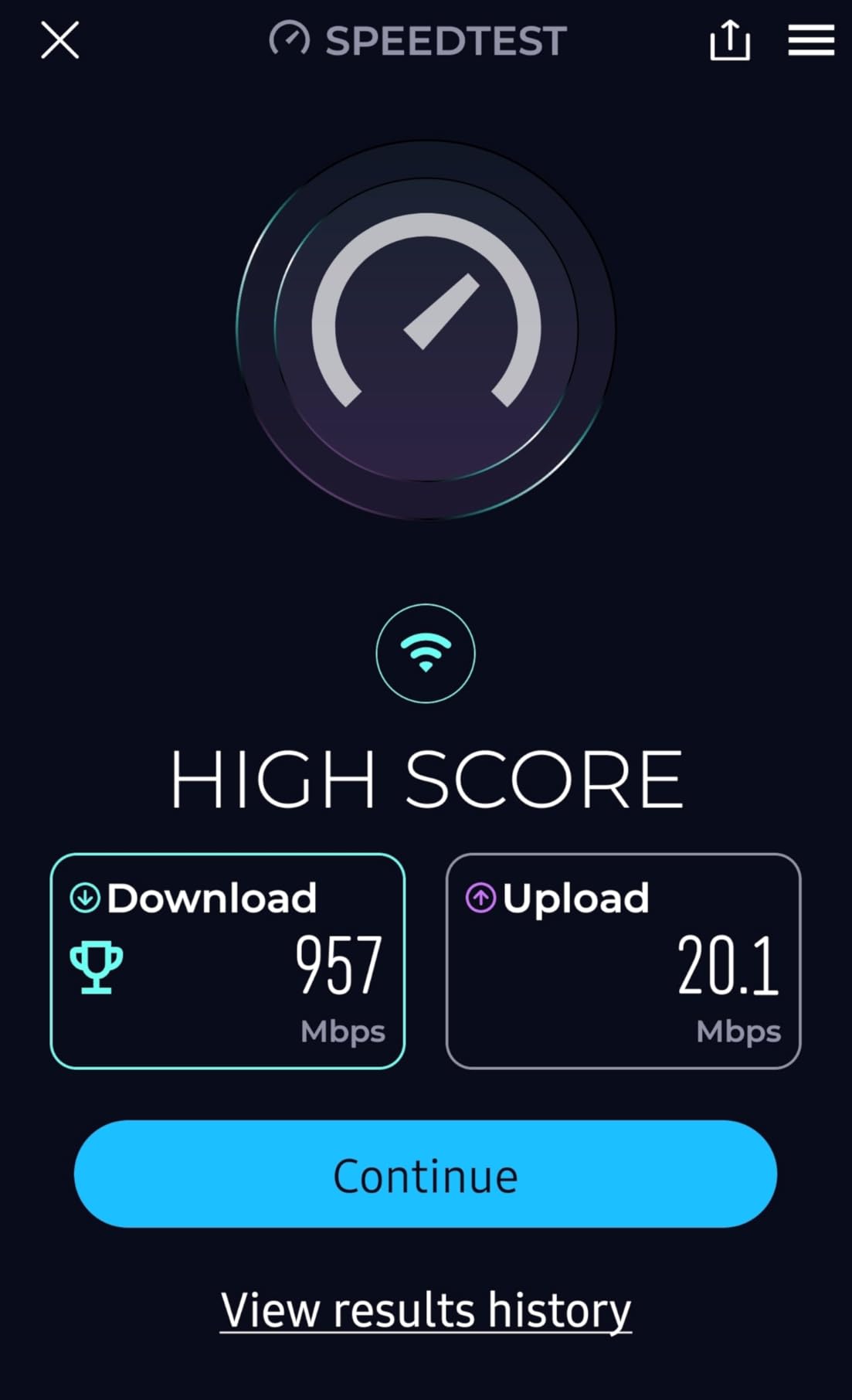
The Nighthawk BE9300 is the most future-proof router on this list. Wi-Fi 7 tri-band with the 6 GHz band unlocked, 9.3 Gbps total throughput, and two 2.5 Gig ports plus two Gigabit ports for wired gear. For shoppers who want Wi-Fi 7 ready hardware on day one, this is the mainstream Nighthawk entry point worth watching during the sale.
Multi-Link Operation (MLO) is the Wi-Fi 7 feature worth knowing about. Instead of locking a device to one band, MLO lets it use two bands simultaneously, which lowers latency and improves throughput at range. Owners with newer Wi-Fi 7 phones and laptops notice the speed at the edge of coverage, especially in larger homes with multiple devices competing for bandwidth.
The trade-offs are the usual Nighthawk story: NETGEAR Armor security requires payment after the 30-day trial, and the 1-year warranty is shorter than TP-Link’s 2-year standard. The price is also the highest on this list, so this is a serious upgrade path rather than a casual pick.
The BE9300 is for shoppers with newer devices who want Wi-Fi 7 today; the Archer AXE75 above is the friendlier 6 GHz step. The AX55 is the mainstream choice for everyone else.
11. NETGEAR Nighthawk CAX30: Best Modem-Router Combo
NETGEAR Nighthawk Modem Router Combo (CAX30) DOCSIS 3.1 Cable Modem and WiFi 6 Router – AX2700 2.7 Gbps – Compatible with Xfinity, Spectrum, Cox, and More – Gigabit Wireless Internet
Standard: Wi-Fi 6
Speed: 2.7 Gbps
Coverage: 2000 sq ft
Warranty: 1 year
Pros
- DOCSIS 3.1 cable modem + Wi-Fi 6 router combo
- Saves money vs ISP modem rental
- 4 Gigabit Ethernet ports
- Compatible with Xfinity Spectrum Cox
Cons
- Some reliability concerns reported
- Shorter 1-year warranty
- Cable-only (no DSL or fibre)
For cable internet subscribers renting a modem from their ISP, the CAX30 pays for itself quickly. The DOCSIS 3.1 modem supports gigabit cable plans from Xfinity, Spectrum and Cox, and the built-in Wi-Fi 6 router covers up to 2000 sq ft. Skipping the ISP rental and rolling the modem into one box is the main reason shoppers add it to cart during the sale.
AX2700 dual-band (2400 Mbps on 5 GHz plus 450 Mbps on 2.4 GHz) is plenty for streaming and remote work, and the four Gigabit Ethernet ports handle consoles, desktops and smart TVs without needing a separate switch. The Nighthawk app keeps setup and monitoring straightforward.
The trade-offs: a few owners report long-term reliability concerns, so this is worth tracking if you have a large household. The 1-year warranty is also shorter than the 2-year coverage on the standalone TP-Link routers above. And it is cable-only; fibre and DSL customers should look at the Archer AX55 instead.
Pick the CAX30 if you are on cable internet and want one box instead of two. The standalone Archer AX55 above is the better fit for fibre and DSL customers who already have a modem.
12. Amazon eero 7 3-Pack: Best for Mesh Wi-Fi 7
Amazon eero 7 dual-band mesh Wi-Fi 7 router (newest model) – Supports internet plans up to 2.5 Gbps, Coverage up to 6,000 sq. ft., 3-pack
Standard: Wi-Fi 7
Speed: 1.8 Gbps
Coverage: 6000 sq ft
Warranty: 3 years
Pros
- Wi-Fi 7 dual-band mesh
- 3-pack covers up to 6000 sq ft
- Two auto-sensing 2.5 GbE ports per unit
- Supports 120+ devices
- 3-year warranty
Cons
- Higher price point
- Advanced features require eero Plus subscription

The eero 7 3-pack is the easiest way to get Wi-Fi 7 across a large home without configuring anything yourself. Three nodes cover up to 6000 sq ft, support 120+ devices, and each unit ships with two auto-sensing 2.5 GbE ports for multi-gig wired backhaul. Backward compatibility with older eero gear means existing eero households can drop a node in and extend coverage.
TrueMesh, TrueRoam and TrueChannel software work in the background to route traffic efficiently, and the eero app keeps installation and management on one screen. The 3-year warranty is the longest in this lineup.
Trade-offs: this is the most expensive pick on the list, so it only makes sense if you actually need 6000 sq ft of coverage or 120+ device capacity. eero Plus adds advanced security features for a subscription; without it, the router still covers the basics.
Pick the eero 7 if Wi-Fi 7 and eero’s app experience matter; pick the Deco X55 3-pack above if you want wider Wi-Fi 6 coverage per pound of mesh. Both 3-packs target whole-home coverage, so the choice comes down to standard and ecosystem.
How to Choose a Wi-Fi Router During Prime Big Deal Days
Wi-Fi Standard and Speed
Wi-Fi 7 (802.11be) is the newest standard and brings Multi-Link Operation, which lets a device use two bands at once for lower latency and higher throughput at range. Wi-Fi 6E adds the uncongested 6 GHz band to Wi-Fi 6, while Wi-Fi 6 remains the mainstream pick for most households. Match the standard to your gear: if your newest phone or laptop is Wi-Fi 7 ready, a Wi-Fi 7 router like the best Wi-Fi routers for streaming 4K makes sense; otherwise Wi-Fi 6 is plenty.
Coverage and Home Size
A 1500 to 2500 sq ft home usually does well with a single router placed centrally. Above 2500 sq ft, multi-storey layouts, or homes with brick internal walls, a mesh system (3-pack, 6500 sq ft class) is a safer bet than chasing a single high-power router. The TP-Link Deco X55 and eero 7 3-packs both target this exact use case.
Mesh vs Single Router
Pick a single router when your home is small, open-plan, and your internet plan is under 1 Gbps. Pick mesh when you have a long, multi-storey layout, finished basement, or outdoor coverage needs. Mesh nodes hand off between each other automatically, so devices stay connected as you walk through the home without manual switching.
Ports and Wired Backhaul
Wired backhaul (Ethernet cable between mesh nodes) usually beats wireless backhaul for speed and stability, especially in older homes with thick walls. For multi-gig internet plans, look for at least one 2.5 Gig WAN port; the Nighthawk BE9300 and Archer AXE75 both have one. The GL.iNet Flint 2 adds two 2.5 Gig ports for advanced wired setups.
Security and Parental Controls
WPA3 is now standard on Wi-Fi 6 and newer routers and is worth having. For network-level security without a subscription, the ASUS RT-AX1800S (AiProtection Classic) stands out. eero Plus and NETGEAR Armor add parental controls and threat detection for a monthly fee, so weigh that against your household needs.
How to Shop Wi-Fi Router Deals During the Sale
Before you check out, verify the exact model number on the listing page, since similar router names often hide older revisions. Watch for bundle versus standalone: mesh 3-packs are usually priced much better than three single units. Most Prime Big Deal Days router deals need an active Prime membership (a free trial counts), and prices change through the event, so the door swings open at the start and the best stock tends to be early.
Quick checklist for shopping the sale:
- Confirm Wi-Fi standard and band count match your devices
- Check coverage area versus your home square footage
- Verify port speeds for multi-gig internet plans
- Look for WPA3 security and free versus subscription-based parental controls
- Watch the exact model number on the listing
- Pick new-condition listings from Amazon-fulfilled sellers
Frequently Asked Questions
When does Amazon’s Prime Big Deal Days 2026 sale run?
Amazon confirmed Prime Big Deal Days runs October 6-7, 2026. Most offers need a Prime membership, though a free trial counts. Deals change through the event and popular routers can sell out early, so it helps to add picks to your cart on day one and check back often.
Do I need a Prime membership to get these Wi-Fi router deals?
Yes for most offers. The sale is built around Prime, and the deepest router discounts usually sit behind the membership wall. A free 30-day Prime trial works for the event and can be cancelled before it renews, which is enough to grab the router deal you want.
Which Wi-Fi standard should I buy during Prime Big Deal Days?
Wi-Fi 6 is the safe mainstream choice in 2026, and Wi-Fi 6E adds the uncongested 6 GHz band if your newer devices can use it. Wi-Fi 7 routers like the Nighthawk BE9300 are worth it if you already own Wi-Fi 7 phones or laptops and want to lock in the newest standard for the next several years.
Are Wi-Fi 6 router deals worth it over Wi-Fi 5 in 2026?
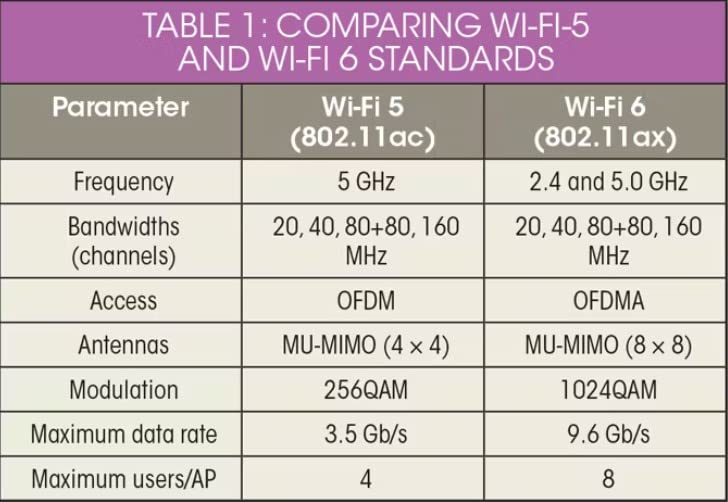
Yes for most shoppers. Wi-Fi 6 brings OFDMA, MU-MIMO and WPA3 security, all of which matter once a household runs more than a handful of devices. Wi-Fi 5 still works for a small apartment with a few gadgets, but the price gap between Wi-Fi 5 and Wi-Fi 6 routers during Prime Big Deal Days is usually small enough that Wi-Fi 6 is the better long-term buy.
How long do Wi-Fi router deals last during Prime Big Deal Days?
Most router deals run for the full two days of the sale, though the deepest discounts can sell out within hours. Lightning deals are flash-level specific to a single window or quantity, so adding picks to your cart early is the safest way to make sure the price holds at checkout.
Should I buy a mesh system or a single router on sale?
Pick mesh when your home is over 2500 sq ft, multi-storey, or has dead zones that a single router cannot reach. The TP-Link Deco X55 3-pack and eero 7 3-pack both target that use case. For a smaller home or apartment under 1500 sq ft, a single router like the Archer AX55 is usually enough and simpler to set up.
Final Verdict: Best Amazon Prime Big Deal Days Wi-Fi Router Deals
The single router most worth watching during the sale is the TP-Link Archer AX55, our Editor’s Choice pick for AX3000 Wi-Fi 6 with USB 3.0 and a 2-year warranty at a price most households can stretch to. For a budget-friendly alternative, the TP-Link Archer AX21 covers the basics of Wi-Fi 6 for the cost of a dinner out. If your home is large, the TP-Link Deco X55 3-pack is the easiest path to whole-home coverage. For shoppers ready for Wi-Fi 7, the NETGEAR Nighthawk BE9300 leads the pack, and the Amazon eero 7 3-pack adds mesh coverage to that standard. Pick the router that matches your home size and device count, add it to your cart on day one, and use the button below to see the current price.