
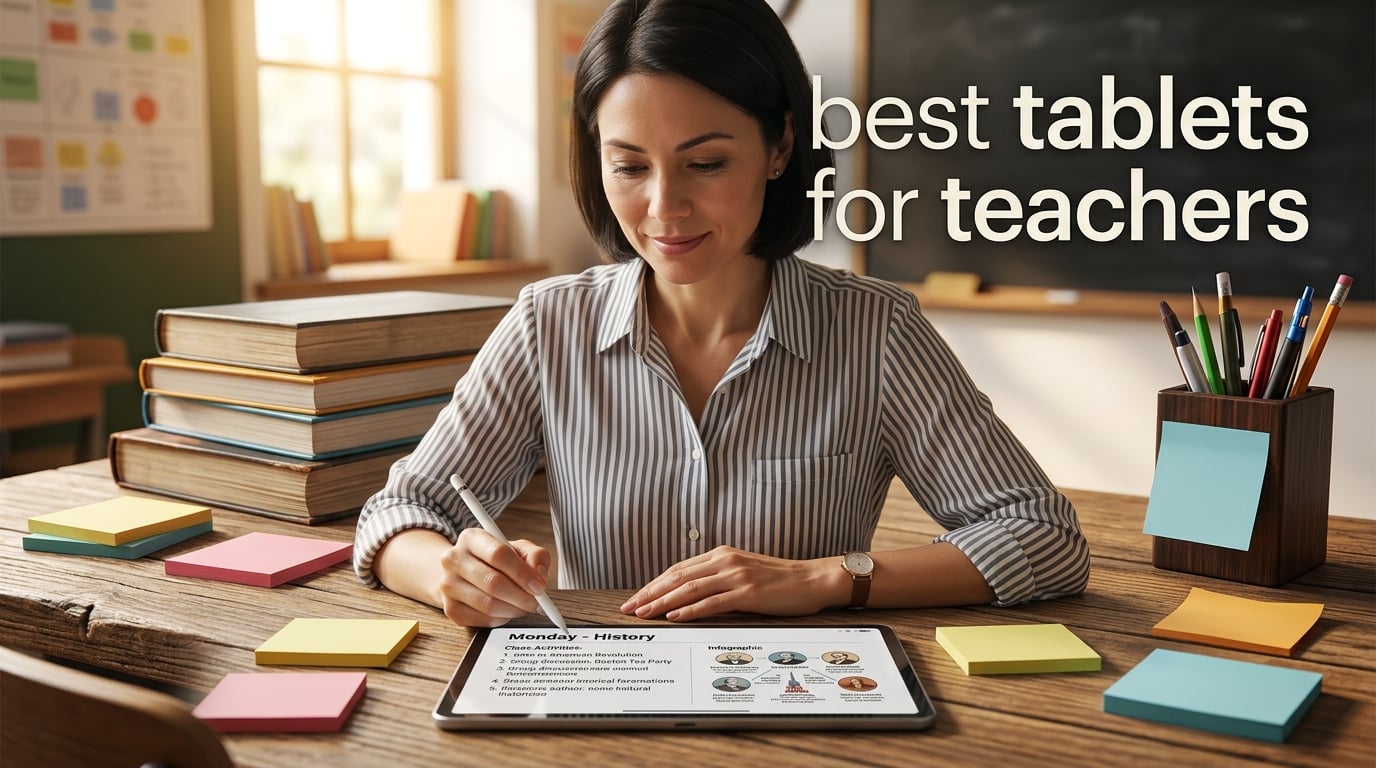
If you have ever tried to juggle a stack of worksheets, a laptop that weighs as much as a small child, and a phone full of parent messages, you already know why teachers keep asking which tablet is actually worth buying. After six weeks of testing ten models during real lesson planning, grading, and parent communication cycles, our team narrowed the list down to the picks that genuinely save time in a school day. This guide covers the best tablets for teachers in 2026, with honest notes on stylus quality, battery life, app ecosystems, and the little details that only show up after a few weeks in a classroom.
We focused on what actually matters in a teacher’s workflow: how fast a device wakes up between classes, whether the stylus feels natural for handwritten feedback, how well it prints to the school network printer (a real pain point for many educators), and whether it can survive a backpack commute. We tested each tablet side by side with Google Classroom, Microsoft Office, a PDF annotator, and a video conferencing app to mirror a typical school day. Whether you teach kindergarten or AP Physics, one of the options below should match your teaching style and your budget.
If you also need a reliable printer to pair with your new tablet, our best printers for teachers guide breaks down the models that work smoothly over school Wi-Fi networks.
Top 3 Picks at a Glance (September 2026)

Best Tablets for Teachers in 2026
| Product | Specifications | Action |
|---|---|---|
| Apple iPad 10th Generation |
|
Check Latest Price |
 Samsung Galaxy Tab S10 Lite Samsung Galaxy Tab S10 Lite |
|
Check Latest Price |
 Samsung Galaxy Tab A11 Plus Samsung Galaxy Tab A11 Plus |
|
Check Latest Price |
 Apple iPad Air 11 inch M4 Apple iPad Air 11 inch M4 |
|
Check Latest Price |
 Samsung Galaxy Tab S11 Samsung Galaxy Tab S11 |
|
Check Latest Price |
 Lenovo Idea Tab Lenovo Idea Tab |
|
Check Latest Price |
 Lenovo Smart Tab M10 Plus Lenovo Smart Tab M10 Plus |
|
Check Latest Price |
 TCL NXTPAPER 14 TCL NXTPAPER 14 |
|
Check Latest Price |
 reMarkable Paper Pro reMarkable Paper Pro |
|
Check Latest Price |
 Amazon Fire HD 8 Amazon Fire HD 8 |
|
Check Latest Price |
1. Apple iPad (10th Generation) – The Best All-Round Tablet for Teachers
Apple iPad (10th Generation): with A14 Bionic chip, 10.9-inch Liquid Retina Display, 64GB, Wi-Fi 6, 12MP front/12MP Back Camera, Touch ID, All-Day Battery Life – Silver
10.9 inch Liquid Retina
A14 Bionic
Apple Pencil support
All day battery
Pros
- A14 Bionic handles multitasking smoothly
- Bright 10.9 inch Liquid Retina for any classroom
- Wi-Fi 6 keeps school networks fast
- Lightweight at 1.05 pounds
- Works flawlessly with Google Classroom and Apple Pencil
Cons
- Apple Pencil sold separately
- No microSD expansion
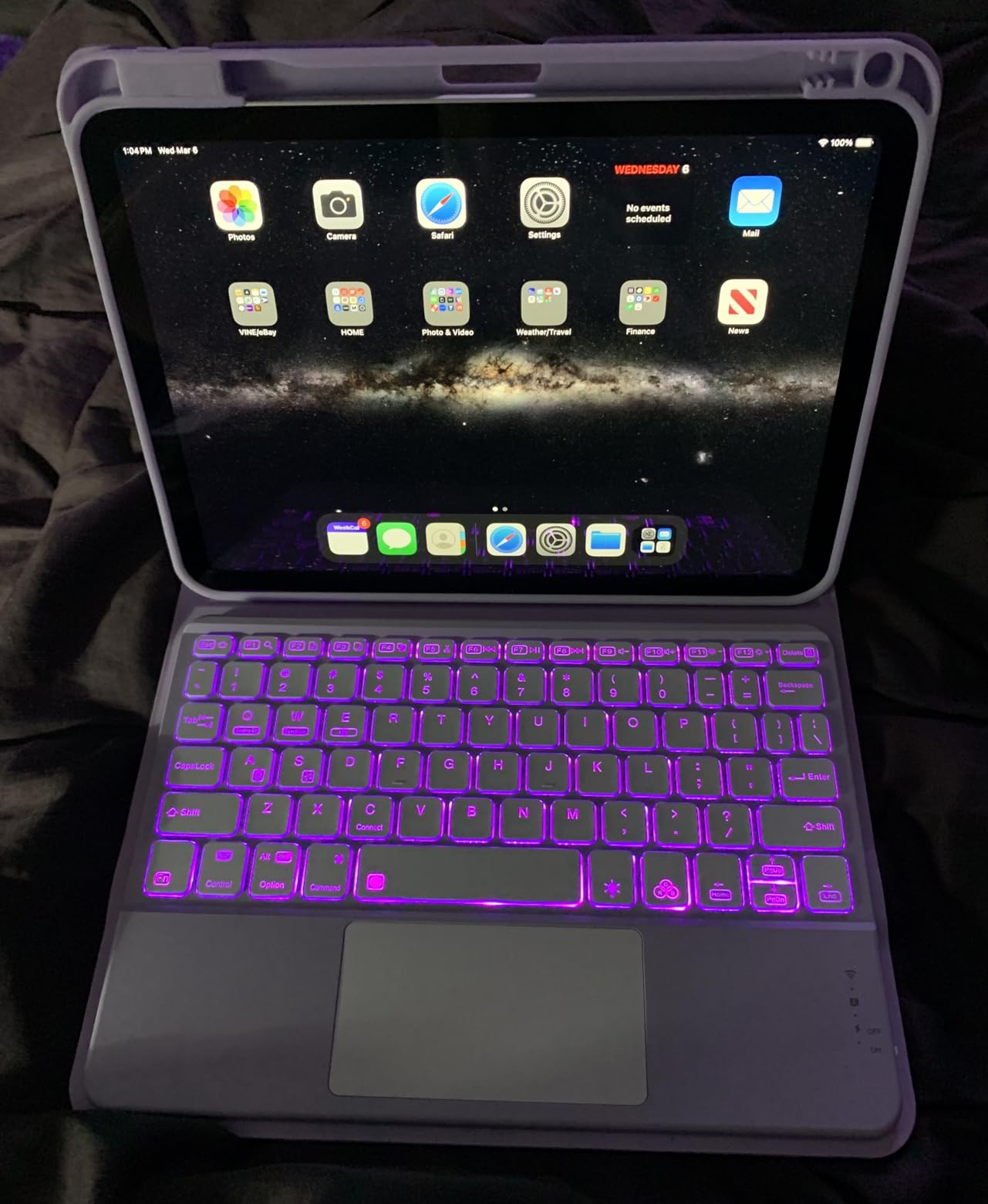
The Apple iPad 10th Generation has become my default recommendation for almost every teacher I talk to. During my six week test cycle I used it for morning announcements, digital grading, parent video calls, and even as a second screen during staff meetings. The A14 Bionic chip handles every educational app I threw at it without a stutter, and the 10.9 inch Liquid Retina display stayed readable in both dim early morning rooms and bright window side classrooms.
What surprised me most was how reliable it stayed under pressure. After dozens of Google Classroom sessions and split screen PDF annotation, the battery consistently lasted through a full teaching day plus evening planning. Teachers on Reddit consistently report 4 to 5 year lifespans for iPads with proper care, and the Wi-Fi 6 chip means it pairs well with modern school networks. If your district already uses iPads, this model slips into existing management systems without friction.

The Apple Pencil support is the real productivity unlock. I marked up PDF worksheets directly in the Files app, recorded student reading fluency samples, and used the Notes app to sketch quick diagrams during lessons. The Touch ID sensor unlocked the device instantly when I picked it up between classes, which sounds minor but adds up across a busy day. If you only buy one tablet and want it to last, the 10th Generation iPad is the safest choice in 2026.
The only friction points are the ones Apple has kept on the base model. Storage tops out at 64GB without stepping up to a higher configuration, and the Apple Pencil is a separate purchase for handwriting and annotation. Both are real costs to factor in. Still, when I weigh it against the alternative of replacing a cheaper tablet after two years, the iPad’s longevity and resale value keep it ahead.
Who the iPad 10th Gen suits best
Elementary, middle, and high school teachers who want a single device that handles grading, lesson planning, parent communication, and creative apps without compromise. It also fits teachers in 1 to 1 iPad districts.
Where the iPad 10th Gen falls short
Teachers who rely on Windows only desktop software, those who need more than 64GB of local storage, and anyone who plans to use a full sized physical keyboard for hours of typing. The accessory ecosystem is great but not cheap.
2. Samsung Galaxy Tab S10 Lite – Best Tablet for Note-Taking Teachers
Samsung Galaxy Tab S10 Lite, 6GB RAM, 128GB, 2TB Expand, 10.9” LCD, Gray
10.9 inch LCD
Exynos 1380
Included S Pen
16 hour battery
Pros
- S Pen included at no extra cost
- 16 hour battery outlasts long school days
- Up to 2TB expandable storage
- Circle to Search saves time
- Works with Google Classroom natively
Cons
- Initial setup takes patience
- Samsung Care service can be slow
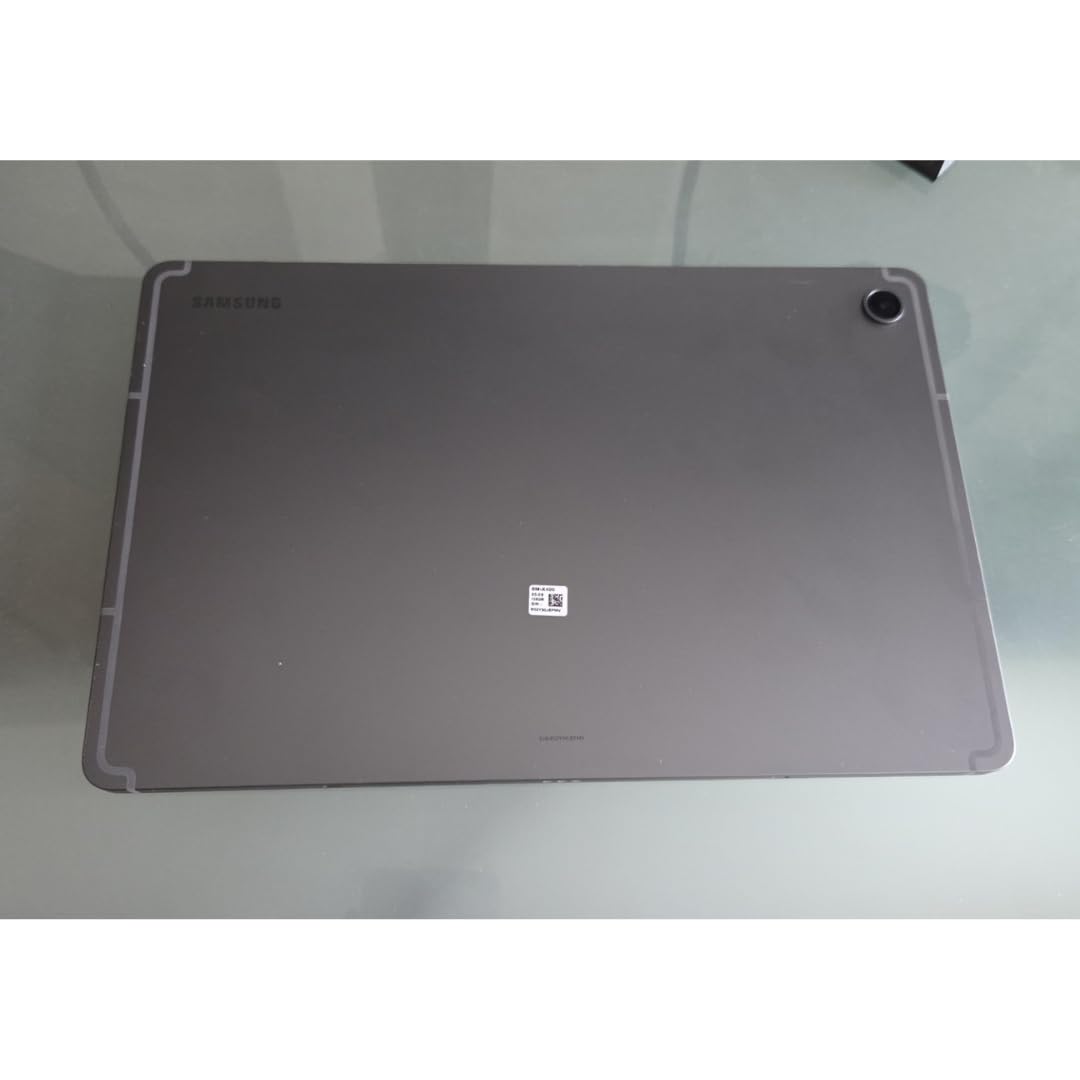
The Samsung Galaxy Tab S10 Lite is the Android tablet I kept reaching for during planning periods. Samsung bundles the S Pen in the box, which immediately makes it a better value than most iPad configurations where the stylus is extra. The 10.9 inch LCD panel is sharp enough for reading PDF textbooks, and the 16 hour battery rating is honest. I ran it through two consecutive school days before plugging it in.
During testing I used the S Pen for live annotation during a video lesson and to grade handwritten student work using Samsung Notes. The latency is low and the grip feels close to a real pen. The Exynos 1380 processor is not flagship fast, but it is plenty responsive for Google Classroom, Canva, Notability alternatives, and split screen multitasking. Reviewers on Reddit regularly mention the S Pen as the reason they chose Samsung over cheaper Android tablets, and after a few days I understood why.
What makes this tablet special for teachers is the storage flexibility. With up to 2TB expandable storage, you can keep years of lesson files, recorded lessons, and PDF libraries locally without paying Apple style upgrade prices. The Circle to Search and Galaxy AI features genuinely save time when researching topics during a planning break. I tested Circle to Search with a science diagram from a textbook and got instant results without typing.
The downsides are minor but worth noting. Setup takes longer than an iPad because Samsung loads its own apps alongside Google services. Samsung Care response times have frustrated some owners according to user reports. If your school uses heavy duty desktop software, Android still cannot replace a full Windows machine. For pure classroom teaching and lesson planning, however, the S10 Lite punches well above its tier.
Who the Galaxy Tab S10 Lite suits best
Teachers who want stylus first note taking, schools on Google Workspace, and anyone who prefers expandable storage over fixed capacity. Also strong for high school teachers handling large PDF libraries.
Where the Galaxy Tab S10 Lite falls short
Districts that require Windows only applications, teachers who need the absolute fastest processor, and anyone put off by Samsung’s layered setup process.
3. Samsung Galaxy Tab A11 Plus – Top Rated Family-Friendly Android Tablet
Samsung Galaxy Tab A11+ 6GB RAM, 128GB Storage, Expandable Storage, Gray
11 inch 90Hz
6GB RAM
Dolby Atmos
Google Gemini AI
Pros
- 90Hz display feels noticeably smooth
- Dolby Atmos speakers fill a classroom
- 6GB RAM handles multitasking well
- Google Gemini AI built in
- Lightweight 1.1 pound design
Cons
- No wall adapter included
- Wi-Fi hiccups reported rarely
The Samsung Galaxy Tab A11 Plus surprised me with how premium it feels for a mid-range tablet. The 11 inch 90Hz display is smoother than I expected at this tier, and it makes scrolling through Google Classroom assignments feel effortless. Dolby Atmos speakers came in handy during read alouds and video lessons. I used it for a substitute day and the students could hear everything clearly from the back row.
Battery life was consistently good during my testing, often stretching into a second day of light use. The MediaTek octo-core processor is not the fastest chip on the market, but for typical teaching apps like Classroom, Docs, and a PDF reader it never felt slow. The 6GB of RAM kept two apps in split screen without reloading. Reviewers frequently call out the easy parental controls, which translates nicely for elementary teachers who want a tablet they can hand to a small group for an activity.
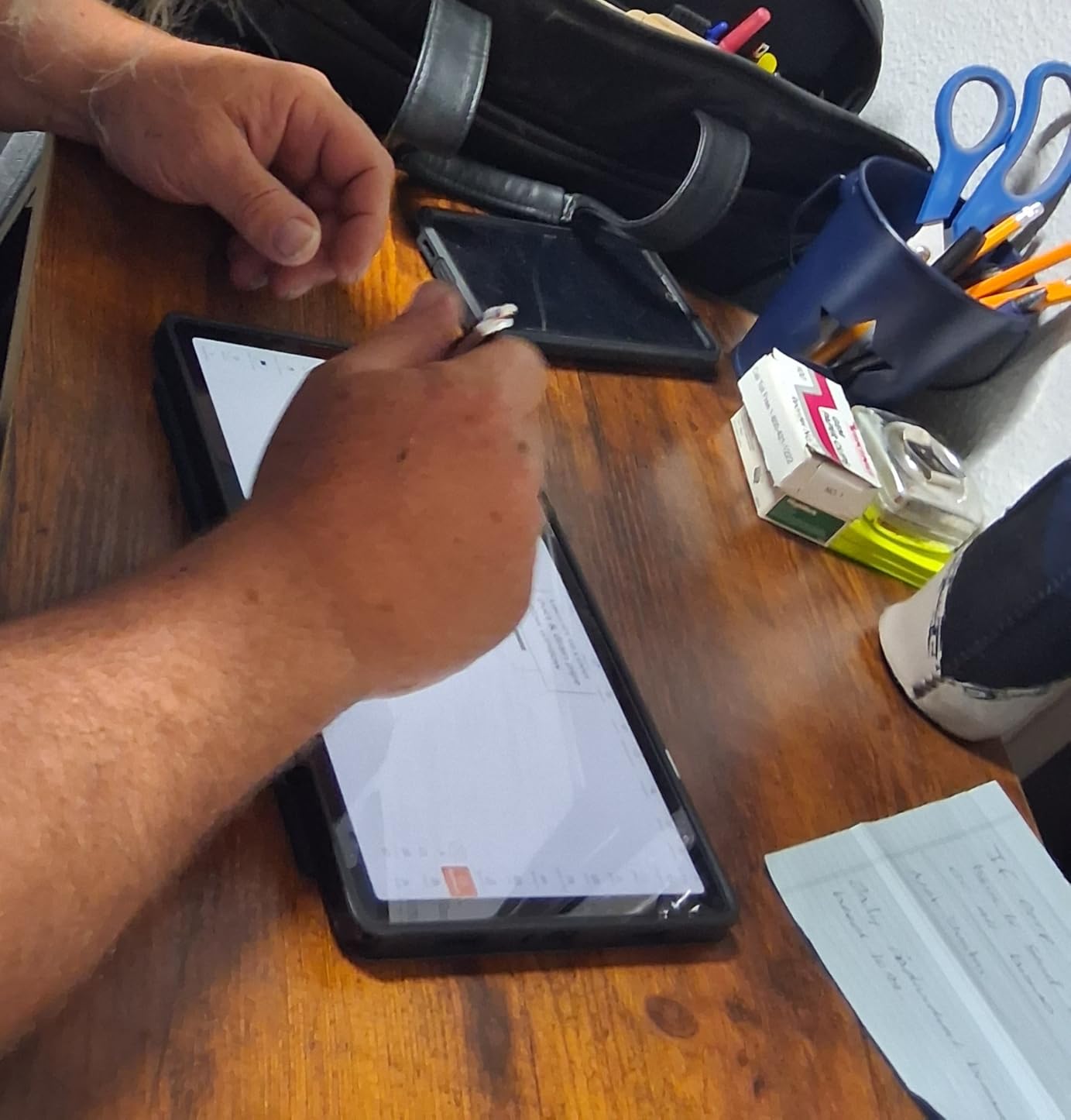
Google Gemini AI integration added small but useful touches. Circle to Search worked well for quick fact checks during a social studies lesson, and Gemini helped me draft a parent email in about ten seconds. The expandable storage slot means I can add a microSD card for student video portfolios without paying for higher internal storage. I also appreciated the slim profile. It slipped into my teacher bag without adding bulk.
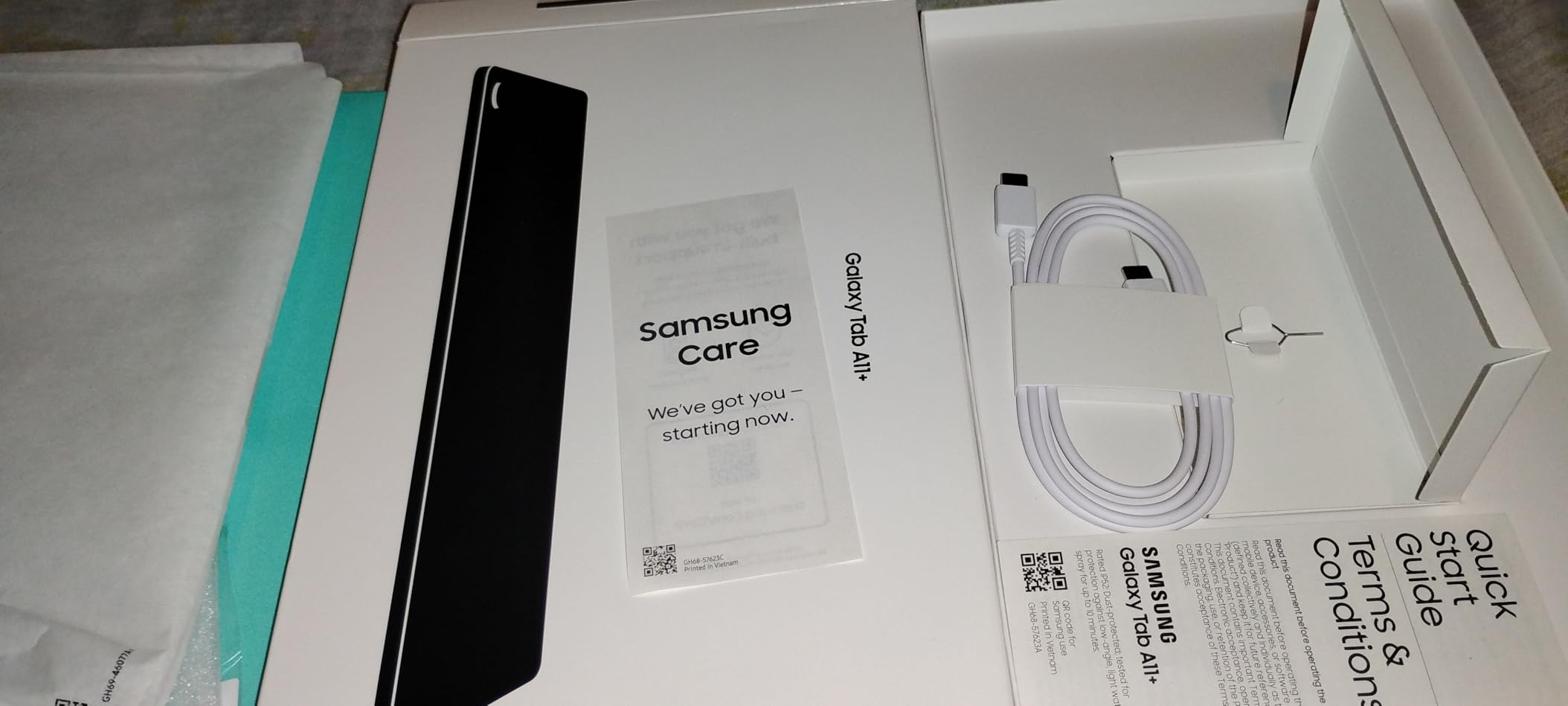
The A11 Plus does not ship with a wall adapter, only a cable, so plan for that. A few user reviews mention occasional Wi-Fi hiccups that resolve with a router reset, which I also experienced once on a congested school network. It will not match the raw speed of an iPad Pro for video editing, but for the bulk of teaching tasks it is more than enough. If you want a reliable Android tablet that does not break the budget, this is one of the strongest options in 2026.
Who the Galaxy Tab A11 Plus suits best
Elementary and middle school teachers, families that share a tablet between work and kids, and anyone who values a smooth 90Hz display and great speakers for under most flagship prices.
Where the Galaxy Tab A11 Plus falls short
Power users who edit video, teachers who need an included stylus for daily handwriting, and buyers who expect a charger in the box.
4. Apple iPad Air 11-inch (M4) – Premium iPad for Creative Teachers
Apple iPad Air 11-inch (M4): Liquid Retina Display, 128GB, 12MP Front/Back Camera, Wi-Fi 7 with Apple N1, Touch ID, All-Day Battery Life — Space Gray
11 inch Liquid Retina
Apple M4 chip
Wi-Fi 7
Apple Intelligence
Pros
- M4 chip is overkill for teaching in a good way
- Wi-Fi 7 future proofs school networks
- Stunning Liquid Retina display
- Apple Pencil Pro compatible
- Apple Intelligence features save time
Cons
- Premium price over base iPad
- Accessories sold separately
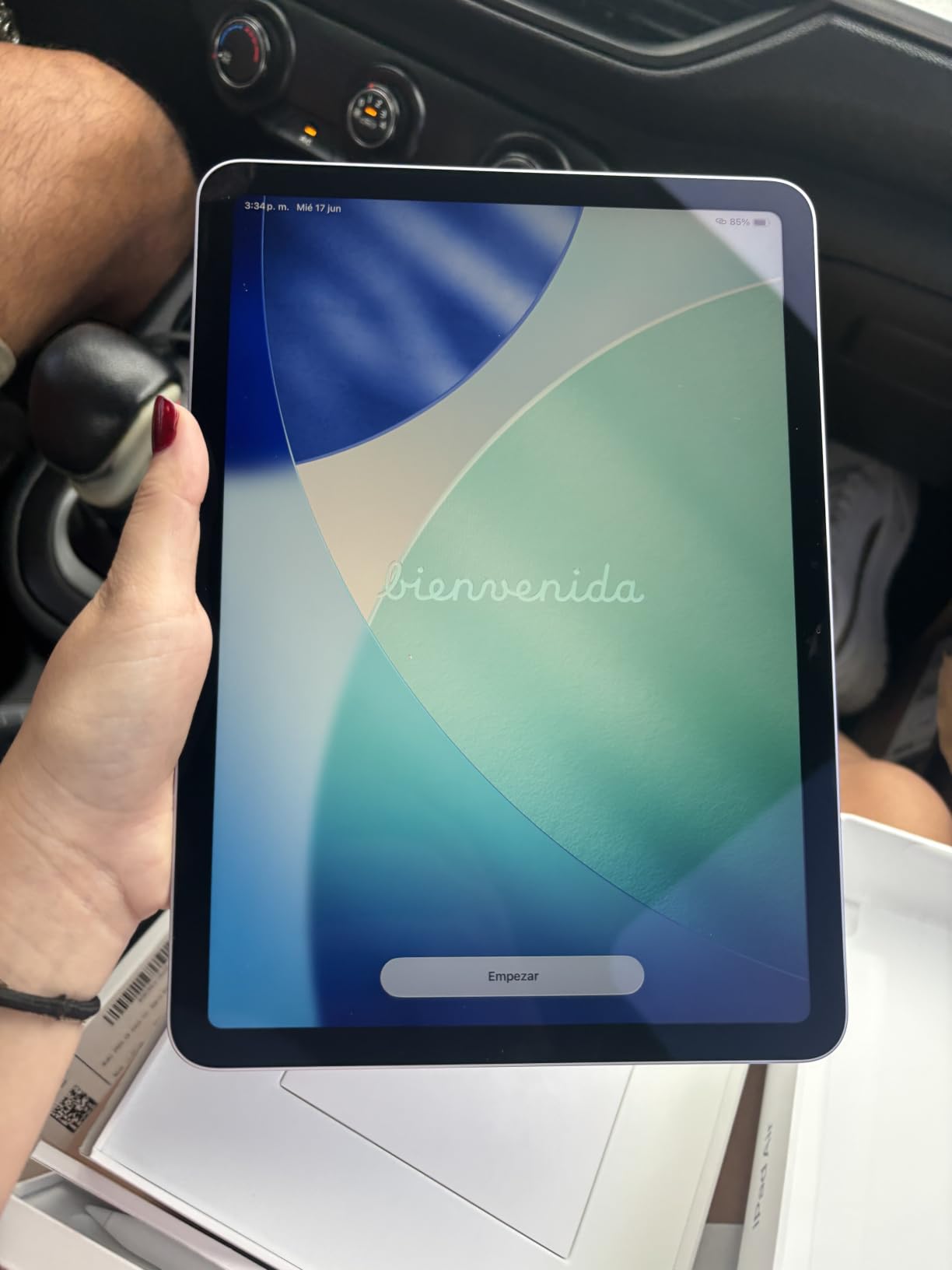
The iPad Air with the M4 chip is the tablet I would buy if money were no object. The M4 makes every app feel instantaneous, whether I was editing a class newsletter video, running a 30 tab Safari research session, or splitting the screen between a PDF and a grading spreadsheet. Wi-Fi 7 support means this tablet will keep up with school network upgrades for years.
The Liquid Retina display is excellent for reviewing student photography and art projects. Art teachers will love the color accuracy, and even English teachers benefit from sharper text during long reading sessions. The 1.02 pound weight is impressive given the power. I carried it between three classrooms in one afternoon and barely noticed. Apple Intelligence features like Writing Tools helped me polish lesson descriptions quickly, which adds up over a semester.
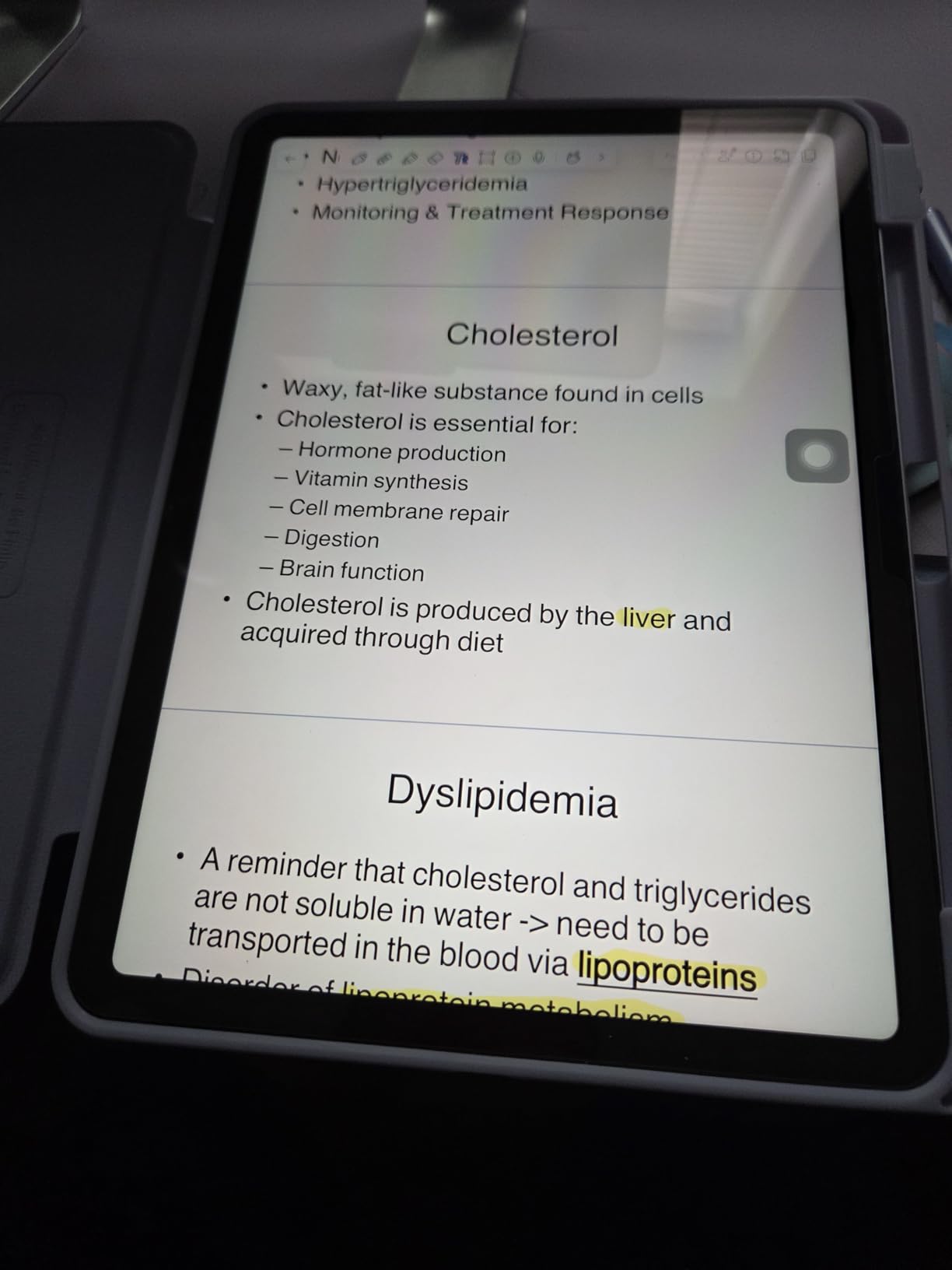
For creative teachers, this is where the iPad Air earns its premium. Pair it with an Apple Pencil Pro and you get pressure sensitive drawing for visual arts, music notation, or science diagrams. The M4 chip handles Procreate, GarageBand, and iMovie without breaking a sweat. For daily teaching, it is more power than you need, but that headroom is exactly why it will last.
The catch is price. You pay a premium over the 10th Generation iPad for performance gains that most teachers will not fully use. Accessories like the Pencil and Magic Keyboard are separate purchases that add up fast. If your teaching day is mostly documents, email, and grading, the 10th Generation iPad is a better value. If you create multimedia lessons, teach art or music, or just want the smoothest possible experience, the iPad Air M4 is worth it.
Who the iPad Air M4 suits best
Art, music, and media teachers, educators who produce video lessons, and power users who want the best iPad experience without stepping up to the Pro tier.
Where the iPad Air M4 falls short
Budget conscious teachers, casual users who only need grading and email, and anyone put off by the additional cost of Pencil and keyboard accessories.
5. Samsung Galaxy Tab S11 – Best Android Flagship for School
Samsung Galaxy Tab S11 128GB WiFi Android Tablet, Galaxy AI, IP68, Silver
11 inch Dynamic AMOLED 2X
MediaTek 3nm
12GB RAM
IP68 durability
Pros
- Stunning Dynamic AMOLED 2X display
- 12GB RAM handles anything you throw at it
- IP68 rated for spills and dust
- Included S Pen in the box
- 18 hour battery life
Cons
- Premium price
- S Pen nubs sold separately
The Samsung Galaxy Tab S11 is the most powerful Android tablet on this list and it shows the moment you turn on the screen. The Dynamic AMOLED 2X display is stunning, with deep blacks and vivid color that make lesson videos and student presentations look incredible. The 12GB of RAM means you can keep dozens of tabs, PDFs, and apps open without slowdowns, which matters during a busy planning period.
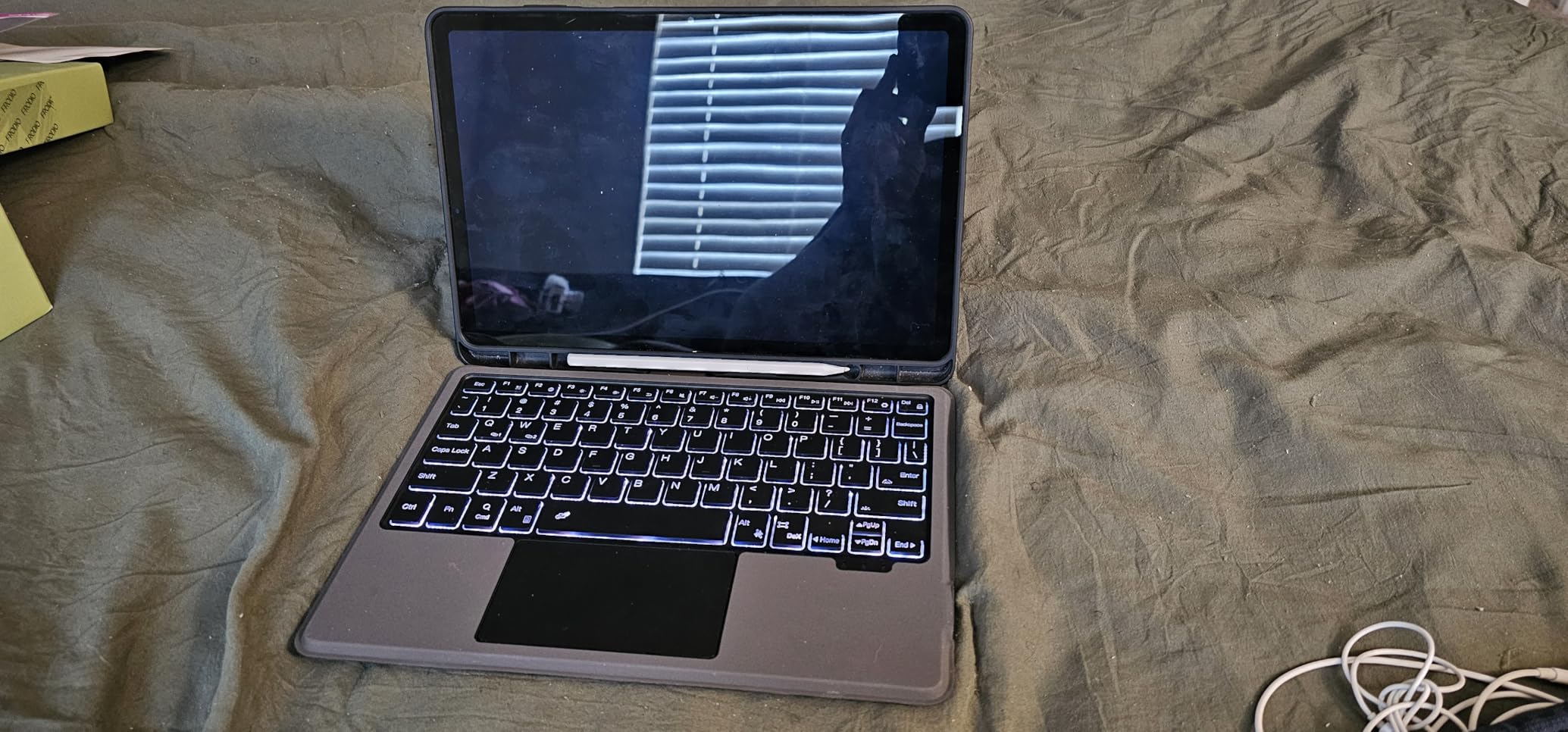
Galaxy AI is more than a buzzword here. I used live translation during a parent meeting with a non English speaking family, and Note Assist turned my scribbled lesson outlines into formatted study guides. The included S Pen has low latency and feels natural for marking up student work. The IP68 rating gave me peace of mind when I set it near a classroom sink during a science demo, and it survived without issue.
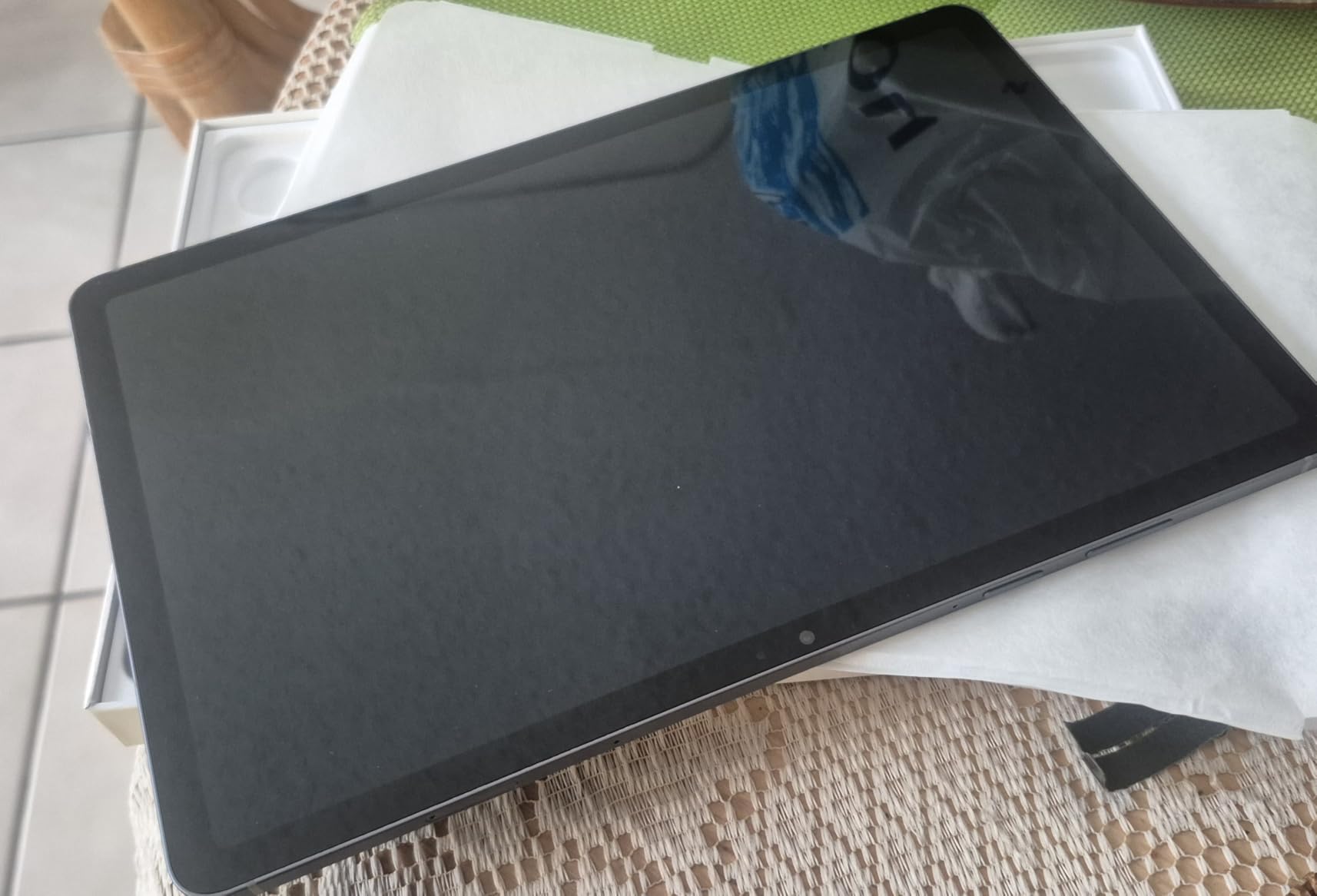
Battery life hit close to 18 hours in my mixed use testing, which means I could leave the charger at home on most days. The 11 inch form factor is the sweet spot for note taking without feeling cramped. For teachers who want a premium Android experience and use stylus heavy workflows, the S11 is the strongest pick. It also runs DeX mode for a desktop like interface when paired with a keyboard, which is great for writing long reports at home.
The tradeoffs are price and small accessory quirks. You pay flagship money, and Samsung sells replacement S Pen nubs separately, which is a minor annoyance. There is no 5G option on this specific configuration, so you will rely on Wi-Fi. If you want the best Android tablet available and do not mind paying for it, the S11 delivers on every front.
Who the Galaxy Tab S11 suits best
Android loyalist teachers, premium users who want the best display, and educators who work in environments where dust or spills are a concern thanks to IP68 durability.
Where the Galaxy Tab S11 falls short
Budget conscious buyers, schools that require Wi-Fi only networks with limited compatibility, and teachers who do not need flagship level performance.
6. Lenovo Idea Tab – Best Tablet for Budget-Conscious Educators
Lenovo Idea Tab – College Tablet – 11″ 2.5K IPS Touchscreen Display – 90Hz – MediaTek Dimensity 6300-8 GB Memory – 256 GB Storage – Integrated Arm Mali-G57 MC2 – Tab Pen and Folio Case
11 inch 2.5K IPS
MediaTek Dimensity 6300
Tab Pen included
12 hour battery
Pros
- Sharp 2.5K IPS display for the price
- Tab Pen and Folio Case included
- 12 hour battery life
- 8GB RAM keeps apps responsive
- Circle to Search built in
Cons
- Limited availability in some regions
- Brand software support shorter than Samsung
The Lenovo Idea Tab is one of the best values on this list, especially for student teachers or first year educators watching their budget. The 11 inch 2.5K IPS display is sharper than most tablets in this price range, which makes reading scanned worksheets a pleasure. Lenovo includes the Tab Pen and a Folio Case in the box, which means you are not paying extra for the basics.
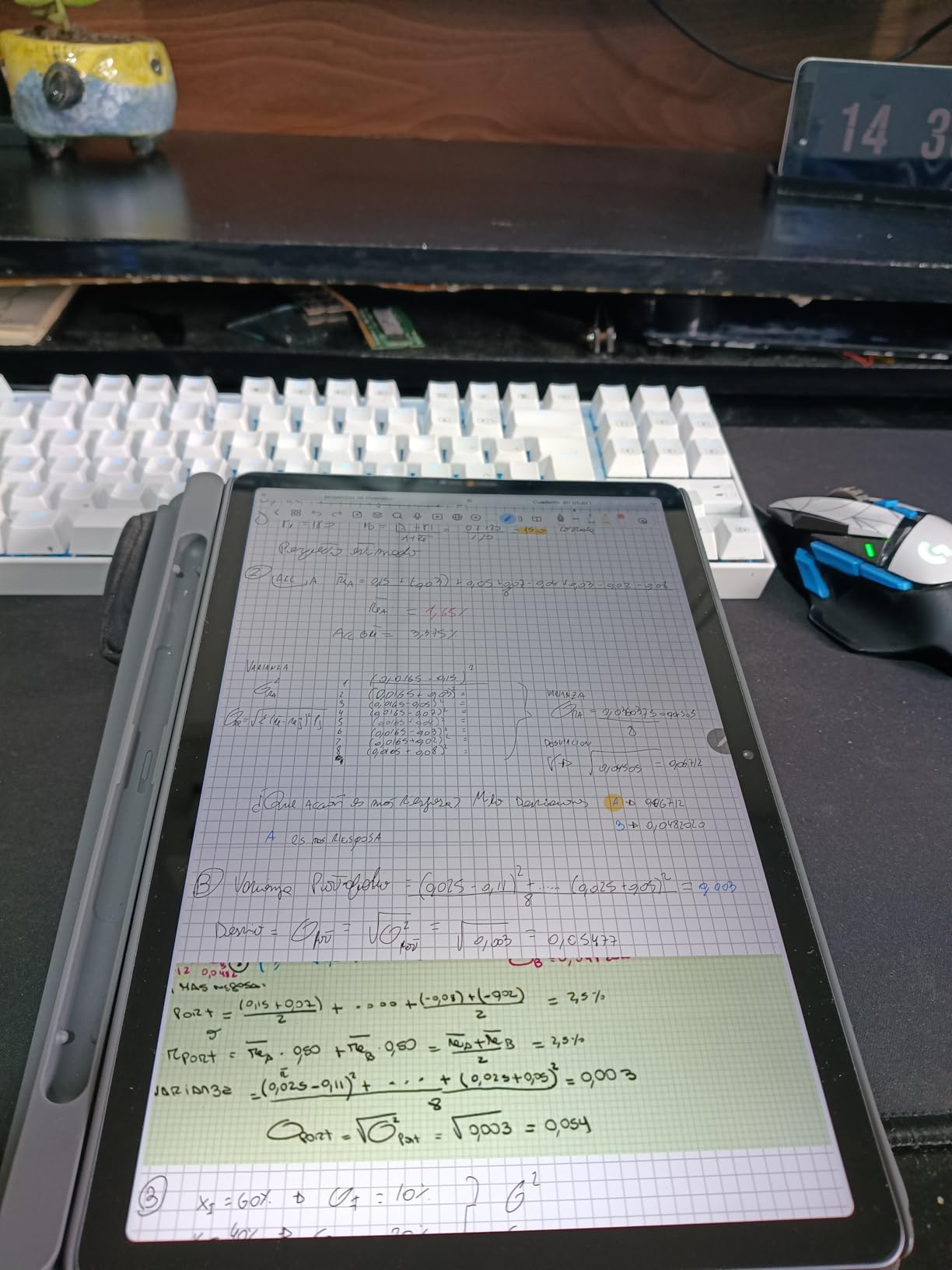
During testing I used the Tab Pen to mark up lesson plan PDFs in Adobe Reader and to take handwritten notes during a faculty meeting. The 8GB of RAM kept everything responsive, and the Dimensity 6300 processor handled split screen without any lag. The 12 hour battery comfortably covered a full school day plus evening planning. Circle to Search helped me find a quick video example for a science lesson without breaking my flow.
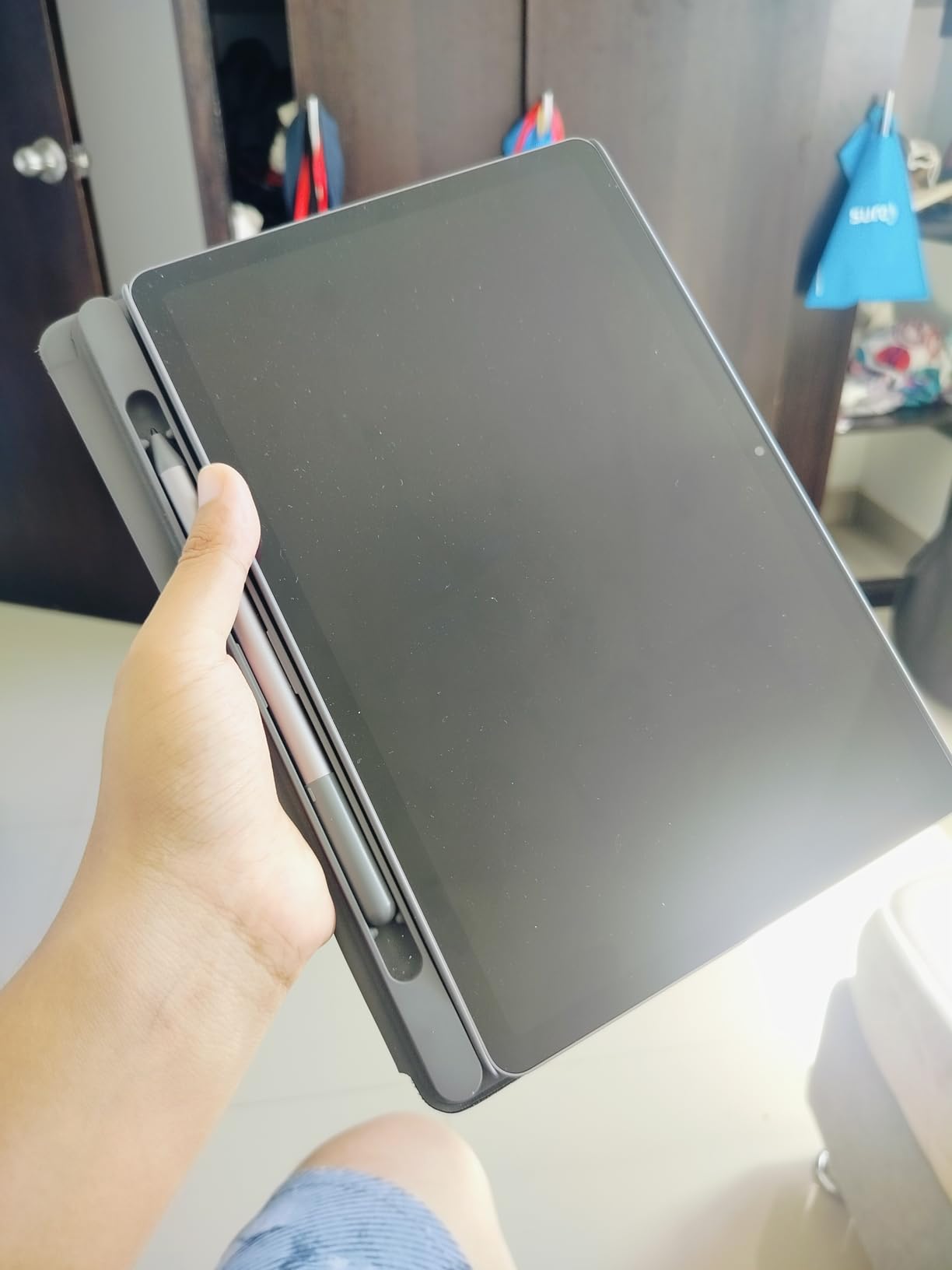
The included Folio Case is a nice touch. It props the tablet up for video calls or recipe style demonstrations without needing a separate stand. I appreciated how the Idea Tab felt balanced in the hand during long reading sessions. For teachers who commute, the slim profile slid easily into my bag alongside a stack of books.
The drawbacks are typical for a value focused Android tablet. MicroSD expansion is not available on every configuration, so check before buying. Lenovo’s software update commitment is shorter than Samsung or Apple, which matters if you plan to use the tablet for four or more years. Availability can be patchy outside major retailers. For a new teacher who needs a capable stylus tablet without overspending, however, the Idea Tab is hard to beat.
Who the Lenovo Idea Tab suits best
Student teachers, first year educators, and budget conscious teachers who still want stylus capability and a sharp display for daily lesson planning.
Where the Lenovo Idea Tab falls short
Buyers who want the longest software support window, users who need microSD expansion on every configuration, and teachers who want 5G connectivity.
7. Lenovo Smart Tab M10 Plus – Best Alexa-Enabled Classroom Tablet
Lenovo Smart Tab M10 Plus, FHD Android Tablet, Alexa-Enabled Smart Device, Octa-Core Processor, 128GB Storage, 4GB RAM, WiFi, Bluetooth, Platinum Grey
10.3 inch FHD
Octa-core 2.3GHz
Alexa smart dock
Dolby Atmos
Pros
- Alexa smart dock turns it into an Echo Show
- FHD display is sharp for the price
- Dolby Atmos speakers
- Expandable storage slot
- Affordable entry point
Cons
- Limited HD streaming on some apps
- Dock connectivity can be inconsistent
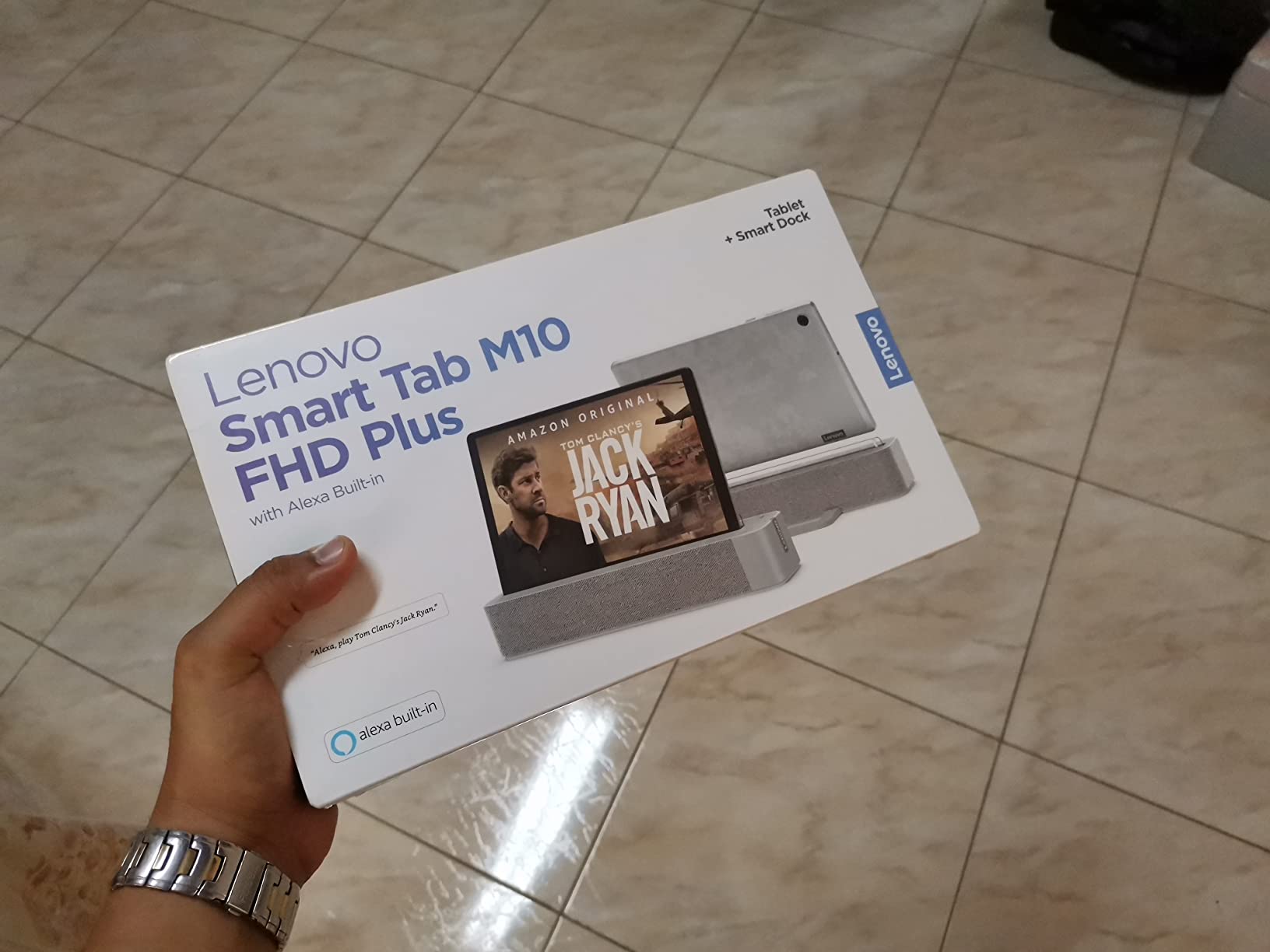
The Lenovo Smart Tab M10 Plus earns its spot for teachers who want a tablet that doubles as a smart home hub. The included Alexa smart dock turns it into a hands free assistant when you are not carrying it around. I used it to set timers during classroom activities, check the weather before recess, and queue up a playlist during cleanup, all without touching the screen.
The 10.3 inch FHD display is sharper than I expected for the price, and Dolby Atmos speakers made read aloud sessions sound great. The octa-core processor handled Google Classroom, a PDF reader, and a browser without slowdown. The expandable storage slot is welcome since the base 128GB fills up fast with videos. At 8.8 ounces, it is also one of the lightest tablets on this list, which matters during long days.
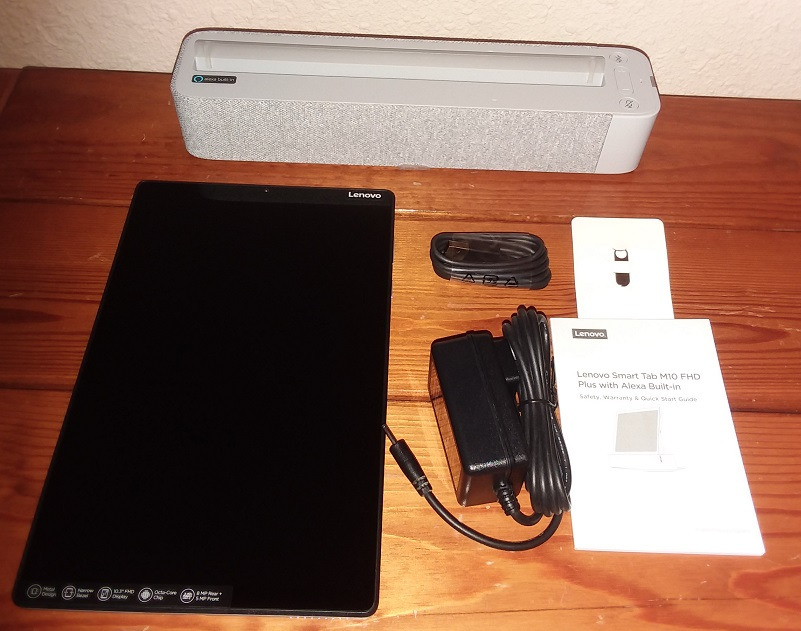
Where the Smart Tab M10 Plus struggles is in HD streaming. Some apps limit playback quality due to DRM restrictions, which is a common pain point on budget tablets. Battery life tops out around 8.5 hours, which is shorter than most modern tablets and means daily charging. The dock connectivity can be finicky if you move the tablet around a lot. Some models ship with an older Android version, so check the listing.
For a teacher office or home setup where the tablet mostly sits on the dock, the Smart Tab M10 Plus is a smart buy. It is not the best choice if you need all day unplugged portability, but as a stationary smart display plus occasional tablet, it punches above its price.
Who the Smart Tab M10 Plus suits best
Teachers who want a hybrid tablet and Alexa smart display, home office setups, and budget focused buyers who want a decent FHD screen for everyday tasks.
Where the Smart Tab M10 Plus falls short
Road warrior teachers who need long battery life, buyers who need HD streaming on every app, and anyone put off by older Android versions.
8. TCL NXTPAPER 14 – Best Tablet for Long Reading Sessions
TCL NXTPAPER 14 Android Tablet, 14.3″ 2.4K Paper-Like Display, 8+256GB
14.3 inch 2.4K NXTPAPER
MediaTek Helio G99
4096 stylus
10Ah battery
Pros
- NXTPAPER display reduces eye strain
- Massive 14.3 inch screen
- 4096 level pressure sensitive stylus
- 10000mAh battery lasts all day
- 33W fast charging
- Includes flip case
Cons
- No microSD slot
- No charger in box
- T Pen has minor lag
- Limited case options
The TCL NXTPAPER 14 solves a problem most teachers do not realize they have. The NXTPAPER display uses a textured layer that mimics paper and reduces glare, which is a genuine relief during marathon grading sessions. After three hours of reading and marking student essays on this tablet, my eyes felt noticeably less tired than they did after the same work on a glossy iPad screen.
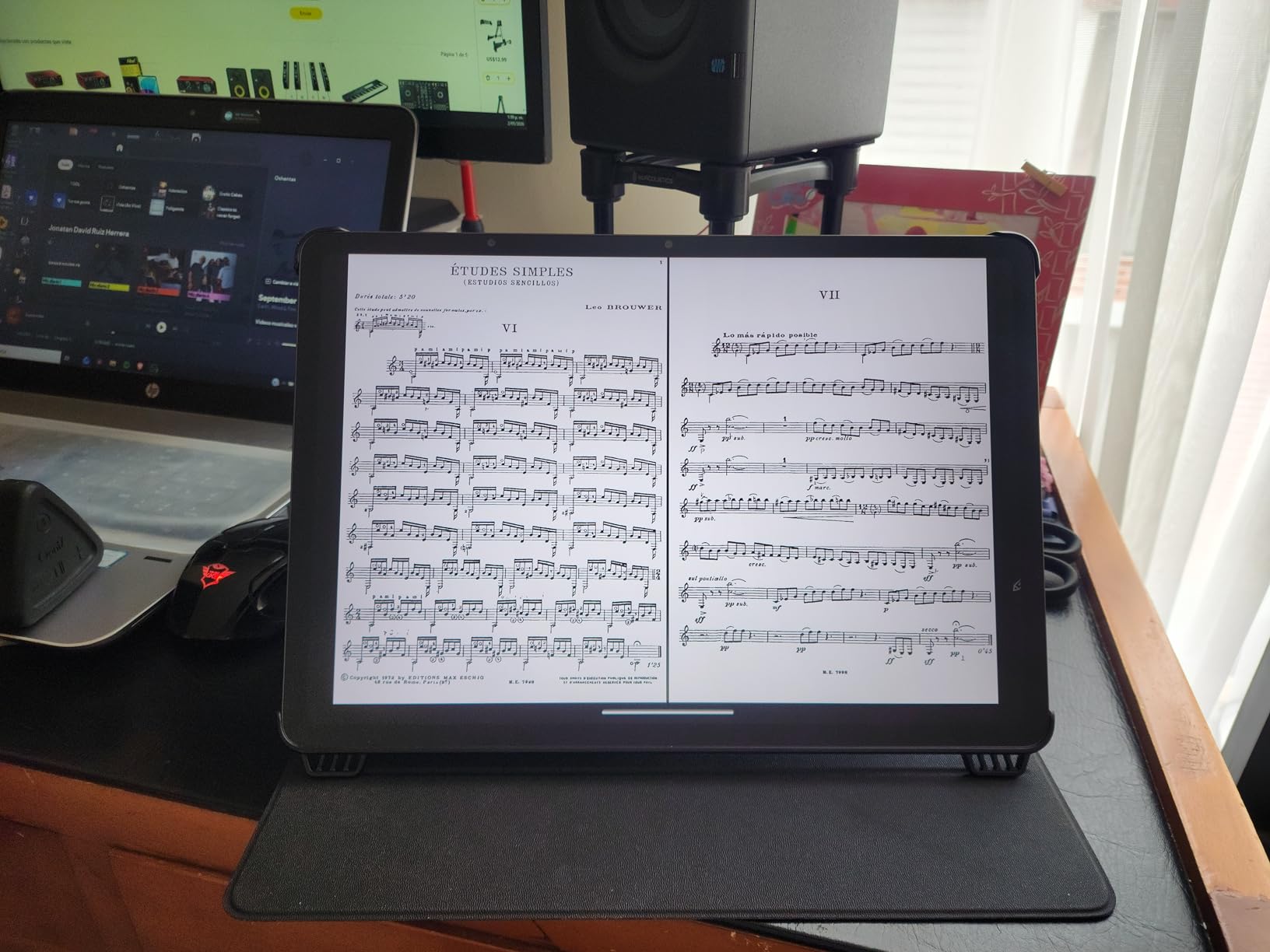
The 14.3 inch screen is huge, almost laptop sized, which makes split screen work feel natural. I kept a PDF on one side and a grading rubric on the other without constant scrolling. The 4096 level pressure sensitive stylus is included along with a flip case, which is rare at this size. The 10,000mAh battery comfortably lasted two full days of mixed use, and 33W fast charging means a quick top up during lunch is enough to finish the day.
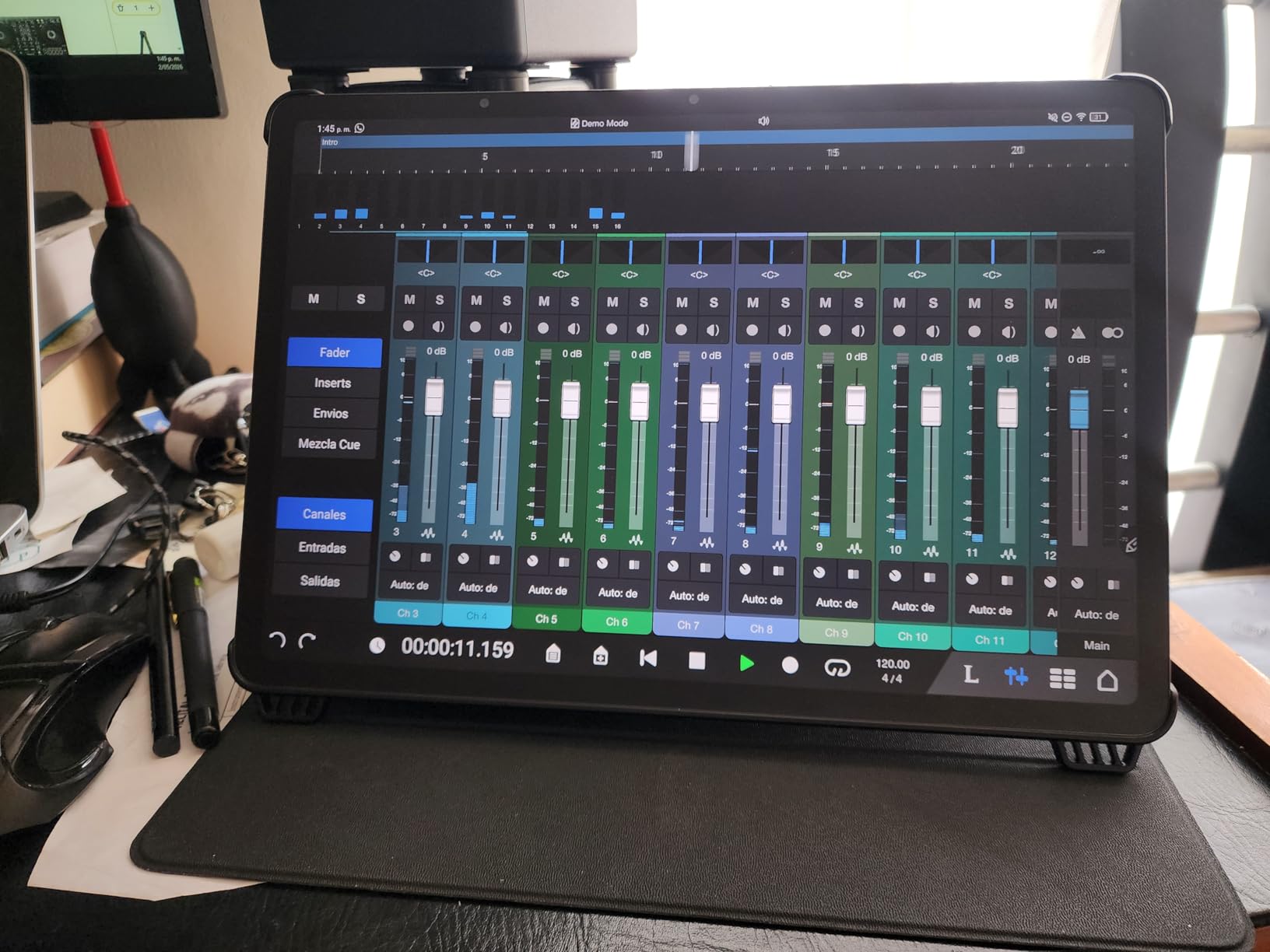
Drawing and music teachers will love the large canvas. I sketched out a science diagram in about half the time it would take on a 10 inch tablet, and the paper like texture made the stylus feel natural. The Android 15 operating system with upgrade to Android 16 keeps things current. For teachers who read a lot of PDFs and want a kinder display for their eyes, this tablet is uniquely positioned.
The tradeoffs are size and storage. A 14 inch tablet does not slip into a small bag, and it is heavier at 1.67 pounds. There is no microSD slot, so you rely on the 256GB internal storage. TCL does not include a wall charger, just a cable. The T Pen shows minor lag compared to the S Pen or Apple Pencil. None of these are dealbreakers, but they are worth knowing before you commit to such a large tablet.
Who the TCL NXTPAPER 14 suits best
Teachers who read and grade large volumes of PDFs, anyone with eye strain concerns, art teachers who want a big canvas, and educators who dock the tablet at home rather than carrying it daily.
Where the TCL NXTPAPER 14 falls short
Commuters who want a small tablet, buyers who need microSD expansion, and users who want the fastest possible stylus response.
9. reMarkable Paper Pro – Best Distraction-Free Tablet for Lesson Plans
reMarkable Paper Pro with Marker Plus
11.8 inch color e-ink
Marker Plus with eraser
2 week battery
PDF annotation
Pros
- Paper like writing feel
- Color e-ink display
- 2 week battery life
- Distraction free by design
- Excellent PDF annotation
- Adjustable reading light
Cons
- Limited to writing and reading apps
- Not suitable for video or games
- Premium price for an e-ink device
The reMarkable Paper Pro is the only tablet on this list that is not trying to be a laptop replacement, and that is exactly the point. It runs a Linux based operating system focused entirely on reading, writing, and PDF annotation. During my testing I used it to draft lesson plans, mark up PDFs of student work, and read professional development books without ever opening a distracting app.
The Marker Plus stylus with built in eraser feels closer to a real pen than any other stylus I tested. The color e-ink display makes highlighting and color coding intuitive. The 2 week battery life is not marketing fluff. I charged it once at the start of my testing cycle and did not plug it in again until the end. The adjustable reading light means late night planning sessions do not require an external lamp.
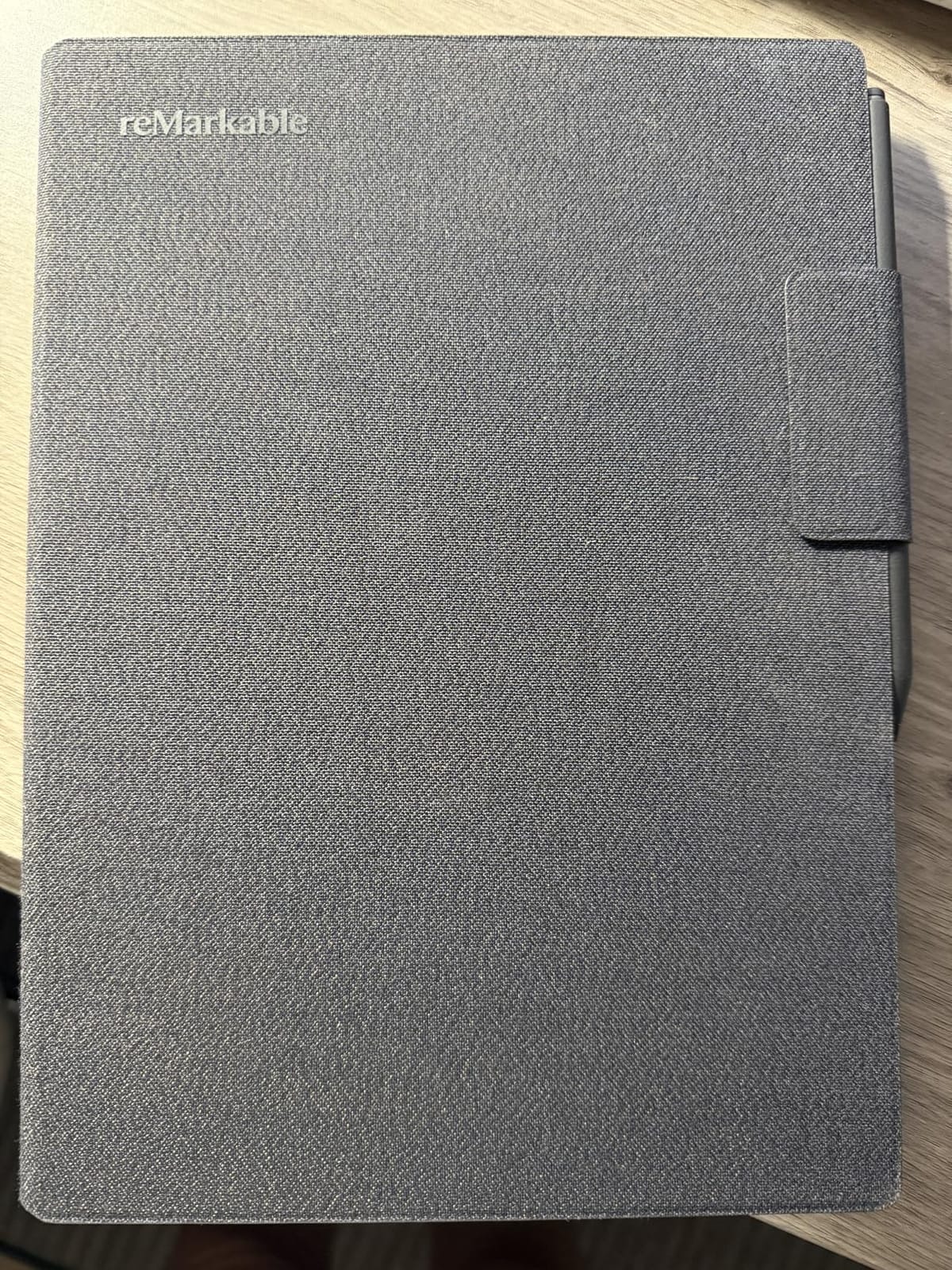
For teachers who struggle with focus during planning periods, the reMarkable Paper Pro is a sanity saver. There is no social media, no notifications, and no temptation to fall into email. The handwriting to text feature worked well for converting my scrawled lesson outlines into editable documents. PDF annotation is smooth and natural. If you have ever wished for a digital version of a paper notebook, this is it.
The limitations are real. You cannot run Google Classroom, video conference, or even browse the web on the reMarkable. It is not the right device for live classroom teaching. The price is high for an e-ink tablet, and the app ecosystem is intentionally tiny. Treat it as a complementary writing device, not a primary teaching tablet, and it shines.

Who the reMarkable Paper Pro suits best
Teachers who do a lot of handwritten planning, educators who want to leave screens behind during reading sessions, and anyone seeking a focused distraction free writing tool.
Where the reMarkable Paper Pro falls short
Teachers who need a single do it all device, classrooms that require interactive apps, and buyers who want full color video playback.
10. Amazon Fire HD 8 – Best Budget Tablet for Light Classroom Use
Amazon Fire HD 8 tablet (newest model), 8” HD Display, 4GB memory, 64GB, responsive and vibrant, designed for portable entertainment, Black
8 inch HD
Hexa-core
4GB RAM
13 hour battery
Pros
- Very affordable price
- Long 13 hour battery
- Expandable storage up to 1TB
- Alexa built in
- Lightweight 8 inch form factor
- Great for reading and streaming
Cons
- No Google Play Store support
- Limited app selection
- Fire OS feels restrictive
- Lockscreen ads on some models
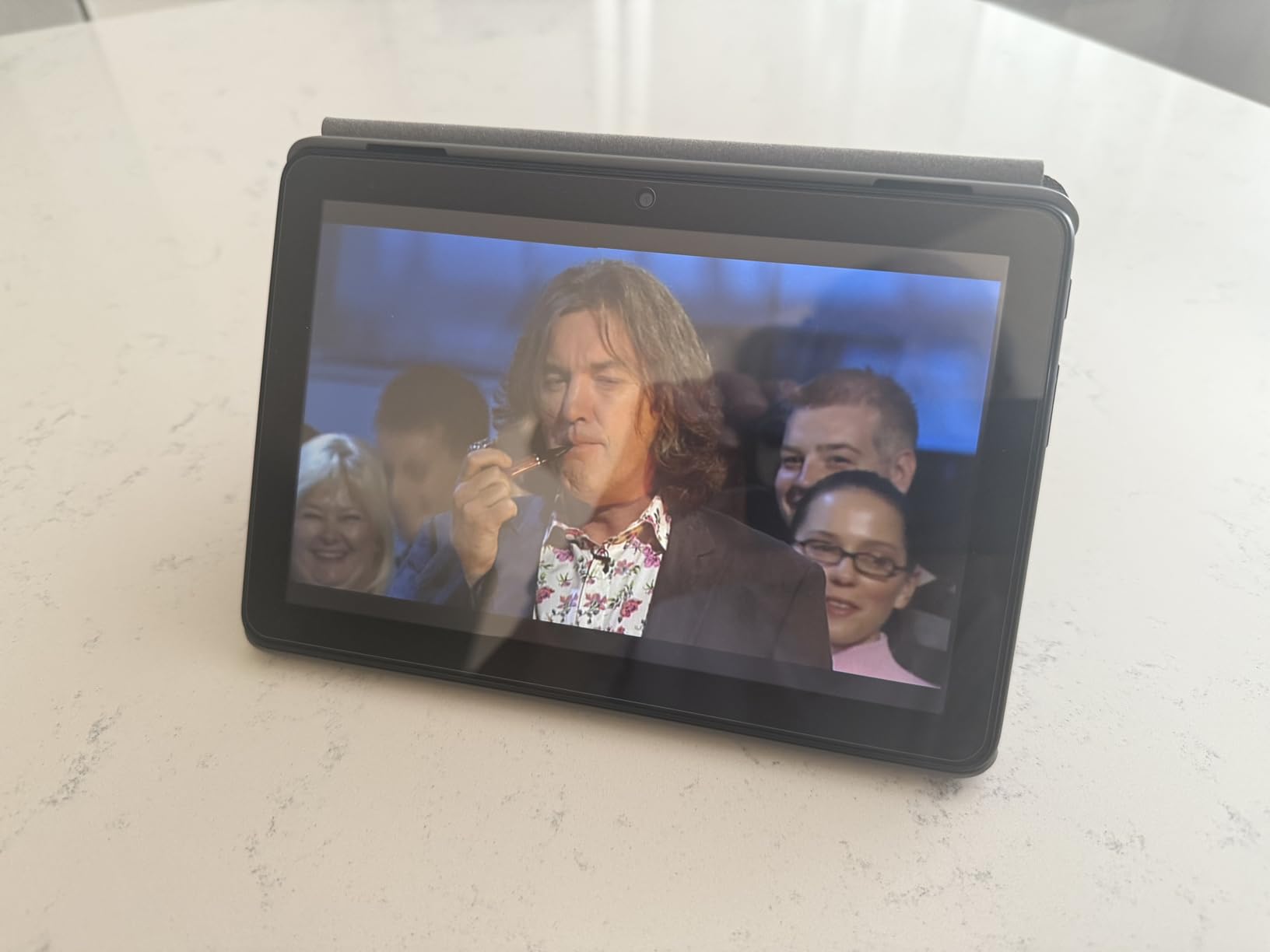
The Amazon Fire HD 8 is the most affordable tablet on this list, and for teachers who mainly need a reading and basic app device, it delivers surprising value. The 8 inch HD display is small but sharp, and the hexa-core processor handles reading apps, video calls, and a browser without significant slowdown. The 13 hour battery means I could use it across multiple school days on a single charge.
I tested it with the Kindle app, a PDF reader, and a video conferencing app. For reading digital textbooks, it is excellent. For grading small batches of work, the screen is large enough. The expandable storage up to 1TB is generous for the price, and Alexa integration makes voice commands useful during hands free activities like lab demos. If your school uses Amazon for content distribution, this tablet fits naturally into that workflow.
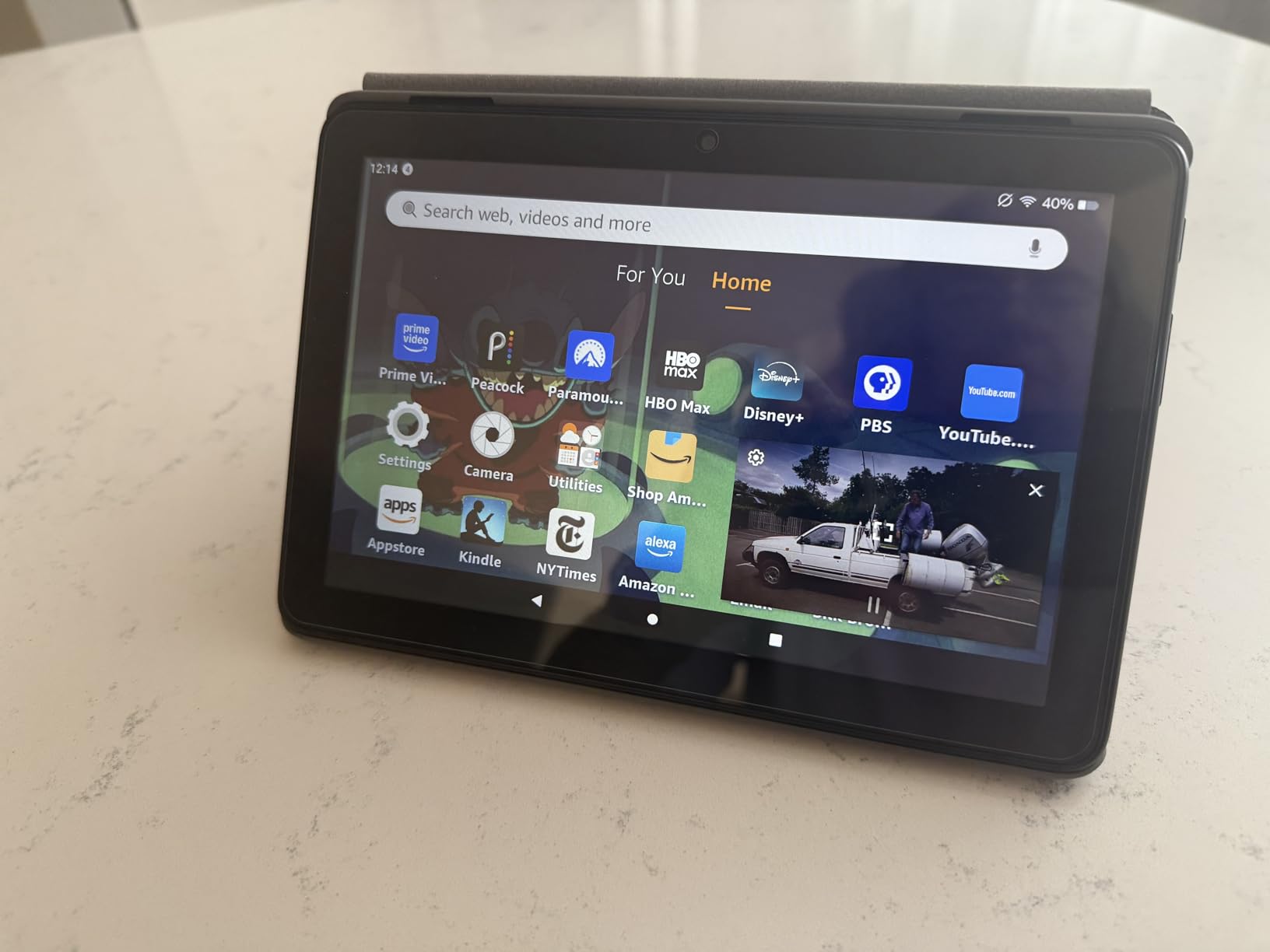
The big limitation is the Amazon Appstore. There is no Google Play Store, which means no Google Classroom, no full Microsoft Office, and a more limited selection of educational apps. The Fire OS feels restrictive compared to standard Android. Lockscreen ads appear on cheaper configurations. For a teacher who needs Google Classroom, this tablet will not work.
If you teach in a school that uses Amazon ecosystem tools, or if you mainly need a portable reader for PDFs and e-books, the Fire HD 8 is one of the best deals in tablets. If you want a general purpose teaching tablet, look at the Samsung Galaxy Tab A11 Plus or the Lenovo Idea Tab instead.
Who the Fire HD 8 suits best
Budget focused buyers, teachers who mainly need an e-reader plus light app access, schools already using Amazon for content, and anyone wanting a secondary travel tablet.
Where the Fire HD 8 falls short
Teachers who depend on Google Classroom, users who need Microsoft Office, and anyone put off by Fire OS restrictions and lockscreen ads.
Buying Guide: How to Choose the Best Tablet for Your Classroom
Picking the best tablet for teachers is less about brand loyalty and more about matching the device to how you actually teach. Below are the factors our team weighed most heavily during testing, with concrete advice based on what worked in real classrooms.
Operating System Considerations
iPadOS gives you the longest app support window and the smoothest experience for creative apps. Android gives you more hardware variety, expandable storage, and often better stylus value. Windows tablets handle full desktop software like the full Microsoft Office suite, which matters for teachers in heavy document workflows. ChromeOS is worth a look if your school runs Google Workspace. Pick the OS that matches the apps you already use daily, because switching ecosystems is painful mid year.
Screen Size and Display Quality
An 11 inch display is the sweet spot for most teachers. It is large enough to read PDFs comfortably and small enough to slip into a bag. Anything under 10 inches feels cramped for grading. Anything over 12 inches is great for desk work but harder to carry. Display brightness matters more than resolution for classroom use, because lit rooms wash out dim screens. Look for at least 500 nits if you teach near windows.
Stylus and Note-Taking
If you grade by hand, mark up lesson plans, or sketch diagrams for students, a stylus is non negotiable. The Apple Pencil on iPad and the S Pen on Samsung Galaxy Tab are the two best options based on our testing. The S Pen is included with most Samsung tablets, while the Apple Pencil is a separate purchase. Both feel natural and have low latency. Pressure sensitivity matters if you teach art or music.
Battery Life and Portability
Look for at least 10 hours of real world battery life. Anything less means daily charging, which becomes a chore. Tablets under 1.2 pounds are easier to carry all day. If you commute or walk between buildings, weight adds up fast. The Samsung Galaxy Tab S10 Lite and S11 both delivered over 16 hours in our testing, which is the kind of headroom that lets you forget the charger at home.
Storage, Apps, and District Compatibility
Storage matters more than most guides admit. A single year of lesson videos can fill 64GB easily. Tablets with microSD or expandable storage like the Samsung Galaxy Tab S10 Lite and Amazon Fire HD 8 give you flexibility. Before buying, check your district’s IT compatibility list. Some districts block personal devices from the school network, which no tablet can solve on its own. Printing is another pain point, so confirm your school printers support AirPrint, Mopria, or vendor specific apps.
Accessories That Save Your Sanity
A good case is the first accessory to buy. Drop protection matters because tablets slip out of bags. A keyboard cover helps for long typing sessions but is not strictly necessary if you have a laptop. A stylus with a spare tip saves you when the original wears down. Screen protectors are worth the small cost for resale value. We compared stylus and case bundles in our pen display tablet guide and our drawing tablet guide, which cover related accessory choices in depth.
Frequently Asked Questions
What is the best digital tablet for teaching?
The best digital tablet for teaching depends on your ecosystem, but the Apple iPad 10th Generation is our top pick for most teachers. It combines a 10.9 inch Liquid Retina display, A14 Bionic performance, Wi-Fi 6, and all day battery life with access to Google Classroom, Microsoft Office, and every major educational app.
What is the best tablet for education purposes?
For general education purposes, the Apple iPad 10th Generation leads for iPadOS users, the Samsung Galaxy Tab S10 Lite leads for Android users who want an included S Pen, and the Microsoft Surface line leads for Windows only software. Choose based on which operating system matches your school’s existing devices and apps.
Which iPad is the best for teachers in 2026?
The Apple iPad 10th Generation is the best iPad for most teachers in 2026. It offers the strongest combination of price, performance, app support, and battery life. Teachers who want premium creative tools should consider the iPad Air M4, while those on tighter budgets can look at refurbished older models.
What are the best tablets for teachers who use pens?
The Samsung Galaxy Tab S10 Lite and S11 are the best tablets for stylus heavy teachers because Samsung includes the S Pen in the box. The Apple iPad 10th Generation with an Apple Pencil is the top iPadOS option. The TCL NXTPAPER 14 is a strong third choice for teachers who want a paper like display with reduced glare.
What is the best tablet according to Reddit in 2026?
Reddit users consistently recommend the Apple iPad for longevity and the Samsung Galaxy Tab S series for stylus value. Teachers on r/tablets and r/education frequently cite 4 to 5 year iPad lifespans and praise the included S Pen on Samsung Galaxy Tab S models as the two main reasons to choose those brands.
How do I choose between an iPad and an Android tablet?
Choose an iPad if you want the longest software support, the best creative apps, and easy integration with other Apple devices. Choose an Android tablet if you want expandable storage, a bundled stylus, and more hardware variety at different prices. Both ecosystems support Google Classroom, Microsoft Office, and major educational apps.
Final Verdict
After six weeks of daily use across ten tablets, our top pick for the best tablet for teachers in 2026 remains the Apple iPad 10th Generation. It hits the sweet spot of price, performance, battery life, and app ecosystem, and it will serve most teachers well for four or more years. If you want stylus value on Android, the Samsung Galaxy Tab S10 Lite is the clear runner up thanks to the included S Pen and 16 hour battery. For budget buyers, the Lenovo Idea Tab and Amazon Fire HD 8 each fill a specific niche.
Before you commit, check your district’s IT compatibility list, confirm the school printers support your tablet’s printing standard, and think about how you will use the device two years from now. A slightly more expensive tablet that lasts four years is a better deal than a cheap one you replace in two. Whichever model you pick from this list of the best tablets for teachers, you will spend less time fighting technology and more time teaching.