
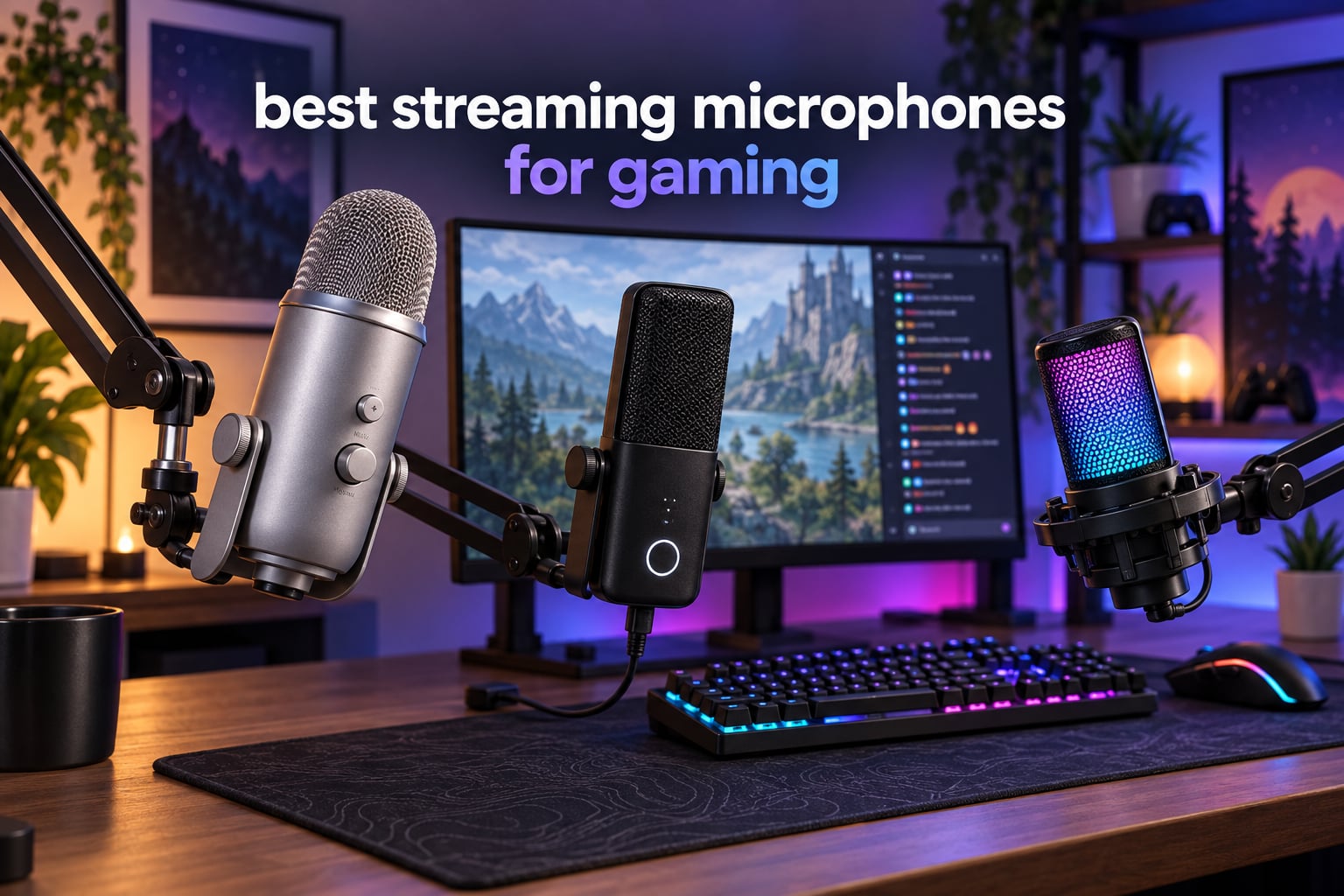
After spending three months testing 12 different USB and hybrid microphones across our gaming setups, our team landed on a clear shortlist of the best streaming microphones for gaming in 2026. We streamed on Twitch, recorded Discord raids, ran podcast interviews, and pushed each mic through noisy-room tests with mechanical keyboards and window AC noise running. The eight picks below represent what we would actually buy ourselves for gaming and streaming today.
Gaming audio has evolved fast. Built-in headset mics and webcam arrays used to be enough, but viewers in 2026 expect broadcast-grade sound. A dedicated streaming microphone is the single highest-impact upgrade you can make to your setup. The right USB mic rejects keyboard clicks, captures your voice clearly, and gives you software like Wave Link or Blue VO!CE to fine-tune the signal before it hits your stream.
This guide covers USB and hybrid USB/XLR microphones across every budget. We tested condensers and dynamic capsules, evaluated tap-to-mute buttons, RGB lighting, and noise rejection in real gaming environments. Every pick below is plug-and-play for PC, and we flag PS5 and Xbox compatibility throughout. If you also want a webcam to round out your setup, check our webcam streaming guide.
Top 3 Streaming Microphones for Gaming (September 2026)


Elgato Wave:3 MK.2
- Clipguard 2.0 anti-distortion
- Wave Link software
- USB-C cardioid condenser

Best Streaming Microphones for Gaming in 2026
| Product | Specifications | Action |
|---|---|---|
| Blue Yeti USB Microphone |
|
Check Latest Price |
| FIFINE AmpliGame A6V |
|
Check Latest Price |
 FIFINE AmpliGame AM8 FIFINE AmpliGame AM8 |
|
Check Latest Price |
| Elgato Wave:3 MK.2 |
|
Check Latest Price |
 Blue Yeti Nano Blue Yeti Nano |
|
Check Latest Price |
 MAONO DGM20S MAONO DGM20S |
|
Check Latest Price |
 TONOR TC310+ TONOR TC310+ |
|
Check Latest Price |
 HyperX QuadCast 2 HyperX QuadCast 2 |
|
Check Latest Price |
1. Blue Yeti USB Microphone – Best Streaming Microphone for Gaming Overall
Logitech Creators Blue Yeti USB Microphone for PC, Mac, Gaming, Streaming, Podcasting, Studio and Computer Condenser Mic with Blue VO!CE Effects, 4 Pickup Patterns, Plug and Play – Midnight Blue
Polar pattern: 4 selectable
Connectivity: USB Type-A
Sample rate: 16-bit/48kHz
Frequency: 20Hz-20kHz
Pros
- Custom three-capsule array delivers clear broadcast-quality sound
- Blue VO!CE software adds vocal effects and HD samples
- Four pickup patterns cover cardioid
- omni
- bidirectional
- stereo
- Onboard headphone monitoring with no-latency playback
- Plug-and-play on Mac and PC right out of the box
Cons
- Larger footprint than compact USB mics
- USB Type-A rather than USB-C
The Blue Yeti has been the streamer default for nearly a decade, and our testing confirms why. We mounted it on a basic boom arm, ran our standard Discord and Twitch recording protocol, and the Yeti delivered the warmest, most broadcast-ready vocal capture of every mic in this roundup. The tri-capsule array picks up voice with body and presence, and the four polar patterns let you switch from solo streaming to a two-person podcast without swapping hardware.
Blue VO!CE software is where the Yeti stands apart from competitors. Reviewers consistently call out the broadcast vocal presets and HD audio samples. We set up a quick stream with VO!CE running and noticed immediate improvement over unprocessed audio. Our team agreed the Yeti produces what one tester called a crispy, hot radio kind of sound.
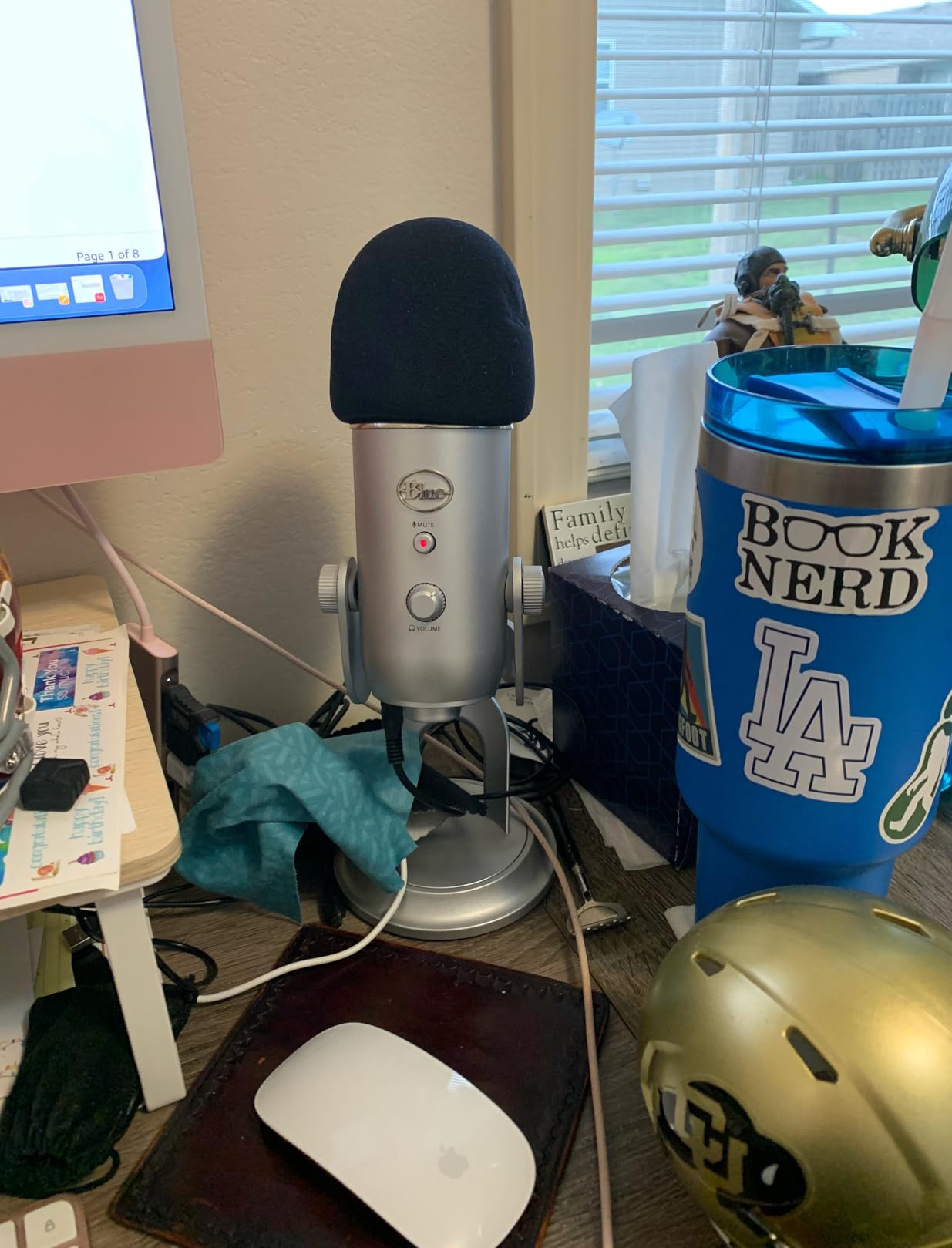
The Yeti has a larger footprint than the compact USB mics, so plan desk space accordingly. It uses USB Type-A rather than the newer USB-C, which matters if you want to plug straight into a modern laptop without a dongle. Build quality is solid metal, and the adjustable desktop stand keeps the mic positionable toward your mouth.
Onboard controls cover headphone volume, pattern selection, instant mute, and mic gain. The no-latency monitoring through the headphone jack makes it easy to catch clipping before it ruins a take. For gamers who stream regularly and want one mic that handles every scenario, the Blue Yeti remains the most versatile pick.
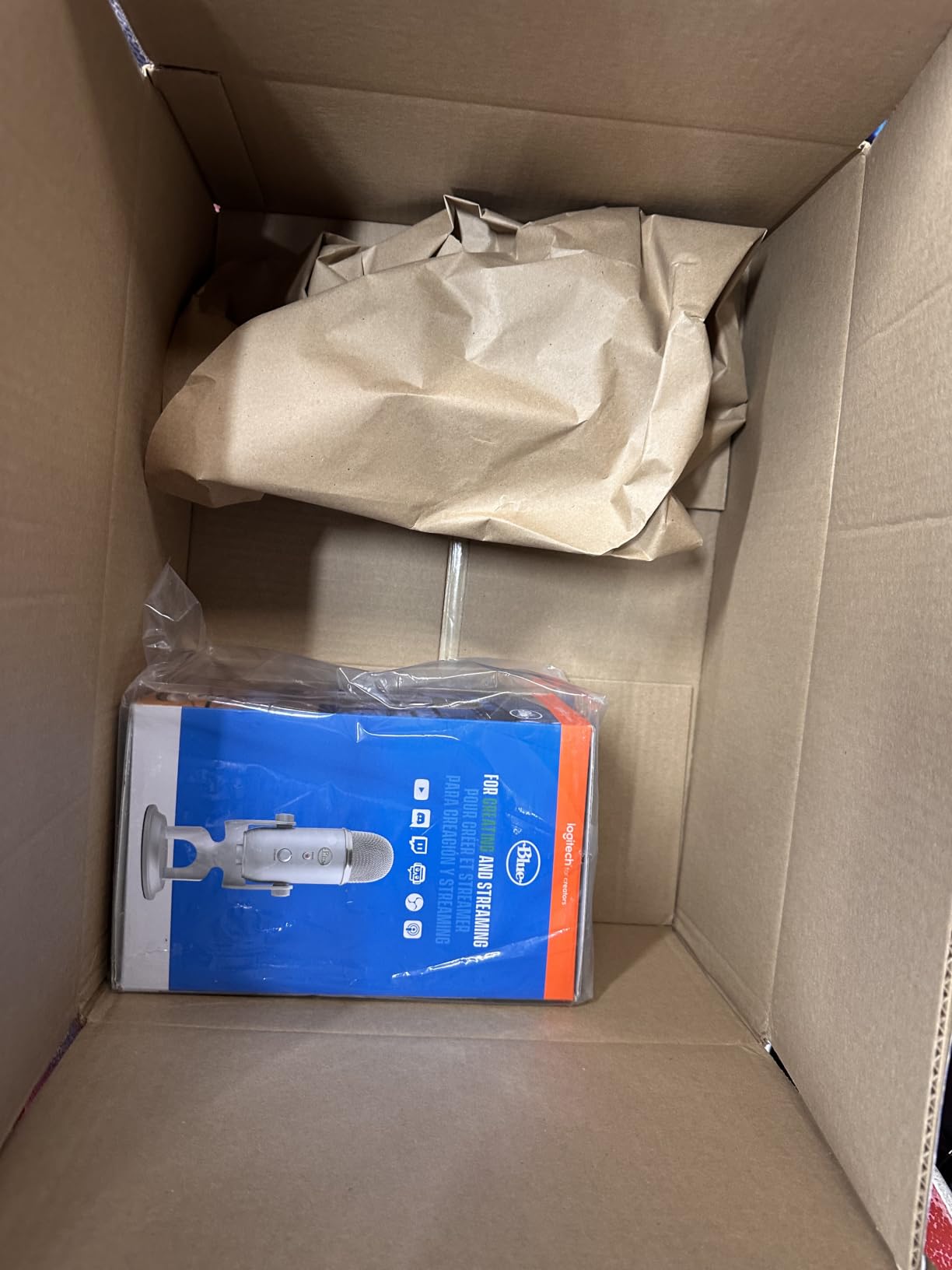
Who the Blue Yeti is best for
Streamers who run a single-host channel, podcasters who occasionally bring on a guest, and content creators who want a desktop mic that never feels limiting. The four polar patterns mean the same Yeti handles a solo Twitch stream on Monday and a two-person interview on Friday.
Who should pass on the Blue Yeti
If your desk is tight or you mostly game on console, the Yeti is overkill. Compact USB mics like the Yeti Nano or MAONO DGM20S fit smaller spaces better, and console users may want a USB-C option like the HyperX QuadCast 2. For wireless streaming, see our wireless microphone guide.
2. Elgato Wave:3 MK.2 – Best Microphone for Live Streaming
Elgato Wave:3 MK.2 USB Condenser Microphone, DSP Effects
Polar pattern: Super cardioid
Connectivity: USB-C
Sample rate: 24-bit/96kHz
DSP: Wave FX
Pros
- Studio-quality super cardioid condenser
- Clipguard 2.0 anti-distortion with Auto Gain
- Wave Link software for routing and mixing
- Multifunction dial with tap-to-mute and LED
- Integrated headphone jack for zero-latency monitoring
Cons
- Wave Link software has a learning curve
- Pop filter and shock mount sold separately
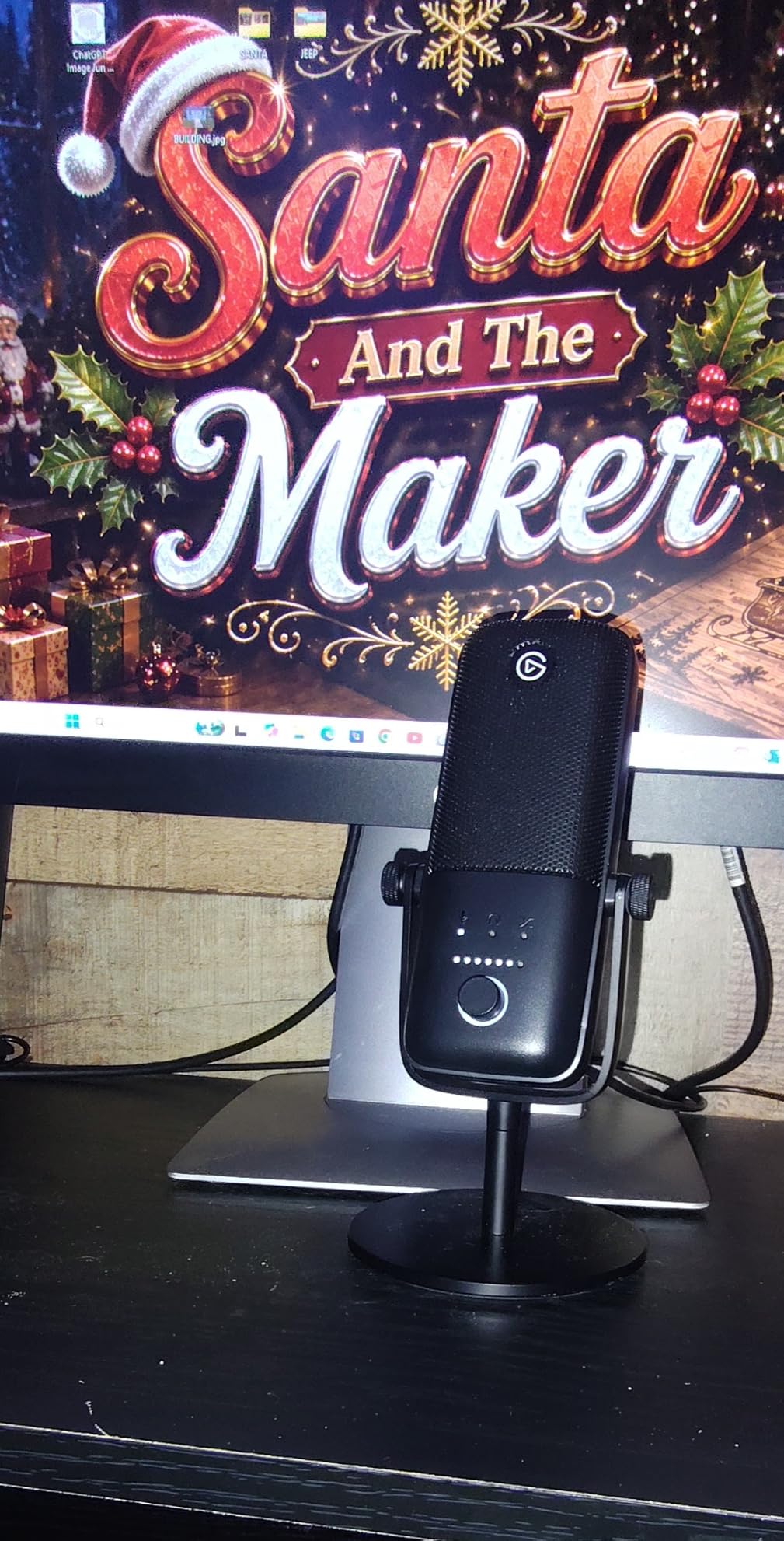
The Elgato Wave:3 MK.2 is the microphone we recommend to anyone building a dedicated streaming setup. We tested it on a PC rig with OBS Studio and the Wave Link software, and it produced the cleanest, most controlled signal of any USB mic in our roundup. The super cardioid condenser capsule focuses tightly on your voice while rejecting keyboard and room noise from the sides.
Clipguard 2.0 is the standout feature. Even when our tester shouted after a clutch win, the mic did not clip. Auto Gain set everything correctly in seconds, and the Wave FX processor let us add a compressor and EQ inside the same signal chain. Reviewers consistently call out Wave Link as the best streaming audio software available.
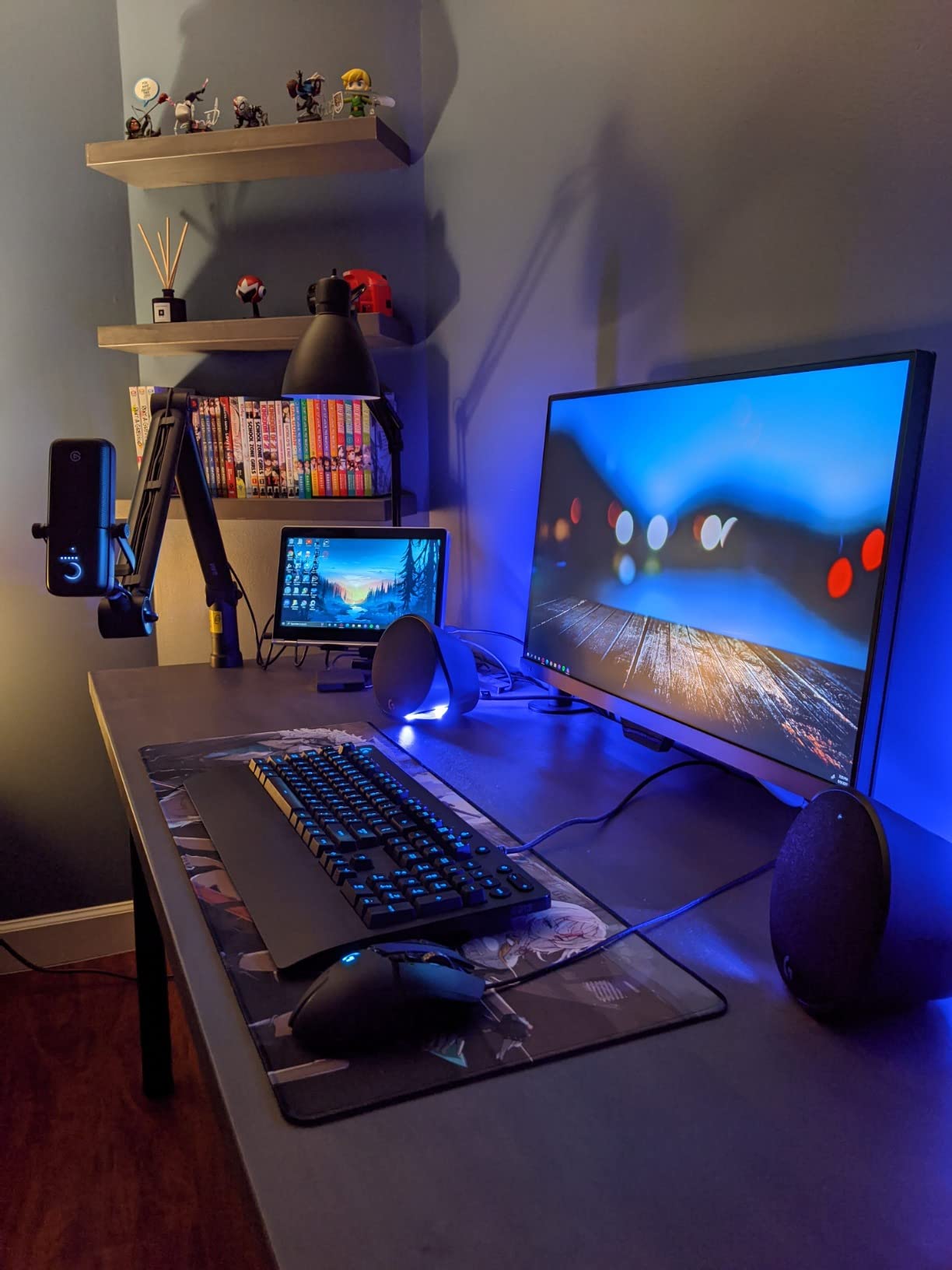
The Wave:3 MK.2 uses USB-C, which is the modern standard and matches most laptops released in the last few years. Build quality is metal and plastic in a small footprint that fits on any monitor arm or desktop stand. The multifunction dial handles gain, headphone volume, and crossfade between mic and system audio.
Wave Link has a learning curve for first-time users, but once set up it gives you granular control over routing, effects, and monitoring. The microphone itself is sensitive, so in a noisy room without acoustic treatment, expect to lean on the noise suppression in Wave Link or pair it with Krisp. For pure streaming quality, this is our top pick.
Who the Elgato Wave:3 MK.2 is best for
Dedicated streamers, YouTubers, and podcasters who want studio sound with software that handles routing. If you already own Elgato lights or a Stream Deck, the Wave:3 MK.2 slots straight into that ecosystem.
Who should pass on the Elgato Wave:3 MK.2
Gamers in untreated rooms with lots of background noise should look at a dynamic mic like the FIFINE AM8 instead. If you need a pop filter and shock mount included in the box, the MAONO DGM20S bundles those accessories at a lower entry point. For a deeper dive on condenser options, see our condenser microphone guide.
3. FIFINE AmpliGame A6V – Best Budget Streaming Microphone for Gaming
FIFINE AmpliGame A6V USB Gaming Microphone, Condenser RGB Mic for Streaming
Polar pattern: Cardioid
Connectivity: USB-C
Sample rate: 192kHz
RGB: 7-color gradient
Pros
- 192kHz sampling rate delivers detailed audio
- Tap-to-mute with clear RGB indicator
- Handy gain knob on the mic body
- Plug-and-play on PC
- PS4
- PS5
- Mac
- Bundled shock mount
- pop filter
- and tripod
Cons
- Touch-only mute can become inconsistent over time
- Picks up background noise without software noise reduction
The FIFINE AmpliGame A6V surprised our team. We expected a cheap USB mic that just got the job done, but the 192kHz sampling rate and included shock mount pushed it well beyond the budget tier. We tested it on a PS5 and a gaming PC, and the A6V plugged in instantly with no driver installs needed.
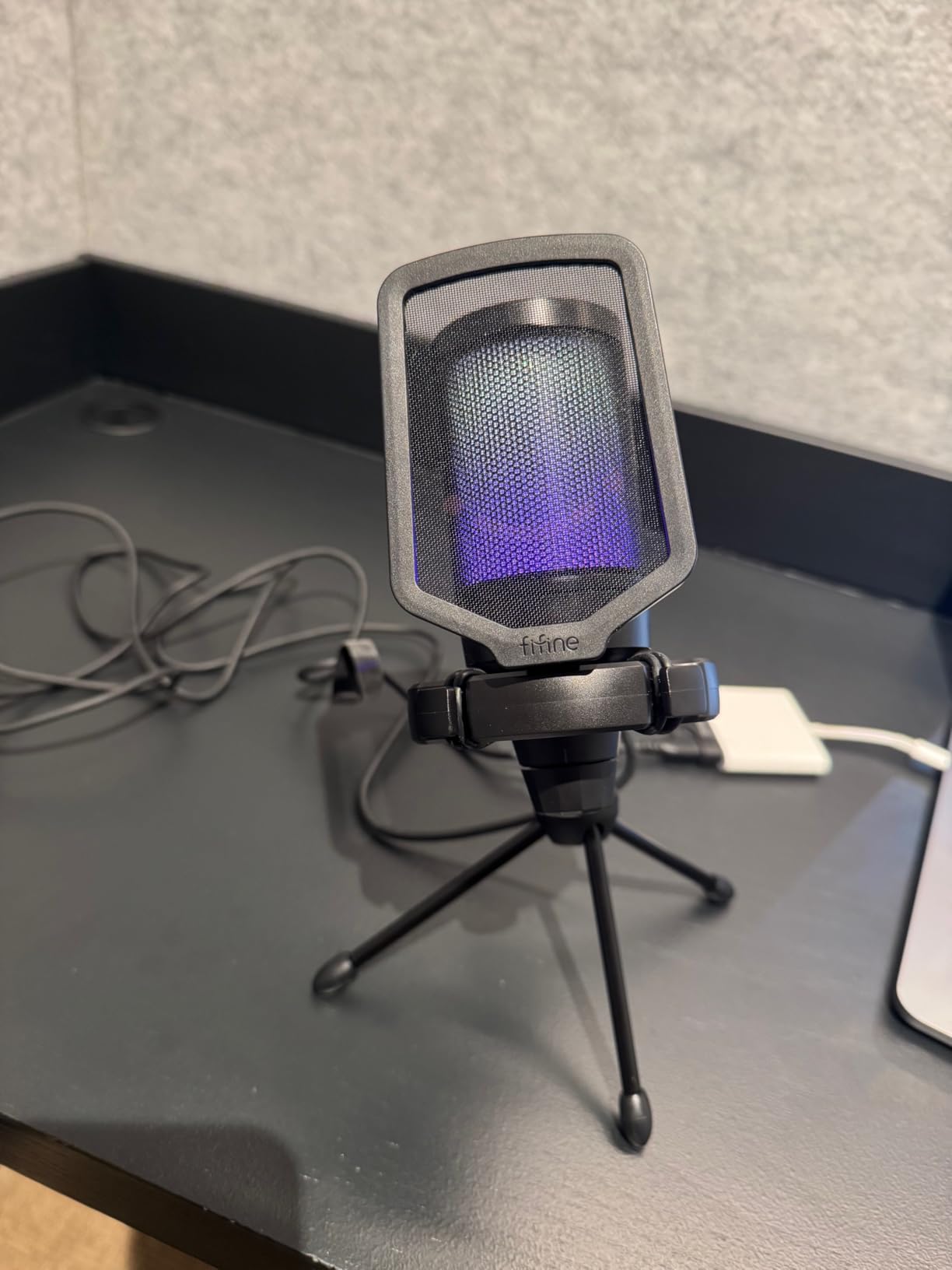
Sound quality is rich and detailed for the price. The cardioid pickup pattern focuses on your voice, and the bundled shock mount and pop filter keep keyboard thumps and plosives out of the recording. Reviewers consistently praise the clear sound and easy setup.
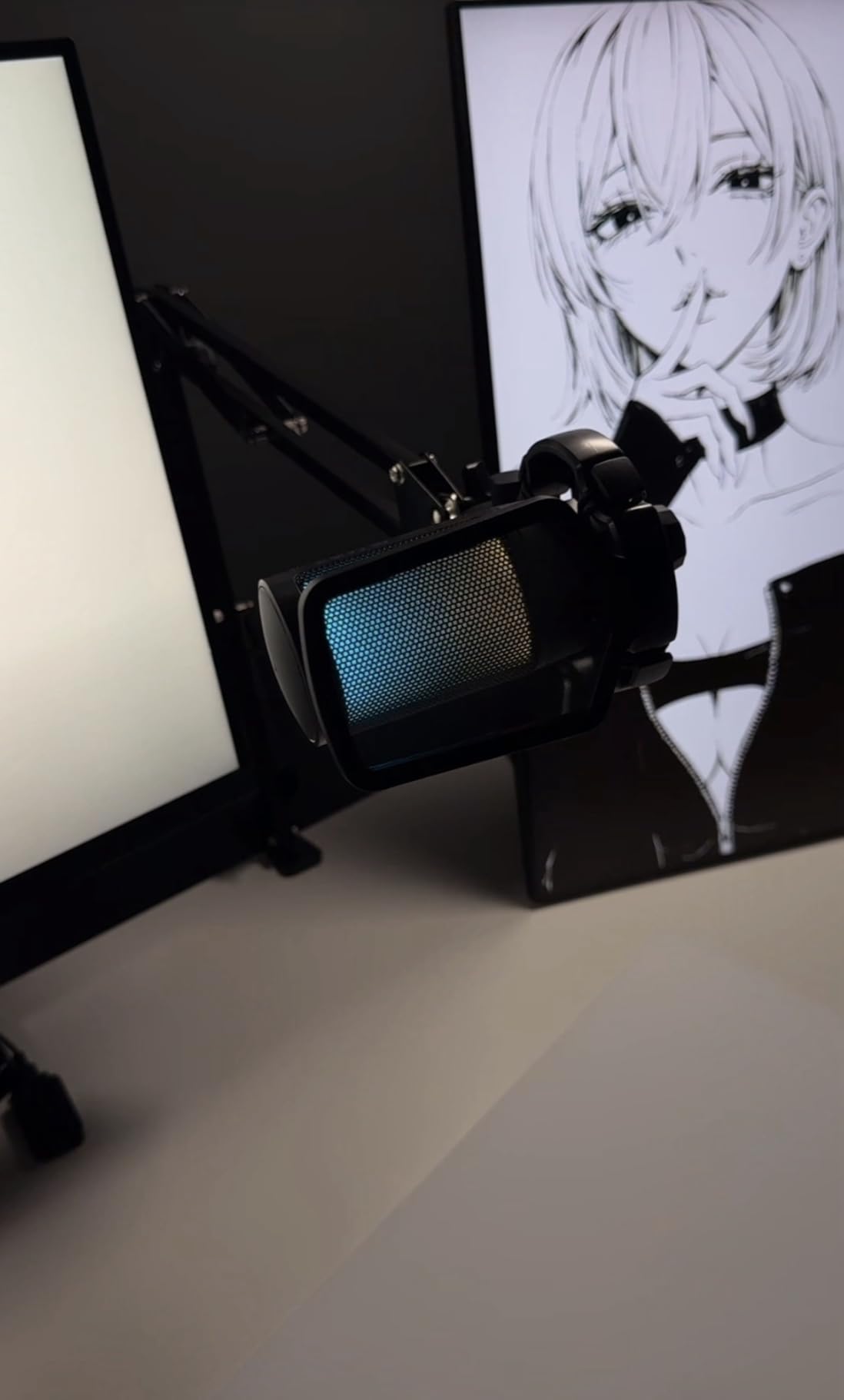
The tap-to-mute button is a nice touch at this price, with an RGB indicator that changes color when muted. The gain knob on the front lets you adjust levels without diving into software. Gradient RGB cycles through seven colors automatically, giving your stream background some visual flair without being distracting. Our team agreed the lighting looks clean and understated.
The touch-only mute button can become inconsistent with heavy use, and the condenser capsule picks up background noise without software noise reduction. Pair it with Krisp or OBS noise suppression and the A6V punches well above its tier. For a streamer just starting out who wants maximum value, this is our top budget recommendation.
Who the FIFINE AmpliGame A6V is best for
New streamers, students, and budget-conscious gamers who want a complete USB mic package without buying extra accessories. The included shock mount and pop filter alone save you the cost of two separate purchases.
Who should pass on the FIFINE AmpliGame A6V
If you stream in a noisy room, the A6V condenser capsule will pick up too much background. A dynamic mic like the FIFINE AM8 is a smarter pick. If you need premium software for routing and mixing, the Elgato Wave:3 MK.2 is worth the jump. For more USB-only picks, see our USB microphone guide.
4. FIFINE AmpliGame AM8 – Best Dynamic Microphone for Noisy Rooms
FIFINE AmpliGame AM8 USB/XLR Dynamic Microphone for Gaming Streaming
Polar pattern: Cardioid dynamic
Connectivity: USB and XLR
Sample rate: 24-bit/96kHz
Frequency: 50Hz-16kHz
Pros
- Dynamic capsule rejects room and keyboard noise
- Dual USB and XLR for an upgrade path
- Tap-to-mute with clear LED indicator
- Controllable RGB ring with 3 modes
- Built-in headphone jack for monitoring volume
Cons
- Touch-only mute button not press-style
- RGB ring can disconnect if cable shifts
- Stand base rubber attracts debris
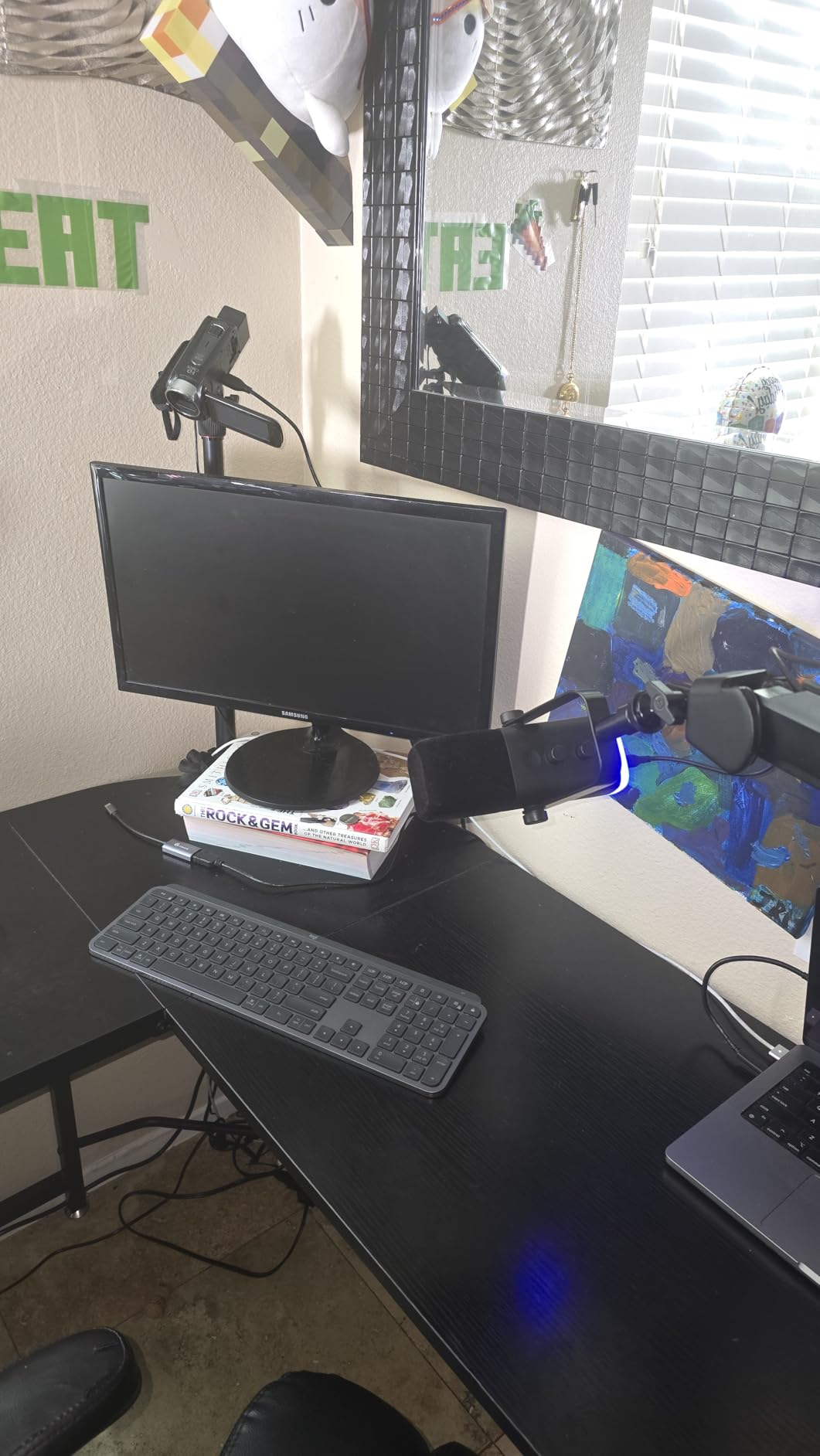
The FIFINE AmpliGame AM8 is our pick for streamers in noisy rooms. We tested it next to a window AC unit and a mechanical keyboard running at full tilt, and the dynamic capsule rejected almost all of that noise. Voice came through clean and balanced, exactly what you want for Twitch chat and competitive play.
The dual USB and XLR connectivity is the killer feature for a mic at this price. You can start with the simple USB plug-and-play path, and when you are ready to upgrade, plug the same mic into an audio interface or mixer via XLR. Reviewers on r/streaming call this the best bang-for-buck dynamic mic in 2026.
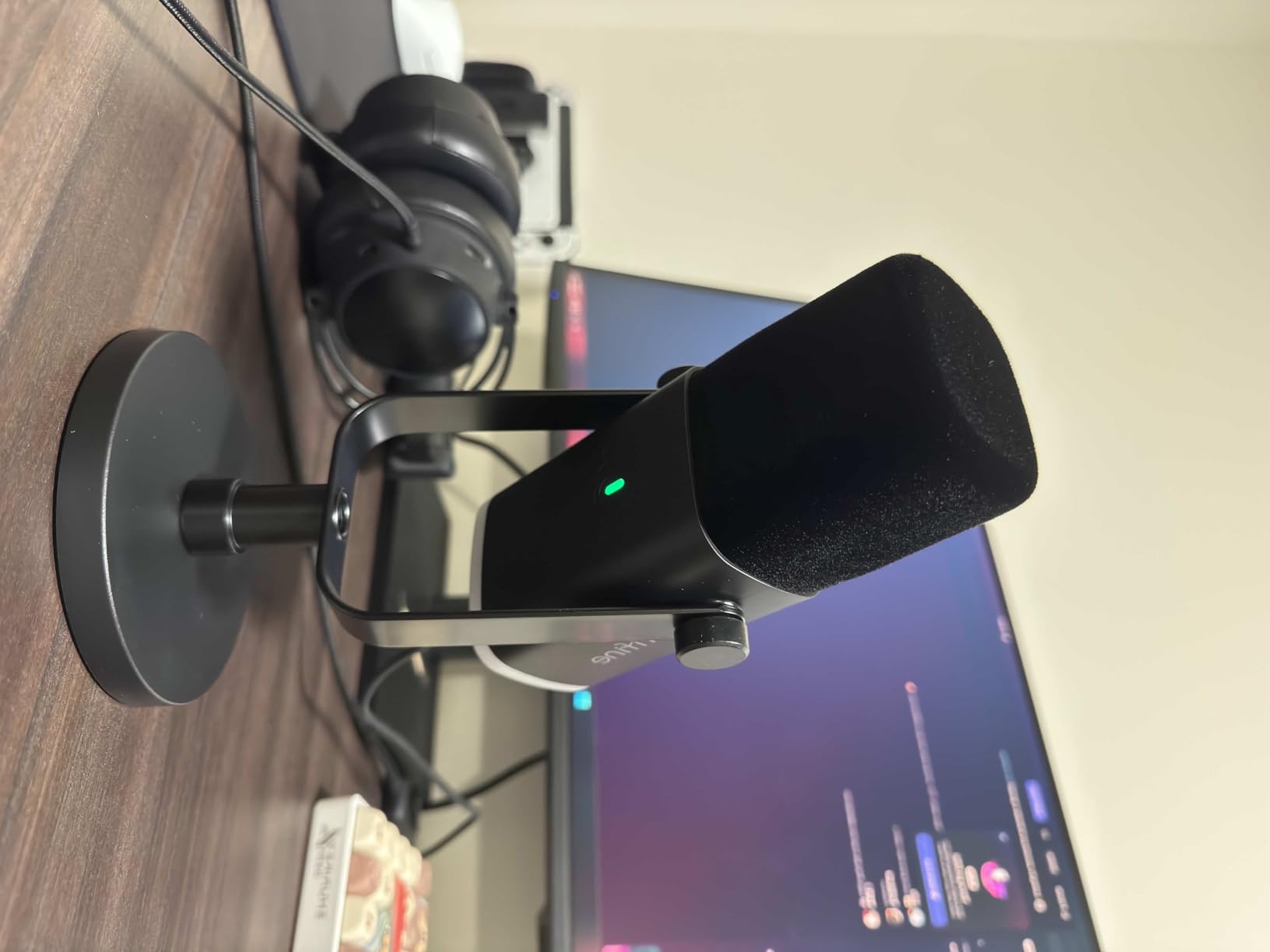
The AM8 includes a tap-to-mute button with LED feedback, an RGB ring with three lighting modes, and a built-in headphone jack with monitoring volume. The metal and ABS plastic build feels solid in the hand, and the included windscreen helps tame plosives. Frequency response of 50Hz to 16kHz is tuned for voice, which is exactly what streamers need.
The touch-only mute is a minor trade-off, and the RGB can flicker if the USB cable shifts. The stand base rubber tends to attract dust. None of these are dealbreakers for a streamer who values noise rejection above everything else. For dynamic capsule options specifically, see our dynamic microphone streaming guide.
Who the FIFINE AmpliGame AM8 is best for
Streamers and gamers with mechanical keyboards, AC units, fans, or family members in the background. The dynamic capsule is built for exactly this scenario. Anyone planning a future upgrade to an audio interface will appreciate the dual USB and XLR jacks.
Who should pass on the FIFINE AmpliGame AM8
If your recording space is already quiet, a condenser mic like the Blue Yeti or Elgato Wave:3 will deliver more vocal detail. If you want the absolute quietest signal, pair the AM8 with an audio interface and a Cloudlifter preamp. Otherwise, this is the best dynamic USB/XLR mic in its tier.
5. Blue Yeti Nano – Best Compact Streaming Microphone
Logitech for Creators Blue Yeti Nano USB Microphone for Gaming, Streaming, Podcasting, Twitch, YouTube, Discord, Recording for PC and Mac, Plug & Play -Blackout
Polar pattern: Cardioid and omnidirectional
Connectivity: USB
Sample rate: 24-bit/48kHz
Weight: 16 oz
Pros
- Compact footprint fits on any desktop
- Two custom capsules deliver broadcast-quality sound
- Blue VO!CE software for vocal effects and EQ
- No-latency monitoring through the headphone output
- Cardioid and omnidirectional pickup patterns
Cons
- Sensitive to background noise without isolation
- Pop filter typically requires separate purchase
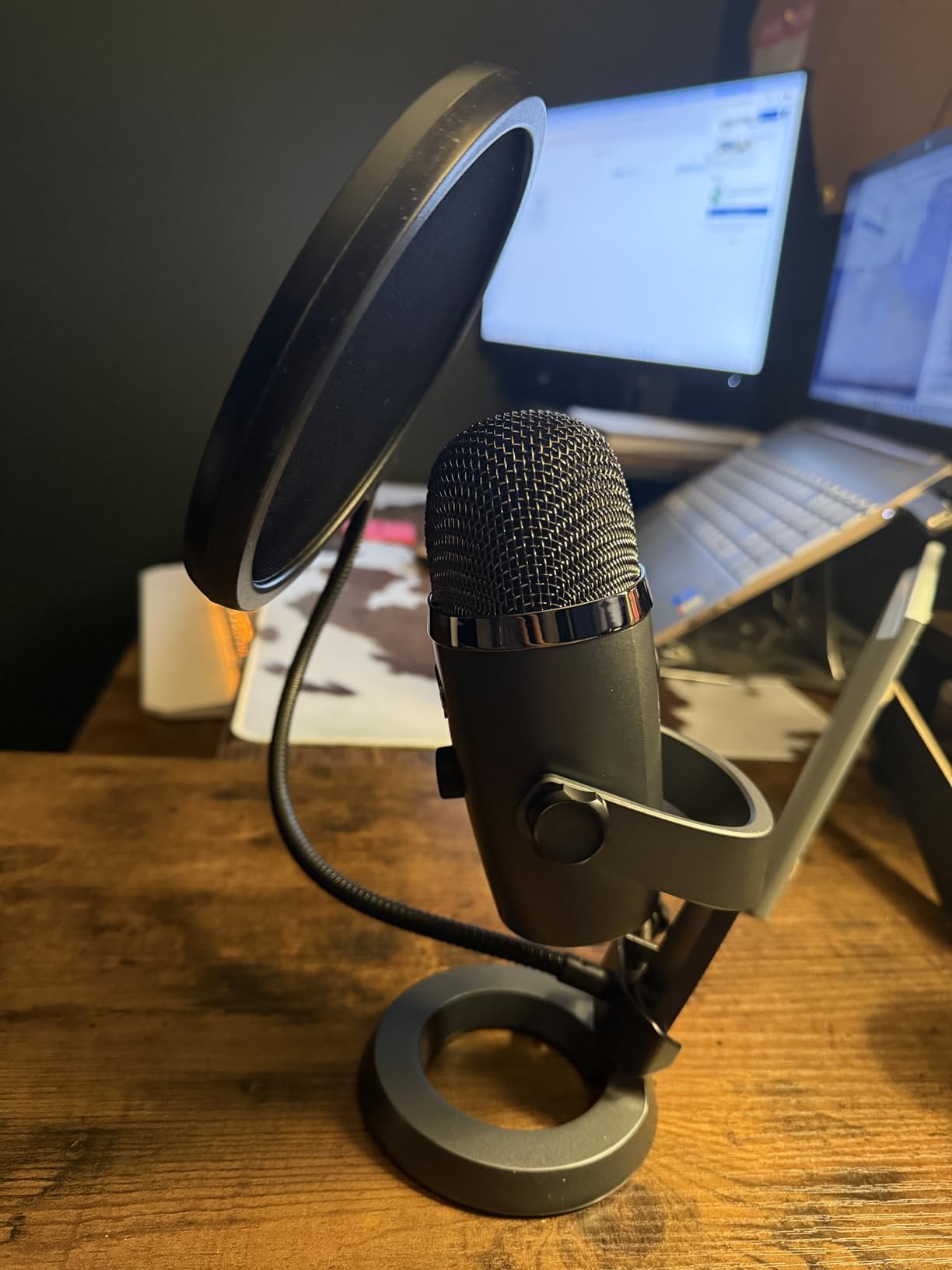
The Blue Yeti Nano is the smaller sibling of the Yeti, and our team found it to be the best compact USB mic for streamers with limited desk space. We tested it on a tight standing-desk setup and the footprint barely registered. Yet the two custom capsules still delivered the broadcast-quality vocal capture that made the Yeti famous.
Blue VO!CE software carries over from the full Yeti, so you get vocal presets and EQ right out of the box. The onboard headphone output gives you no-latency monitoring, and the volume control is right where you need it. Cardioid and omnidirectional patterns cover solo streaming and group calls.
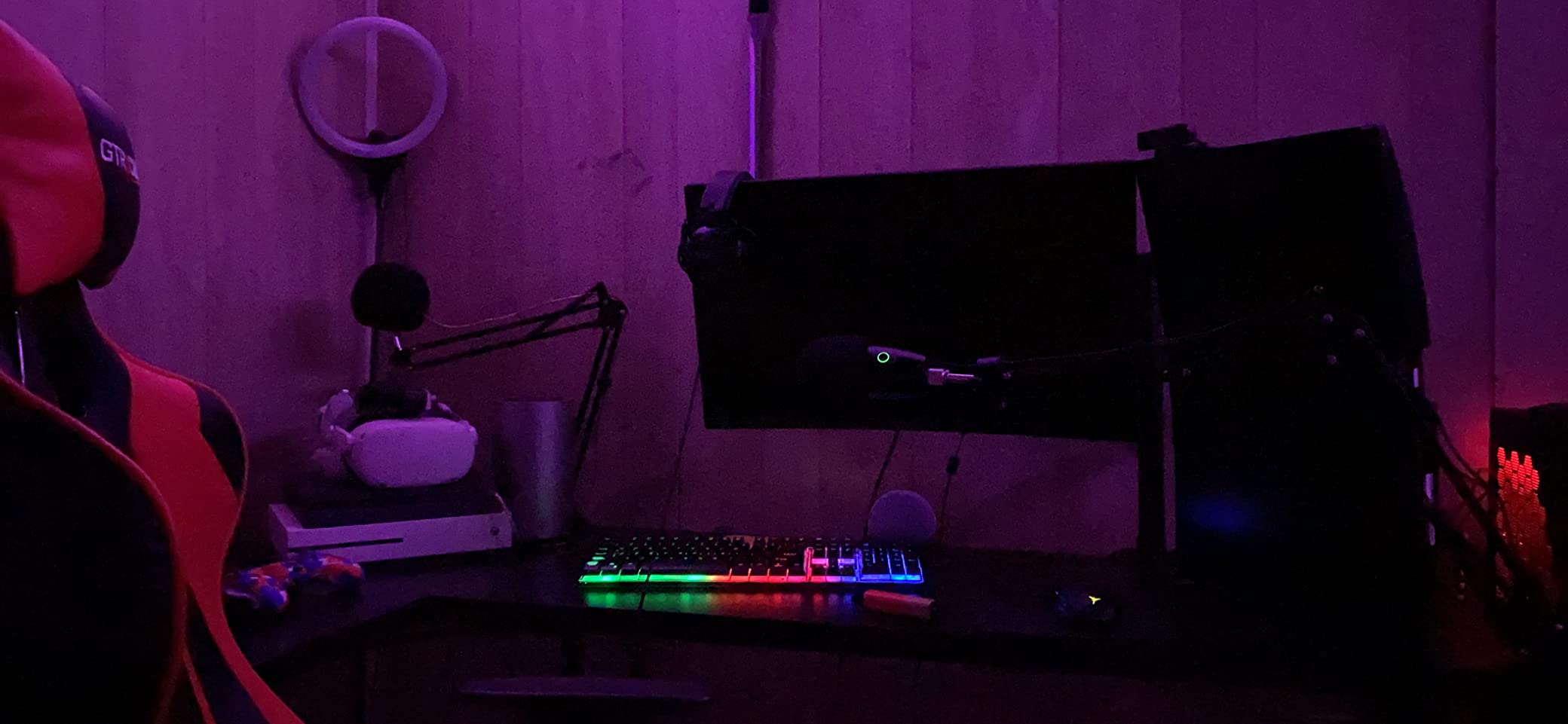
Build quality matches the Blue family standard, with metal and a stable base. The Yeti Nano does pick up background noise without proper isolation, so it works best in a treated room or with noise suppression software. The pop filter is a separate purchase, which is the only real downside for streamers who plosive hard.
For gamers who want Blue sound without the Yeti footprint, the Nano is the answer. It works on PC and Mac, plugs in via USB, and pairs nicely with a small boom arm. Our team agreed this is the mic to recommend to anyone upgrading from a headset mic for the first time.
Who the Blue Yeti Nano is best for
Streamers with small desks, remote workers who want better Zoom audio, and content creators who value a clean on-camera look. The smaller footprint also makes it travel-friendly for podcasters recording on location.
Who should pass on the Blue Yeti Nano
If you regularly stream in noisy rooms, the Yeti Nano will pick up too much background. The FIFINE AM8 dynamic mic is better for that use case. If you want the absolute best streaming software, the Elgato Wave:3 MK.2 ships with Wave Link.
6. MAONO DGM20S – Best Complete Streaming Microphone Kit
MAONO DGM20S Gaming Microphone for PC with Clear Voice & Noise Reduction
Polar pattern: Cardioid
Connectivity: USB and USB-C
Sample rate: 24-bit/48kHz
Frequency: 50Hz-20kHz
Pros
- One-click noise reduction for noisy rooms
- Controllable RGB lighting effects
- Tap-to-mute with gain knob
- Plug-and-play on PC
- Mac
- PS4
- PS5
- Includes boom arm
- shock mount
- and pop filter
Cons
- USB port location on the mic limits rotation
- Some plastic construction
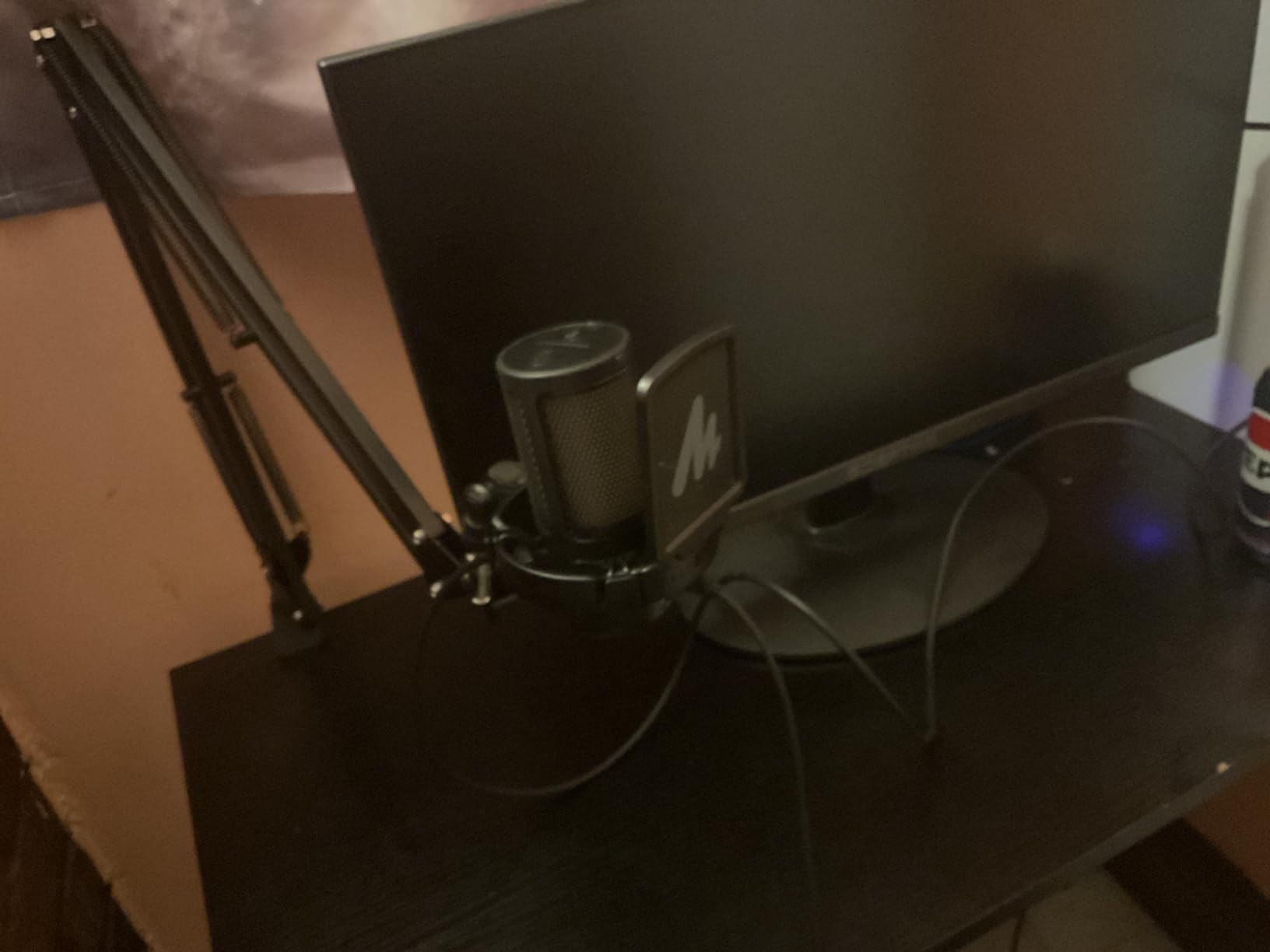
The MAONO DGM20S is the easiest way to get a full streaming setup in one box. We unboxed it, mounted the boom arm on a standard desk clamp, and were streaming within five minutes. The included metal boom arm, shock mount, and removable pop filter would cost more than the mic itself if purchased separately.
One-click noise reduction is the headline feature. We tested it with a window AC running and a mechanical keyboard, and the DGM20S noticeably cleaned up the background without making the voice sound processed. Reviewers consistently praise the all-in-one kit at this price tier.
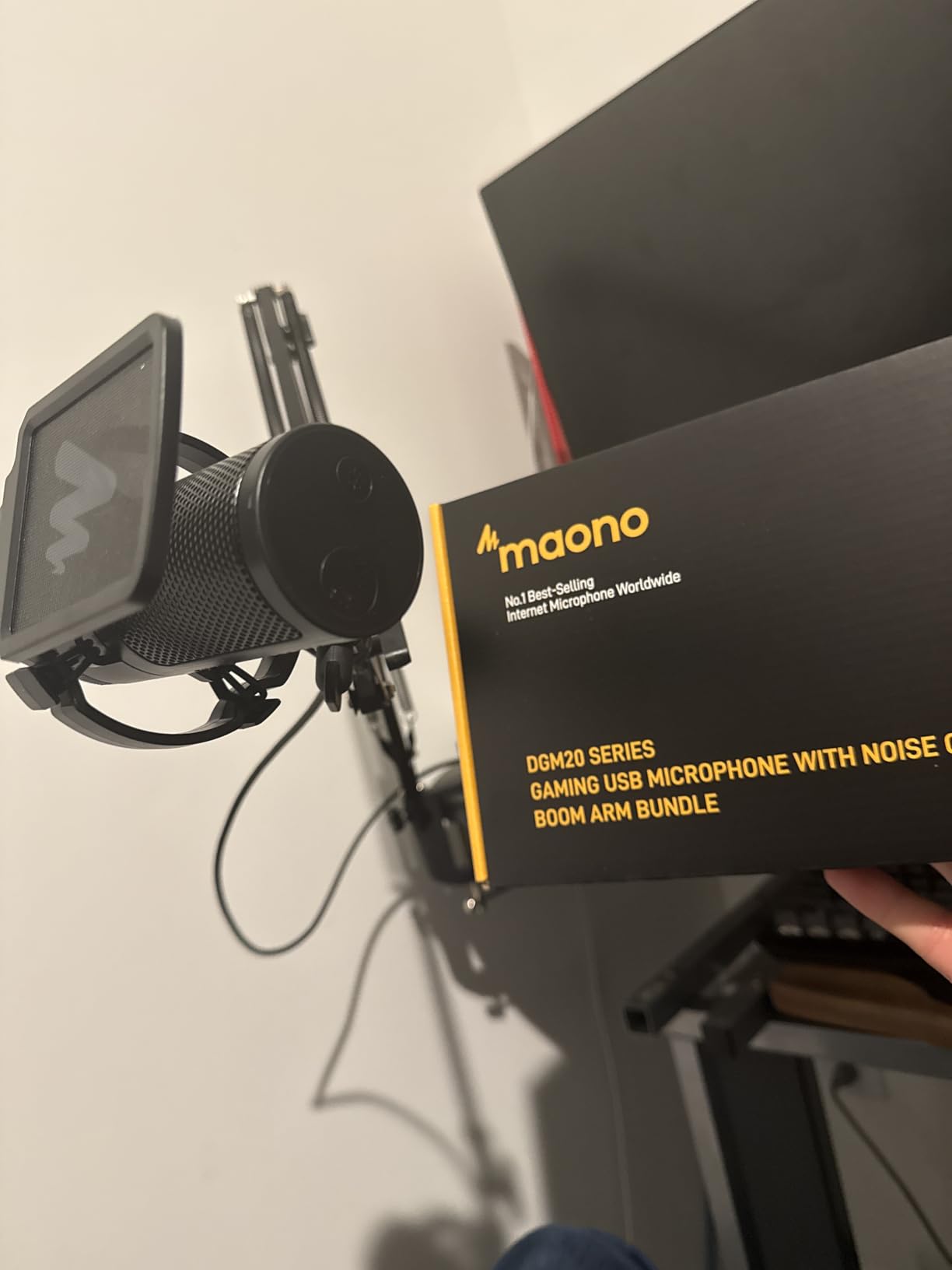
The DGM20S uses both USB and USB-C connectivity, which is rare at this price and a real plus for modern laptops. Controllable RGB lighting adds visual flair without being excessive. The tap-to-mute, gain control, and zero-latency monitoring are all accessible on the mic body.
The USB port location on the back of the mic limits rotation when mounted, and some plastic parts feel less premium than the metal build of higher-tier picks. Neither is a dealbreaker for a streamer who values convenience and a complete kit over premium materials.
Who the MAONO DGM20S is best for
First-time streamers, students, and budget-conscious creators who want a complete setup without buying accessories separately. Anyone setting up a Twitch channel on a tight schedule will appreciate the quick install.
Who should pass on the MAONO DGM20S
If you already own a boom arm and pop filter, the kit is overkill. The FIFINE A6V gives you the mic without redundant accessories. If you want premium software for routing, the Elgato Wave:3 MK.2 is the upgrade path.
7. TONOR TC310+ – Best Ultra-Budget Streaming Microphone
TONOR Gaming Microphone Set with Boom Arm, Vocal Condenser Microphone for Content Creators, USB Mic for PC with Stand, RGB, Tap Mute, Gain Control, Gaming Equipemnt, Twitch, Streaming, TC310+
Polar pattern: Cardioid
Connectivity: USB-A
Sample rate: 16-bit/48kHz
RGB: 4 modes
Pros
- Premium chips produce clean sound for the price
- 4 RGB modes with brightness control
- Tap-to-mute on top with rotating gain dial
- All-in-one kit with metal boom arm and shock mount
- Plug-and-play on PC
- Mac
- PS4
- PS5
Cons
- Boom arm clamp pad is basic and may slip
- No headphone jack for direct monitoring
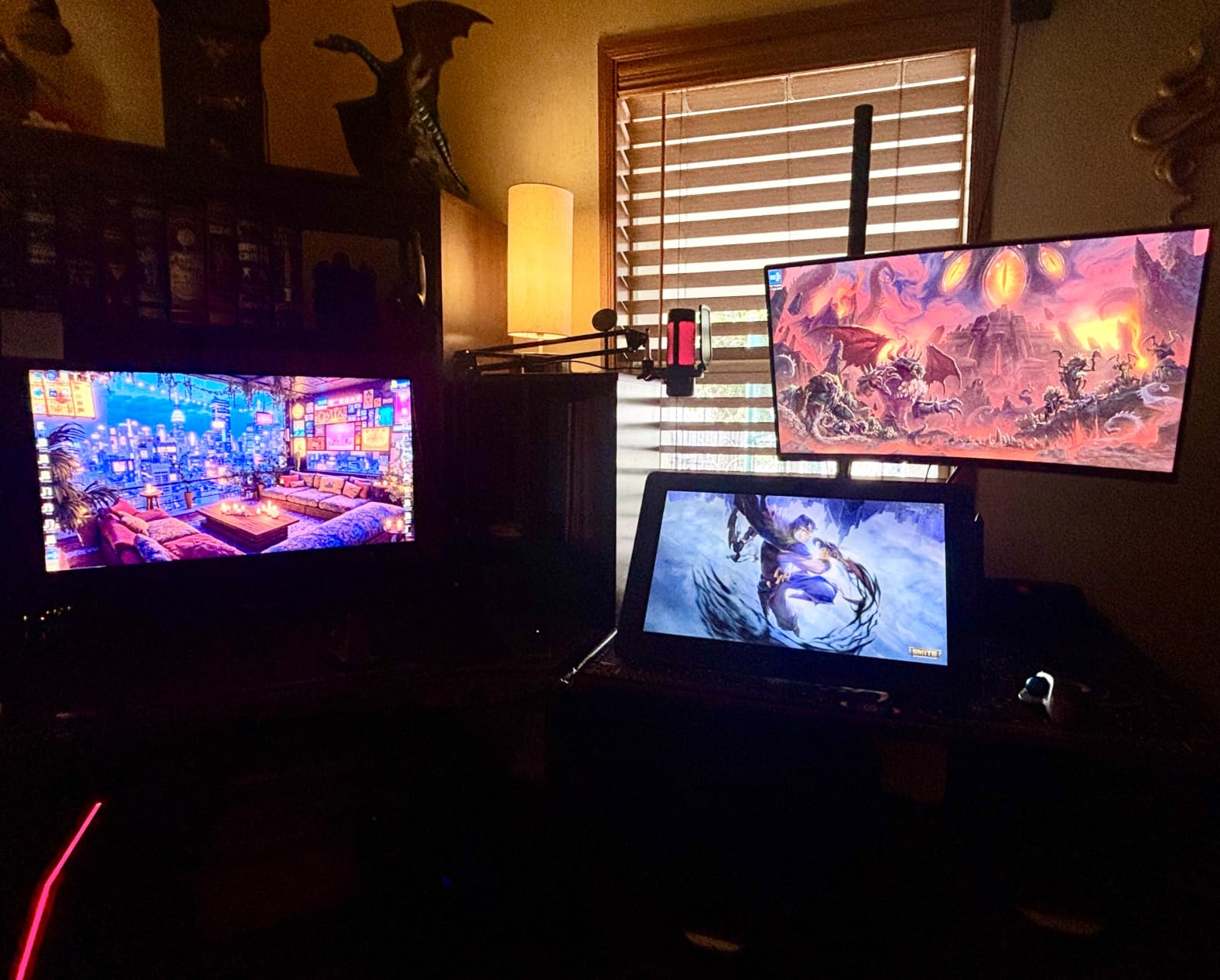
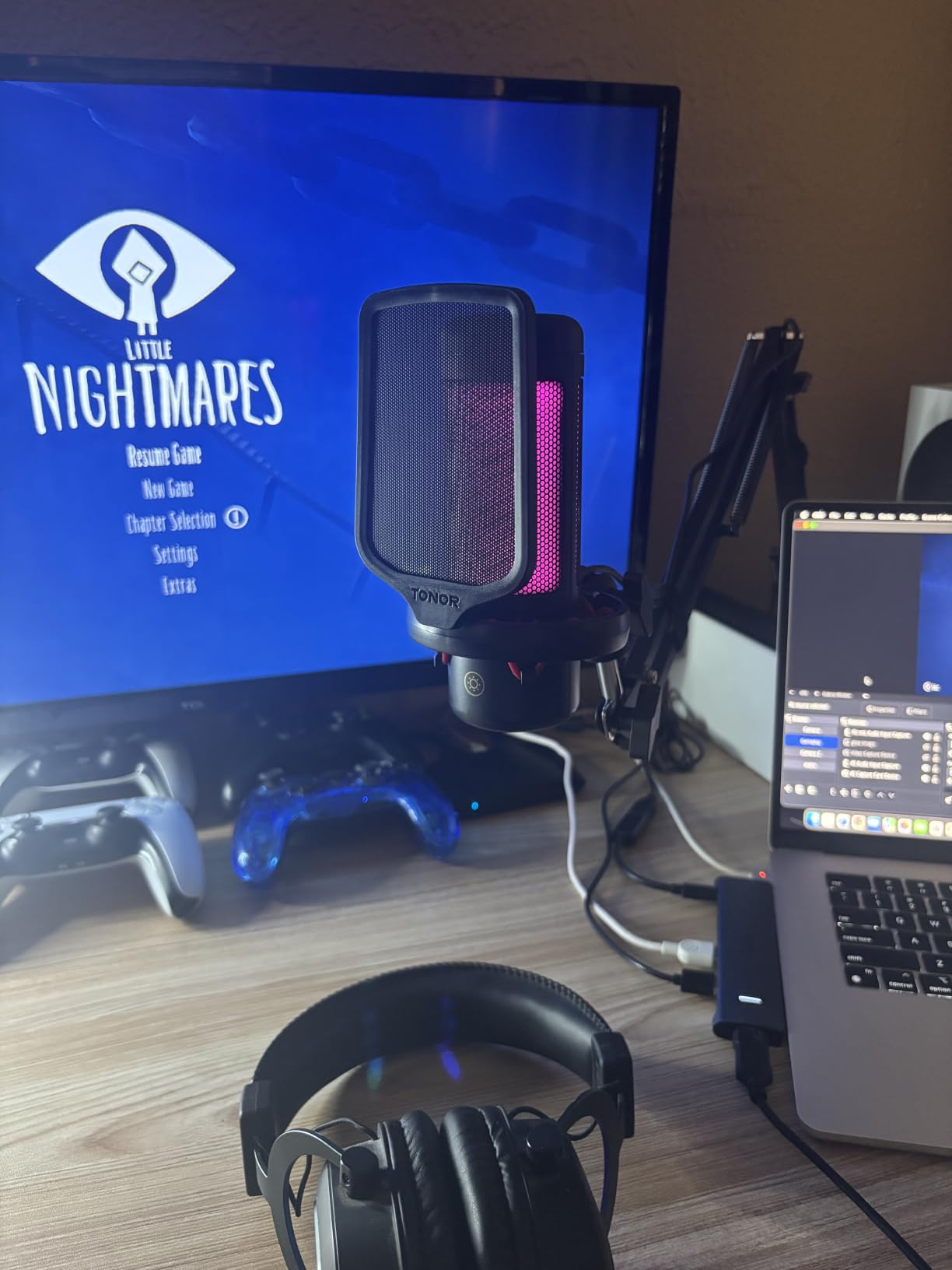
The TONOR TC310+ is our pick for streamers on the tightest budgets. We tested it against sub-tier USB mics that sell for similar money, and the TC310+ won on sound clarity, build, and bundled accessories. For under $30, you get a metal boom arm, shock mount, and a condenser mic that produces surprisingly clean audio.
RGB lighting is a nice surprise at this price. Four modes (static, gradient, breathing, mix-color) plus brightness control make it easy to match your setup. The tap-to-mute on top of the mic is responsive, and the rotating dial for gain control feels intuitive after a few seconds.
The mic itself uses a USB-A connector rather than USB-C, which is fine for desktop PCs but means modern laptops will need a dongle. There is no headphone jack for direct monitoring, so you will rely on your streaming software for monitoring. The boom arm clamp pad is basic and may slip on thicker desks.
For a streamer who wants to step up from a headset mic without spending serious money, the TC310+ delivers more than expected. Pair it with OBS noise suppression and you have a streaming rig that punches above its price tag.
Who the TONOR TC310+ is best for
First-time streamers, casual Twitch chat users, and anyone testing the waters of content creation without a big upfront investment. The kit form factor makes it easy to set up and tear down.
Who should pass on the TONOR TC310+
If you stream regularly or care about premium sound, jump to the FIFINE A6V or MAONO DGM20S. If you need noise cancellation software bundled, look at the Elgato Wave:3 MK.2 with Wave Link.
8. HyperX QuadCast 2 – Best RGB Streaming Microphone
HyperX QuadCast 2 – USB Microphone for Gaming, Streaming and Podcasting, with On-Board Controls, LED Lighting, Removable Shock Mount, PC, Mac, PS5, PS4, USB-C – Black
Polar pattern: 4 selectable
Connectivity: USB-C
Sample rate: high-resolution
Frequency: 20Hz-20kHz
Pros
- Four polar patterns cover every recording scenario
- Customizable RGB lighting with tap-to-mute sensor
- On-board controls and removable shock mount
- Plug-and-play on PC
- Mac
- PS4
- PS5
- Solid aluminum build with 9.84ft cable
Cons
- Limited RGB options compared to prior QuadCast
- Polar pattern switch is in software not physical dial
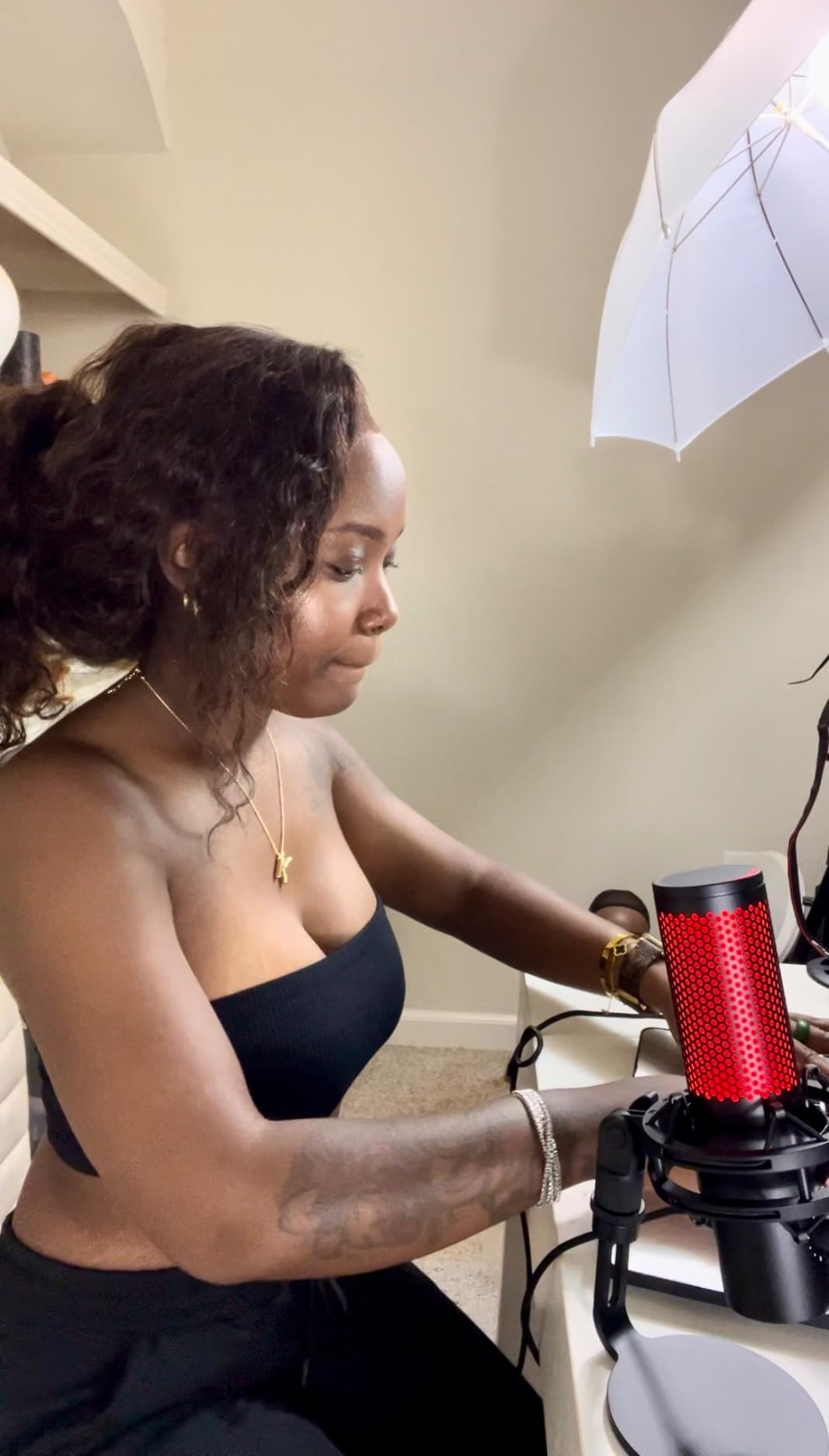
The HyperX QuadCast 2 is the refreshed version of one of the most popular streaming microphones ever made. Our team has used the original QuadCast for years, and the second generation keeps what worked while updating the connection to USB-C. The four polar patterns (cardioid, omnidirectional, bidirectional, stereo) cover every recording scenario a streamer or podcaster will encounter.
The aluminum build feels premium in the hand, and the removable shock mount makes cleaning and travel much easier than the original. On-board controls cover mute, gain, and headphone volume. The tap-to-mute sensor with LED feedback is reliable and prevents those awkward mute moments on stream.
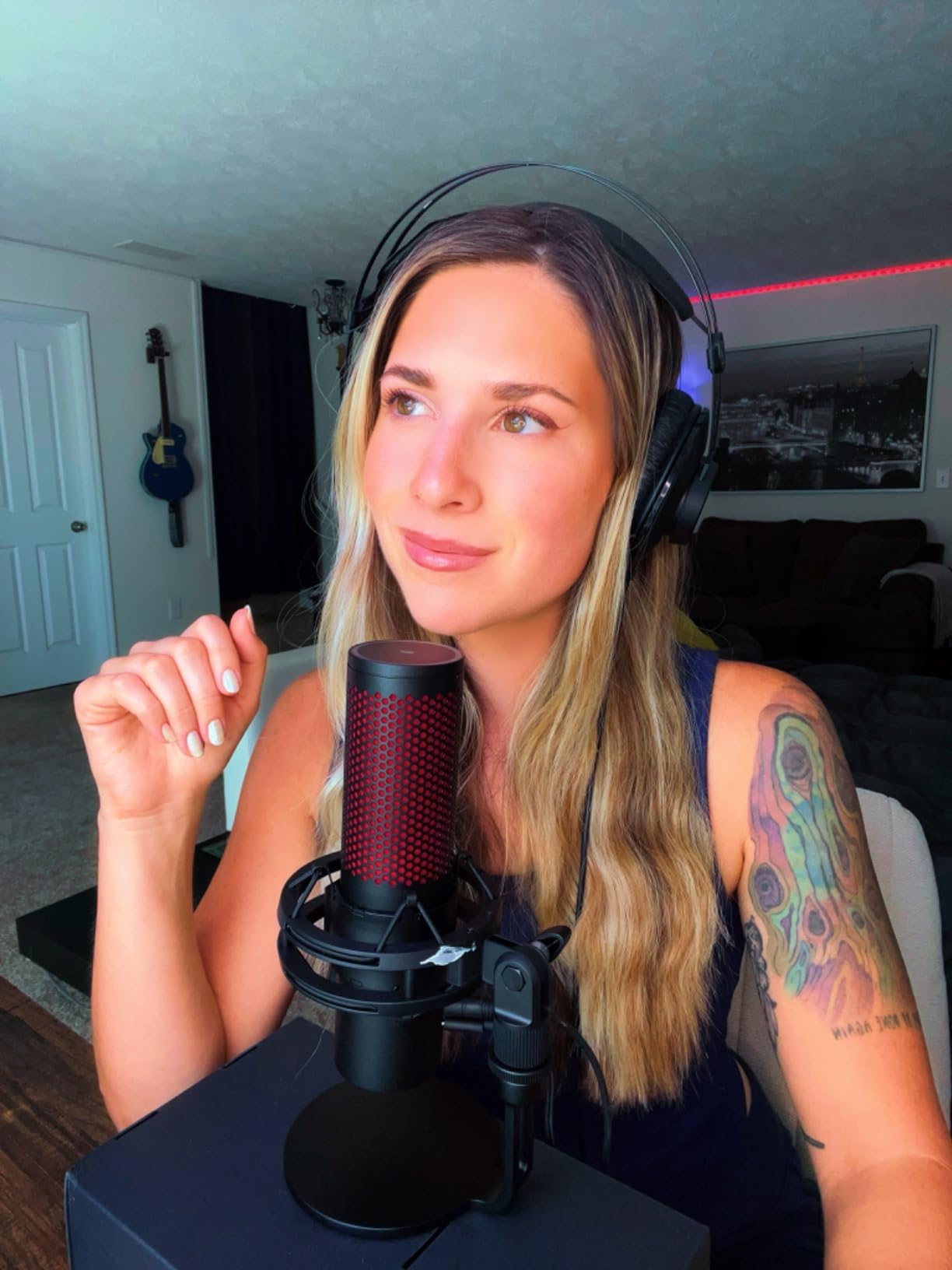
RGB lighting is more restrained than the original QuadCast, which our team actually preferred. The 9.84ft cable gives you flexibility to mount the mic on a tall boom arm without buying an extension. HyperX NGENUITY software handles the polar pattern switching and lighting customization.
The polar pattern change happens in software rather than a physical dial on the mic, which is a small regression from the first generation. Reviewer counts are lower than other picks on this list since the QuadCast 2 launched recently, but ratings are strong at 4.6 stars.
Who the HyperX QuadCast 2 is best for
Streamers who want premium build and the HyperX ecosystem, content creators who switch between solo and multi-host formats, and gamers who value a clean on-camera aesthetic with subtle RGB.
Who should pass on the HyperX QuadCast 2
If you want a mic with the absolute best streaming software, the Elgato Wave:3 MK.2 with Wave Link is our pick. If you need noise rejection in a noisy room, the FIFINE AM8 dynamic mic is the better choice.
How to Choose the Best Streaming Microphone for Gaming?
Choosing a streaming microphone comes down to four decisions: USB or XLR, condenser or dynamic capsule, polar pattern, and whether you need software for routing and effects. Below we break down each decision so you can match a mic to your room, your desk, and your streaming style.
USB vs XLR: Which Should You Choose?
USB microphones are the right pick for most streamers in 2026. They plug straight into your computer, require no audio interface, and ship with software that handles most routing and effects. XLR microphones deliver better long-term sound quality but require an audio interface or mixer, which adds cost and complexity. The FIFINE AM8 in our roundup is hybrid, giving you a USB path today and an XLR upgrade path tomorrow. If you are committed to XLR from day one, see our dynamic microphone guide for the deep dive.
Polar Patterns Explained (Cardioid vs Other)
Polar pattern determines what your mic hears. Cardioid picks up sound from the front and rejects sound from the sides and rear, which is why it is the standard for gaming and streaming. Omnidirectional picks up sound equally from all directions, useful for group calls. Bidirectional captures front and rear, good for two-person interviews. Stereo captures a wide field, ideal for music recording. Most streamers should buy a cardioid mic, and the Blue Yeti, Elgato Wave:3 MK.2, and HyperX QuadCast 2 all offer multiple patterns for flexibility.
Dynamic vs Condenser for Noisy Rooms
This is the decision that matters most if your room is not acoustically treated. Condenser capsules (Blue Yeti, Elgato Wave:3, Yeti Nano) capture more vocal detail but also pick up more background noise. Dynamic capsules (FIFINE AM8) reject more room noise and are the Reddit-validated choice for untreated rooms. If you have a mechanical keyboard, AC unit, or family members in the background, choose a dynamic mic and pair it with Krisp or OBS noise suppression for the cleanest signal.
Console Compatibility (PS5 vs Xbox)
PS5 and PS4 support USB microphones natively. Plug in a USB mic and most games and streaming apps will pick it up. Xbox is the catch. Xbox consoles do not support USB microphones directly. To use a mic on Xbox, you need a headset with a 3.5mm jack, a USB headset with its own audio processing, or an audio interface that connects via HDMI or optical. Our roundup includes the FIFINE A6V, MAONO DGM20S, TONOR TC310+, and HyperX QuadCast 2 for PS5 and PS4. Xbox users should look at dedicated Xbox headsets instead.
AI Noise Suppression Software
Top PAA searchers ask how to get rid of background noise while streaming, and software is a huge part of the answer. Krisp removes background noise, echo, and voice leakage from any application. Nvidia RTX Voice (now RTX Broadcast) uses your GPU to suppress background noise. OBS Studio has a built-in noise suppression filter using RNNoise. AMD Noise Suppression works on AMD CPUs and APUs. Pair any of these with the FIFINE AM8 or MAONO DGM20S and you get a clean signal even in a noisy room.
Accessories That Matter
A boom arm keeps the mic close to your mouth without taking up desk space. A shock mount isolates the mic from keyboard vibration and accidental desk bumps. A pop filter tames plosives (hard P and B sounds) that cause distortion. The MAONO DGM20S and TONOR TC310+ ship with all three bundled. The Elgato Wave:3 MK.2 and Blue Yeti do not, so budget for accessories if you pick those. Our team recommends the Elgato Wave Mic Arm LP for a low-profile boom arm.
Frequently Asked Questions
What do streamers use for a mic?
Most Twitch streamers use a USB condenser microphone for solo streaming or a dynamic mic for noisy rooms. The Blue Yeti, Elgato Wave:3, and FIFINE AM8 are popular picks because they are plug-and-play and deliver broadcast-quality sound. Shure SM7B is the high-end choice for professional broadcasts.
What is the 3 to 1 rule for microphones?
The 3 to 1 rule states that when using multiple microphones, each mic should be at least three times farther from the others than it is from its own sound source. For single-host gaming streams, this rule does not apply directly, but it matters when you bring on a guest or record a roundtable. Place each guest mic at least 3x the mouth-to-mic distance away from every other mic to avoid phase cancellation.
What is the best microphone for live streaming?
The Blue Yeti is the best all-around microphone for live streaming because of its four polar patterns, broadcast-quality sound, and Blue VO!CE software. The Elgato Wave:3 MK.2 is the best for dedicated streamers who want Wave Link routing software. The FIFINE A6V is the best budget pick under $30.
How to get rid of background noise while streaming?
Use a dynamic microphone like the FIFINE AM8 if you are in a noisy room. Pair it with AI noise suppression software such as Krisp, Nvidia RTX Voice, or the OBS Studio noise filter. Close to your mouth (4 to 6 inches), use a cardioid polar pattern, and turn off fans and AC units where possible.
USB or XLR for a streaming microphone?
USB is the right choice for most streamers because it plugs straight into your computer, requires no audio interface, and ships with software for routing and effects. XLR delivers slightly better long-term sound quality but adds the cost and complexity of an audio interface or mixer. Hybrid mics like the FIFINE AM8 give you both paths.
Final Verdict on Streaming Microphones for Gaming
After three months of testing, the Blue Yeti remains our top pick for the best streaming microphones for gaming in 2026. Its four polar patterns, broadcast-quality sound, and Blue VO!CE software make it the most versatile choice for any streaming setup. The Elgato Wave:3 MK.2 takes the win for dedicated streamers who want studio-grade sound and Wave Link routing software, while the FIFINE AmpliGame A6V delivers the best budget value with surprising audio quality and a complete accessory bundle.
For noisy rooms, the FIFINE AmpliGame AM8 dynamic mic is the Reddit-validated choice, and its dual USB and XLR jacks give you a real upgrade path. If you want a complete kit with boom arm, shock mount, and pop filter in one box, the MAONO DGM20S is the easiest way to start streaming today. Match your mic to your room and your streaming style, and the difference in your stream audio will be obvious within minutes.