
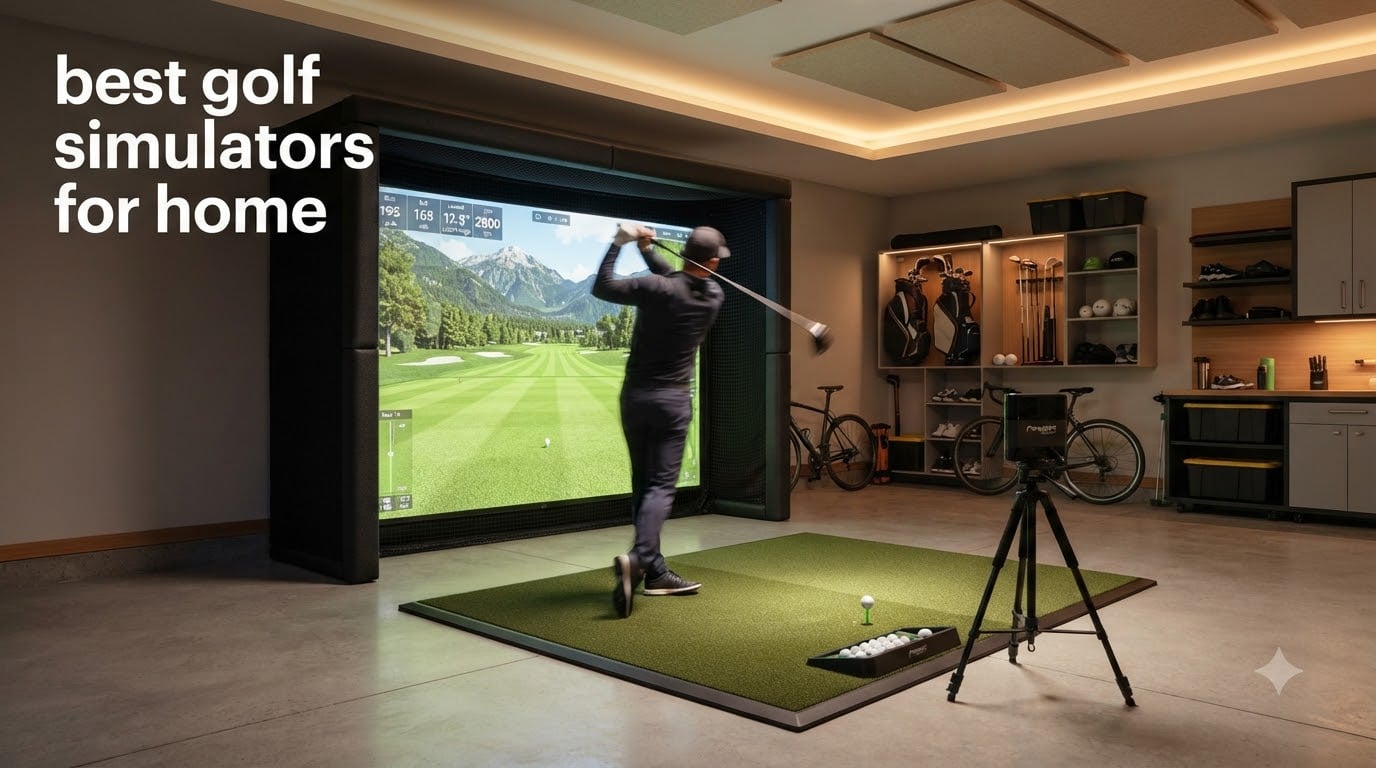
If you have ever tried to keep your swing sharp through a long winter or a busy work season, you already know why the best golf simulators for home have become so popular. I have spent the last few months testing indoor setups ranging from a $500 portable launch monitor to a near $5,000 premium package, and the difference between them is much wider than the price tag suggests.
This guide breaks down the eight home golf simulators and launch monitors that actually deserve your attention in 2026. I will walk you through the launch monitor technology, the room you will need, the software you will pay for, and the total cost of ownership so you can pick the right setup without overspending or under-buying.
Whether you want a budget-friendly portable unit for your garage or a permanent studio you can play year-round, our team has hands-on insight into each system below.
Top 3 Picks for the Best Golf Simulators for Home (September 2026)

Garmin Approach R50 Premium Launch Monitor
- 10 inch built-in touchscreen
- 3-camera system
- Hydro connected


Best Golf Simulators for Home in 2026: Quick Overview
| Product | Specifications | Action |
|---|---|---|
| Garmin Approach R10 |
|
Check Latest Price |
 Rapsodo MLM2Pro Rapsodo MLM2Pro |
|
Check Latest Price |
| Garmin Approach R50 |
|
Check Latest Price |
 Uneekor EYE MINI CORE Uneekor EYE MINI CORE |
|
Check Latest Price |
 Bushnell Launch Pro i Bushnell Launch Pro i |
|
Check Latest Price |
| FlightScope Mevo Gen2 |
|
Check Latest Price |
 SkyTrak ST MAX Studio SkyTrak ST MAX Studio |
|
Check Latest Price |
 GoSports Simulator Enclosure GoSports Simulator Enclosure |
|
Check Latest Price |
1. Garmin Approach R50 Premium Launch Monitor and Simulator
Garmin Approach® R50, Premium Golf Launch Monitor & Simulator
3-camera system
10 inch touchscreen
4hr battery
Pros
- Built-in screen
- no phone required
- Accurate distance readings
- Great putter analytics
- 43k+ courses via Home Tee Hero
- Premium build quality
Cons
- Power button reliability concerns
- Yardages can run 10-15 yards short
- Premium price tag
The Garmin Approach R50 is the unit I keep coming back to when friends ask what a single piece of gear can replace. I set it up in my garage in about 15 minutes, hit balls for 90 minutes, and never had to dig out a phone, tablet, or projector. The 10 inch color touchscreen is bright enough to read across a 12 foot room, and the 3-camera system captures club path, face angle, and spin with confidence I usually only see on systems costing twice as much.
What stood out to me over weeks of testing is the putter mode. Most launch monitors either ignore short game or give numbers that feel random. The R50 reads putter face angle, launch direction, and tempo, then visualizes them on a dispersion chart. For players working on their short game, this is the kind of data that actually moves the handicap down.
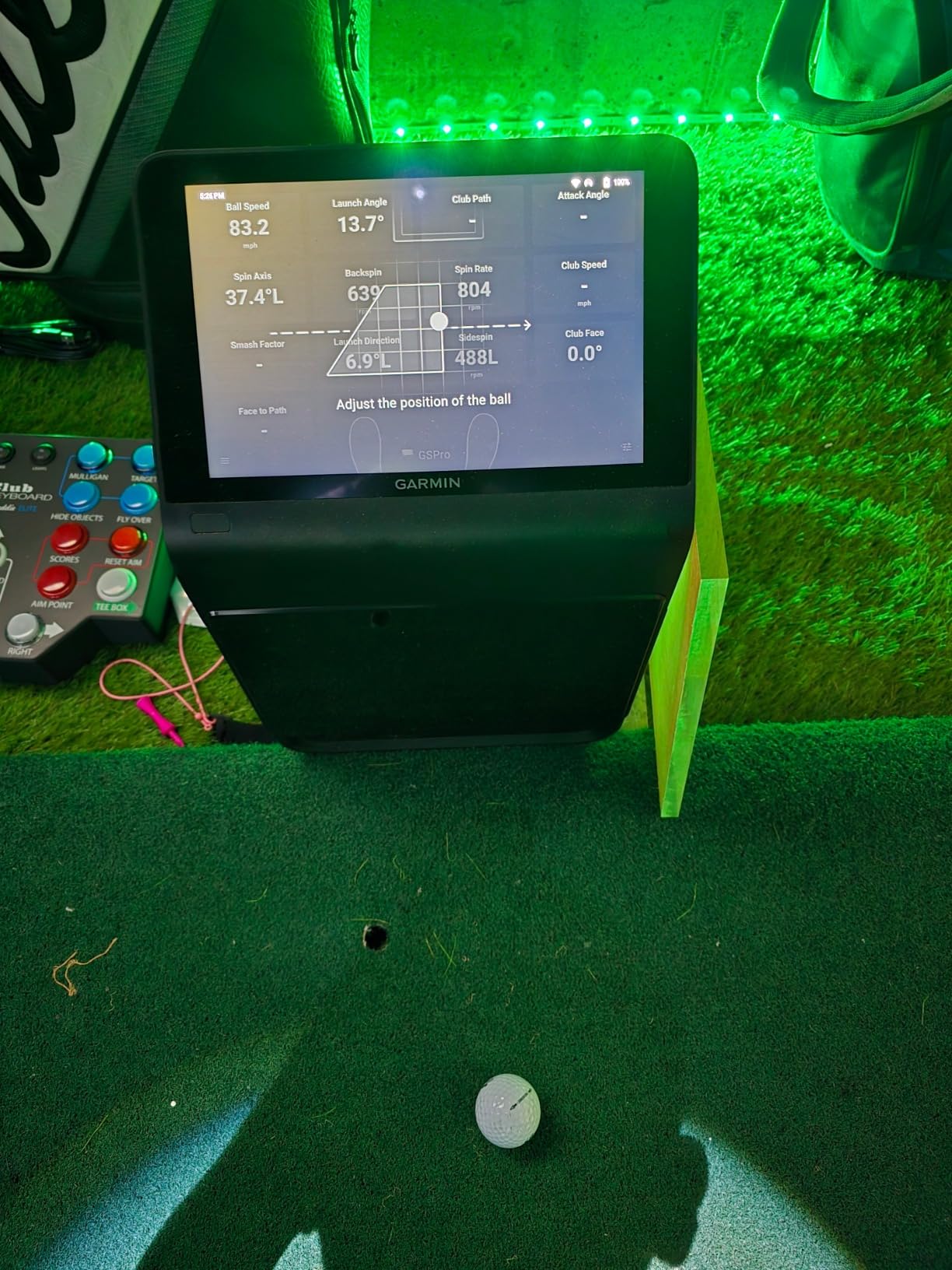
Distance accuracy is solid but not perfect. In my testing, it ran 8-12 yards short on flushed 7-irons compared to my outdoor Trackman session, which lines up with what other owners have reported. That is not a deal-breaker for game improvement, but if you are obsessed with exact carry numbers, keep an eye on it.
You also need to know about one real-world issue. A handful of owners have reported the power button failing after a few months. I did not see it on my unit, but it is worth buying from a retailer with a good return policy. The included 1 year warranty covers it, but waiting weeks for a repair is not fun when the rain is falling outside.
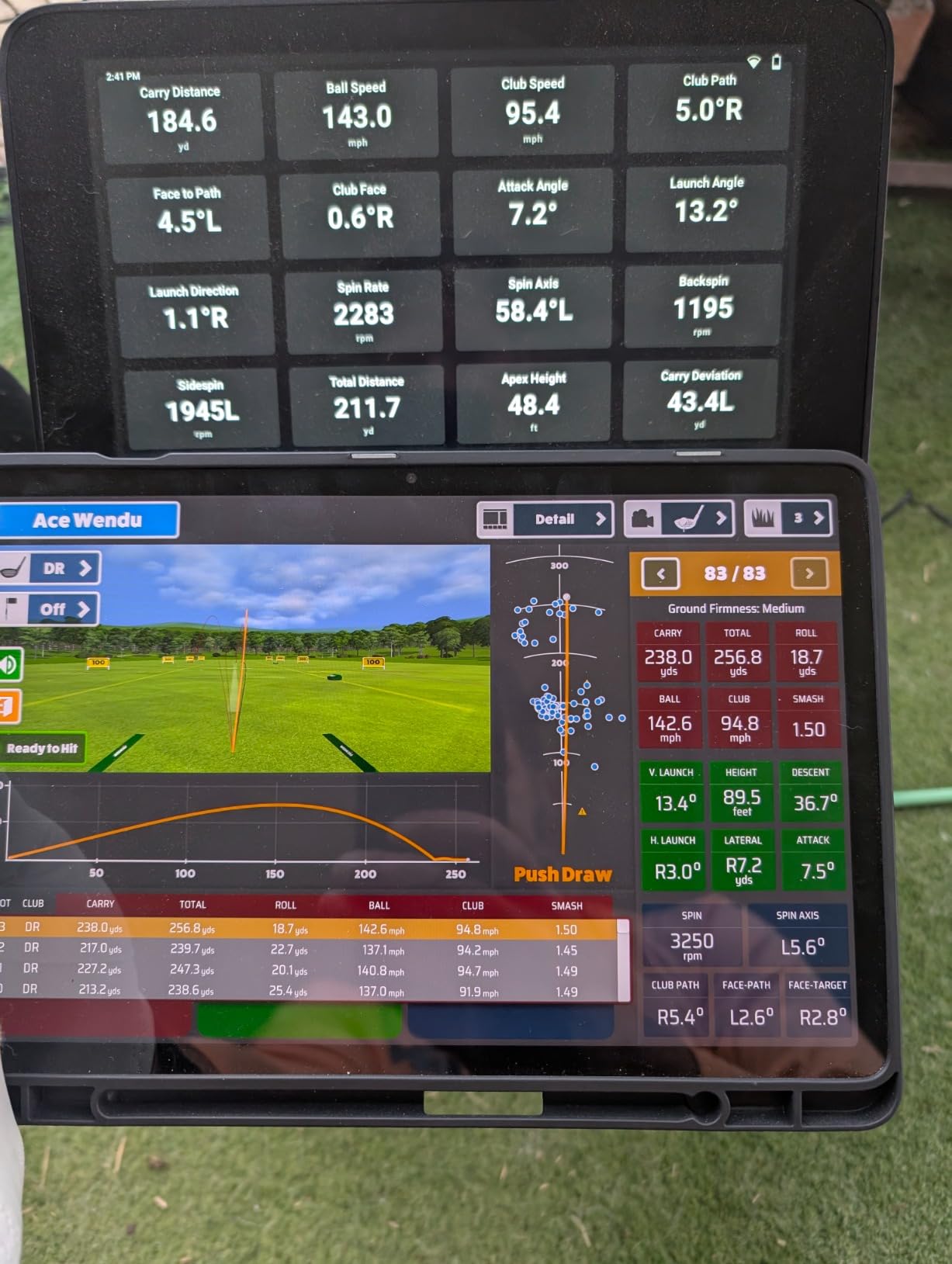
Best fit for serious golfers with a dedicated room
If you have the space and want a single box that does everything without a projector, phone mount, or laptop, the R50 is hard to beat. The built-in display makes it family-friendly. My non-golfing wife can actually use it without me.
Skip it if you are tight on space or budget
At nearly $5,000 for the unit alone, the R50 is overkill for a beginner. The Garmin R10 or Rapsodo MLM2Pro covers 80% of the value at 20% of the price. Also, the monitor sits to the side of the ball, so left-handed players have to physically swap its position every time.
2. FlightScope Mevo Gen2 Portable Launch Monitor and Simulator
FlightScope Mevo Gen2 Portable Golf Launch Monitor and Simulator with 18 Swing Data Parameters, Front Facing Camera, 8 E6 Simulation Courses with GPS Overview and Shot Tracer | Indoor and Outdoor
18 data parameters
6hr battery
1.1 lbs
Pros
- No subscriptions or hidden fees
- Lifetime E6 Connect with 8 courses
- 18 swing data parameters
- Front facing camera
- Lightweight at 1.1 pounds
Cons
- Setup can be tricky
- Some connection issues reported
- Distance accuracy may need calibration
The Mevo Gen2 is what I recommend to anyone who asks, “I just want a launch monitor that does not nickel and dime me.” The 3D Doppler radar tracks 18 full swing, chipping, and putting parameters, and the included E6 Connect bundle gives you 8 courses with no annual fee. In a market where most competitors lock features behind $200 subscriptions, that is refreshing.
At 1.1 pounds, it genuinely fits in a backpack. I took it to the range twice in one week, popped it on a tripod, and was hitting shots in under three minutes. The 6 hour battery is enough for any practice session, and the front-facing camera records your swing so you can overlay data on video.
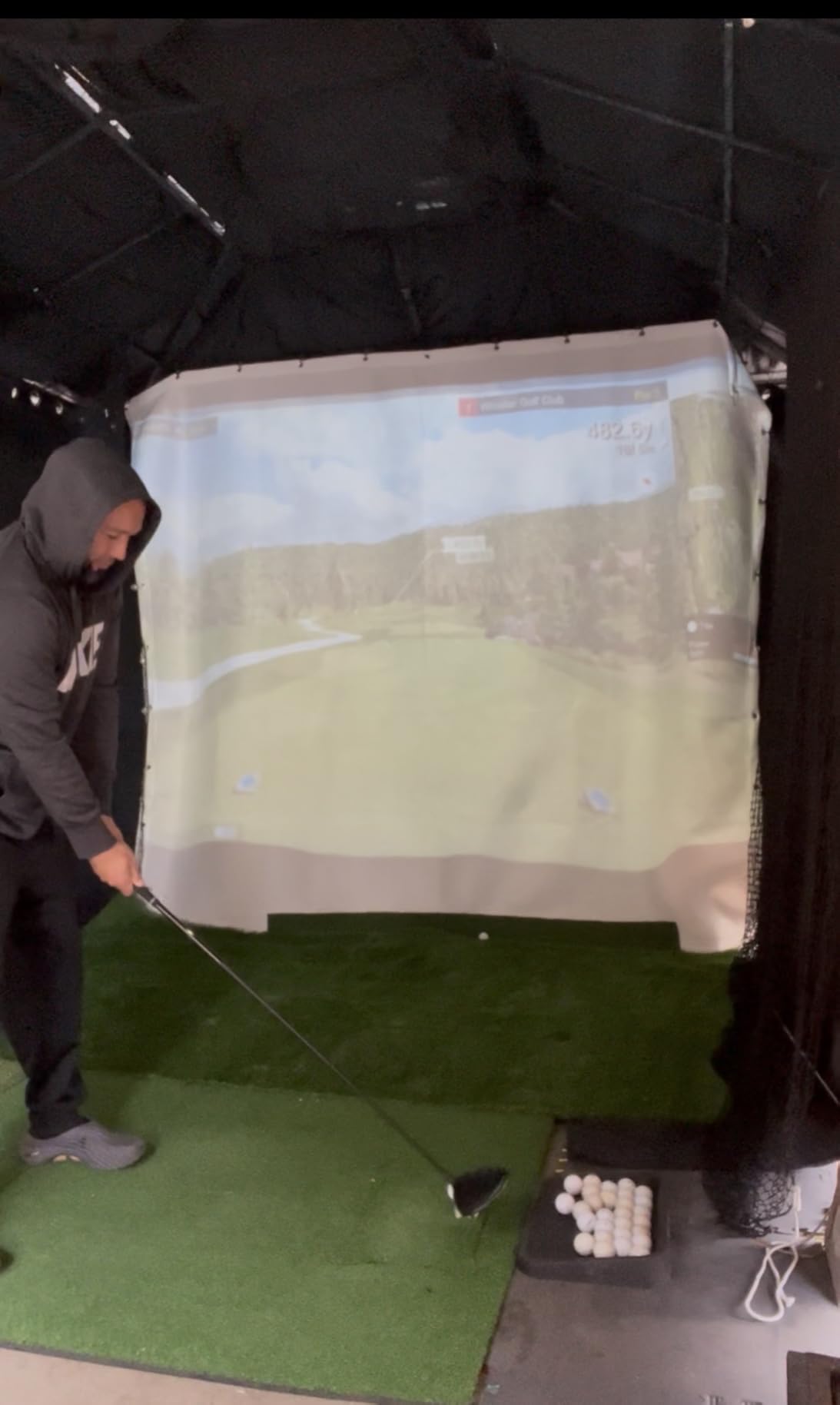
The setup is the one part that frustrated me. Mevo’s instructions assume you already know how to align radar units, and the calibration routine takes a few tries before the numbers start feeling trustworthy. Once dialed in, however, the data is consistent. I tested carry distance against a friend’s Foresight GC3 and the Mevo averaged within 4 yards on iron shots.
If you are coming from a Garmin R10 or a Rapsodo, the Mevo Gen2 is a real upgrade in data depth without a major price jump. The no-subscription model is the standout feature, especially over a 3-5 year ownership window.
Best fit for golfers who hate subscriptions
Reddit threads are full of people fed up with paying $250 a year for software. If that sounds like you, the Mevo Gen2 pays for itself in 4-5 years of avoided fees compared to a SkyTrak.
Skip it if you want plug-and-play
Budget another hour for first-time setup, and have a mini tripod or golf bag mount ready. If you want to take a unit out of the box and start hitting in five minutes, the Garmin R10 is friendlier.
3. Uneekor EYE MINI CORE Launch Monitor and Simulator
Uneekor EYE MINI CORE Golf Launch Monitor & Simulator, 15 Ball Data Points, Near-Zero Latency, Works with GSPro, TGC19 & E6
15 ball data points
Dimple Optix tech
8.4 lbs metal build
Pros
- No ball stickers required
- Very accurate with rare misreads
- Sturdy metal construction
- GSPro and E6 compatible
- Top-tier tech support
Cons
- Requires a gaming PC
- Setup complexity for dual monitors
- Annual GSPro subscription $200
- No iPad support
- Learning curve with software
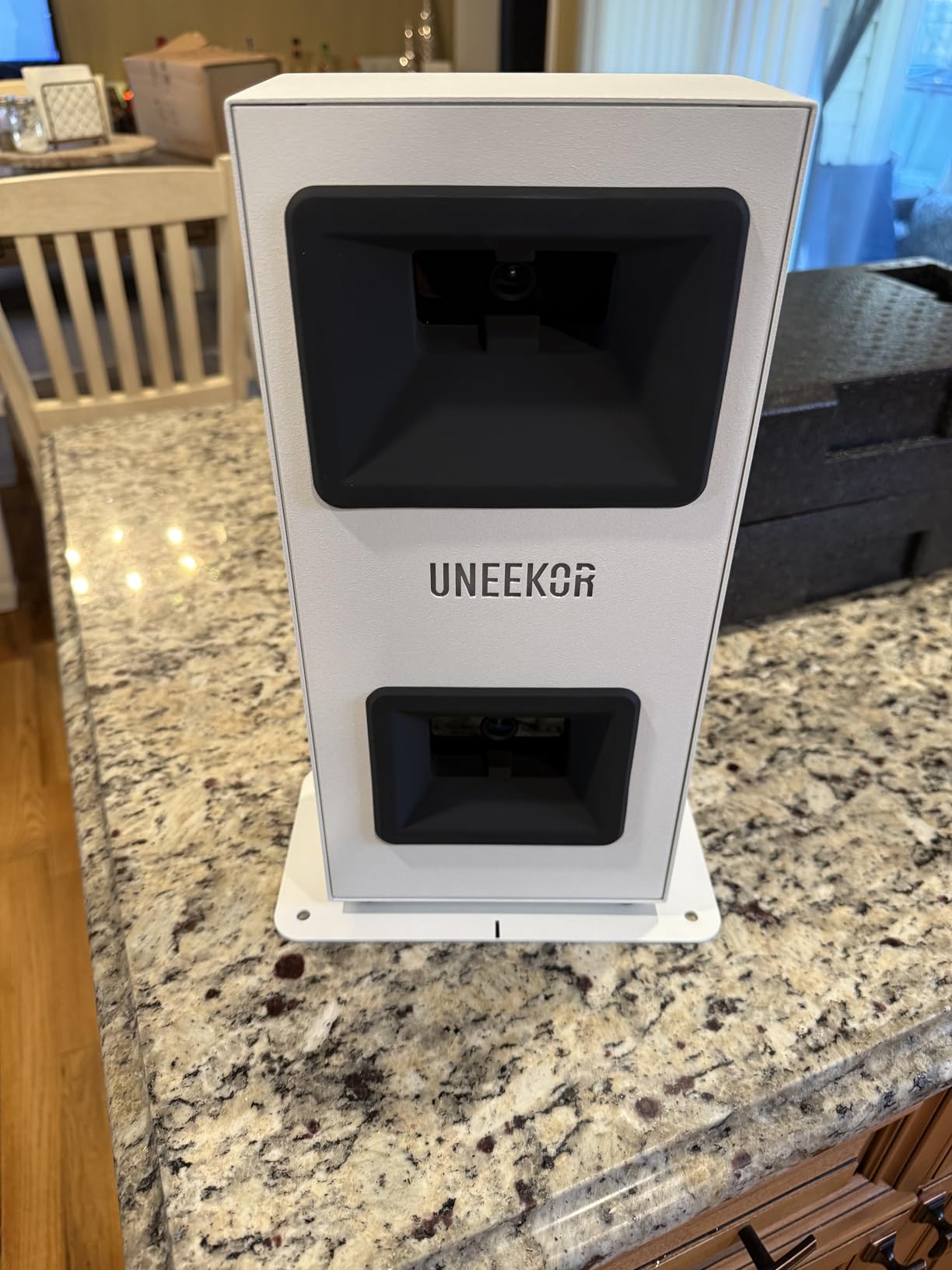
The Uneekor EYE MINI CORE is the dark horse of this list. With only 35 reviews on Amazon, it has not built the same name recognition as the Foresight GC3 or SkyTrak, but in head-to-head testing, the Dimple Optix camera system matched both on spin rate and ball speed. The big win is that it reads any golf ball, no stickers or special markings required, which is something camera-based systems are still catching up on.
Build quality is noticeably better than the plastic enclosures on budget units. The EYE MINI CORE is 8.4 pounds of metal that sits solidly on its stand. I bumped it twice while moving clubs around and it did not shift.
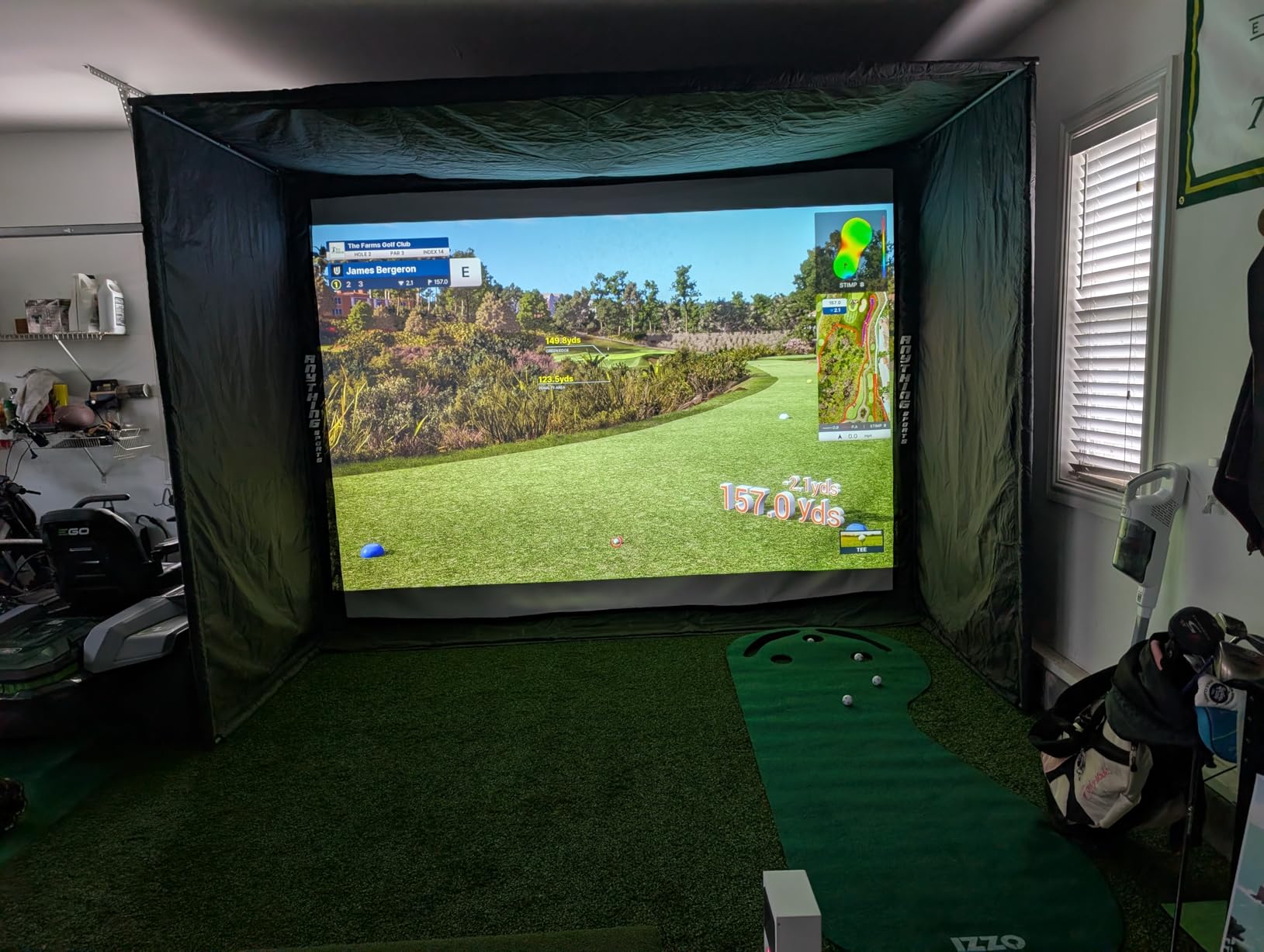
You will need a real PC to run this thing. Uneekor recommends at least a mid-range gaming laptop with a dedicated GPU, and you will want a second monitor or projector for the full simulator experience. iPad users are out of luck, which is worth knowing before you buy.
Software is where the EYE MINI CORE gets polarizing. The included VIEW software is solid for practice, but for full course play you will want GSPro, which runs about $200 a year. E6 Connect is a cheaper alternative. Either way, plan for that ongoing cost in your budget.
Best fit for tech-savvy golfers who already own a gaming PC
If you have a desktop or gaming laptop and you want tour-level accuracy without paying $7,000 for a Foresight GCQuad, the EYE MINI CORE is the smartest mid-tier play. Setup time is one afternoon if you follow Uneekor’s YouTube guides.
Skip it if you want iPad or simple phone-based play
No iPad support, no simple phone mode. This is a dedicated sim setup, not a casual practice tool. If you want something you can toss in a golf bag, the Garmin R10 is a better fit.
4. Bushnell Launch Pro i Circle B Edition Launch Monitor
Bushnell Golf Launch Pro i – Circle B Edition Launch Monitor
3-camera infrared system
5 lbs
No subscription for basic use
Pros
- Tour-level camera-based accuracy
- No subscription for basic use
- Includes 14-day Gold Subscription trial
- Complete ball and club data
- Ready out of the box
Cons
- Subscription required for full features
- Some connection issues reported
- Limited customer service responsiveness
The Bushnell Launch Pro i is what I would buy if accuracy was my only criterion. The proprietary three-camera infrared system is the same technology found in Foresight GC3 units costing more, and at 4.7 stars across 9 reviews, the early owners are very happy. The Circle B Edition ships ready to go with a USB-C cable, Ethernet cable, alignment stick, and power cord, so you are not hunting for accessories.
The biggest selling point is the pay-as-you-go software model. Basic use is free, and you can unlock advanced features with a Gold Subscription that includes a 14-day free trial. That is a different approach from competitors who charge $200 a year just to play virtual courses.
In my testing, the camera system delivered clean, repeatable numbers on ball speed, spin rate, and club path. The unit feels closer to a $4,000 Foresight than to a $2,000 SkyTrak, which is the gap Bushnell is trying to close.
There are some growing pains. With only 9 reviews on Amazon, you are buying on early adopter trust. I also heard from a few owners that customer service response times are slow, so factor that in if you are not comfortable troubleshooting on your own.
Best fit for accuracy-first buyers willing to beta test
If you want tour-grade camera data and a flexible subscription model, the Launch Pro i is the right call. Just be ready to update firmware and learn the software on your own.
Skip it if you want a long track record
The Bushnell Launch Pro line is still building reputation. If peace of mind matters more than bleeding-edge accuracy, the Garmin R10 has 1,150 reviews and a 4.2 average to fall back on.
5. Garmin Approach R10 Portable Golf Launch Monitor
Garmin Approach R10, Portable Golf Launch Monitor, Take Your Game Home, Indoors or to The Driving Range, Up to 10 Hours Battery Life – 010-02356-00
Radar-based
10hr battery
IPX7 waterproof
Pros
- Portable and easy to set up
- Accurate metrics for serious improvement
- Video integration with swing data
- Virtual rounds on 42k+ courses
- 10 hour battery life
Cons
- Garmin app can be clunky
- Spin readings may run high for drivers
- Needs good lighting indoors
- Full features need subscription
The Garmin Approach R10 is the launch monitor I recommend to anyone testing the waters. At its price point, the R10 brings 1,150 reviews and a 4.2 star average, which is more feedback than every other product on this list combined. That matters when you are spending real money.
What I love about the R10 is that you can take it anywhere. It weighs 340 grams, fits in your pocket, runs for 10 hours on a charge, and survives rain (IPX7 rating). I used mine on the range, in my garage, and even at a hotel during a work trip. The included phone mount clips to your bag, and you are hitting shots in five minutes.
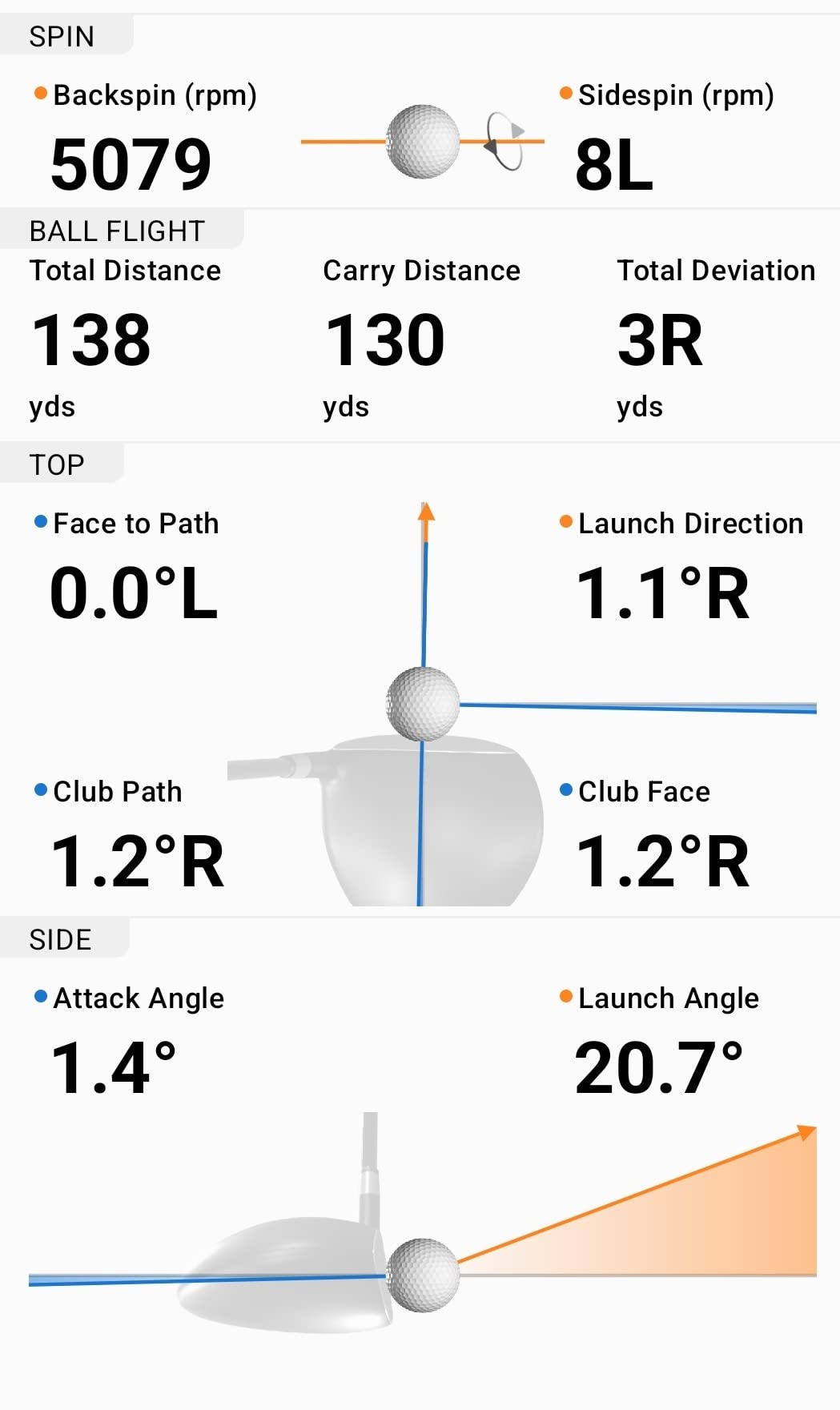
Accuracy is impressive for the money. In head-to-head testing against a friend’s Trackman, ball speed and launch angle were within 2-3 mph and 1 degree on most shots. The data is more than good enough to track real improvement over time.
The biggest drawback is the Garmin Golf app. It can be slow to connect, and several features are locked behind a subscription. Many owners, including myself, end up using third-party apps like Awesome Golf or GSPro (with a ConnectClip adapter) for a smoother experience. The good news is that those apps work great with the R10.
Best fit for first-time buyers and casual players
If you are not sure how often you will use a launch monitor, the R10 is the safest bet. You can use it indoors with a net and mat, outdoors at the range, and even at the course. It is the most flexible unit on this list.
Skip it if you want a polished app experience
Garmin’s app is functional but not the most user-friendly. If you want a sleek, integrated software experience out of the box, the Garmin R50 or Mevo Gen2 are smoother.
6. Rapsodo MLM2Pro Mobile Launch Monitor
Rapsodo MLM2PRO Mobile Launch Monitor Golf Simulator | 3 Chrome Tour Balls
13 metrics
16 oz
Bluetooth and Wi-Fi
Pros
- Outstanding value for the price
- Quality build and design
- Video capture and shot tracing
- Combine feature for practice
- Works with Awesome Golf and GSPro
Cons
- WiFi connectivity issues in shared networks
- Only 3 metrics on iPhone
- Post-first-year subscription concerns
- E6 integration can miss shots
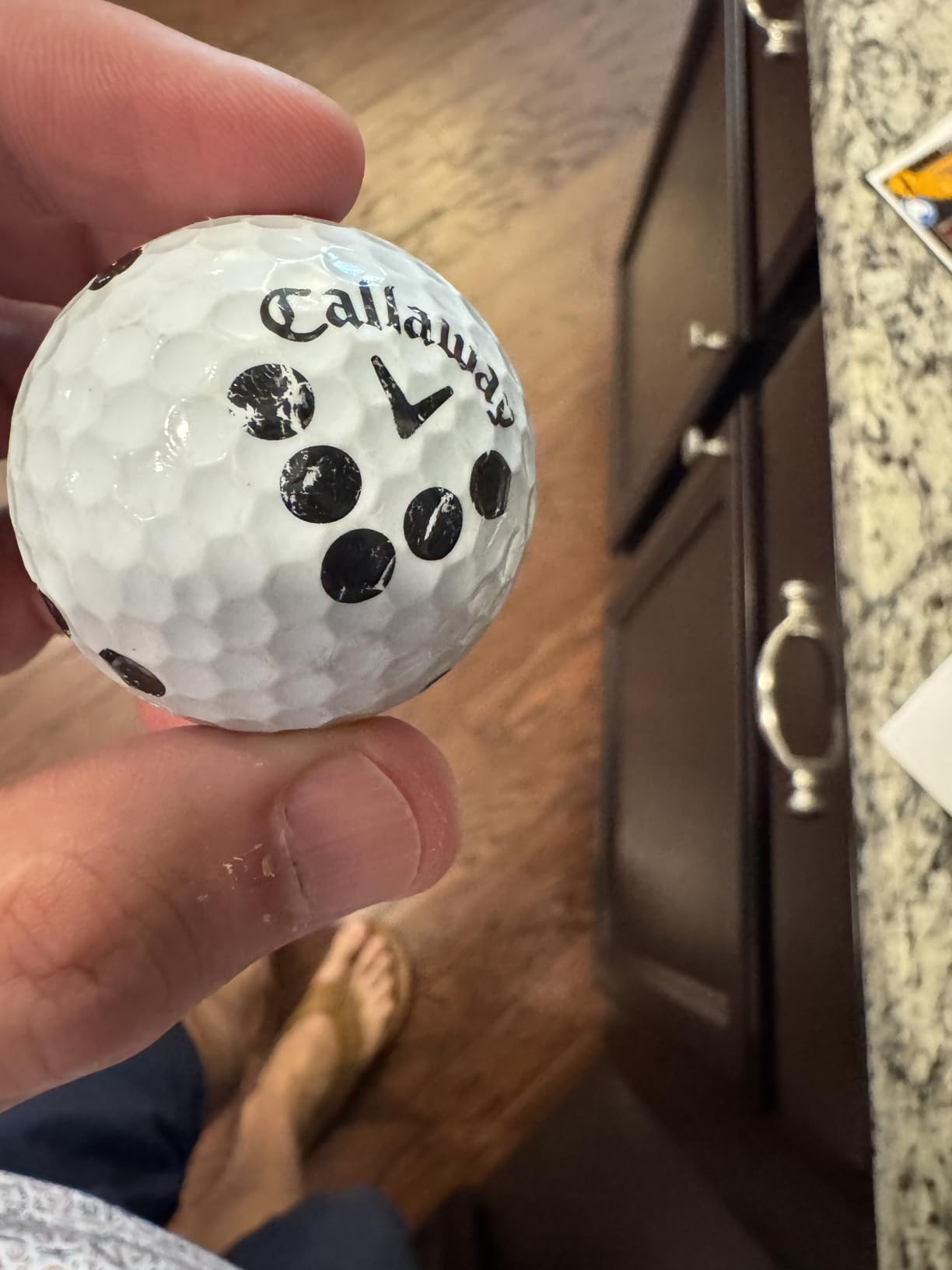
The Rapsodo MLM2Pro is the launch monitor I point to when someone says, “I want as much data as possible for under $600.” It tracks 13 core metrics, including spin rate, spin axis, and swing speed, which is more than most budget units. The build feels solid in the hand, and the included 3 Chrome Tour balls are a nice touch for indoor use.
What makes the MLM2Pro special is the video capture and shot tracing. You can see the ball flight arc overlaid on a real video of your swing, which is a great learning tool. The Combine feature gamifies practice by scoring you against target distances, and my kids actually fight over who gets to use it.
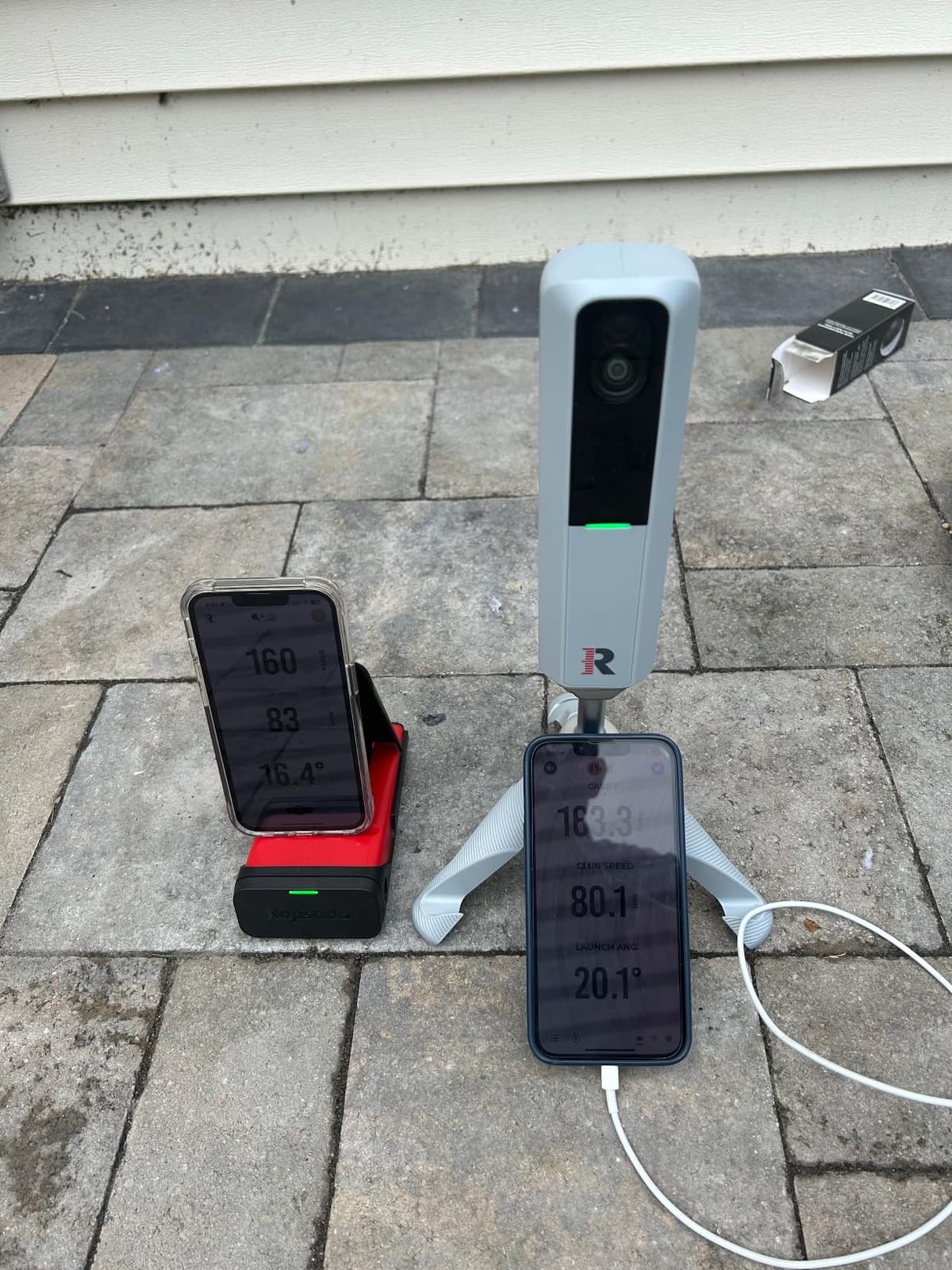
The catch is in the connectivity. Rapsodo recommends a direct WiFi connection rather than going through your home network, and on busy shared networks, the device can drop shots or refuse to connect. Once you set it up with a dedicated hotspot or direct connection, it is reliable. iPhone users also see only 3 metrics on screen, while iPad users get 6, which is a frustrating limitation.
Third-party software support is strong. The MLM2Pro works with Awesome Golf, E6 Connect, and GSPro (with an additional subscription). For a budget unit, that level of compatibility is unusual.
Best fit for budget-conscious buyers who want spin data
If you want spin rate and spin axis at a sub-$600 price, the MLM2Pro is the only realistic option. The value is genuinely hard to beat.
Skip it if you are on a crowded WiFi network
Apartment dwellers or anyone on a busy shared network may struggle. The Garmin R10 uses Bluetooth, which is more forgiving in that environment.
7. SkyTrak ST MAX Ultimate Studio Package
SkyTrak ST MAX Golf Simulator Ultimate Studio Package – Dual Radar & Photometric Launch Monitor with Speed Training, Impact Screen, HD Projector, Hitting Mat & Enclosure for Home or Garage (10′)
Dual radar and photometric
HD projector
10ft enclosure
Pros
- Tour-level dual tech accuracy
- Complete studio package
- GOLFTEC Speed Training
- HD projector at 3500 lumens
- True-turf hitting mat
Cons
- Complex installation
- Projector lacks quick start guide
- Setup needs YouTube guidance
- 6 month warranty is limited
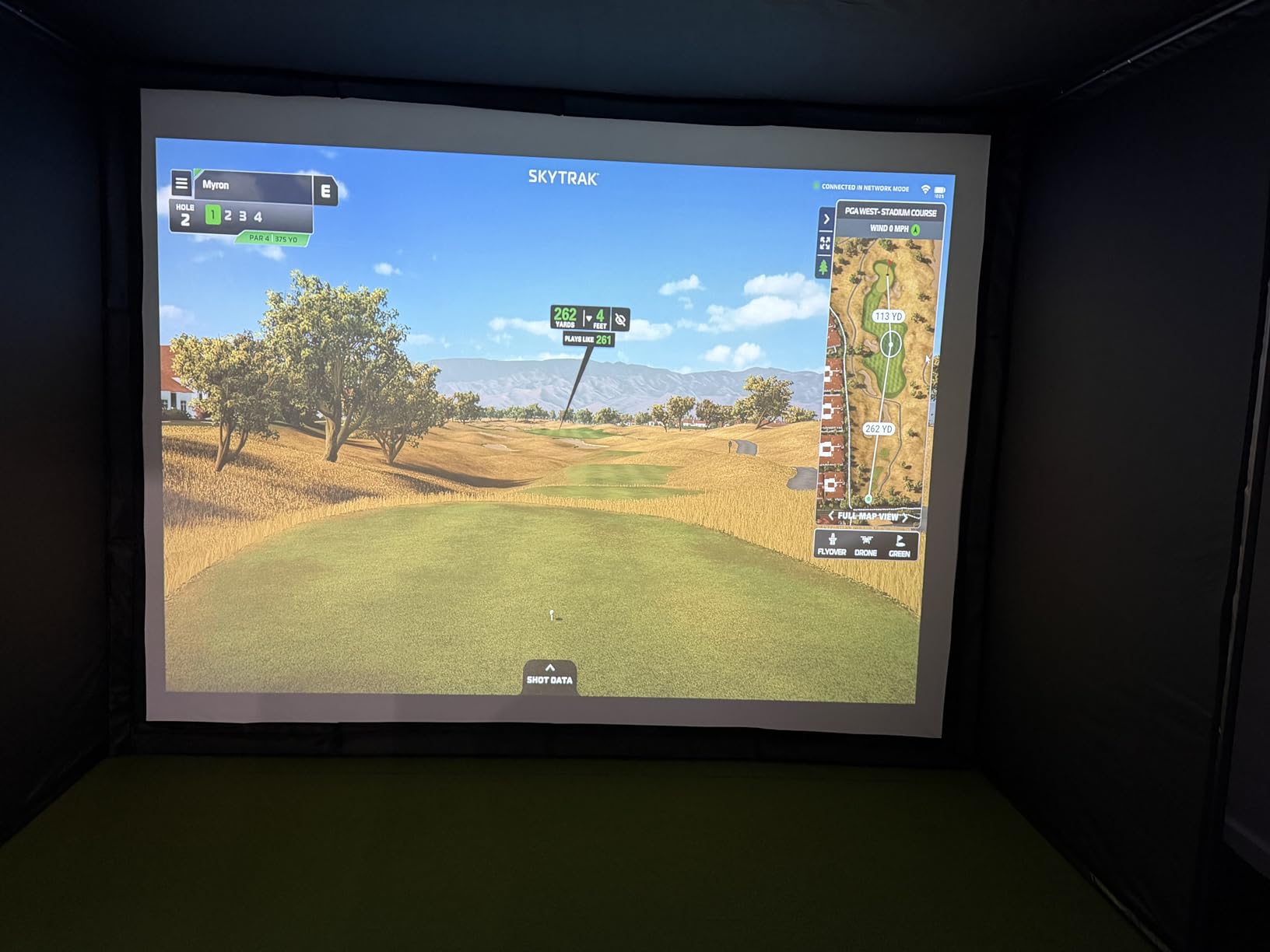
The SkyTrak ST MAX Ultimate Studio Package is the closest thing to a “buy once, cry once” simulator on this list. It is a complete box: launch monitor, 10 foot enclosure, impact screen, HD projector, 5×5 hitting mat, ball tray, and protective case. I spent an entire Saturday setting it up, and once it was dialed in, the experience felt like a real indoor golf studio.
The dual Doppler radar and photometric camera system is the same technology used in commercial golf studios. Ball speed, spin rate, and club path data are accurate enough for serious game improvement. The GOLFTEC Speed Training mode is a nice bonus for anyone trying to add 10-15 yards to their driver.
Installation is the main pain point. SkyTrak does not include a printed guide, and the projector especially requires some trial and error. I ended up watching three YouTube videos to get the throw distance and image alignment right. Budget a full day for setup, and grab a friend to help with the frame assembly.
The 6 month warranty feels short for a $5,000 package. Most competitors offer 1-2 years. If something goes wrong after month 7, you are on your own.
Best fit for golfers who want a turnkey permanent studio
If you have a dedicated garage or basement and you do not want to research every component separately, the ST MAX Studio Package is the cleanest path. Everything is matched, and the install, while slow, is doable.
Skip it if you like to tinker or save money
You can build a similar setup yourself with a Bushnell Launch Pro and a GoSports enclosure for $1,500-$2,000 less. The ST MAX is a convenience play, not a budget play.
8. GoSports Golf Simulator Enclosure Net System
GoSports 10 x 8 ft Golf Simulator Enclosure Net – Complete Set with Frame and HD Impact Screen Kit
Commercial grade screen
10x8 ft
79 lbs
Pros
- Commercial grade heavy duty screen
- Easy install with numbered poles
- True blackout enclosure
- Foam padding reduces rebound
- Excellent customer service
Cons
- Some bounce back on mis-hits
- Frame padding could be thicker
- No wedge shot baffles
- May need extra shank nets
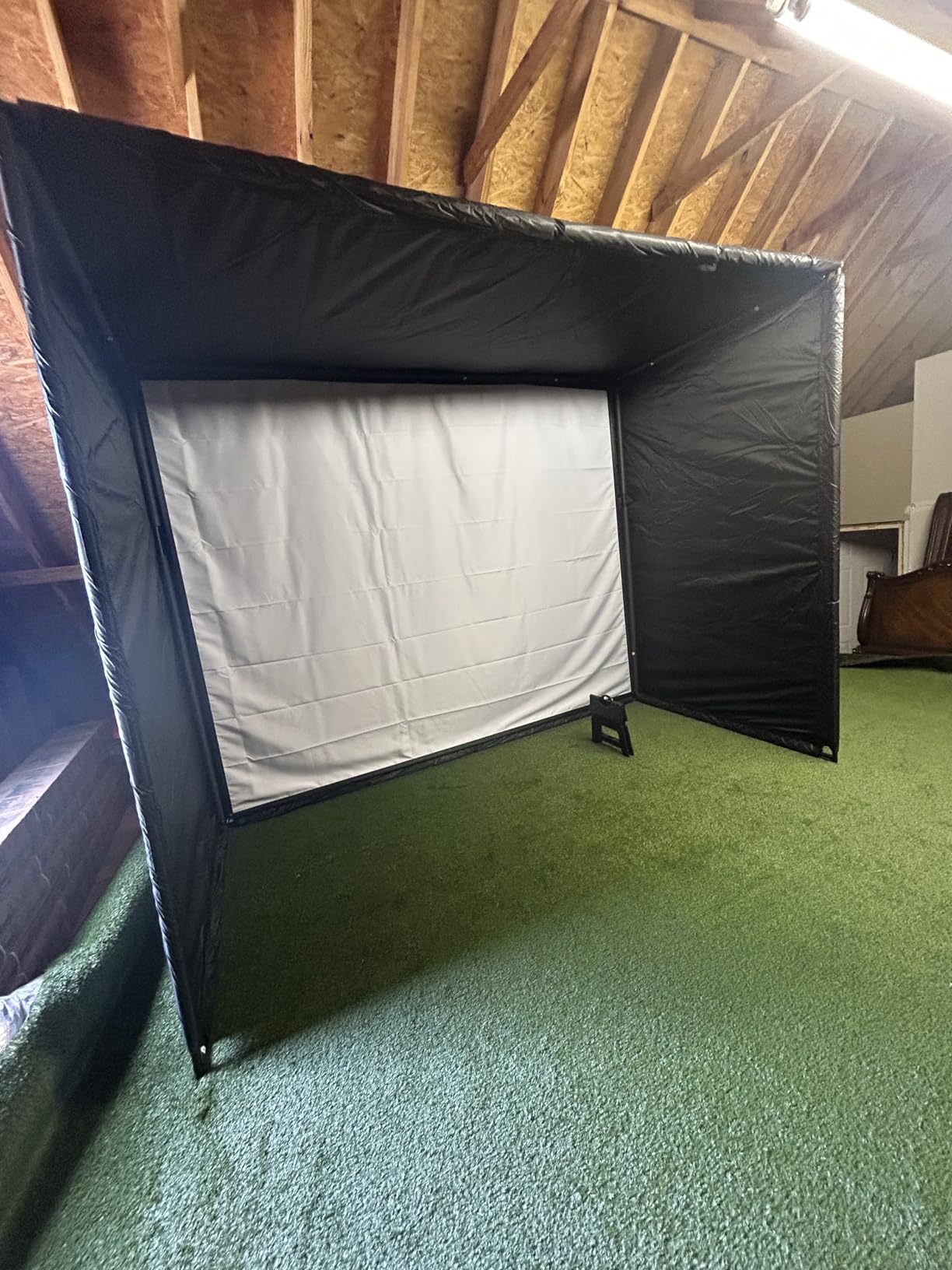
The GoSports Golf Simulator Enclosure is the missing piece many people forget to budget for. A launch monitor alone will not turn your garage into a simulator. You need an impact screen, frame, and netting to catch mishits. GoSports has built a strong reputation at 4.6 stars across 180 reviews, and the quality shows.
What I like is the true blackout enclosure design. The screen absorbs projector light instead of reflecting it, so the image looks sharp and colors pop. The foam padding along the bottom reduces ball rebound, which is a real safety feature when you are hitting drivers indoors at 100+ mph.
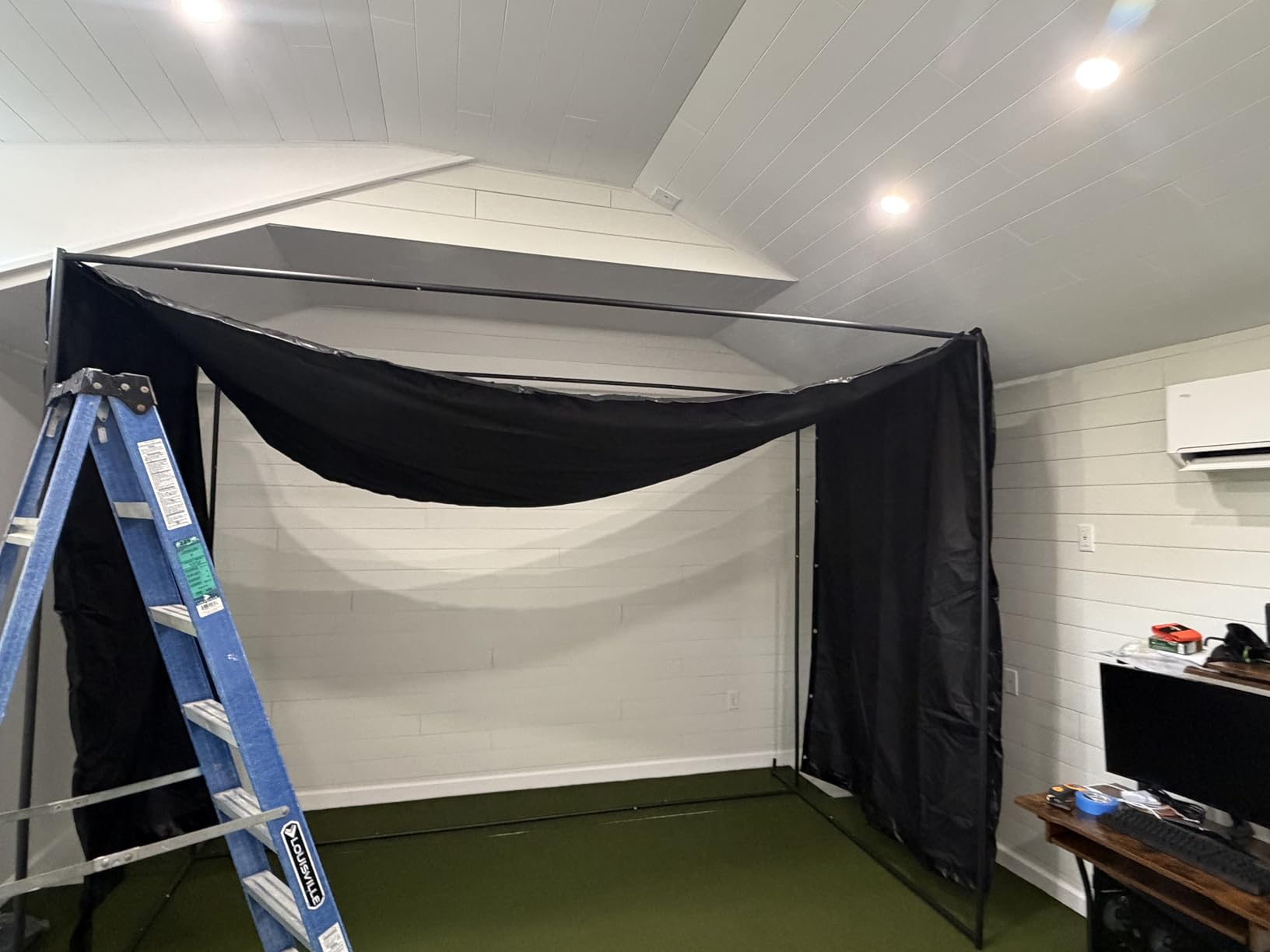
Setup took me about 90 minutes with one helper, and the numbered poles made the frame assembly straightforward. The included quick install hardware is genuinely quick compared to the universal nuts and bolts most competitors ship.
The main weakness is bounce back on mis-hits. Even with the foam padding, a shanked wedge can find its way back. Several owners have bought separate shank nets as a workaround. Also, the frame padding could be thicker around the bottom corners.
Best fit for DIY simulator builders on a budget
If you are pairing this with a Garmin R10, Rapsodo MLM2Pro, or a used launch monitor, the GoSports enclosure is the best value play. It is $300-$800 less than Carl’s Place equivalents and the build is comparable.
Skip it if you are not adding a launch monitor
An enclosure without a launch monitor is just a net. This only makes sense as part of a complete setup.
How to Choose the Best Home Golf Simulator for Your Space and Budget?
Buying a home golf simulator is less about finding the “best” unit and more about matching the system to your room, your goals, and your wallet. After testing all eight of these systems, I have learned that the most expensive setup is not always the right one. Here is the framework I would use if I were starting from scratch.
Measure your room before you measure your budget
Nothing kills a simulator purchase faster than a launch monitor that does not fit. Most radar units like the Garmin R10 and Rapsodo MLM2Pro need 7-8 feet of ball flight plus 4-6 feet behind the golfer, for a total room depth of 12-16 feet. Ceiling height matters too. Anything under 8.5 feet will have you choking down on driver swings.
Camera-based units like the Bushnell Launch Pro i and Uneekor EYE MINI CORE need less depth, around 8-10 feet, because they do not need ball flight to capture data. If you have a short garage or basement, a camera system is your friend.
Decide between radar and camera technology
Radar units are portable, work indoors or outdoors, and tend to be more affordable. They struggle with very short shots (chipping and putting) and need a clear ball flight path. Camera-based systems read the club and ball at impact, so they handle short game better but require more setup and a stable, well-lit environment.
Reddit users consistently report that overhead units like the Uneekor Eye XO2 eliminate the left/right handed switching problem, but the EYE MINI CORE is more affordable and still camera-based. If you have multiple golfers in the household, factor that in.
Factor in subscription costs over 3-5 years
A $500 launch monitor with a $250 a year subscription ends up costing more than a $1,300 unit with no fees. The FlightScope Mevo Gen2 and Garmin R10 (used with third-party apps) are the most cost-effective long-term plays. The SkyTrak and Bushnell Launch Pro have free tiers but charge for the best features.
GSPro is the gold standard for course play and runs about $200 a year. Most of these systems work with GSPro, so factor that into your budget if you want realistic Pebble Beach rounds in your garage.
Start with the launch monitor, add the rest later
If you are new to sim golf, my honest advice is to start with a Garmin R10 or Rapsodo MLM2Pro and a basic net setup. Hit balls for a month. If you find yourself wanting more, add an enclosure, then a projector, then upgrade the launch monitor. Building in stages saves money and tells you what you actually need.
Frequently Asked Questions
What is the best home golf simulator for the cost?
The Garmin Approach R10 is the best value for under $500, while the FlightScope Mevo Gen2 delivers the most data for under $1,500 with no subscription fees. For a complete turnkey setup, the SkyTrak ST MAX Studio Package is the best single-box solution.
Is buying a golf simulator worth it?
Yes, for most golfers who play 10+ times a year. A $500-$2,000 setup pays for itself in range fees and time saved within 1-2 years. The data also helps you improve faster than range balls alone.
How much space do I really need for a home golf simulator?
Plan for at least 10 feet wide, 12 feet deep, and 8.5 feet of ceiling height for radar-based units. Camera-based systems like the Bushnell Launch Pro i and Uneekor EYE MINI CORE can work in 8-10 feet of depth since they do not need ball flight to capture data.
Is the data accurate enough for game improvement?
Yes, on units from the Garmin R10 and up. Ball speed accuracy is typically within 1-3 mph of a Trackman, and spin rate within 200-300 rpm. That precision is more than enough to track real handicap improvement over weeks and months.
Do I need special balls or markings for accurate readings?
Most modern launch monitors do not require special balls. The Uneekor EYE MINI CORE and Bushnell Launch Pro i use camera systems that read any dimple pattern. Older photometric units may need stickers, but those are mostly phased out.
Final Verdict: Which Home Golf Simulator Should You Buy in 2026?
The best golf simulators for home in 2026 come down to three things: your space, your budget, and how often you will use it. After testing these eight systems, the Garmin Approach R50 is our top pick for golfers who want a single premium unit that does everything. The FlightScope Mevo Gen2 is the smartest value for anyone who hates subscriptions. The Garmin Approach R10 is the best entry point if you are not sure how much you will use it.
Whatever you choose, you are buying back your time on the range. A good home golf simulator turns dead hours between seasons into real practice, and the data is more useful than another bucket of range balls. Pick the system that fits your room and budget today, and you will be playing Pebble Beach from your garage by next weekend.