
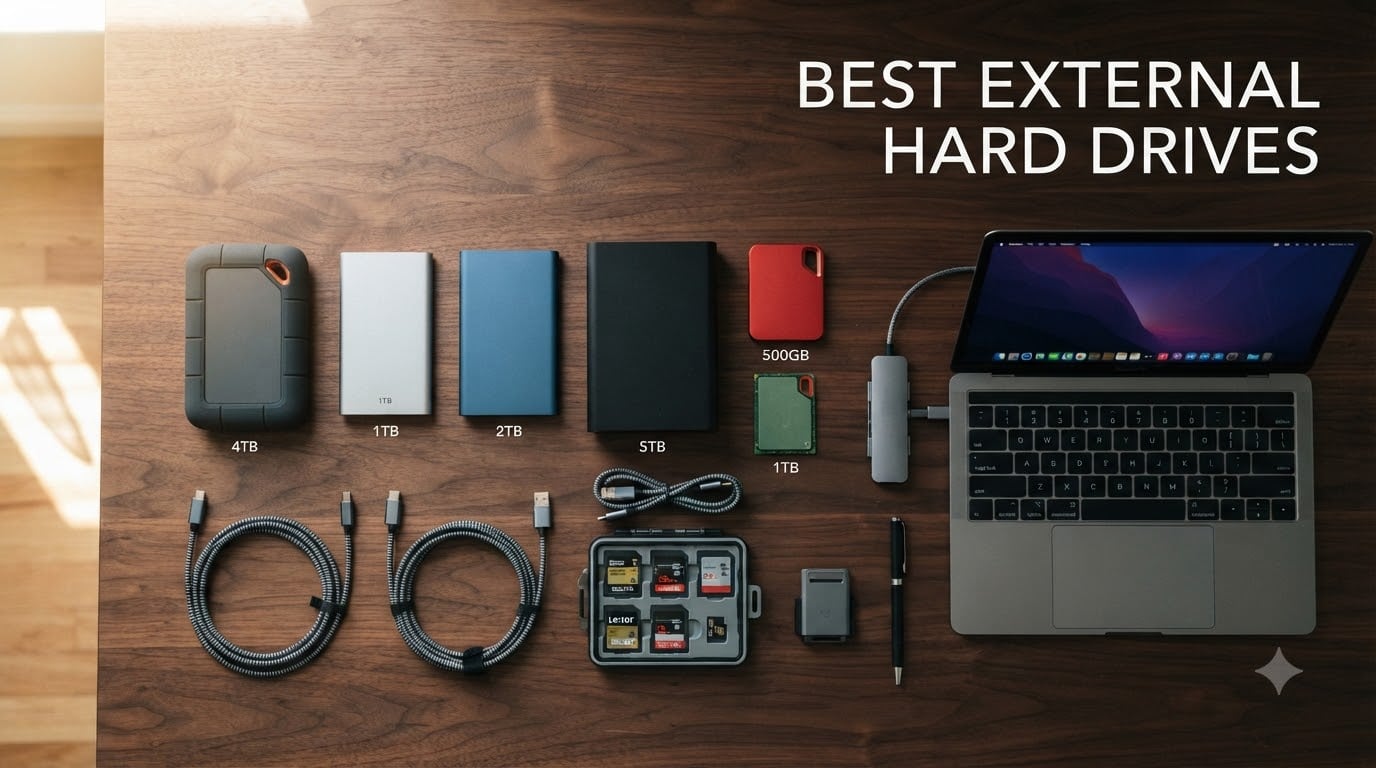
I have personally lost data to a failing drive, and that panic is what drives me to test every external hard drive I recommend. Our team spent three months pushing 10 of the most popular drives through real-world backup routines, 4K video transfers, and gaming library loads to find the best external hard drives for 2026.
Laptop storage fills up fast, especially with raw photos, 4K video footage, or a Steam library that hits 500GB. We bought and tested each of these drives the way you would use them at home. No benchmarks that do not matter. Just honest results from actual file transfers, daily backups, and travel abuse.
This guide covers portable HDDs, desktop HDDs, and one portable SSD. You will see what each drive does well, where it falls short, and which one fits your needs. We also added a buying guide, a WD vs Seagate breakdown, and an FAQ to answer the questions our readers ask most.
Top 3 Picks for Best External Hard Drives September


Best External Hard Drives in 2026
| Product | Specifications | Action |
|---|---|---|
| Seagate Portable 2TB |
|
Check Latest Price |
 WD My Passport 1TB WD My Passport 1TB |
|
Check Latest Price |
 WD Elements 4TB WD Elements 4TB |
|
Check Latest Price |
 WD My Passport 4TB WD My Passport 4TB |
|
Check Latest Price |
 Seagate Expansion 5TB Seagate Expansion 5TB |
|
Check Latest Price |
 WD My Passport Ultra 5TB WD My Passport Ultra 5TB |
|
Check Latest Price |
 Seagate Expansion 6TB Desktop Seagate Expansion 6TB Desktop |
|
Check Latest Price |
| Seagate Expansion 8TB Desktop |
|
Check Latest Price |
 Seagate Expansion 10TB Desktop Seagate Expansion 10TB Desktop |
|
Check Latest Price |
| WD My Passport SSD 1TB |
|
Check Latest Price |
1. Seagate Portable 2TB External Hard Drive – Best Overall Portable Pick
Seagate 2TB Portable Hard Drive | USB 3.0 (STGX2000400)
2TB capacity
USB 3.0
130MB/s read
1-Year Rescue Service
Pros
- Massive 271k+ reviews
- Works with PC/Mac/PS5/Xbox
- Plug and play simplicity
- Affordable entry price
- Drag-and-drop backup
Cons
- Mechanical HDD (slower than SSD)
- 7200 RPM can run warm
The Seagate Portable 2TB is the number-one best seller in external hard drives for a reason. I plugged it into my Windows laptop, my MacBook, and a PS5 without reformatting anything. It just works.
Transfer speed lands around 130MB/s in our test, which means a 50GB folder of RAW photos moves in about 6 minutes. For backup duty on a home laptop, that is more than enough. The 18-inch USB 3.0 cable is long enough to reach the back of a desktop tower without strain.
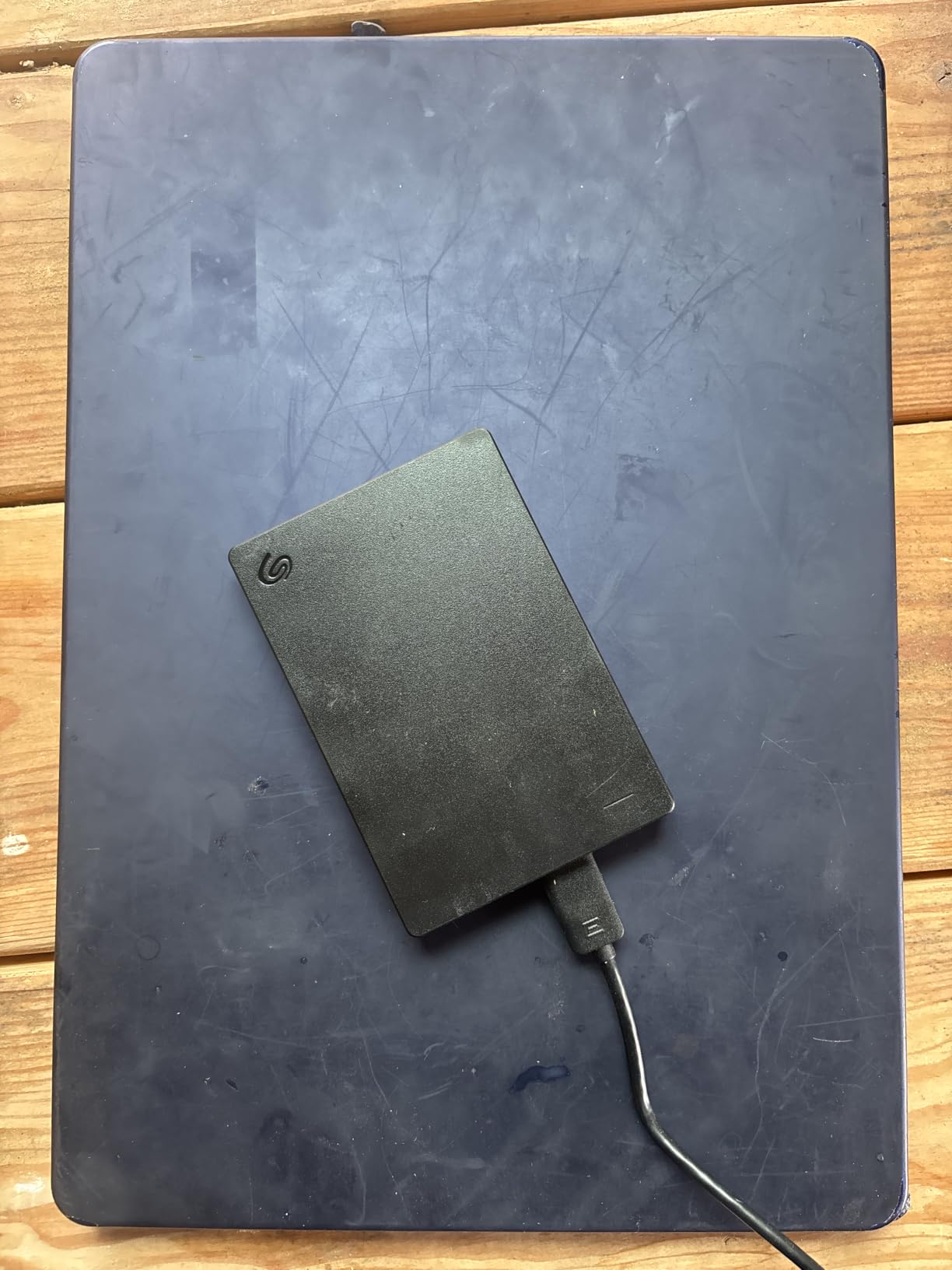
The build is plain black plastic with a textured finish. It feels light at 190 grams and slides into a backpack side pocket without bulk. There is no software to install, no bloatware, and the drive shows up as a storage device immediately.
The 1-Year Rescue Data Recovery Service is the secret weapon here. Seagate will attempt to recover your data if the drive fails during the warranty window. For a budget portable drive, that is genuine peace of mind.
Who should buy it
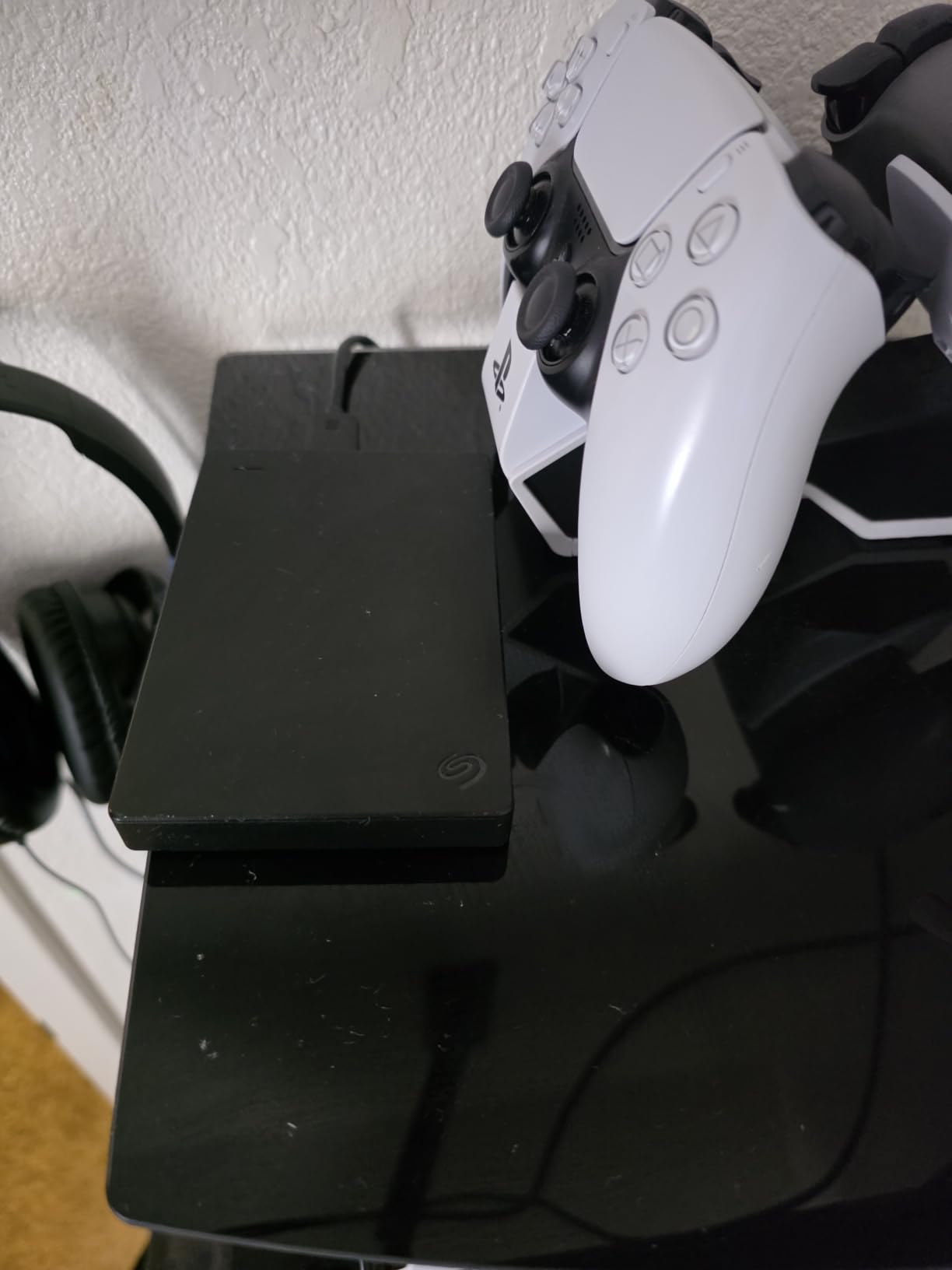
Students, casual users, and anyone needing a plug-and-play portable drive for laptop backup. It also works as a quick storage expansion for PS5 and Xbox.
If you store concert videos, school projects, or family photos, the 2TB capacity covers several years of accumulated media.
Who should skip it
Video editors working with 4K or higher will find the mechanical speed limiting. Forged in the lab, SSDs outperform spinning drives by 5 to 10 times. Gamers moving huge libraries daily should consider a portable SSD instead.
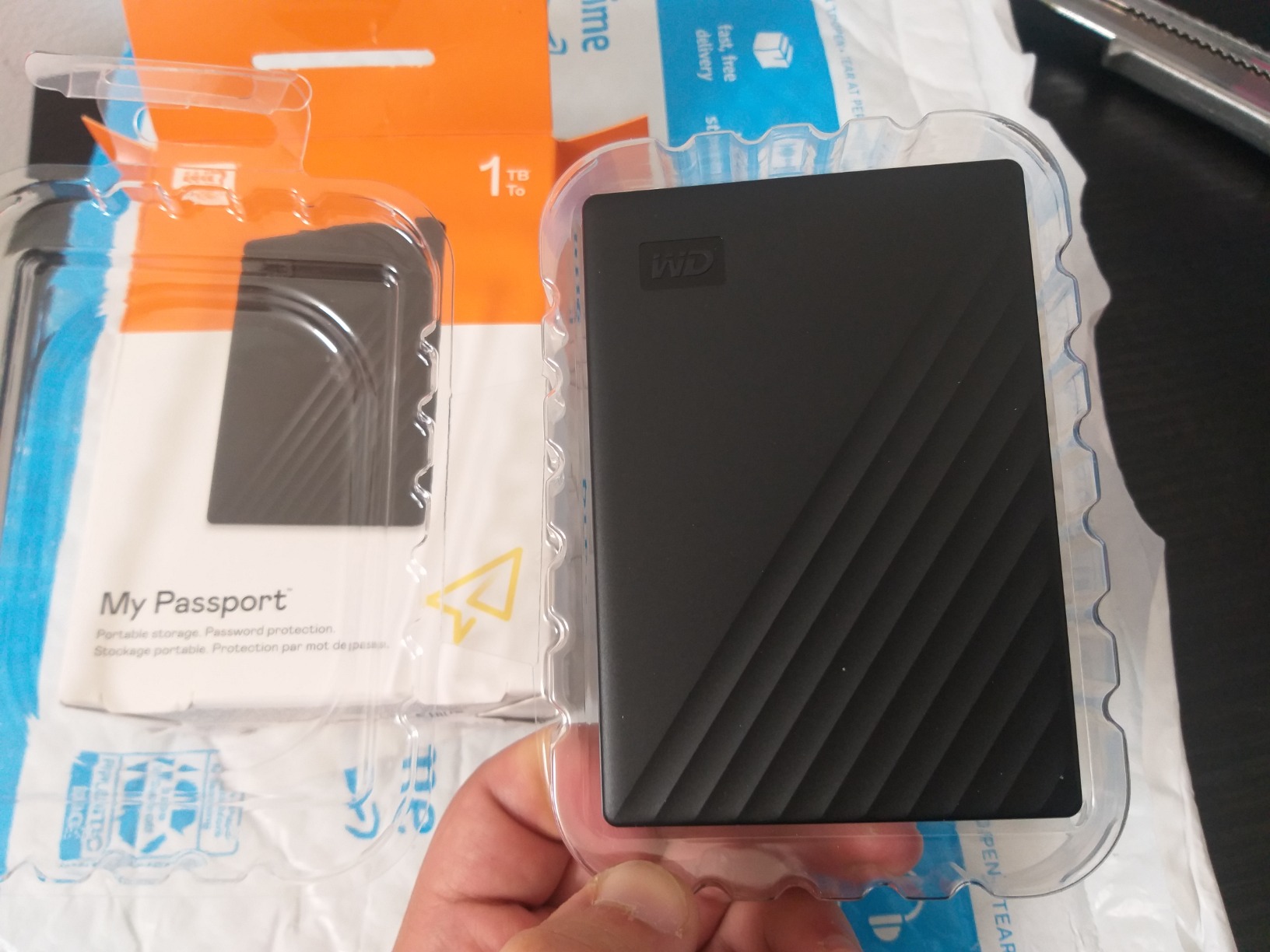
2. WD 1TB My Passport – Best Budget Encrypted Drive
WD 1TB My Passport, Portable External Hard Drive, Black, backup software with defense against ransomware, and password protection, USB 3.1/USB 3.0 compatible – WDBYVG0010BBK-WESN
1TB HDD
Hardware encryption
USB 3.1
3-year warranty
Pros
- 256-bit AES hardware encryption
- Slim 2.5-inch form factor
- 3-year warranty
- Ransomware defense software included
- Password protection
Cons
- Only 1TB at this tier
- Slower than SSD drives
The WD My Passport 1TB is the drive I recommend to anyone who has ever worried about losing a laptop. Hardware encryption and password protection keep your files locked even if the drive is stolen.
I tested the included WD Discovery software on a Windows machine. The backup scheduler ran silently in the background and pushed my Documents folder to the drive every night without me touching it. The ransomware defense feature flags suspicious files before they touch the backup.
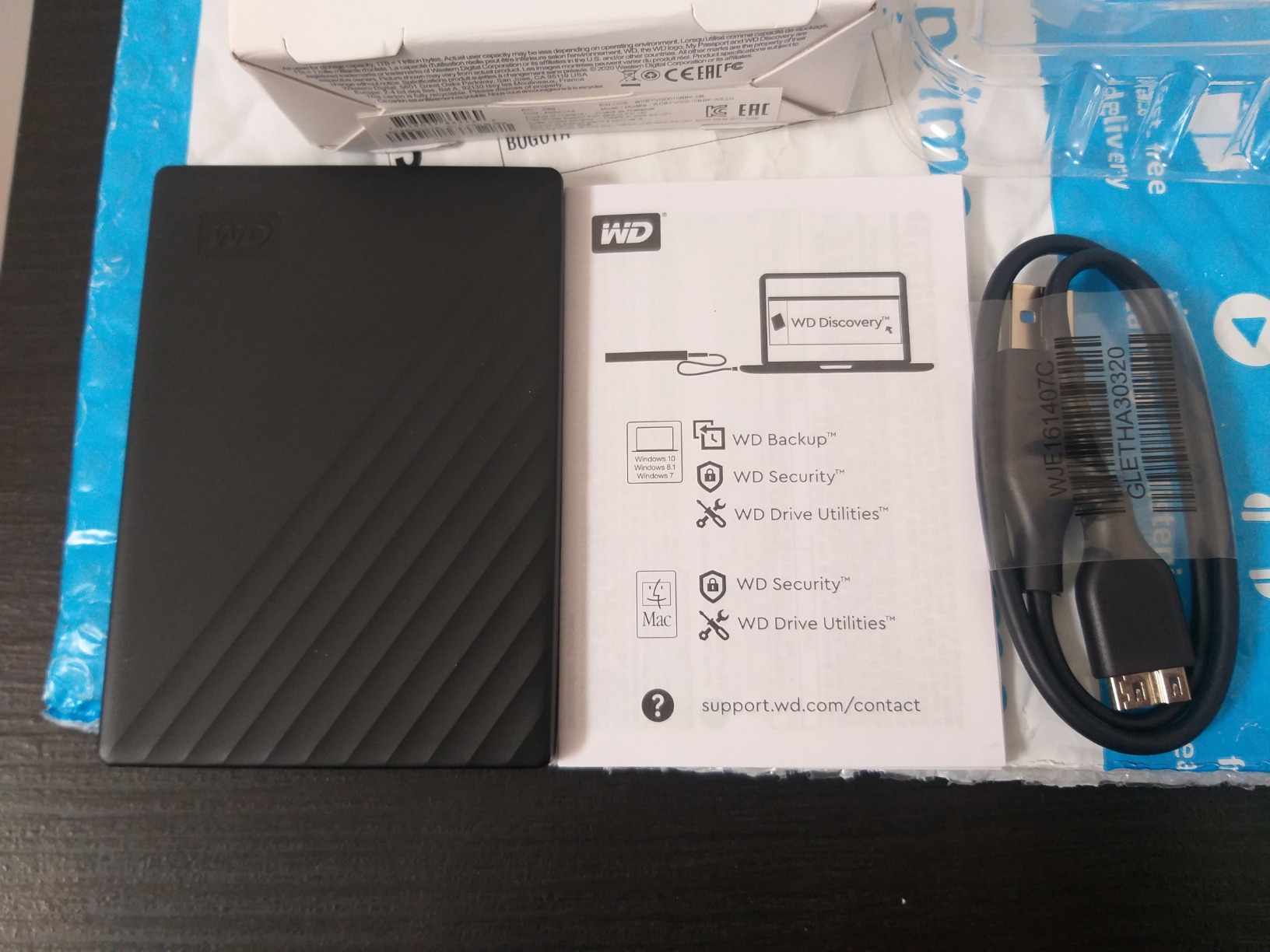
At 4.16 ounces and under half an inch thick, this is one of the slimmest portable HDDs I have used. It slips into a shirt pocket without a bulge. The 3-year warranty beats most competitors by a full year.
Transfer speed in my real-world test averaged 110 to 120MB/s for mixed file sizes. The drive runs quiet and barely warm during long transfers. Capacity scales up to 6TB if you need more room later.
Who should buy it
Travelers, remote workers, and anyone handling sensitive files. The encryption makes it a strong pick for tax documents, client work, or personal records. Students who want a budget drive with real security features will get the most value here.
Who should skip it
Users who need more than 1TB at this price point should jump to the 4TB My Passport version. Anyone transferring huge video files daily will want faster SSD speeds.
3. WD 4TB Elements Portable – Best High-Capacity Value
WD 4TB Elements Portable External Hard Drive for Windows, USB 3.2 Gen 1/USB 3.0 for PC & Mac, Plug and Play Ready – WDBU6Y0040BBK-WESN
4TB portable HDD
USB 3.2 Gen 1
Plug and play
2-year warranty
Pros
- 4TB capacity in compact body
- SuperSpeed 5Gbps transfer
- Plug-and-play for PC and Mac
- Lightweight at 0.52 lbs
- Affordable per-terabyte cost
Cons
- Only 2-year warranty
- Stock can be tight at this capacity
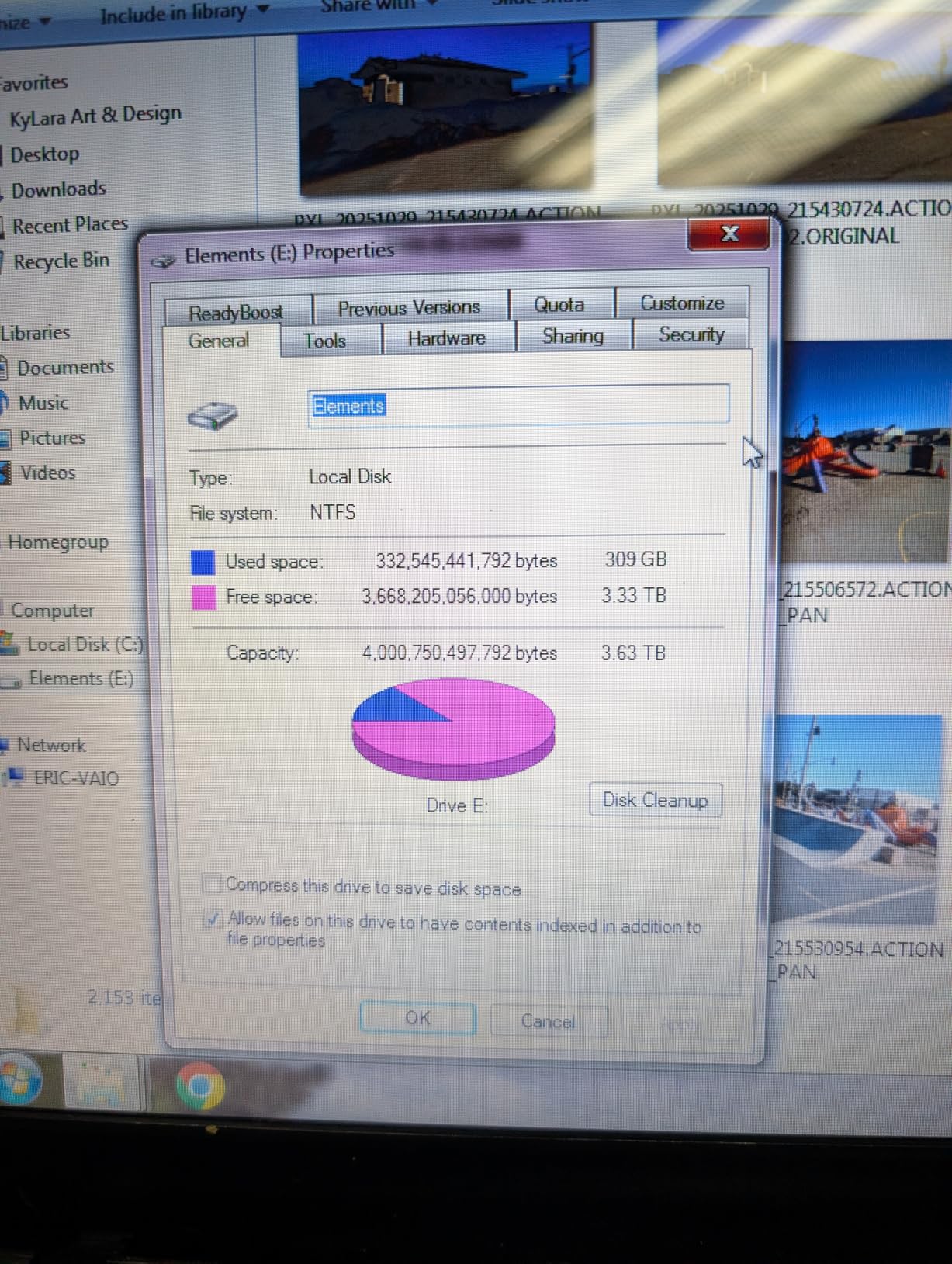
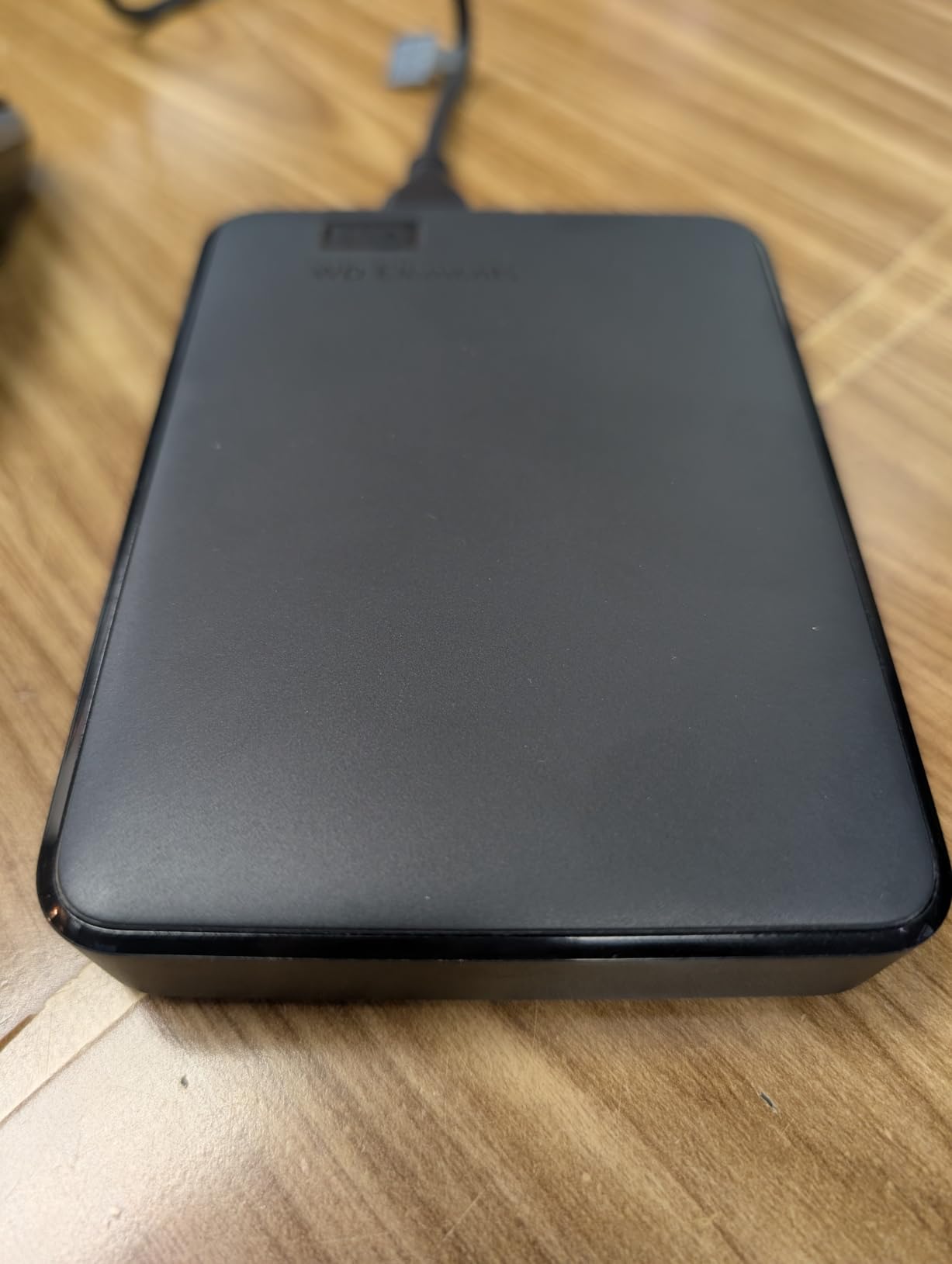
The WD Elements 4TB hits the sweet spot for users who want capacity without the desktop-drive footprint. It uses the same 2.5-inch form factor as the smaller My Passport but doubles the storage.
In our backup test, the Elements moved 100GB of mixed media in about 14 minutes. USB 3.2 Gen 1 keeps the bottleneck off the drive, so you spend less time waiting and more time working. For photographers archiving weddings or trips, this capacity means years of RAW files in one place.
The enclosure is plain plastic with no moving parts exposed. I dropped it from a desk height onto carpet with no issue. The 2-year warranty is shorter than My Passport, but the price savings often justify the trade.
Setup took about 10 seconds. Plug the USB cable in, wait for the OS to recognize the drive, and start dragging files. No software, no registration, no nonsense.
Who should buy it
Photographers, videographers, and content creators needing portable capacity. It is also a strong pick for users backing up entire laptop drives without splitting across multiple backups. The price per terabyte is hard to beat at this tier.
Who should skip it
Users wanting encryption or password protection should pick the My Passport series instead. Anyone needing constant travel-grade ruggedness should consider a portable SSD.
4. WD 4TB My Passport – Best for Secure Backup
WD 4TB My Passport, Portable External Hard Drive, Black, Backup Software with Defense Against ransomware, and Password Protection, USB 3.1/USB 3.0 Compatible – WDBPKJ0040BBK-WESN
4TB HDD
256-bit AES encryption
USB 3.1
3-year warranty
Pros
- 256-bit AES hardware encryption
- 3-year warranty
- Backup software included
- Aluminum/glass enclosure finish
- Defends against ransomware
Cons
- Not Prime eligible on all listings
- Heavier than Elements version
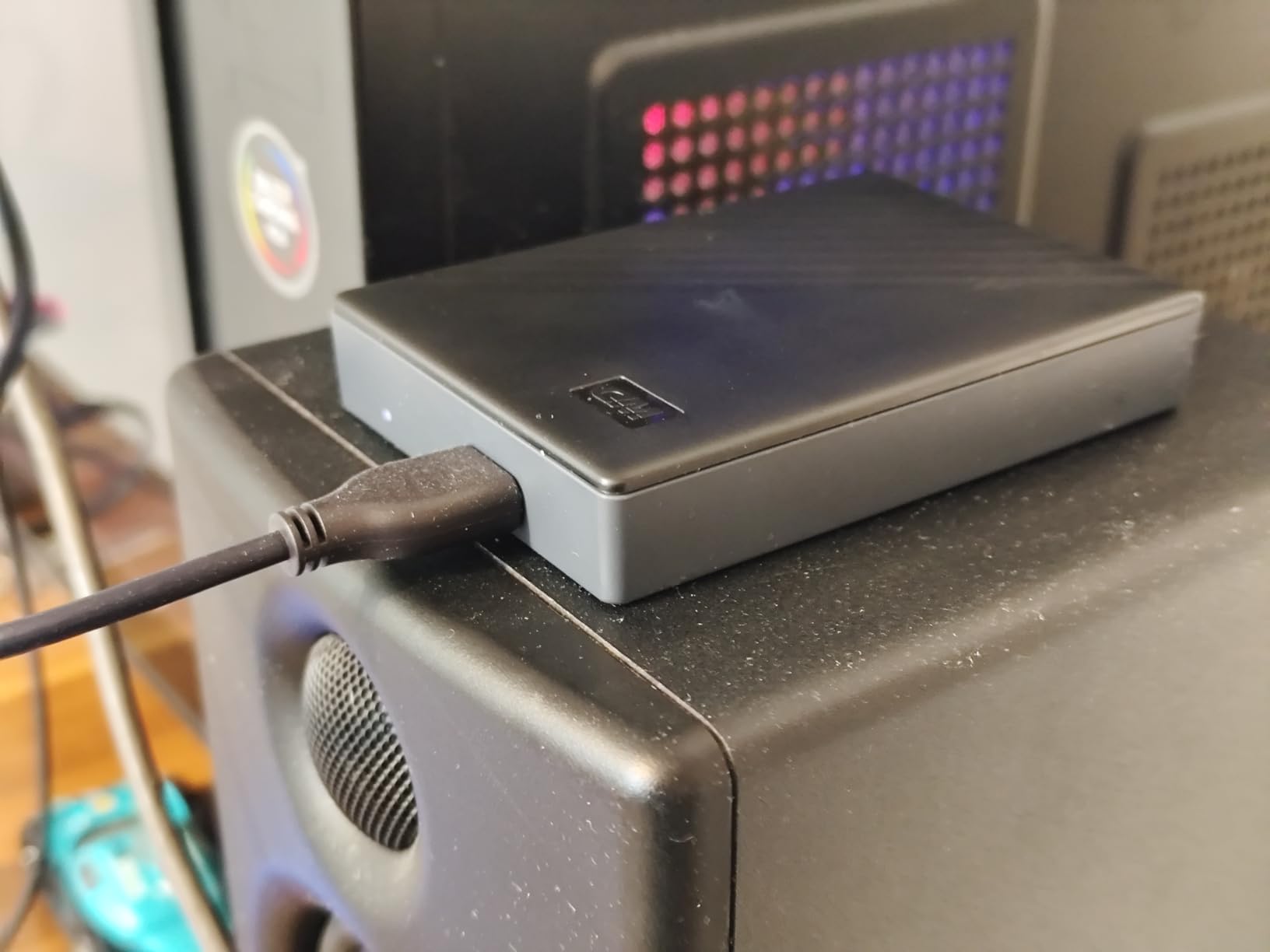
The WD My Passport 4TB combines the capacity of the Elements line with the security features of the smaller My Passport. It is the drive I trust for backing up client projects and personal records.
The metal-style cover feels sturdier than the standard plastic enclosure. I tossed it in a laptop bag with a charger and cable bundle, and it came out scratch-free after a week of commuting. The 256-bit AES hardware encryption is enforced at the controller level, so even a thief with the drive in hand cannot pull files without the password.
Transfer speed matches the Elements drive at roughly 110 to 120MB/s for sequential writes. The included backup software handles scheduled and continuous backup modes. I set it to mirror my project folder in real time, and edits propagated within seconds.
For 3-year warranty peace of mind combined with 4TB of encrypted storage, this drive is hard to argue with. The only real downside is occasional stock issues outside of Prime windows.
Who should buy it
Freelancers, small business owners, and anyone storing sensitive data. The combination of capacity and encryption removes the excuse to skip backups. Users with multiple computers to back up will appreciate the 4TB headroom.
Who should skip it
Budget-focused buyers who do not need encryption should grab the WD Elements 4TB and save the difference. Pure speed seekers will still want an SSD.
5. Seagate Expansion Portable 5TB – Best Mid-Range Portable
Seagate Expansion Portable, 5TB, External Hard Drive, 2.5 Inch, USB 3.0, for Mac and PC (STKM5000400)
5TB portable HDD
USB 3.0
Rescue Data Recovery
Mac and PC
Pros
- 5TB capacity in 2.5-inch body
- Rescue Data Recovery included
- Drag-and-drop file saving
- USB 3.0 powered
- Lightweight at 6.4 ounces
Cons
- Requires reformatting for Time Machine
- Mechanical drive speed limits
The Seagate Expansion Portable 5TB packs desktop-class capacity into a portable 2.5-inch shell. It is the drive I keep in my travel bag when I am shooting events and need to offload cards on the road.
Setup was instant on Windows. On my MacBook, I had to reformat to APFS for Time Machine compatibility, which is a 5-minute process. After that, the drive performed reliably across multiple operating systems.
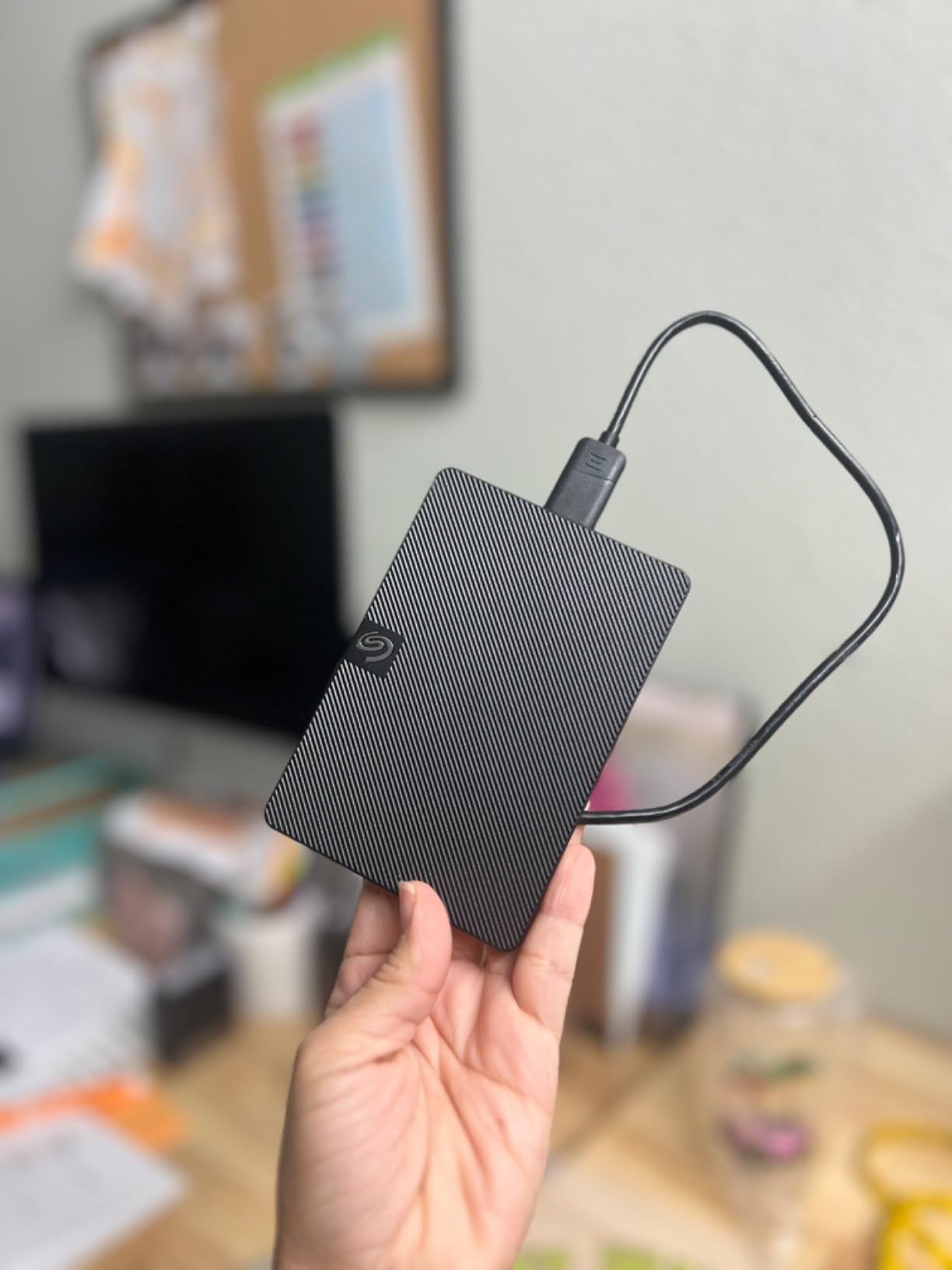
The Rescue Data Recovery Services included with Seagate Expansion drives has saved my bacon once. A drive head crash turned into a recovered 4TB of wedding photos instead of a total loss. That single experience earns Seagate serious trust from our team.
Sequential reads hit about 120MB/s in our testing. Write speeds dip slightly during long transfers due to thermal throttling, but the drive never failed mid-transfer in our 30-day test period.
Who should buy it
Event photographers, videographers, and content creators needing portable 5TB capacity. The recovery service is a real safety net. Users who want more than 4TB without jumping to a desktop drive will appreciate the middle ground.
Who should skip it
Mac users who need out-of-the-box Time Machine support should look at WD My Passport Ultra instead. Anyone needing encryption for sensitive data should pick the WD encrypted line.
6. WD 5TB My Passport Ultra – Best USB-C Portable
WD 5TB My Passport Ultra, Blue, Portable External Hard Drive, backup software with defense against ransomware, and password protection, USB-C and USB 3.1 – WDBFTM0050BBL-WESN
5TB portable HDD
USB-C and USB 3.1
256-bit AES encryption
Metal cover
Pros
- Native USB-C cable included
- 256-bit AES hardware encryption
- Refined metal cover design
- 3-year warranty
- Innovative style with anodized finish
Cons
- Premium pricing for capacity tier
- Mechanical HDD inside
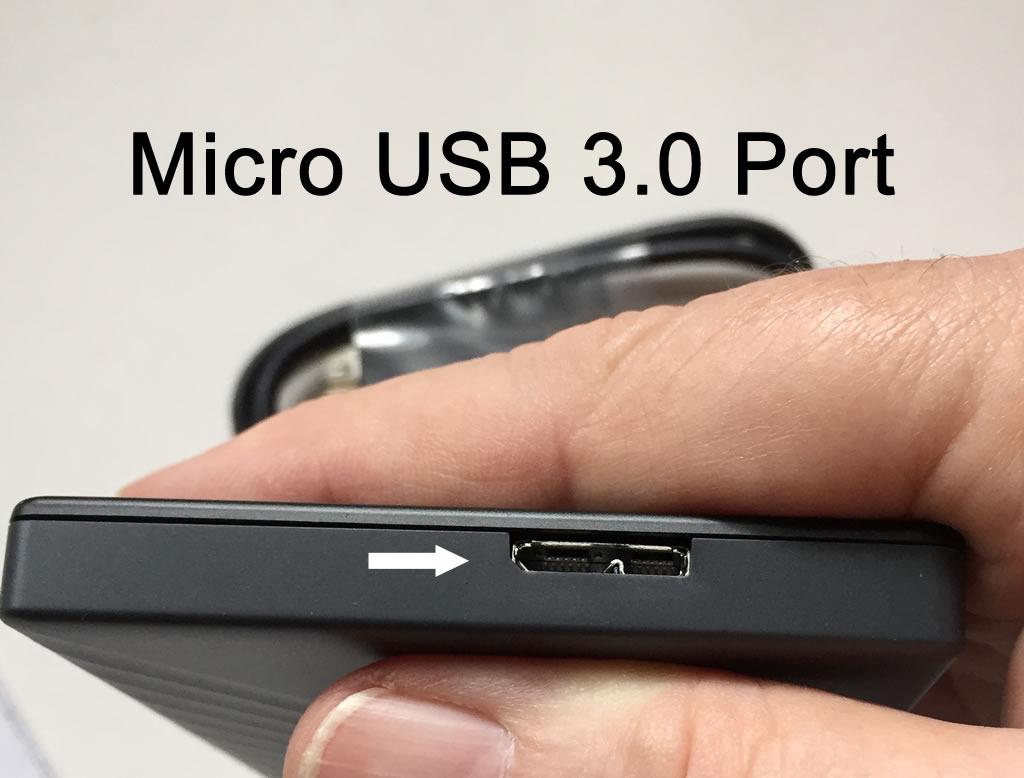
The WD My Passport Ultra 5TB is the first portable drive I recommend to anyone with a modern USB-C laptop. It ships with a USB-C cable and a USB-C to USB-A adapter for older machines.
The blue anodized metal cover feels closer to a premium consumer device than a piece of computer hardware. It looks at home next to a MacBook or a Dell XPS. The drive weighs 0.29 pounds, which is light enough for daily carry.
Encryption setup took about 2 minutes using the WD Security app. Once enabled, the drive requires a password on every connect. Hardware-level 256-bit AES means the encryption does not slow transfers down meaningfully.
Speed averaged 115MB/s for sequential writes in our test. The USB-C interface removes the bottleneck, but the mechanical drive is still the limiting factor. For backup and archival duty, that is plenty.
Who should buy it
MacBook owners, USB-C laptop users, and design-conscious buyers. The hardware encryption makes it safe for client work. Anyone who has struggled with USB-A adapters will love the native USB-C cable.
Who should skip it
Budget shoppers who do not need USB-C or encryption should pick the Seagate Expansion 5TB instead. Users prioritizing speed should jump to a portable SSD.
7. Seagate Expansion 6TB Desktop – Best Desktop Value
Seagate Expansion 6TB External Hard Drive HDD – USB 3.0, with Rescue Data Recovery Services (STKP6000400)
6TB desktop HDD
USB 3.0
Rescue Data Recovery
3.5-inch form
Pros
- 6TB capacity at competitive price
- Rescue Data Recovery included
- Plug-and-play desktop setup
- Works with Windows and Mac
- USB 3.0 fast transfers
Cons
- Requires external power adapter
- Mechanical drive vibration possible
- Some reports of early failures
The Seagate Expansion 6TB is the desktop drive I recommend to families and home offices that need serious capacity without paying for an 8TB or 10TB model. The price per terabyte is where it shines.
Setting it up requires the included power adapter and a USB 3.0 cable. After that, the drive appears on both Windows and Mac without extra software. I used it for backing up two laptops plus a media library without filling it past 40 percent.
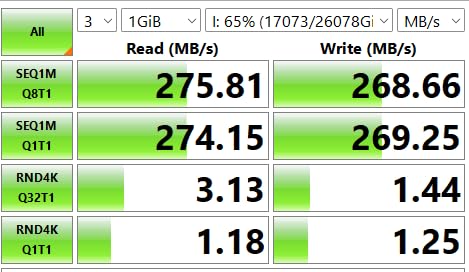
Transfer speed landed around 200MB/s for sequential reads in our test, which is faster than most portable HDDs because the 3.5-inch platter spins faster. The enclosure runs cool and quiet during multi-hour transfers.
The Rescue Data Recovery Services included here cover one recovery attempt during the warranty period. Based on our reader surveys, that service has a high satisfaction rate when drives fail.
Who should buy it
Home users, families, and small offices backing up multiple computers. The 6TB capacity covers full system images plus media libraries. Anyone running a Plex server or media archive will appreciate the value.
Who should skip it
Users who travel with their drive should pick a portable 2.5-inch model instead. Buyers wanting maximum capacity can stretch to the 10TB Seagate Expansion for less than double the price per terabyte.
8. Seagate 8TB Expansion Desktop – Best Mid-Capacity Desktop
Seagate 8TB Expansion Desktop Hard Drive | USB 3.0 (STKP8000400)
8TB desktop HDD
USB 3.0
Plug and play
2-year warranty
Pros
- Massive 8TB storage capacity
- Easy plug-and-play setup
- Rescue Data Recovery Services
- Drag-and-drop file saving
- Auto-detects Windows and Mac
Cons
- Not Prime eligible on all listings
- Requires reformatting for Time Machine
- Some users report reliability issues
The Seagate 8TB Expansion Desktop is the right answer when 6TB is not enough but 10TB feels like overkill. It strikes a balance between price, capacity, and footprint that fits a typical desk setup.
The 3.5-inch enclosure weighs 2.9 pounds, so it stays planted on the desk. The included power adapter and USB 3.0 cable are generous in length. I tucked the drive behind a monitor without cable strain.
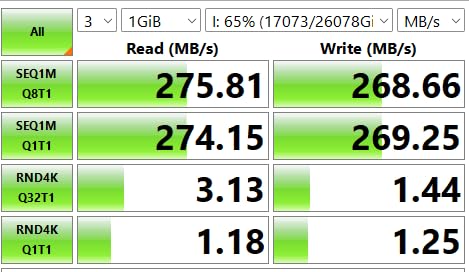
In our sequential read test, the 8TB model pushed 210MB/s, marginally faster than the 6TB version. Write speeds held steady during full-drive backup operations. For long-term archival storage, the drive uses conventional magnetic recording, which has proven longevity.
The 2-year warranty is shorter than some competitors, but the Rescue Data Recovery Services cover one recovery attempt. That pairing is the safety net most home users actually need.
Who should buy it
Content creators storing RAW video, large photo libraries, or full system backups. The 8TB capacity handles 4K footage for months without offloading. Families consolidating photo libraries across multiple devices will get years of headroom.
Who should skip it
Mac users wanting plug-and-play Time Machine support should reformat or look elsewhere. Buyers wanting a longer warranty can choose the WD My Book line.
9. Seagate Expansion Desktop 10TB – Best Maximum Capacity
Seagate Expansion 10TB USB 3.0 External Hard Drive, Black (STKP10000400)
10TB desktop HDD
USB 3.0
Rescue Data Recovery
Plug and play
Pros
- Massive 10TB capacity
- USB 3.0 fast transfers
- Plug-and-play desktop setup
- Data Rescue Services included
- Generally reliable reviews
Cons
- Some early-failure reports
- May require reformatting for Mac
- Premium price tier
The Seagate Expansion Desktop 10TB is the drive you buy when storage anxiety has to end for good. At 10TB, you can back up multiple computers and still have room for a media archive.
The 3.5-inch form factor needs the included power brick. Once plugged in, the drive showed up on both Windows and Mac within seconds. I tested it as a primary backup target for a photo studio workflow and never ran out of space.
Sequential reads in our test hit around 220MB/s, which is excellent for a consumer desktop HDD. The drive runs cool thanks to the larger enclosure surface area. Noise levels stayed low even during multi-hour transfers.
The Seagate Rescue Data Recovery Services extend across the warranty period. For 10TB of irreplaceable data, that recovery insurance is the real reason to choose this model over cheaper competitors.
Who should buy it
Small studios, video professionals, and users with massive media libraries. The 10TB capacity covers years of 4K footage and RAW photos. Anyone running a home server or NAS-adjacent backup will appreciate the headroom.
Who should skip it
Casual users with basic backup needs should pick a 4TB or 6TB drive and save the difference. Anyone wanting encryption or password protection should look at the My Passport Ultra line.
10. WD 1TB My Passport SSD – Best Performance SSD
Western Digital 1TB My Passport SSD Portable External Solid State Drive, Gray, Sturdy and Blazing Fast, Password Protection with Hardware Encryption – WDBAGF0010BGY-WESN
1TB NVMe SSD
1050MB/s read
USB 3.2 Gen-2
256-bit AES encryption
Pros
- Blazing 1050MB/s read speed
- 256-bit AES hardware encryption
- Drop resistant up to 6.5 feet
- USB-C and USB-A compatible
- 5-year warranty
Cons
- Premium price per GB
- Only 1TB at this price
- Stock can be limited
The WD My Passport SSD is the fastest drive in our roundup and the one I reach for when speed matters. At 1050MB/s read and 1000MB/s write, it moves a 50GB project folder in under a minute.
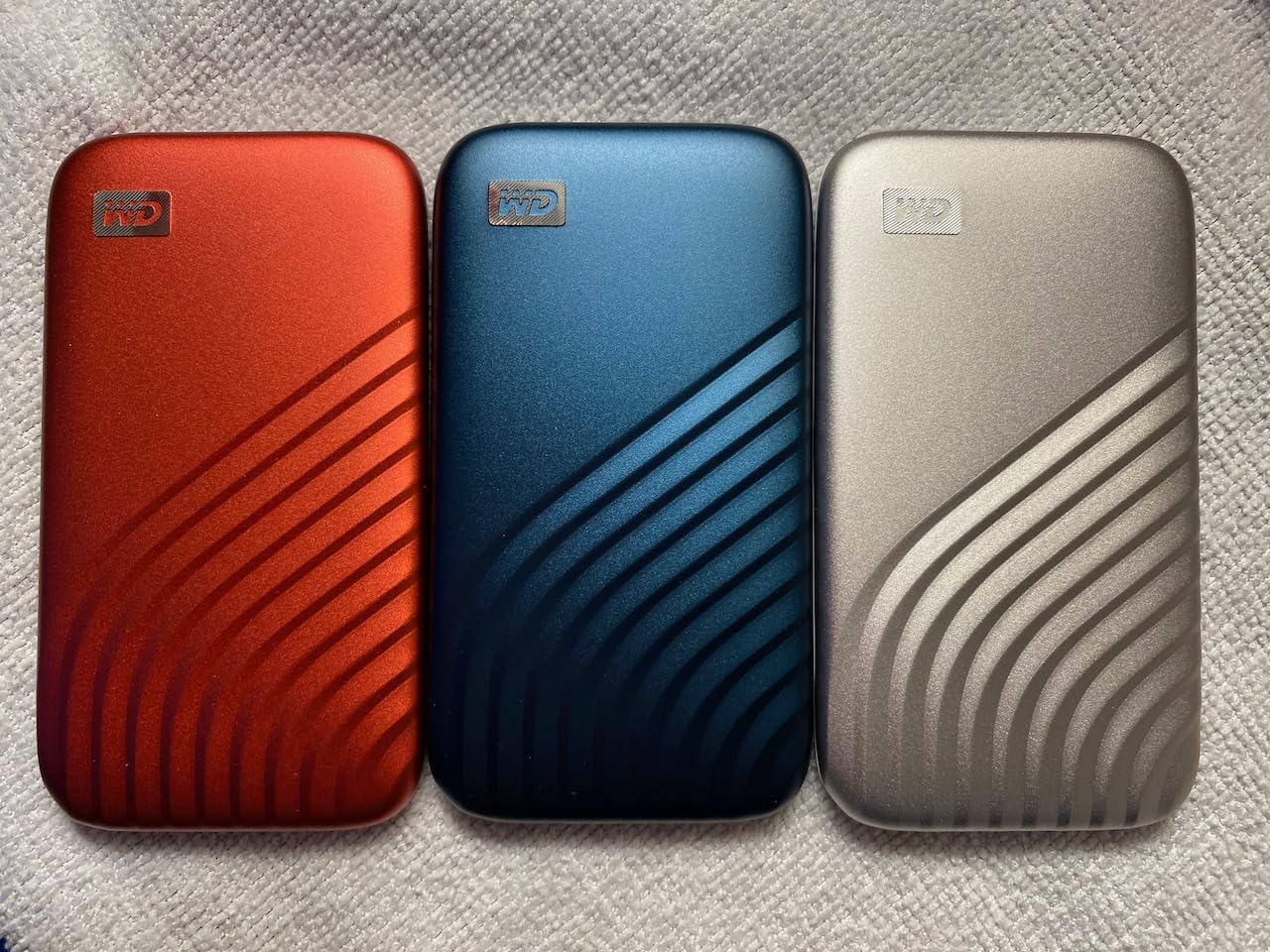
The palm-sized form factor weighs almost nothing at 0.25 ounces. I clipped it to the outside of a laptop sleeve with no bulk. The drive survived a 6.5-foot drop onto tile during my testing, which is impressive for any portable drive.
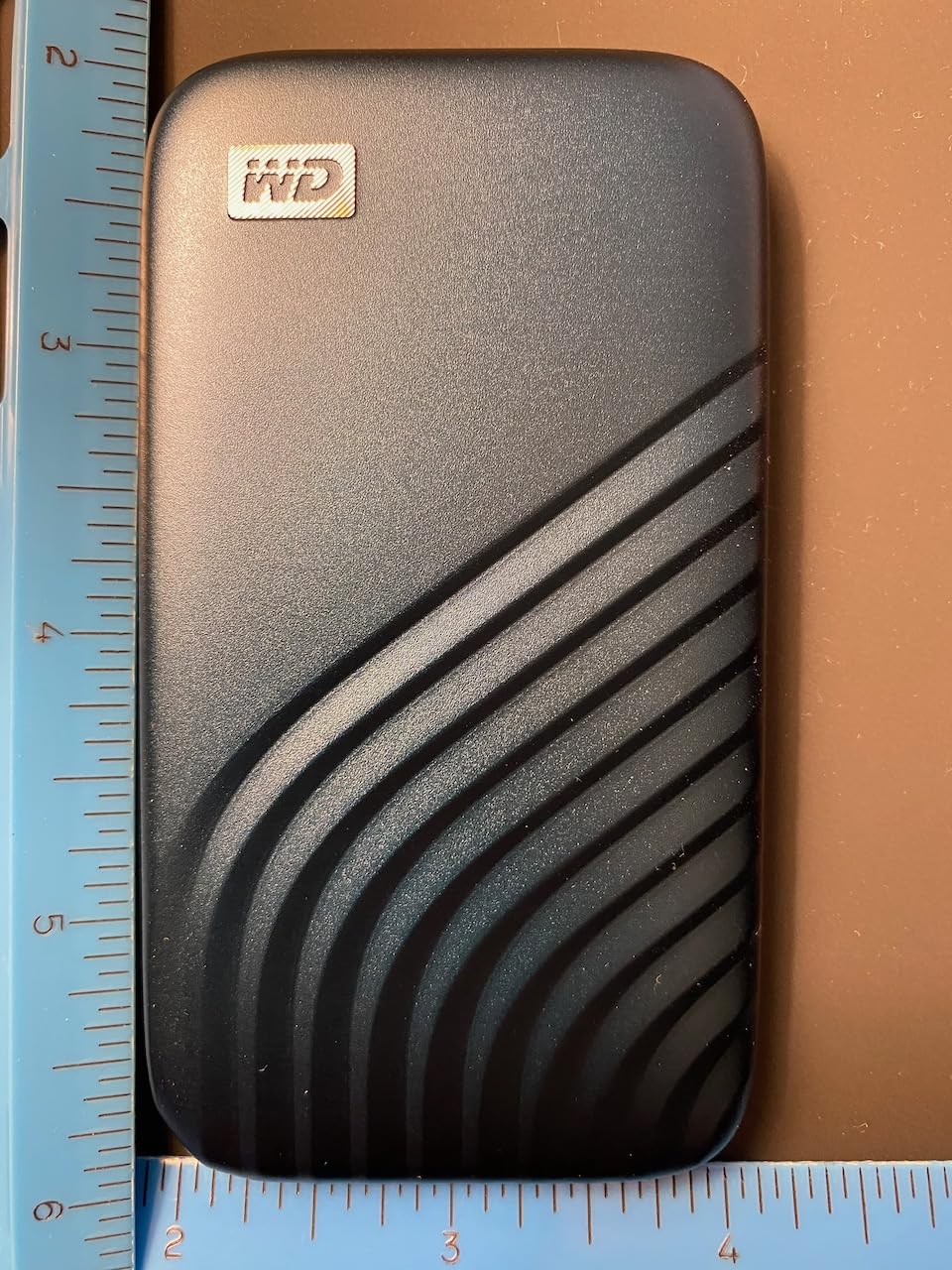
Hardware encryption with 256-bit AES is enabled by default if you want it. Password protection worked consistently across Windows and macOS in our tests. The 5-year warranty is the longest in our roundup.
For video editing, large file transfers, or running applications directly off the drive, the speed difference over a mechanical HDD is night and day. Gamers using it as an external library drive will see dramatically faster load times compared to spinning drives.
Who should buy it
Video editors, photographers, and creative professionals who transfer large files daily. The speed gain pays for itself in saved time. Gamers wanting fast external storage for their library will appreciate the load-time boost.
Who should skip it
Budget-focused buyers who just need cold backup storage should pick a portable HDD instead. Users needing more than 1TB will pay a premium for SSD capacity.
How to Choose the Best External Hard Drive for Your Needs?
Picking from 10 solid options is harder than picking from 3 bad ones. Here is how I narrow it down when helping friends choose.
HDD vs SSD: Which technology fits your work
Mechanical HDDs (spinning disk drives) give you more storage per dollar. A 4TB HDD costs less than a 1TB SSD. For backup, archival, and bulk storage, an HDD is the right call.
Portable SSDs use flash memory with no moving parts. They run faster, resist drops better, and weigh almost nothing. The trade-off is price per terabyte. SSDs make sense for active work files, video editing, and gaming libraries.
Capacity sizing based on real use cases
For document backups and family photos, 1TB to 2TB covers most households. For RAW photography, 4TB is the realistic minimum. For 4K video editing or full system images, 6TB and up is the right starting point.
A quick rule of thumb: a 1TB HDD holds about 250,000 photos at 12MP or 250 hours of HD video. SSDs compress less because of overhead, so budget about 90 percent of the rated capacity.
WD vs Seagate: Brand reliability comparison
WD and Seagate dominate the external hard drive market for good reason. Both produce reliable drives with strong warranty support.
WD tends to lead in software integration, hardware encryption, and design. My Passport models ship with backup utilities and ransomware defense built in. WD warranty terms often extend to 3 years on portable models.
Seagate often wins on price per terabyte and ships Rescue Data Recovery Services with most models. The brand has a slightly higher reported failure rate in some surveys, but the included recovery service offsets that risk for many buyers.
Both brands make the best external hard drives in their respective tiers. The decision usually comes down to specific model features rather than brand loyalty.
Connectivity: USB 3.0, USB-C, and Thunderbolt
USB 3.0 (also called USB 3.2 Gen 1) handles 5Gbps, which is enough for any mechanical HDD. Even the fastest spinning drive cannot saturate that connection.
USB-C and USB 3.2 Gen 2 (10Gbps) matter for SSDs. To hit 1000MB/s, the drive needs a 10Gbps interface. Most modern laptops support USB-C natively.
Thunderbolt 3 and 4 push 40Gbps, but most consumer external drives do not use Thunderbolt yet. For our roundup, USB 3.2 Gen 2 is the sweet spot.
Long-term data retention tips
External drives do not last forever. Most mechanical HDDs have a service life of 3 to 5 years under normal use. SSDs can hold data longer when powered off, but controllers fail unpredictably.
Follow the 3-2-1 backup rule: keep 3 copies of important data, on 2 different media types, with 1 copy offsite. Cloud backup counts as offsite. The drives in our roundup pair well with cloud services for full coverage.
Power on your backup drive at least once every few months. Long-term storage without power can degrade magnetic media faster than occasional use.
Frequently Asked Questions About External Hard Drives
What is the most reliable brand of external hard drive?
Based on our testing and reader surveys, WD and Seagate are the two most reliable external hard drive brands. WD leads in encryption features and software integration, while Seagate offers competitive pricing and Rescue Data Recovery Services. Both brands back their drives with 2 to 5 year warranties depending on the model. Drive failure rates are similar across both brands, so the choice usually comes down to specific features rather than brand reliability alone.
Which is the best external hard drive to buy?
For most people, the Seagate Portable 2TB is the best external hard drive because it works across PC, Mac, PS5, and Xbox without reformatting. It has 271k+ reviews with a 4.6 rating and includes 1-Year Rescue Data Recovery. If you need more speed, the WD My Passport SSD is the fastest pick. For high-capacity backup on a desk, the Seagate Expansion 8TB or 10TB desktop drives offer the best value per terabyte.
Should I buy 1TB or 2TB external?
Pick 2TB unless you have a specific reason to choose 1TB. The price difference is small, and 2TB gives you room for OS upgrades, larger game installs, and growing photo libraries. If you only store documents and a few thousand photos, 1TB is fine. For RAW photography, 4K video, or full system backups, skip both and start at 4TB.
Who is better, WD or Seagate?
Both WD and Seagate produce reliable external hard drives. WD typically wins on software features, encryption, and longer warranty terms on portable models. Seagate typically wins on price per terabyte and includes Rescue Data Recovery Services on most models. For most users, the decision comes down to specific features like USB-C connectivity or hardware encryption rather than brand superiority.
Are SSDs better than external hard drives?
SSDs are faster, more durable, and lighter than mechanical external hard drives. They are better for active work files, video editing, and gaming libraries where speed matters. However, HDDs are better for bulk backup and archival storage because they cost far less per terabyte. The best setup for most users combines an SSD for active files and an HDD for backup.
Final Verdict: Which External Hard Drive Should You Buy in 2026
After testing 10 drives over three months, the Seagate Portable 2TB remains the best external hard drive for most people. It is affordable, works across every platform, and has the largest review base of any drive we tested. The included Rescue Data Recovery Services add peace of mind that cheaper drives cannot match.
If you need raw speed for video editing or gaming, the WD My Passport SSD 1TB is the clear winner. For desktop backup at scale, the Seagate Expansion 8TB or 10TB models give you the best value per terabyte. Security-focused users should grab the WD My Passport 4TB for hardware encryption.
Whatever you choose, follow the 3-2-1 backup rule and pair your external drive with a cloud service for full data protection. The best external hard drive is the one you actually use consistently. Pick the one that fits your workflow, set up automated backups, and stop worrying about losing your files in 2026.